Effect
Blur Sharpen
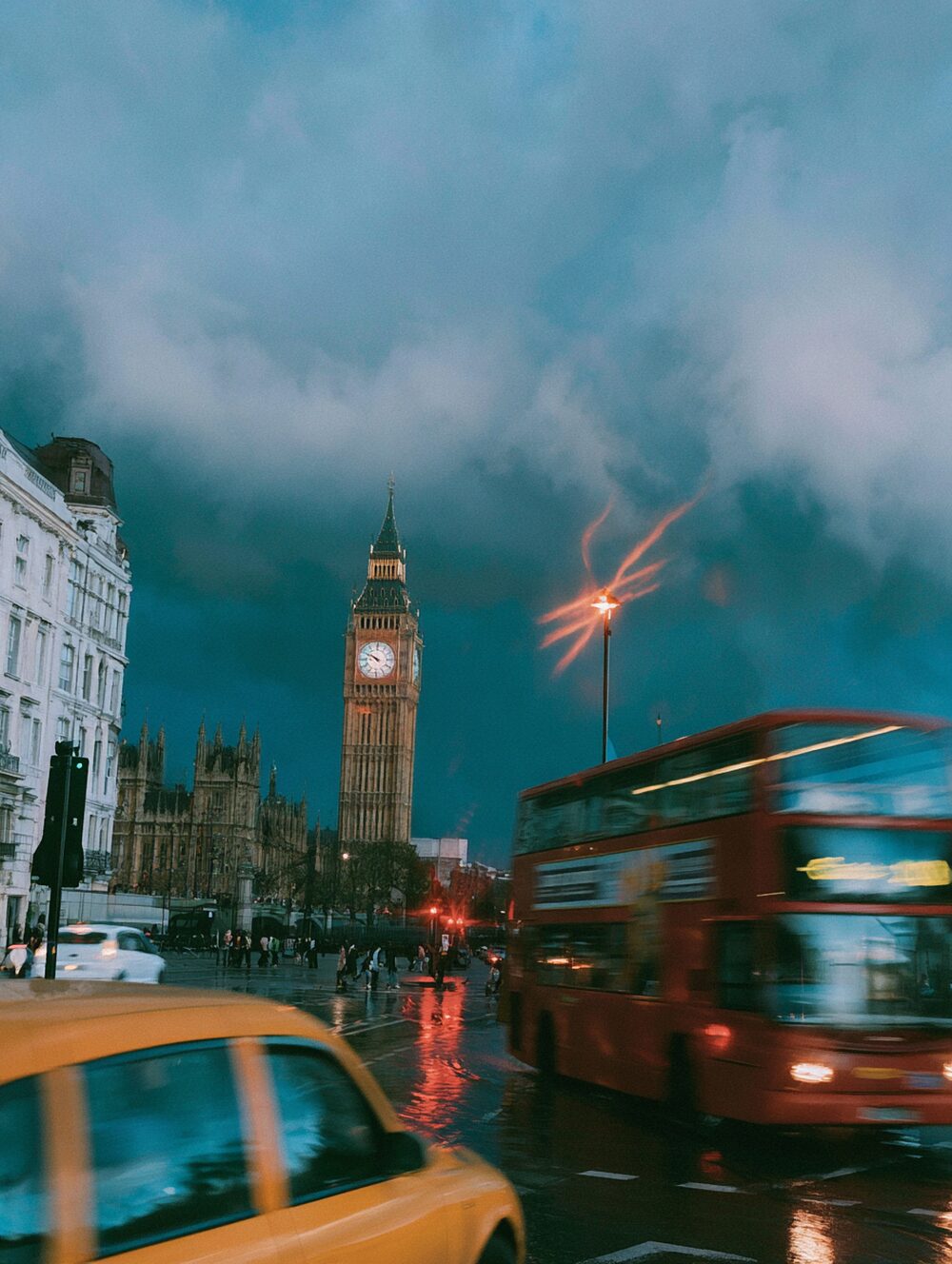
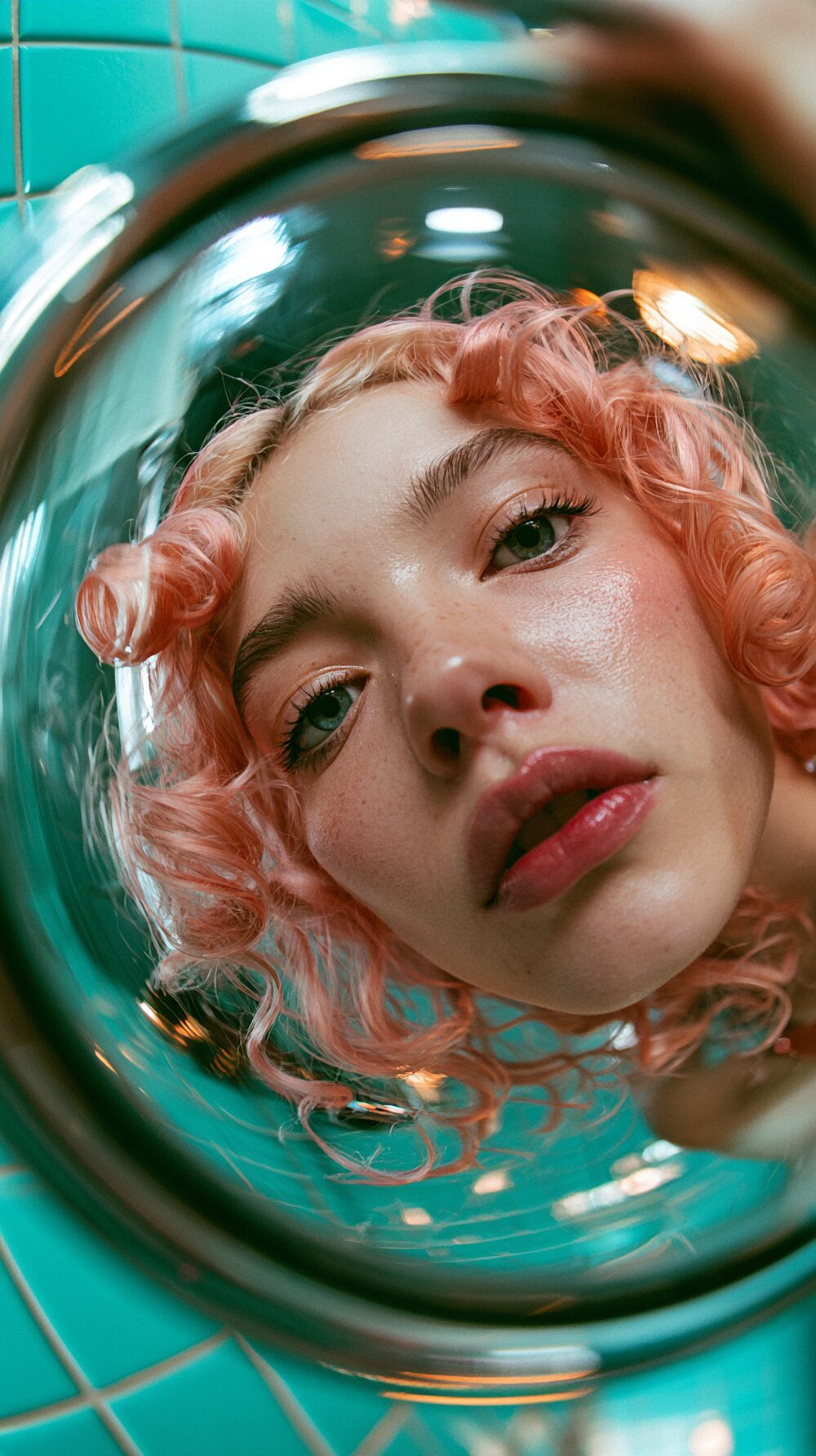
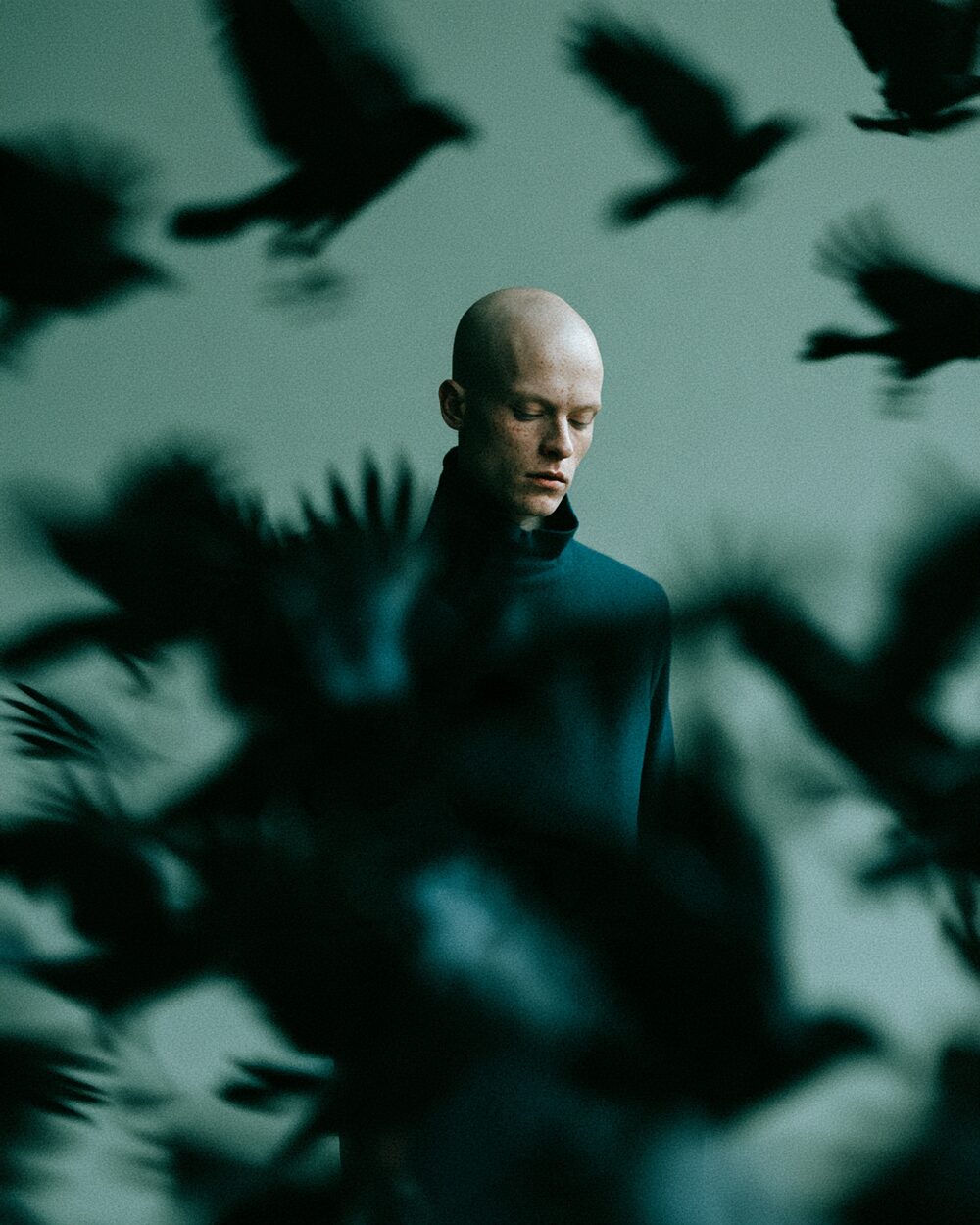
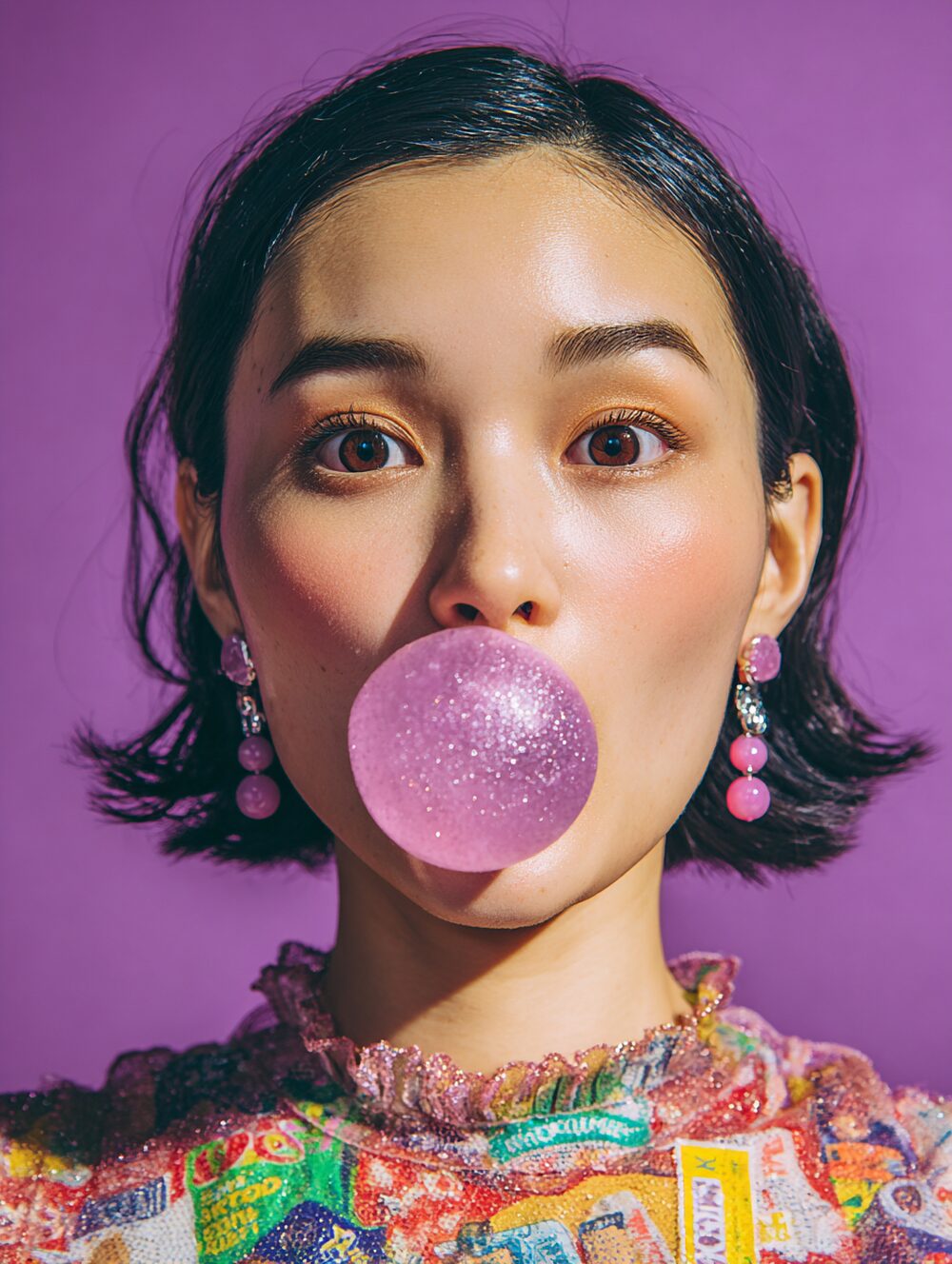
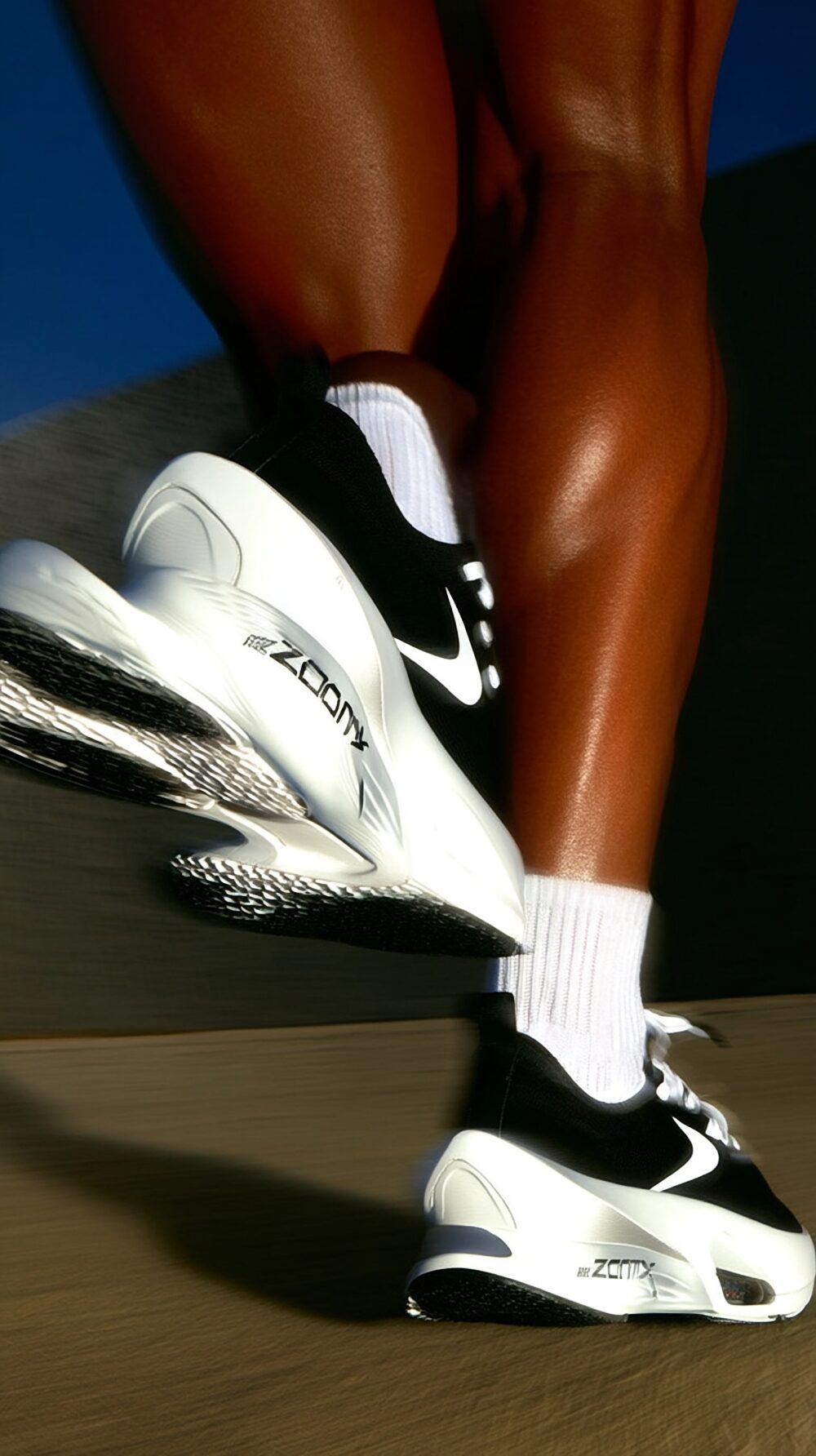
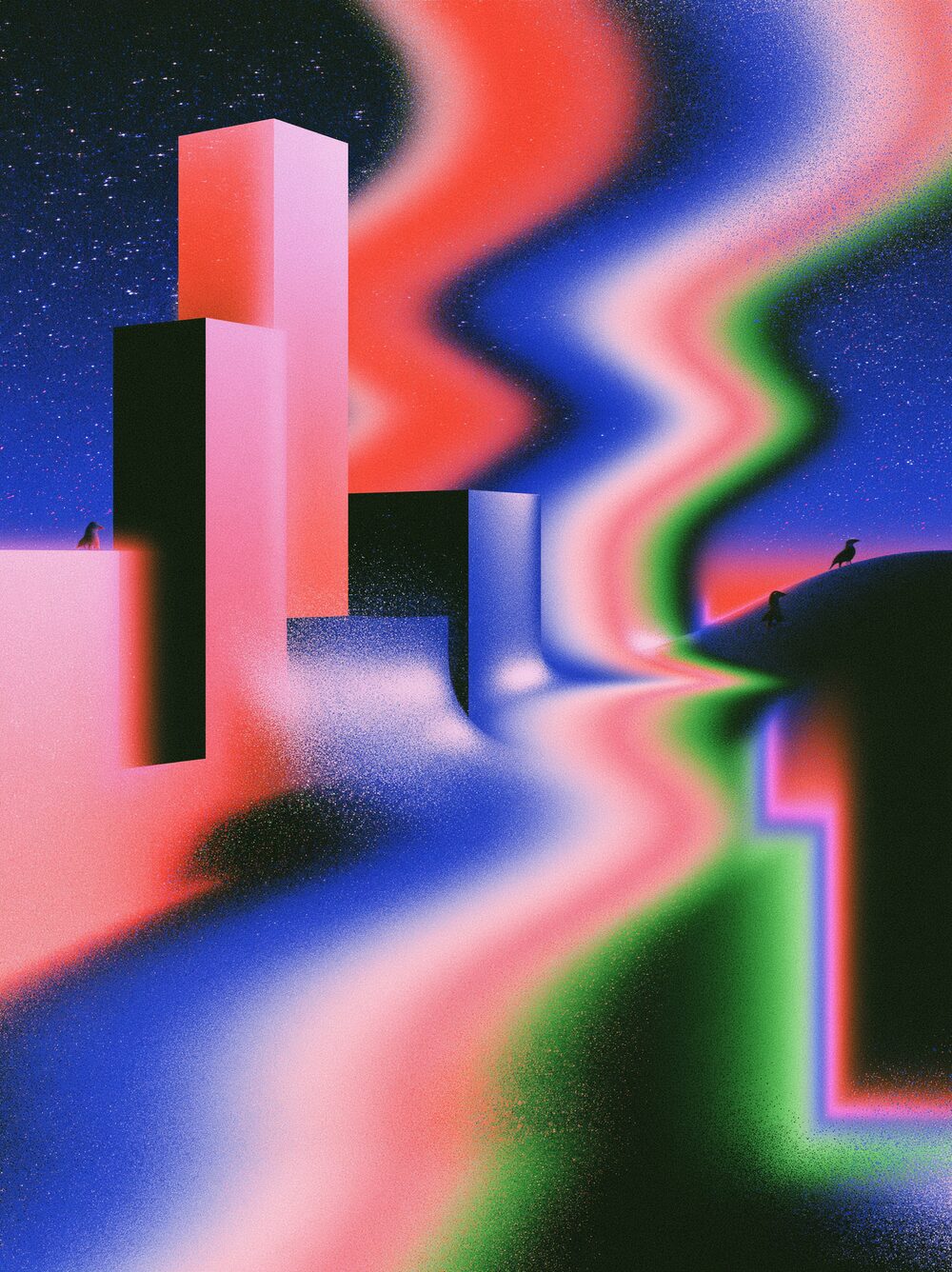
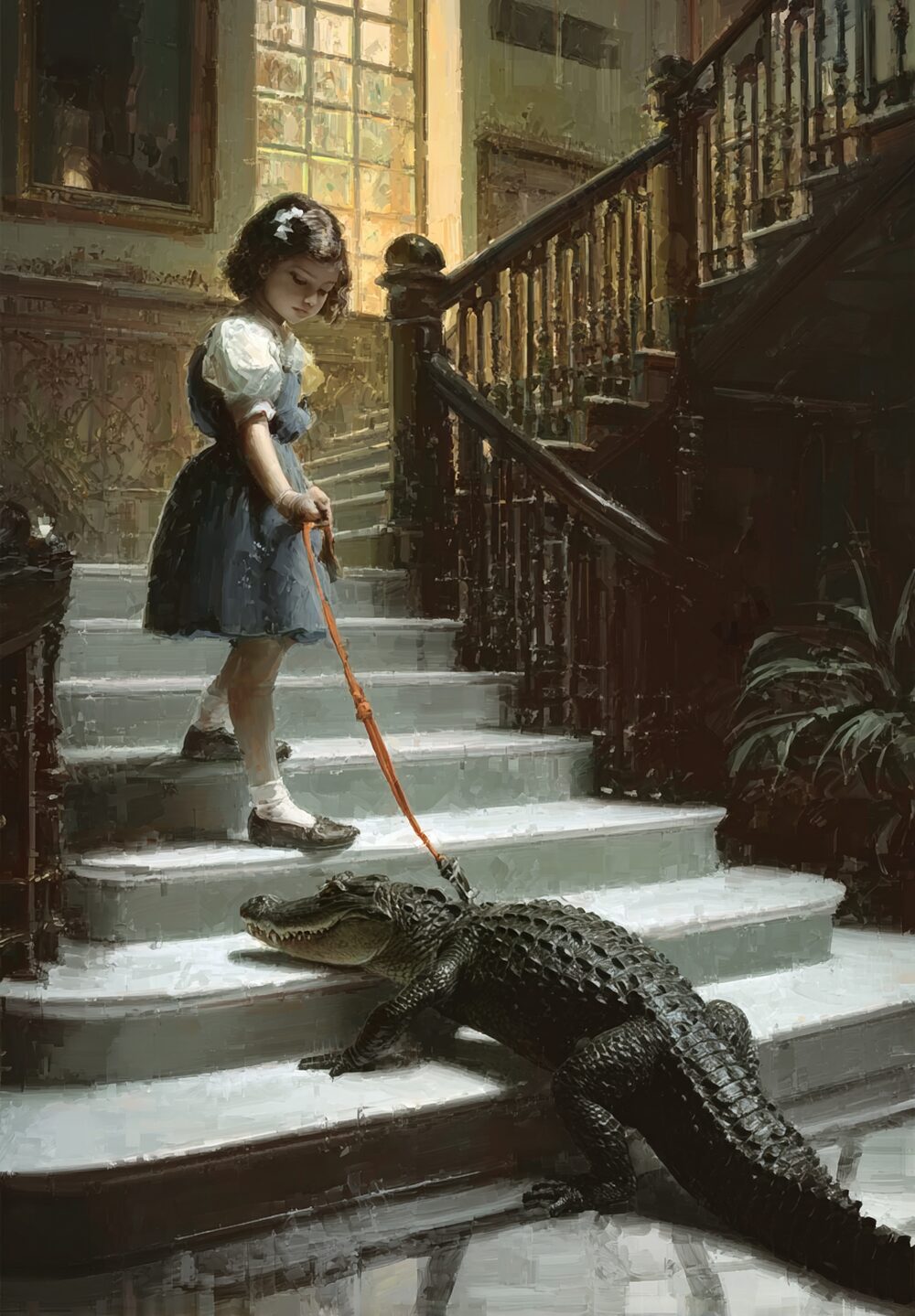
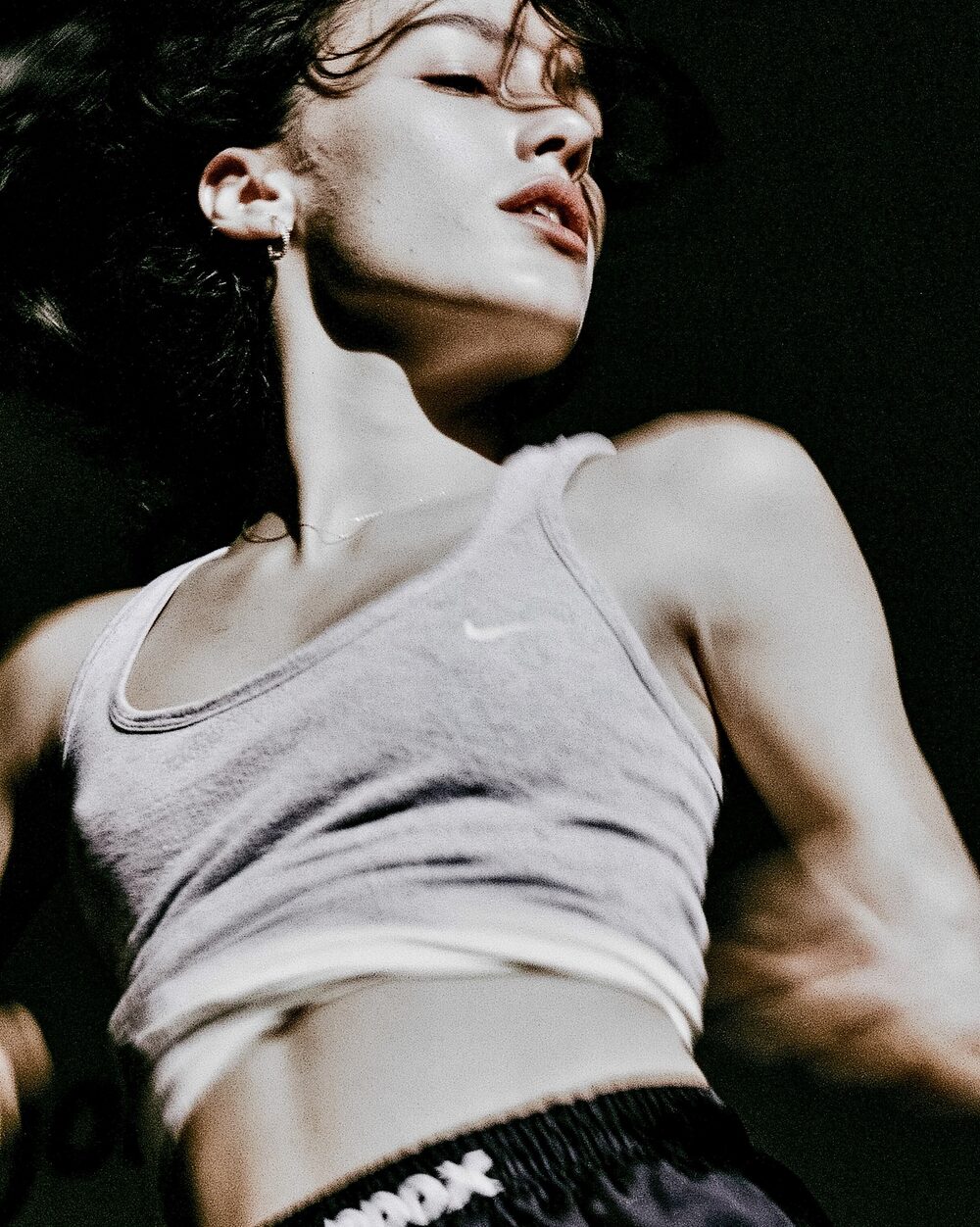
Blur or sharpen detail in one pass, from soft diffusion to crisp edges.
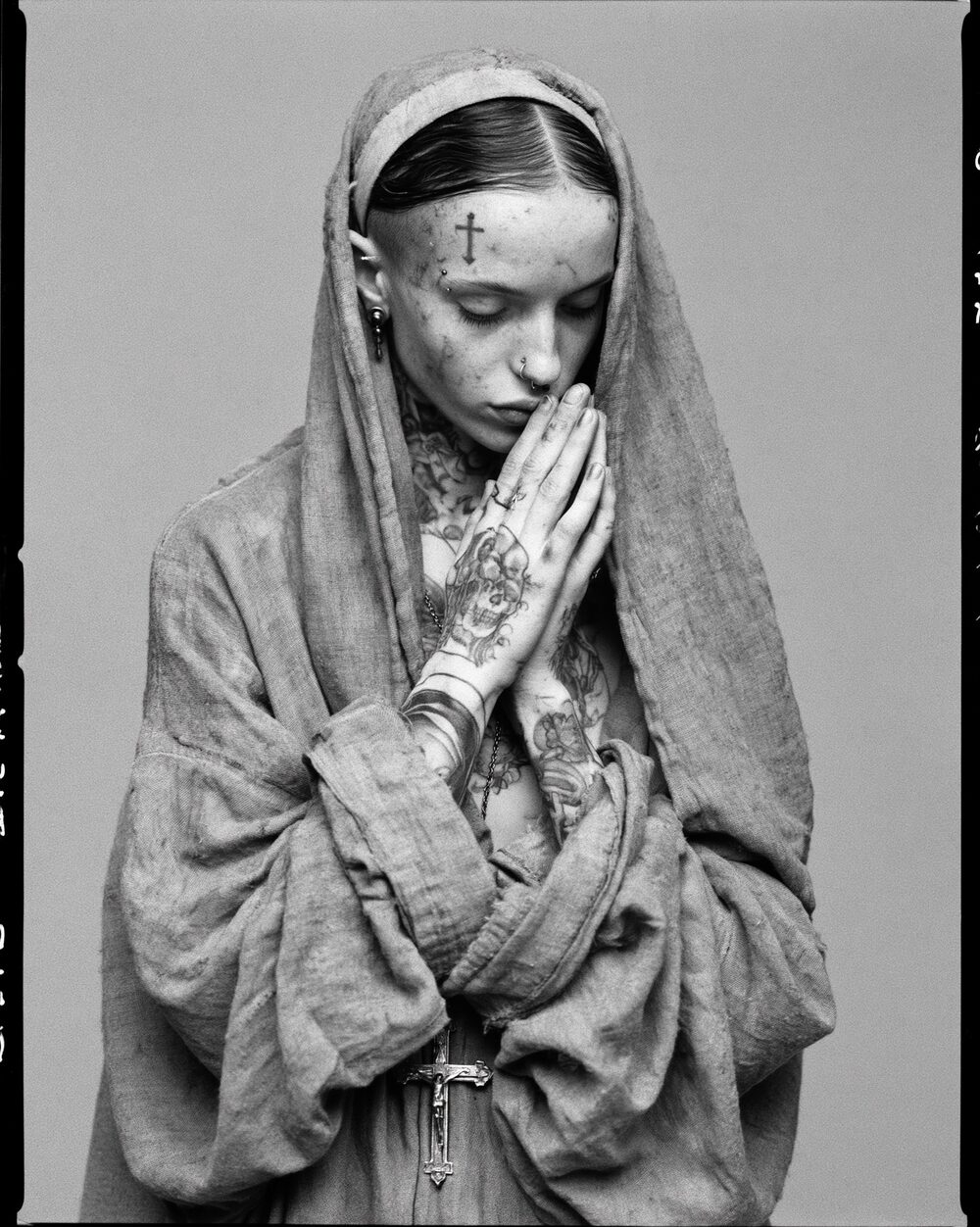
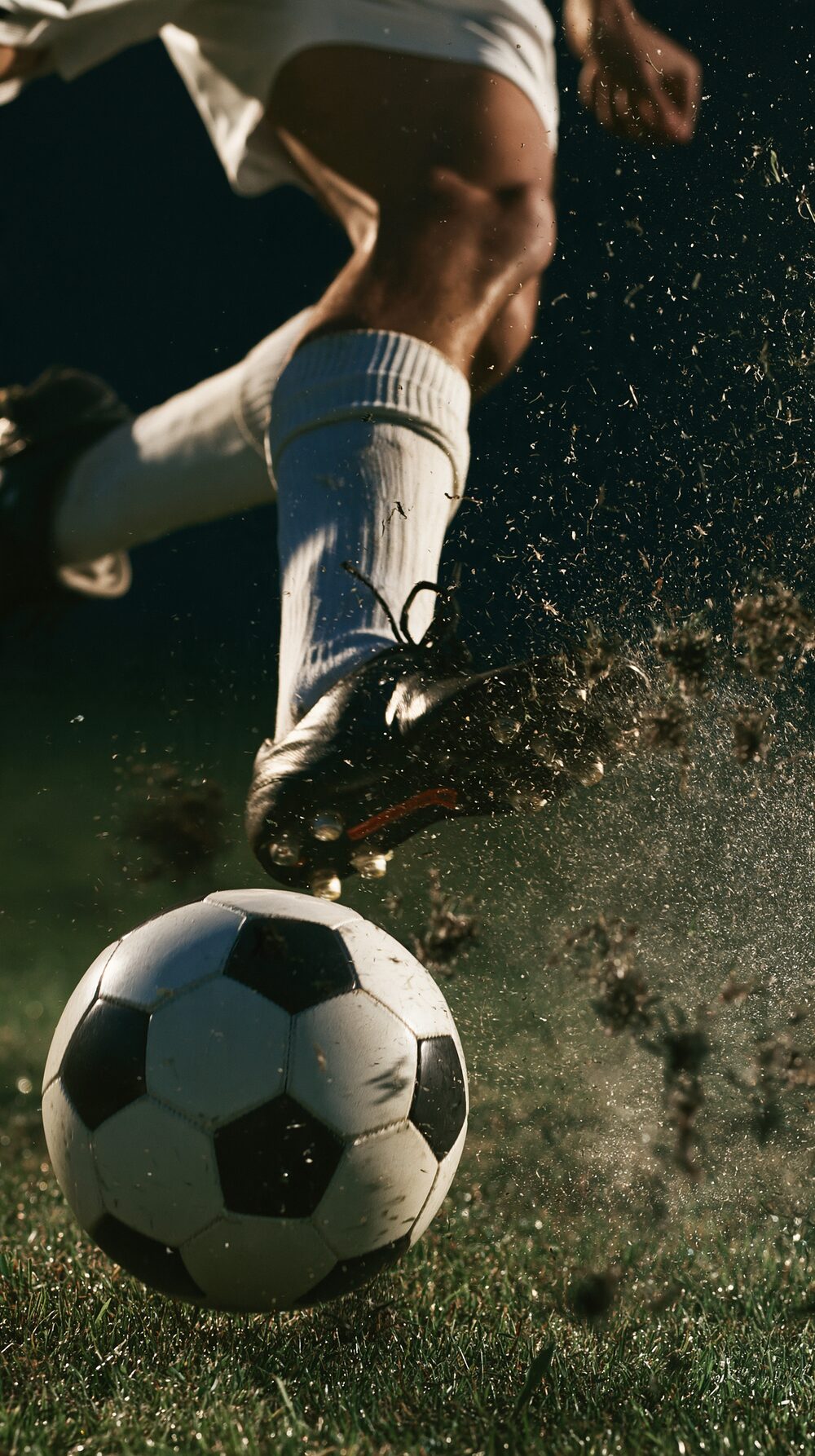
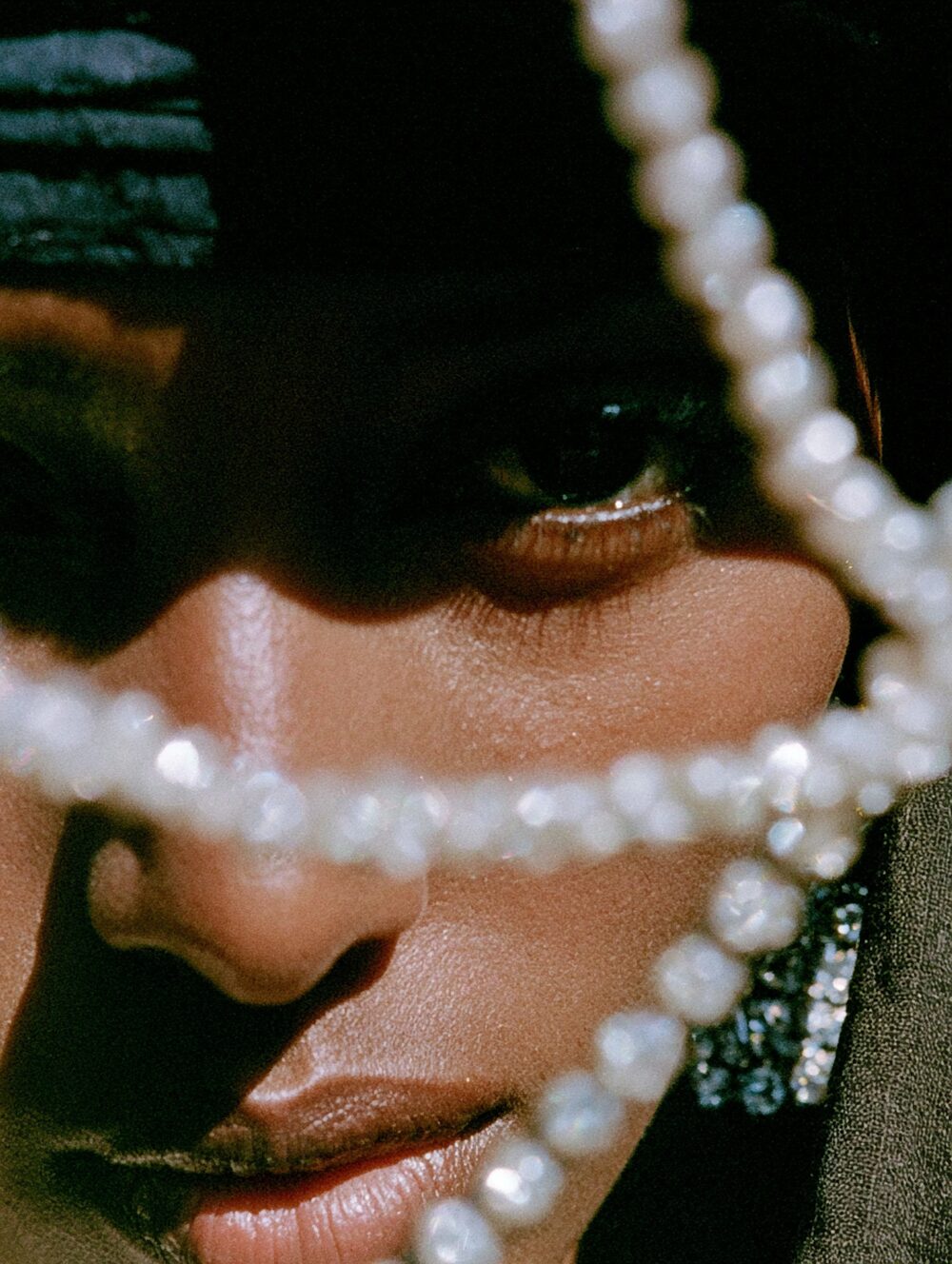
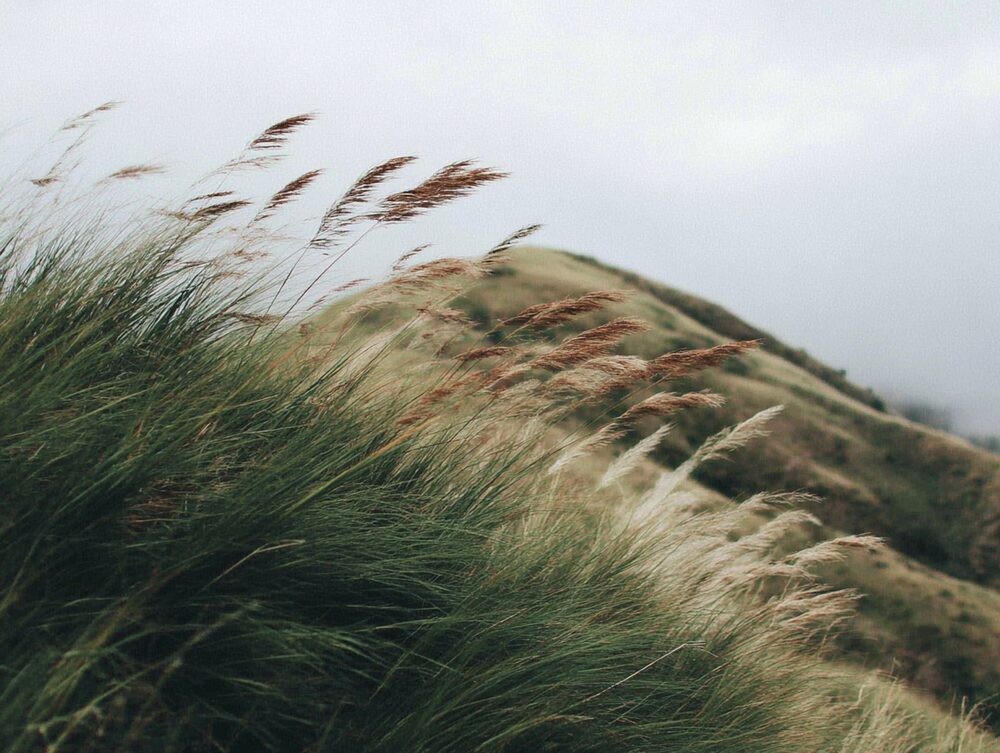
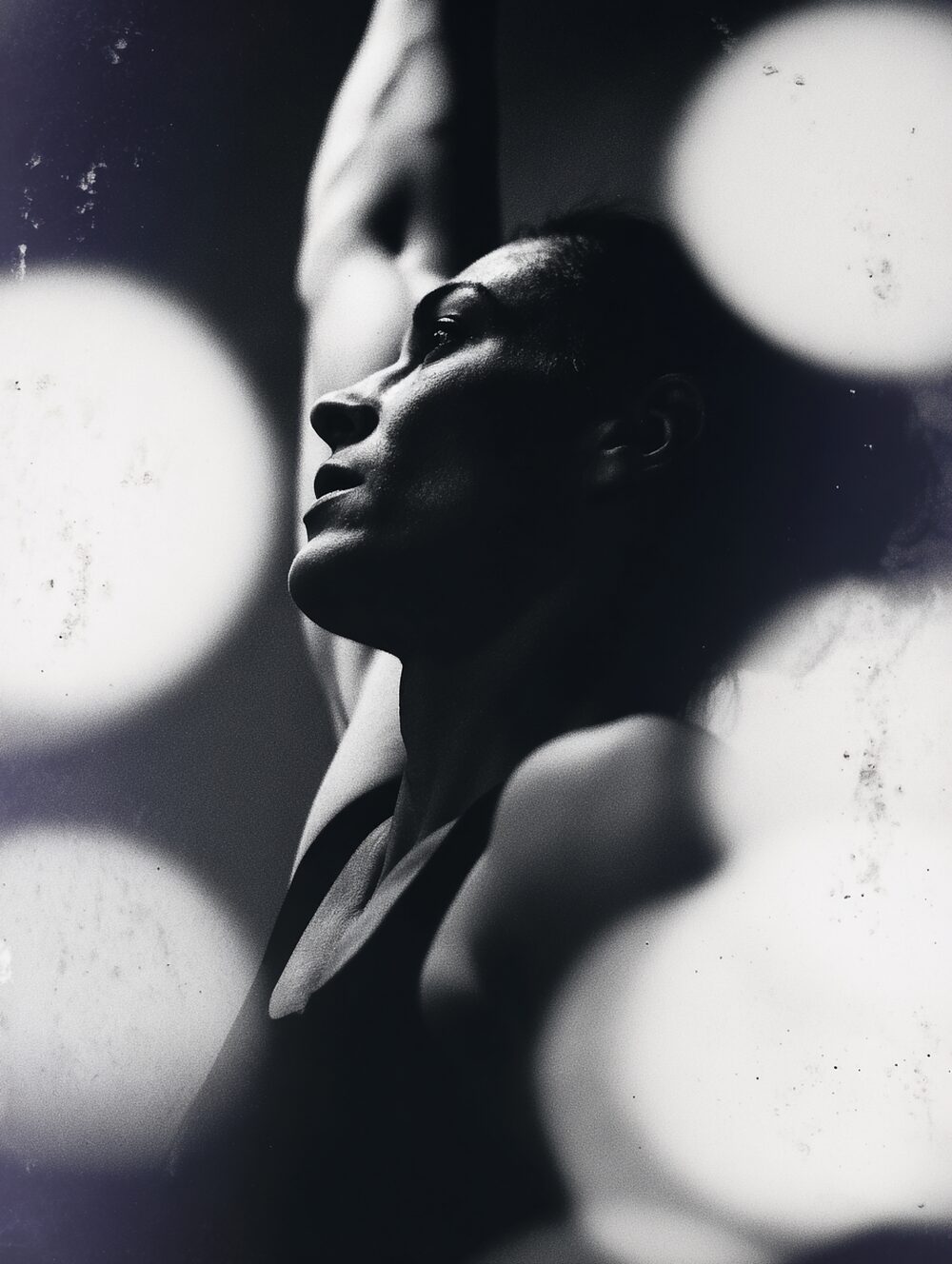
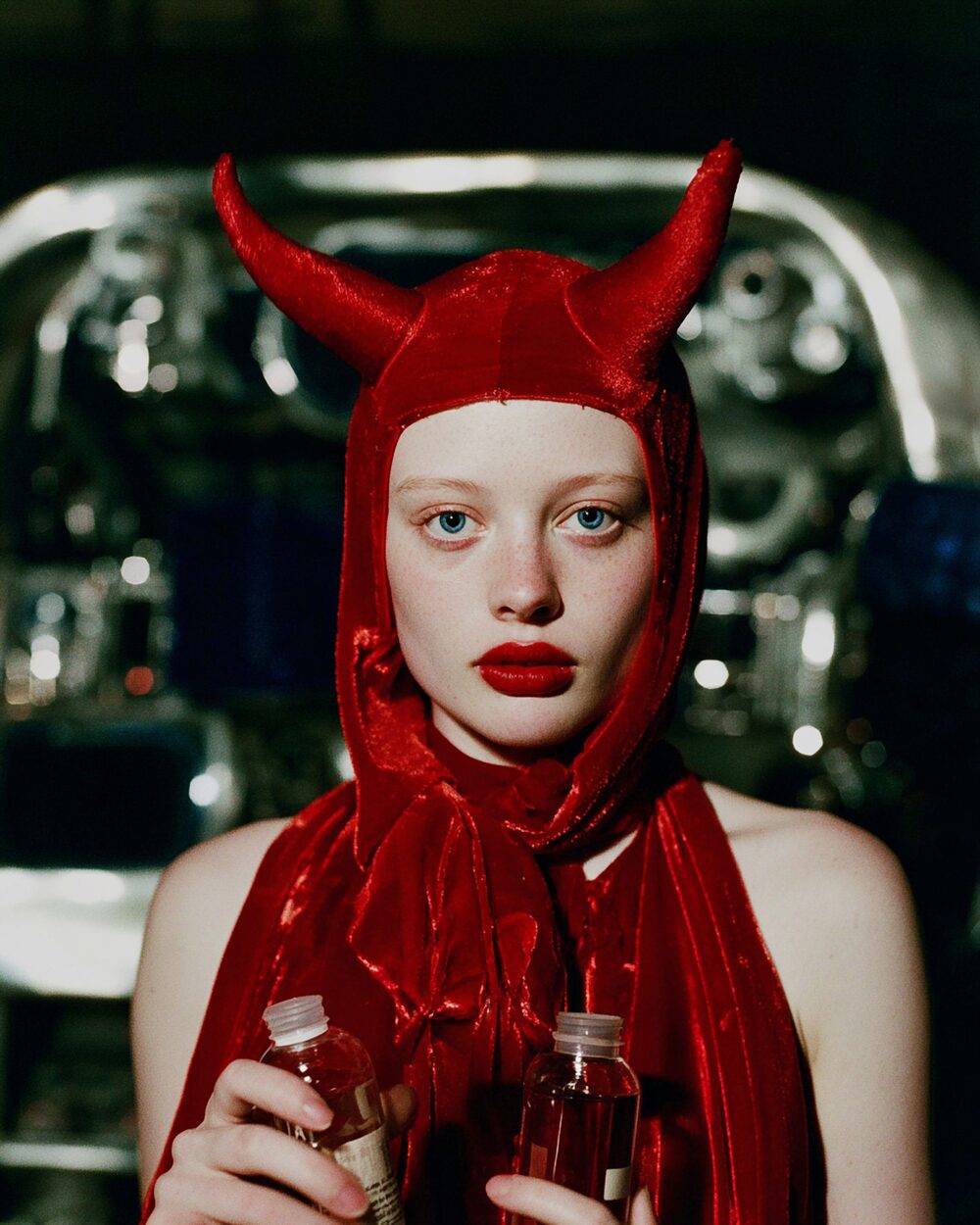
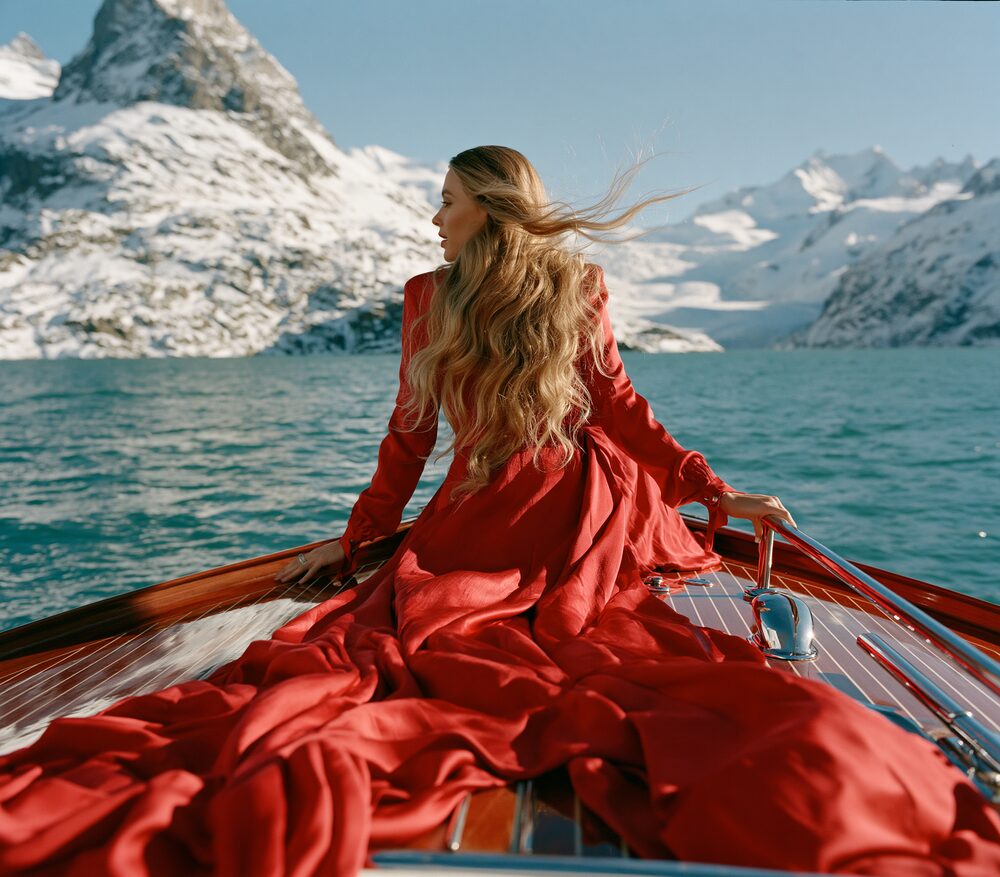
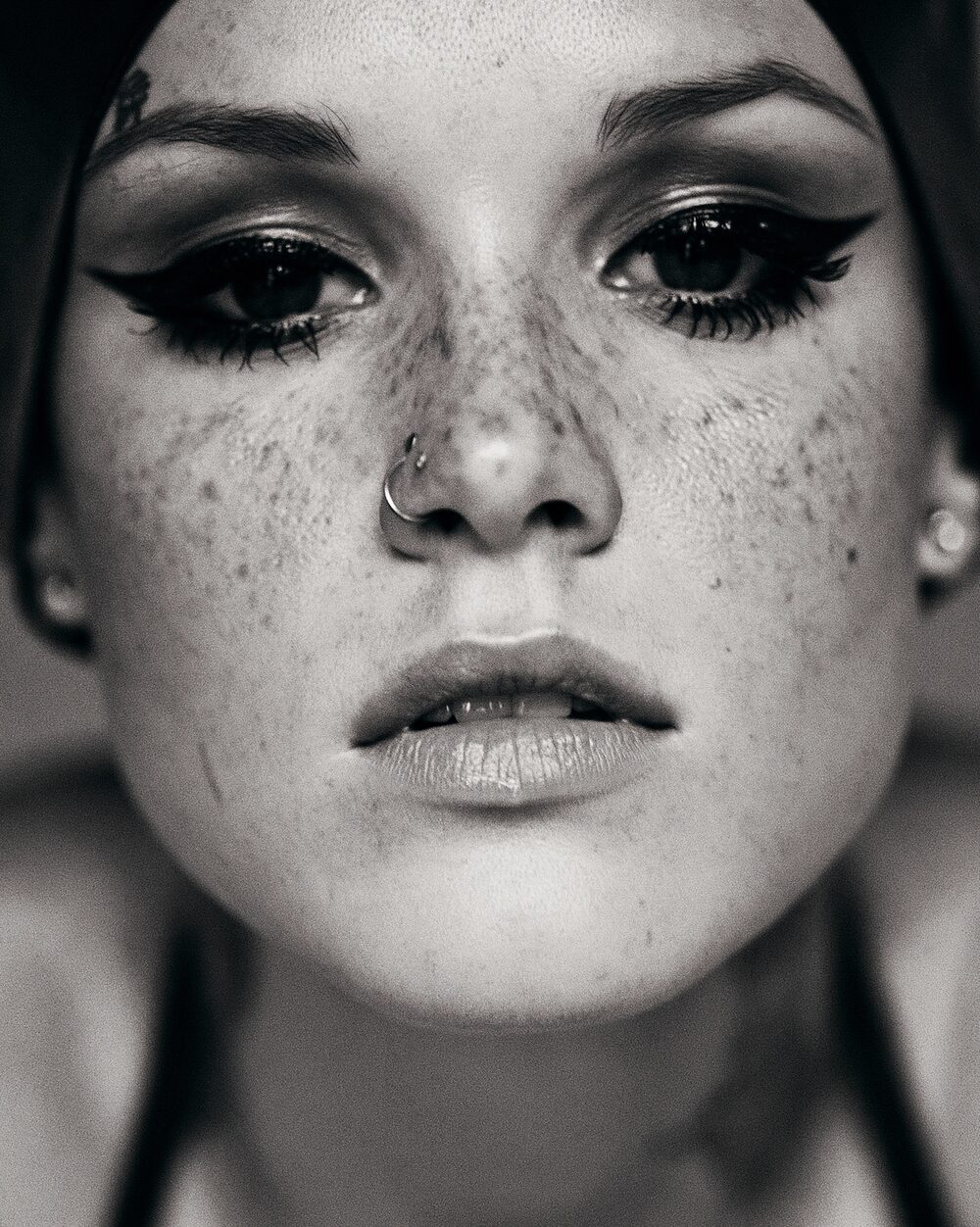
Blur and sharpen are two sides of the same spatial question: how much high-frequency detail should survive. Photographers softened portraits with diffusion filters and gauze; printers sharpened plates to keep type crisp. Digital tools made both adjustable in one pass.
Push toward blur for atmosphere and skin. Push toward sharpen for edges and texture. The useful range sits between mush and crunchy halos.
Properties
Blur
Threshold
Halo
ringing allowed
Command line
Requires Rethings Pro. Install the tool from Rethings → Install Command Line Tool…
rethings apply --effect blur-sharpen --set blurriness=-4.7557 --set threshold=0.9144 -i input.jpg -o output.png