MCP
Connect Cursor, Claude, or Codex to Rethings on your Mac. Your assistant can stack layers, match a reference, try presets, and check the result while you watch the window update. Files stay on your machine.
Things you can ask
Keep Rethings open and talk in plain language. Your assistant does the work in the window you can see.

Prompt Make this image look like this reference.
Match a reference
Your assistant reads the open image, builds a stack toward the look, and checks the preview until it is close.

Prompt Add film grain and a soft vignette, then cool the blacks a little.
Build a film grade
Layers appear in the panel as it works. Cmd+Z undoes anything you do not want to keep.

Prompt Apply the cyanotype preset, then turn the grain down.
Try a preset, then tune
Start from one of 25+ presets, then edit the layers underneath. Applying presets needs Rethings Pro.
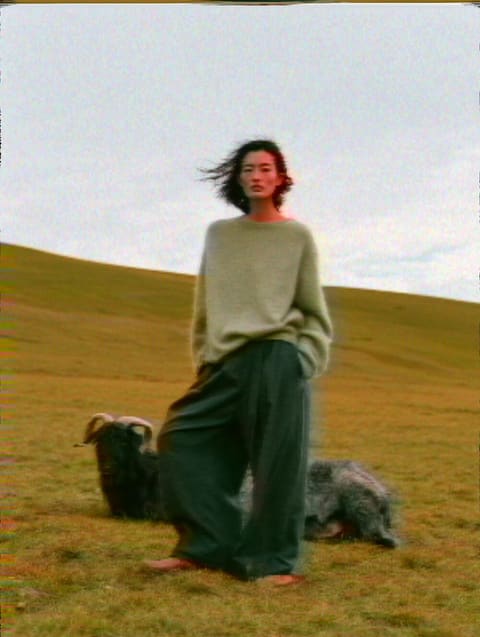
Prompt Give this a worn VHS look. Add noise, then push the colour shift until it feels right.
Stack a broken-tape look
You stay in the window and watch the stack change. Mute, tweak, or undo as you go.
What your assistant can do
Once Rethings is connected, your assistant can work the open window the same way you would.
See what is open
Check whether Rethings is running, whether an image is loaded, and how many layers are on the stack.
Browse the catalogue
List 90+ effects and 25+ presets, with the controls each one exposes.
Add and tune layers
Add effects, change settings, mute layers, or remove them. Edits show up live and stay in undo.
Apply a preset
Drop a preset onto the stack as a starting point, then refine. Needs Rethings Pro.
Match and revert
Snapshot before a match attempt, then restore the earlier state if the direction is wrong.
Load and check
Hand over a source image, then pull a preview so the assistant can compare and refine.
Set it up
Install Rethings, install the command line tool from the app menu, then add Rethings to your assistant. Takes about a minute.
Install Rethings
Download the Mac app and keep it open while your assistant works.
Download for MacInstall the command line tool
In Rethings, choose Install Command Line Tool… from the app menu. That installs the rethings command your assistant will use.
Add Rethings to your assistant
Choose your assistant for the matching setup.
{
  "mcpServers": {
    "rethings": {
      "command": "rethings",
      "args": ["mcp"]
    }
  }
}
Restart the assistant
Assistants pick up new connections at launch. Restart once, then ask it to check that Rethings is connected.
Ask for a look
Keep Rethings open so you can see what changes. Cmd+Z undoes anything the assistant did.
FAQ
MCP (Model Context Protocol) is an open standard that lets AI assistants operate other apps. Rethings ships an MCP connection so assistants like Cursor, Claude, and Codex can work in the window you have open: stack layers, tune looks, match a reference, and check a preview.