Effect
Clarity
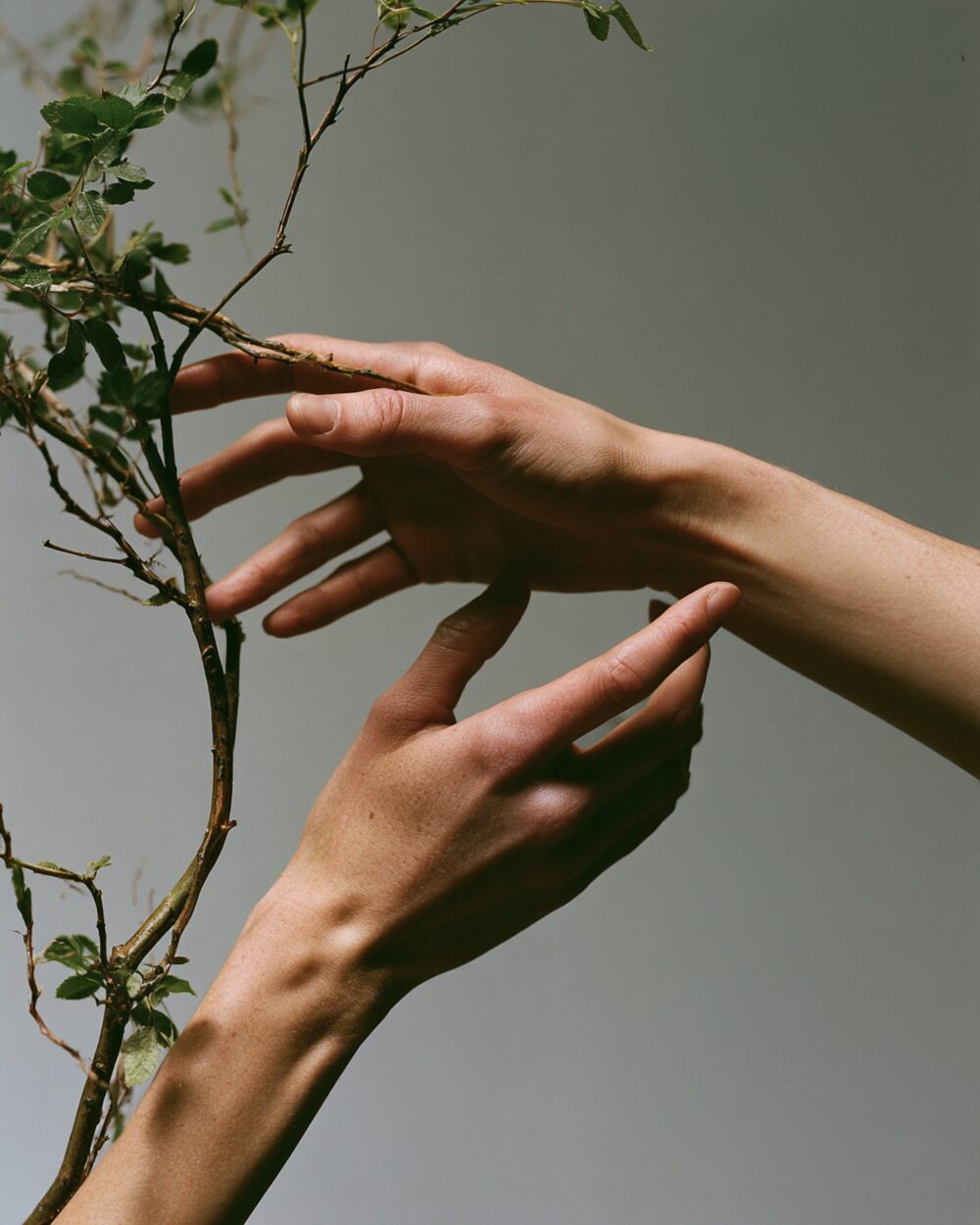
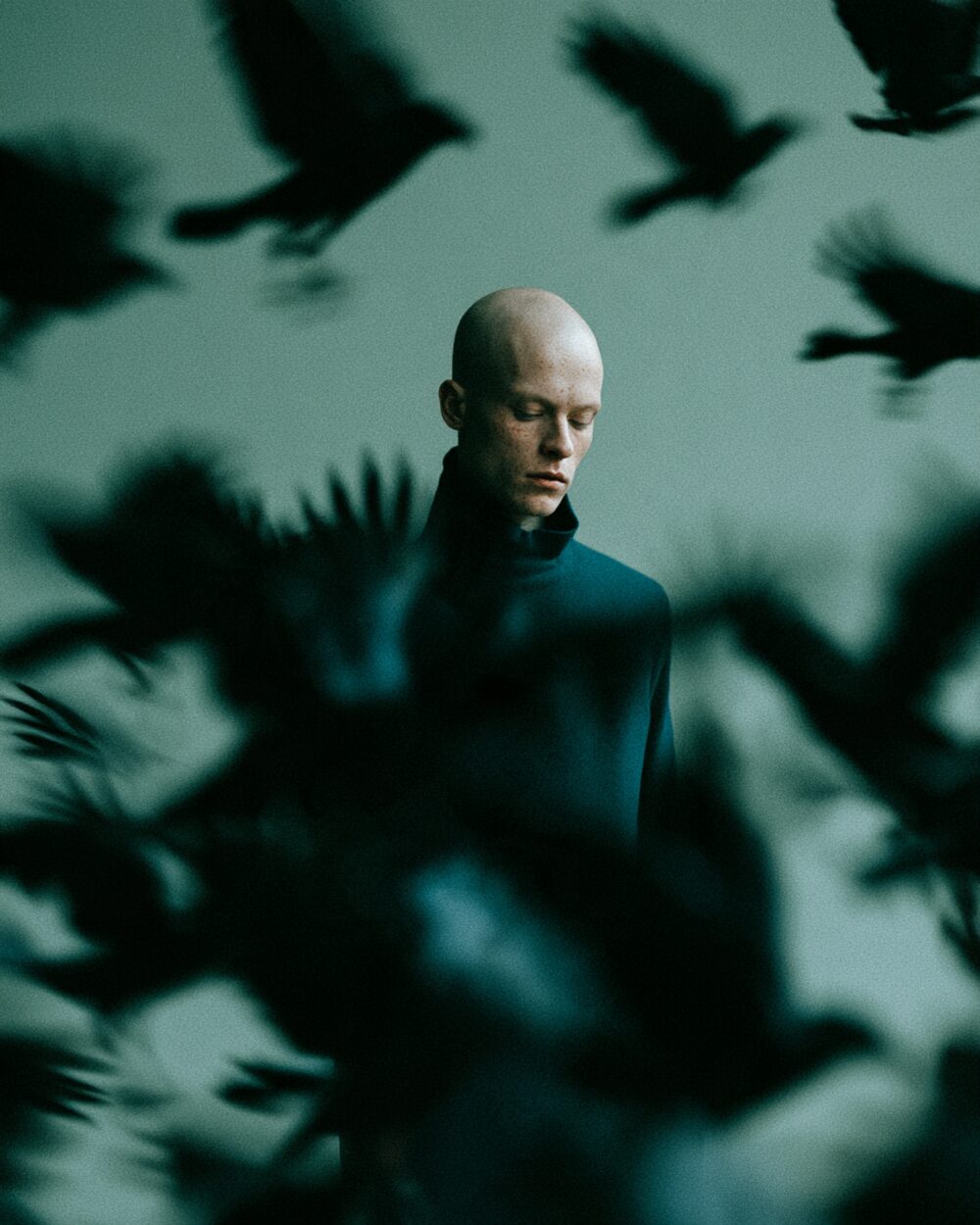
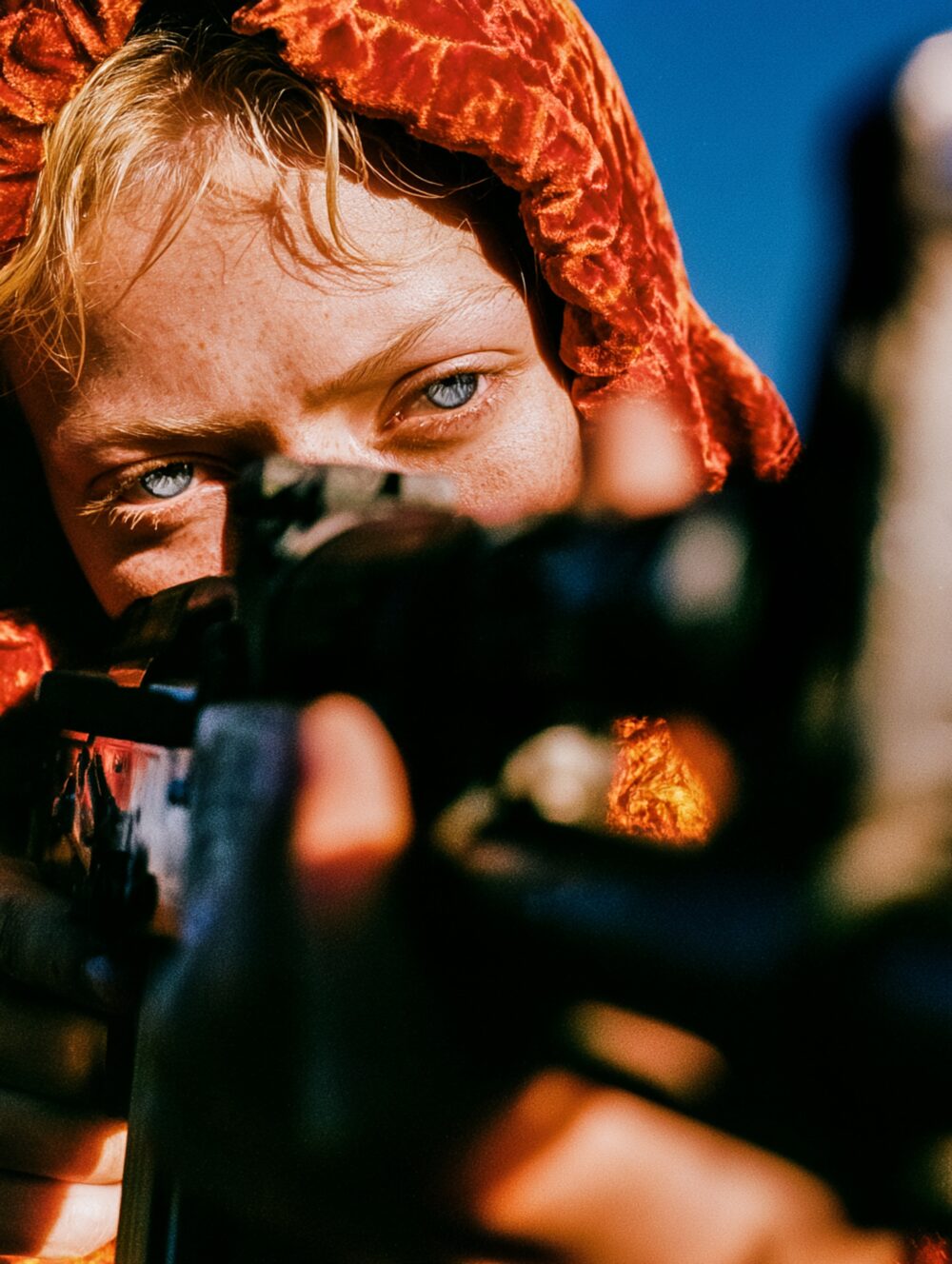
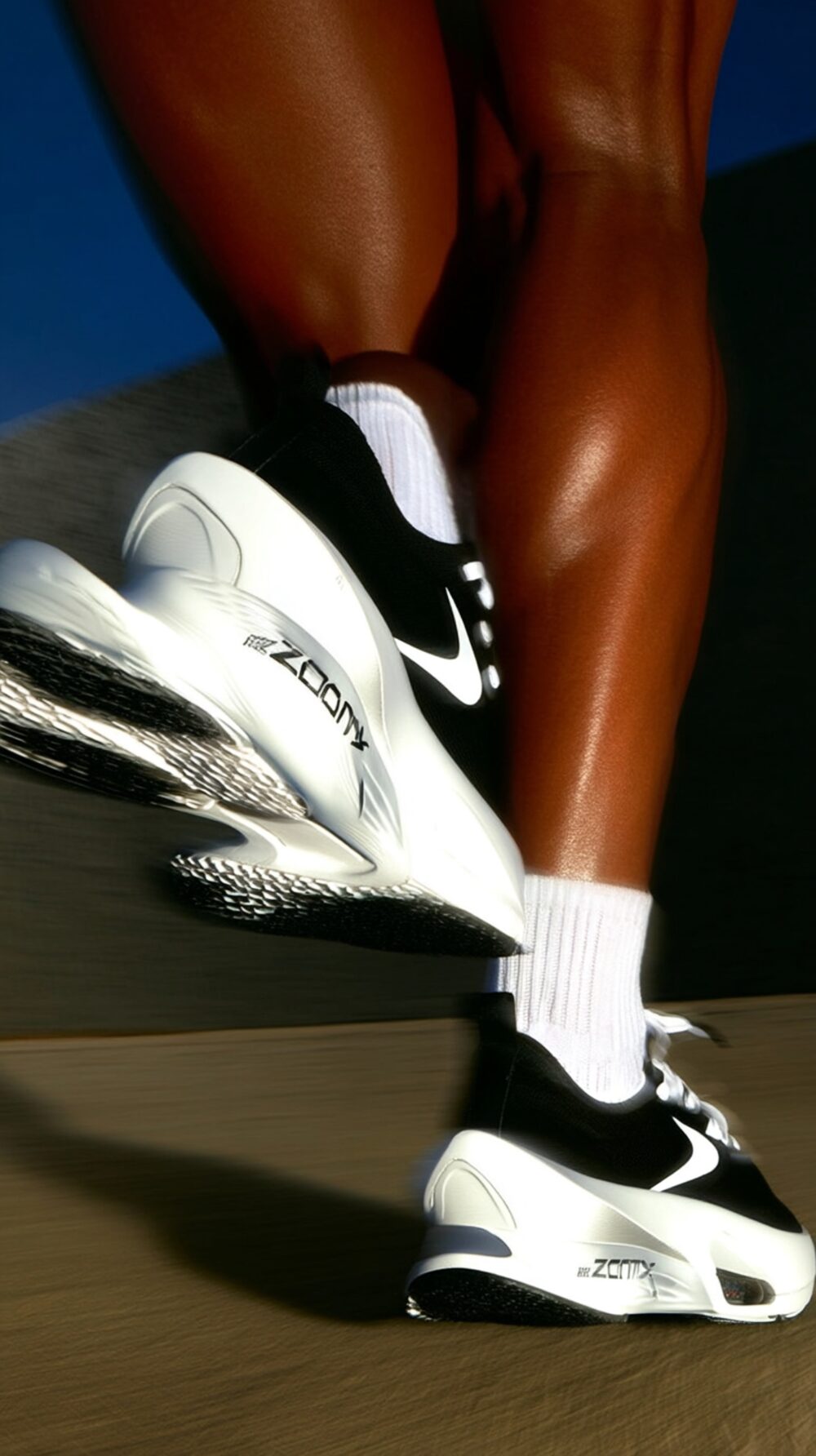
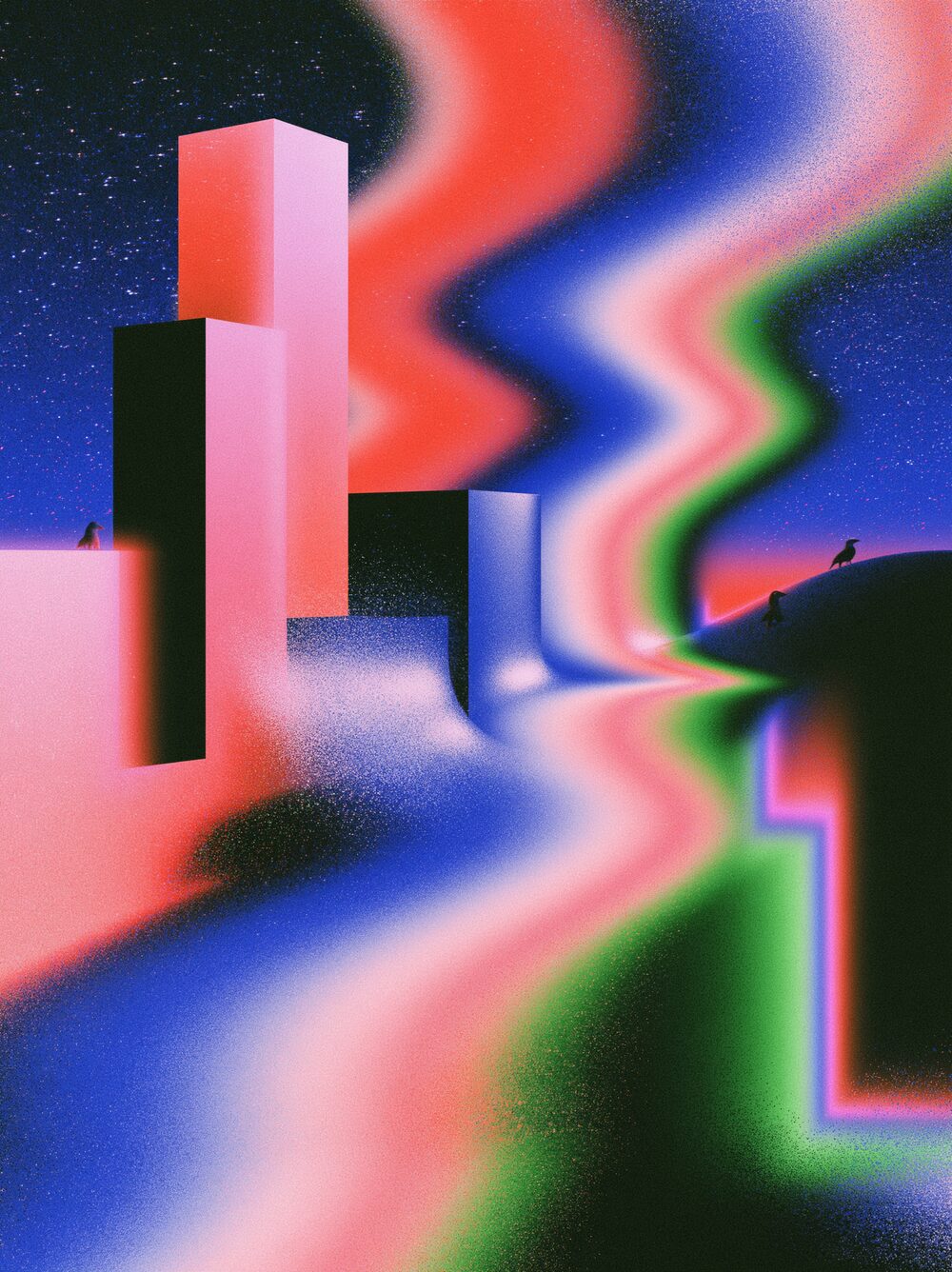
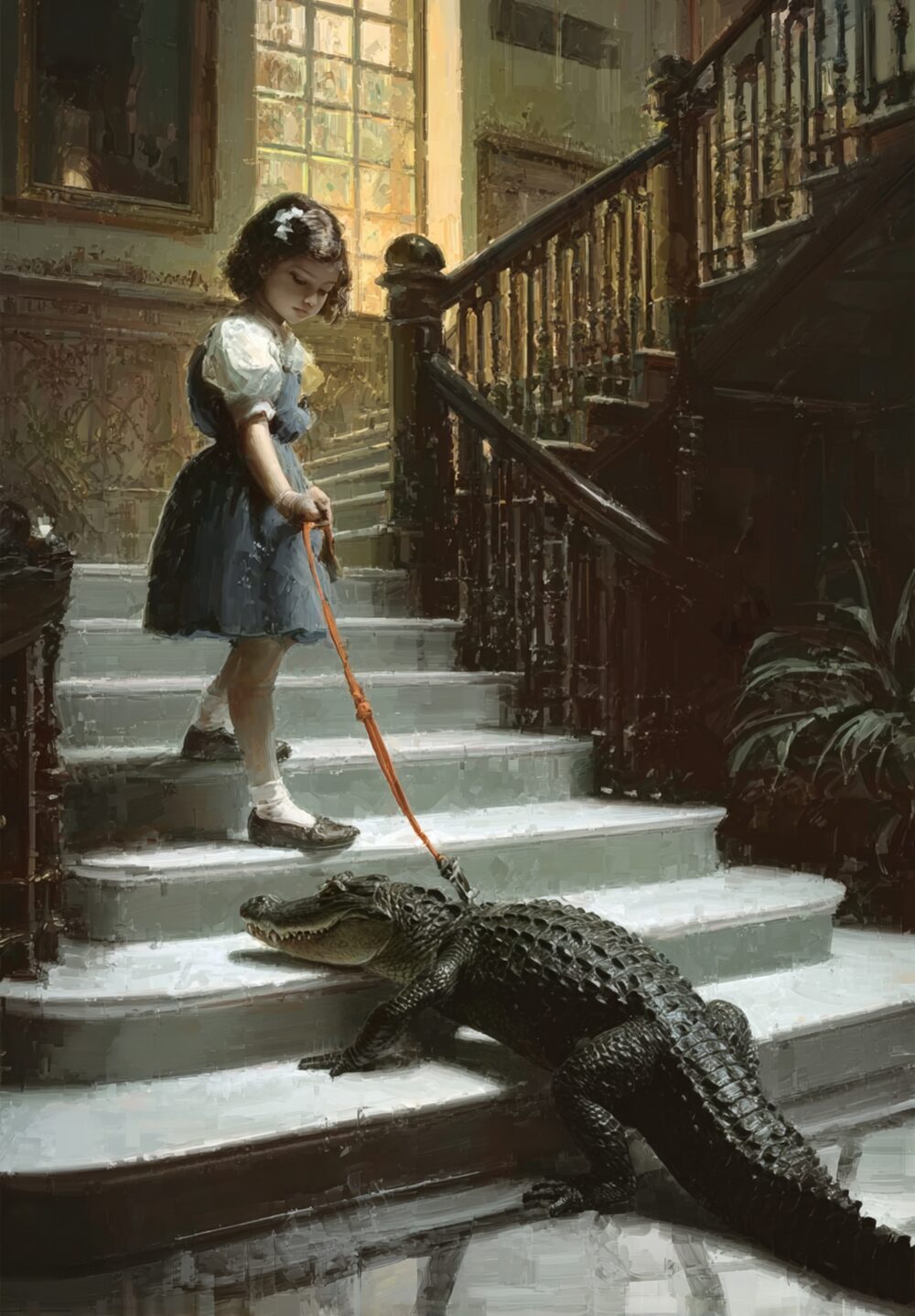
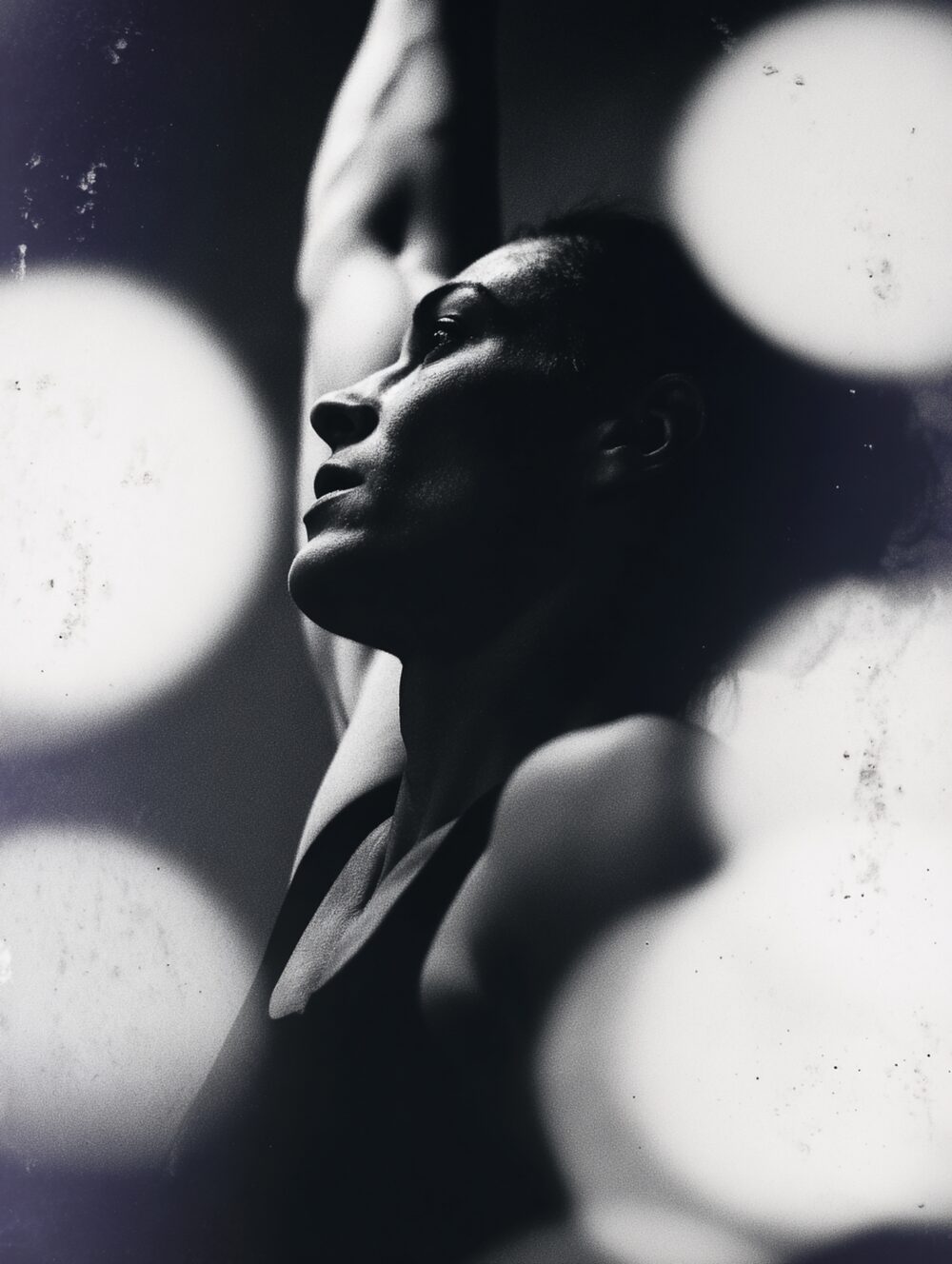
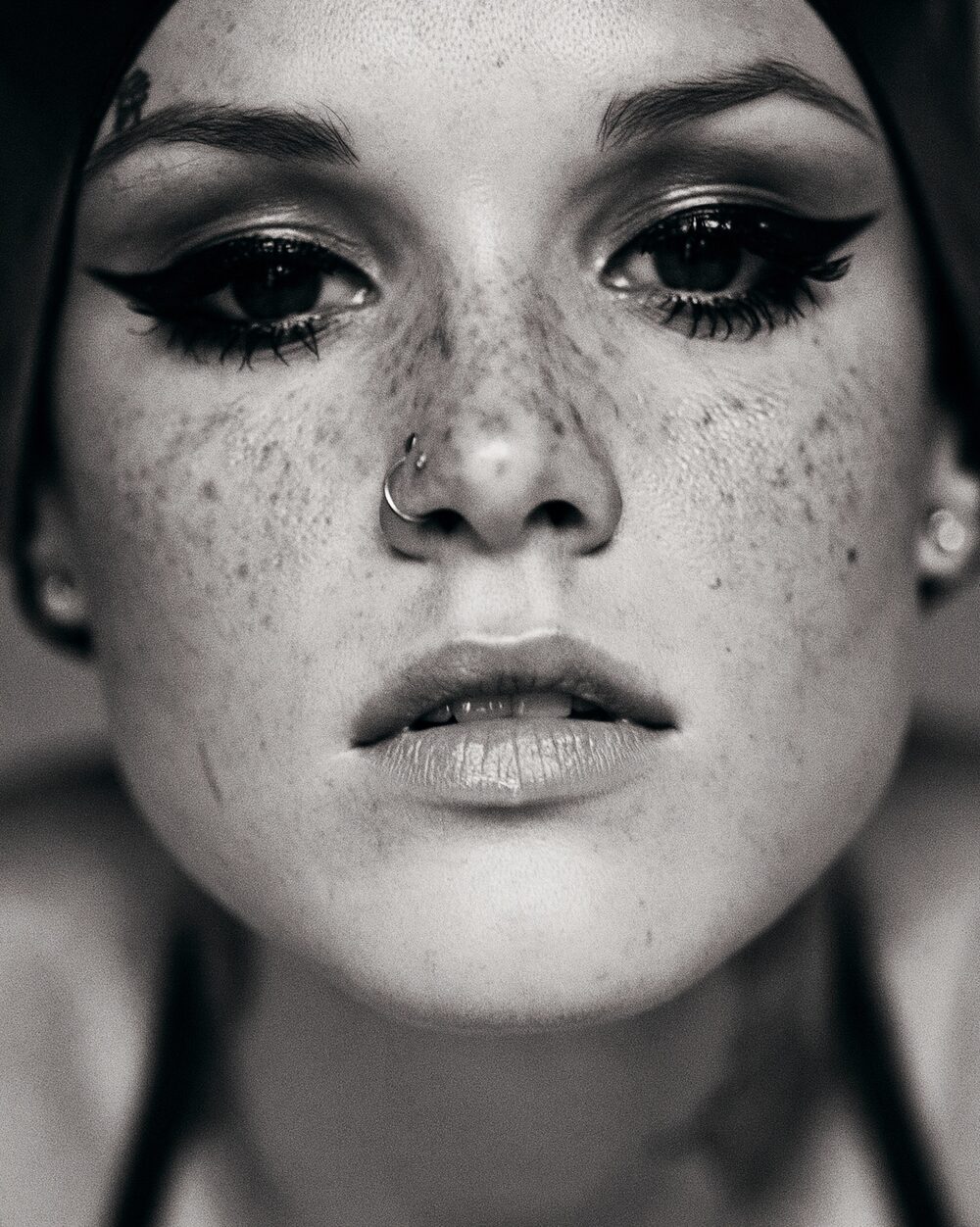
Add midtone contrast for punch without crushing blacks or blowing highlights.
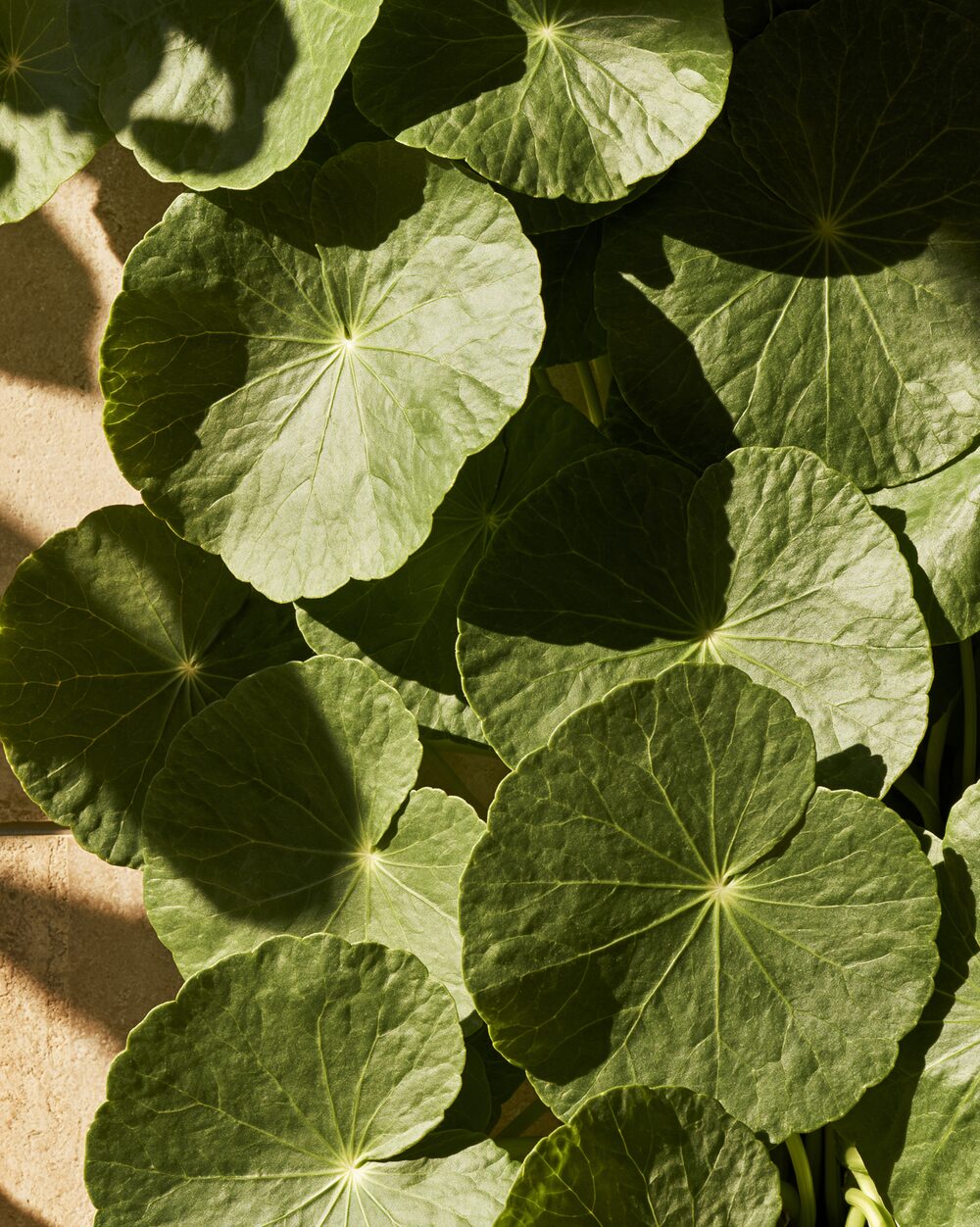
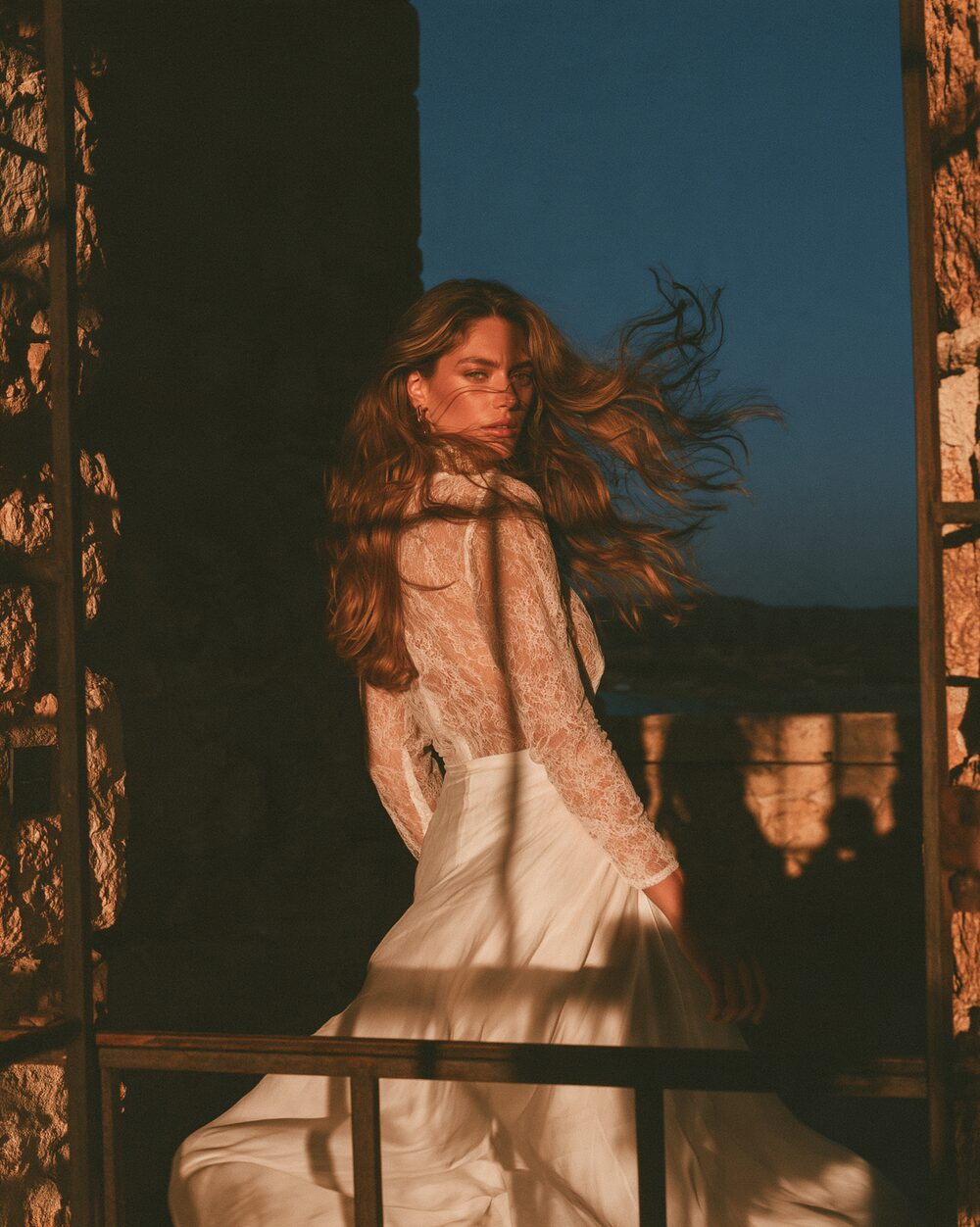
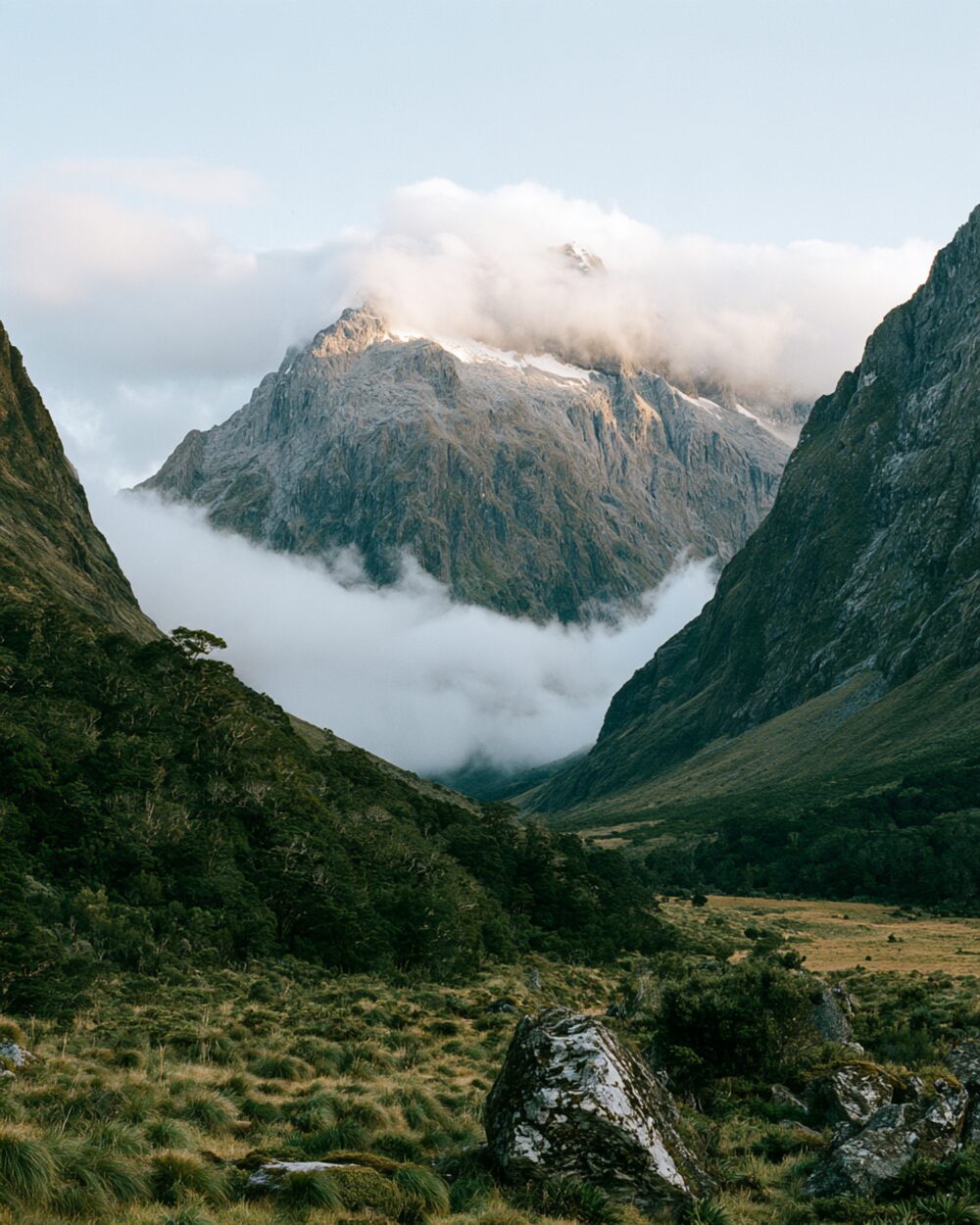
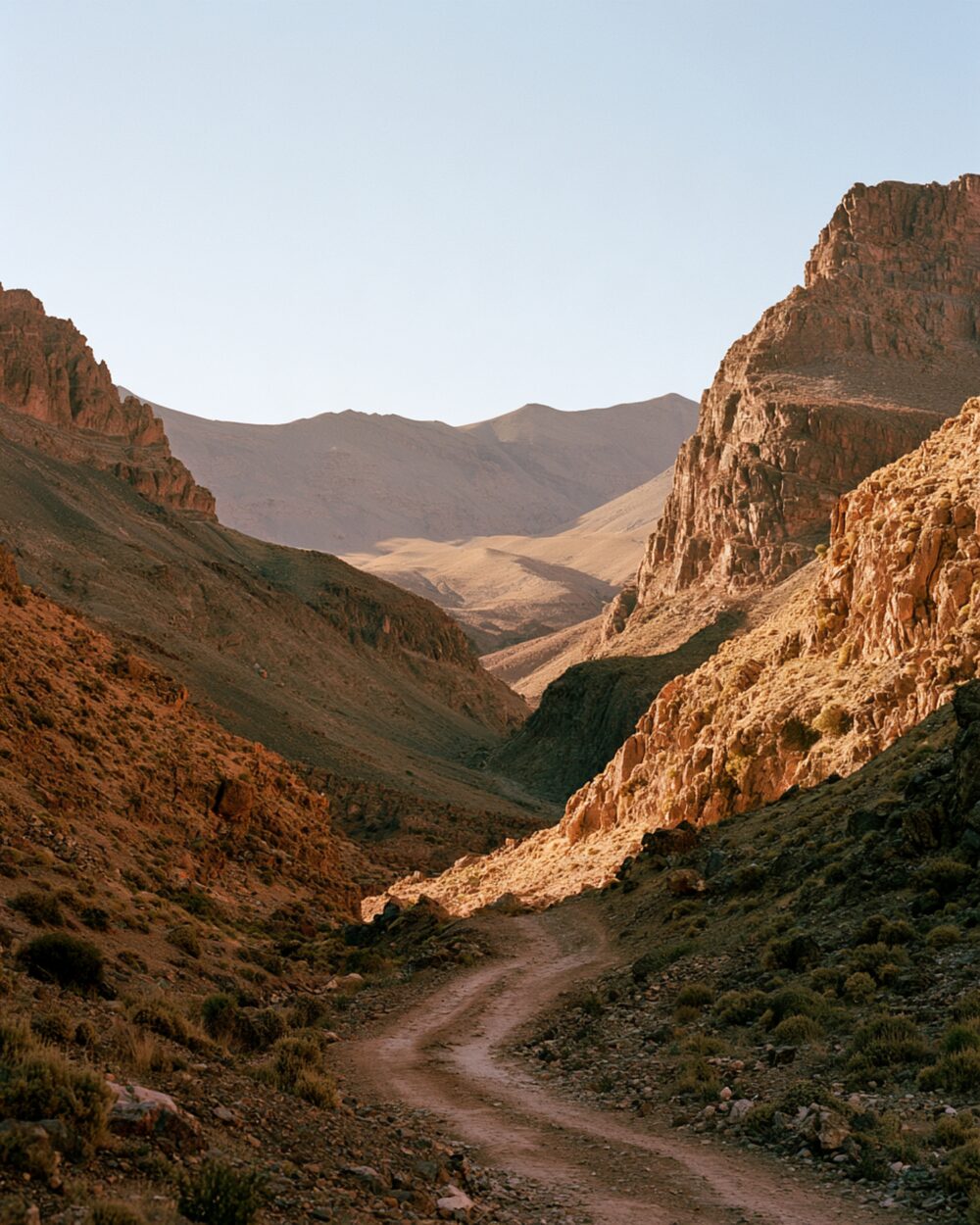
Clarity is midtone contrast: punch in the textures people notice without crushing blacks or clipping whites. Lightroom-era tools popularised the name, but the idea is older local-contrast work from unsharp masking and clarity-style filters.
Use it when a frame feels flat in the middle tones. Ease off when skin and skies start to look crunchy.
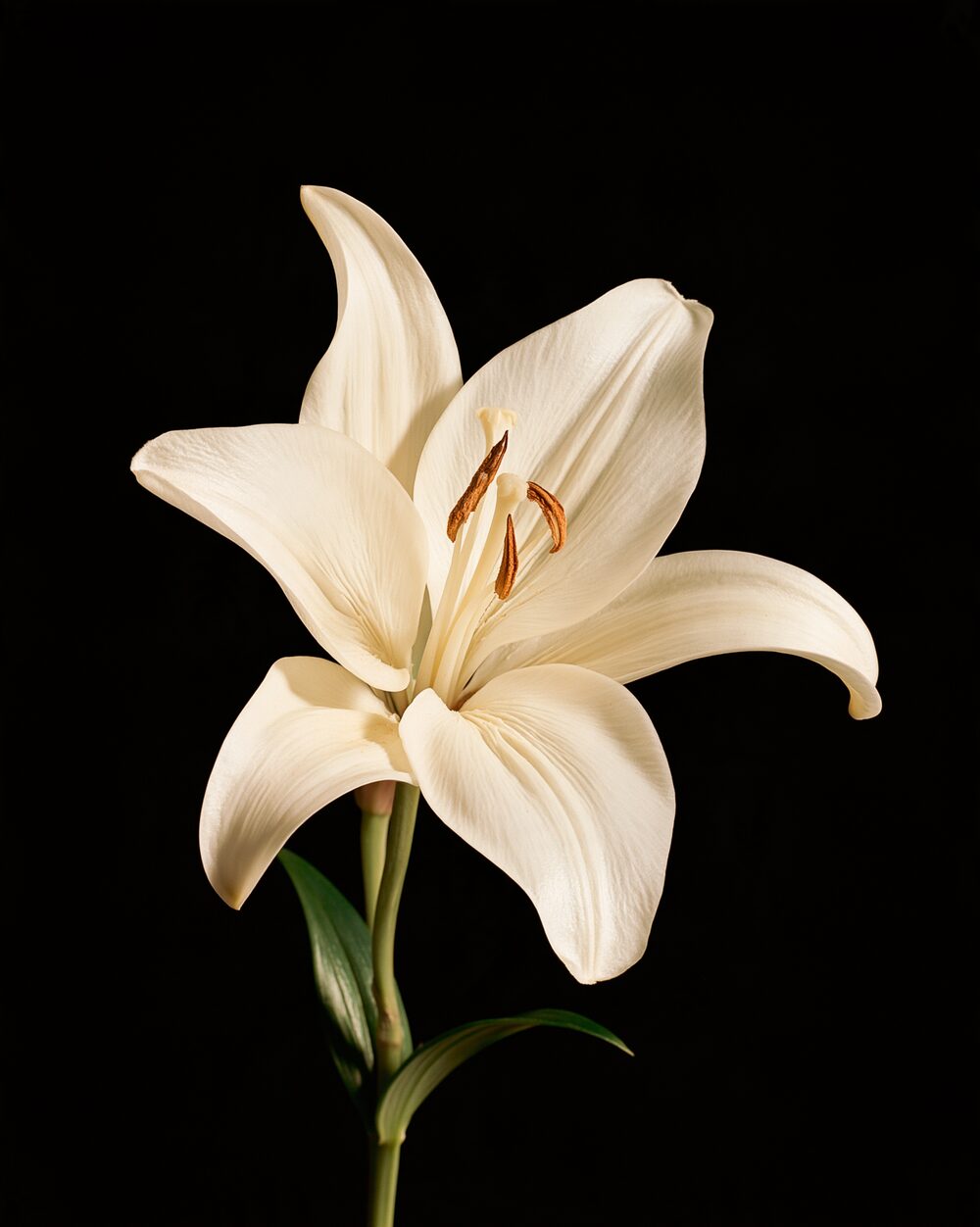
Properties
Amount
local contrast strength
Radius
neighborhood radius in pixels
Midtone focus
limit effect to midtones
Shadow protect
Command line
Requires Rethings Pro. Install the tool from Rethings → Install Command Line Tool…
rethings apply --effect clarity --set amount=0.45 --set radius=2.5 -i input.jpg -o output.png