Effect
Emboss
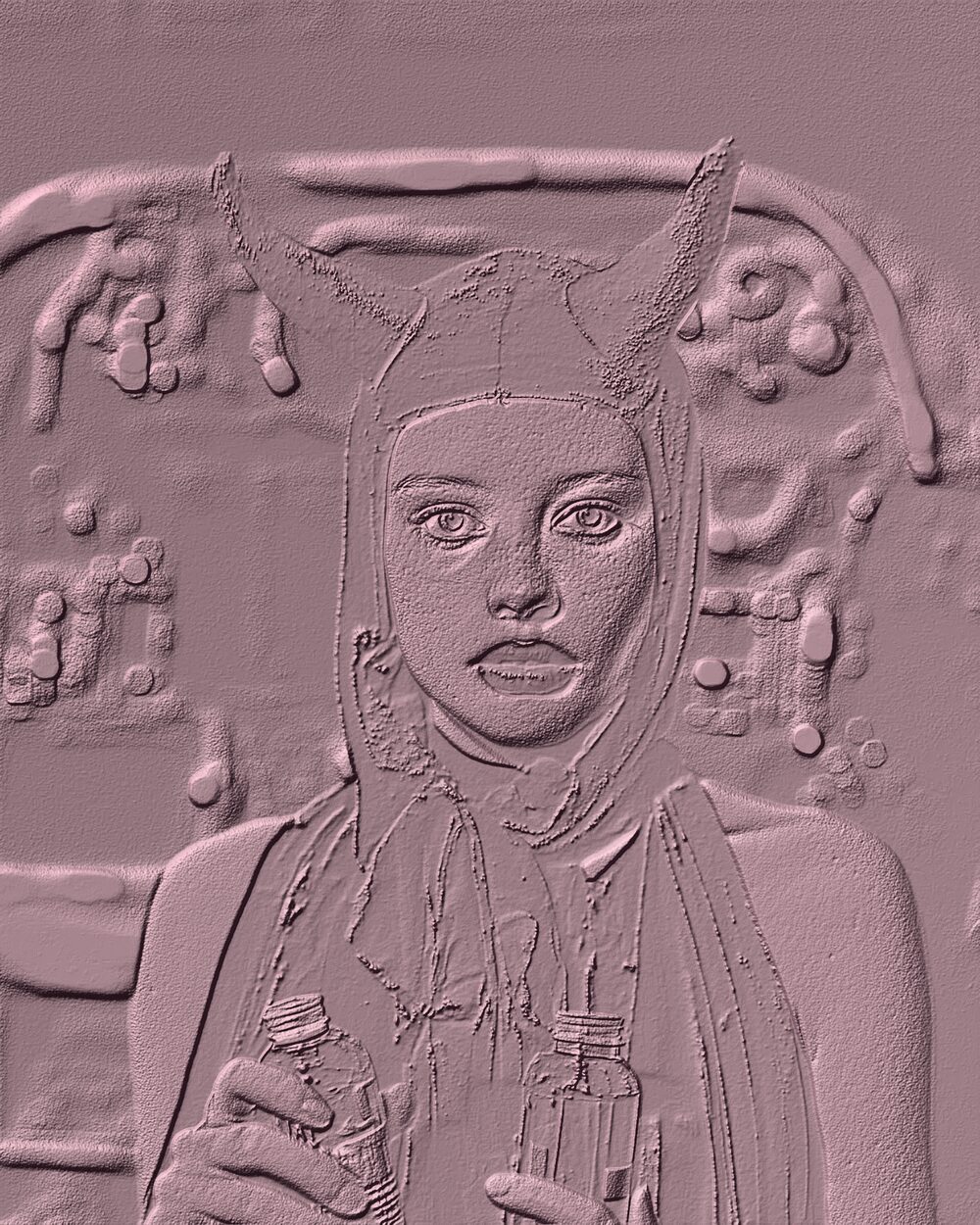
Raise surface relief with lighting and matcap-style shading.
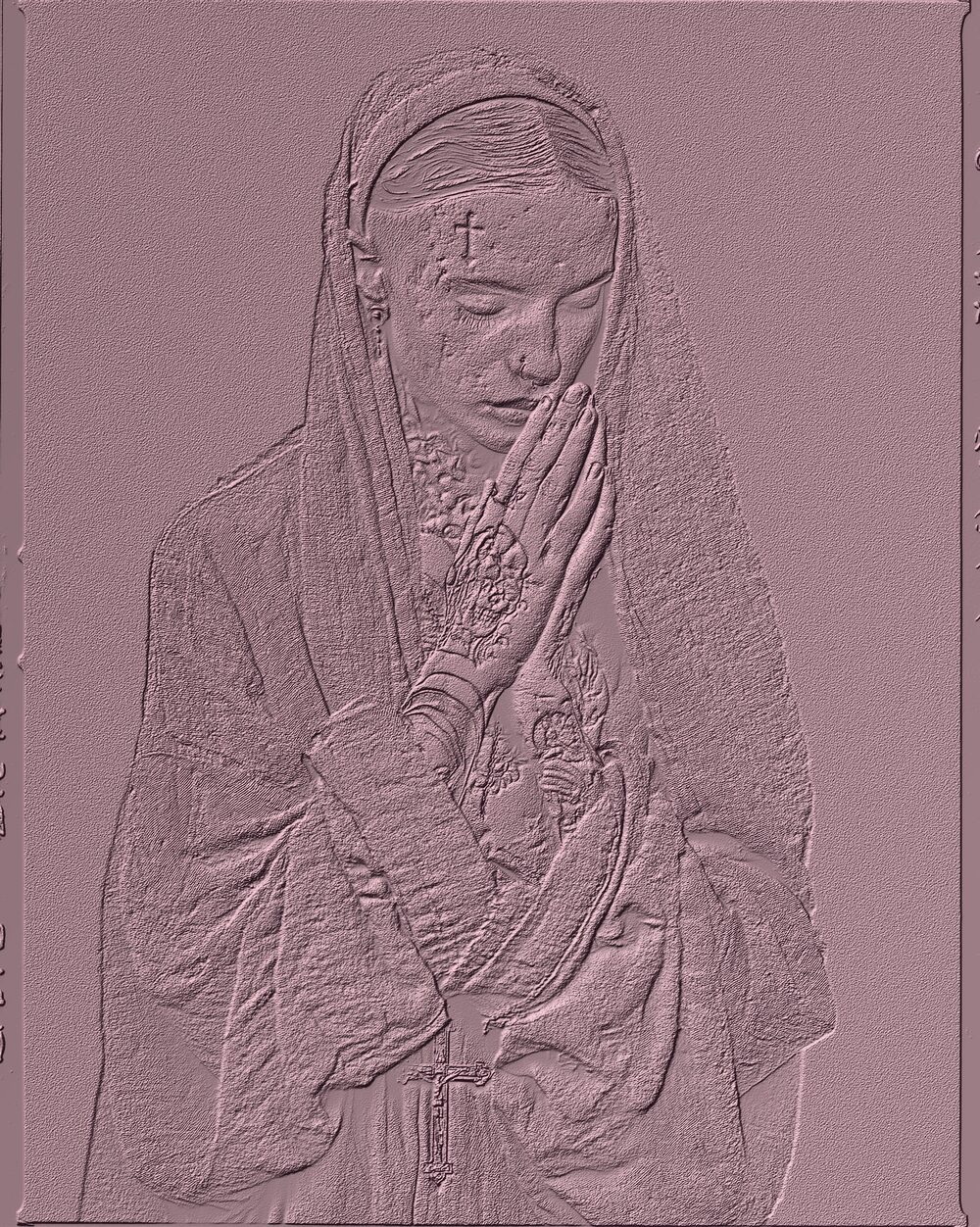
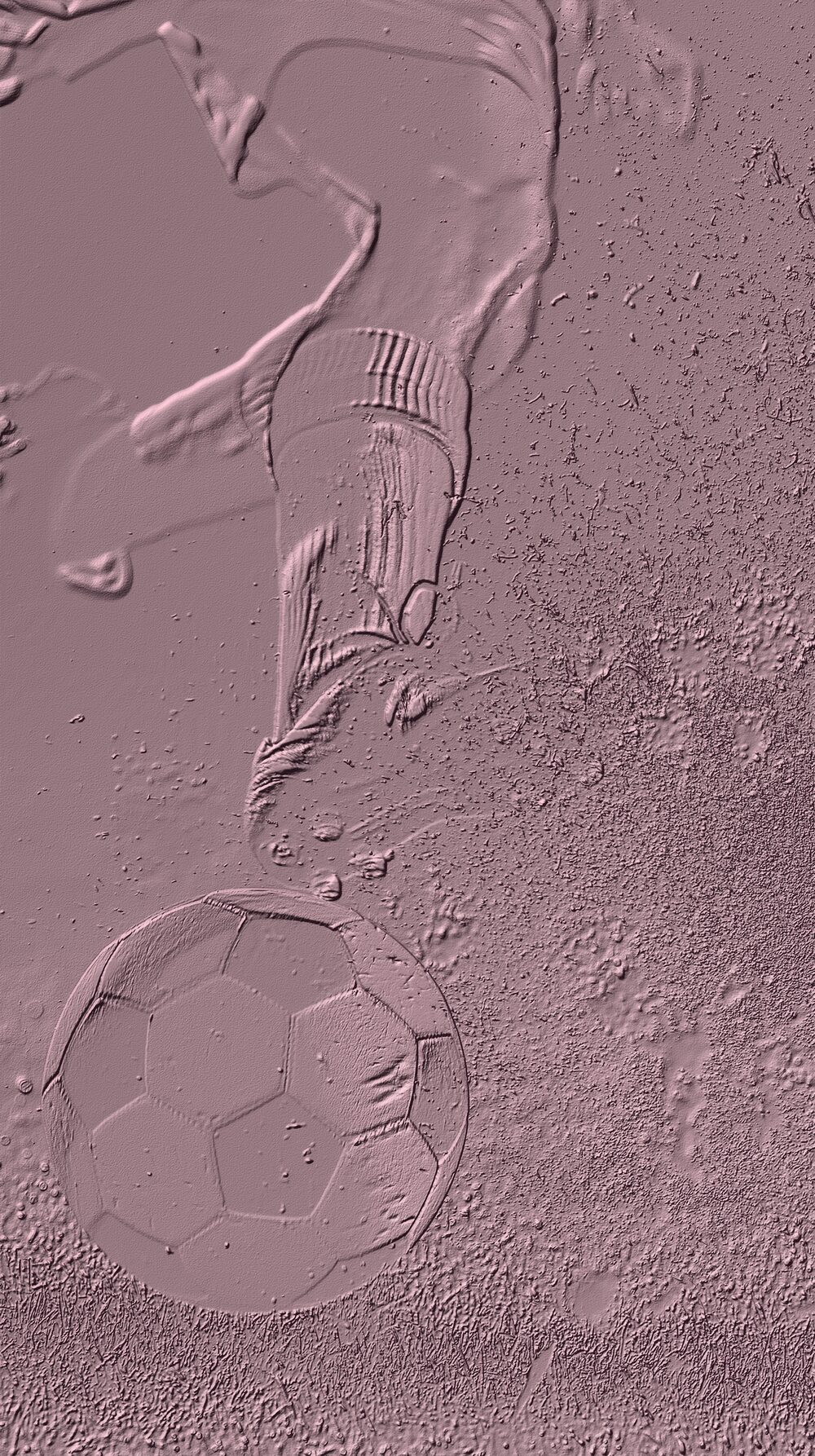
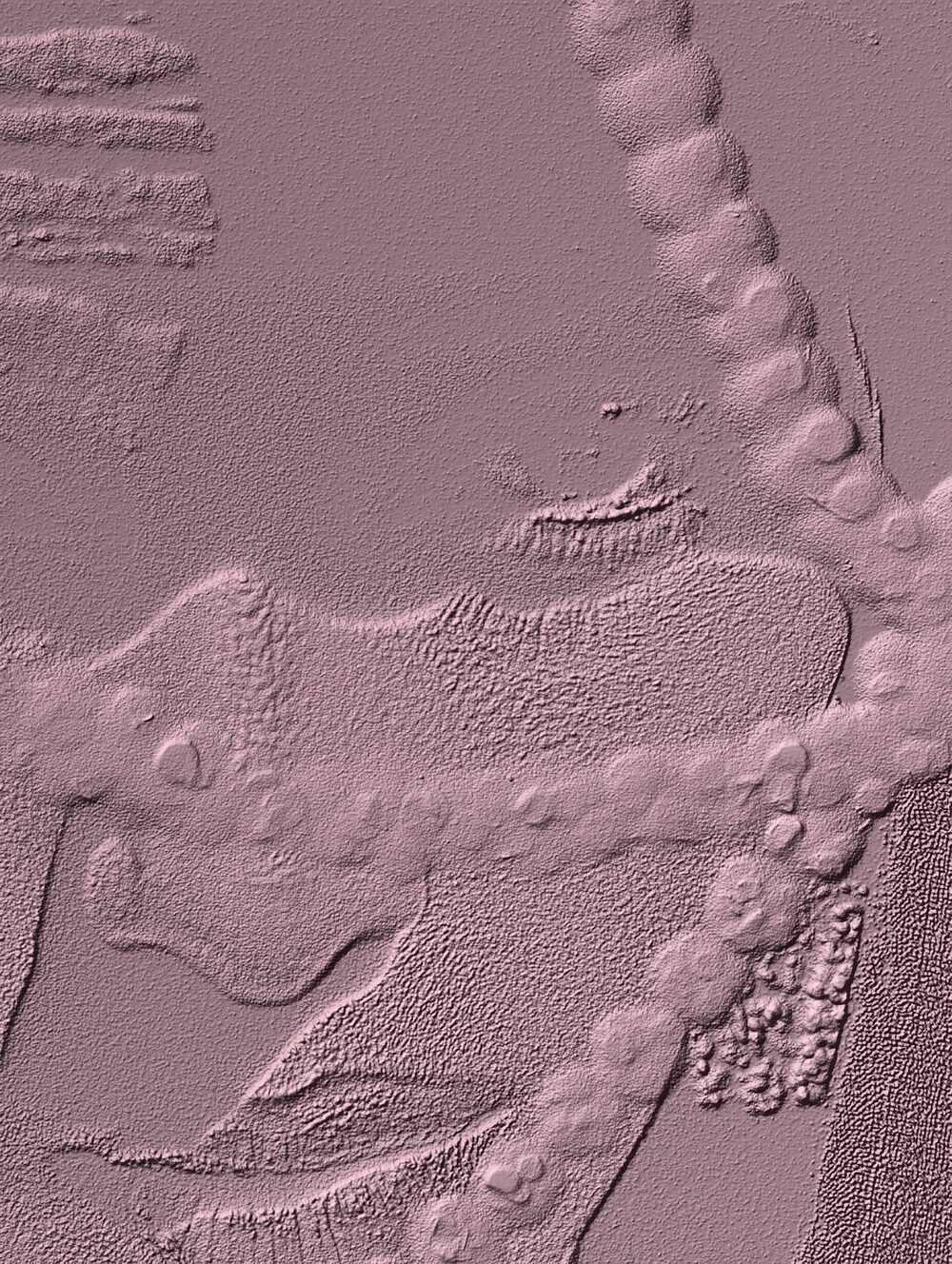
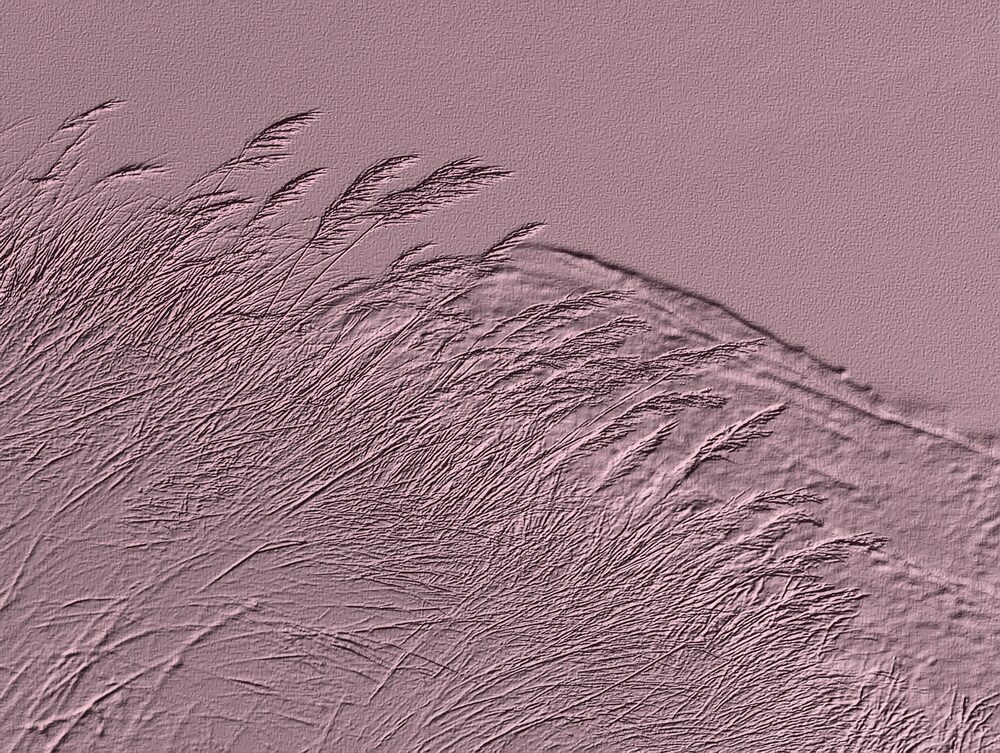
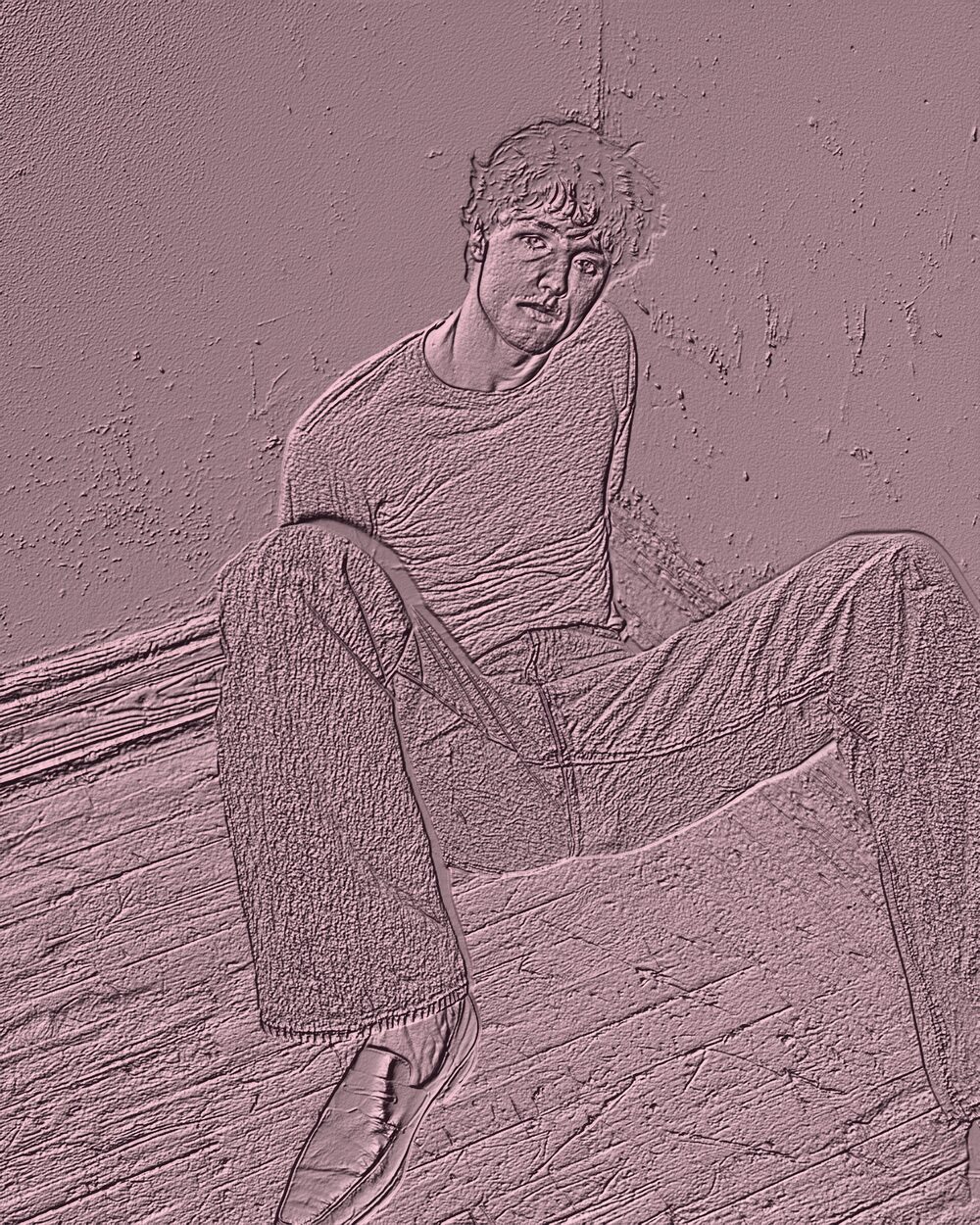
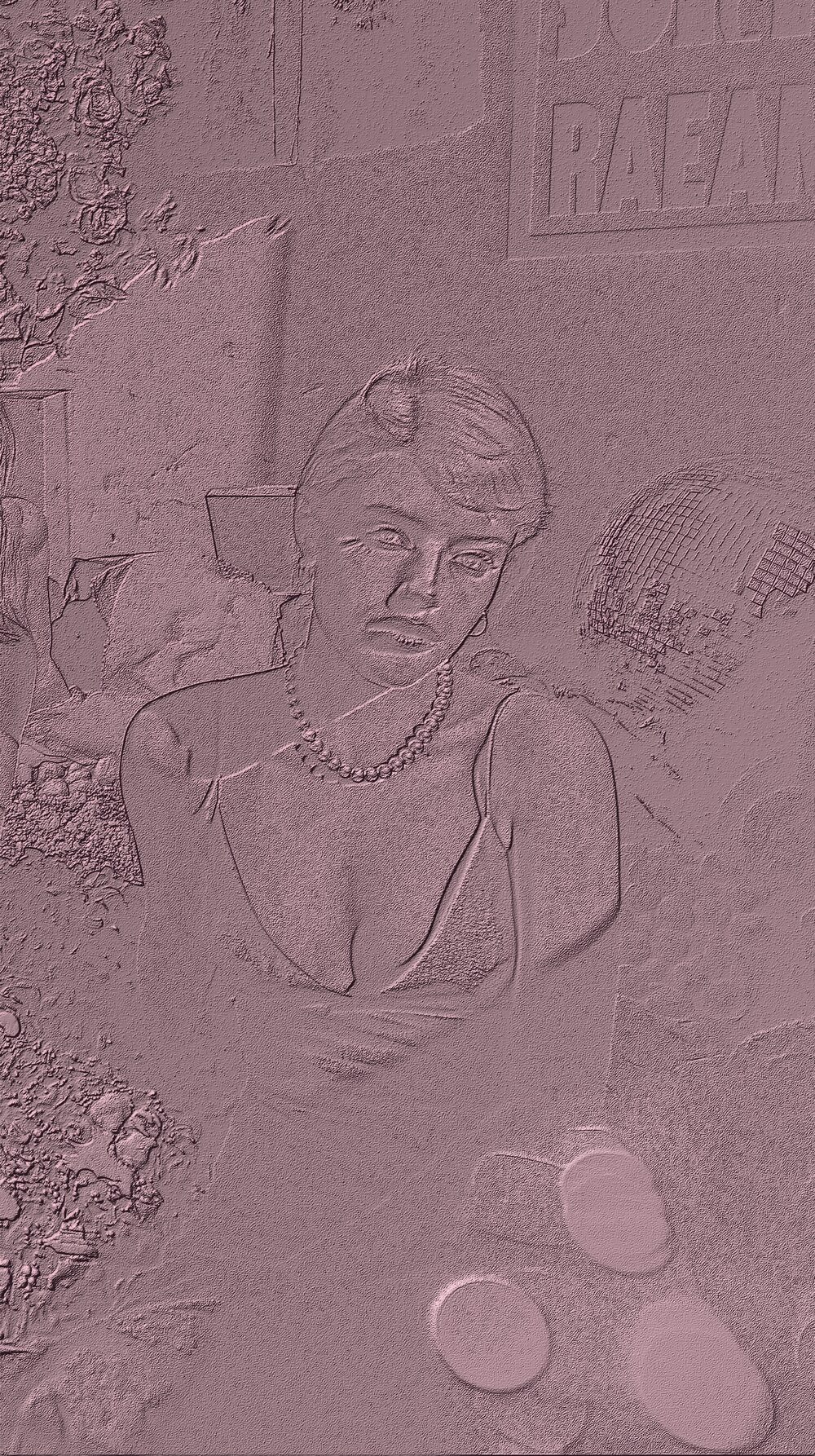
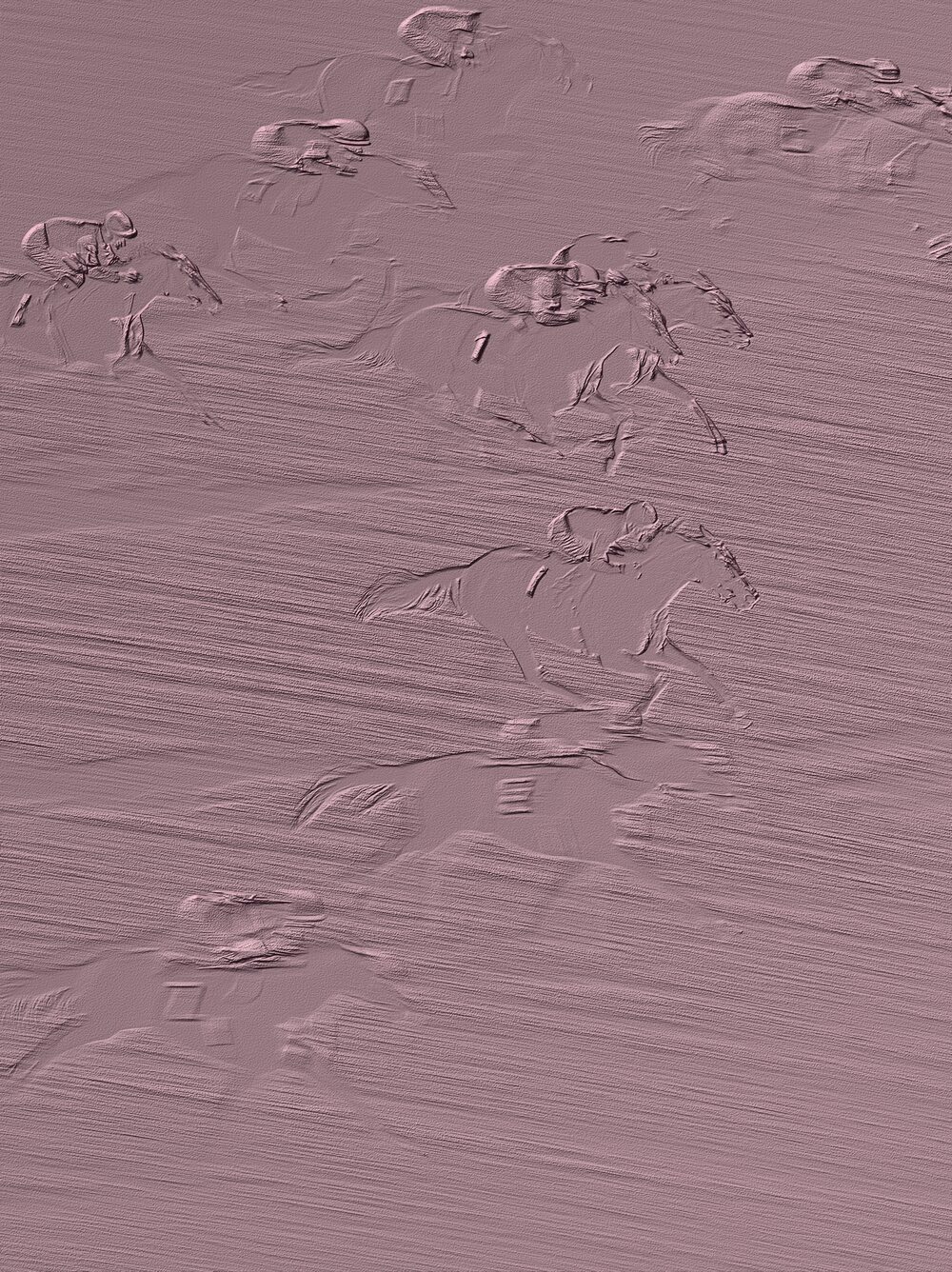
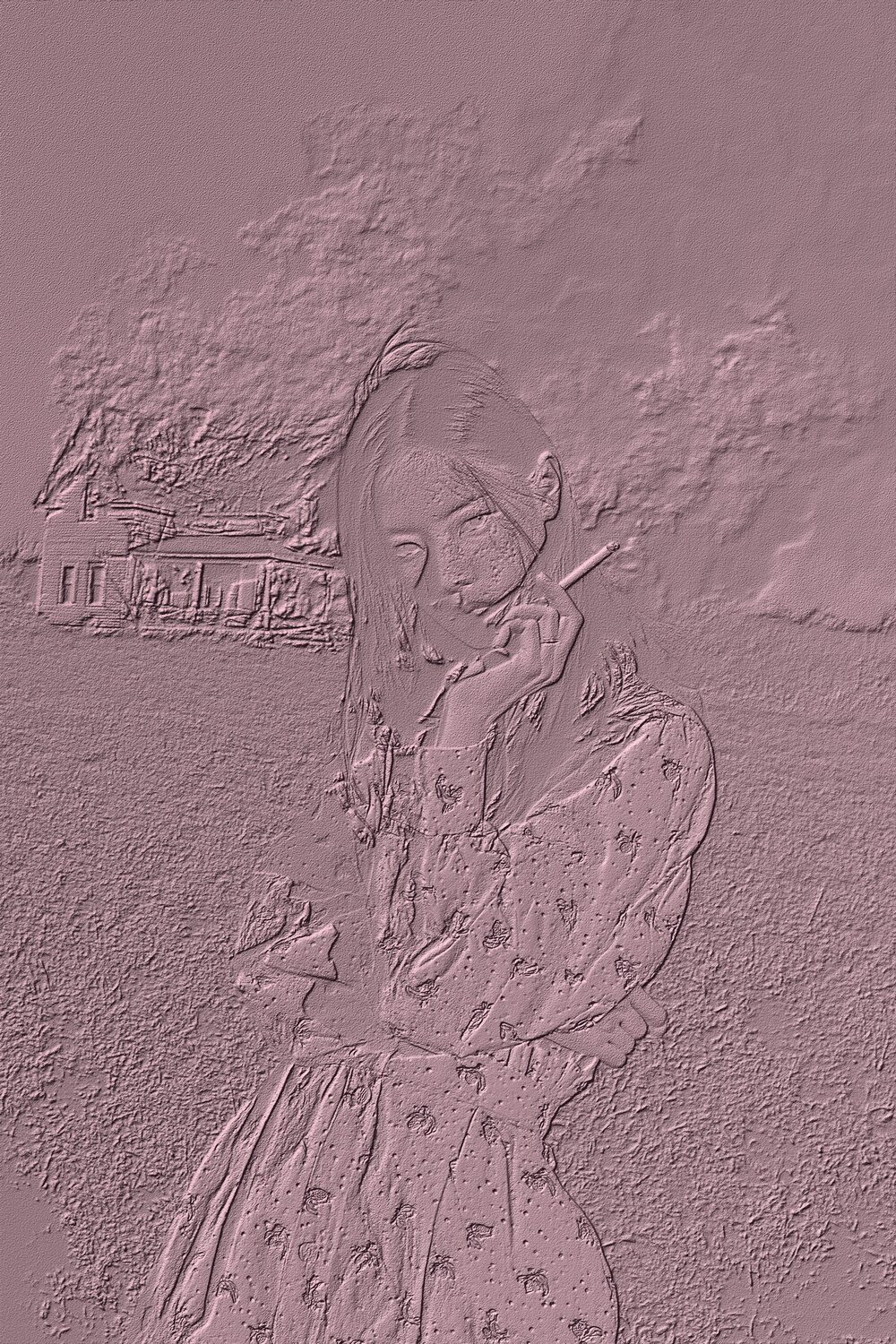
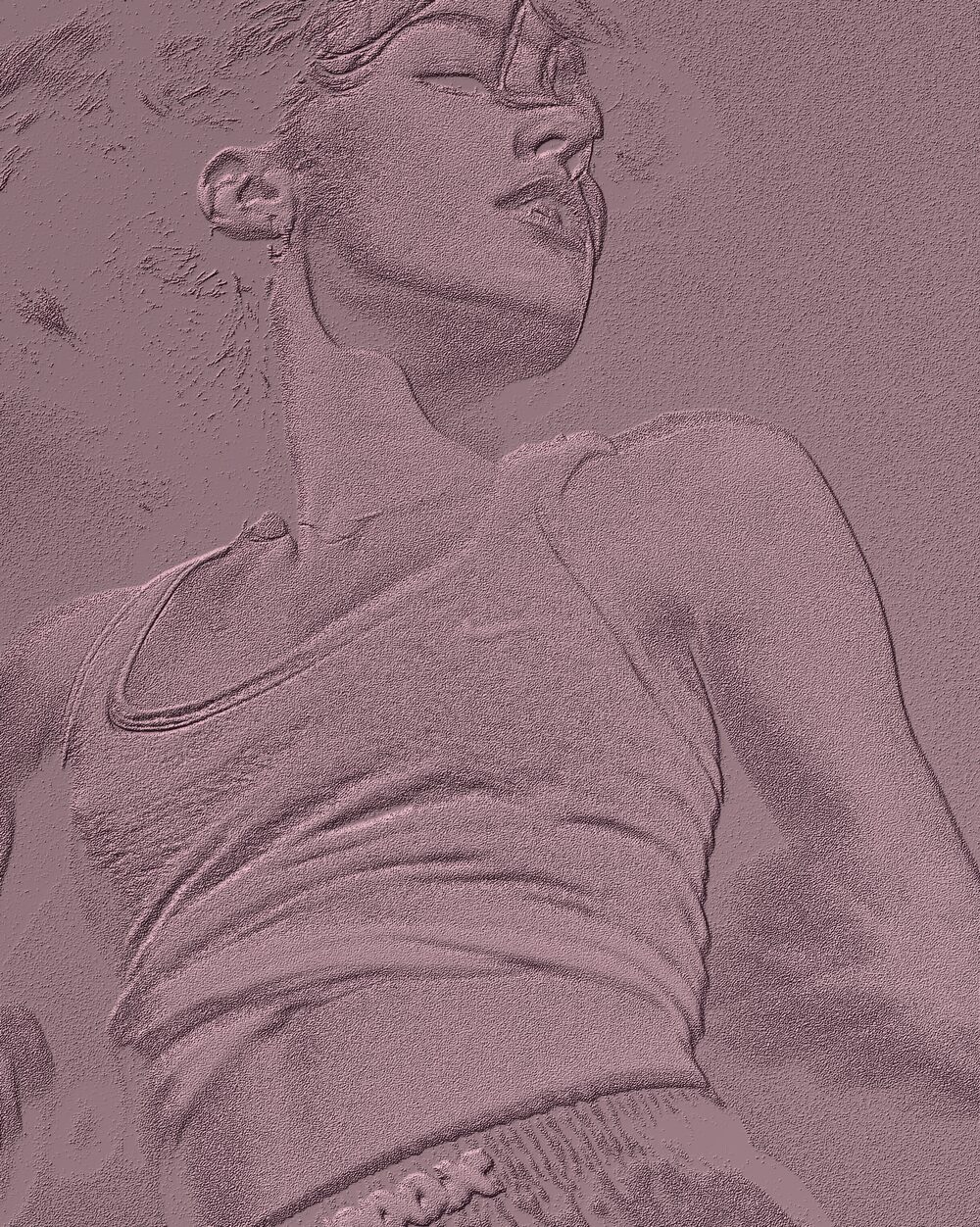
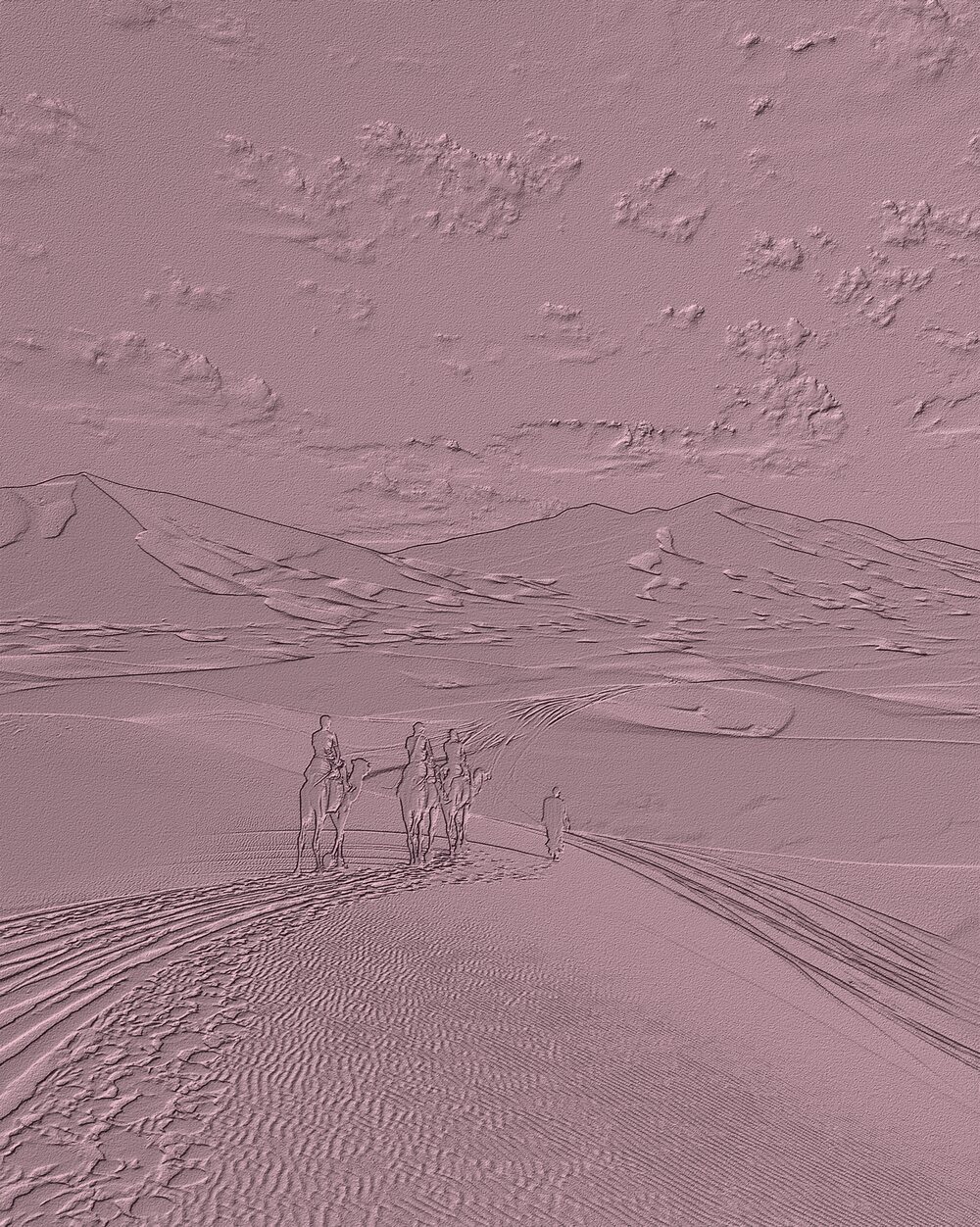
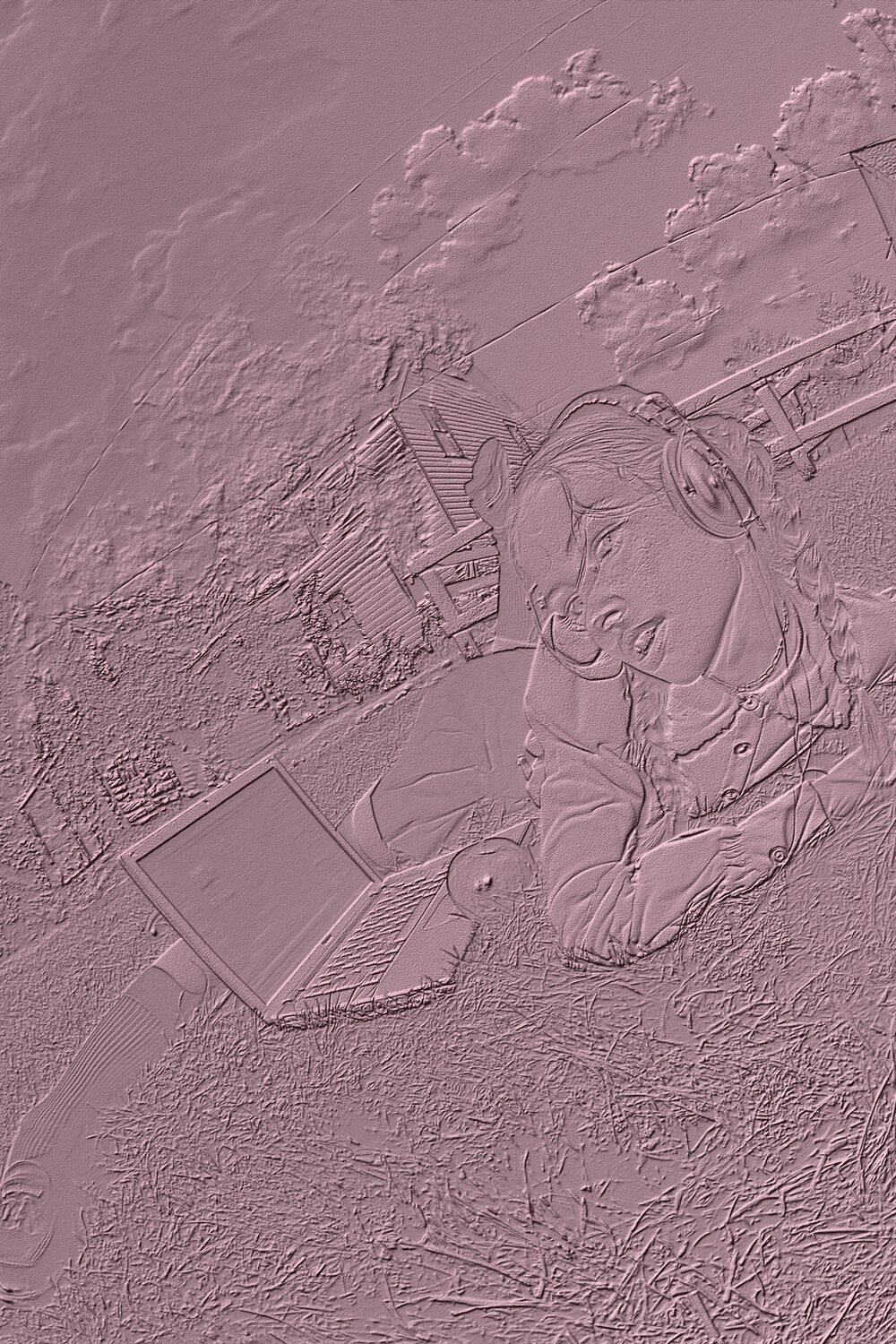
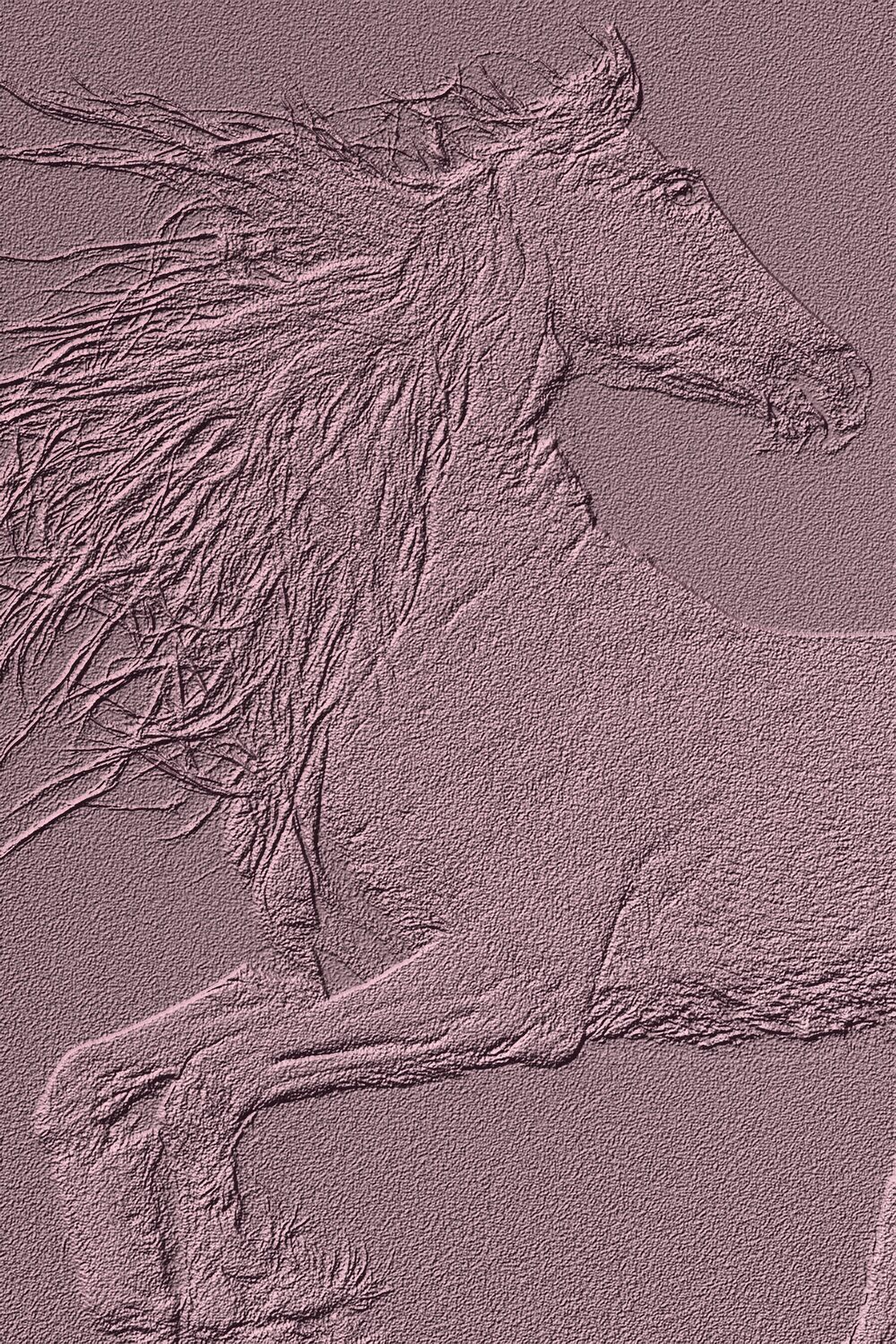
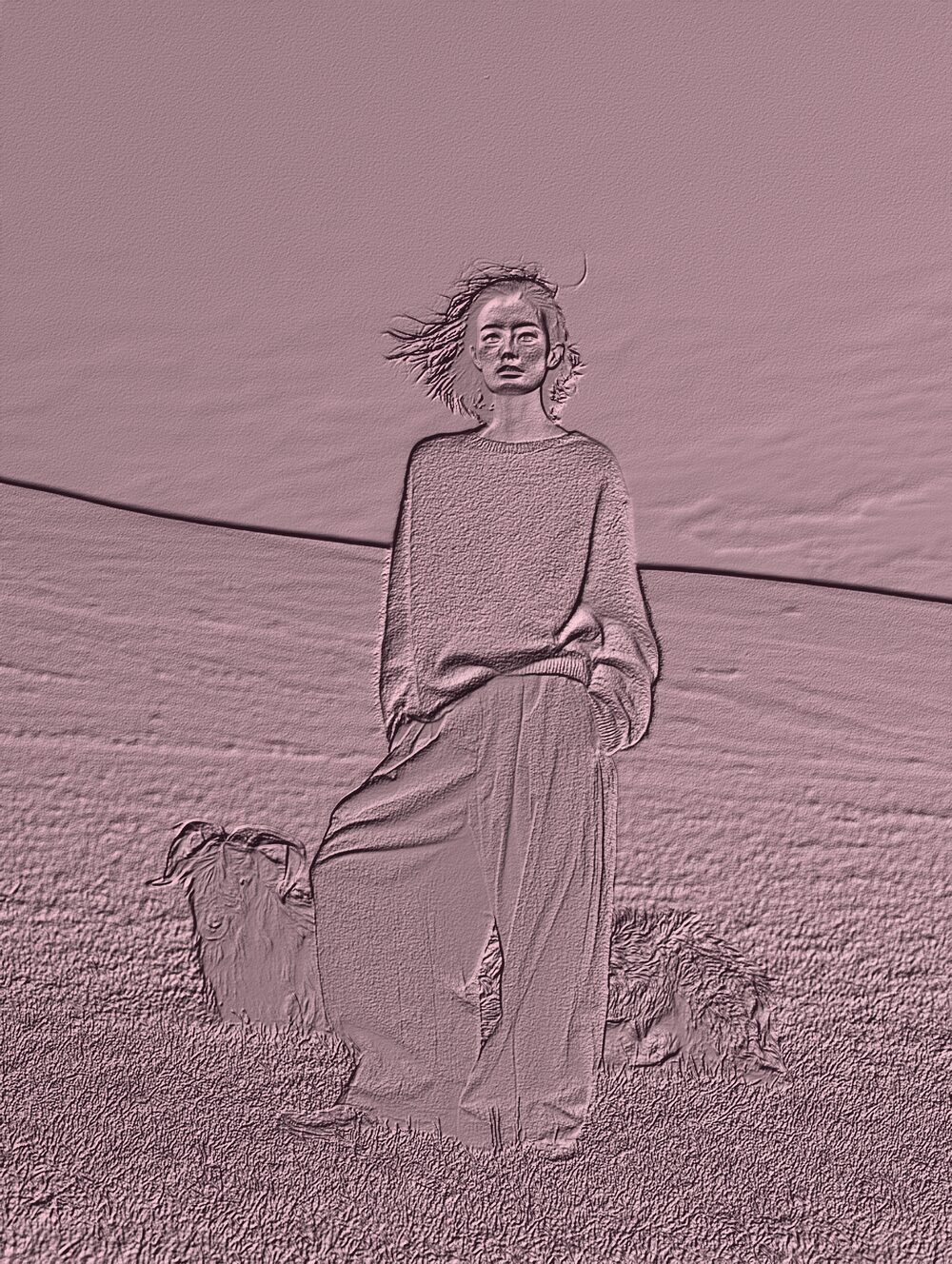
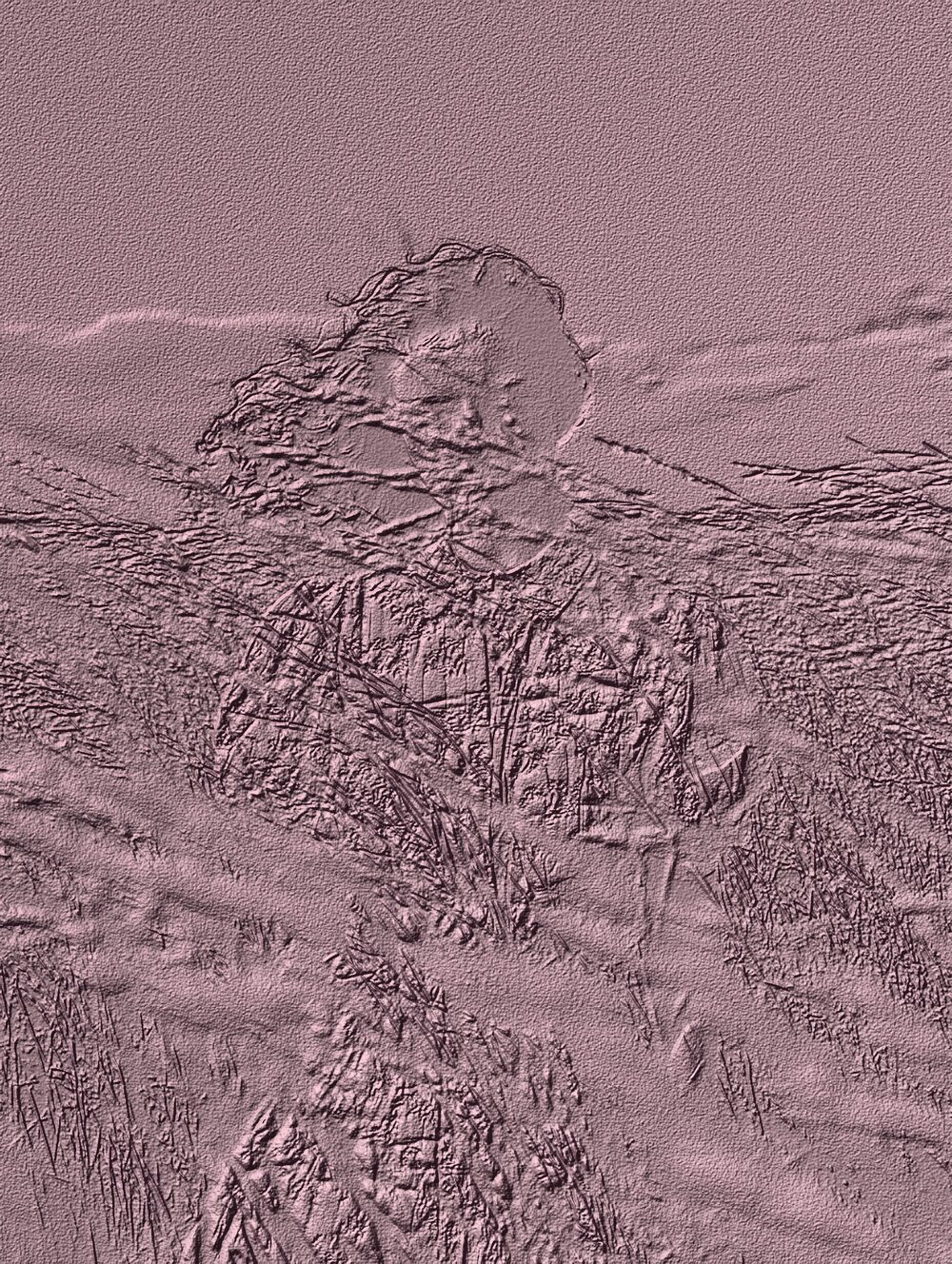
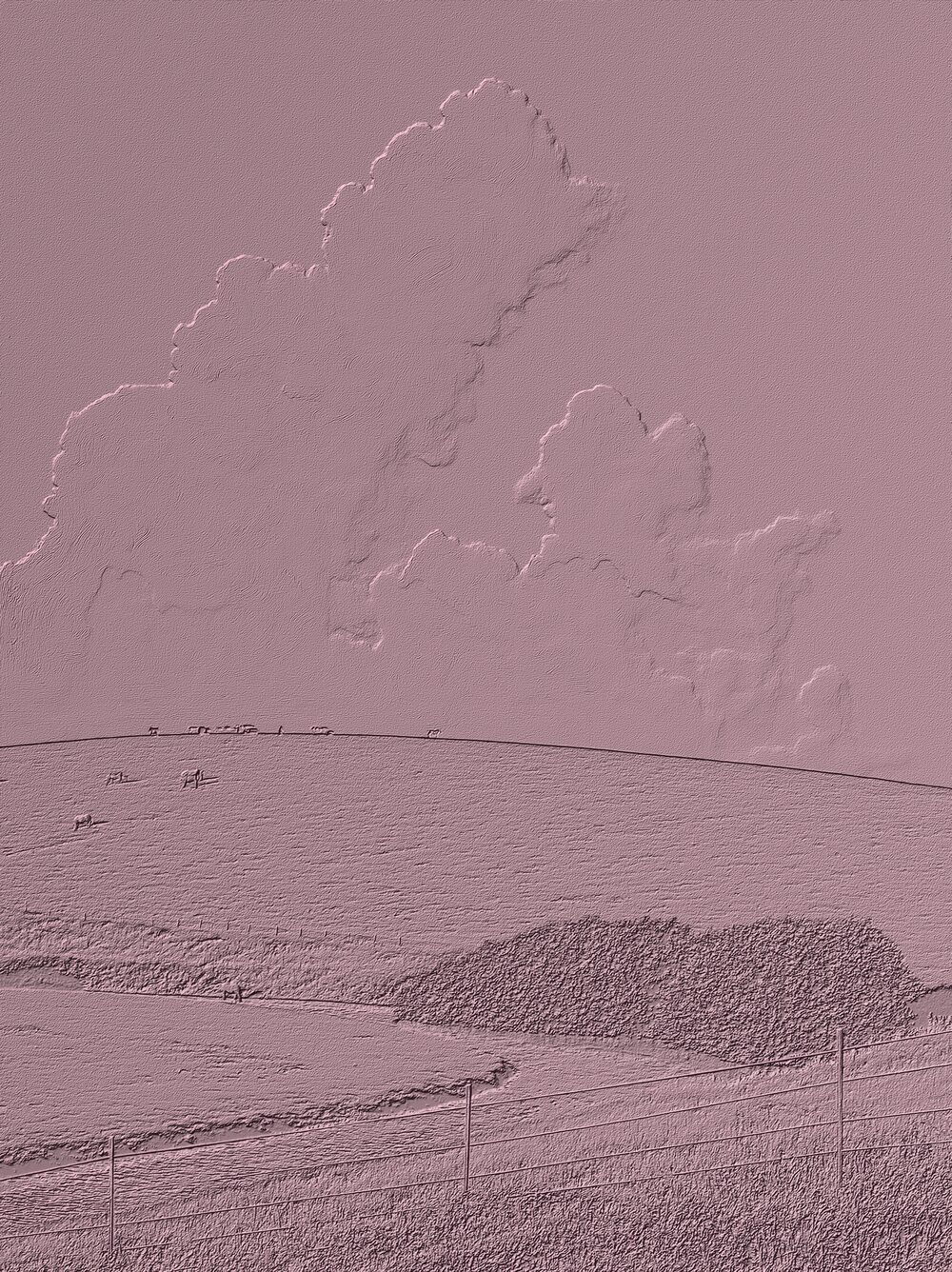
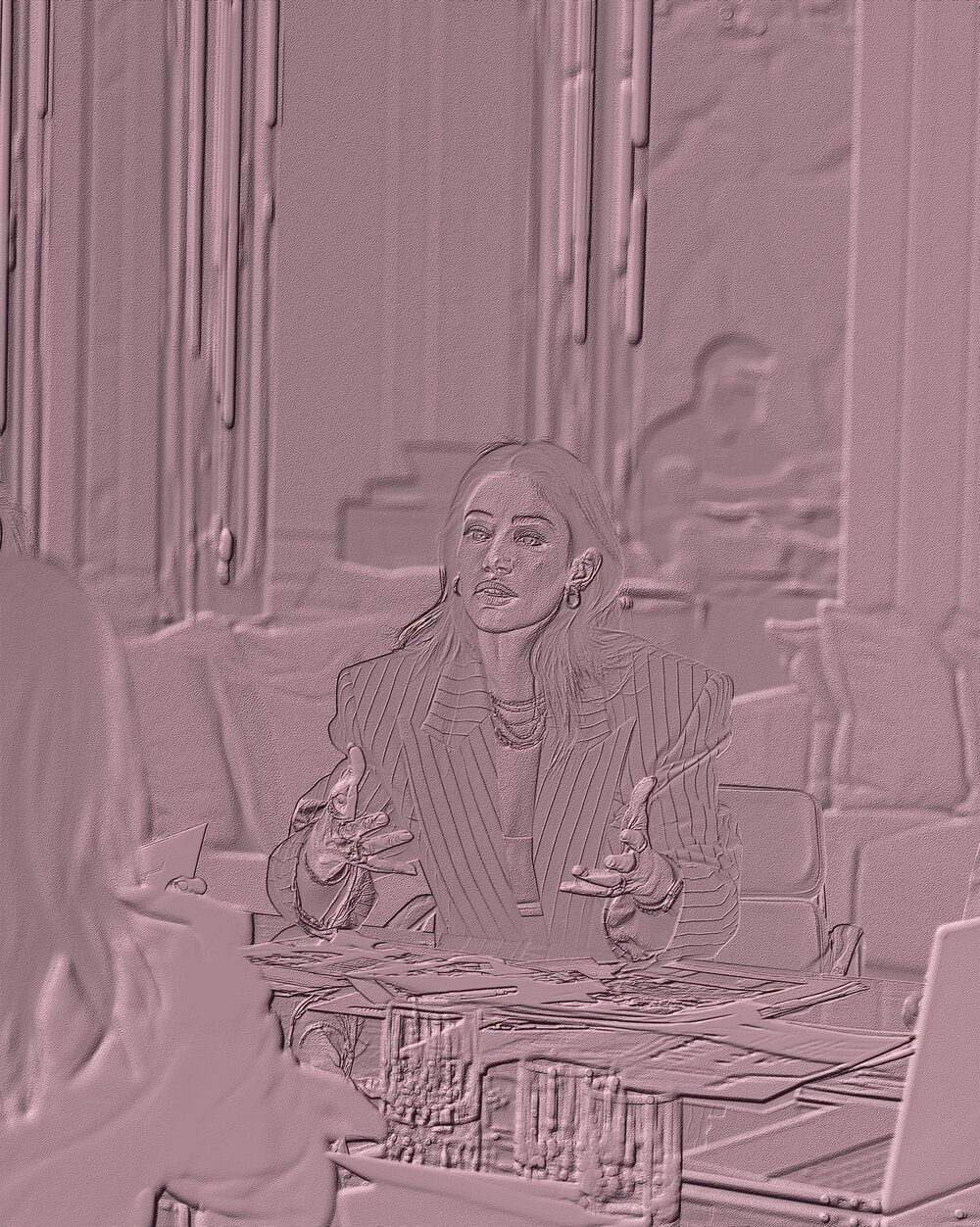
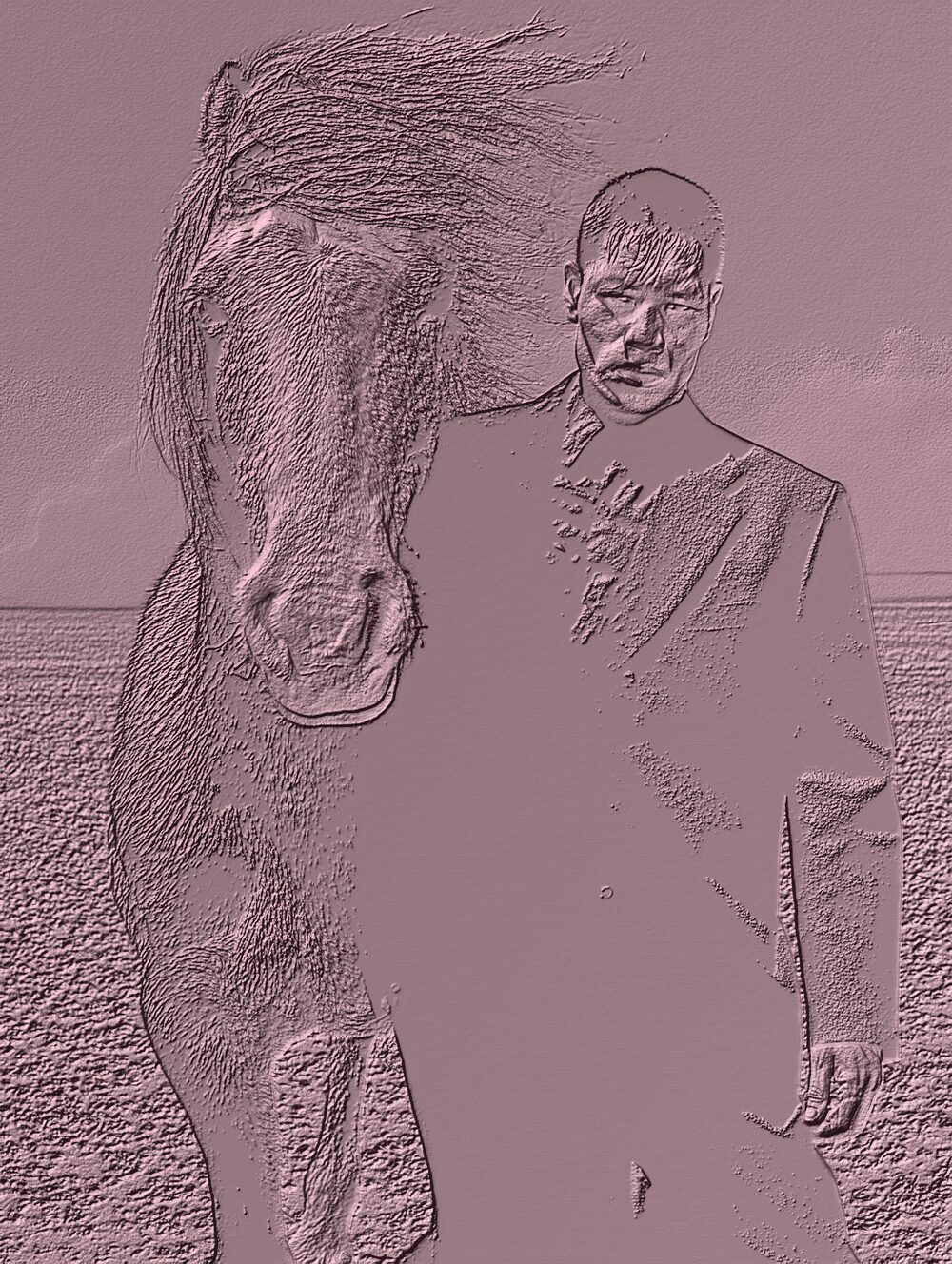
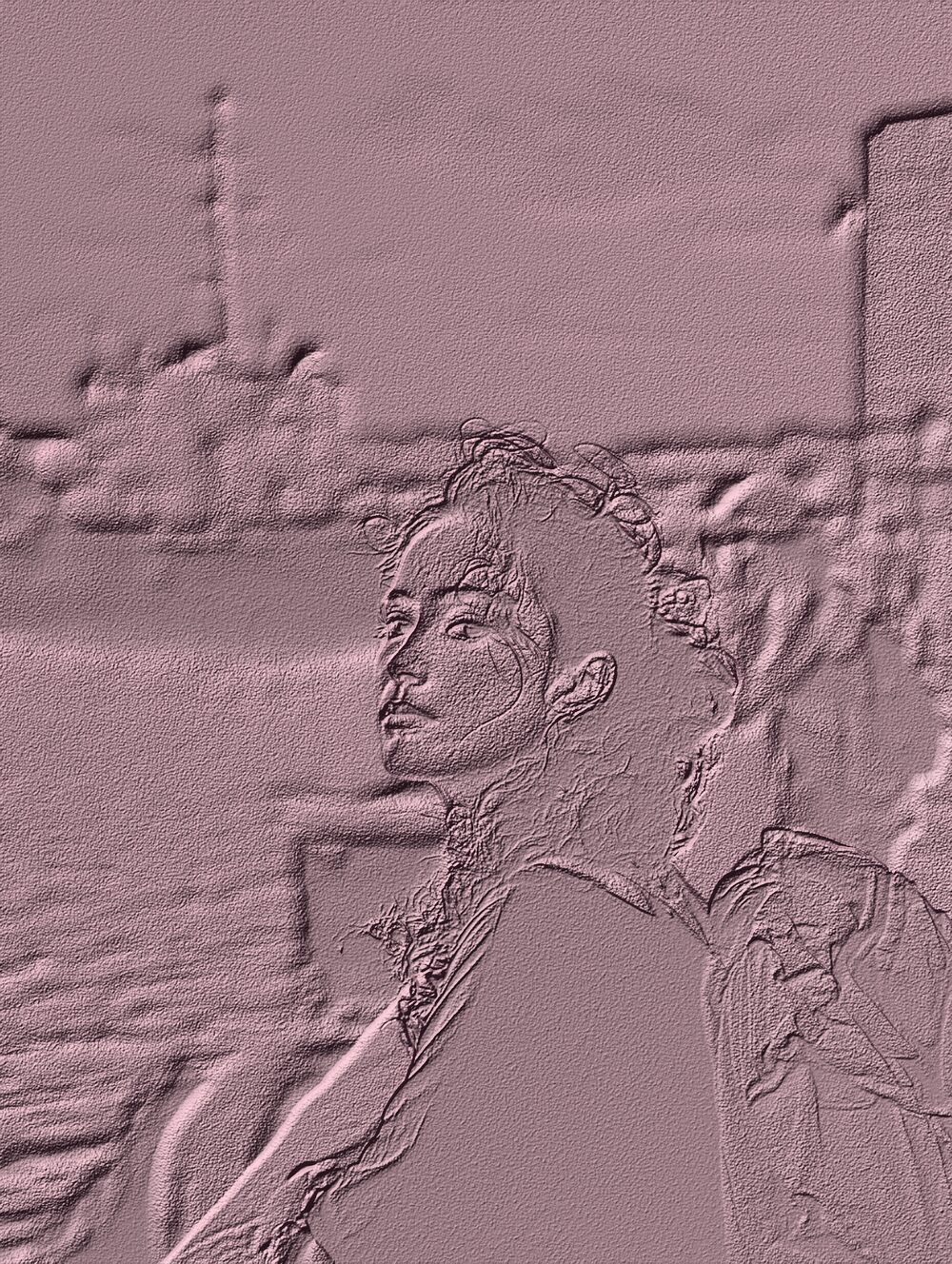
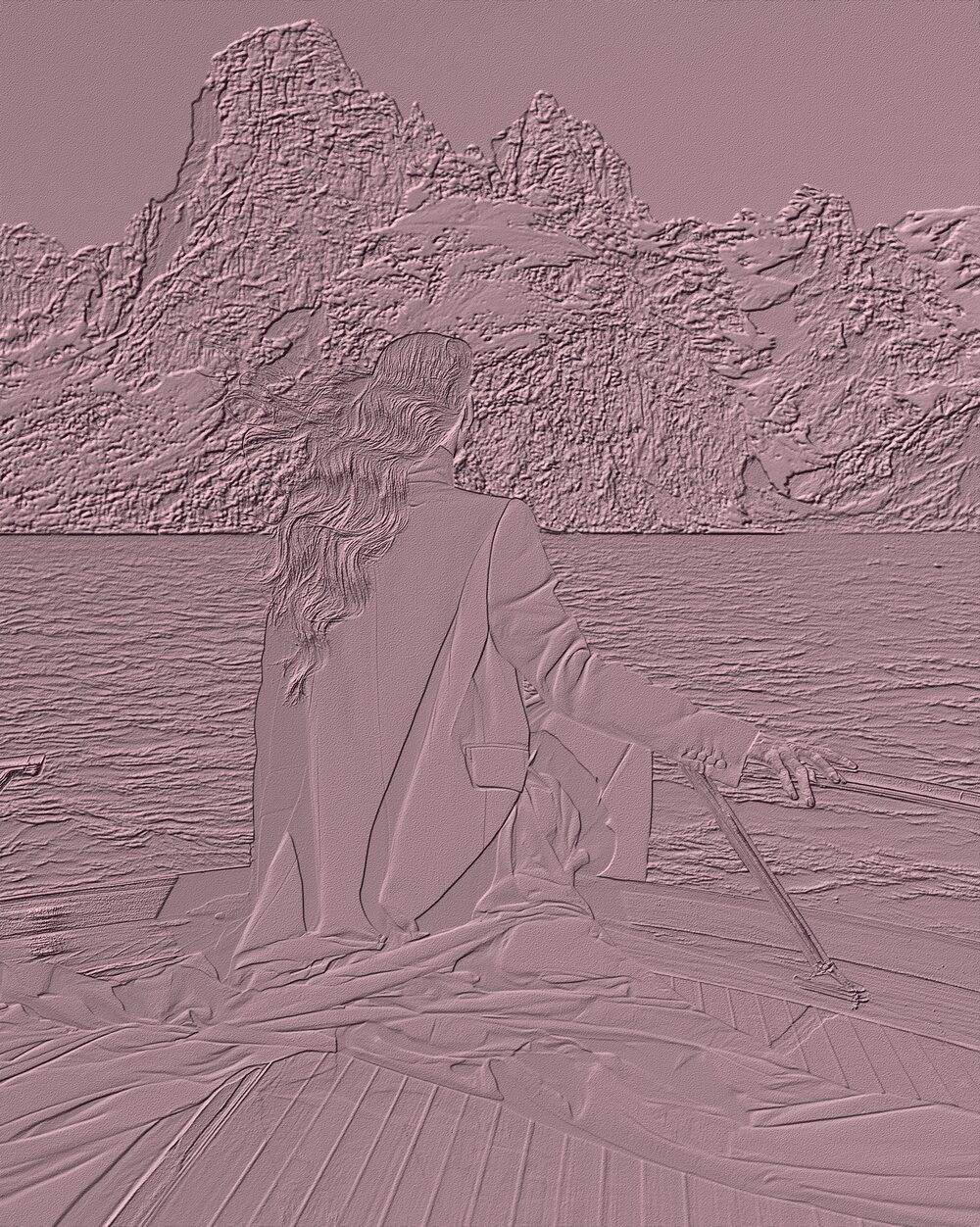
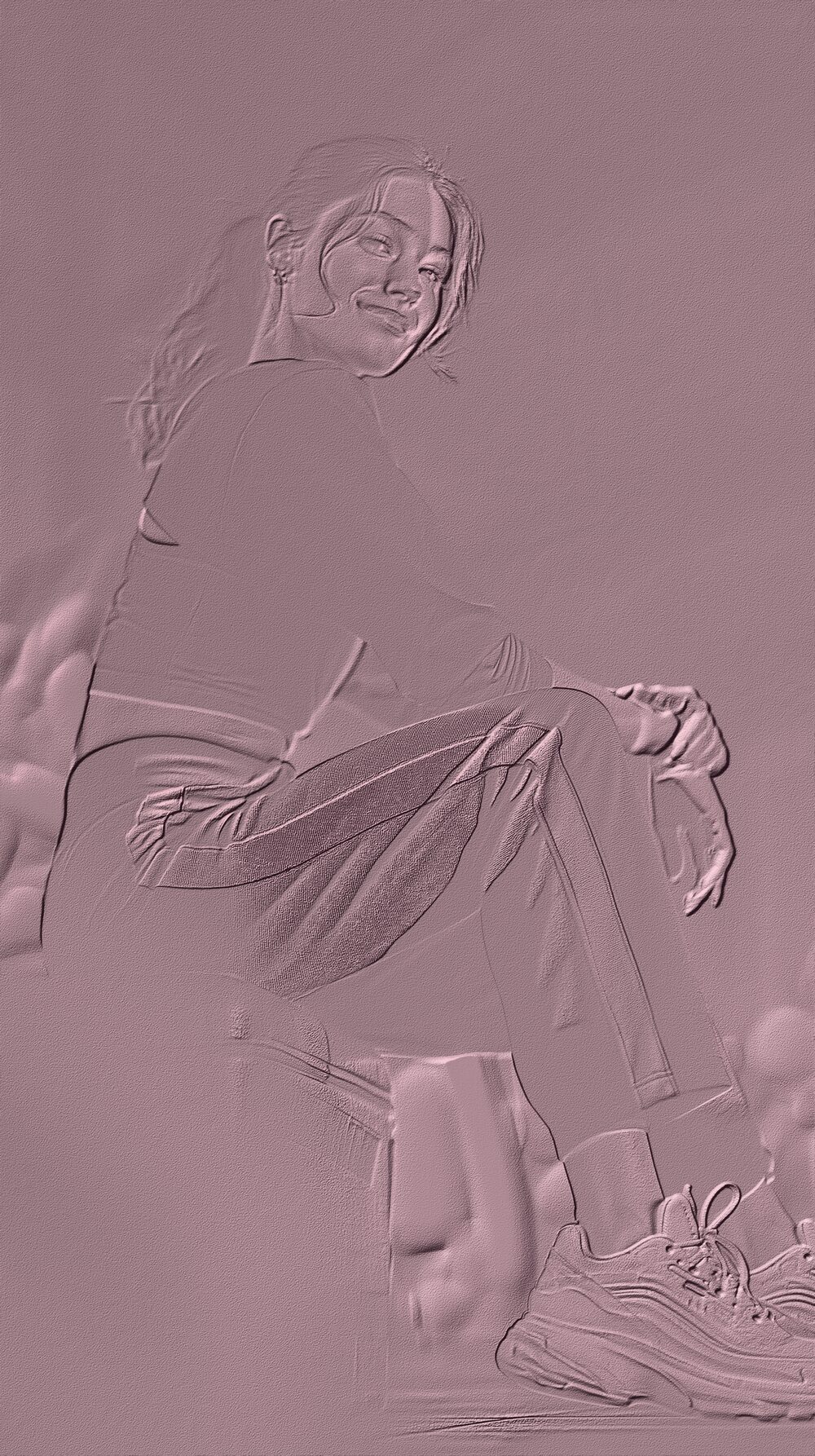
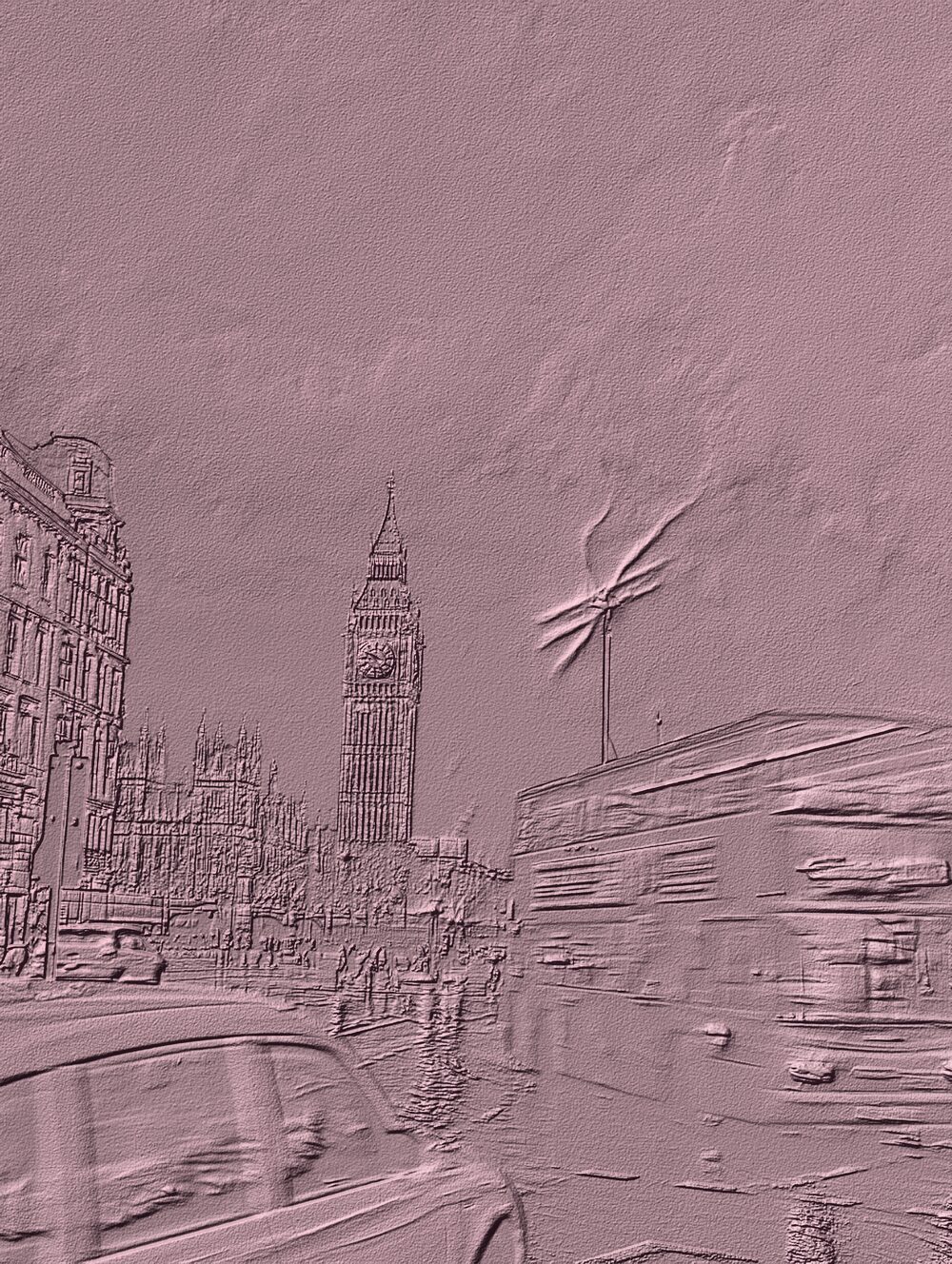
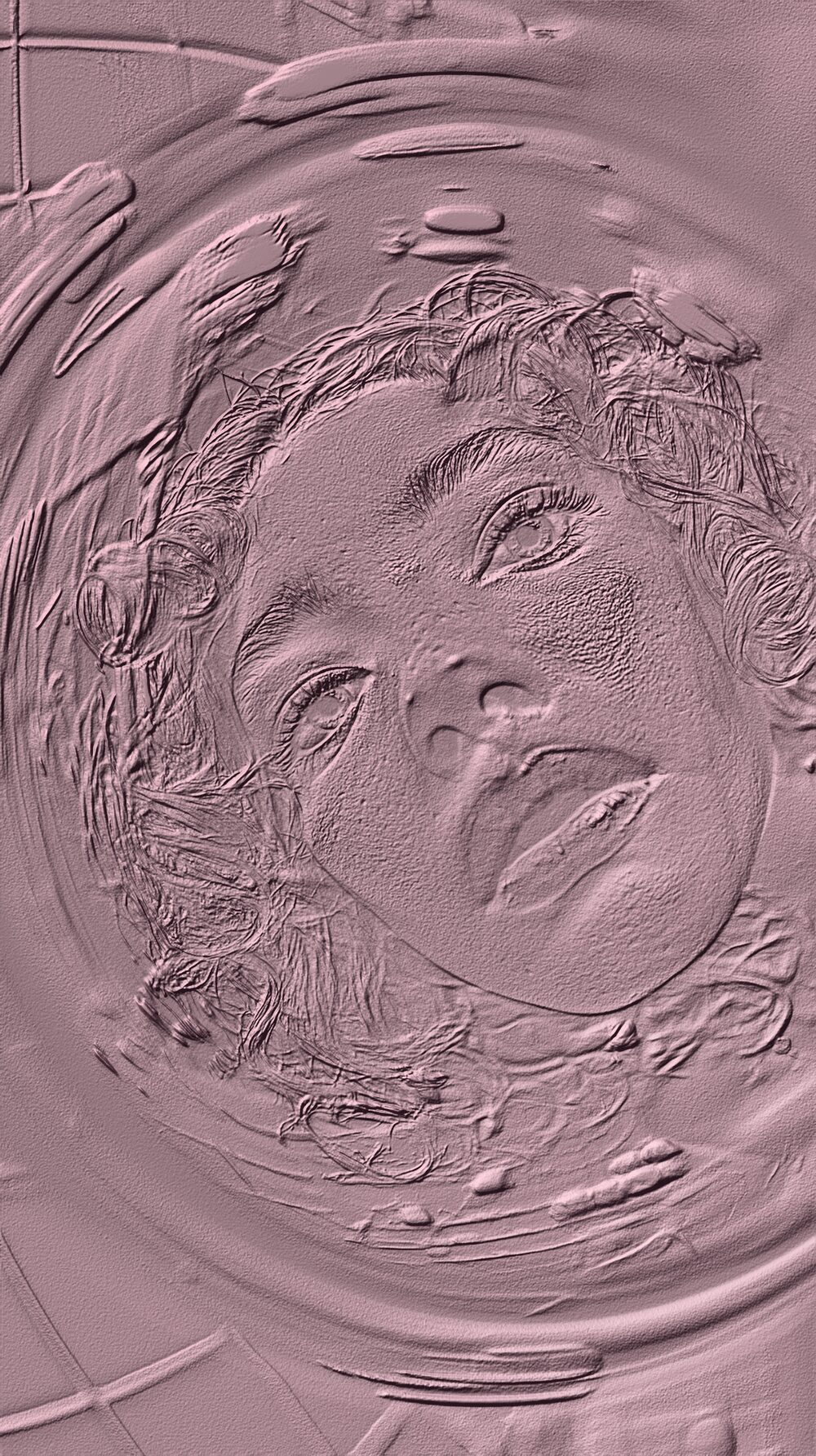
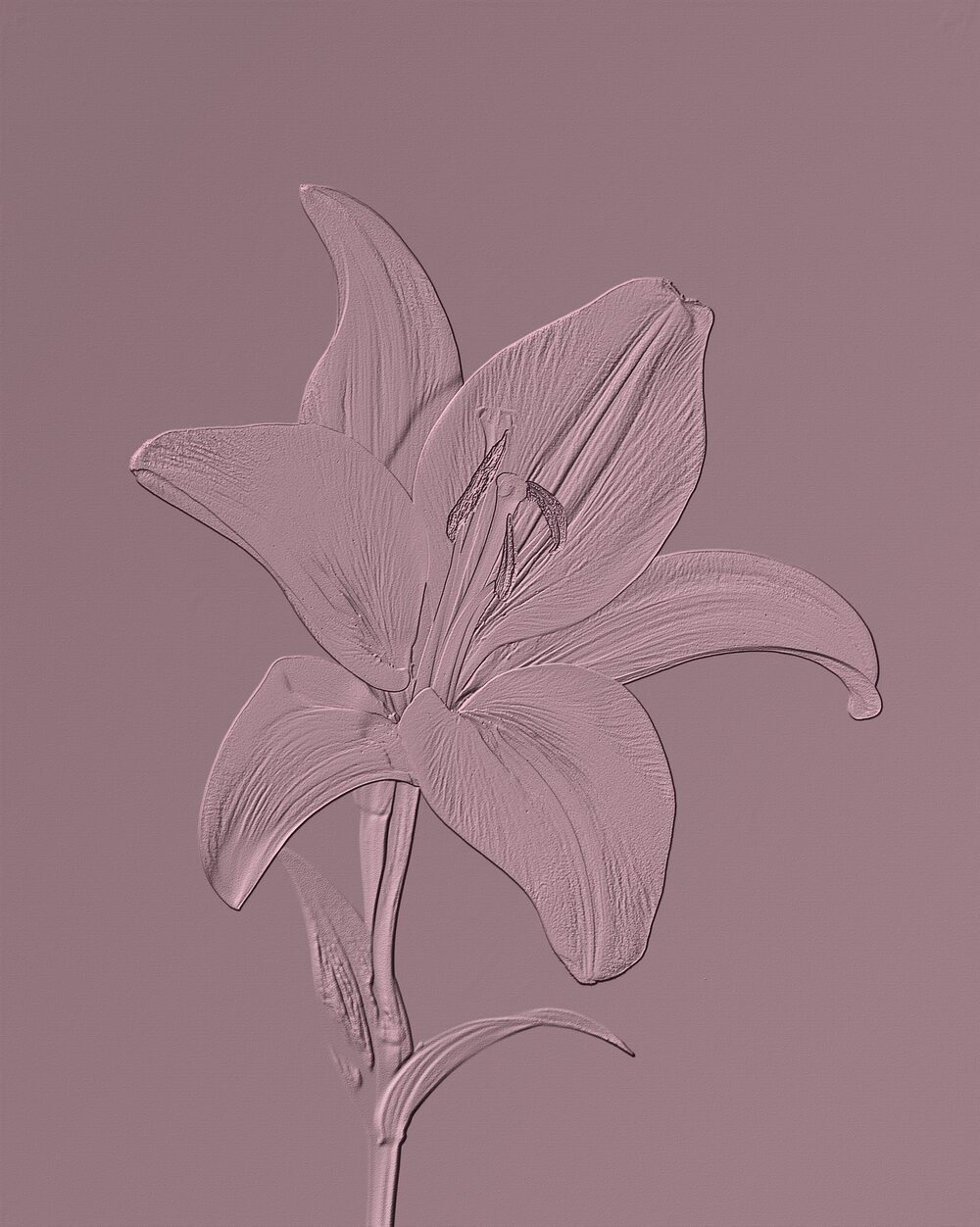
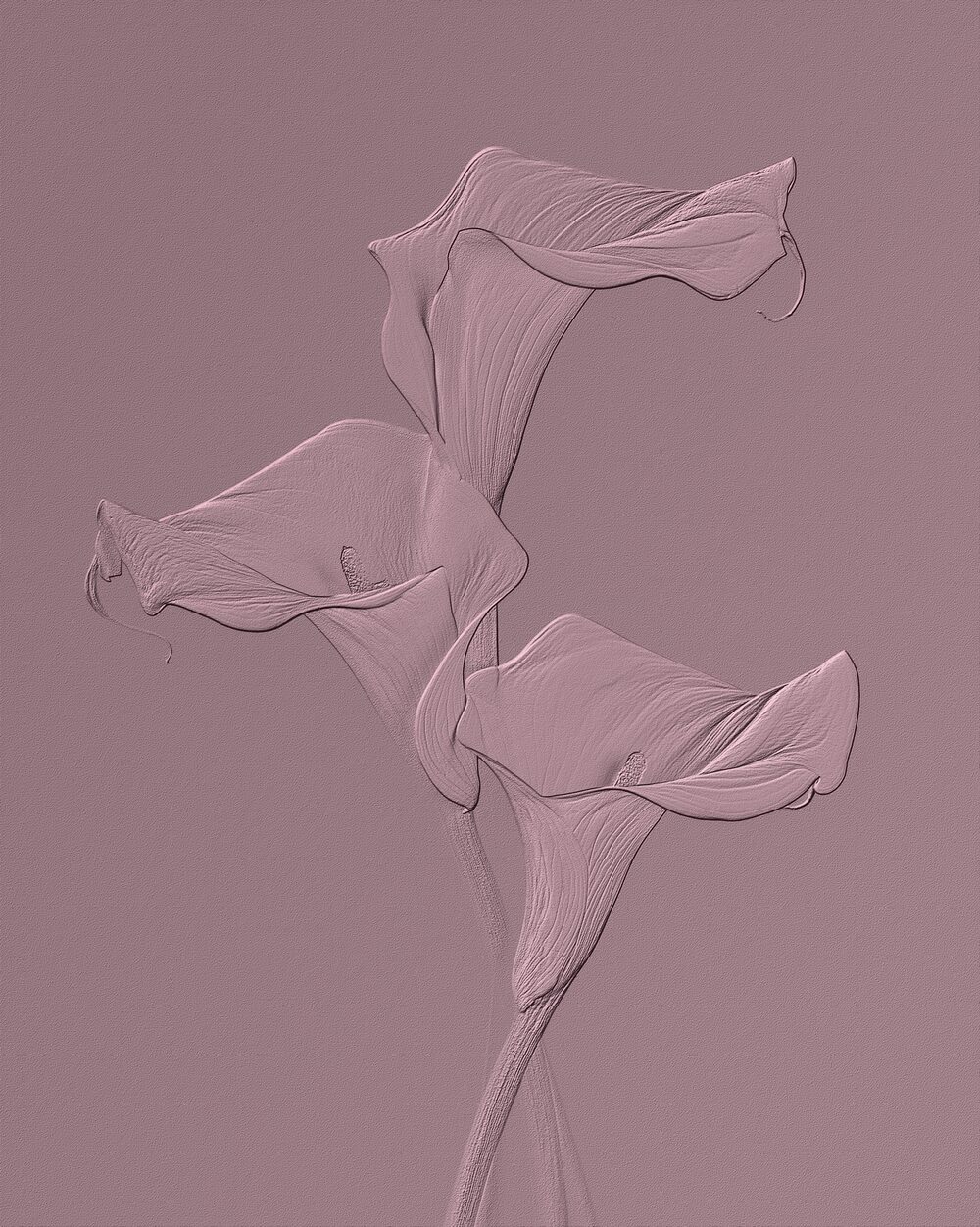
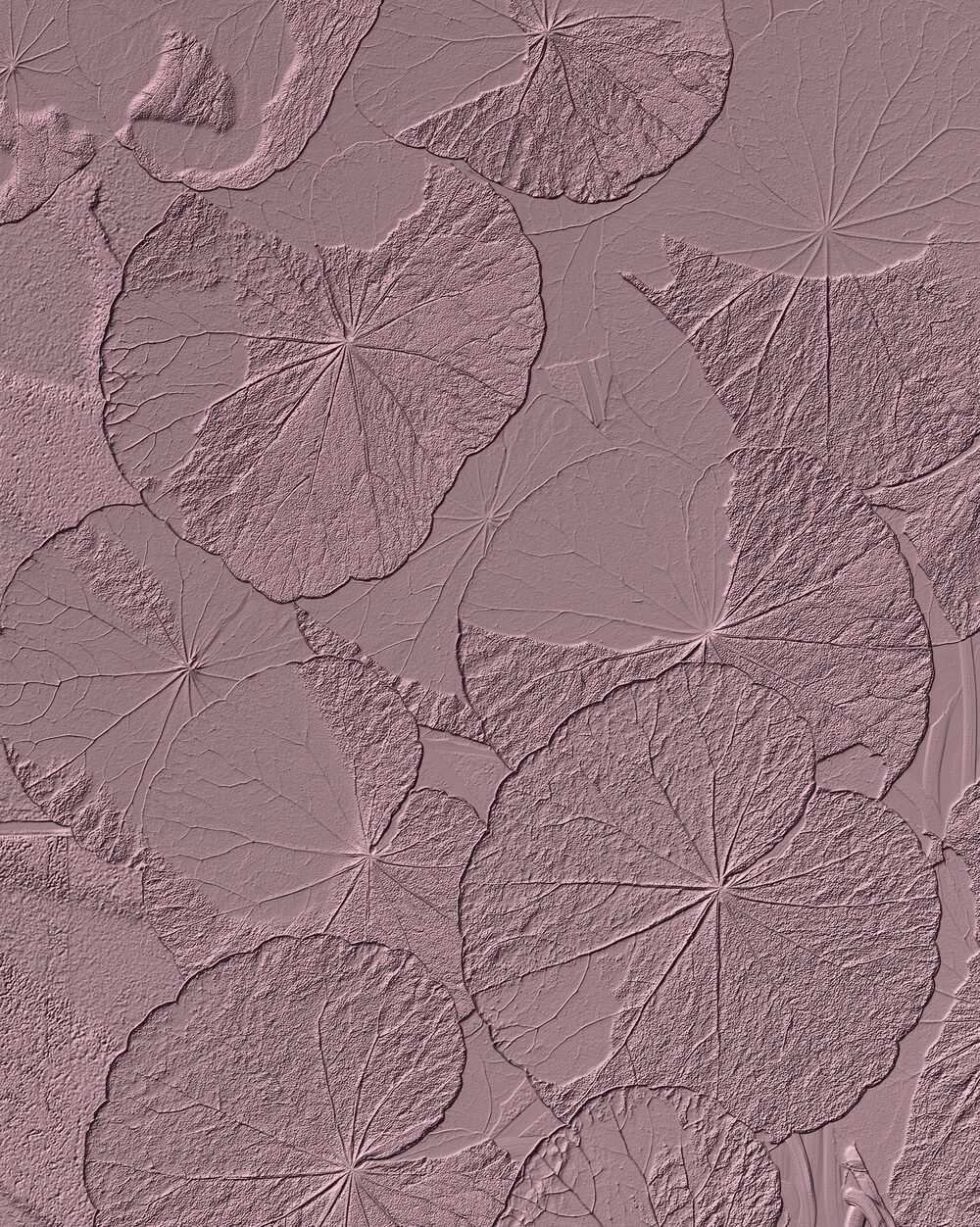
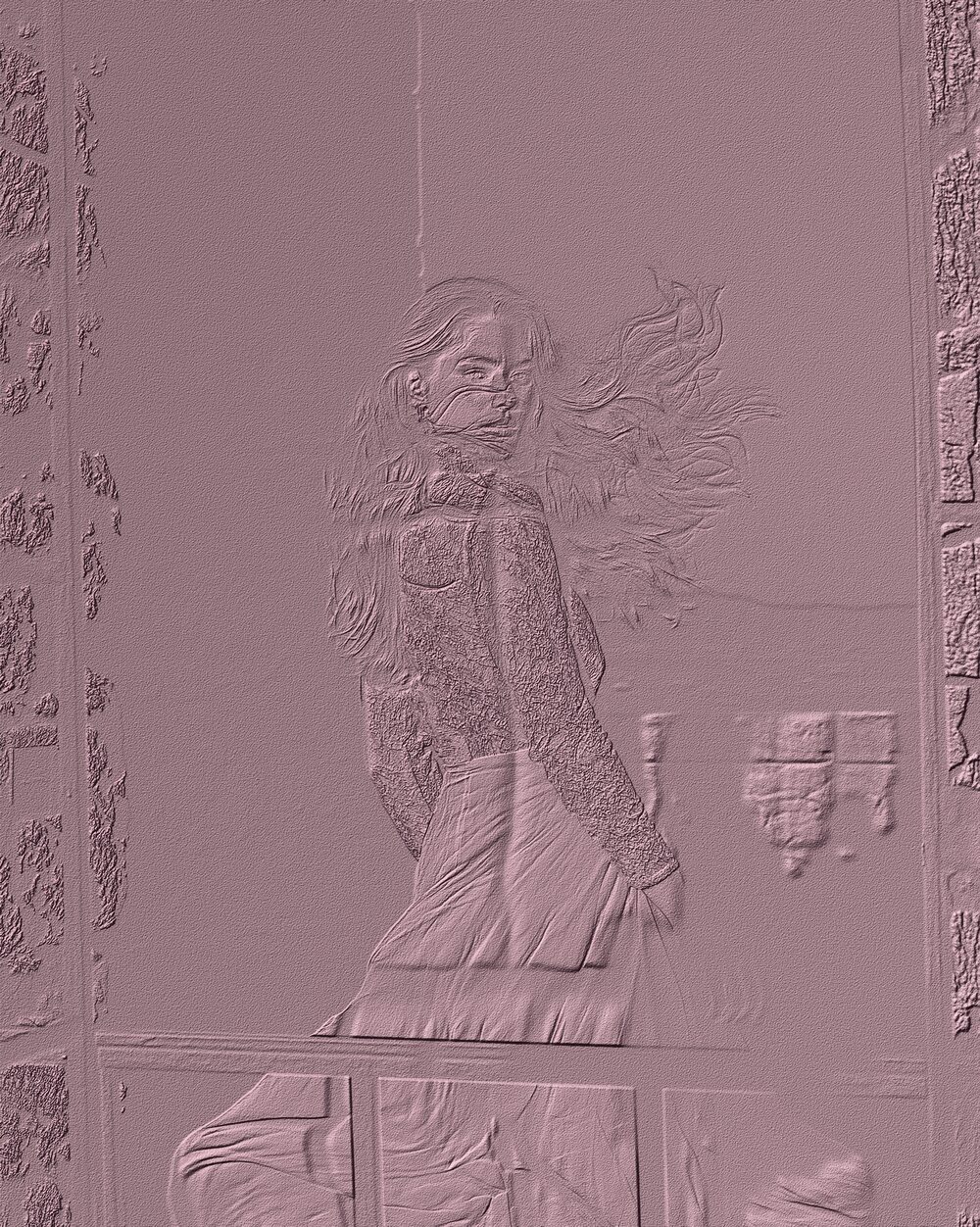
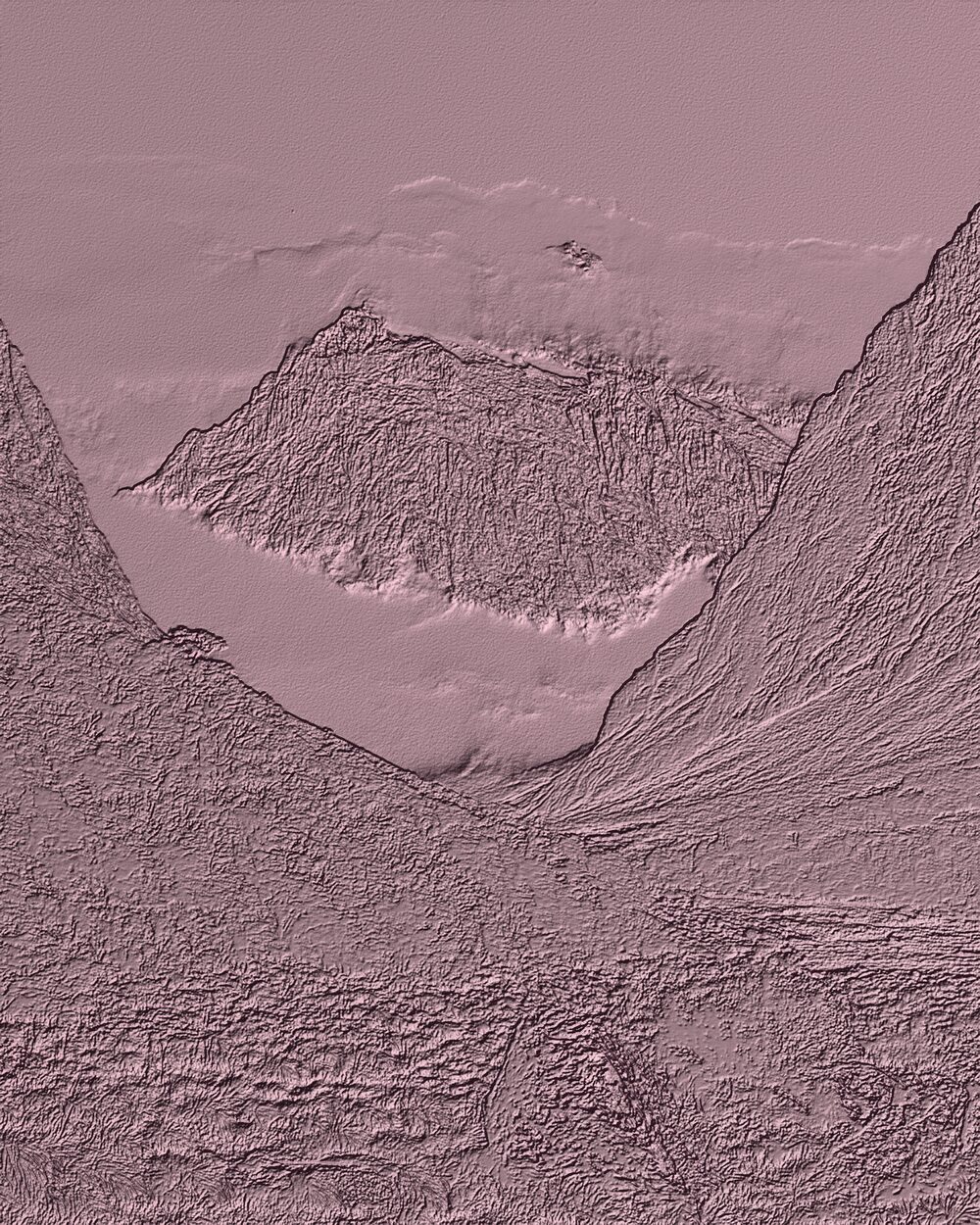
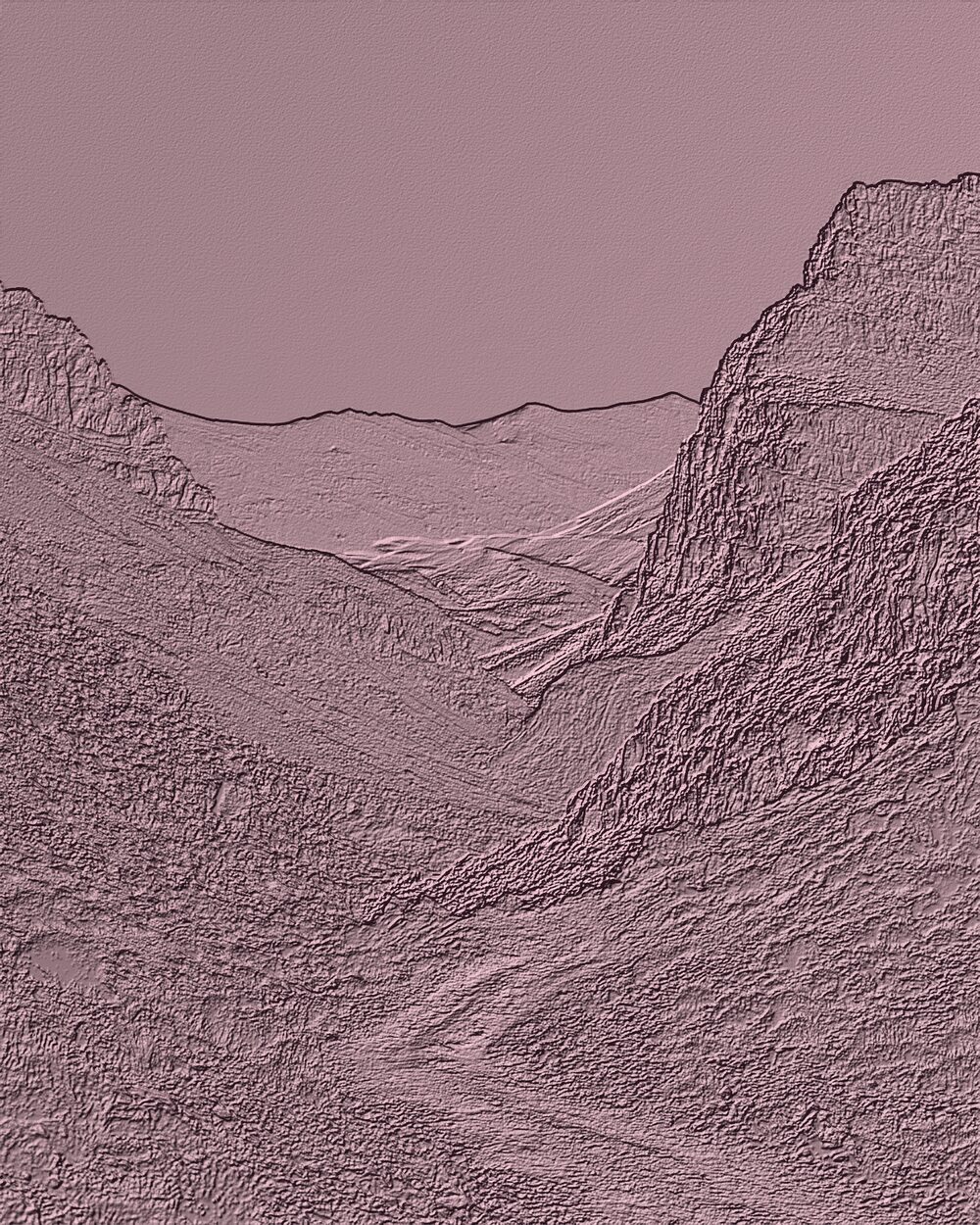
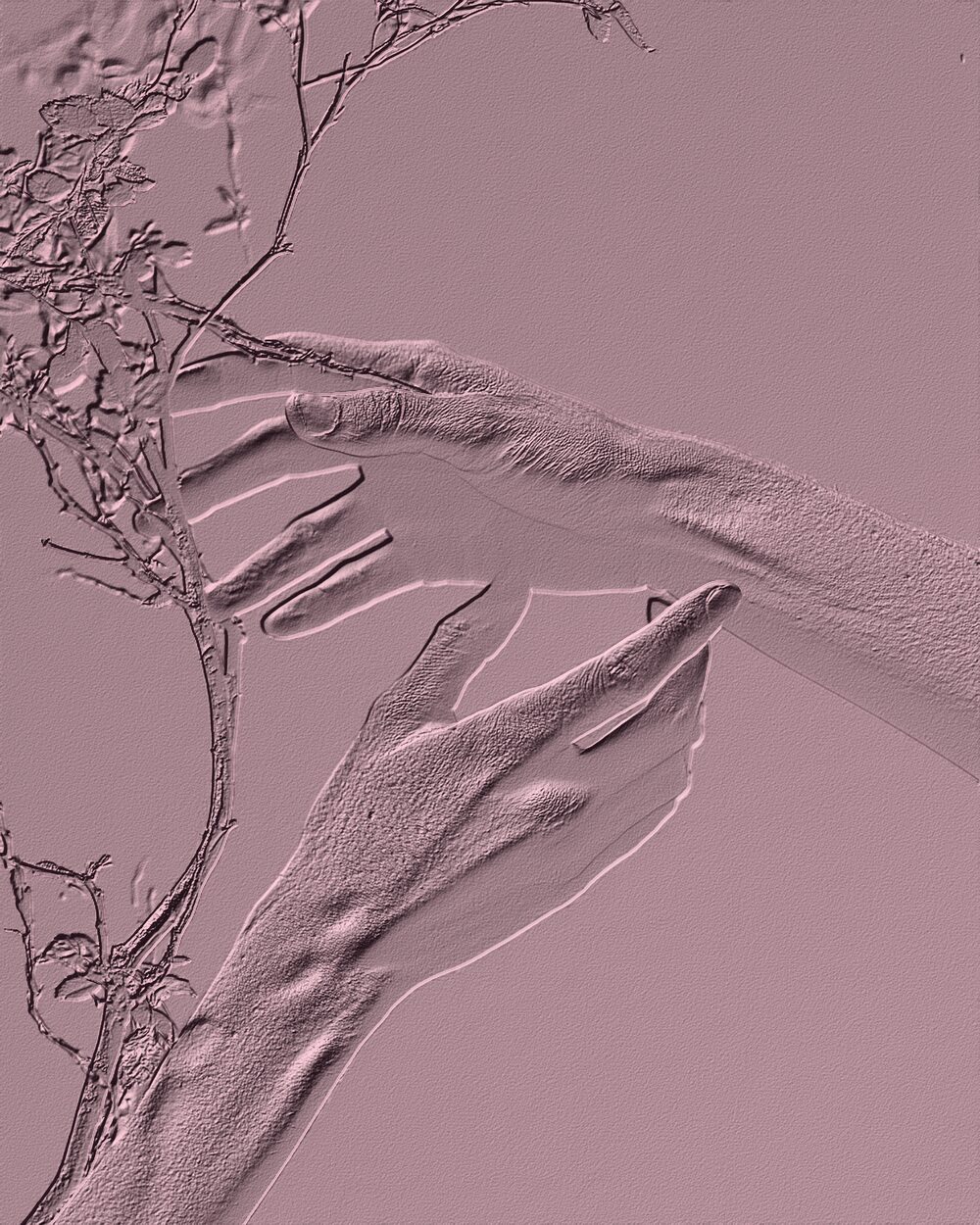
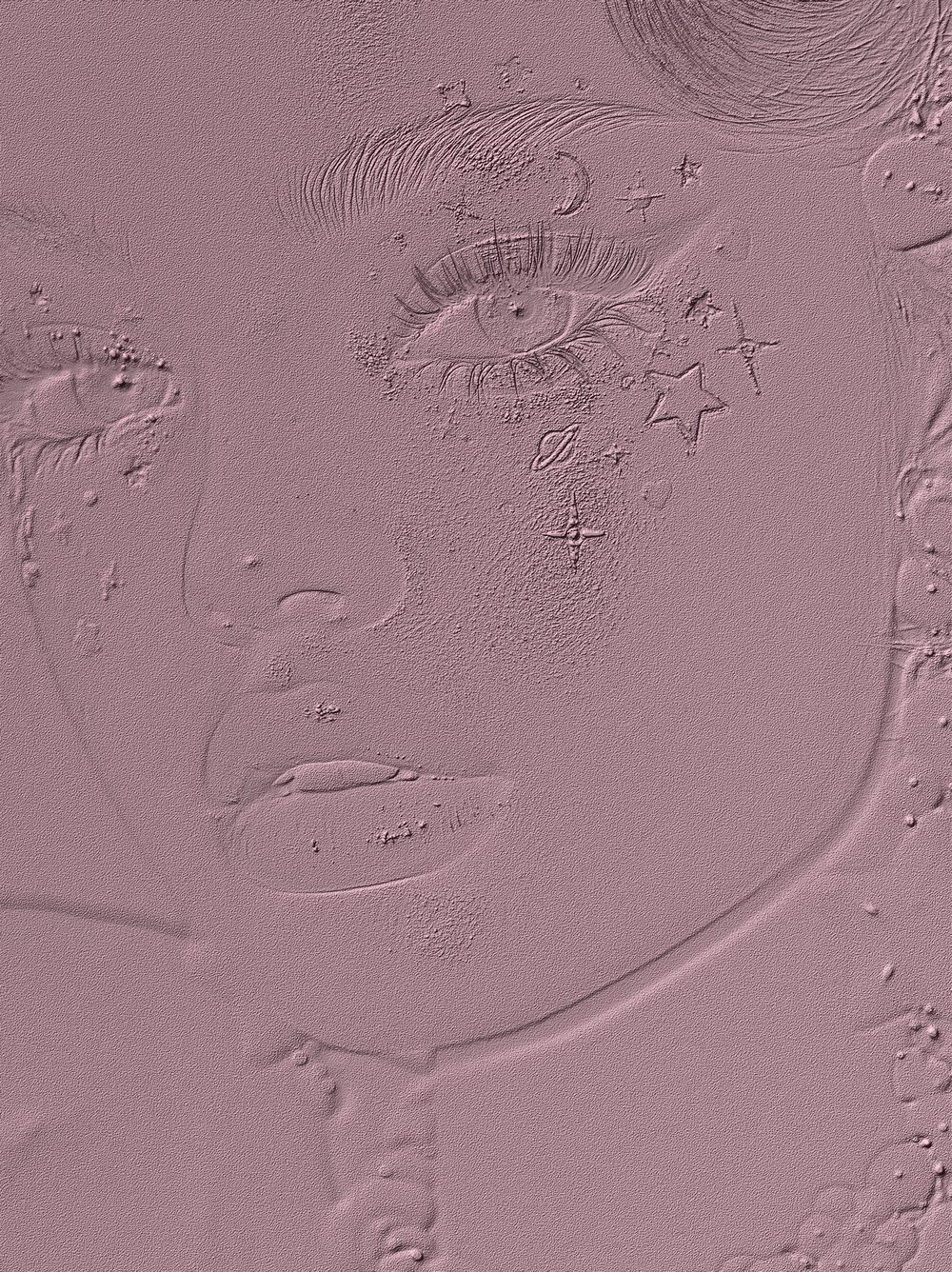
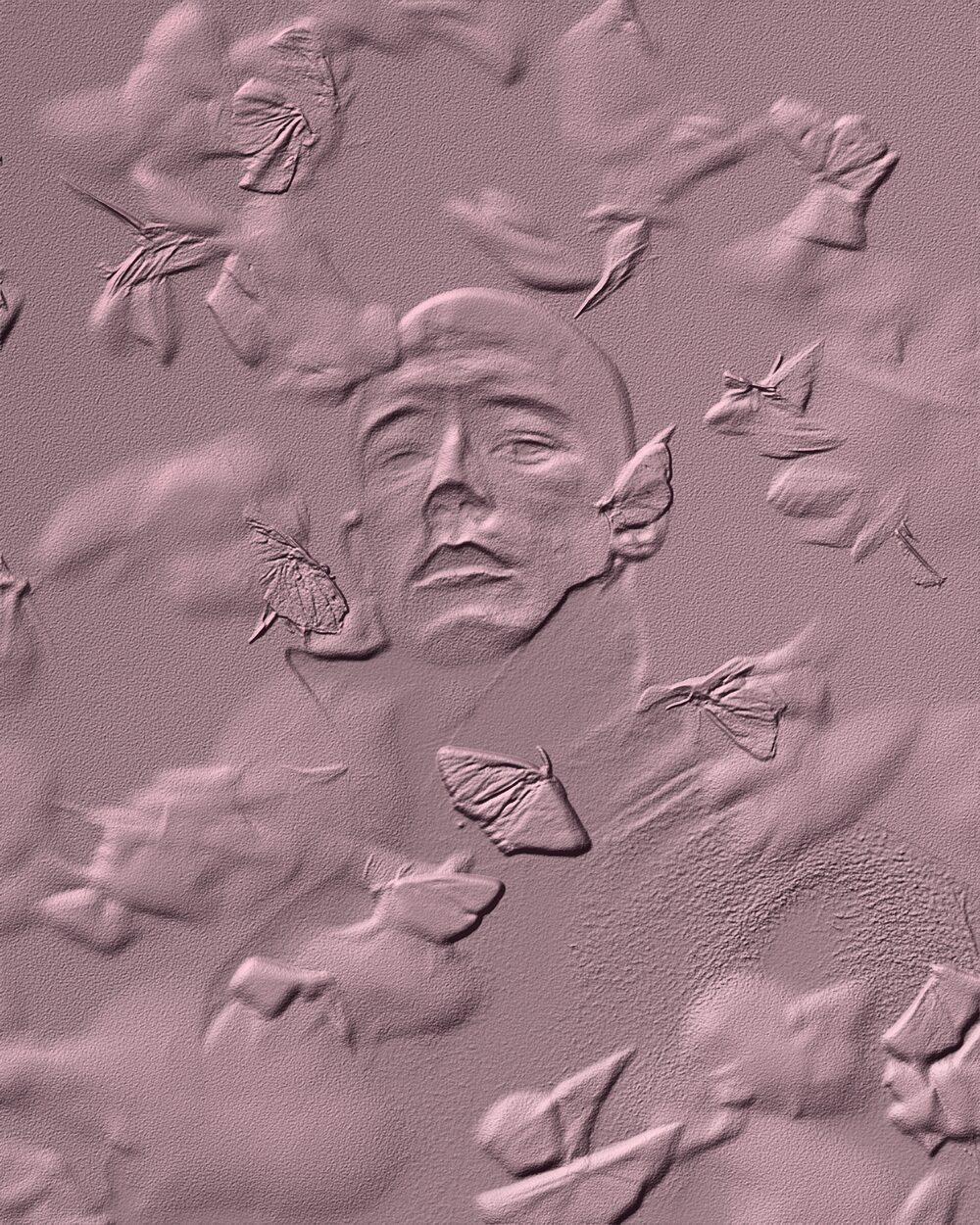
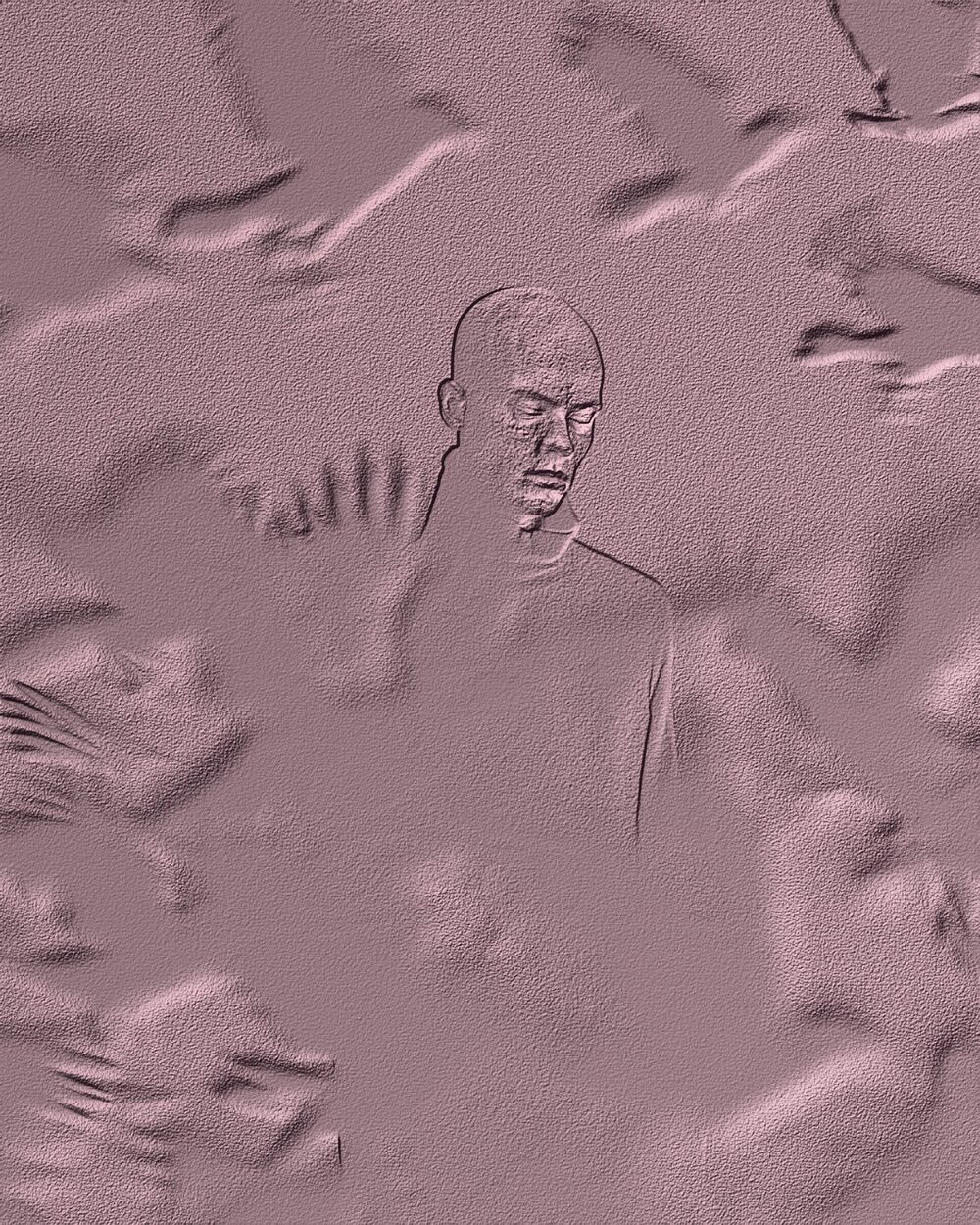
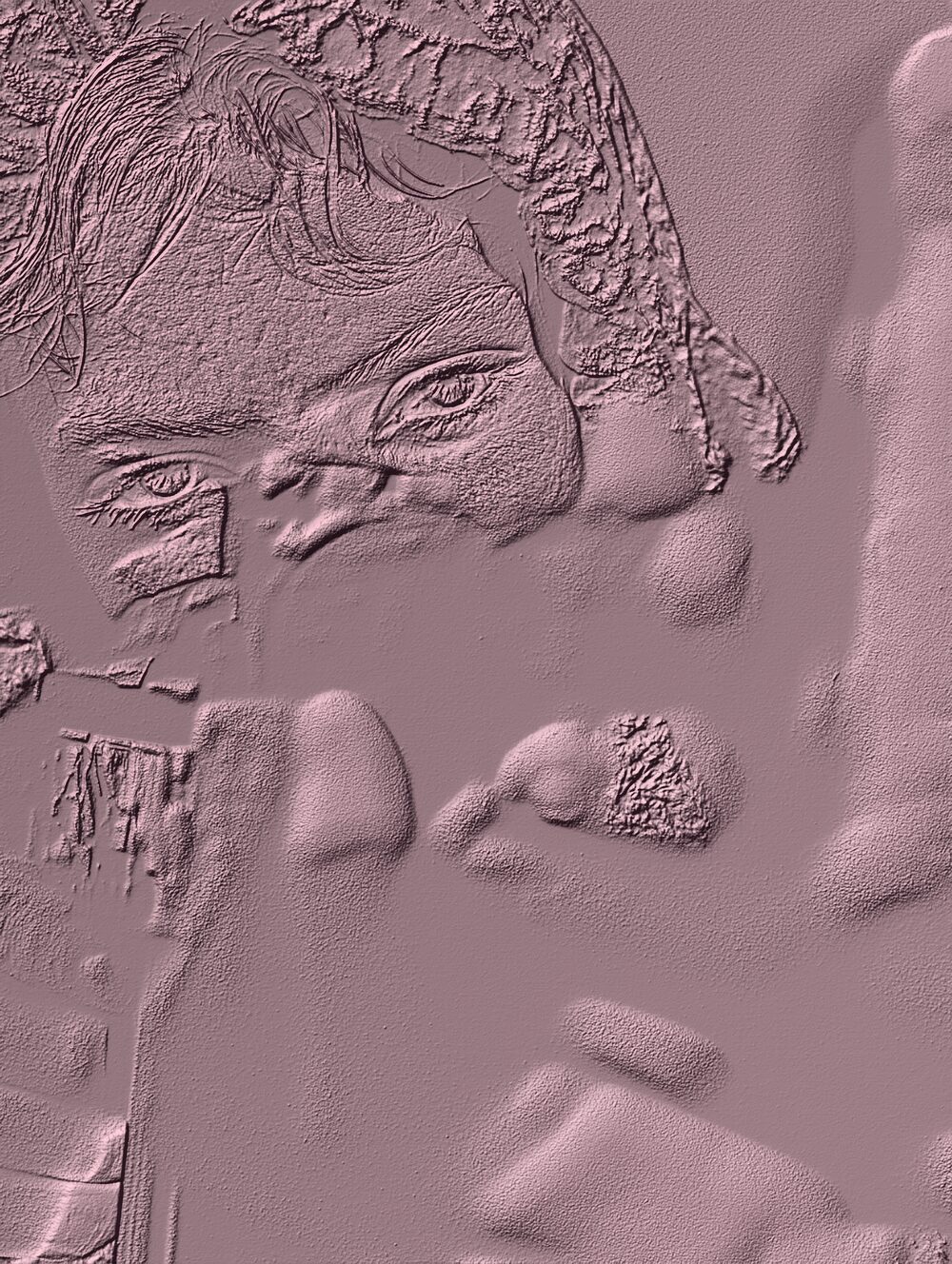
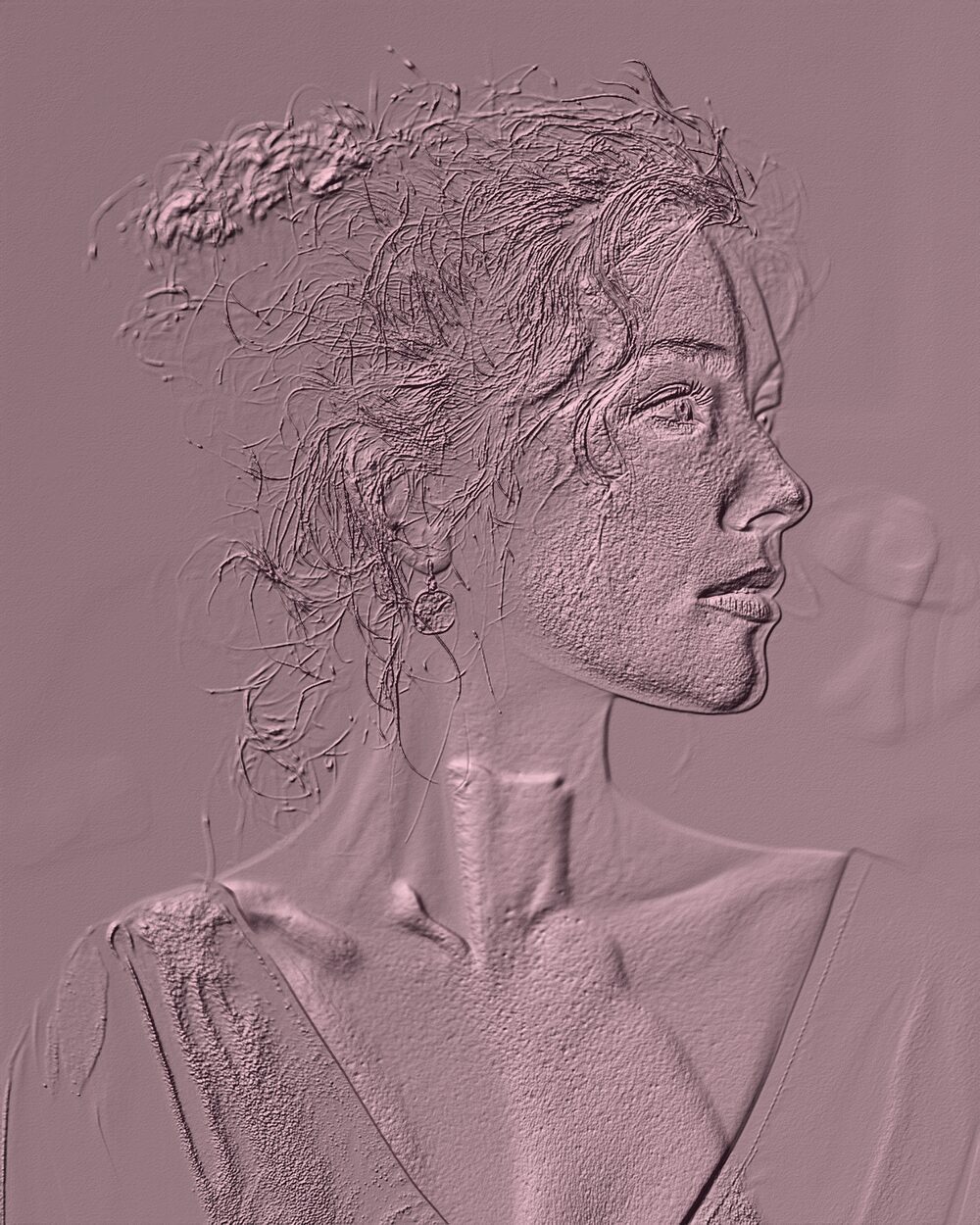
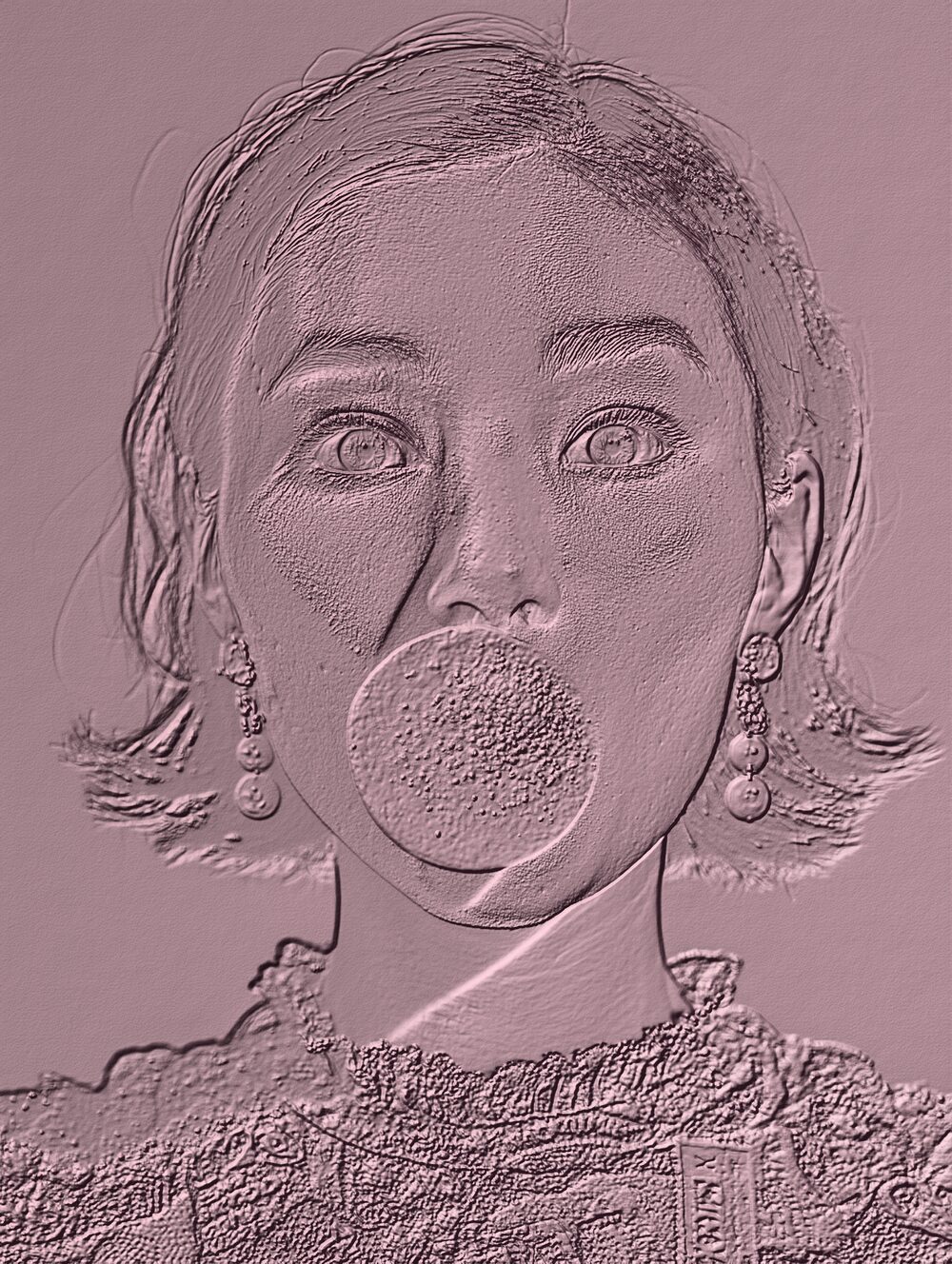
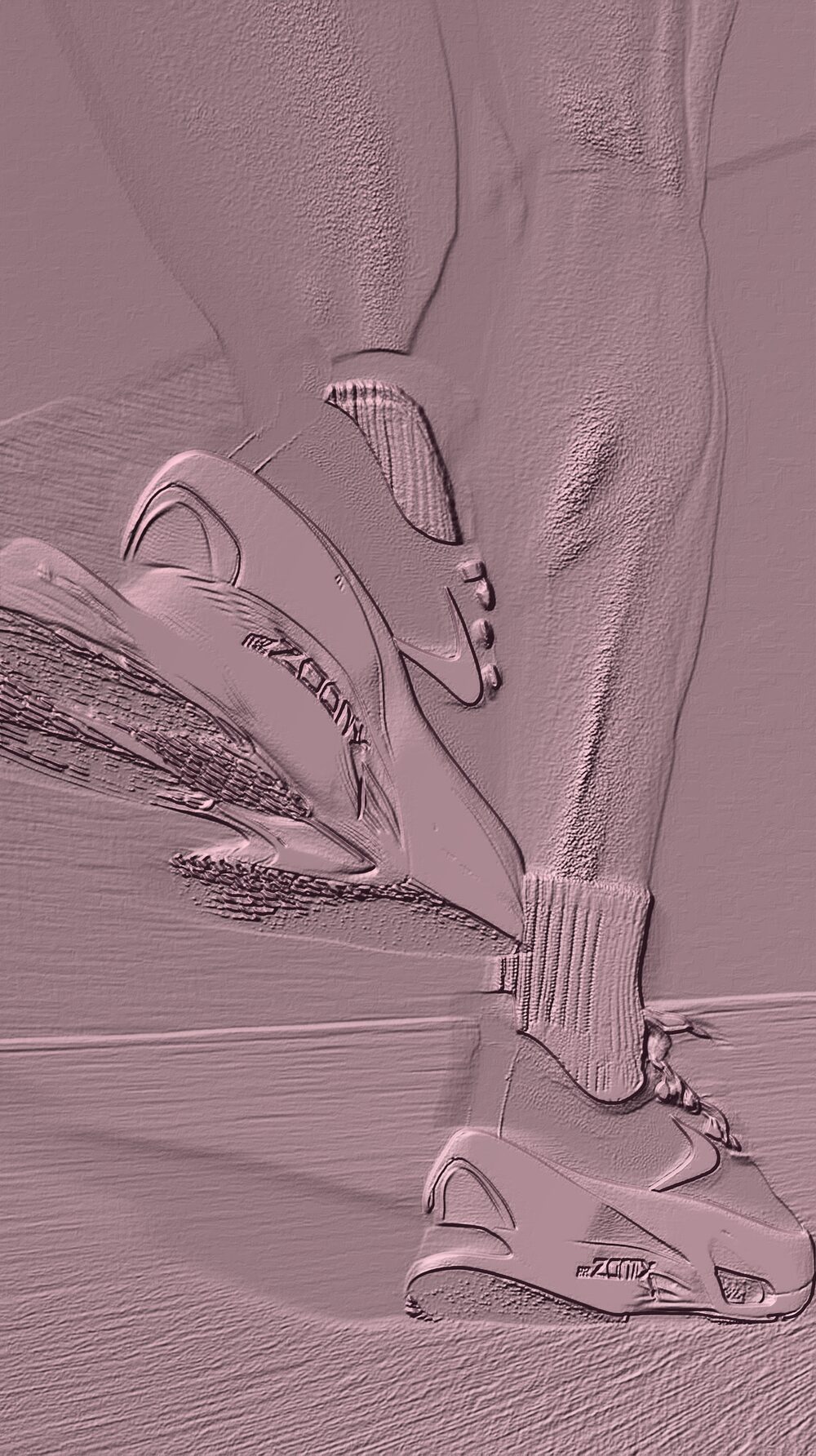
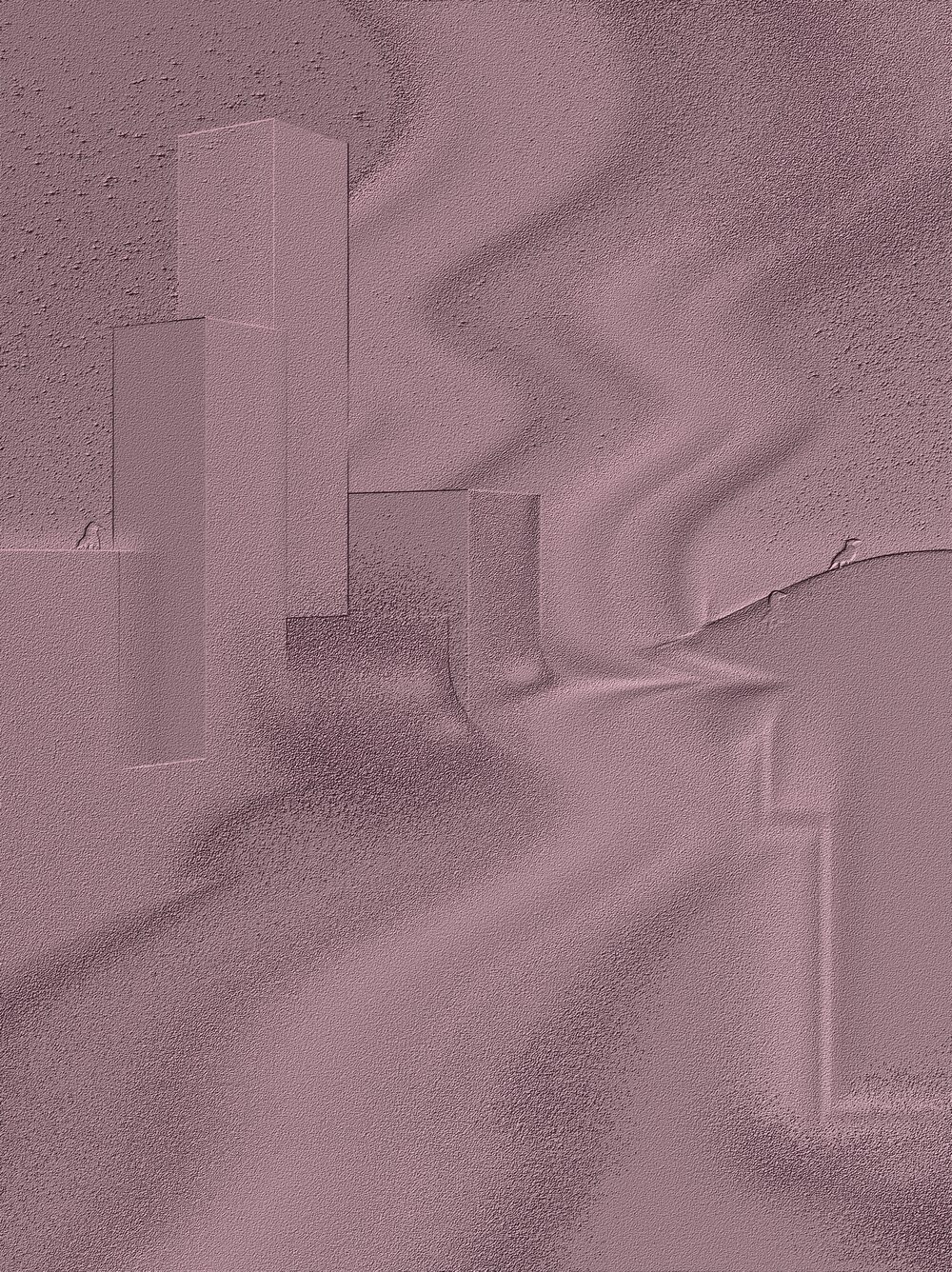
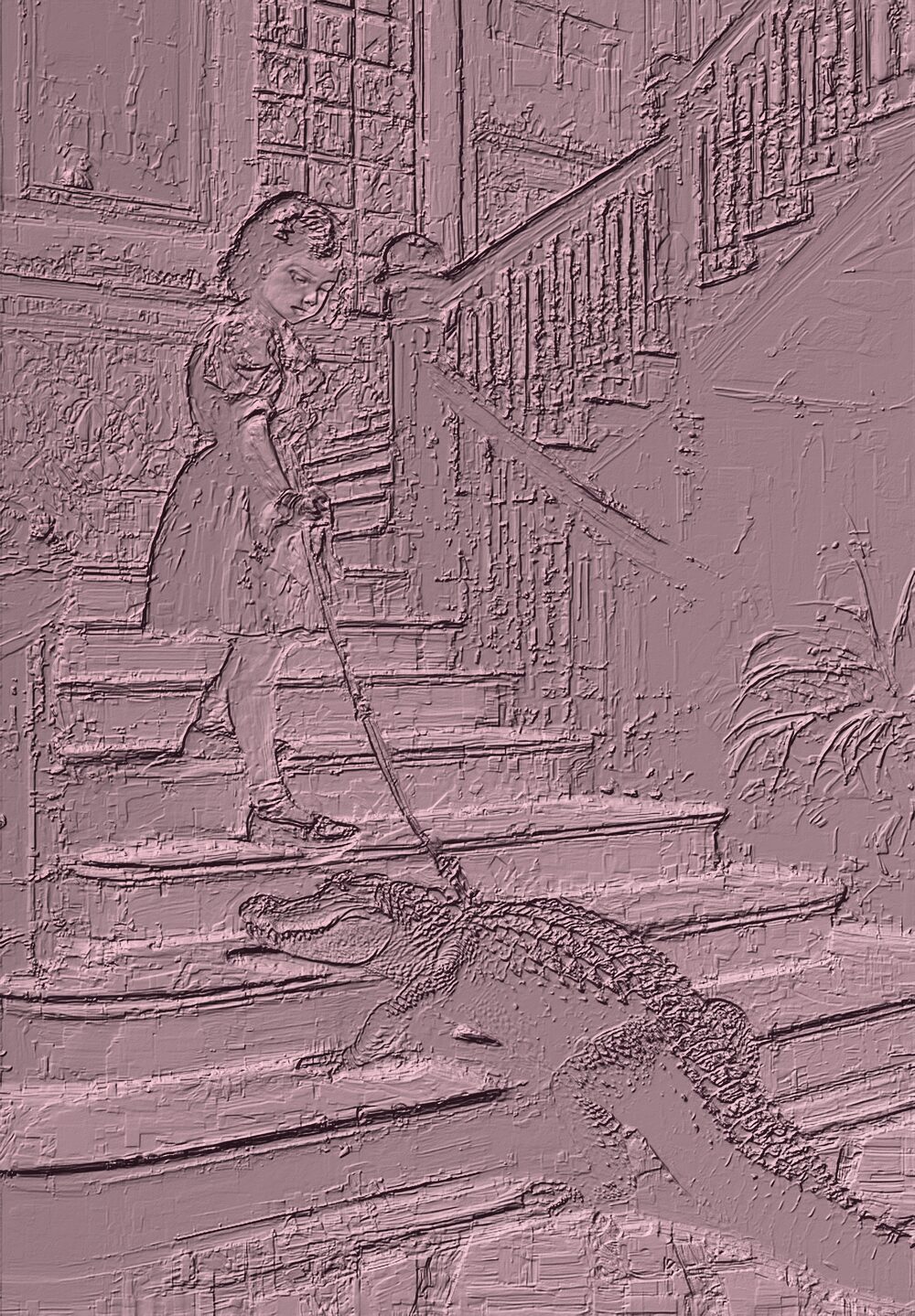
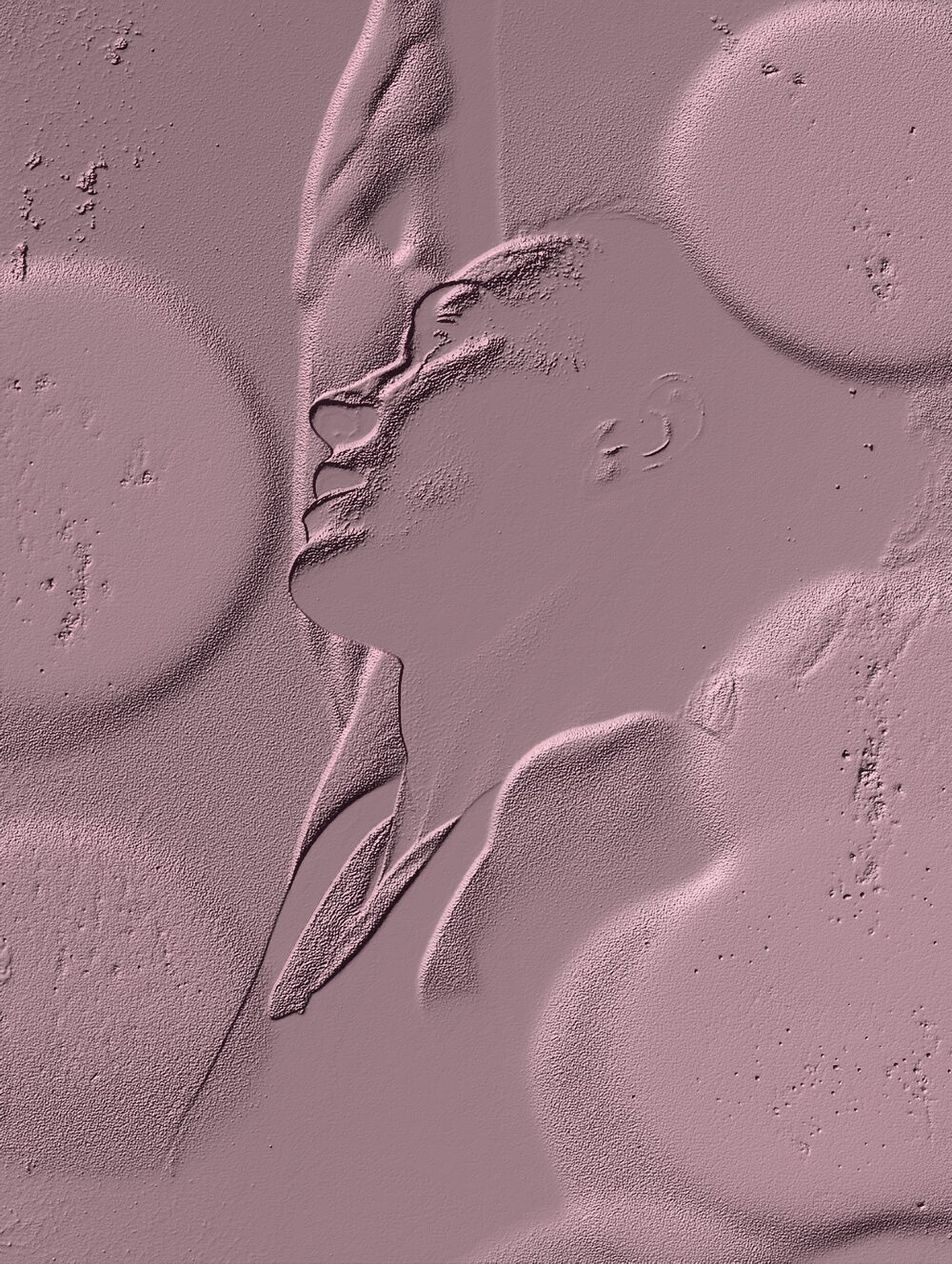
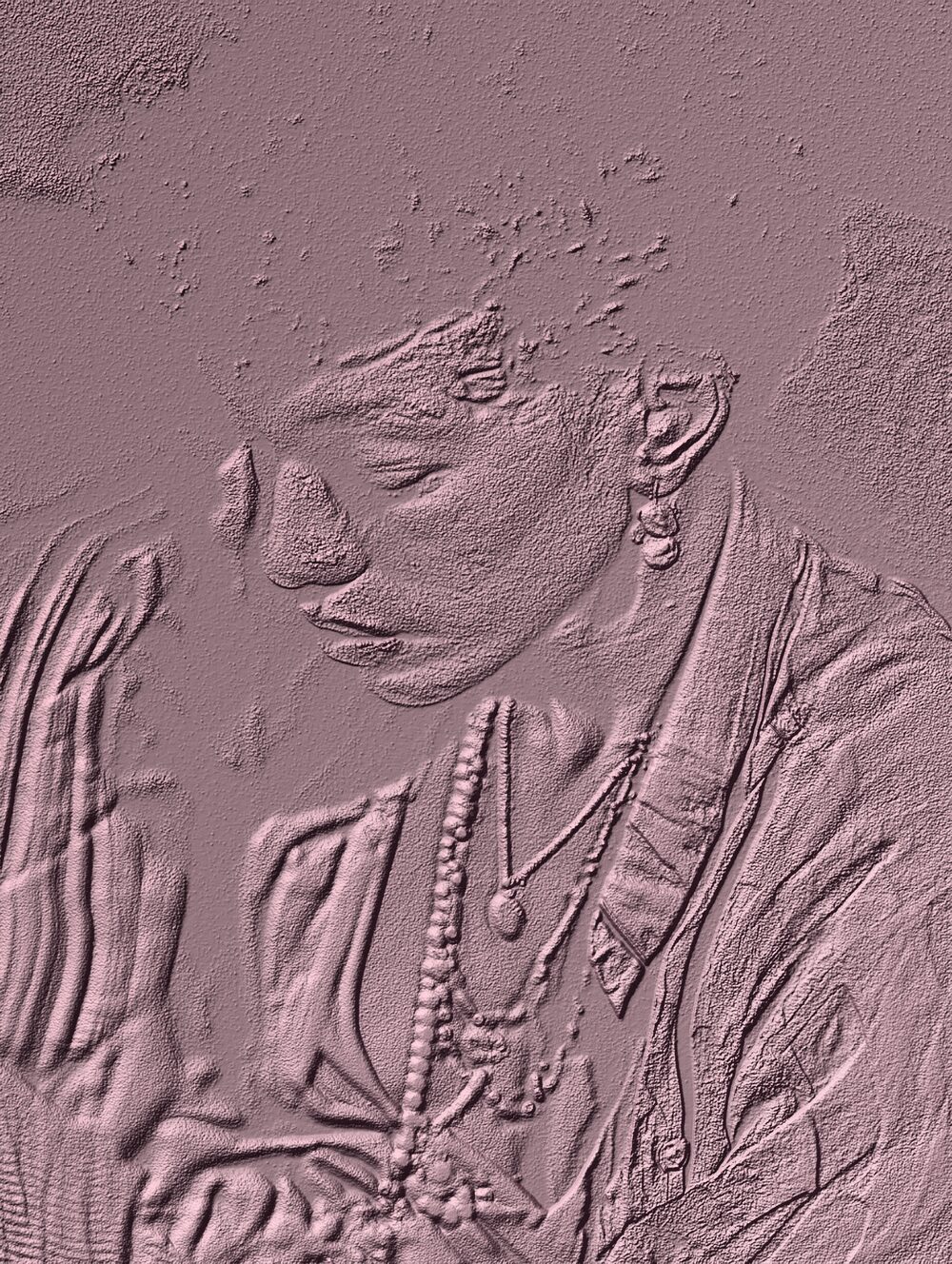
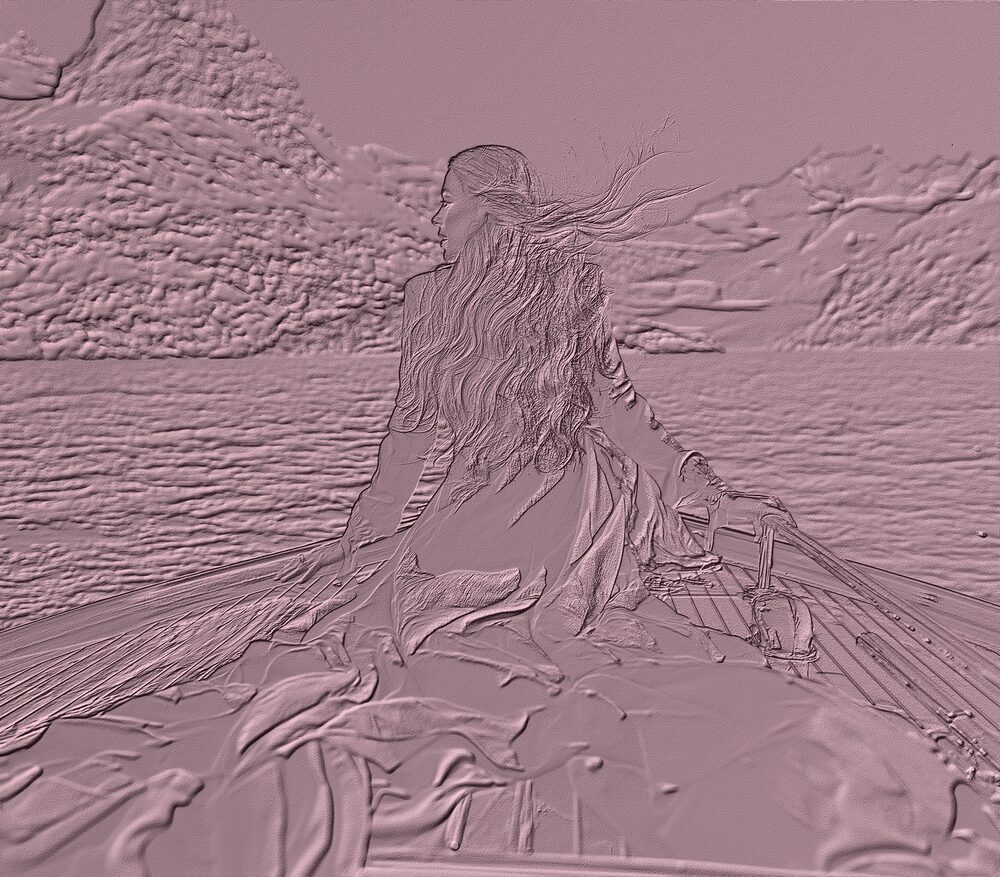
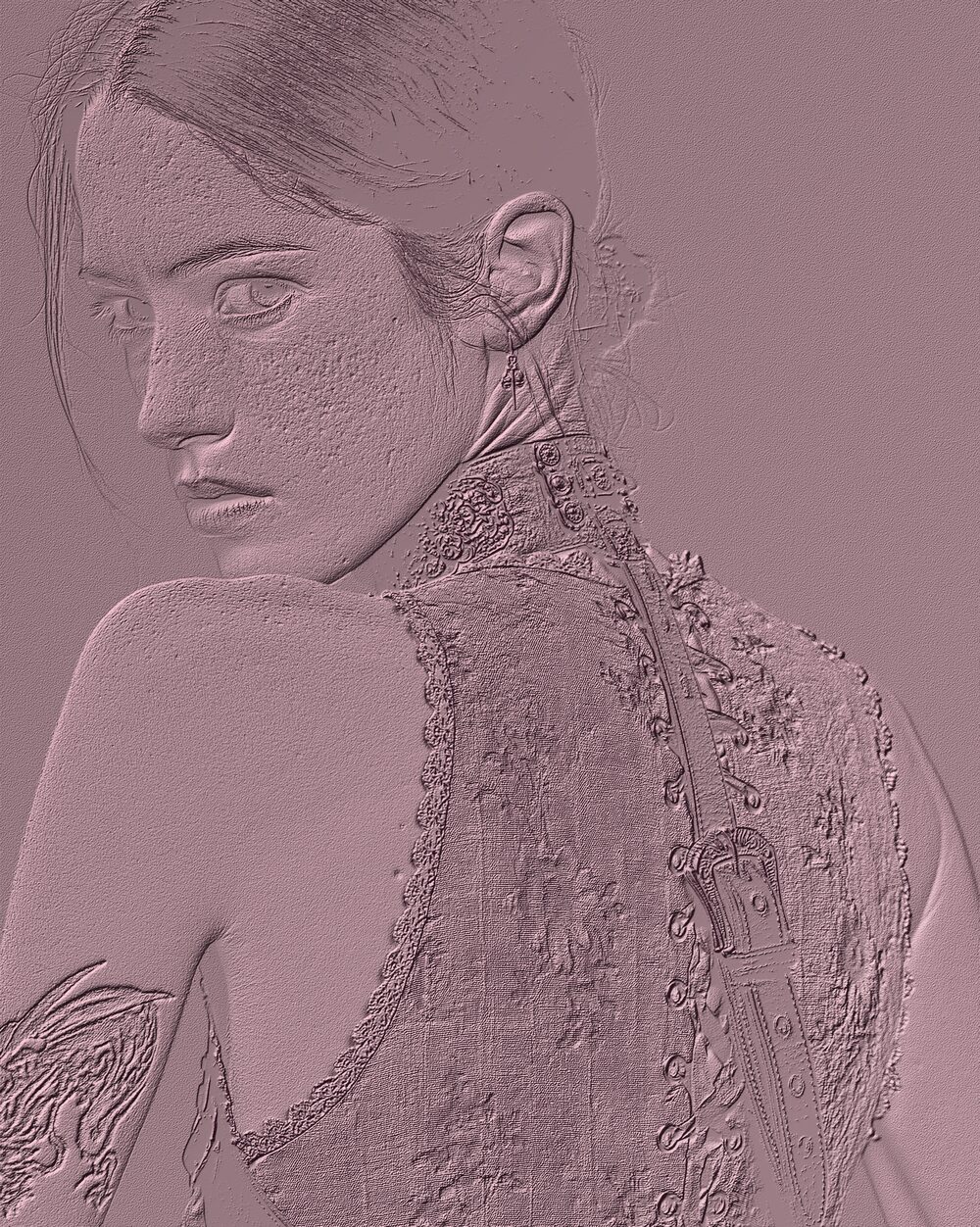
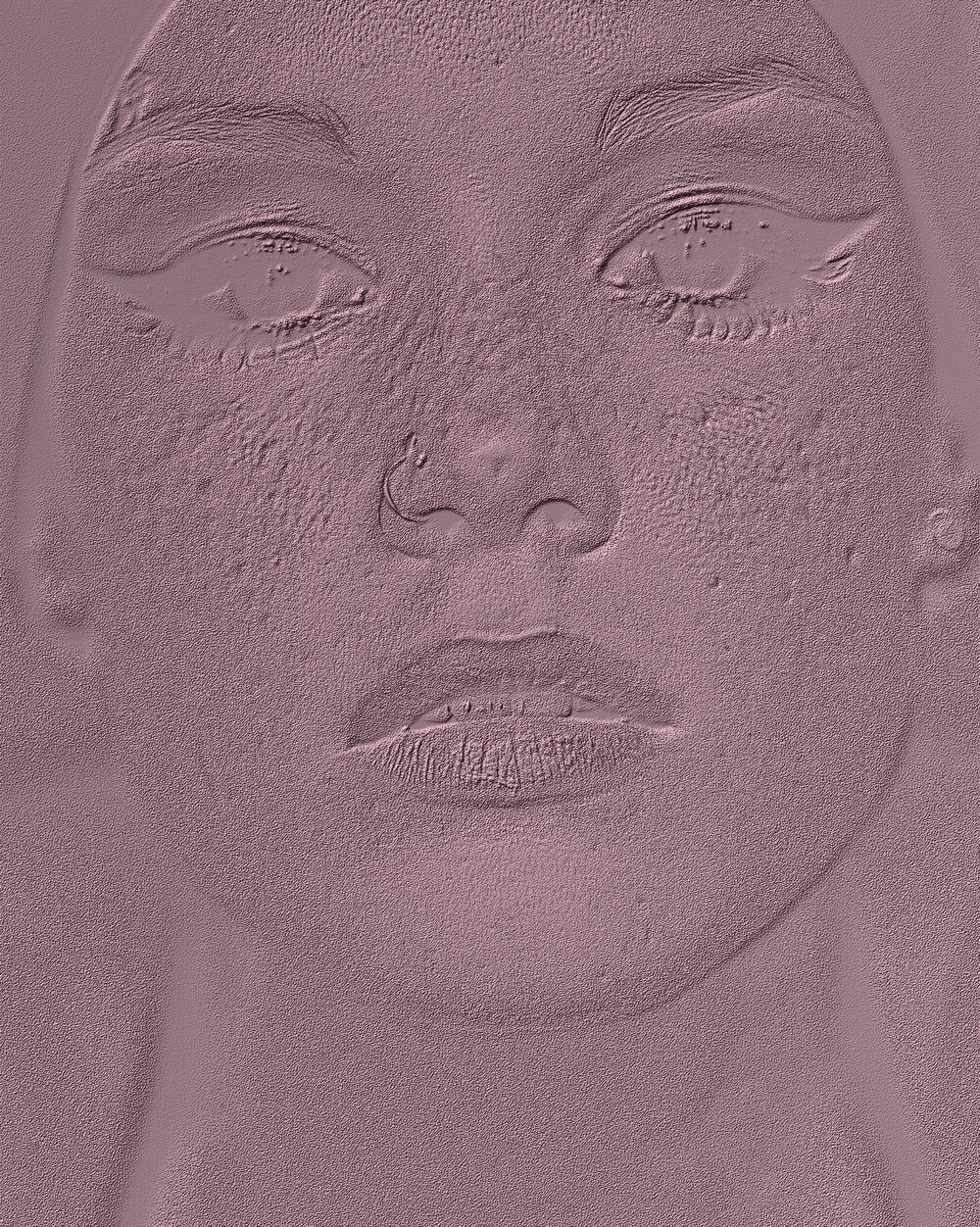
Emboss filters fake raised surfaces by lighting an edge map as if it were relief. Coins, letterpress and stamped metal taught the eye that language; software borrowed it for buttons and type in early GUI design.
Lighting angle and depth turn a flat photo into something that looks pressed or carved.
Properties
Scale
Color
atlas tile index (0..3)
Light direction
base rotation angles in radians (yaw, pitch)
Light animation
angular velocity in radians/sec (trackball axis from XY)
Shadow direction
shadow direction (xy) and distance=|vec| in pixels
Lock shadow
lock shadow vector to rotation
Shadow intensity
shadow casting intensity from raised areas
Shadow blur
shadow blur radius in pixels (0 disables blur)
Highlight intensity
highlight intensity on opposite side of shadows
Highlight distance
highlight distance in pixels (separate from shadowVector)
Gradient strength
overlay gradient strength from light direction
Depth darkening
uniform darkening based on surface depth
Command line
Requires Rethings Pro. Install the tool from Rethings → Install Command Line Tool…
rethings apply --effect emboss --set scale=4.052 --set matcapIndex=30 -i input.jpg -o output.png