Effect
Halftone Screen
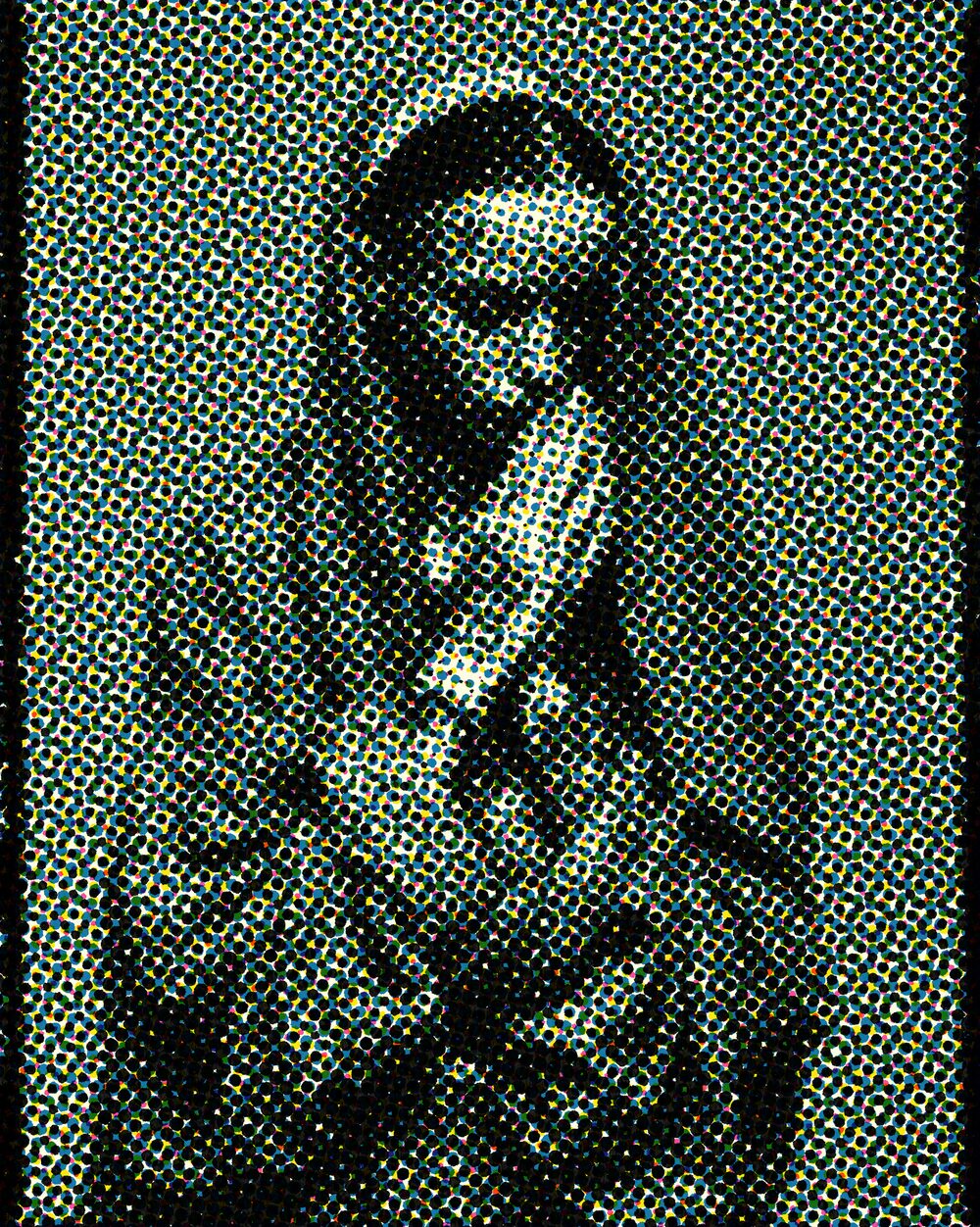
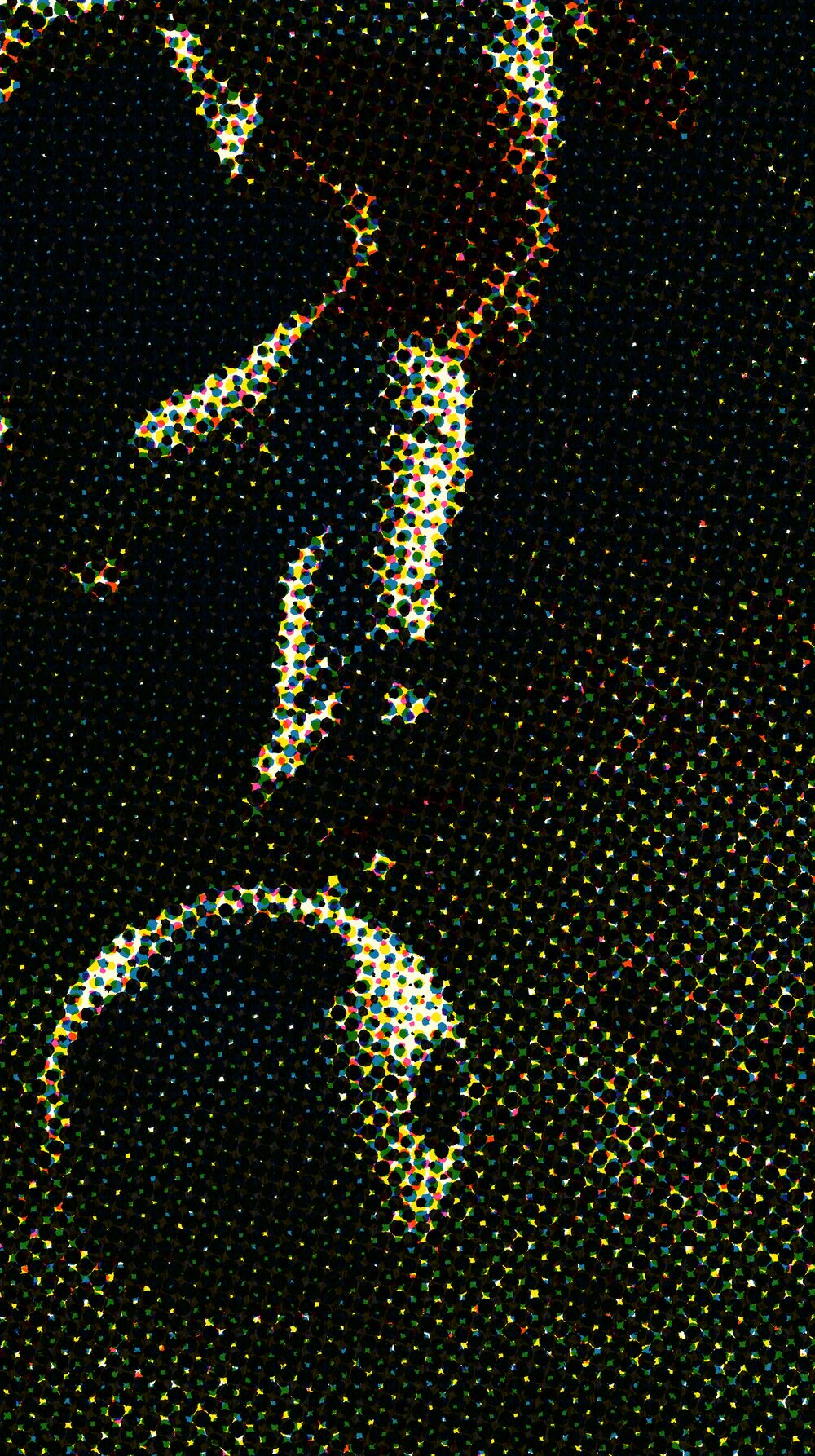
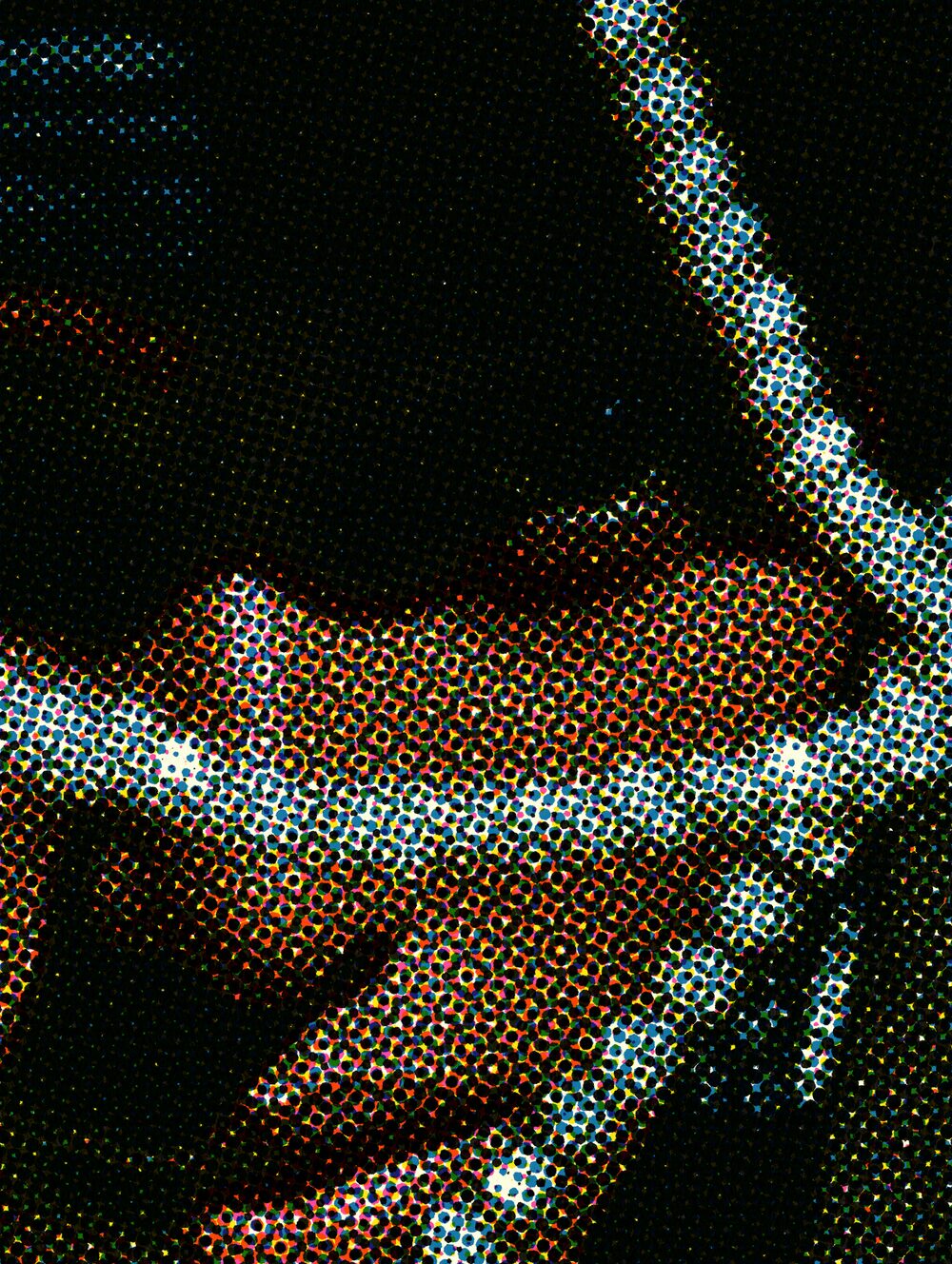
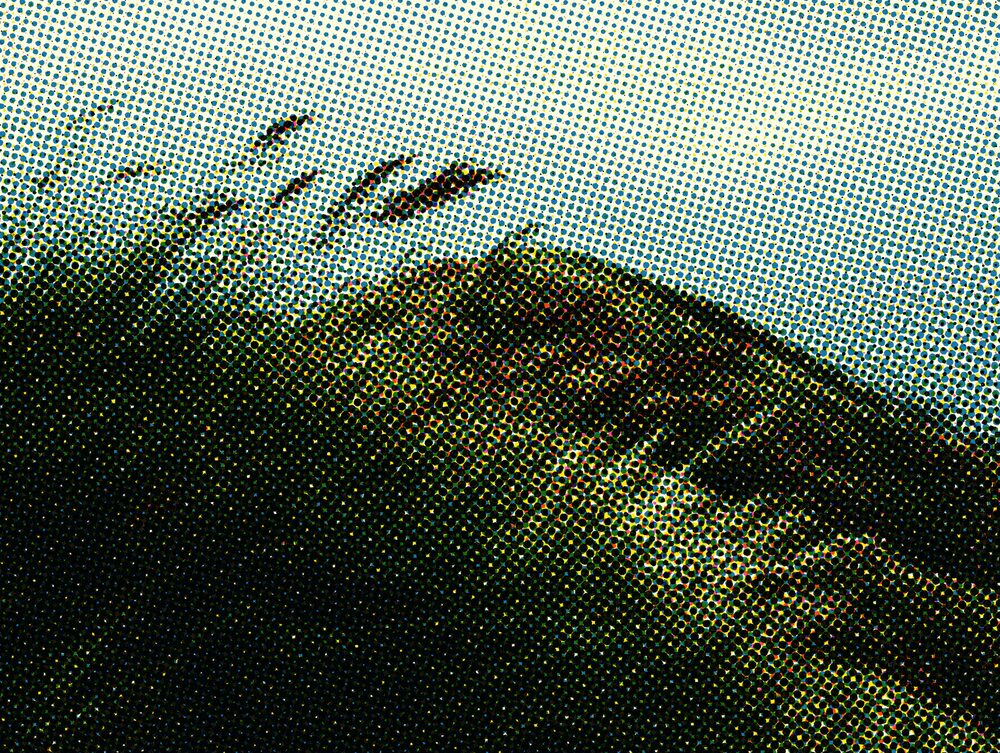
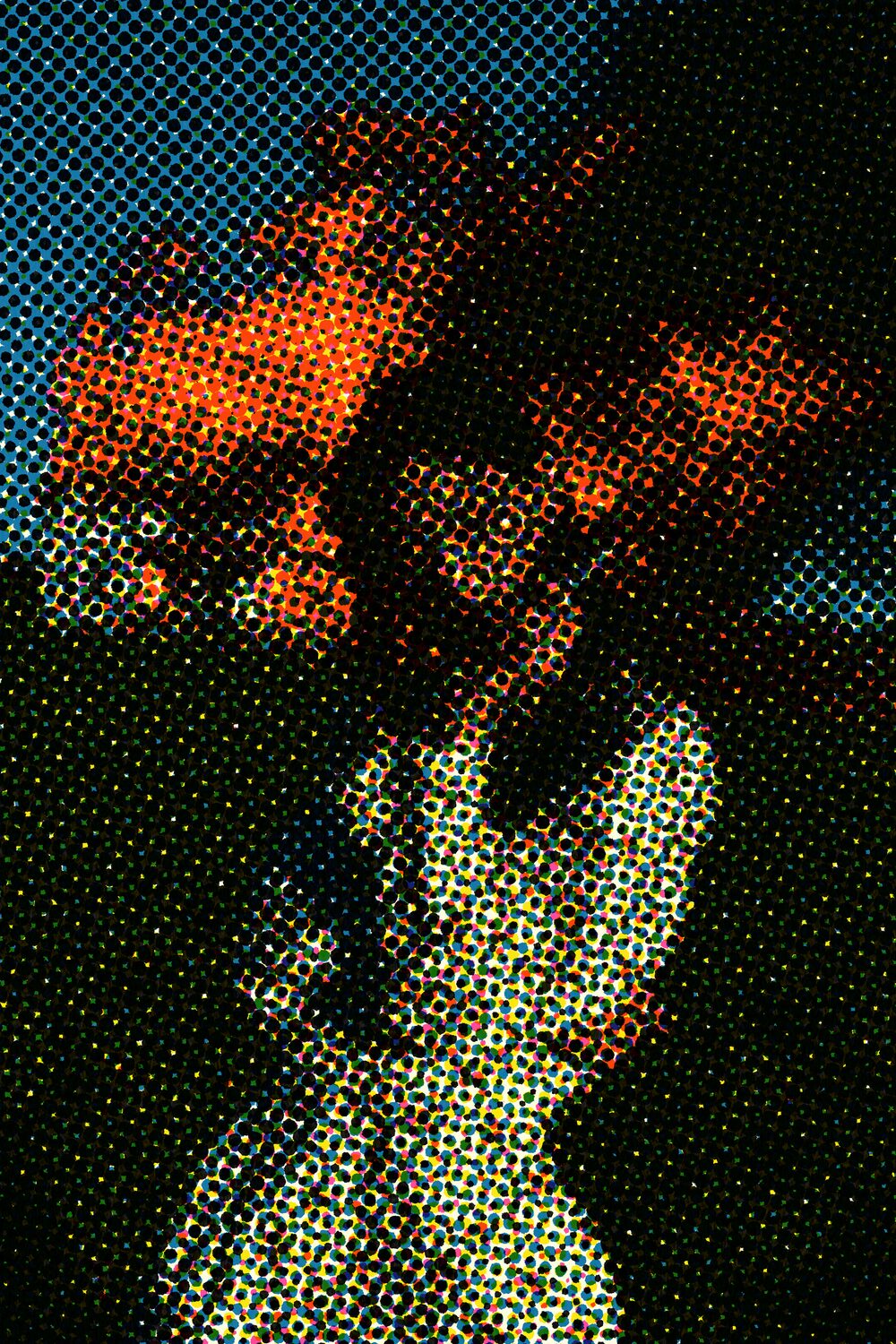
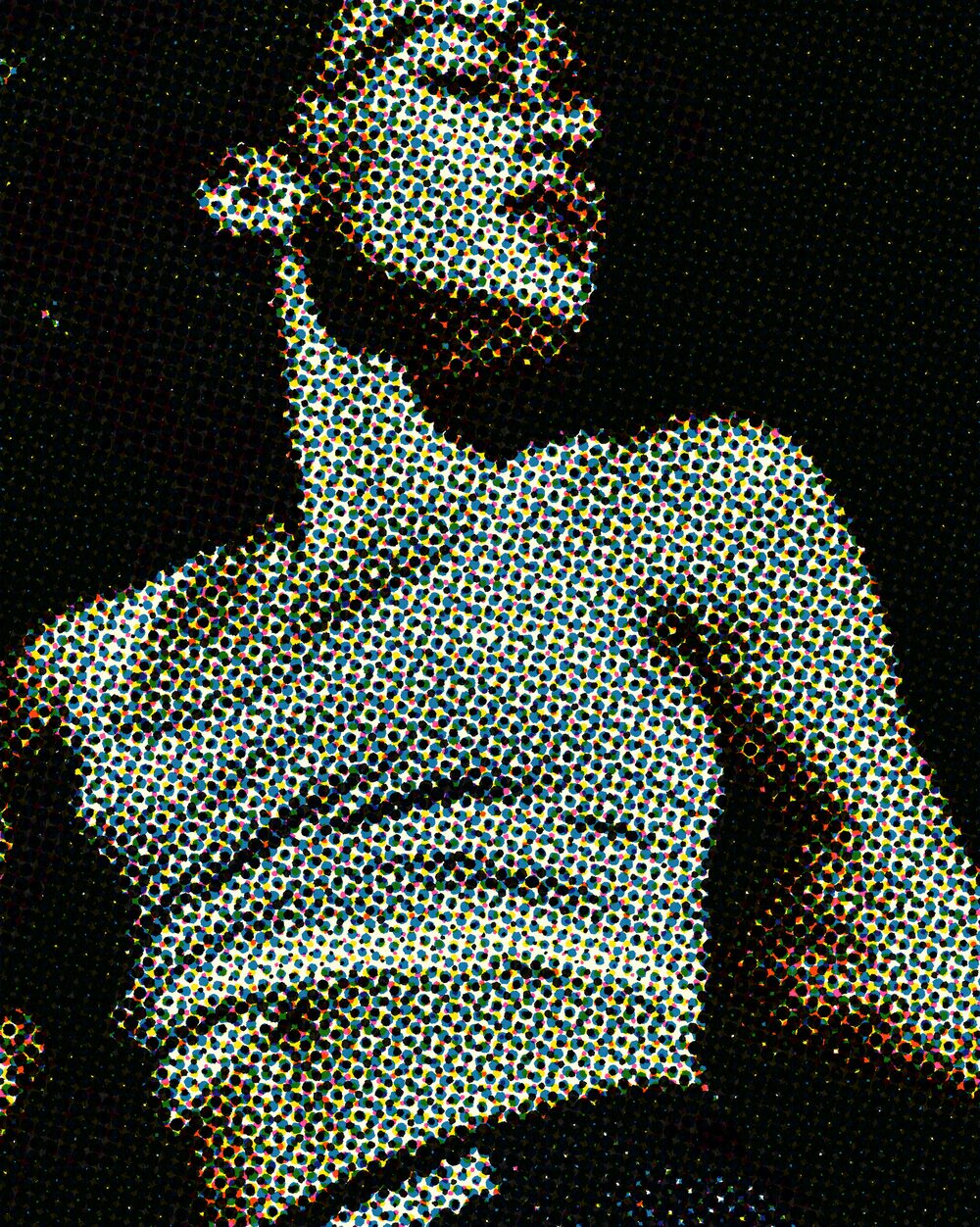
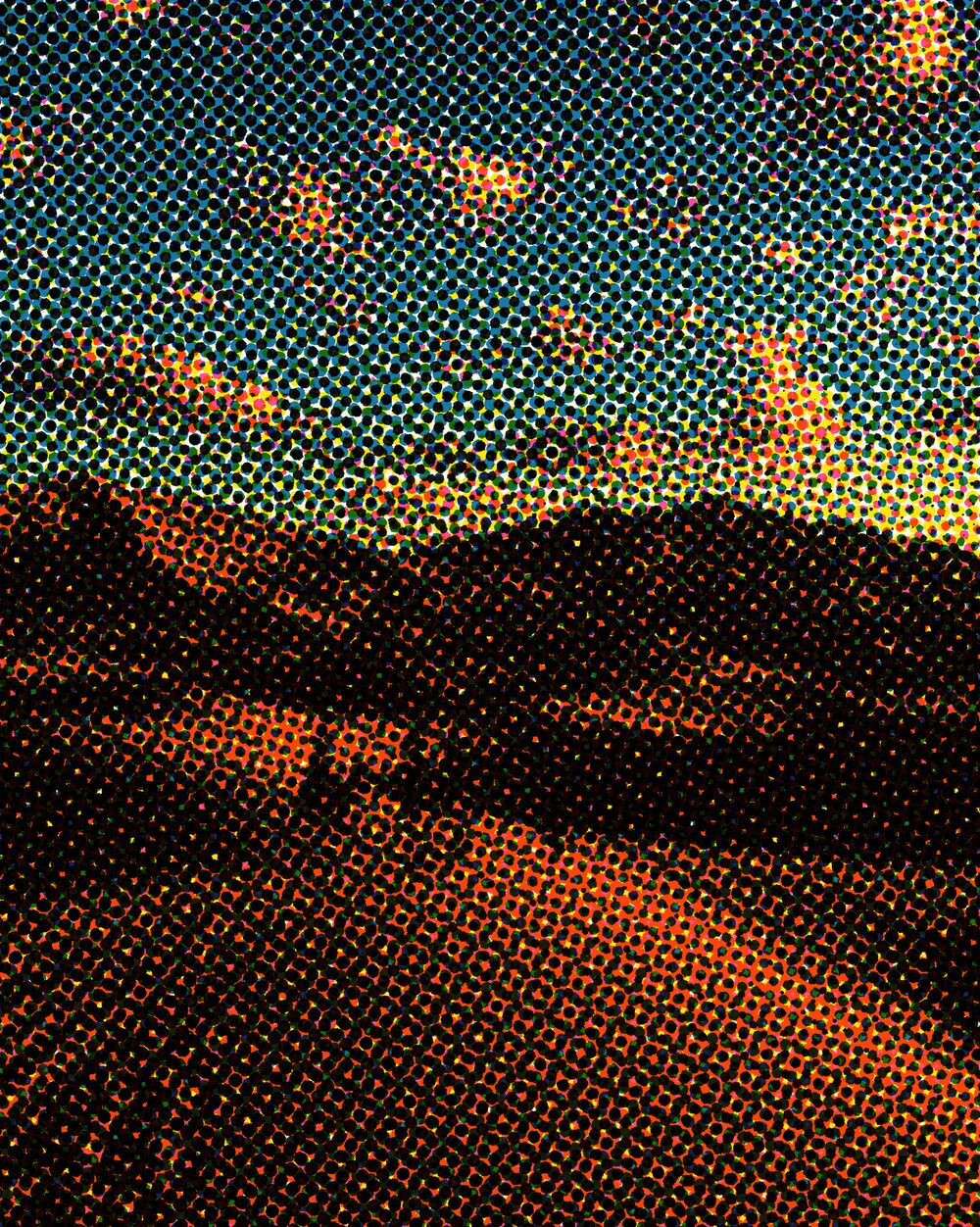
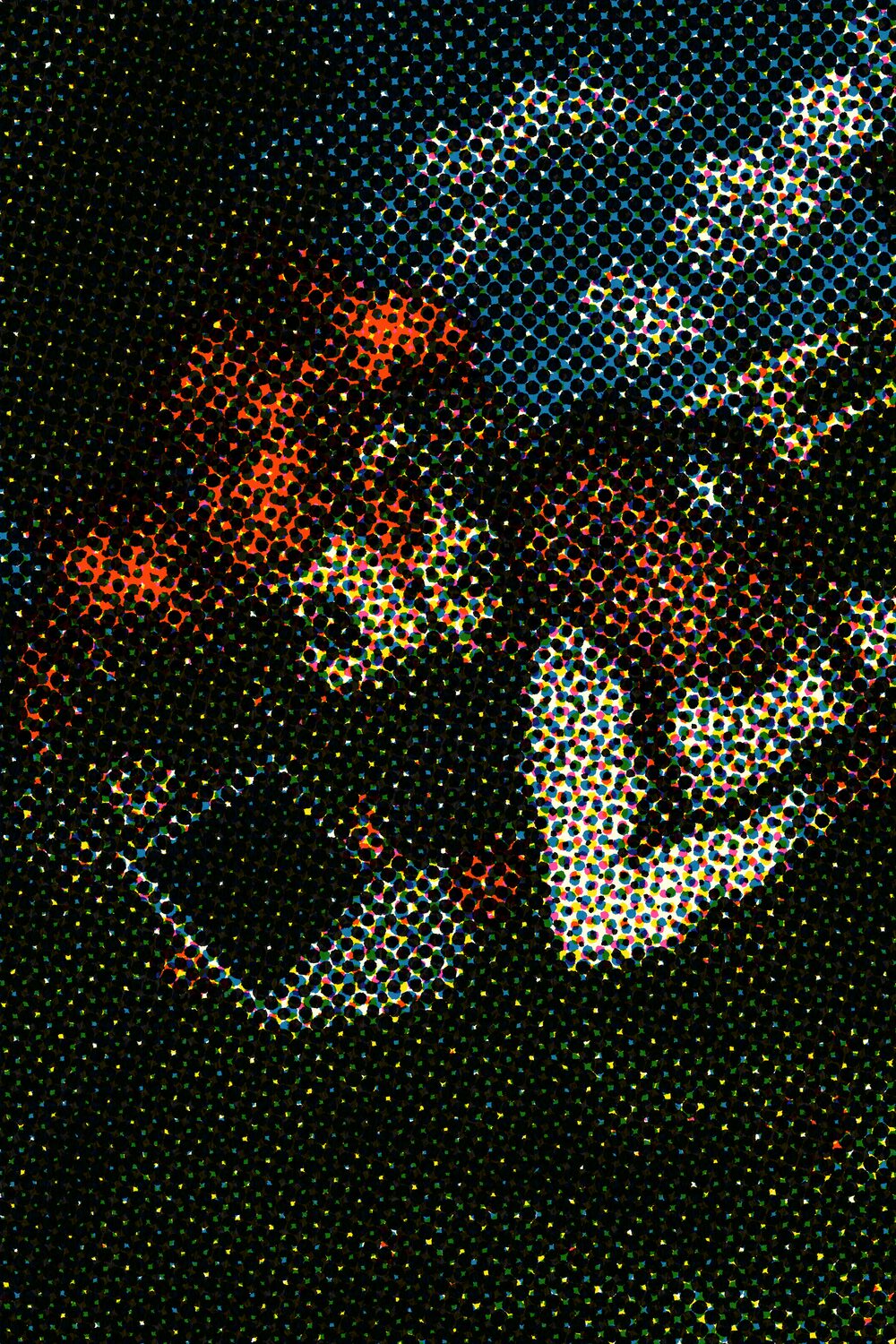
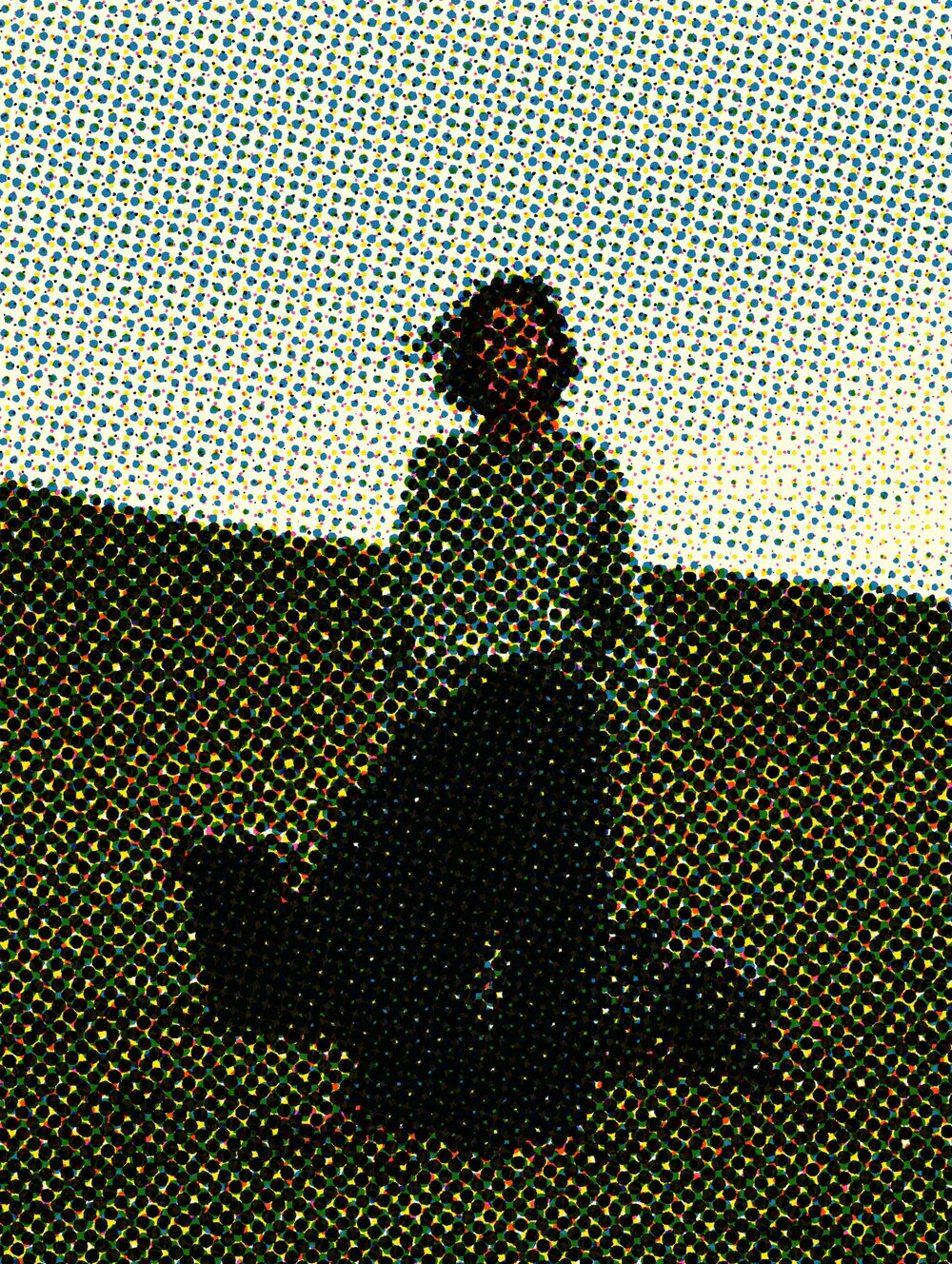
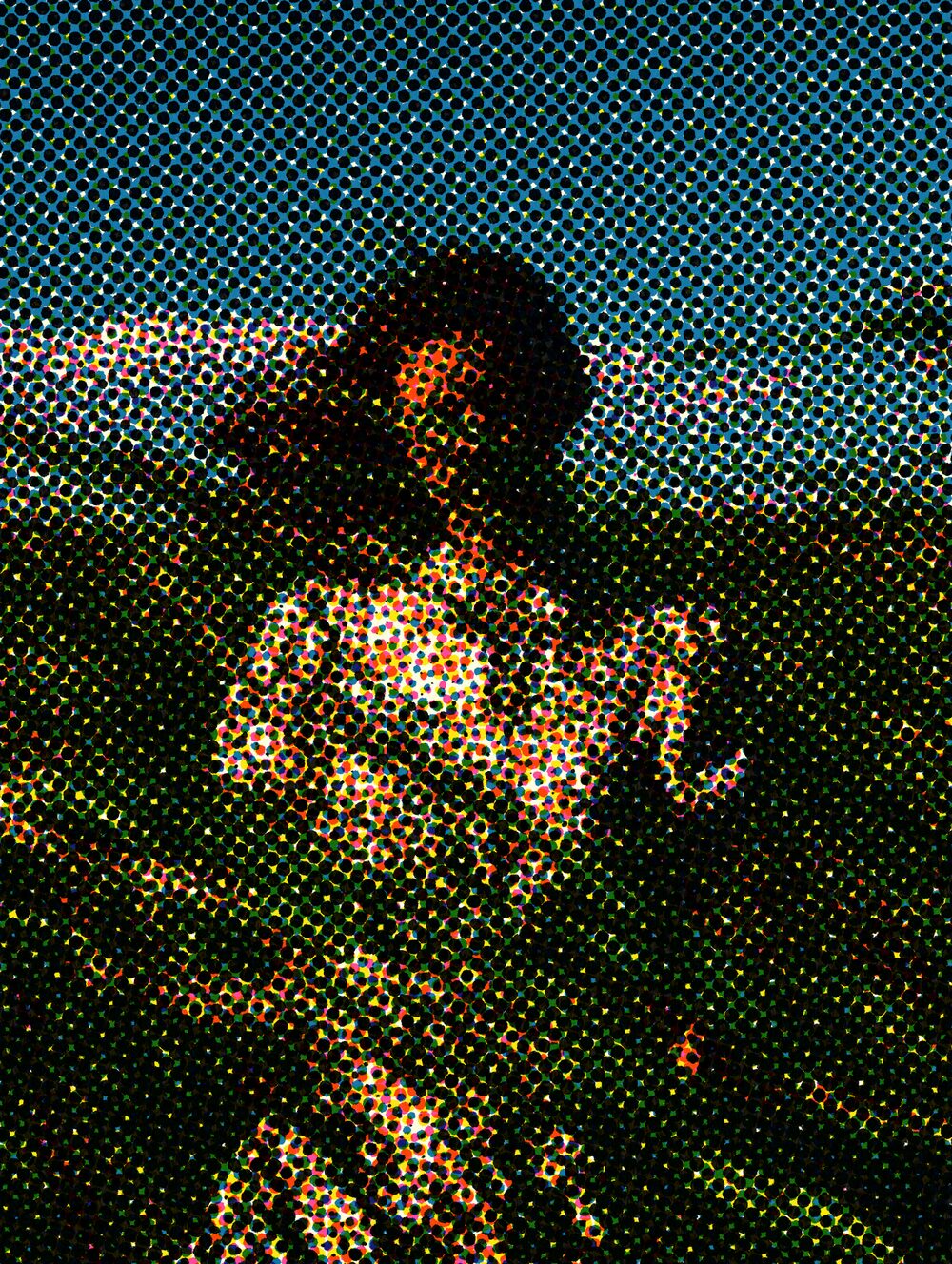
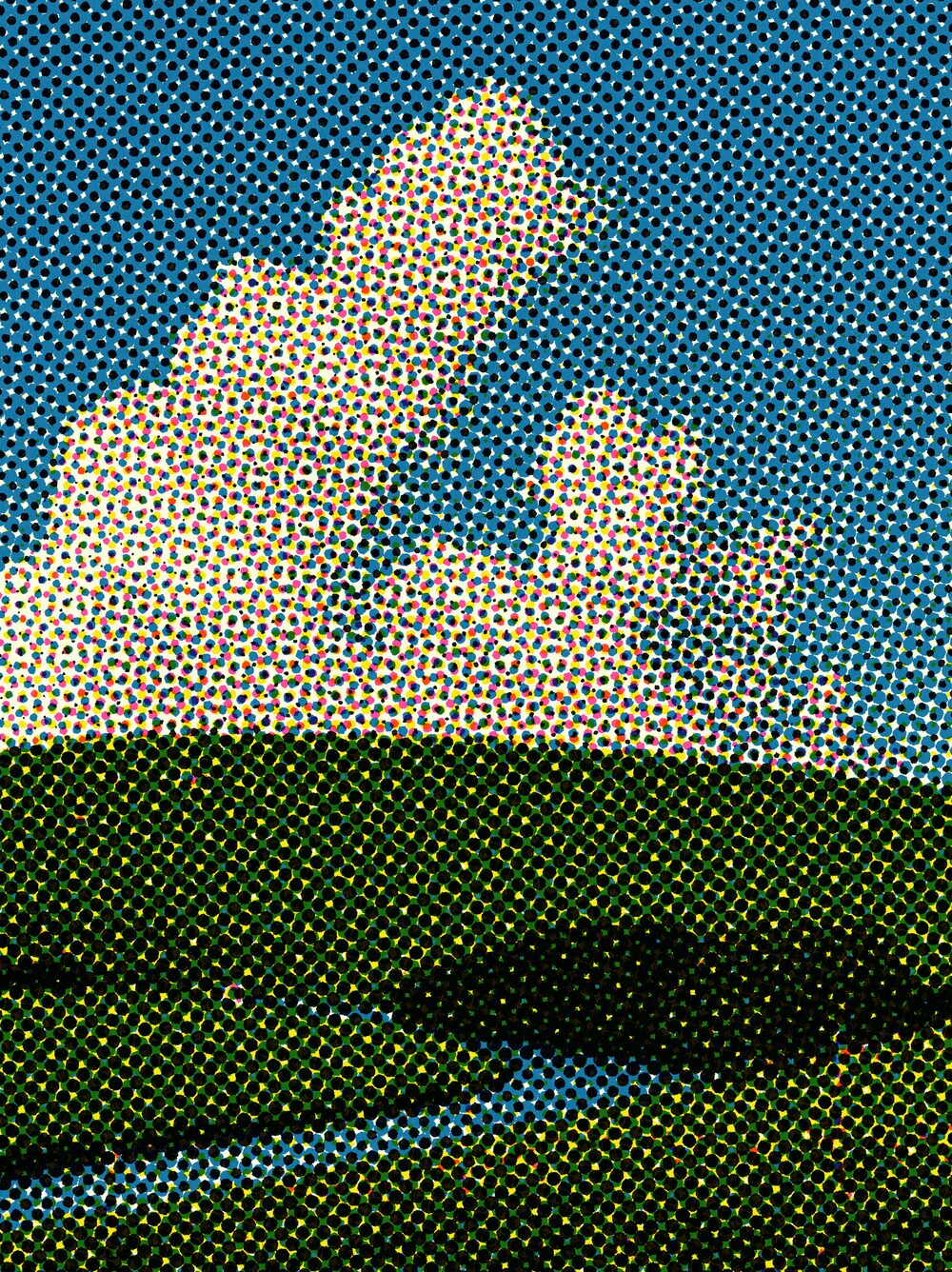
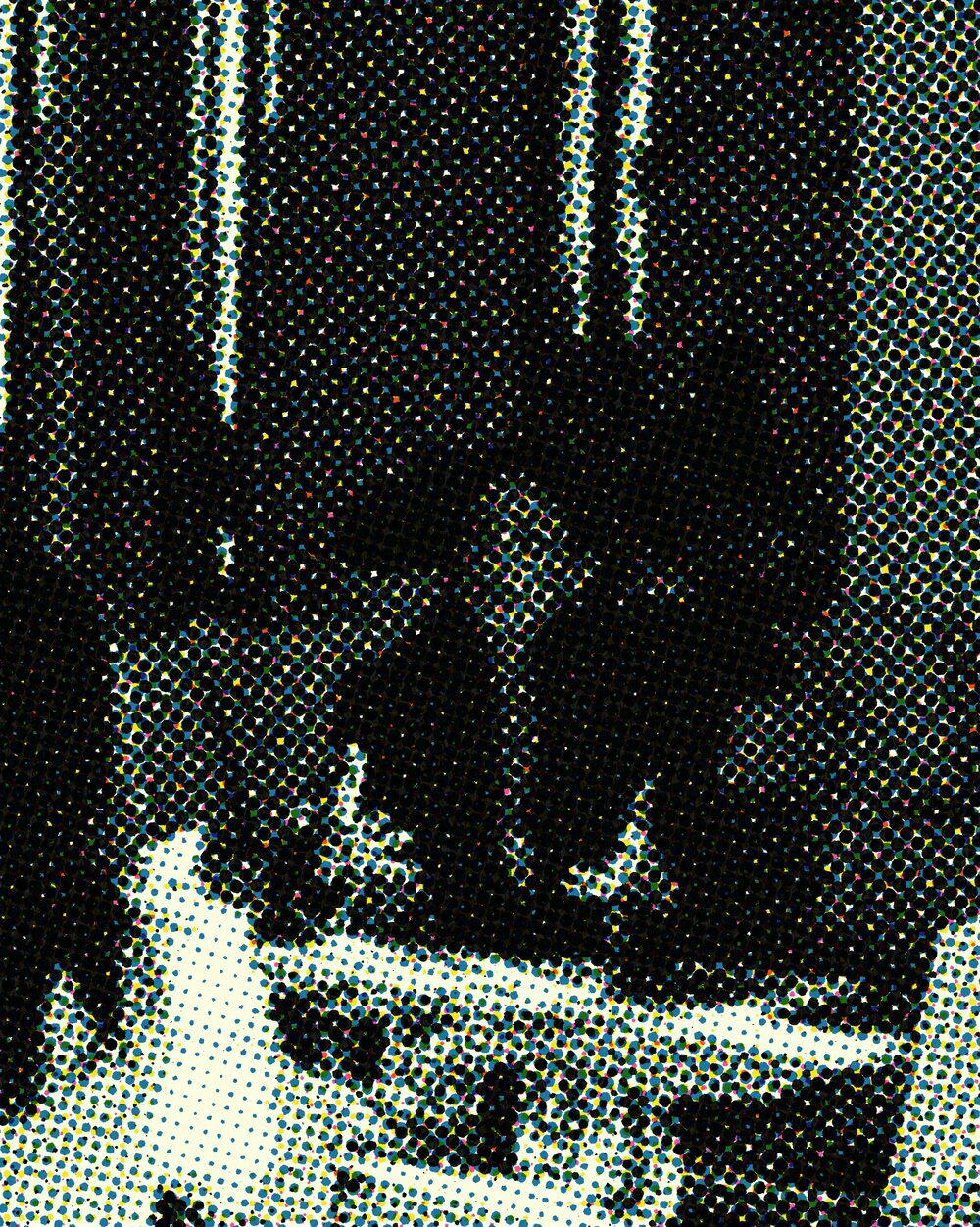
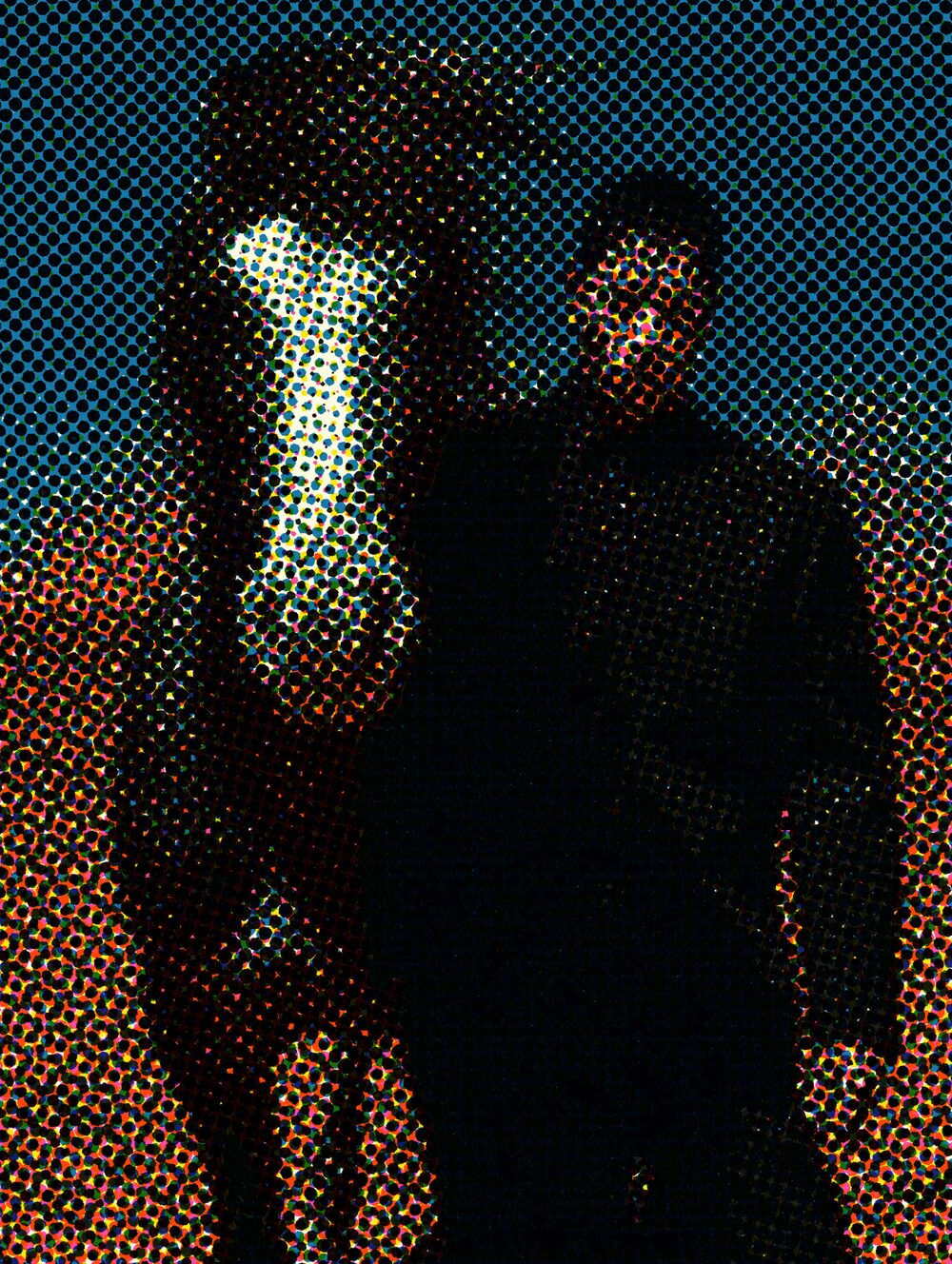
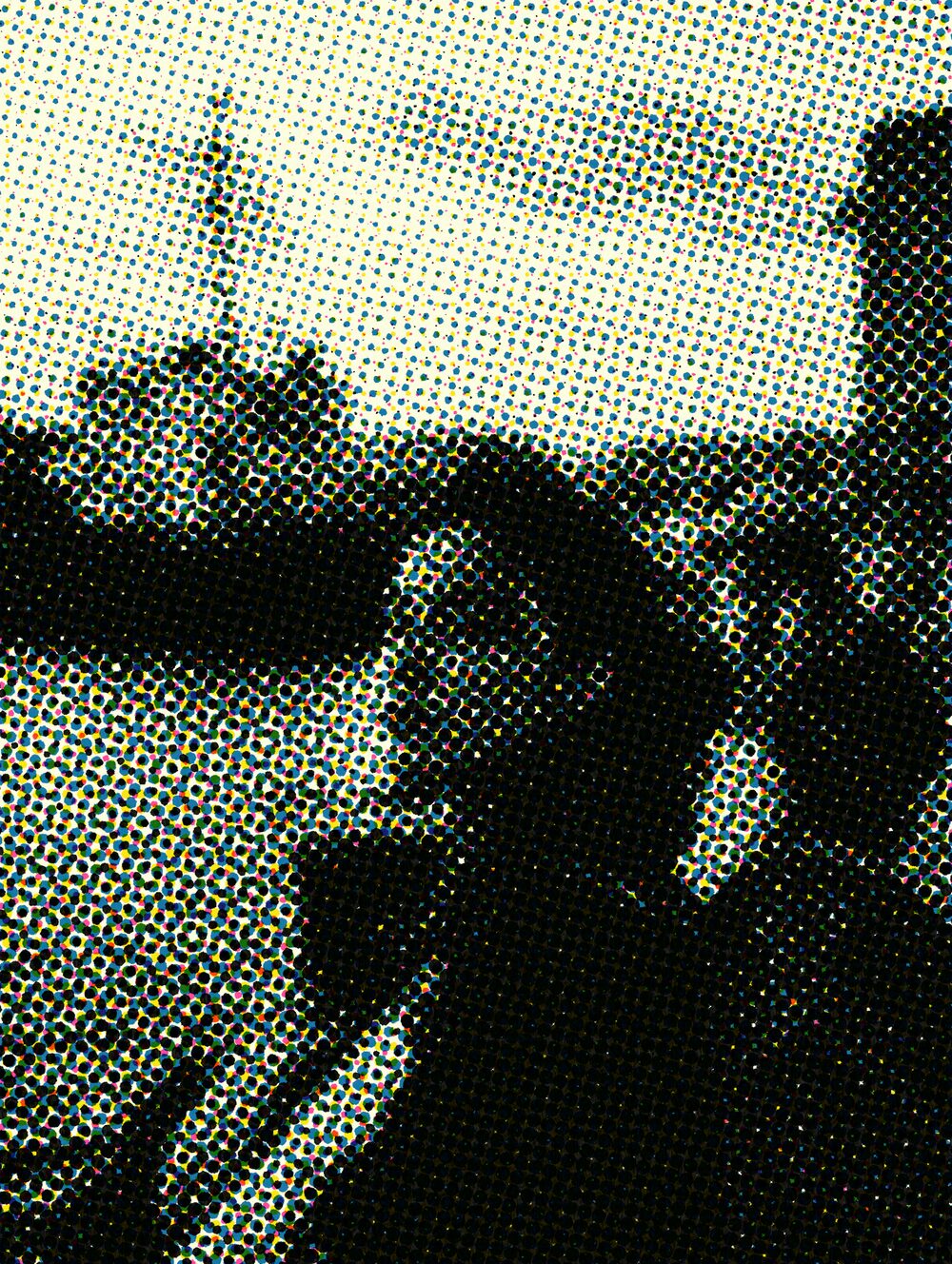
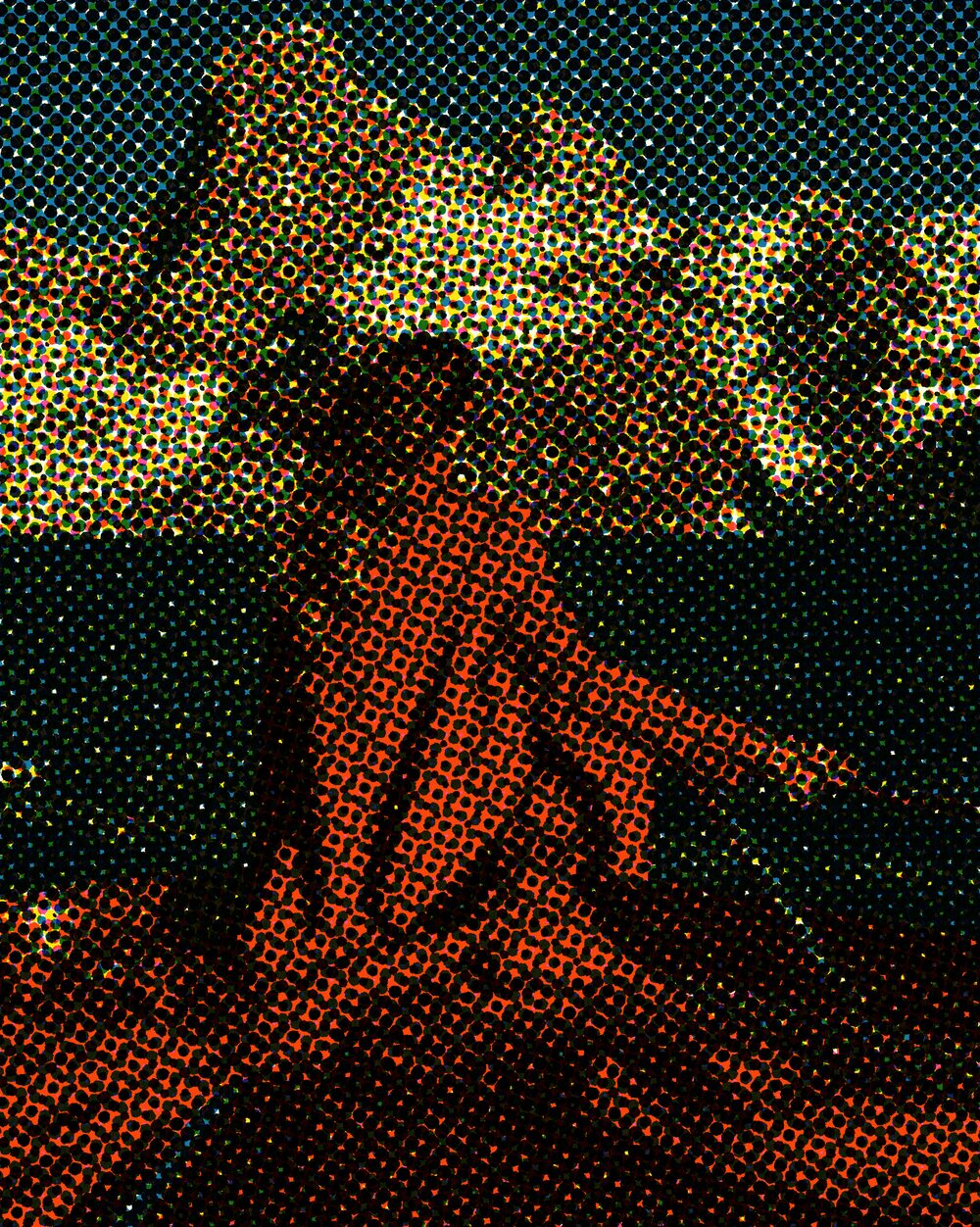
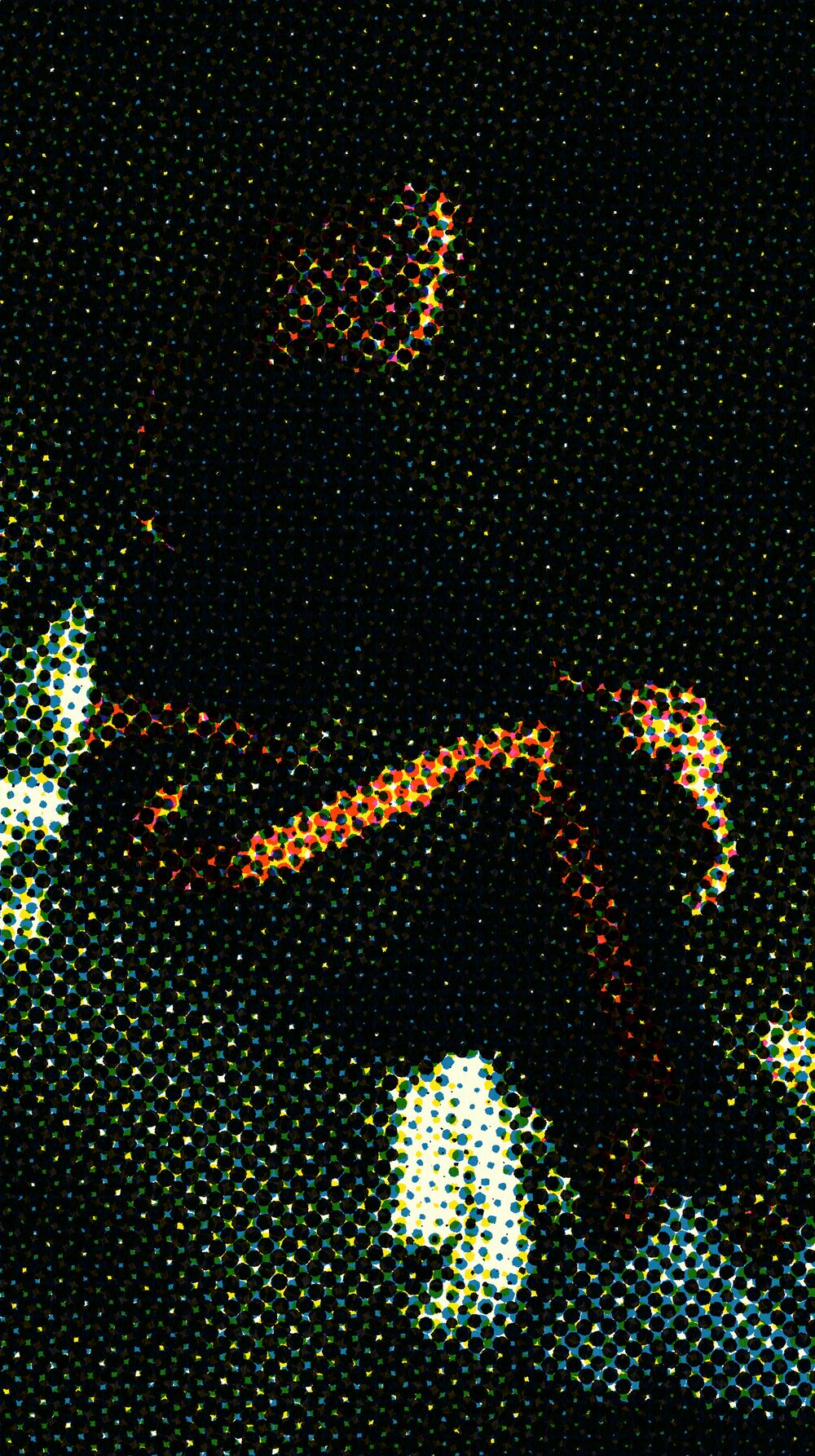
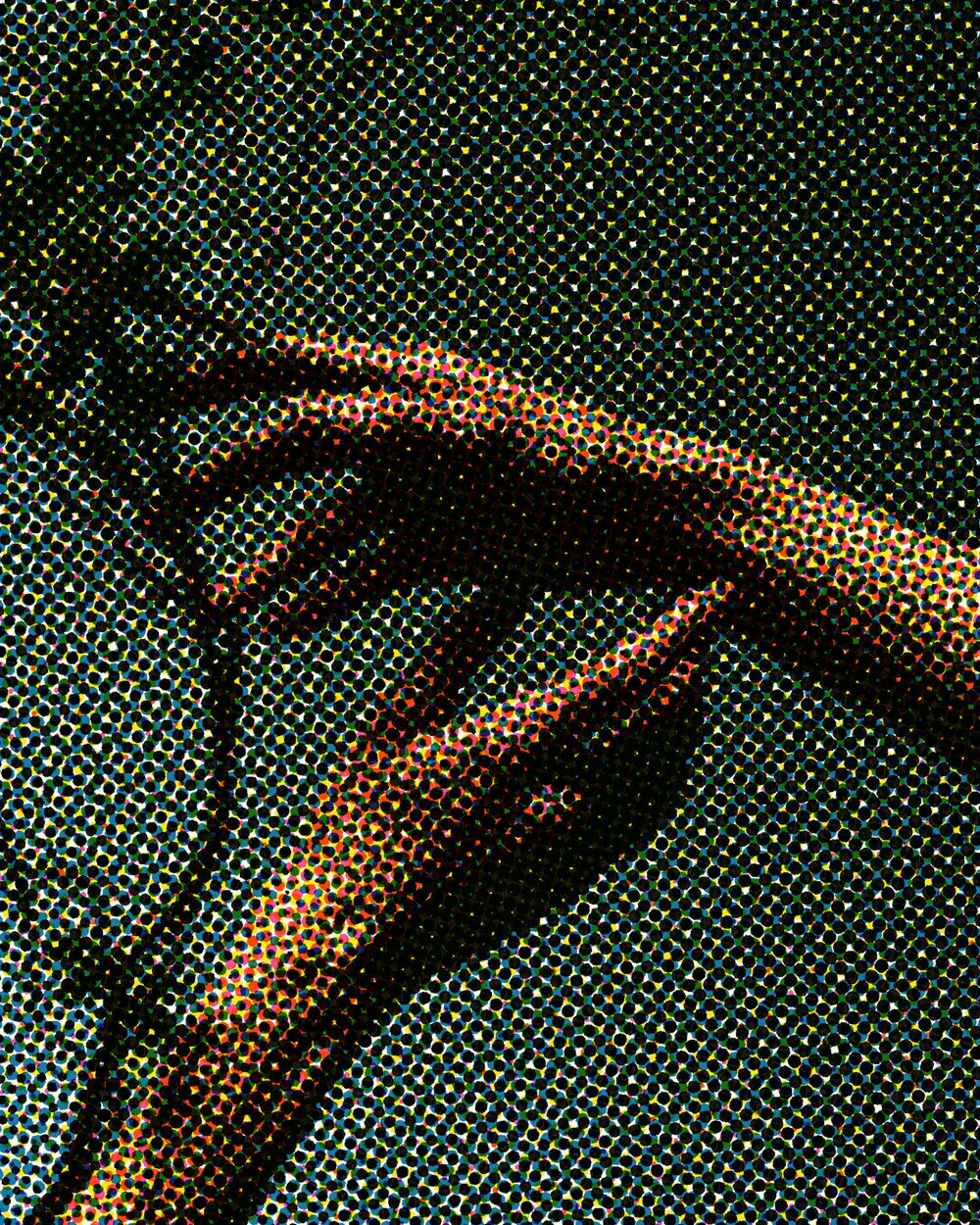
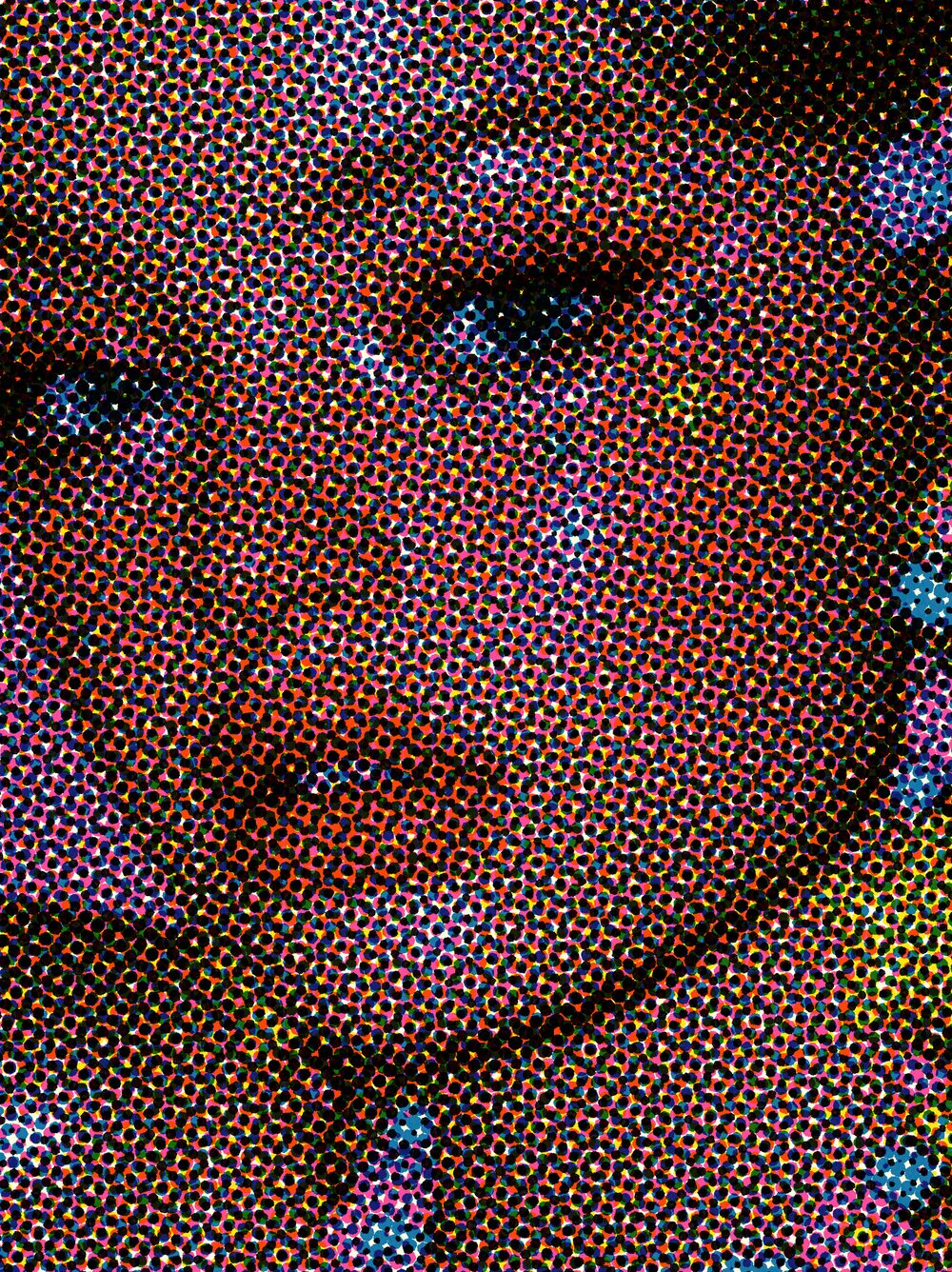
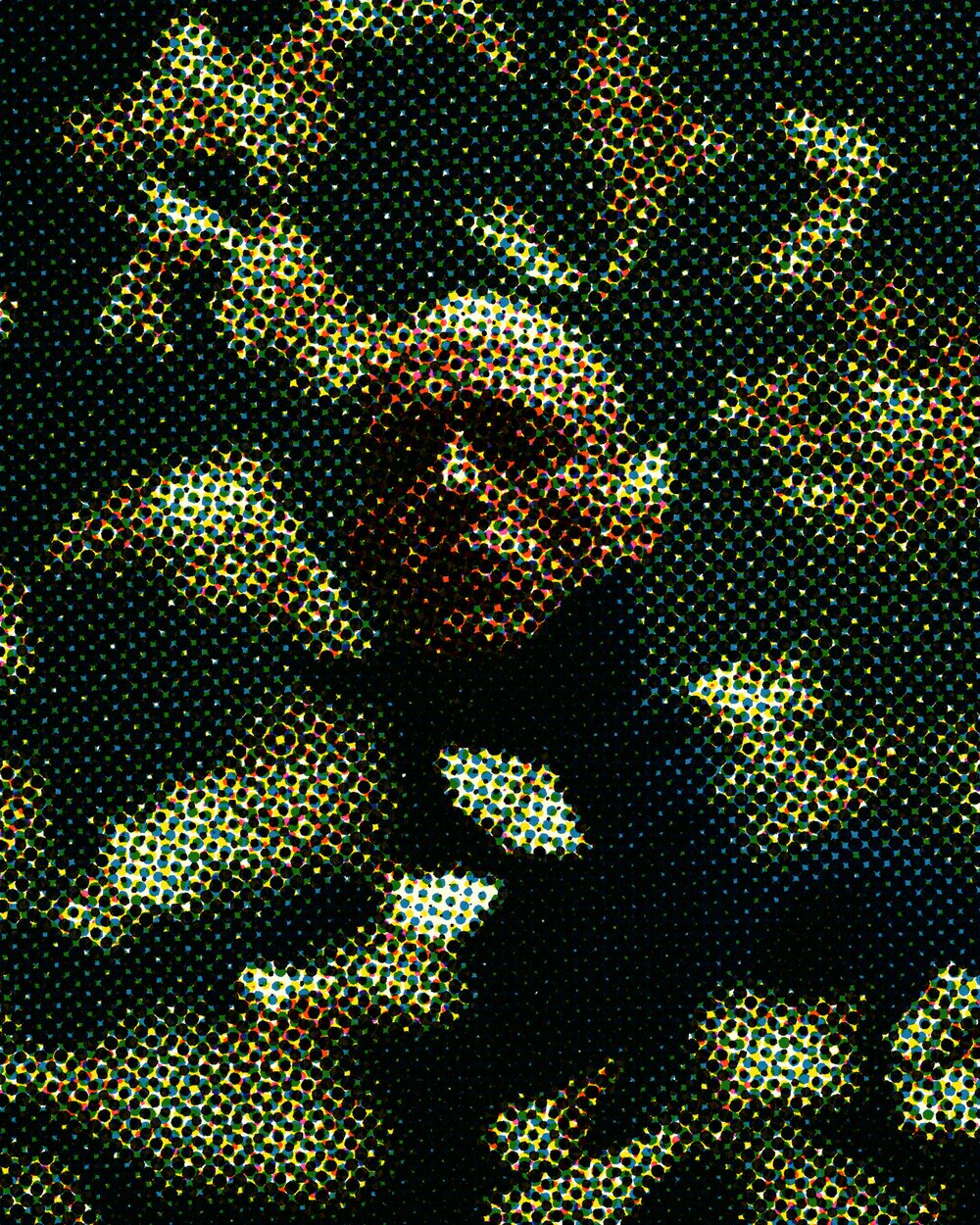
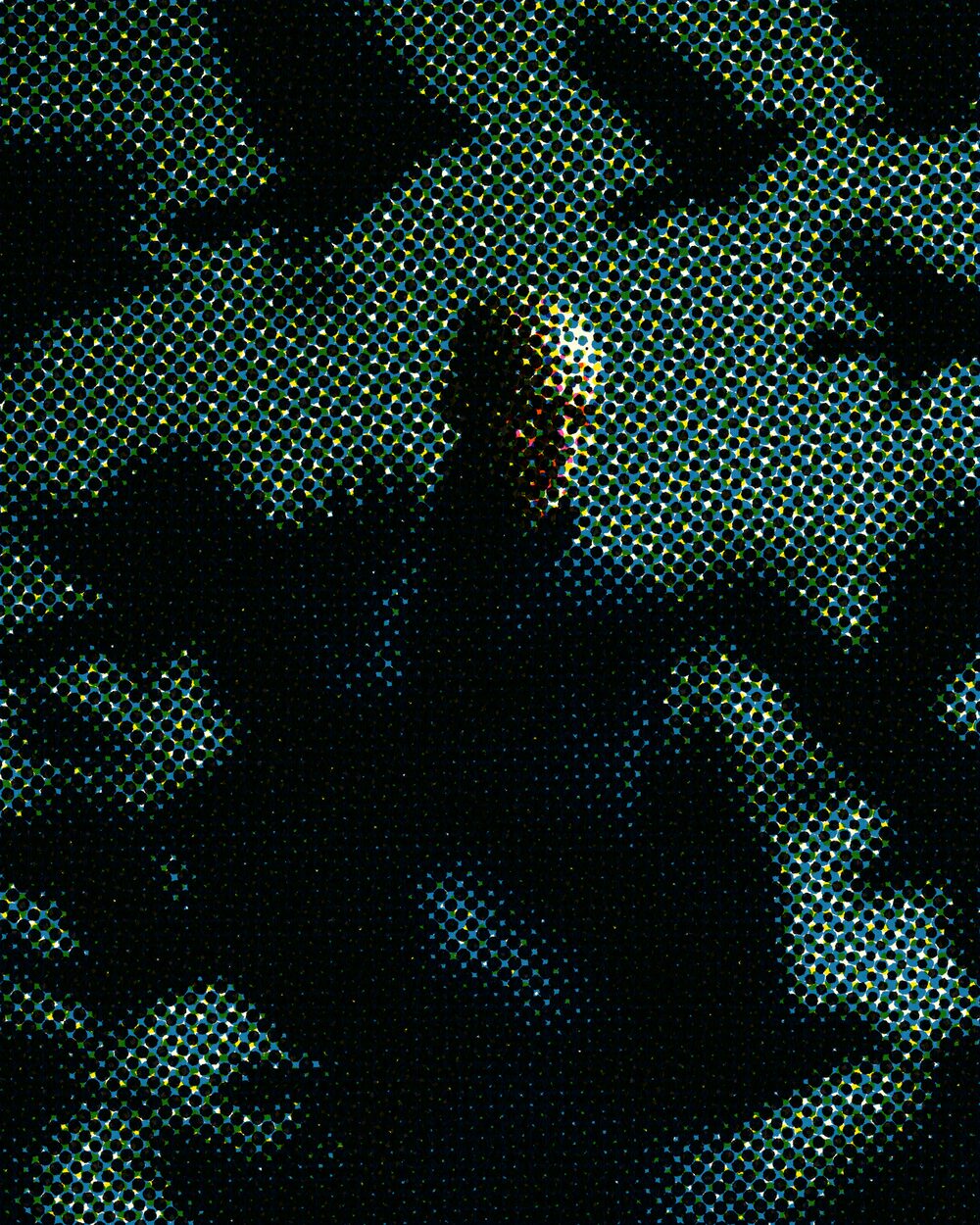
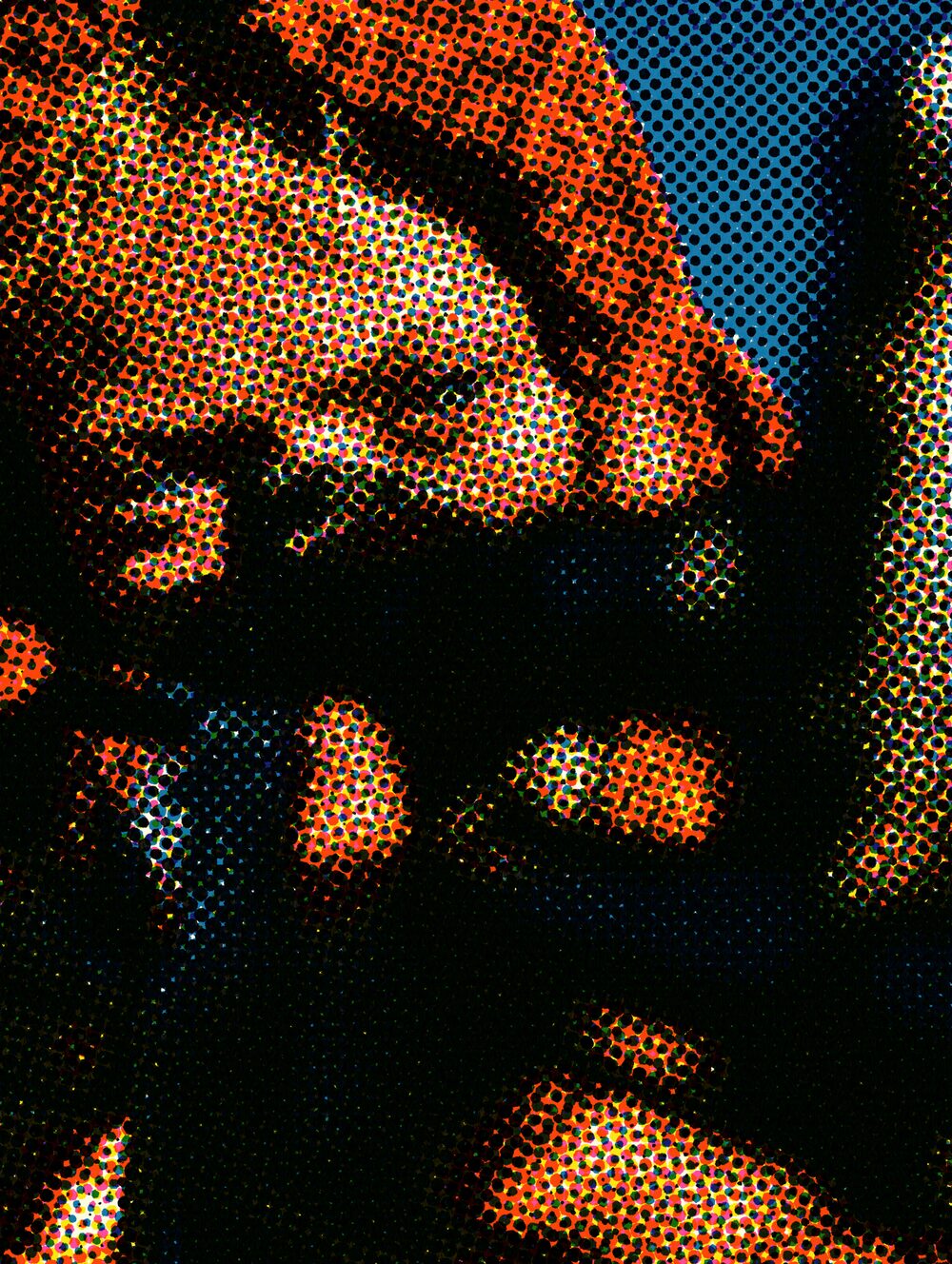
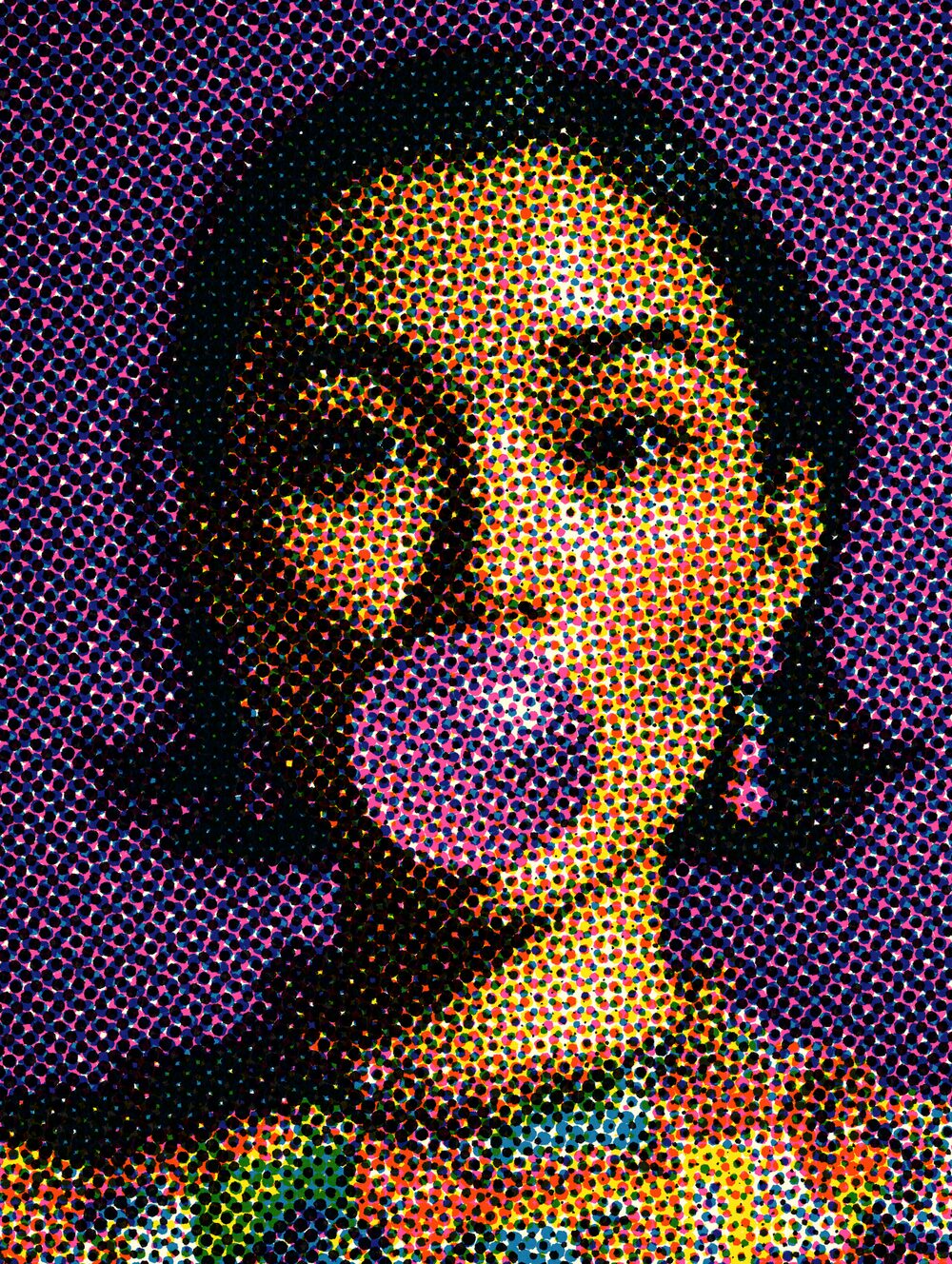
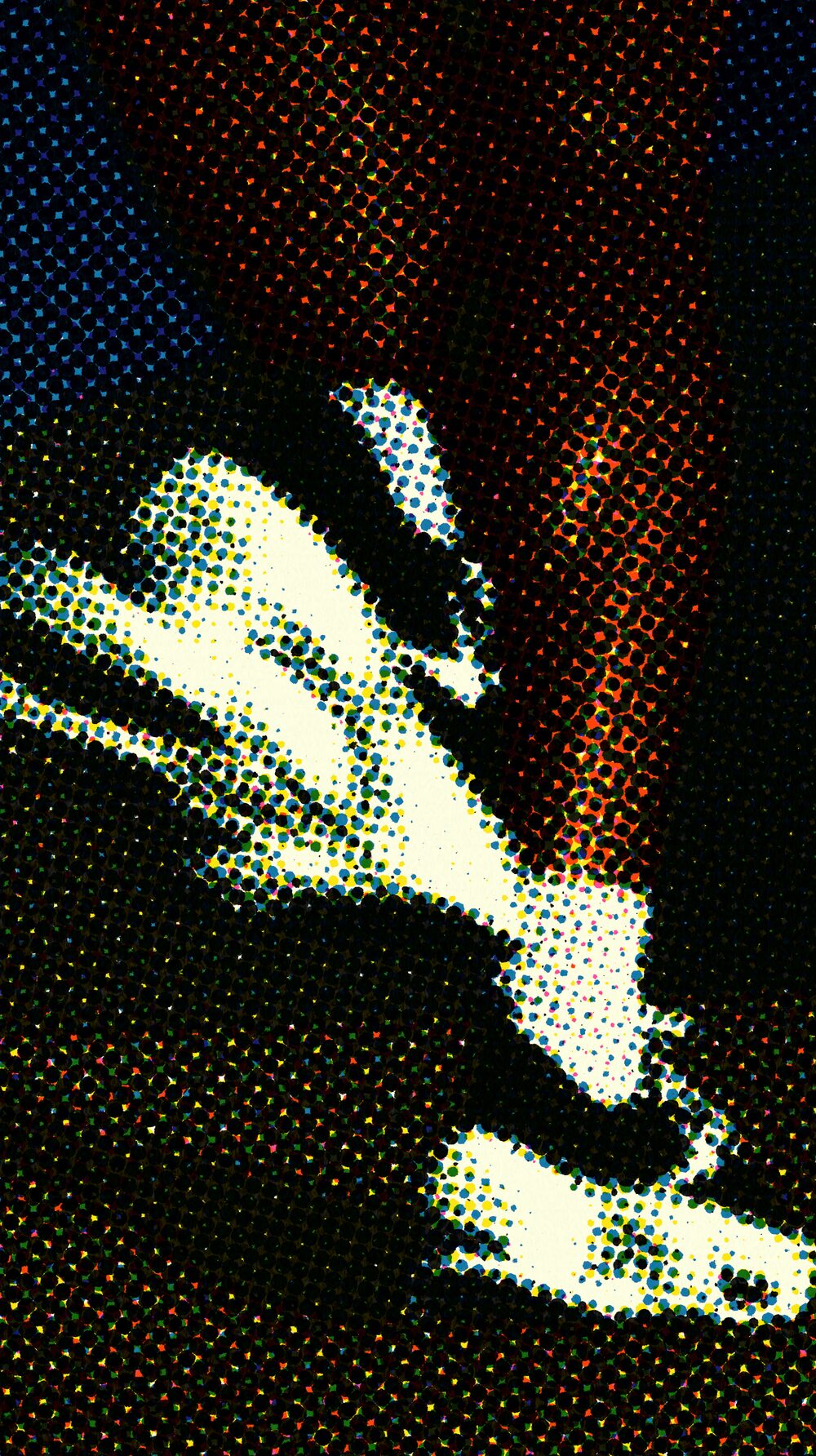
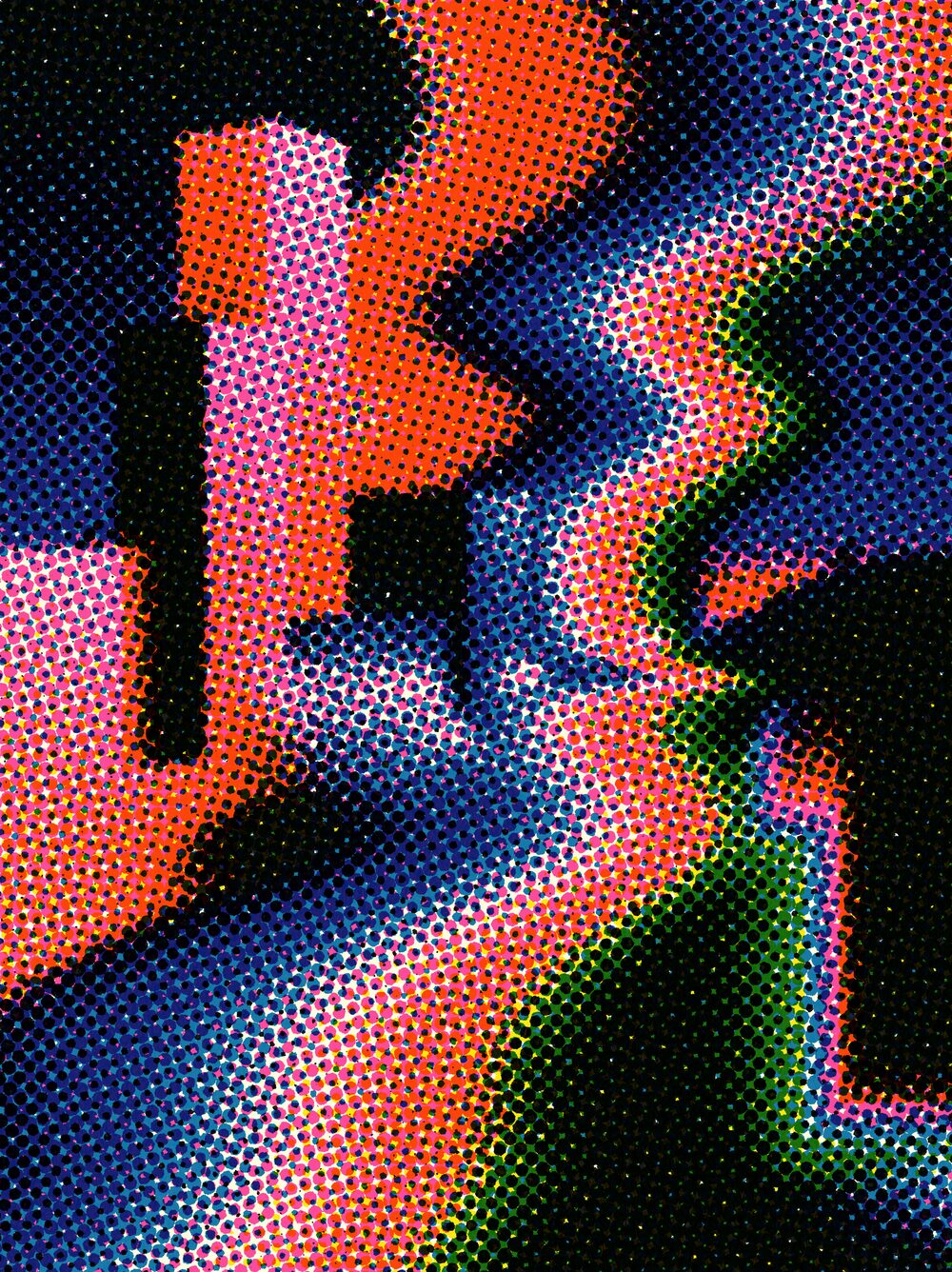
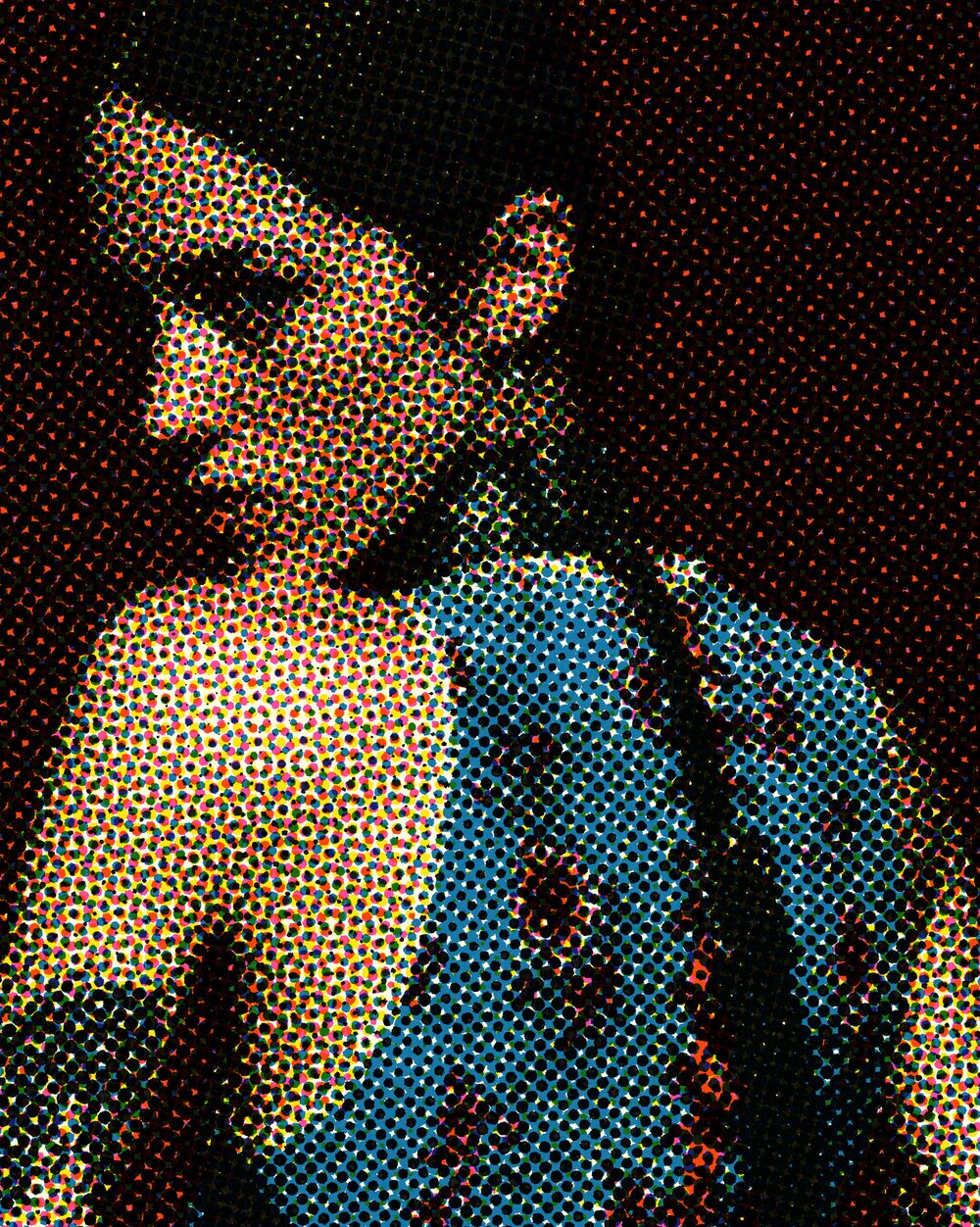
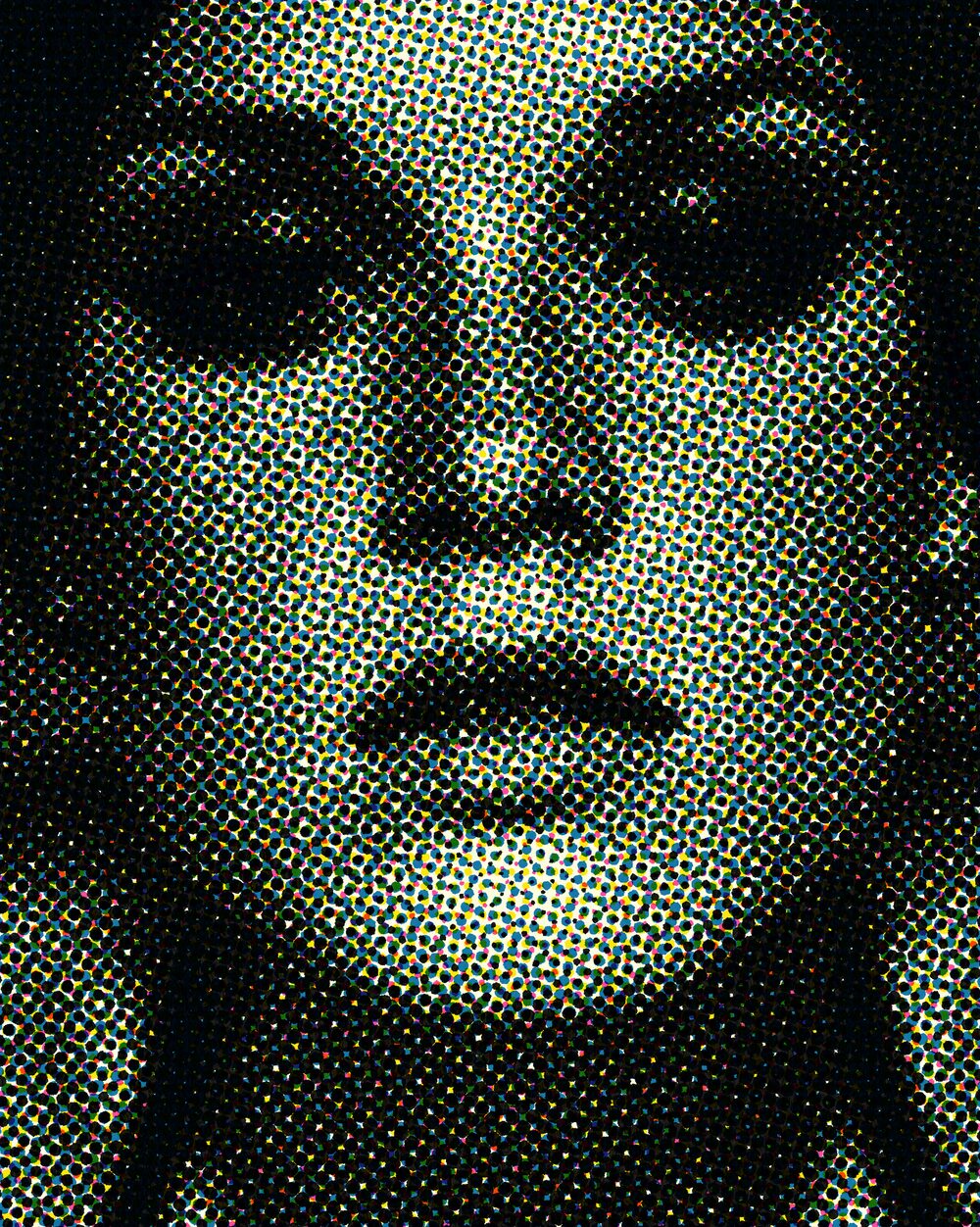
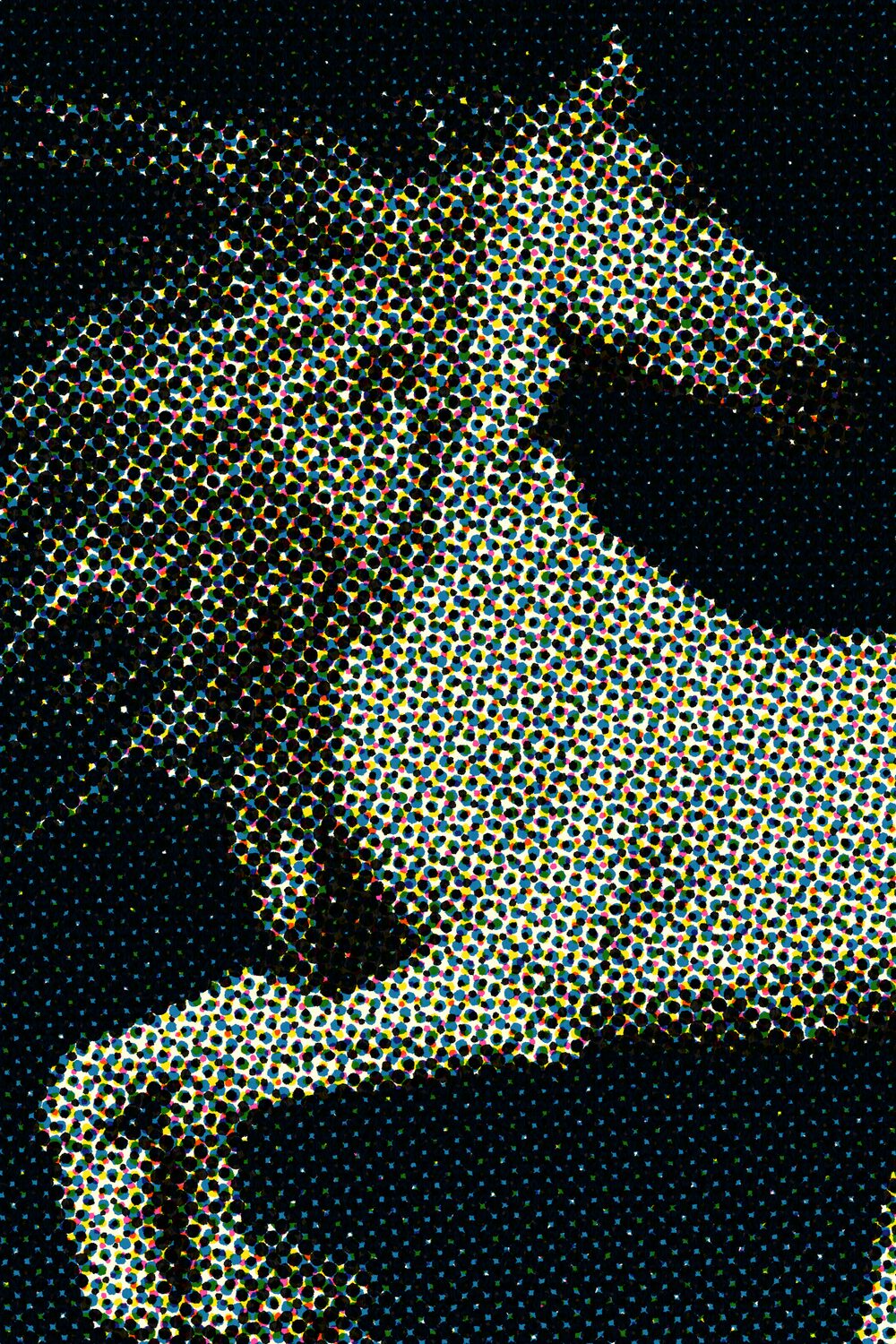
Print-style halftone dots and screens with angle and scale control.
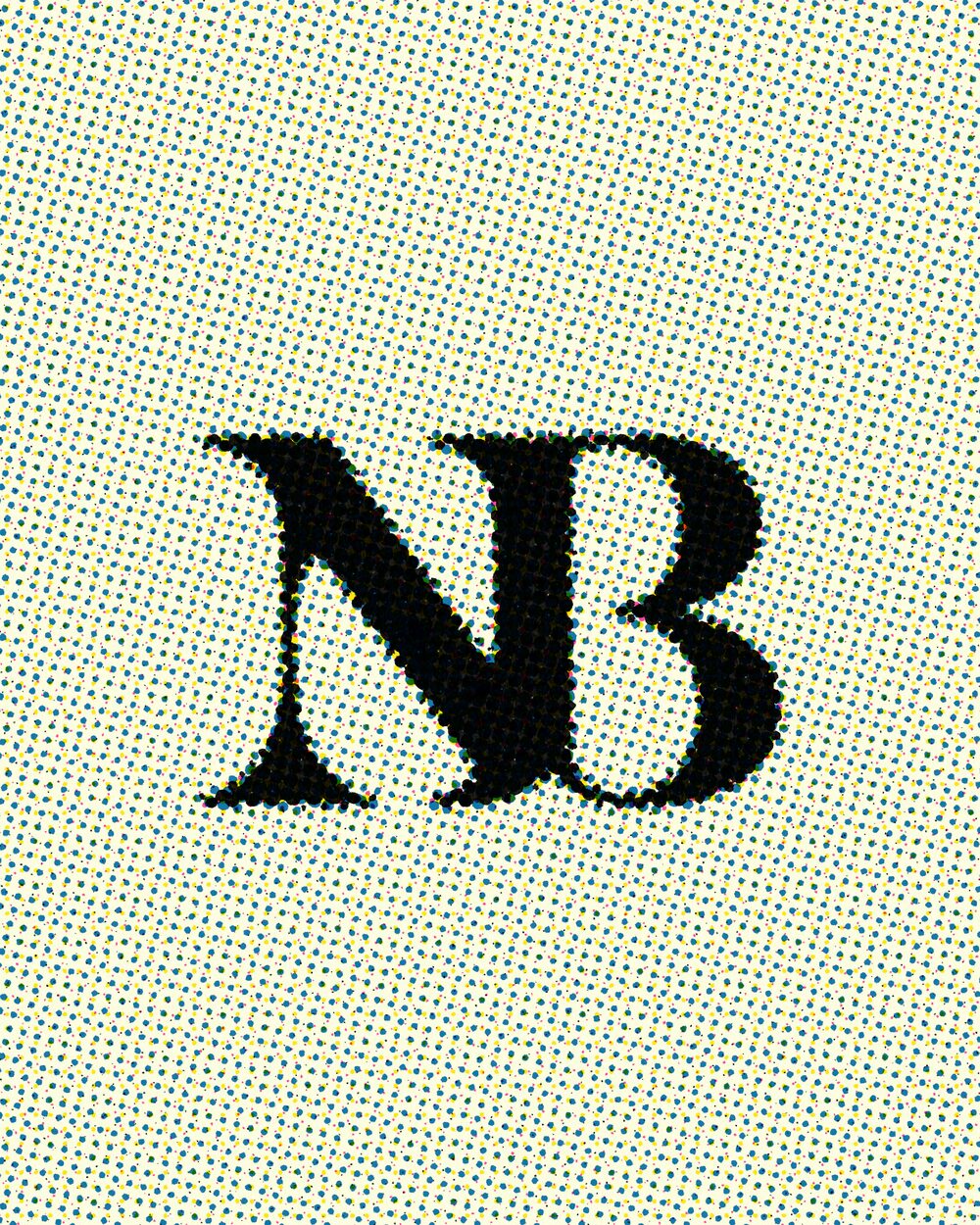
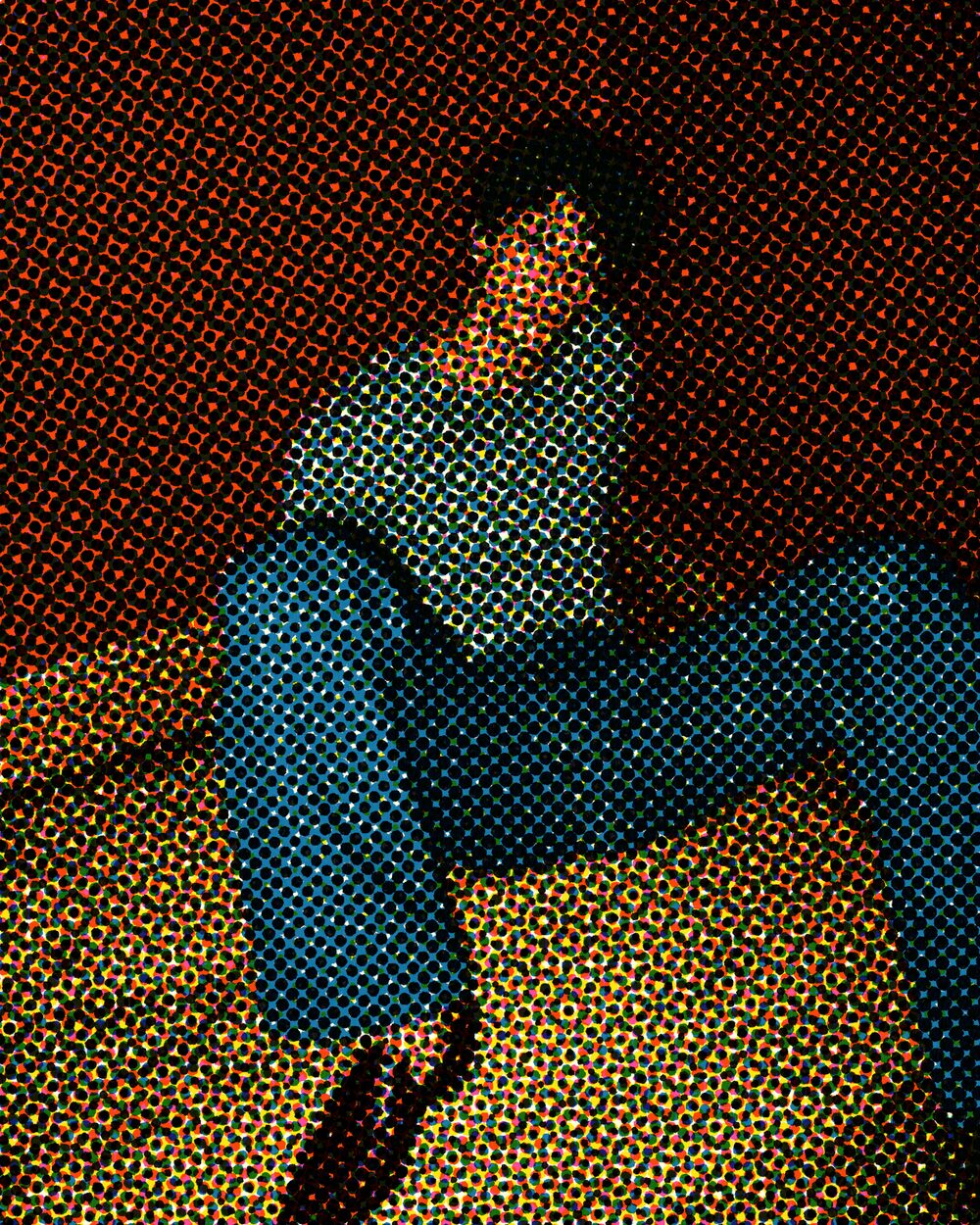
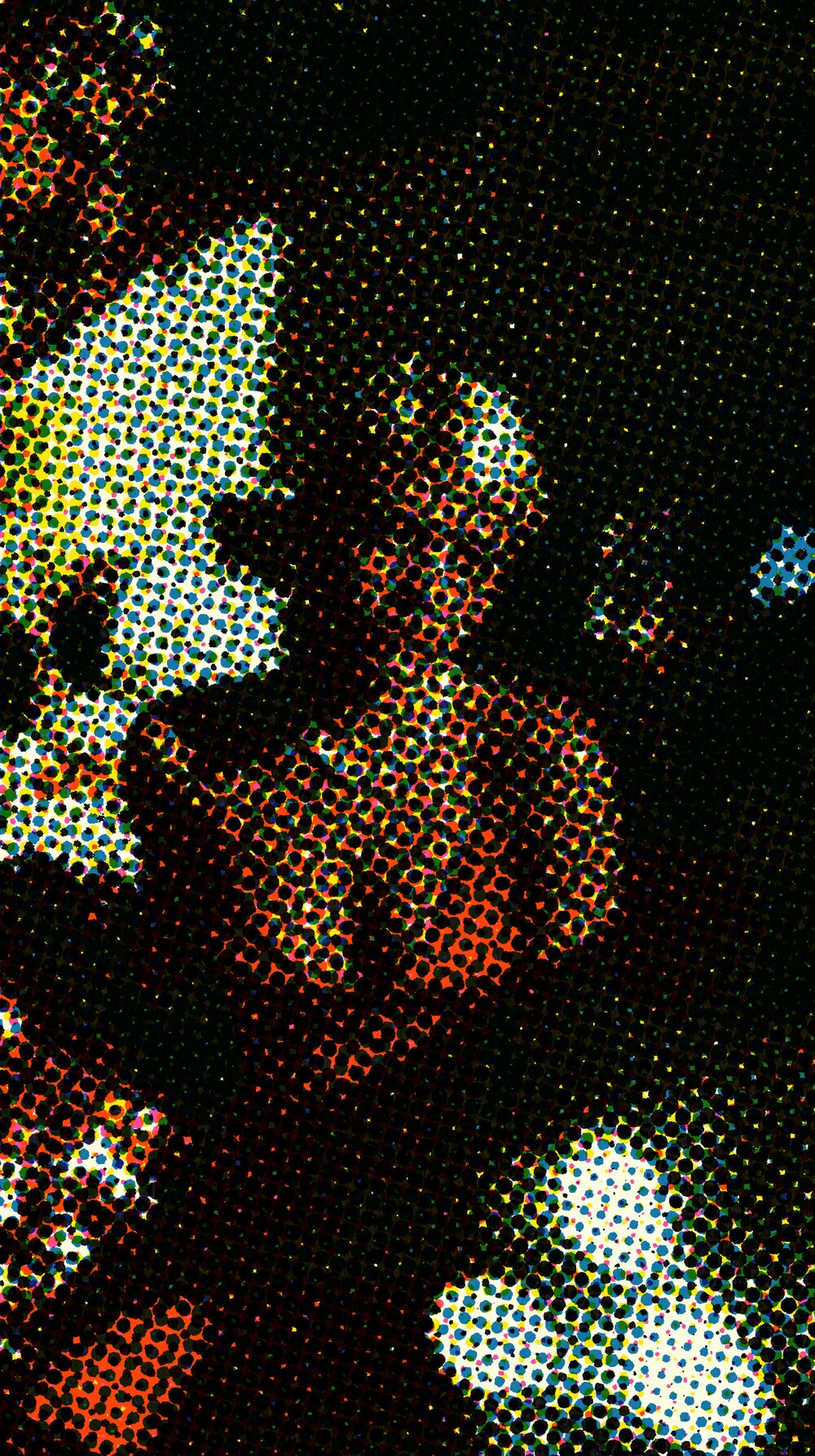
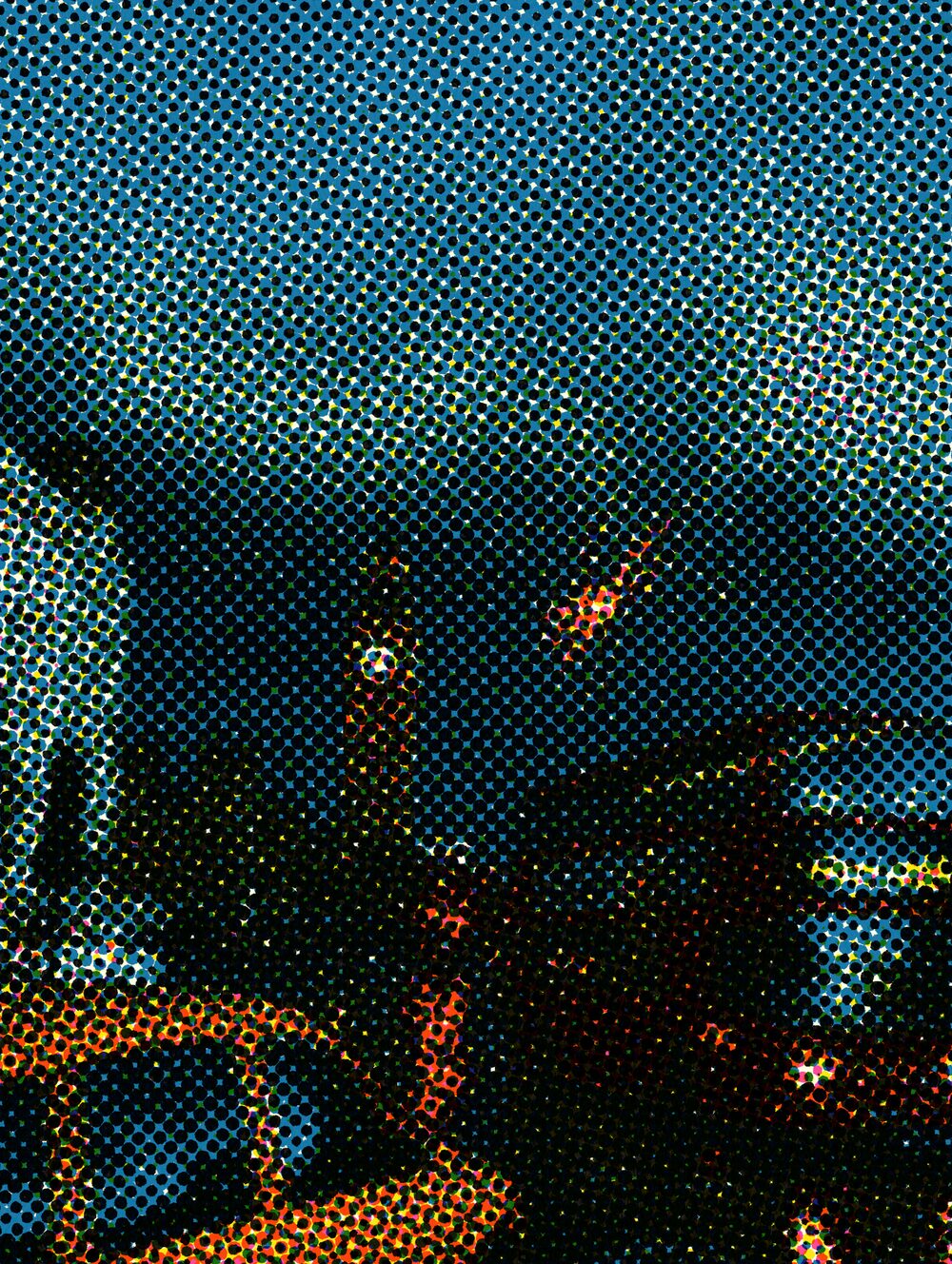
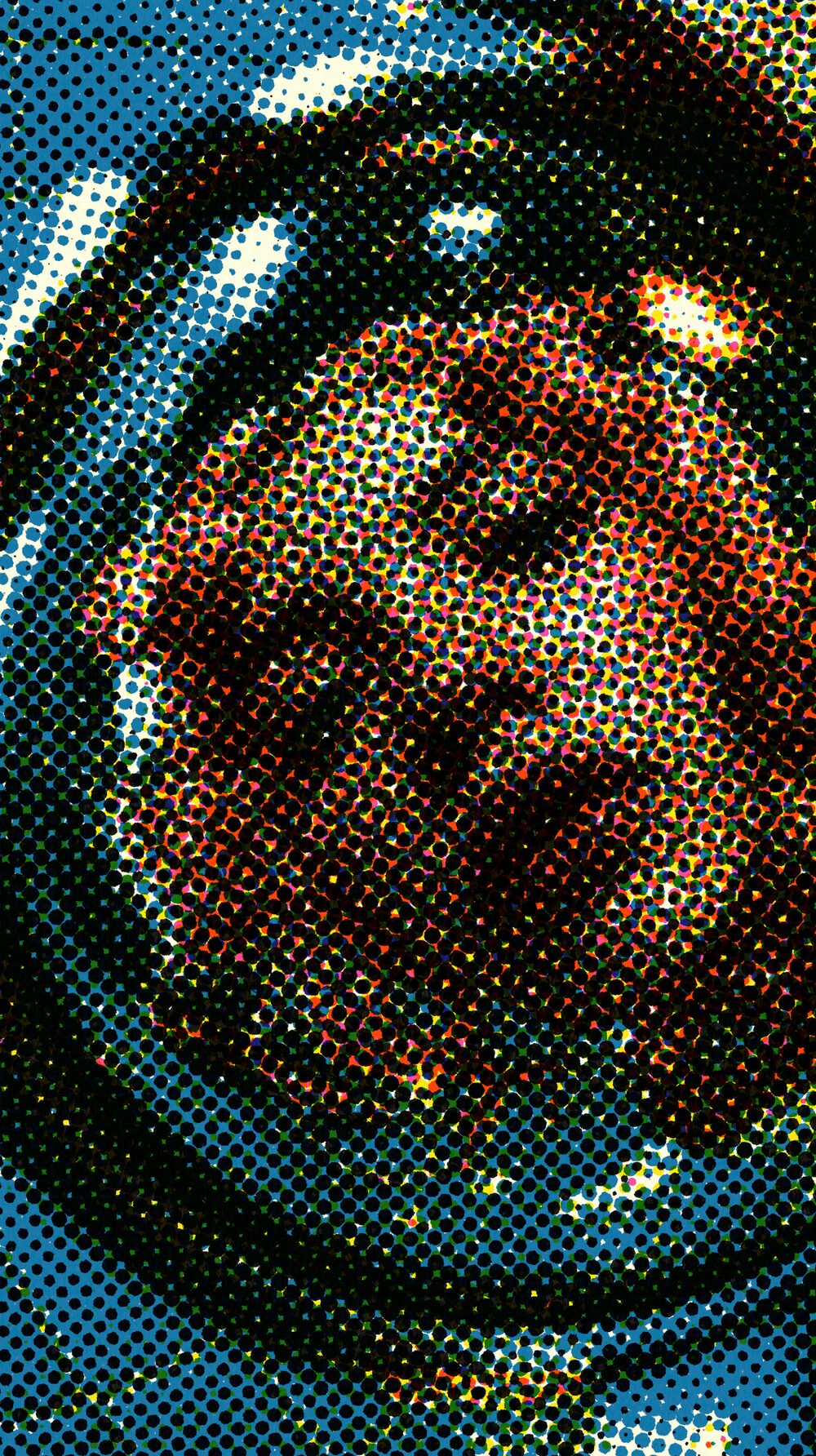
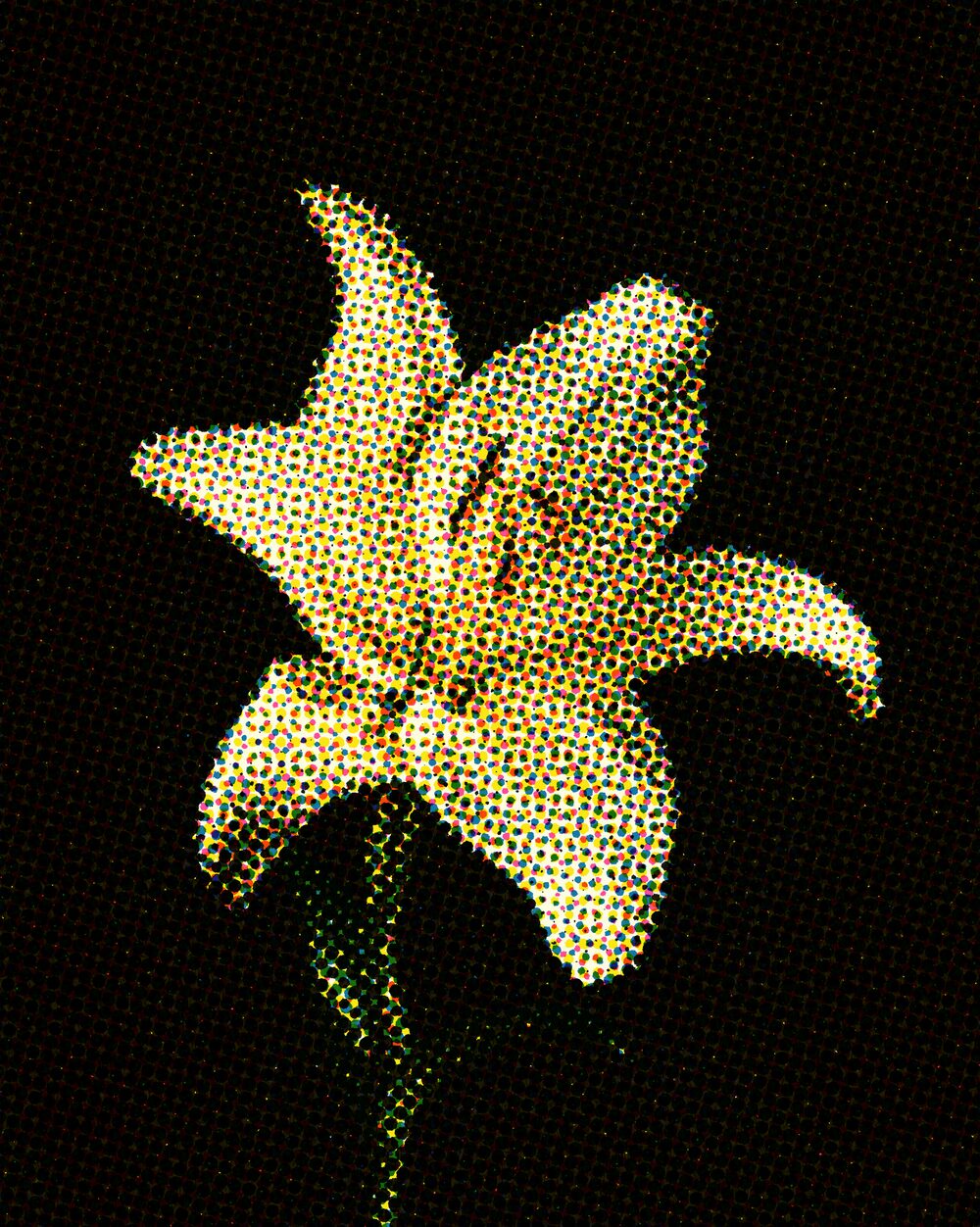
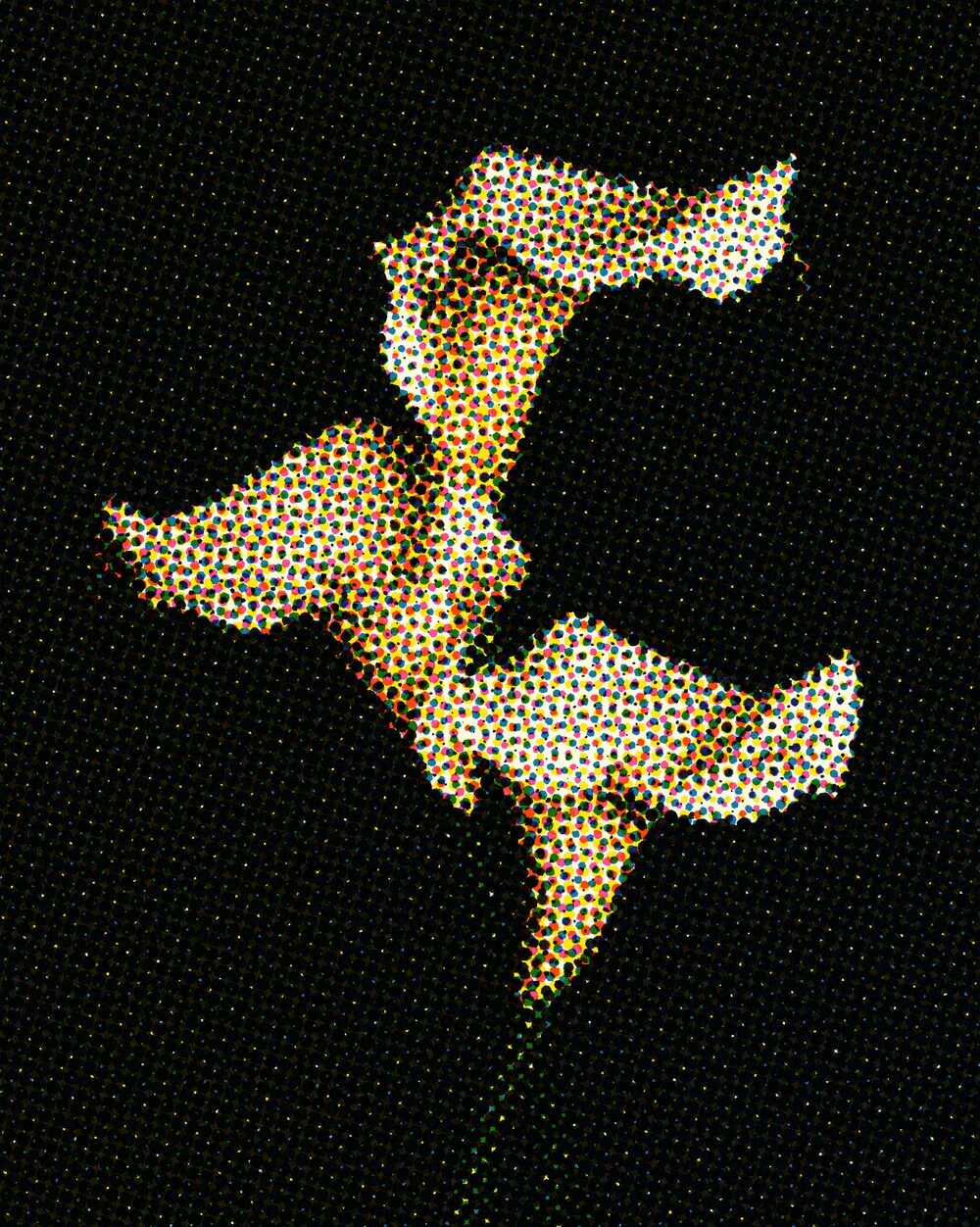
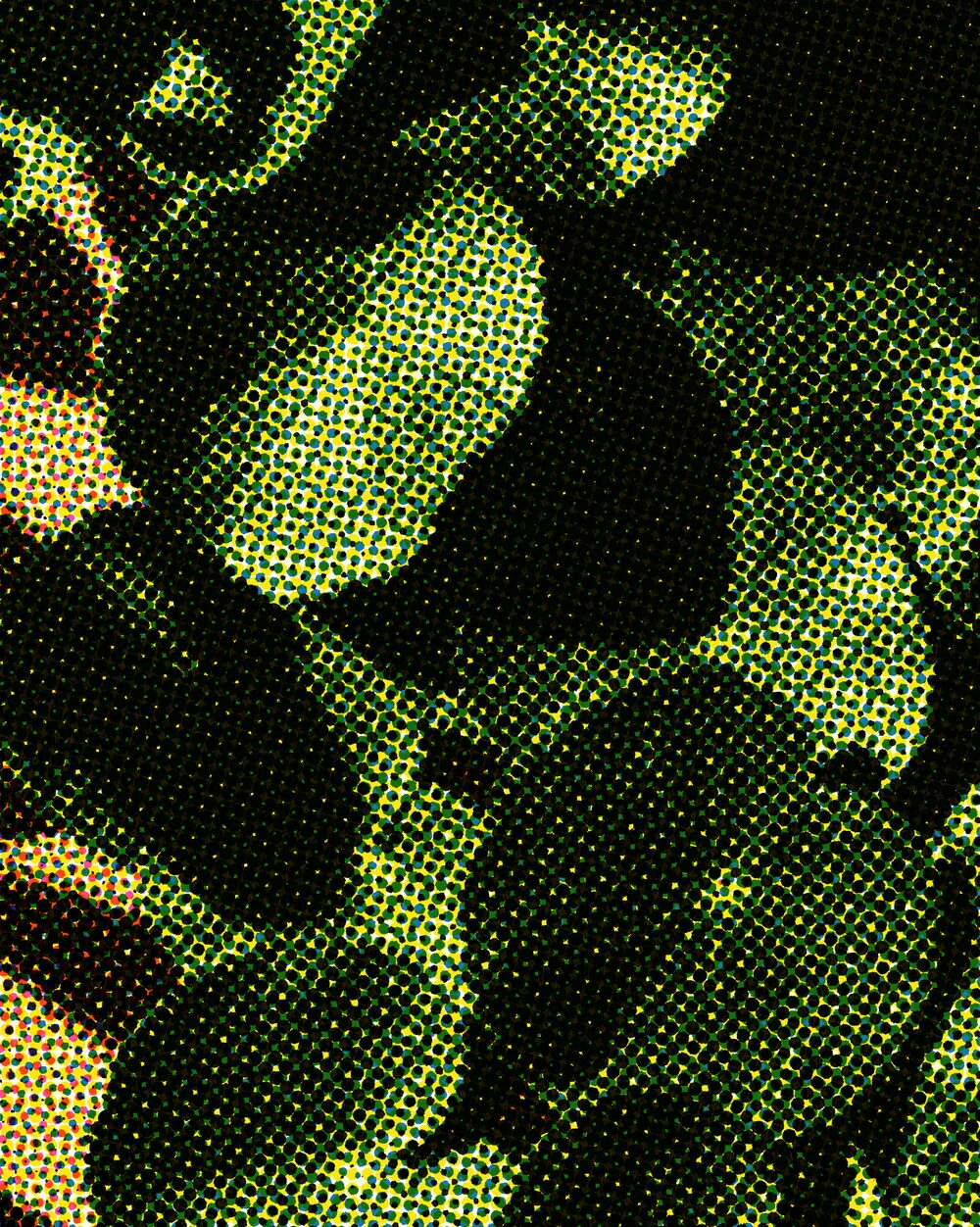
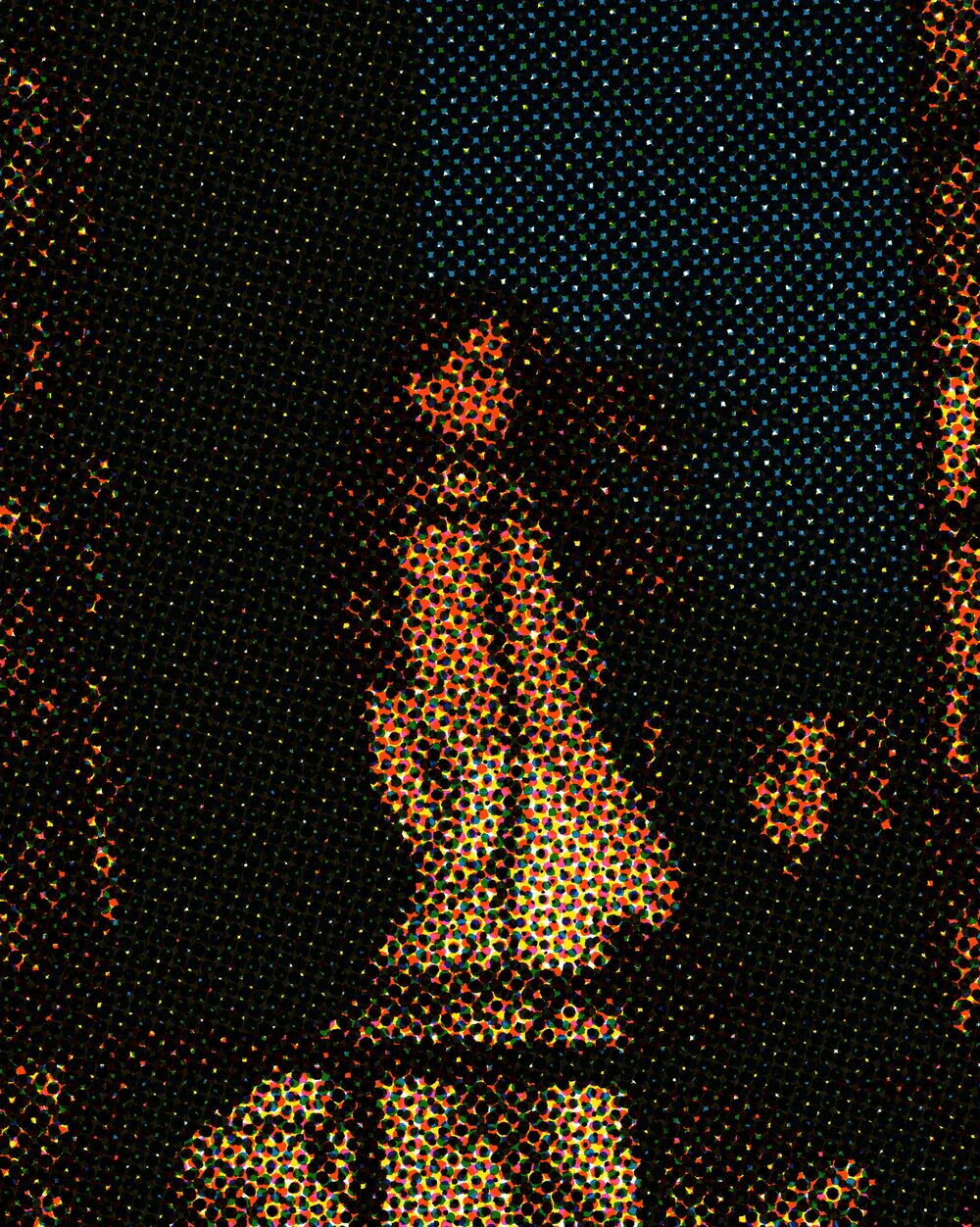
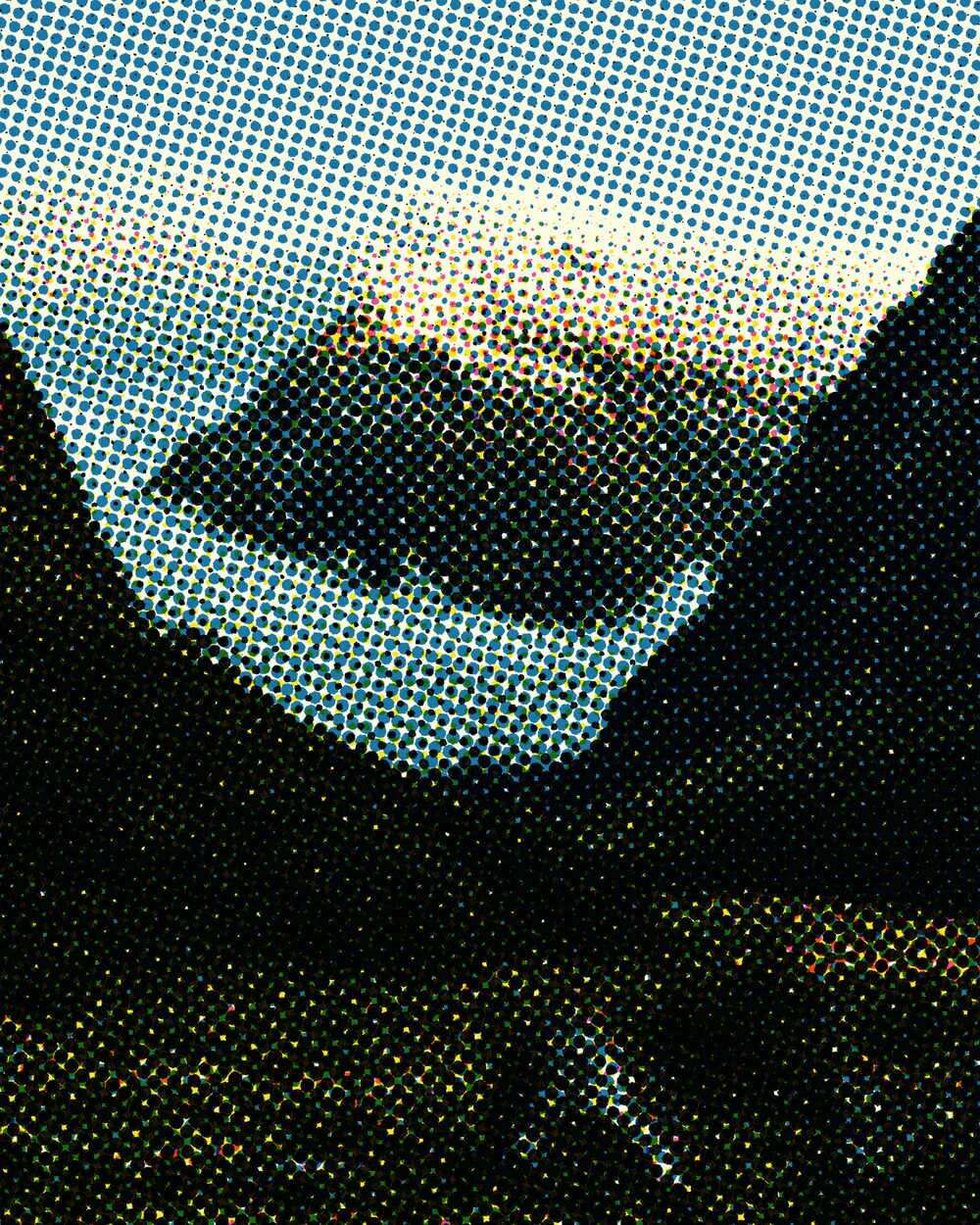
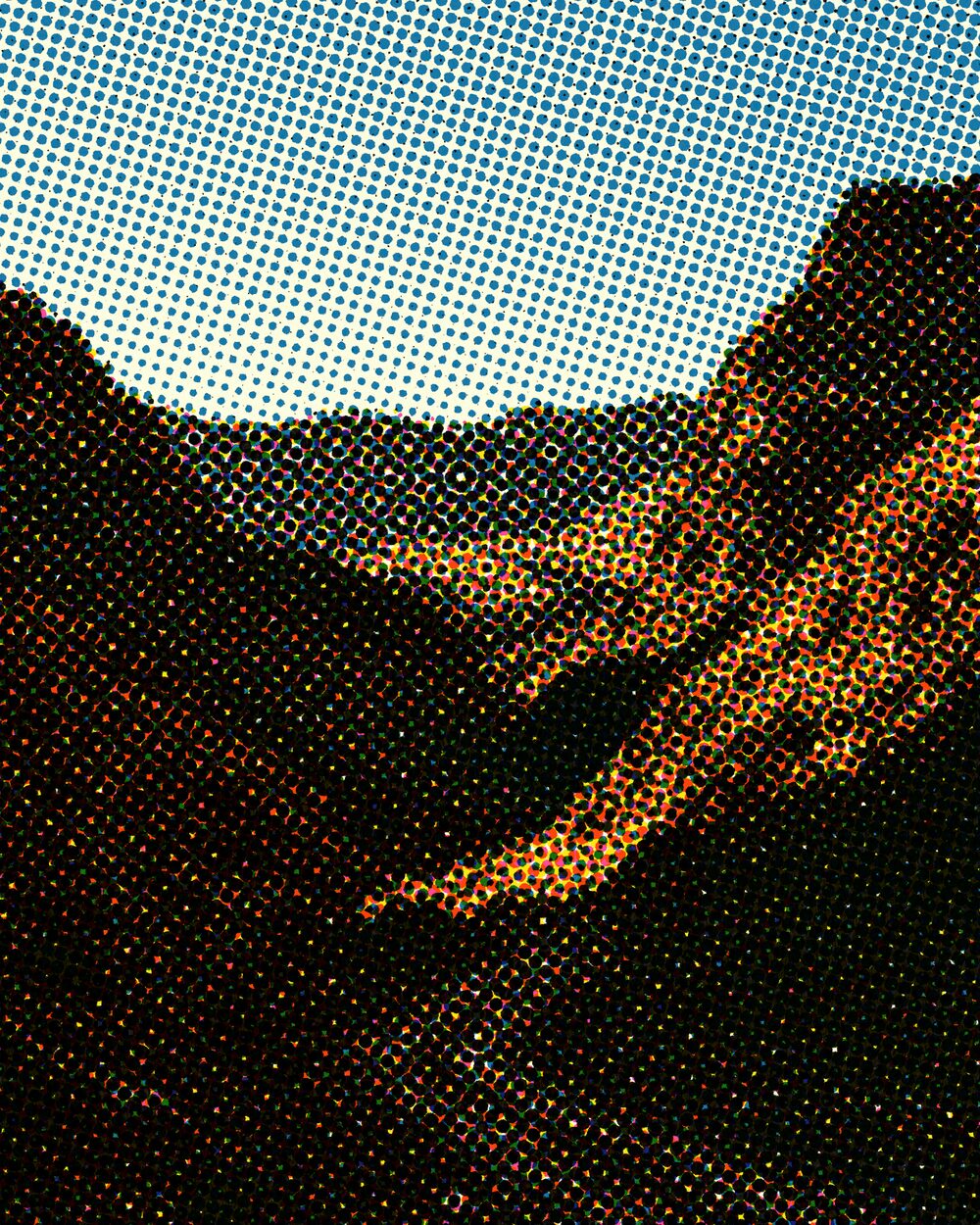
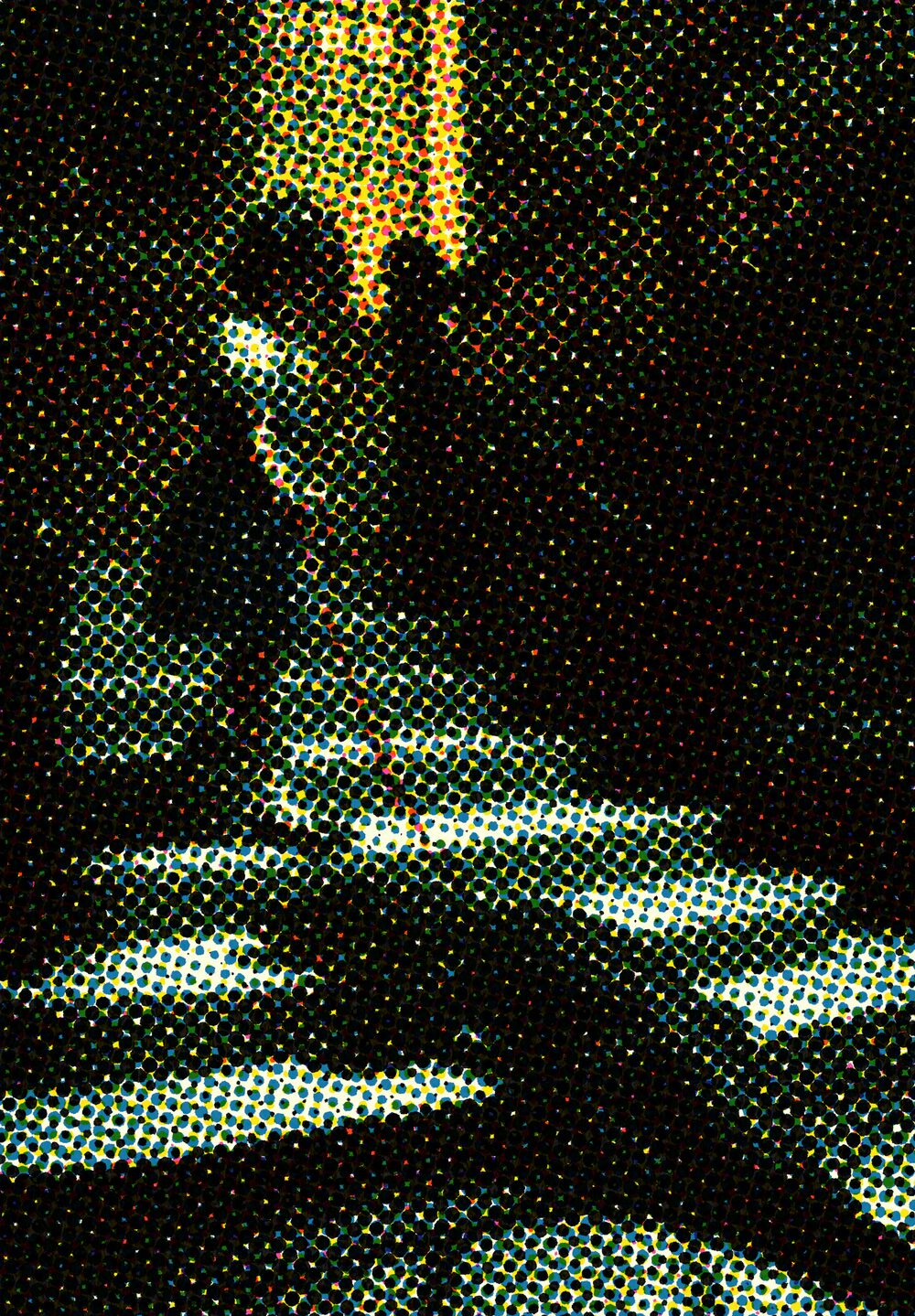
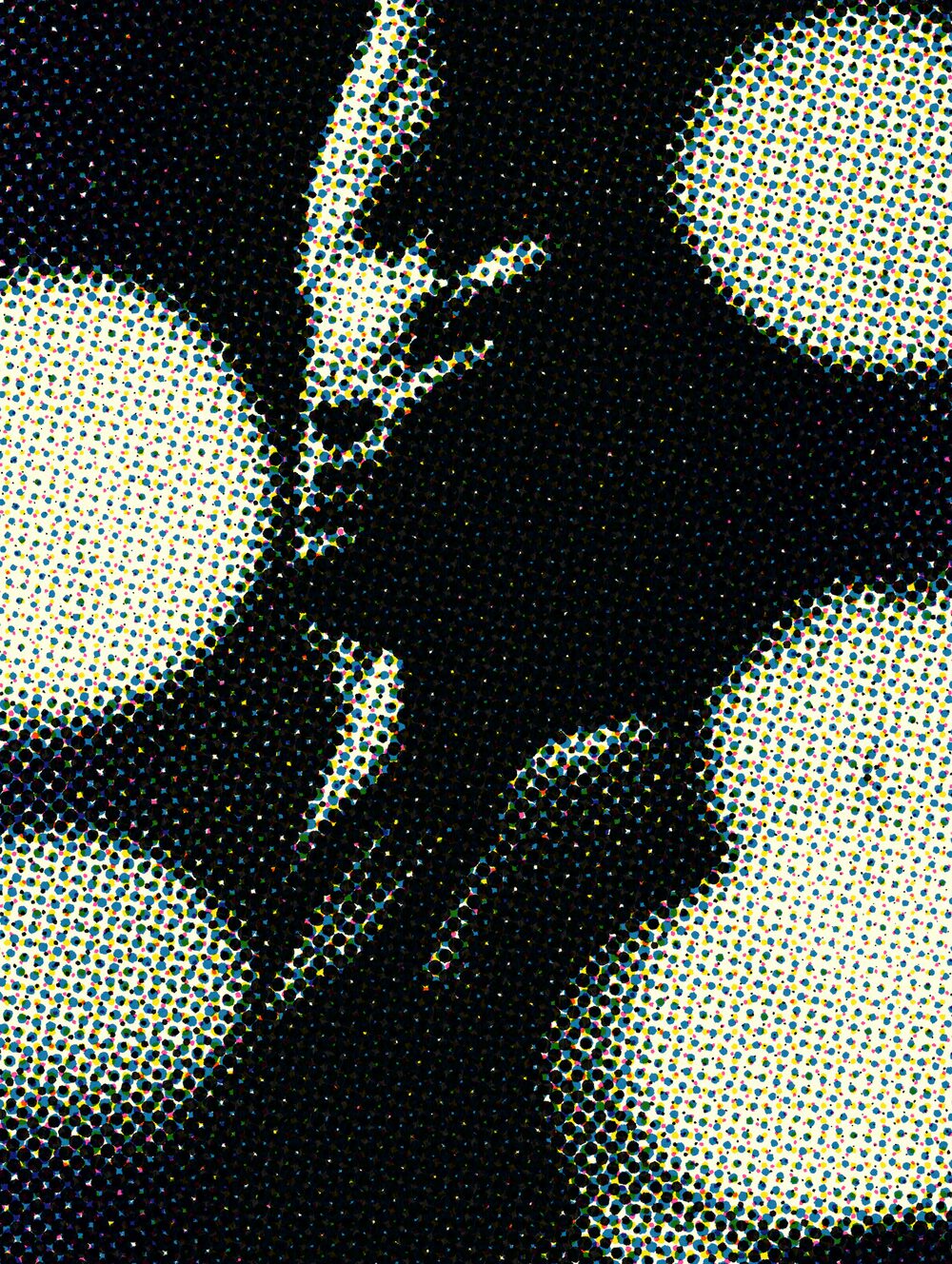
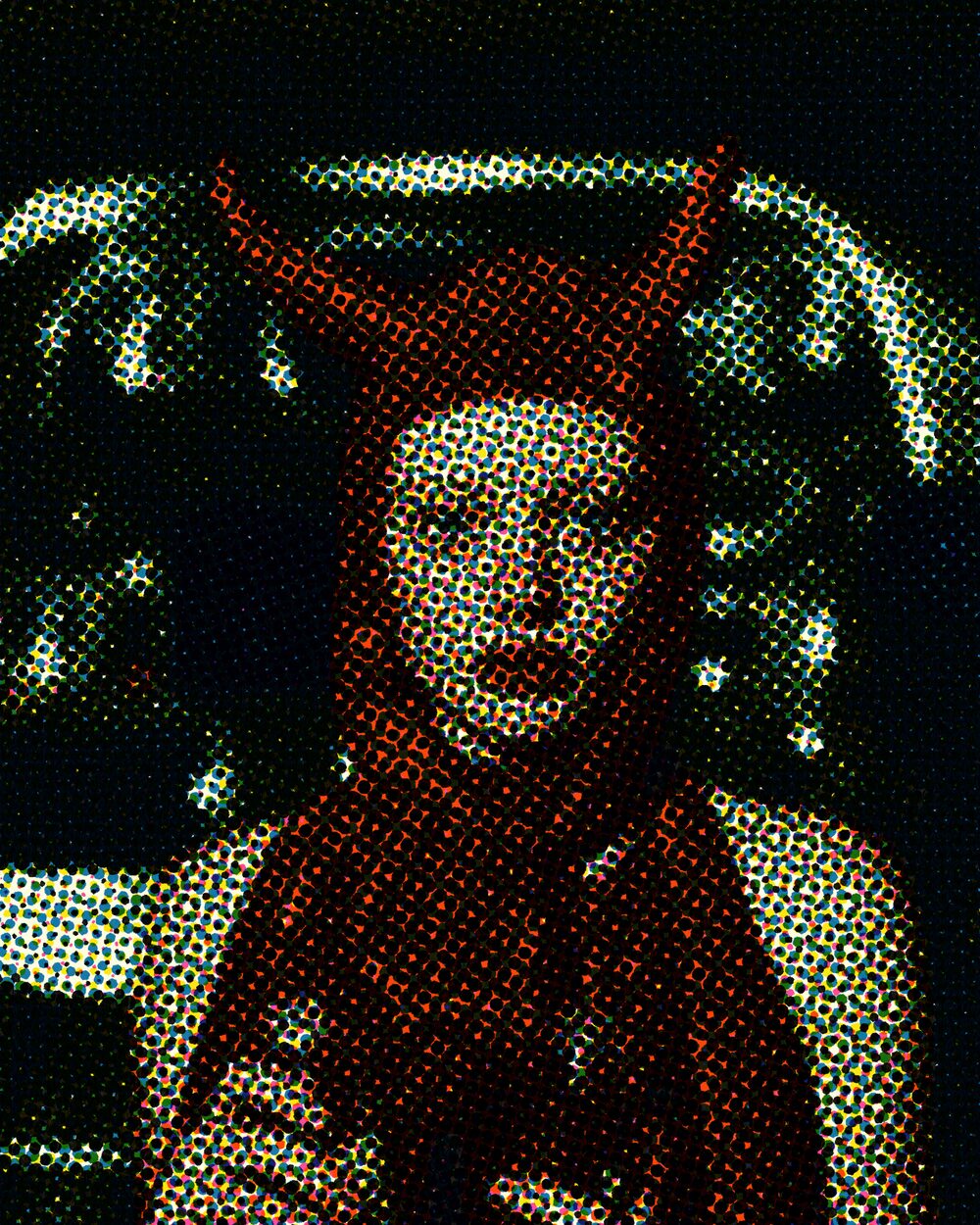
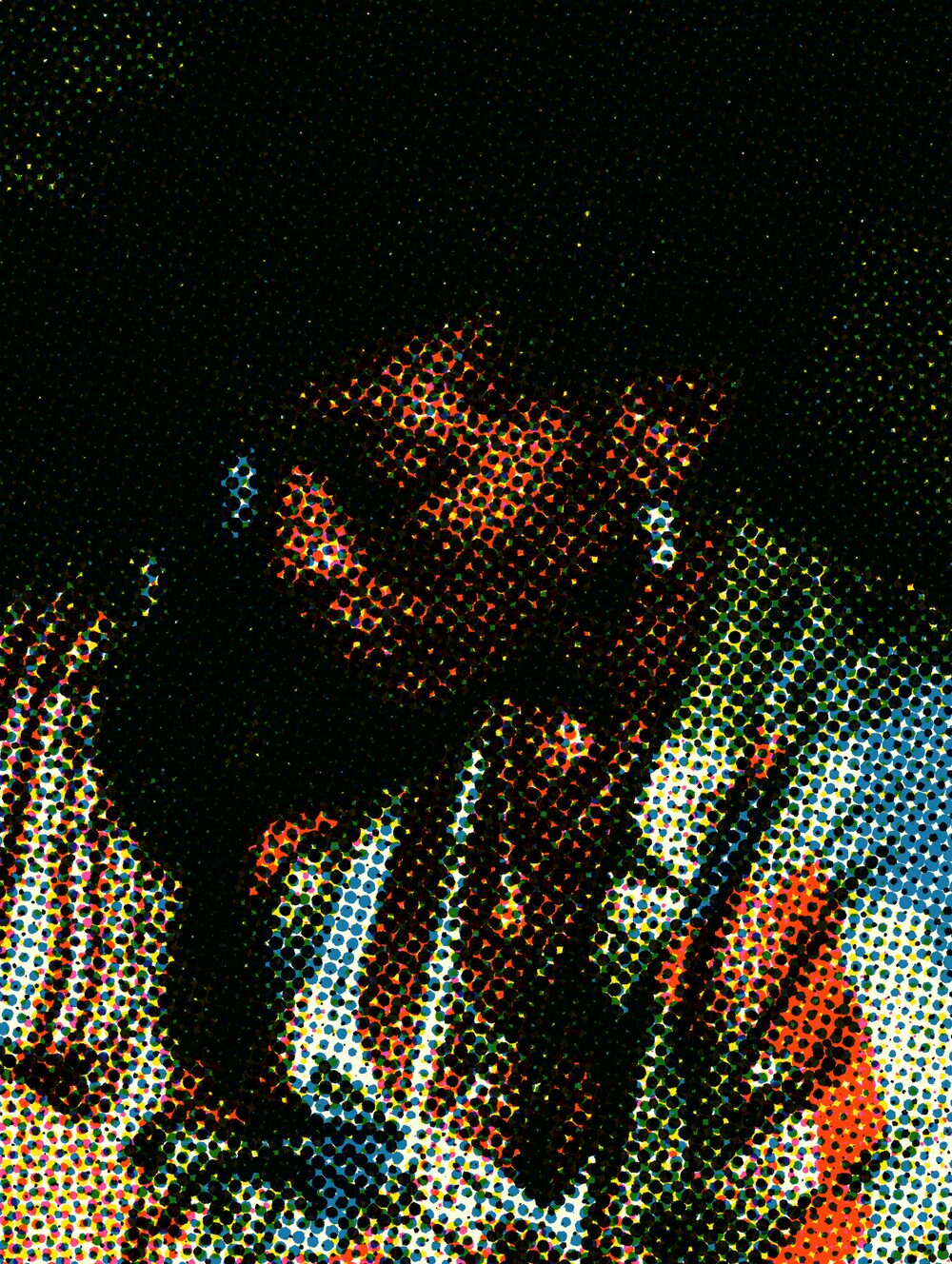
Printing presses lay down solid ink or nothing. To suggest continuous tone, printers break images into dots of varying size. William Henry Fox Talbot patented the idea of photographic screens in 1852; commercially practical relief halftones arrived in the 1880s through inventors such as Frederic Ives and Georg Meisenbach, with precision cross-line screens following soon after.
Newspapers and magazines still speak this language. Angle and scale recreate the mechanical screen, from fine editorial dots to coarse punk posters.
Properties
Pattern
dot shape; every shape prints the exact requested coverage
Frequency
screen ruling in dots per image height
Paper color
Black generation
how much of the neutral tone ink 4 carries (GCR)
Total ink
maximum combined coverage of all inks; about 300 for coated and 240 for newsprint
Dot gain
ink spreading that fattens midtone dots beyond the separation
Ink density
strength of the solid ink film
Edge roughness
ragged dot edges; independent per ink
Seed
a fresh sheet per whole value: new ragged edges and paper texture plus sheet-to-sheet register and dot gain drift; animate it to re-print every frame
Enable
Color
prints the cyan separation
Angle
Shift
how far this ink prints out of register
Enable
Color
prints the magenta separation
Angle
Shift
how far this ink prints out of register
Enable
Color
prints the yellow separation
Angle
Shift
how far this ink prints out of register
Enable
Color
prints the black separation
Angle
Shift
how far this ink prints out of register
Command line
Requires Rethings Pro. Install the tool from Rethings → Install Command Line Tool…
rethings apply --effect halftone-screen --set uPattern=0 --set uFrequency=85.1528 -i input.jpg -o output.png