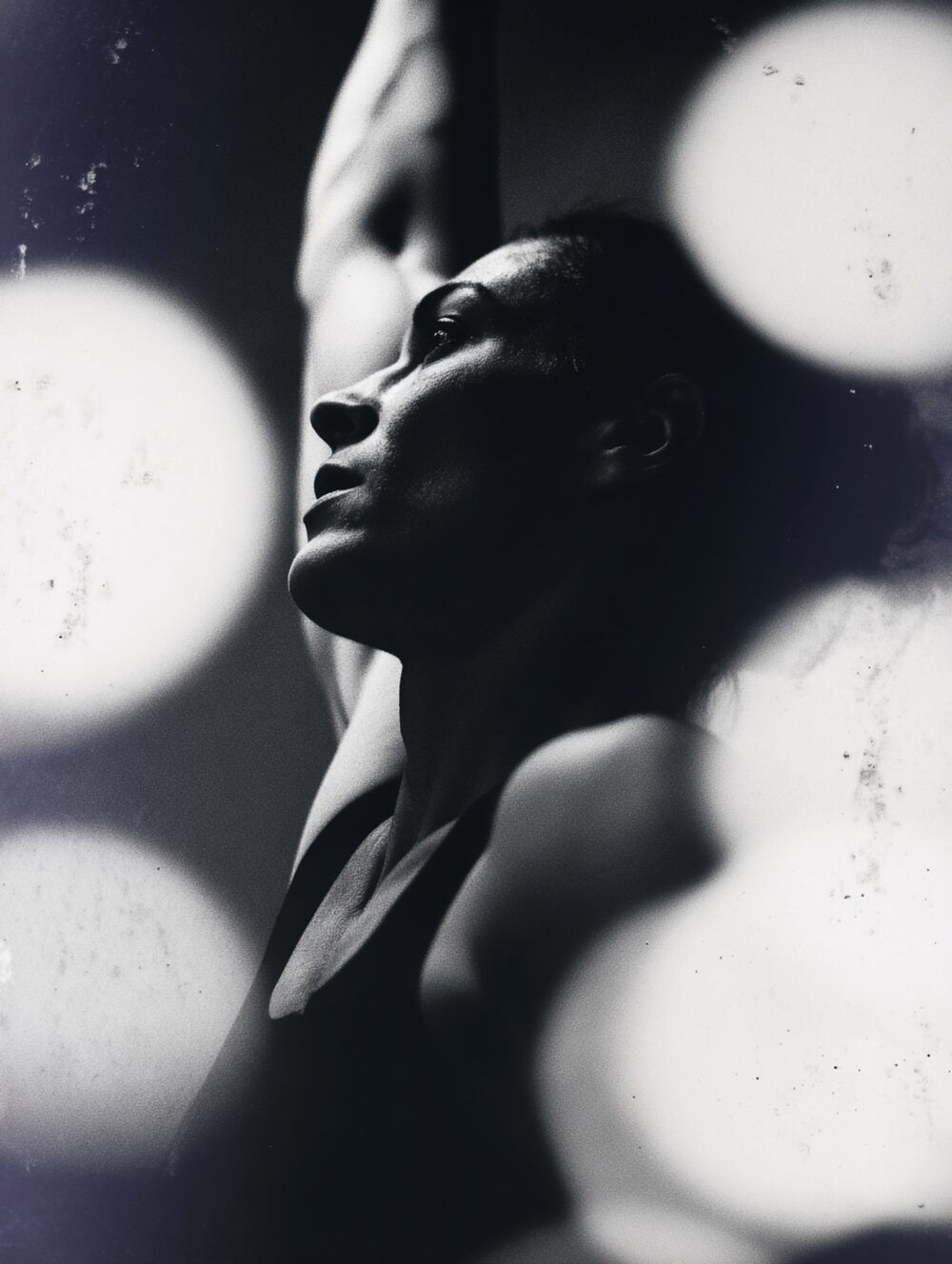
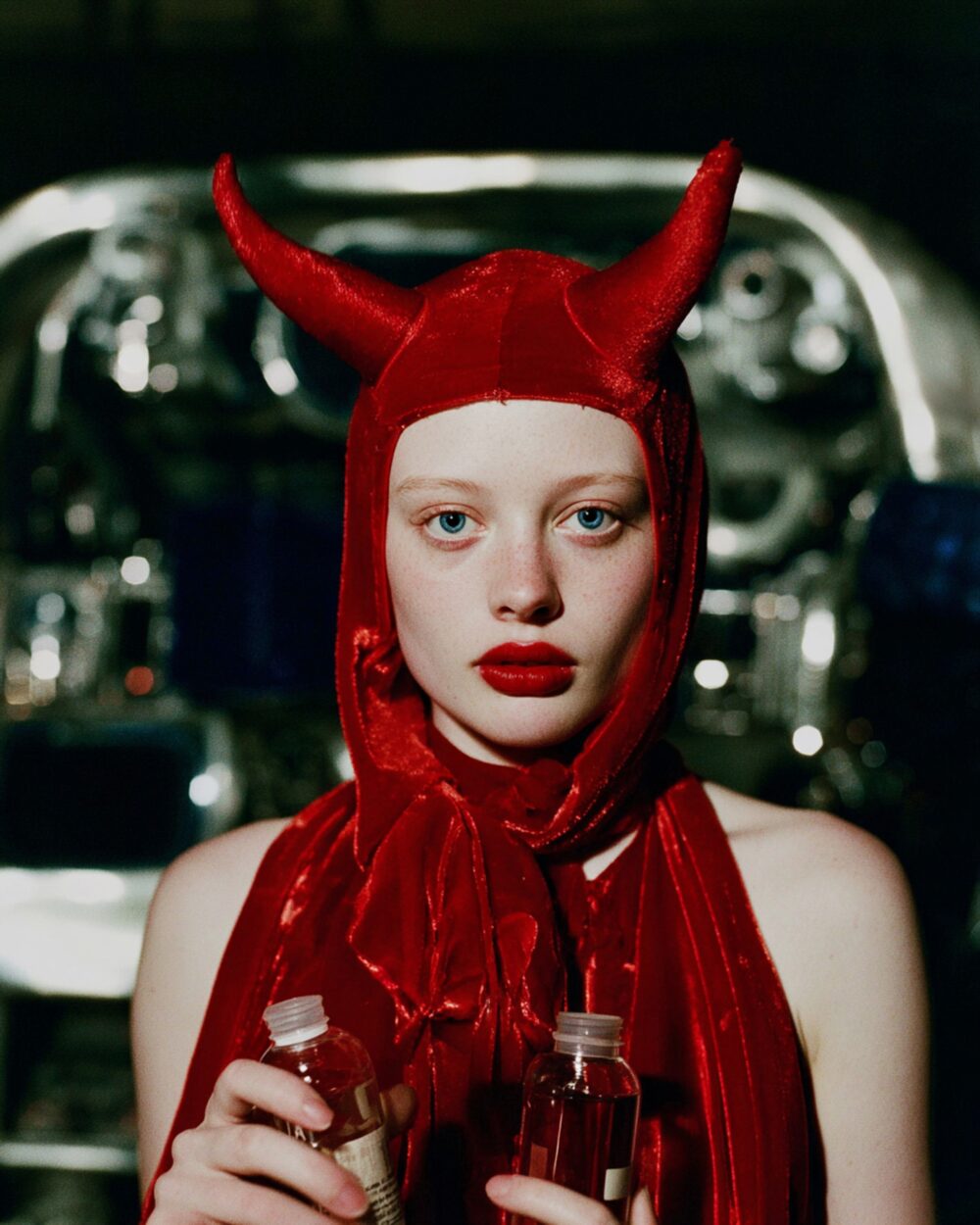
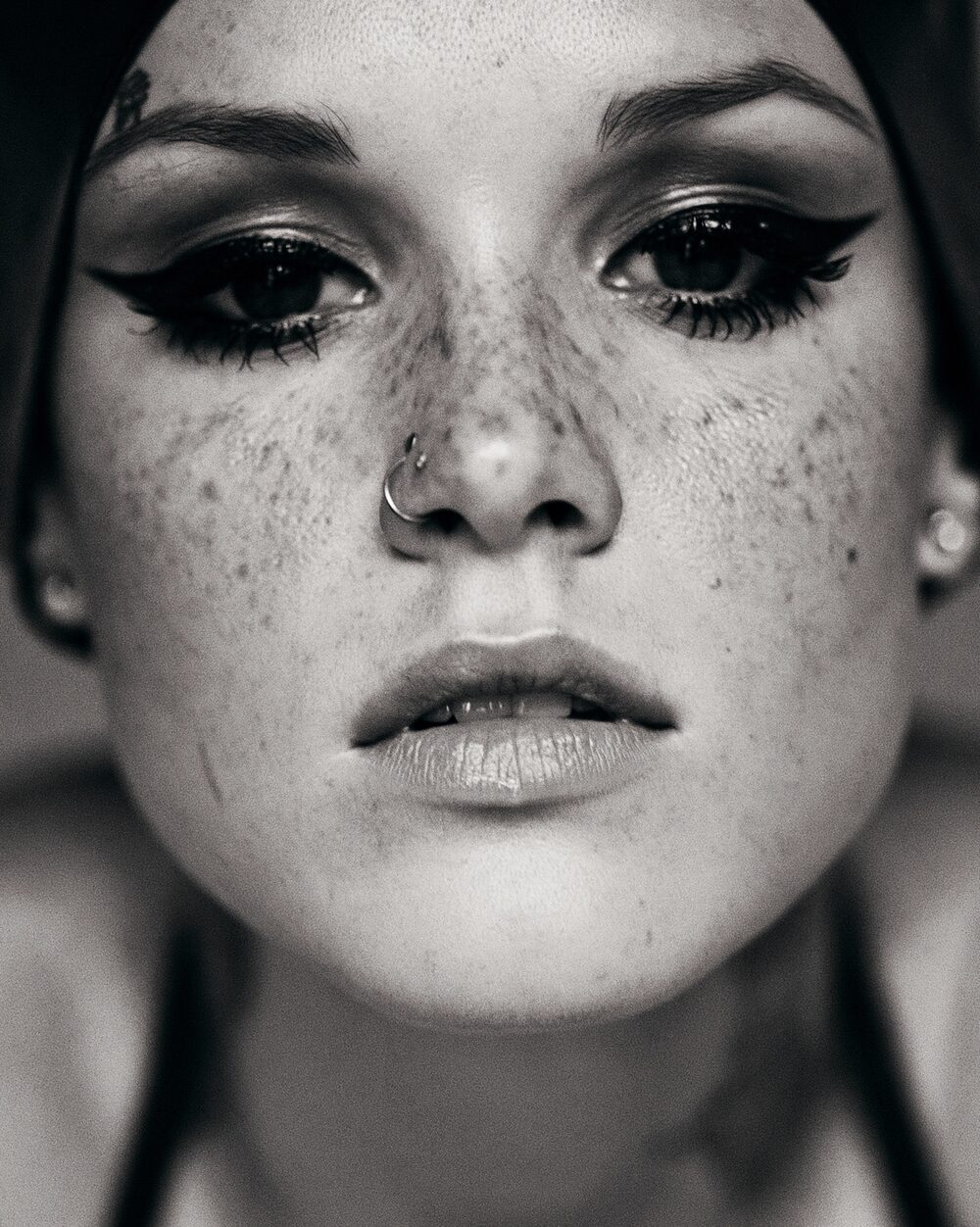
Effect
Levels
Set black point, white point and midtones like a levels tool.
Levels tools set black point, white point and mid grey, the same logic as adjusting a print's exposure scale. Input sliders clip or expand; gamma reshapes the middle.
It is one of the fastest ways to fix a flat scan or a hazy camera original.
Properties
Input Levels
input min/max
Midpoint
Output Levels
output min/max
Affect Luma Only
luminance only
Command line
Requires Rethings Pro. Install the tool from Rethings → Install Command Line Tool…
rethings apply --effect levels --set input_levels=0,1 --set midpoint=1 -i input.jpg -o output.png