All effects and presets

Effect

Pinch

Pinch or bulge the image around a focal point.

Pinch and bulge distortions pull the image toward or away from a focal point, a classic filter-language effect that recalls funhouse mirrors and touch-screen magnification.

Small pinches emphasise a subject. Large bulges become surreal.
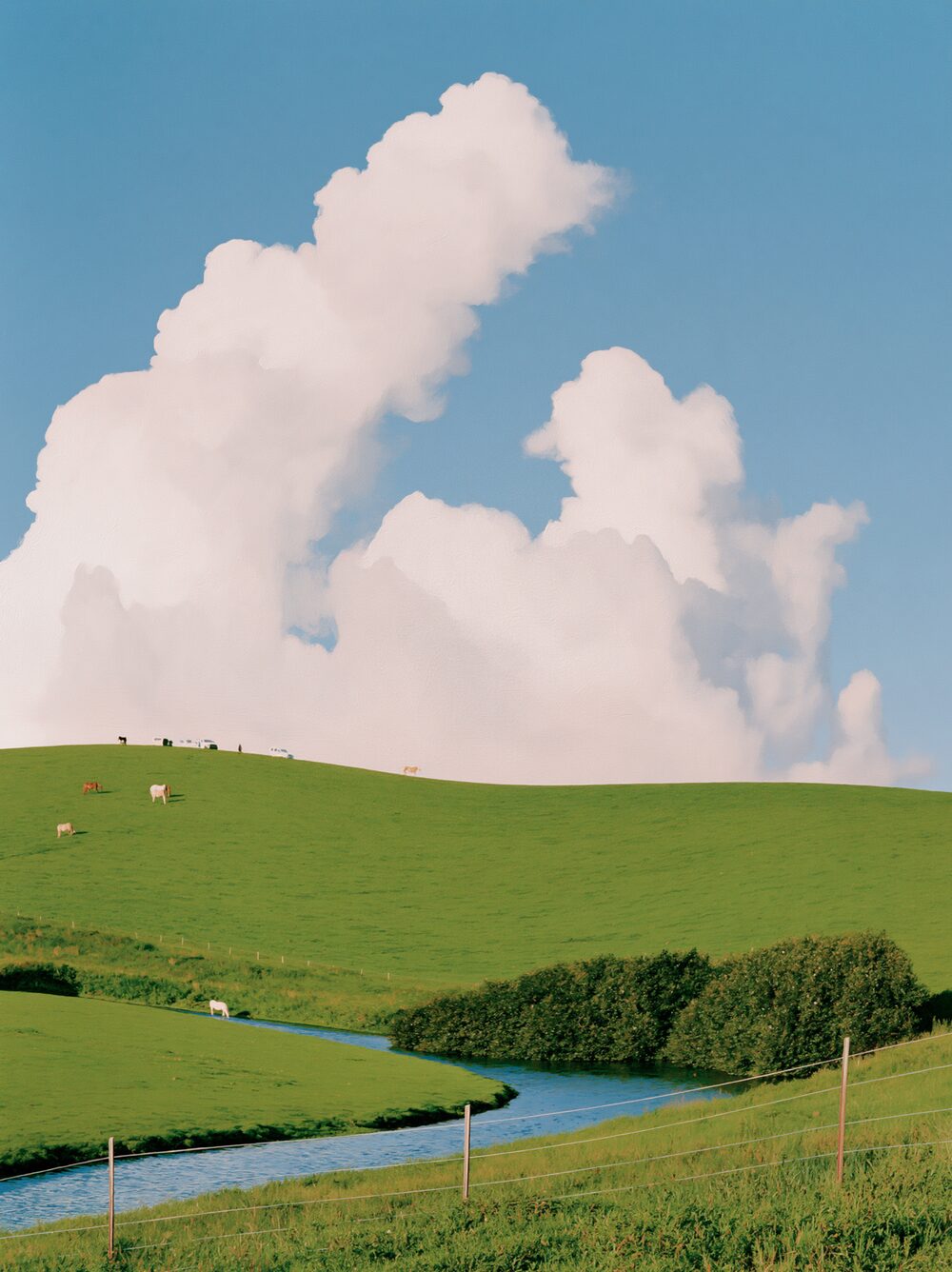
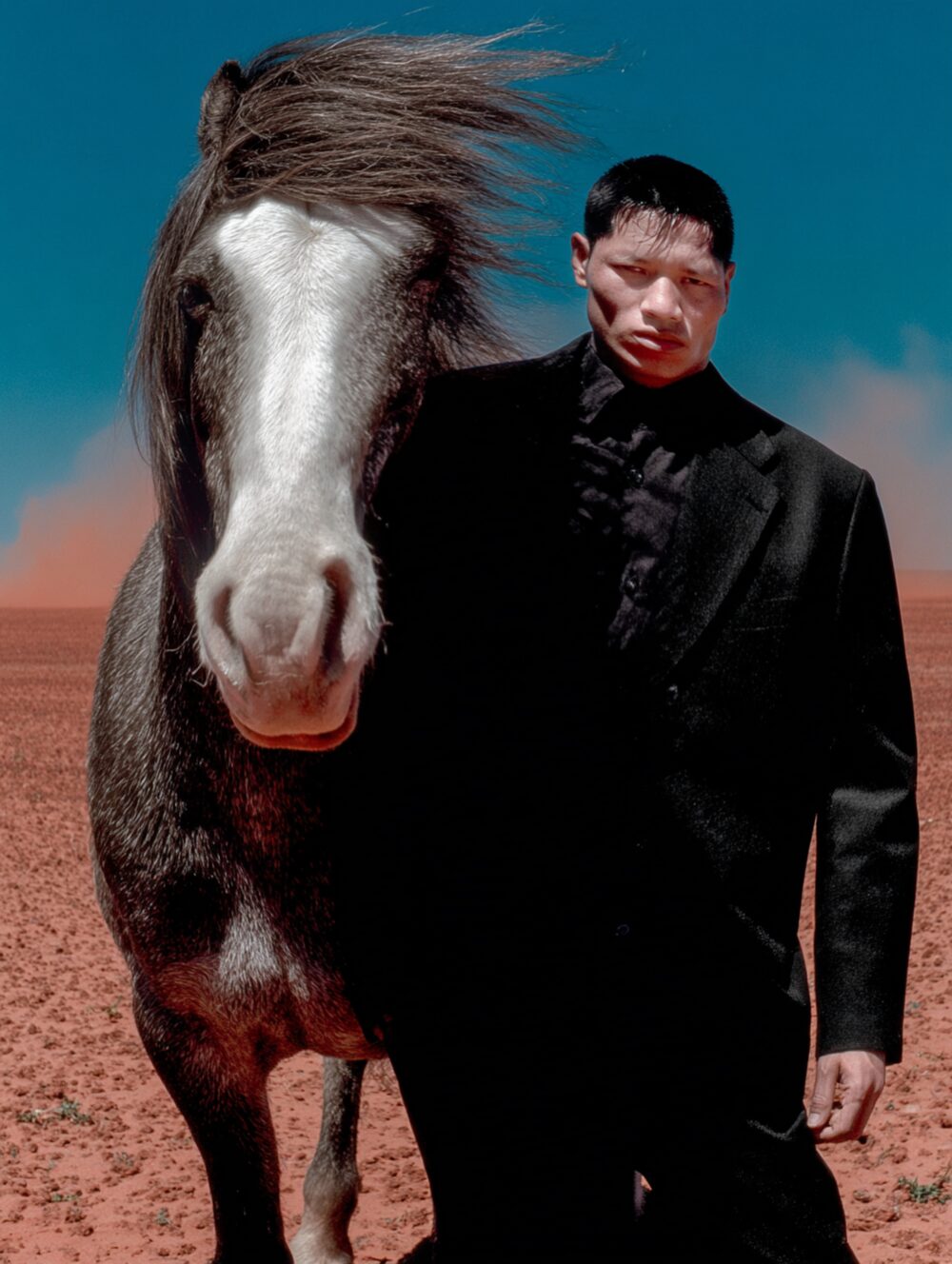
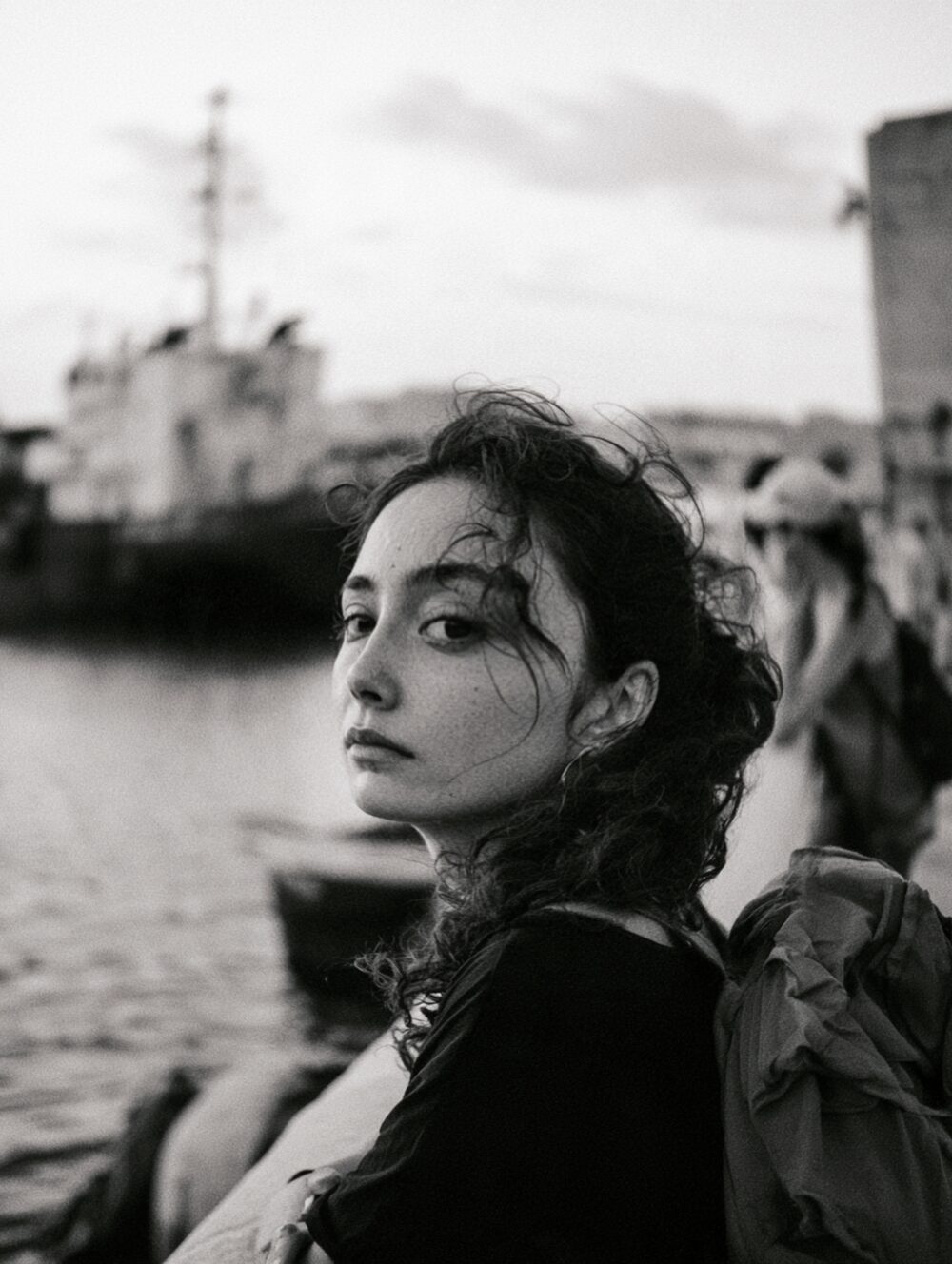
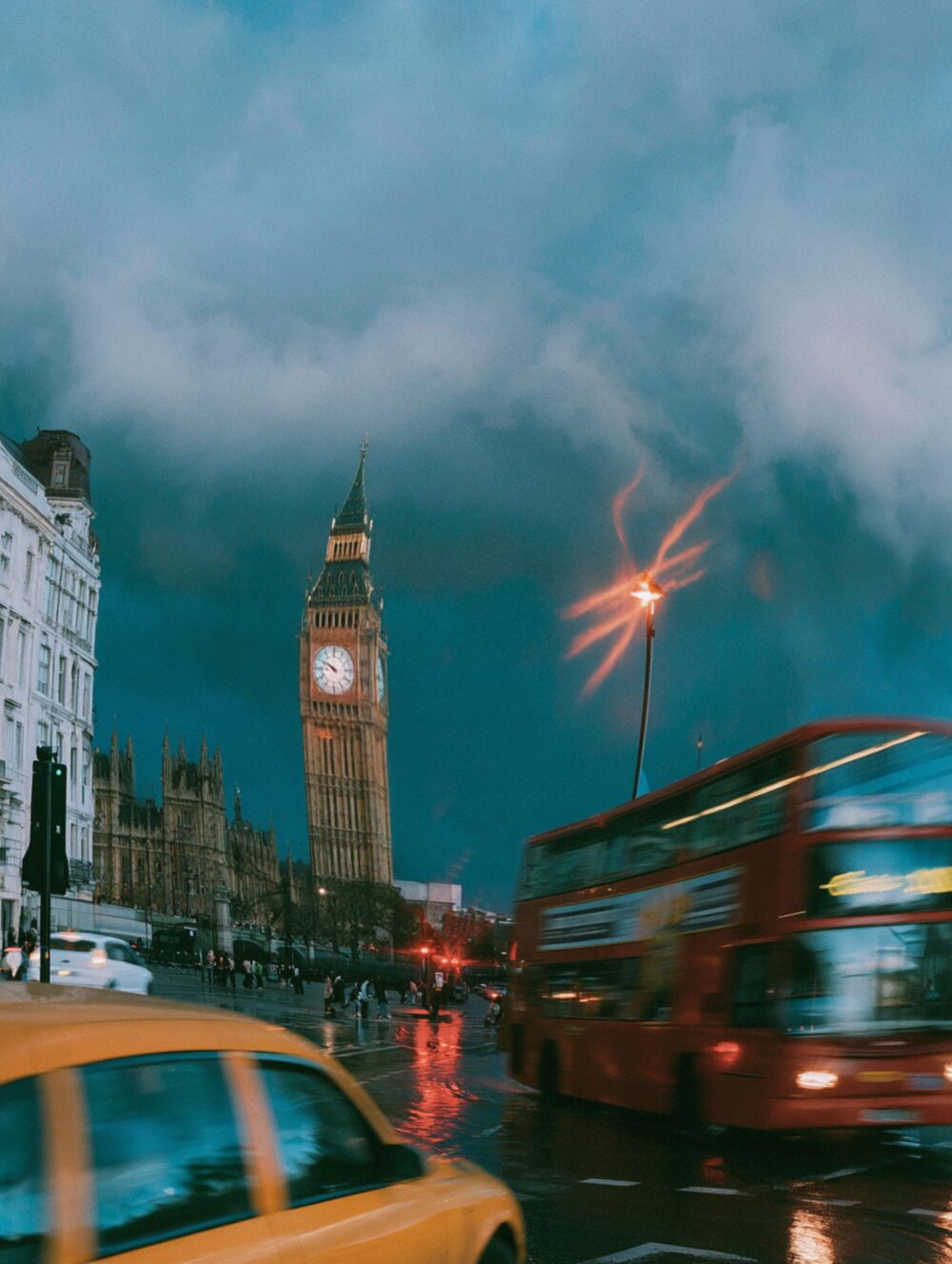
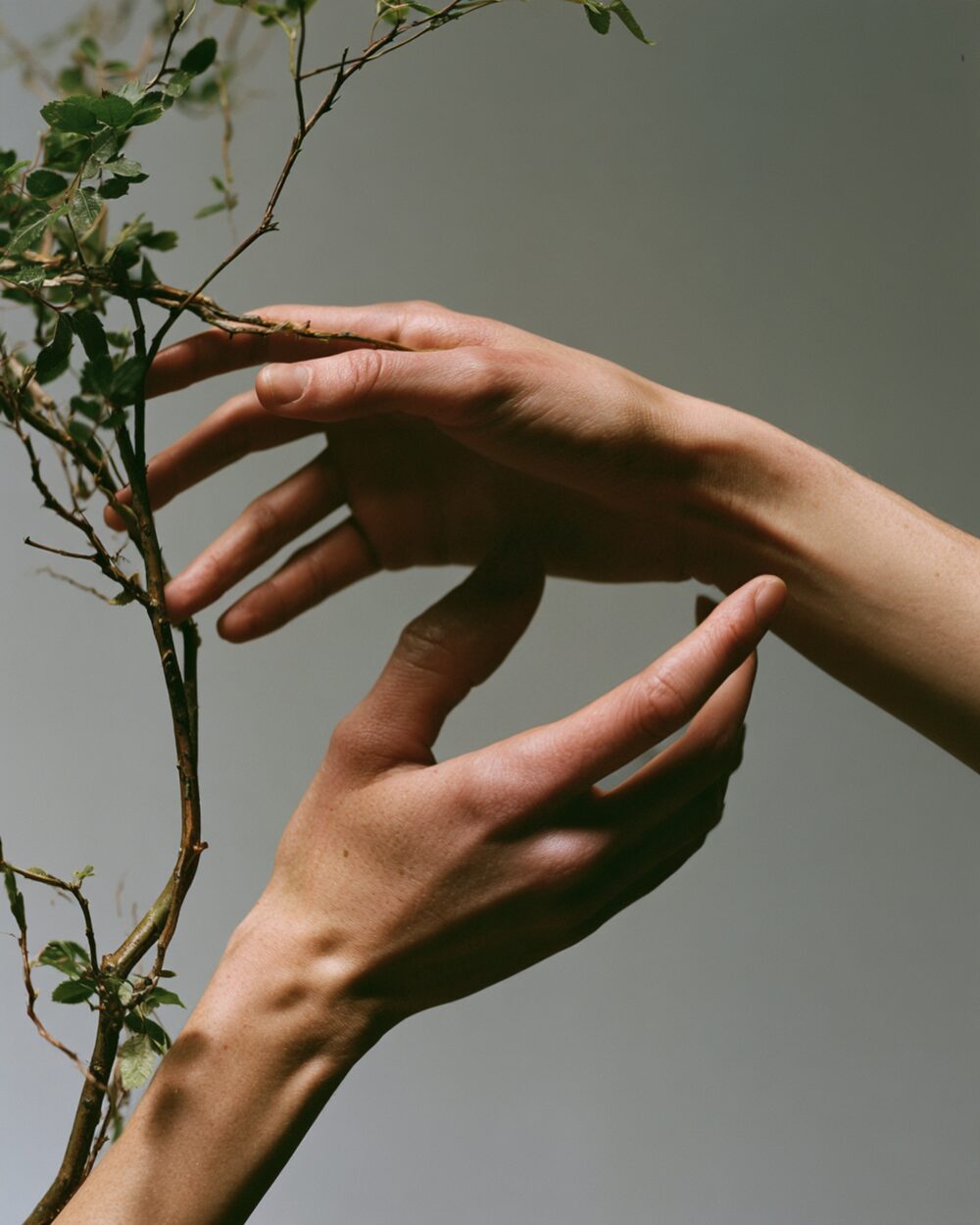
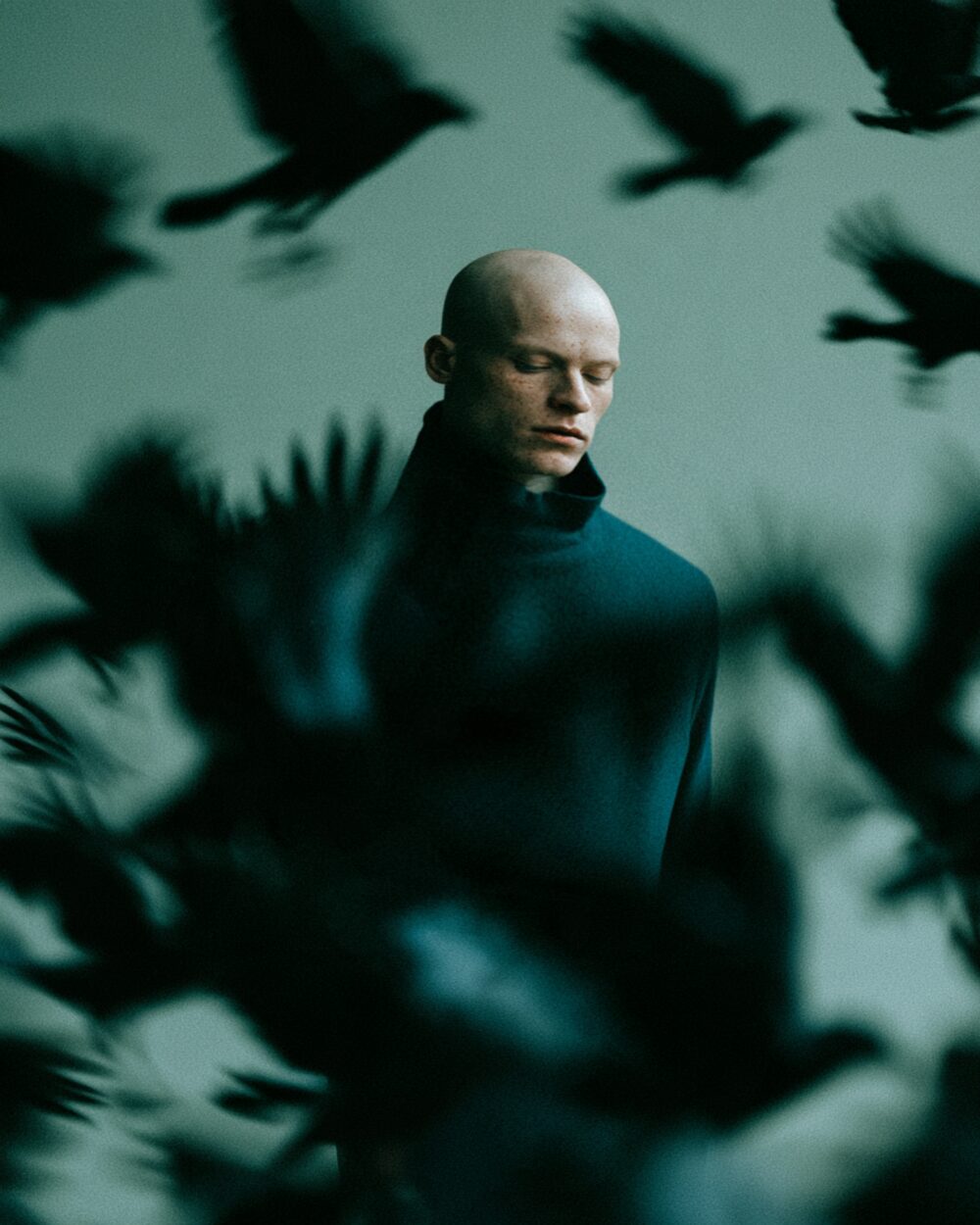
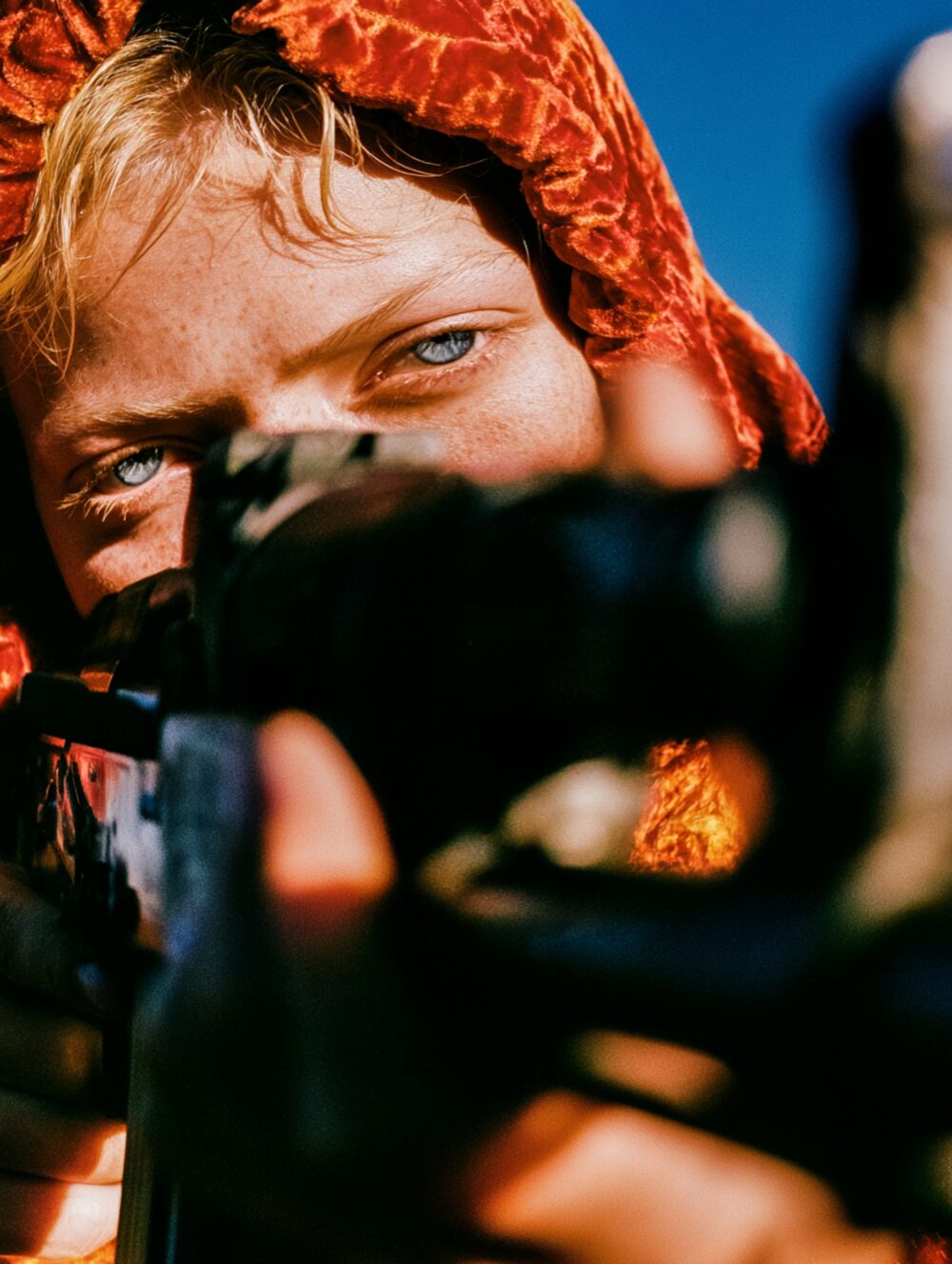
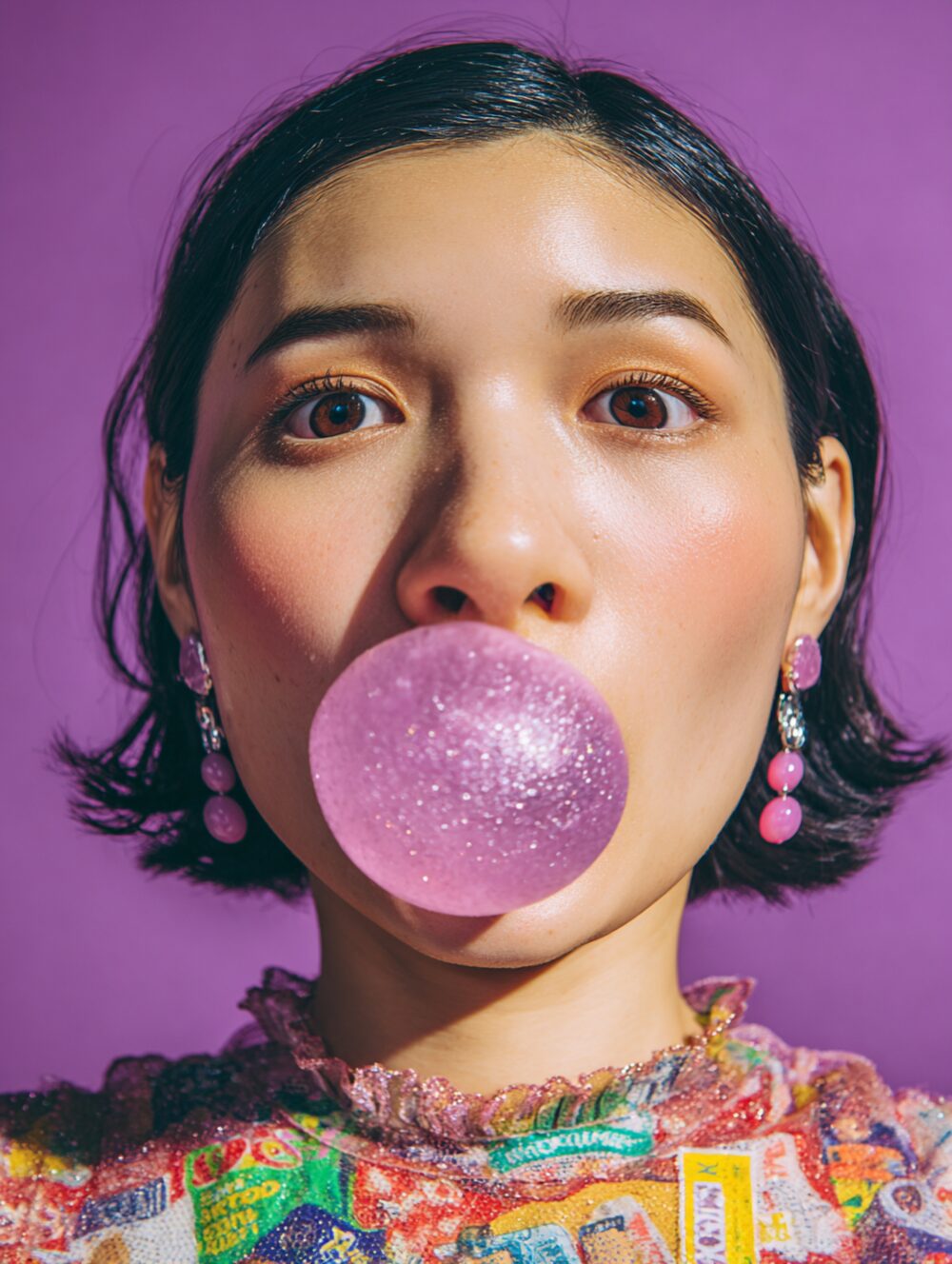
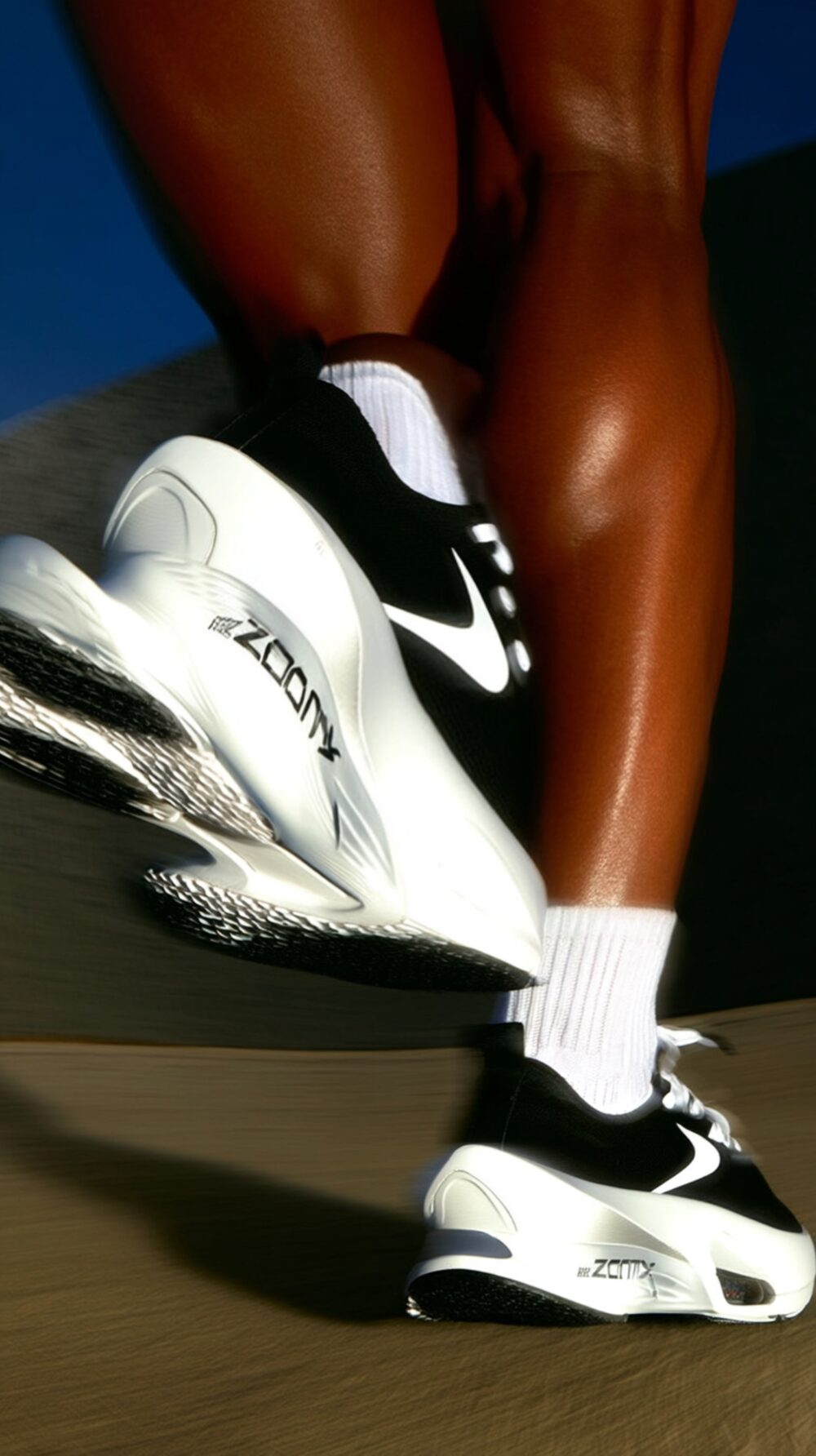
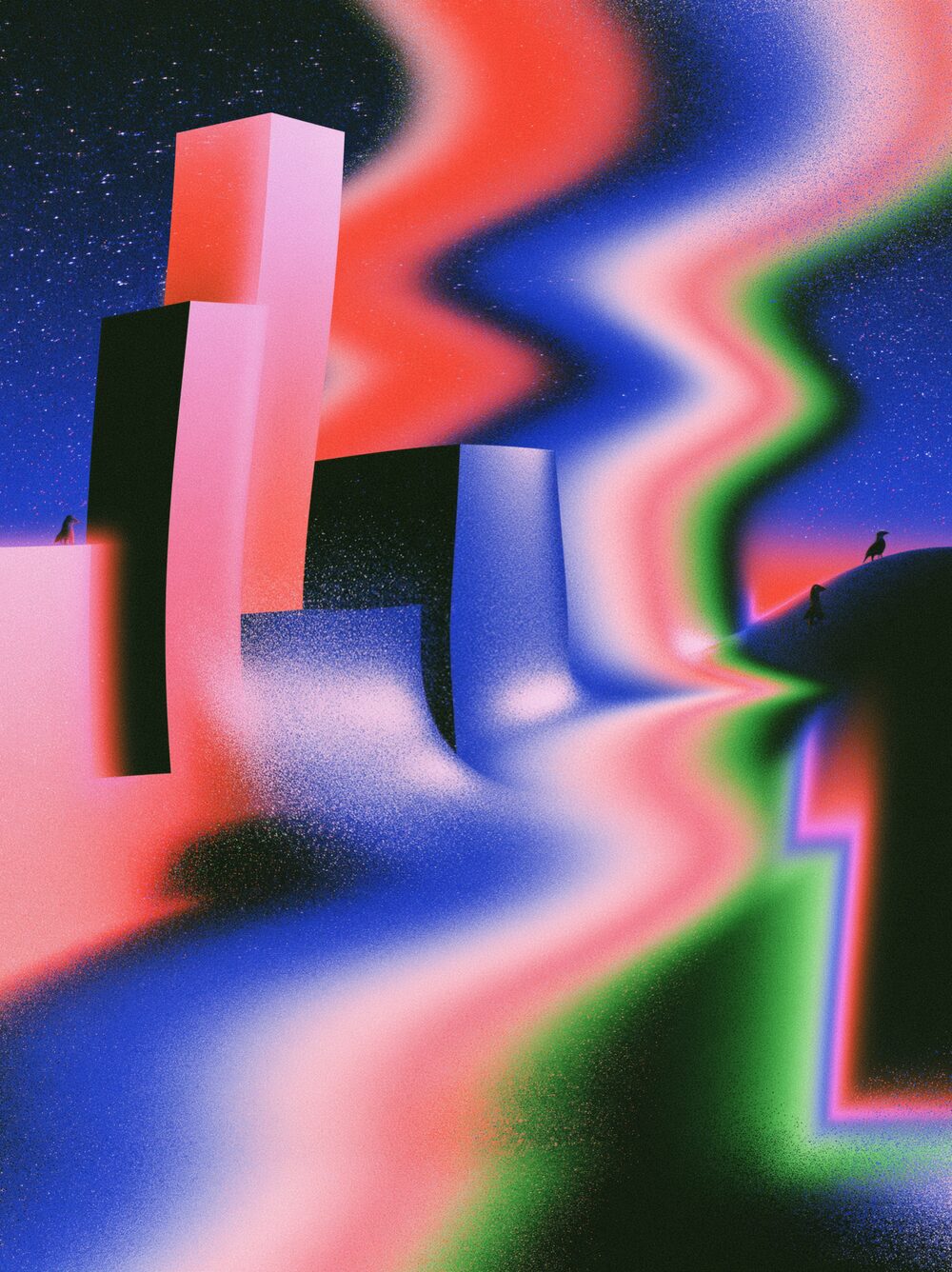
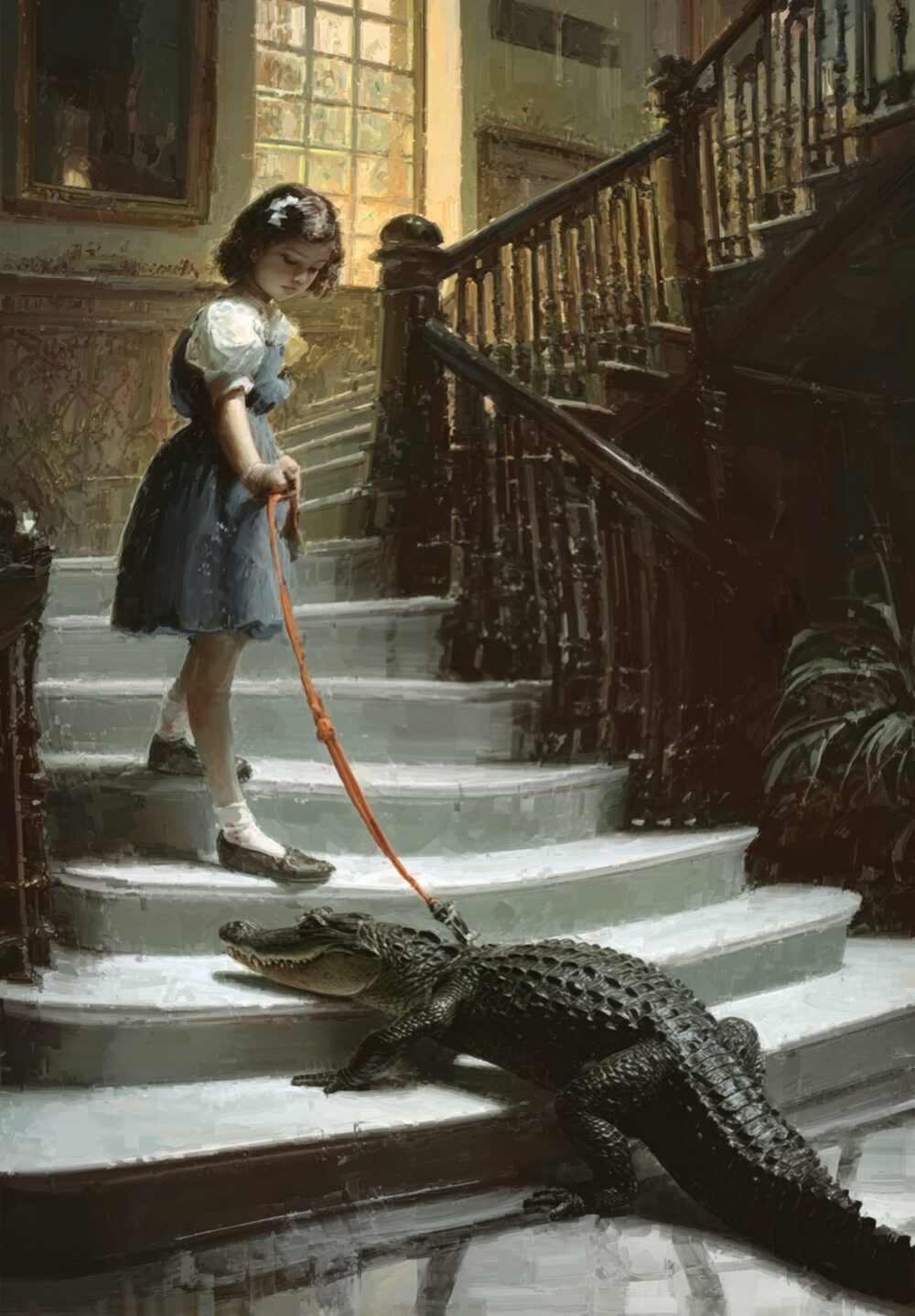
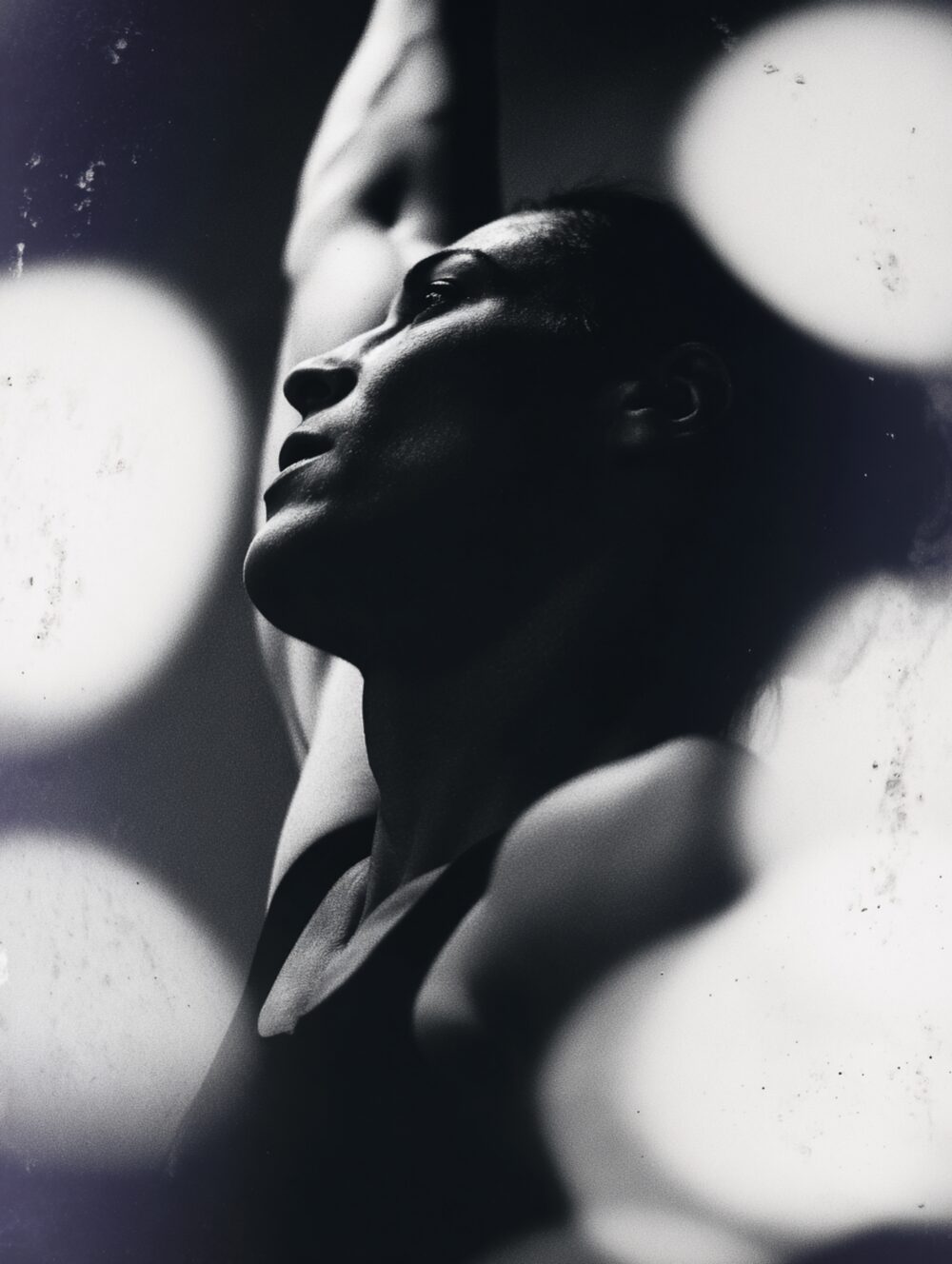
Pinch example
Example

Properties

  • Strength

    Range
    -1 to 1
    Default
    0.469
  • Radius

    Range
    0.01 to 2
    Default
    1.415
  • Center

    Range
    -2, -2 to 2, 2
    Default
    0.041, 0

Command line

Requires Rethings Pro. Install the tool from Rethings → Install Command Line Tool…

rethings apply --effect pinch --set strength=0.4692 --set radius=1.4148 -i input.jpg -o output.png
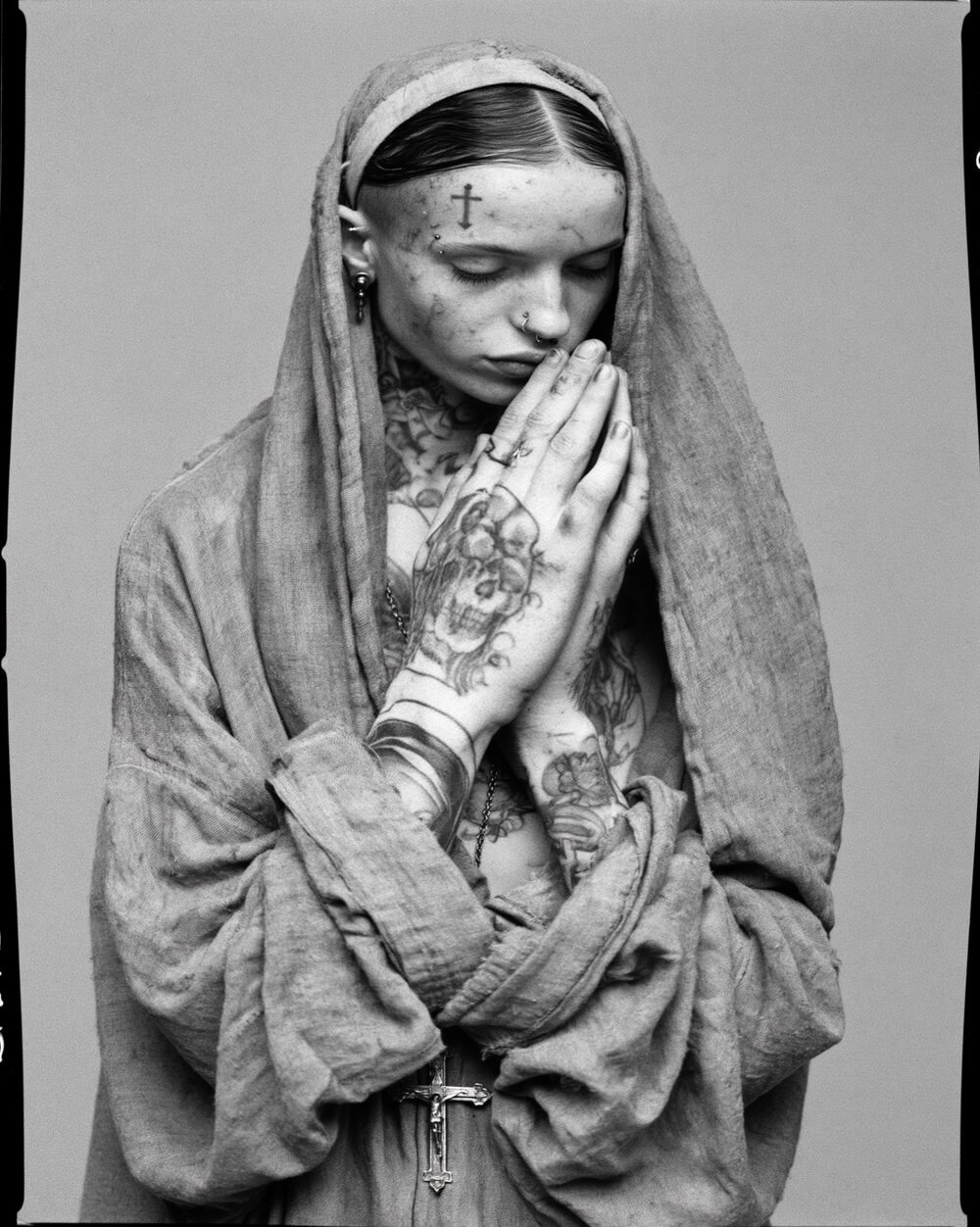

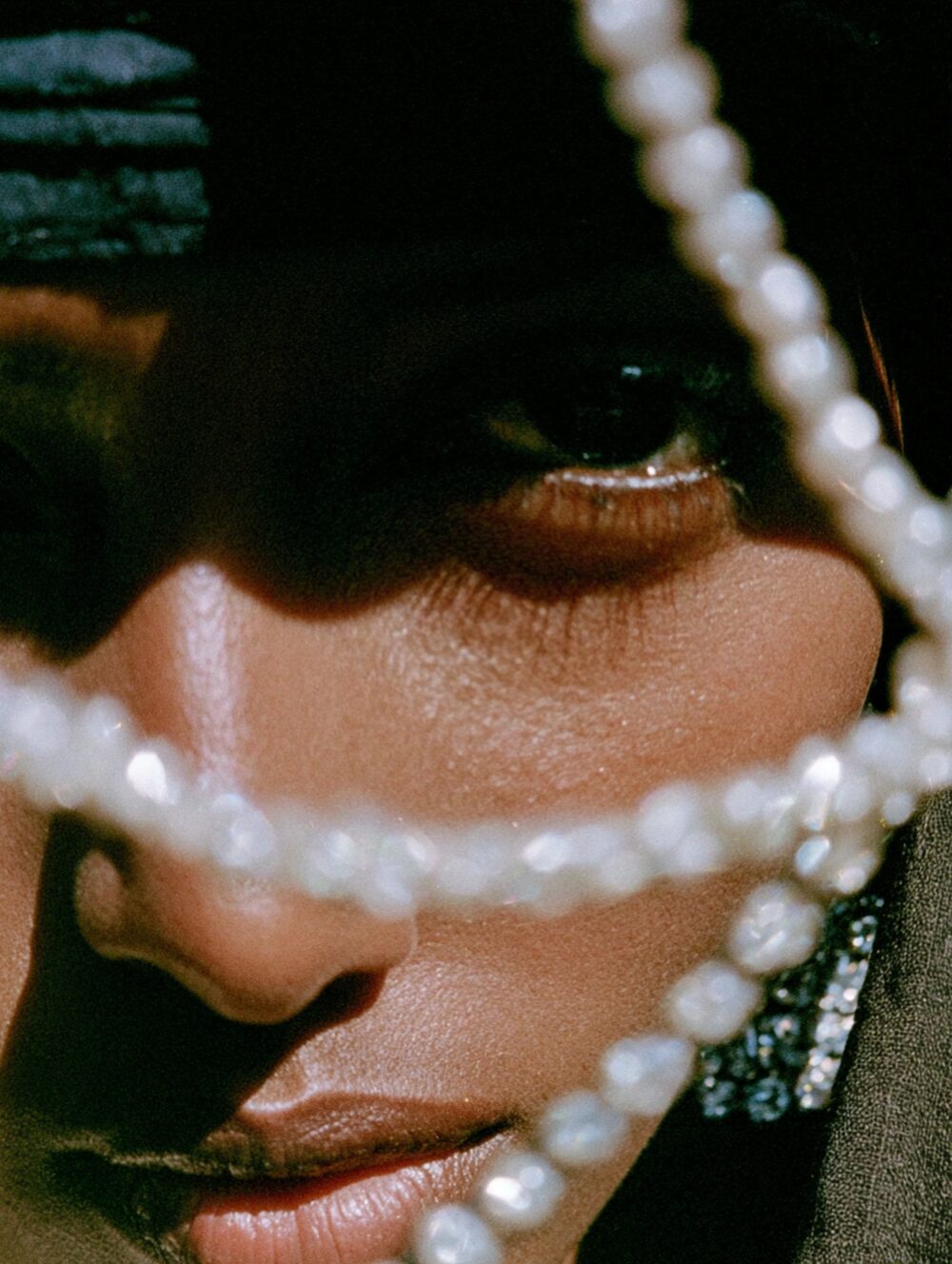
Gallery

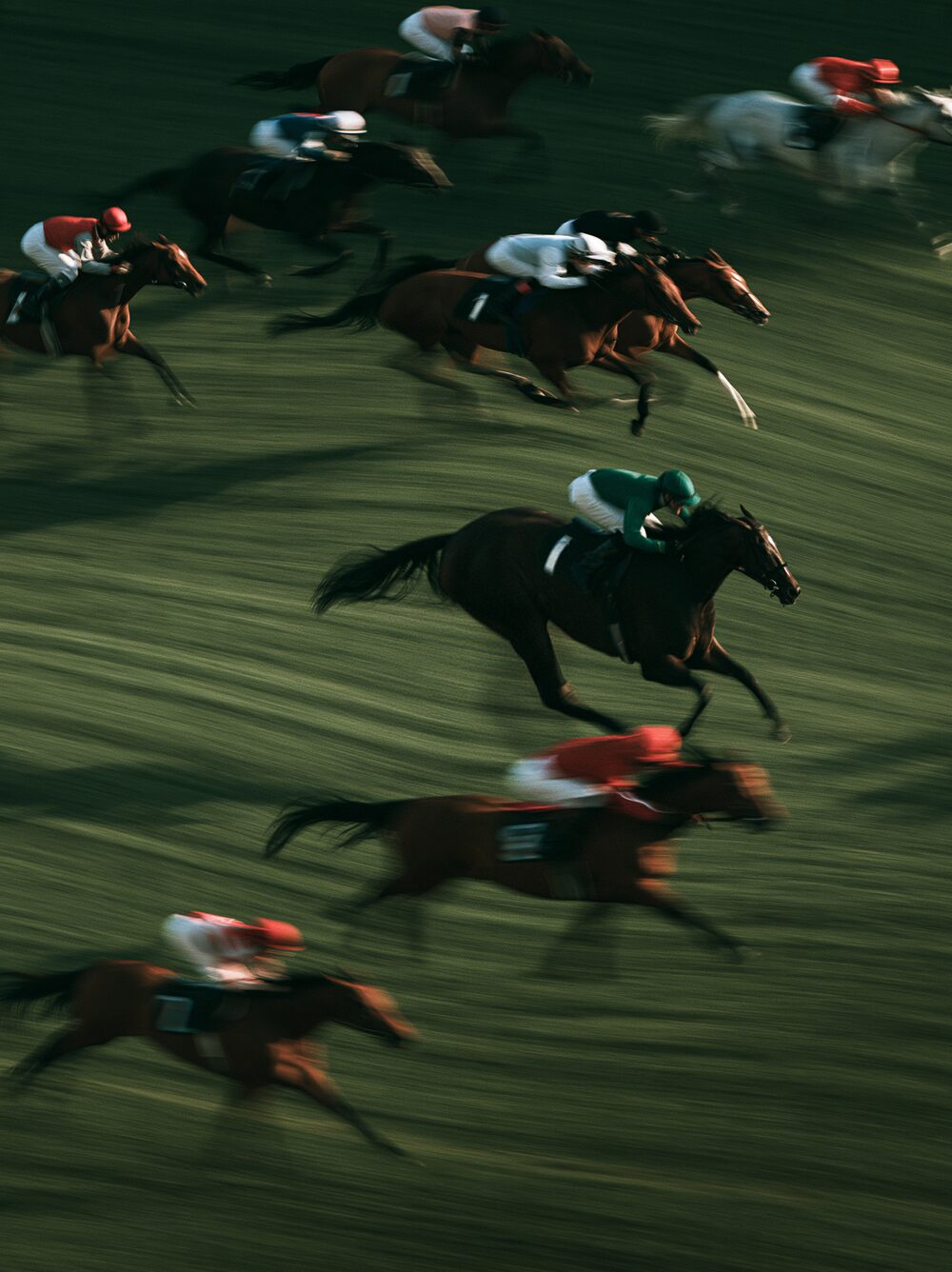
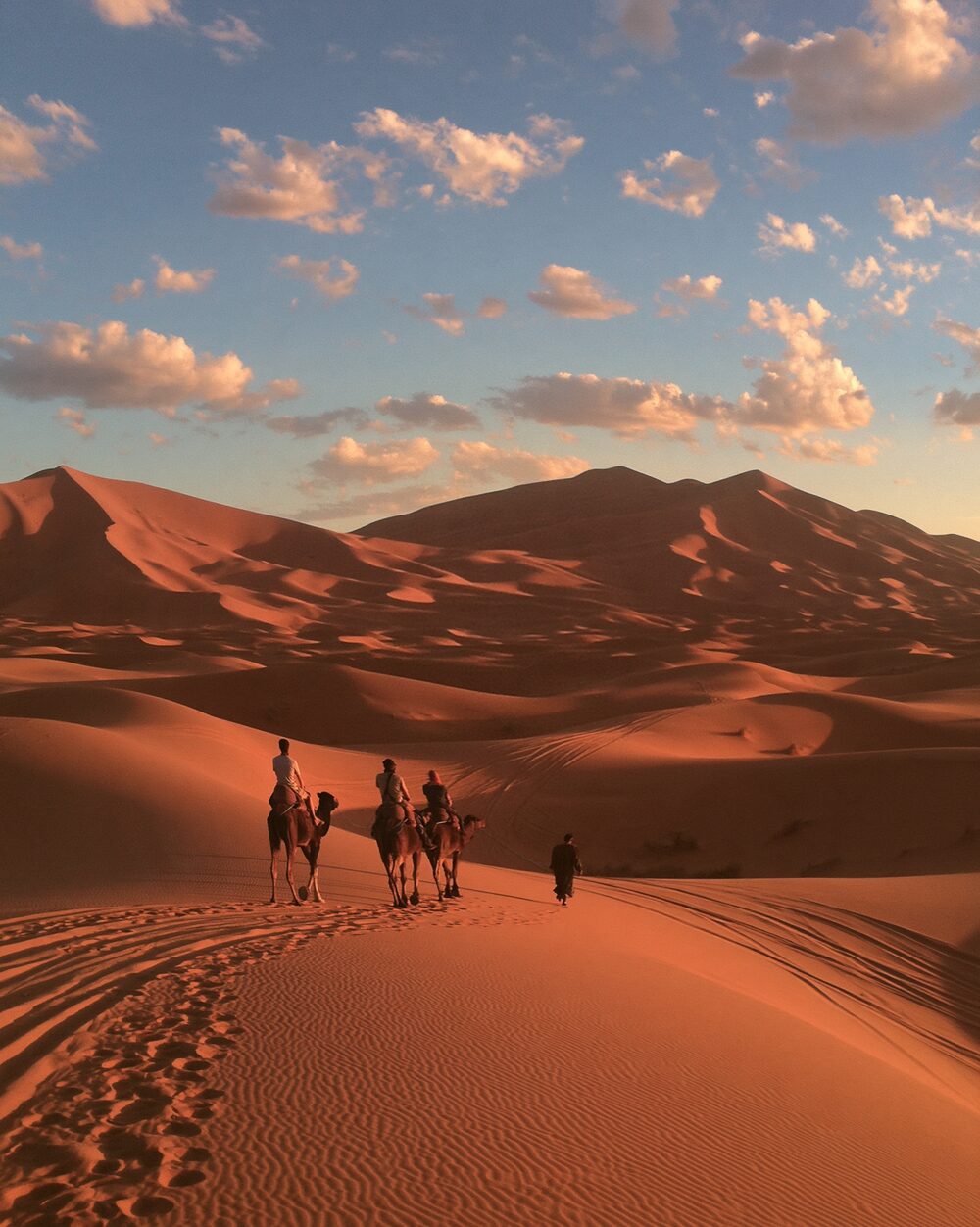
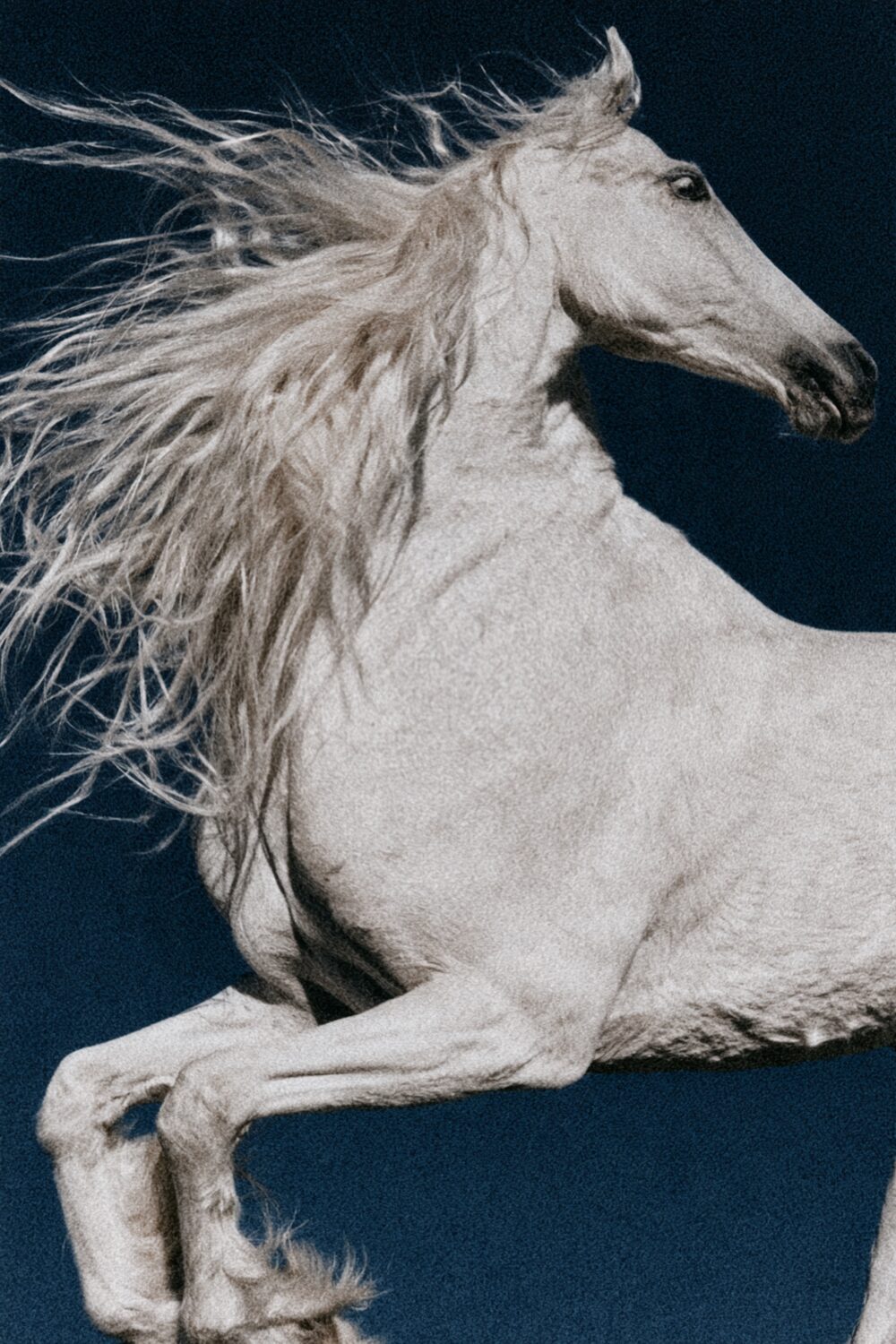
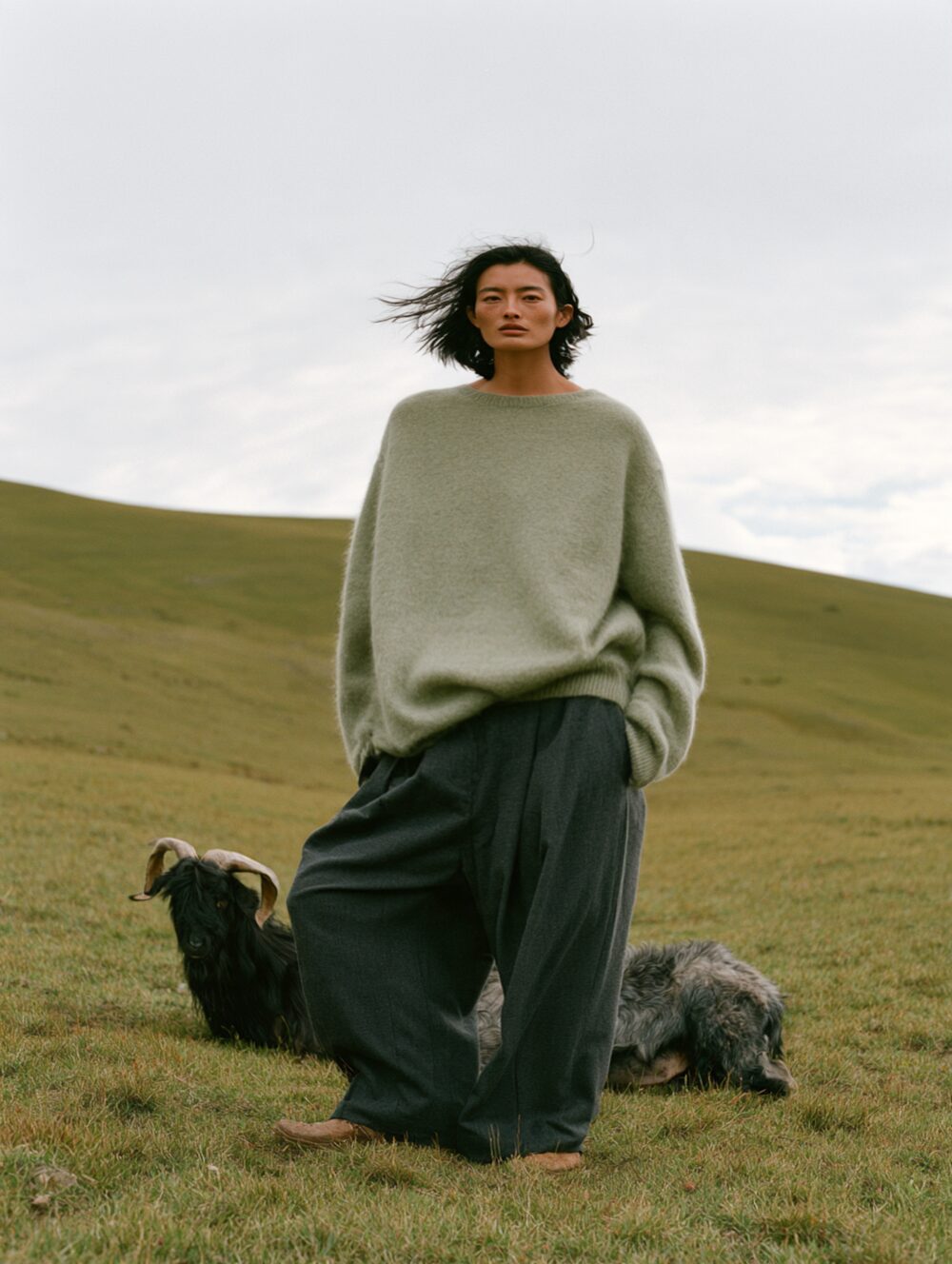
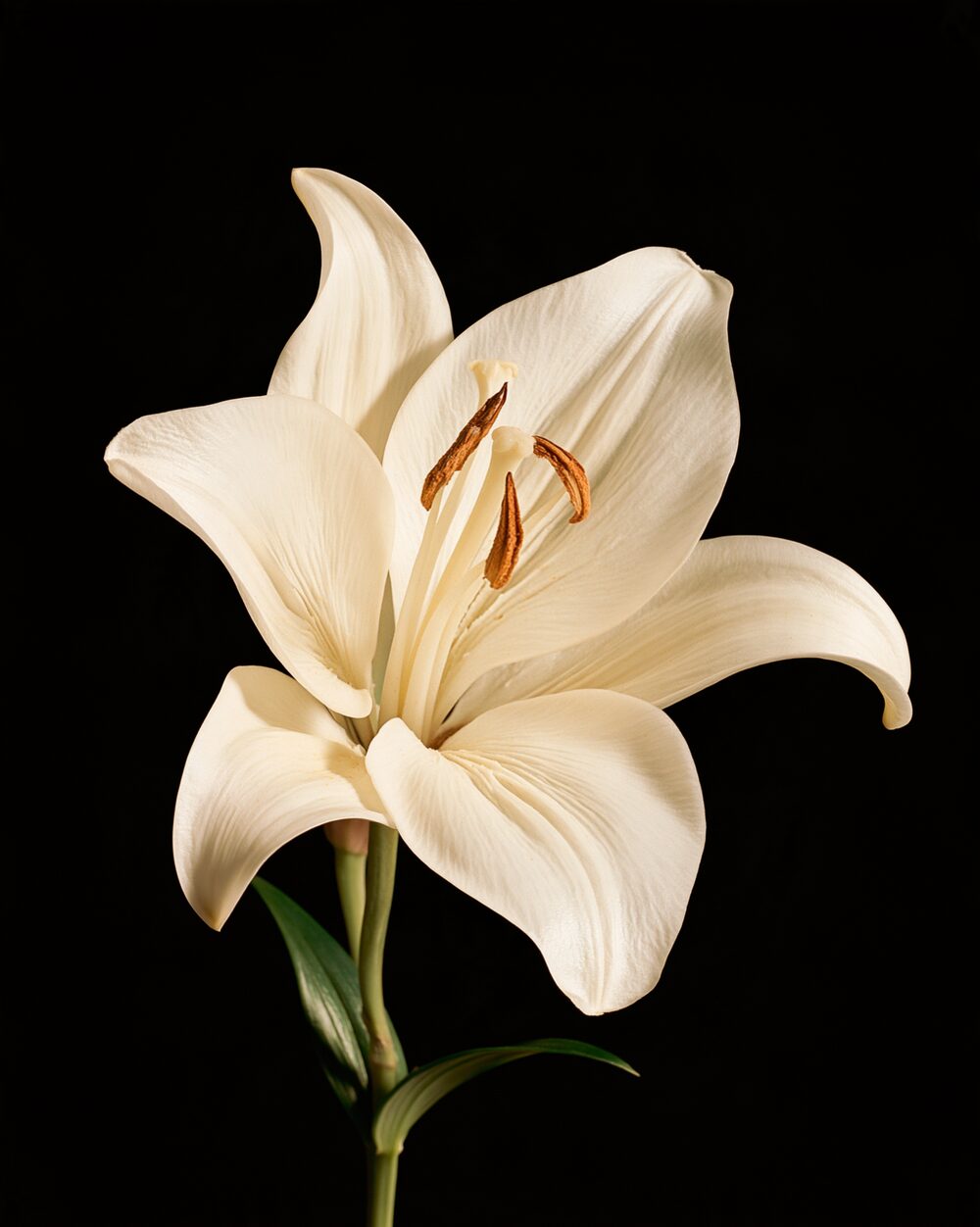
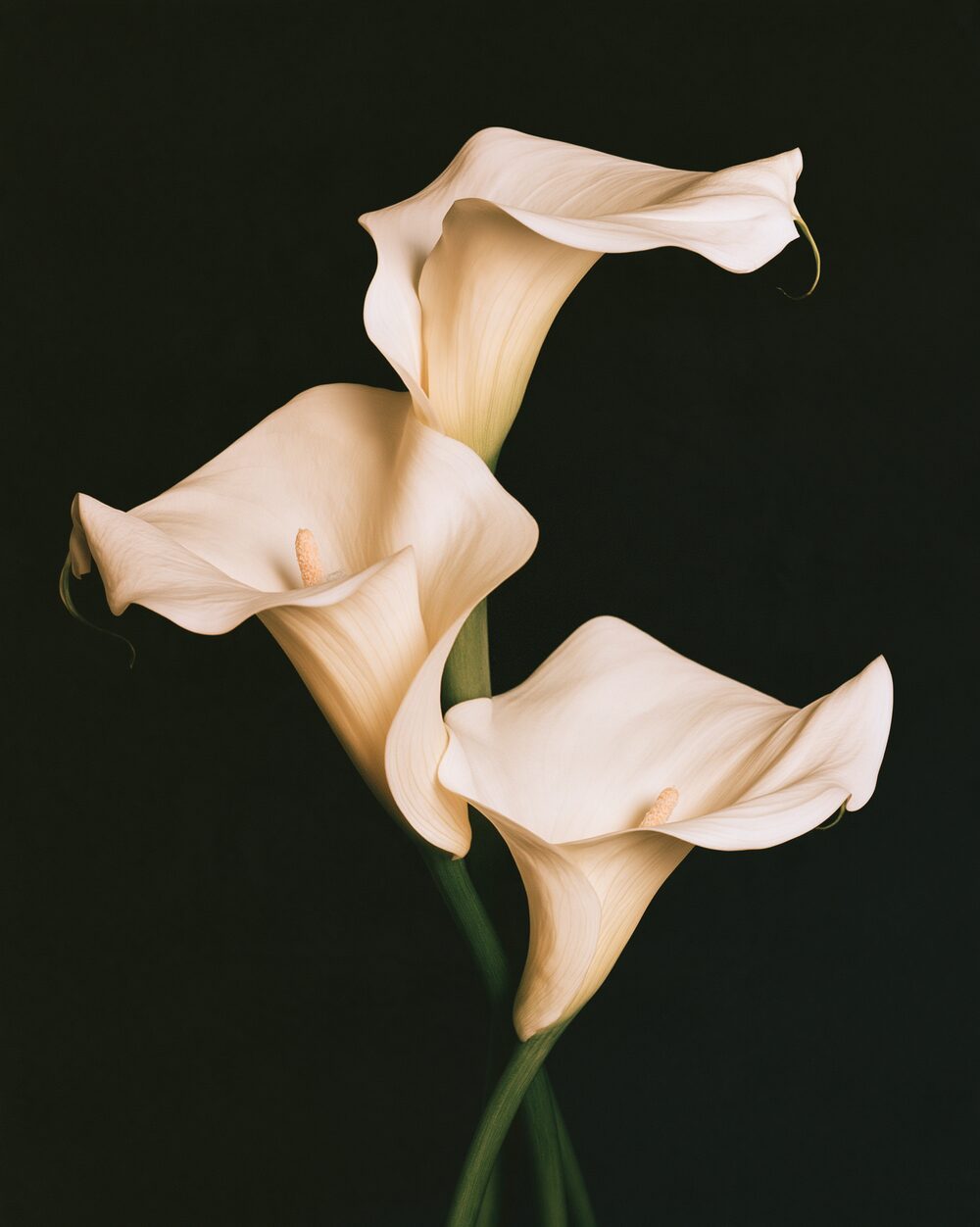
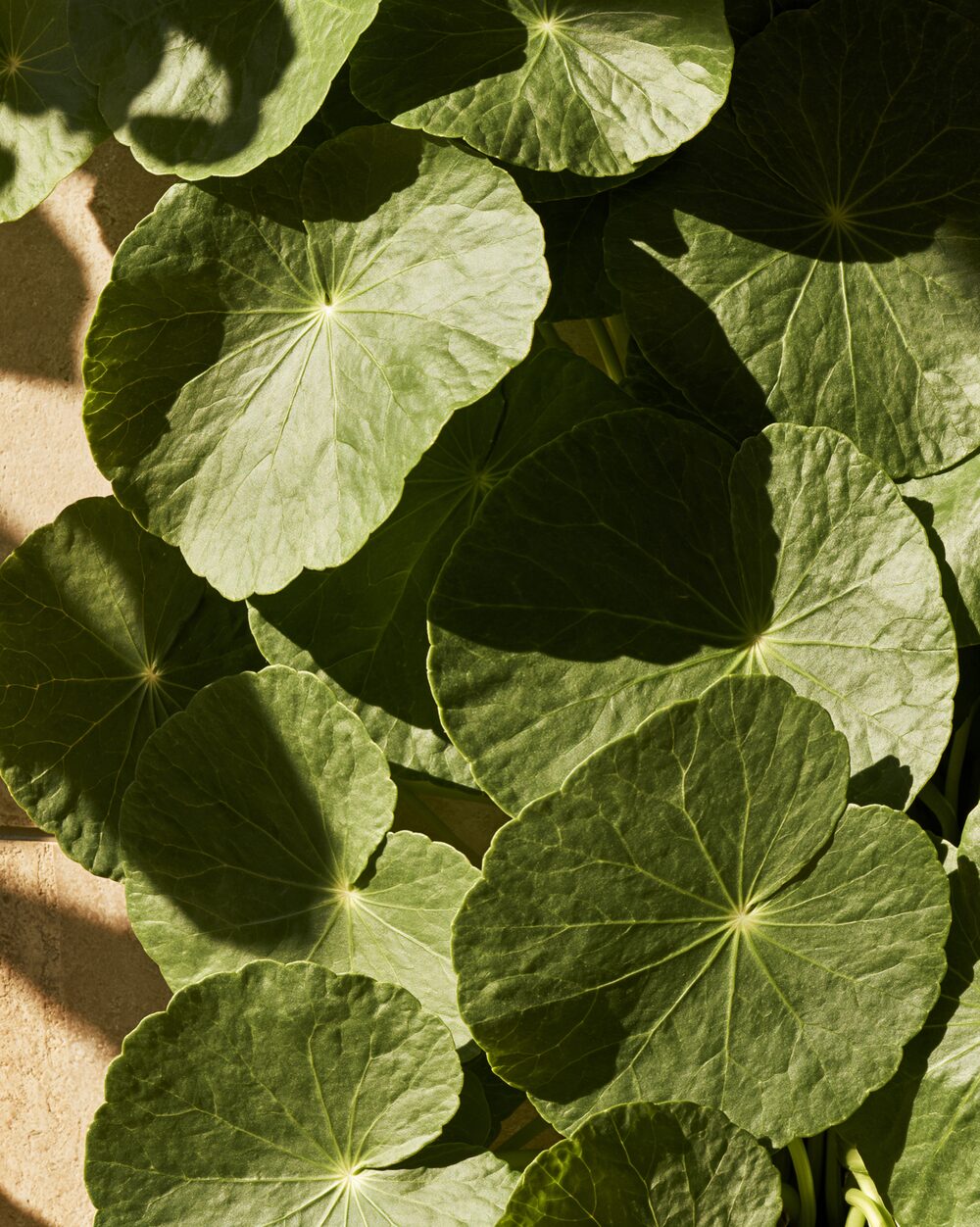
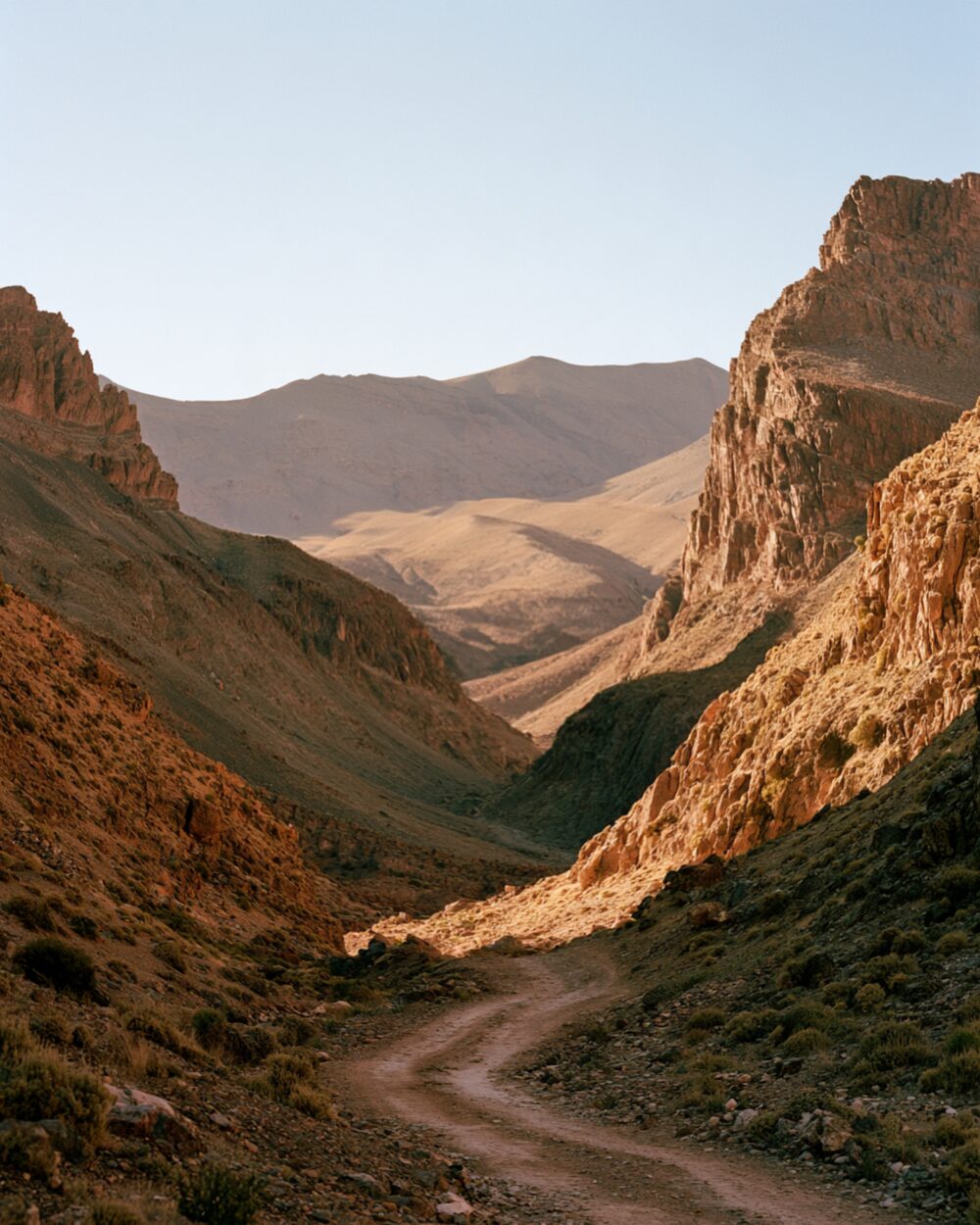
  • Pinch example 1
  • Pinch example 2
  • Pinch example 3
  • Pinch example 4
  • Pinch example 5
  • Pinch example 6
  • Pinch example 7
  • Pinch example 8
  • Pinch example 9
  • Pinch example 10
  • Pinch example 11
  • Pinch example 12
  • Pinch example 13
  • Pinch example 14
  • Pinch example 15
  • Pinch example 16
  • Pinch example 17
  • Pinch example 18
  • Pinch example 19
  • Pinch example 20
  • Pinch example 21
  • Pinch example 22
  • Pinch example 23
  • Pinch example 24
  • Pinch example 25
  • Pinch example 26
  • Pinch example 27
  • Pinch example 28
  • Pinch example 29
  • Pinch example 30
  • Pinch example 31
  • Pinch example 32
  • Pinch example 33
  • Pinch example 34
  • Pinch example 35
  • Pinch example 36
  • Pinch example 37
  • Pinch example 38
  • Pinch example 39
  • Pinch example 40
  • Pinch example 41
  • Pinch example 42
  • Pinch example 43
  • Pinch example 44
  • Pinch example 45
PreviousPhotocopyNextPixel Sort

Rethings by Things That and Jack Prosser

EffectsMCPCLIChangelogPrivacyLegal disclosureLicence

© 2026 Jack Prosser · jackprosser.com