All effects and presets

Effect

Prism

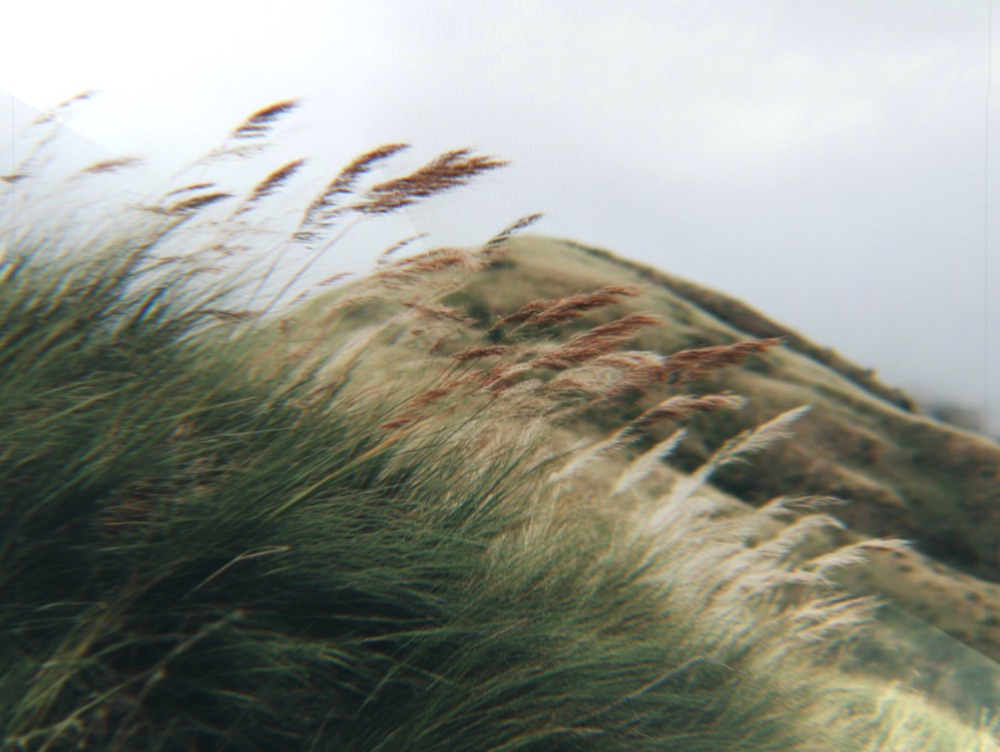
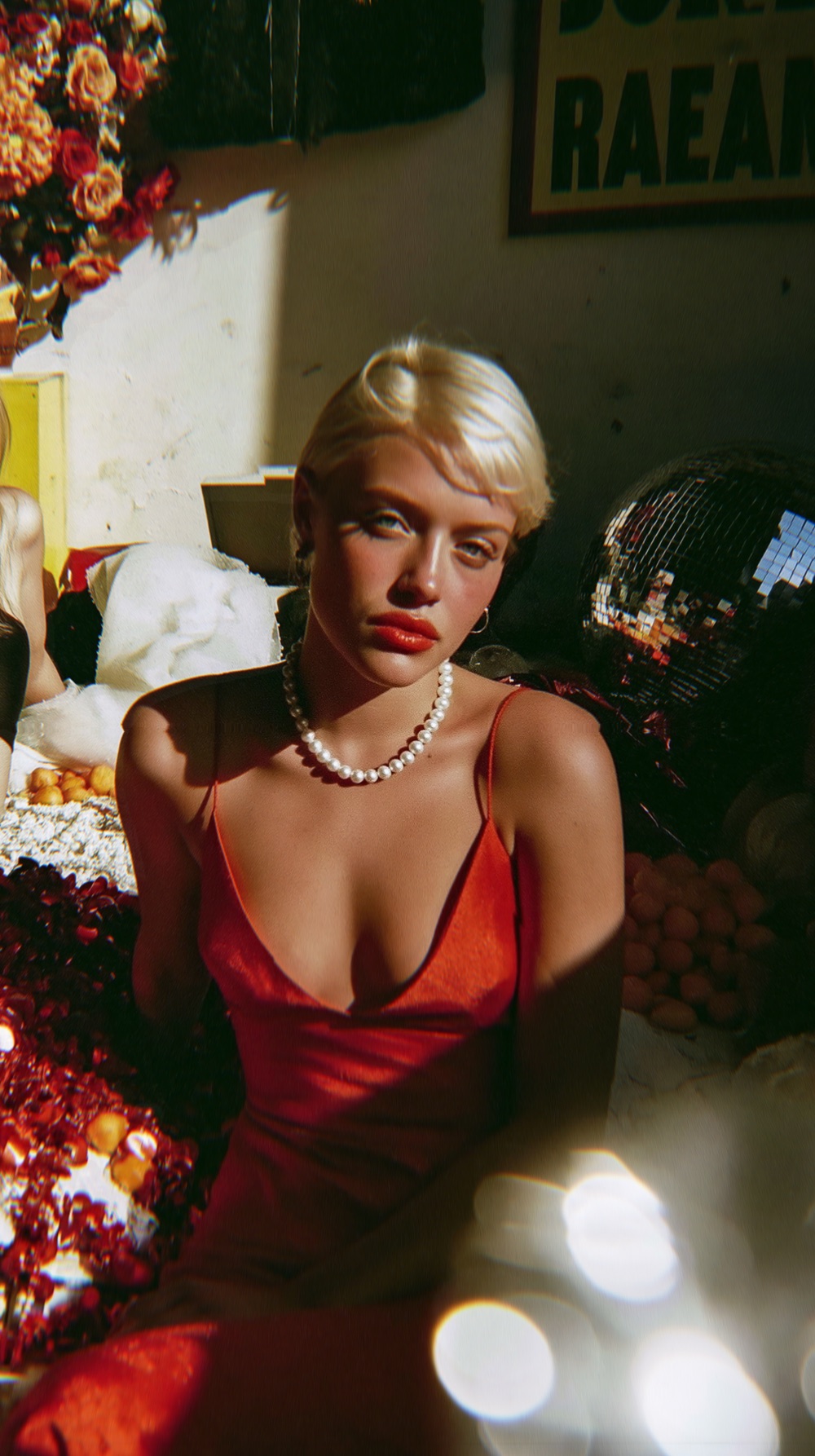
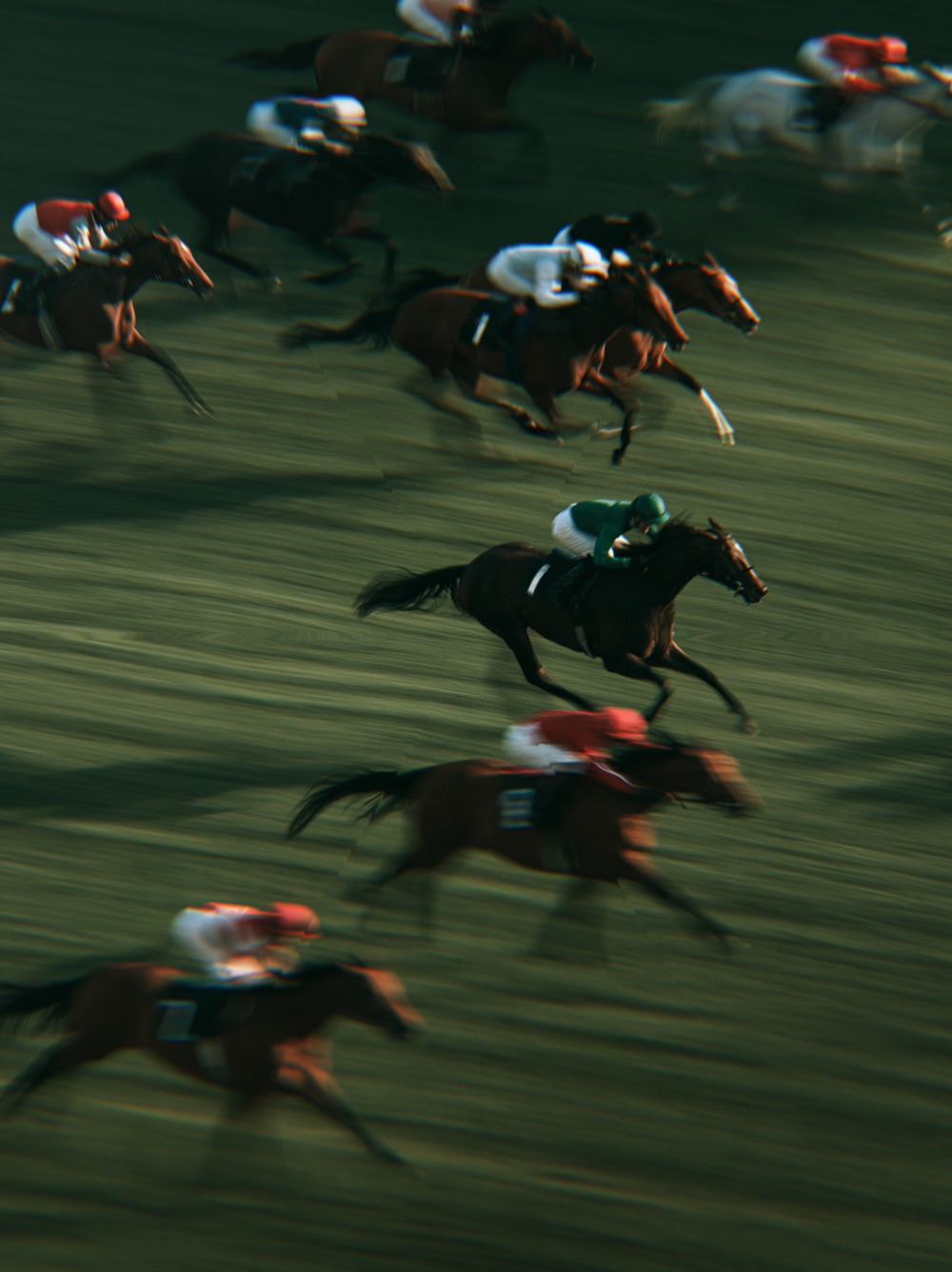
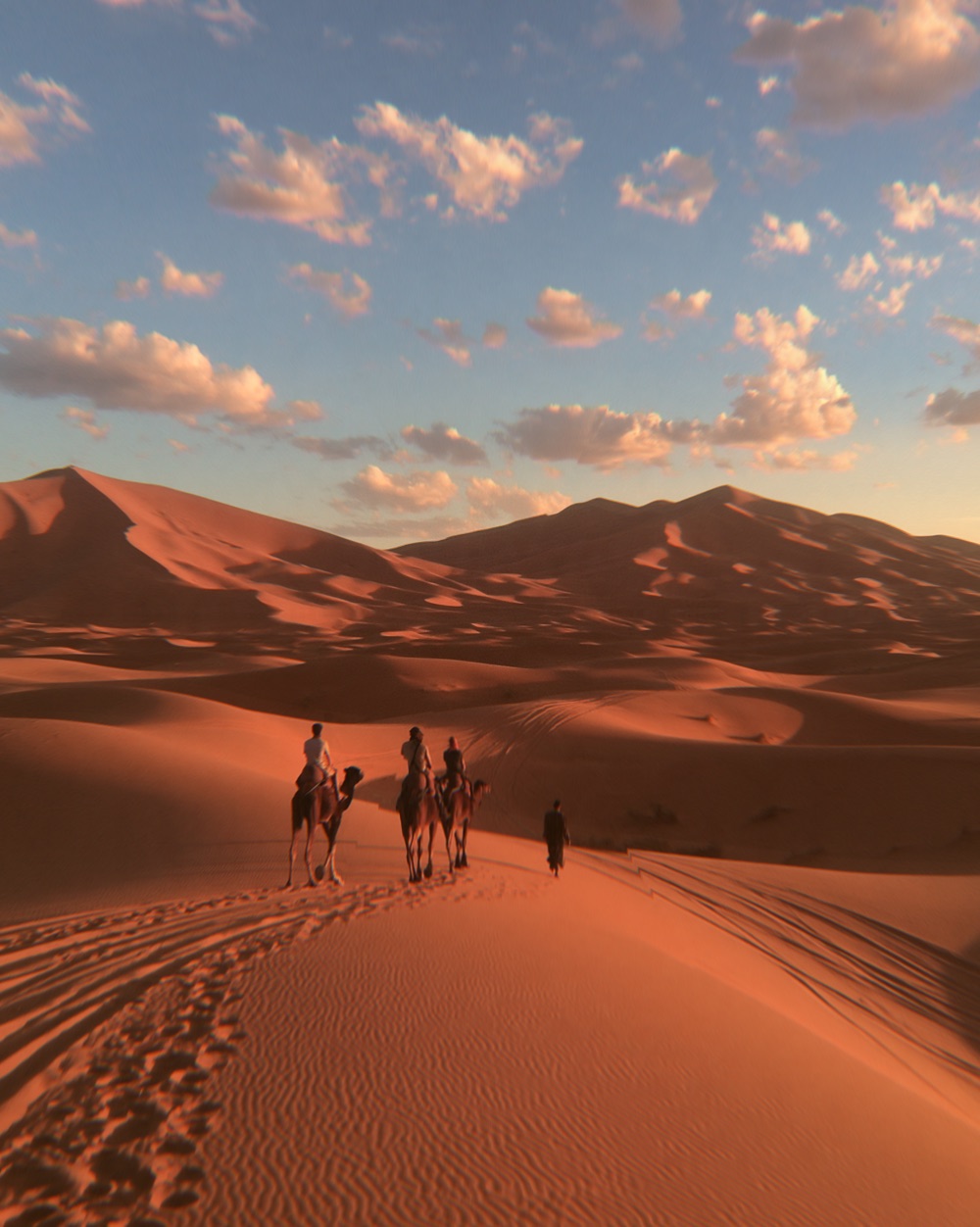
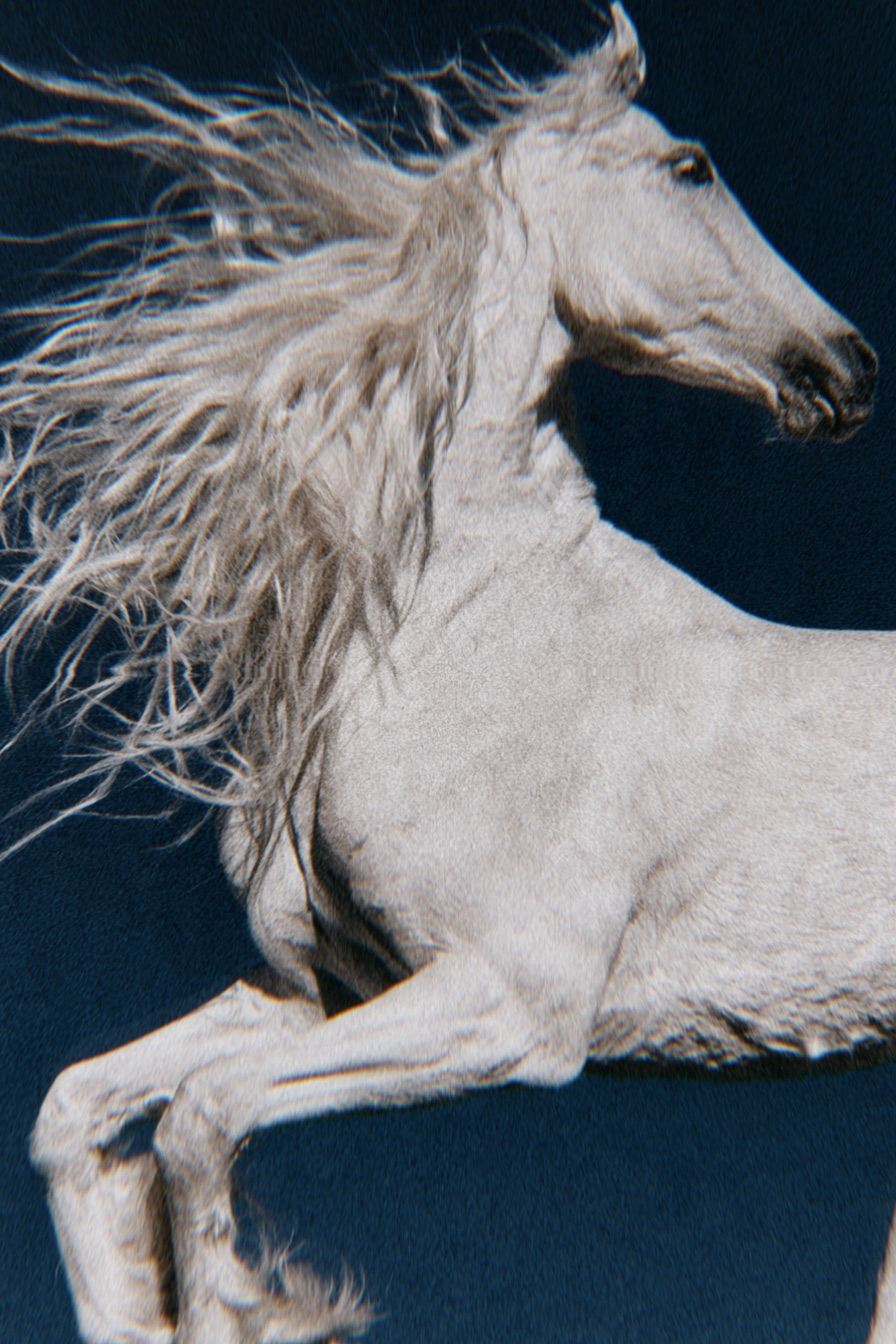
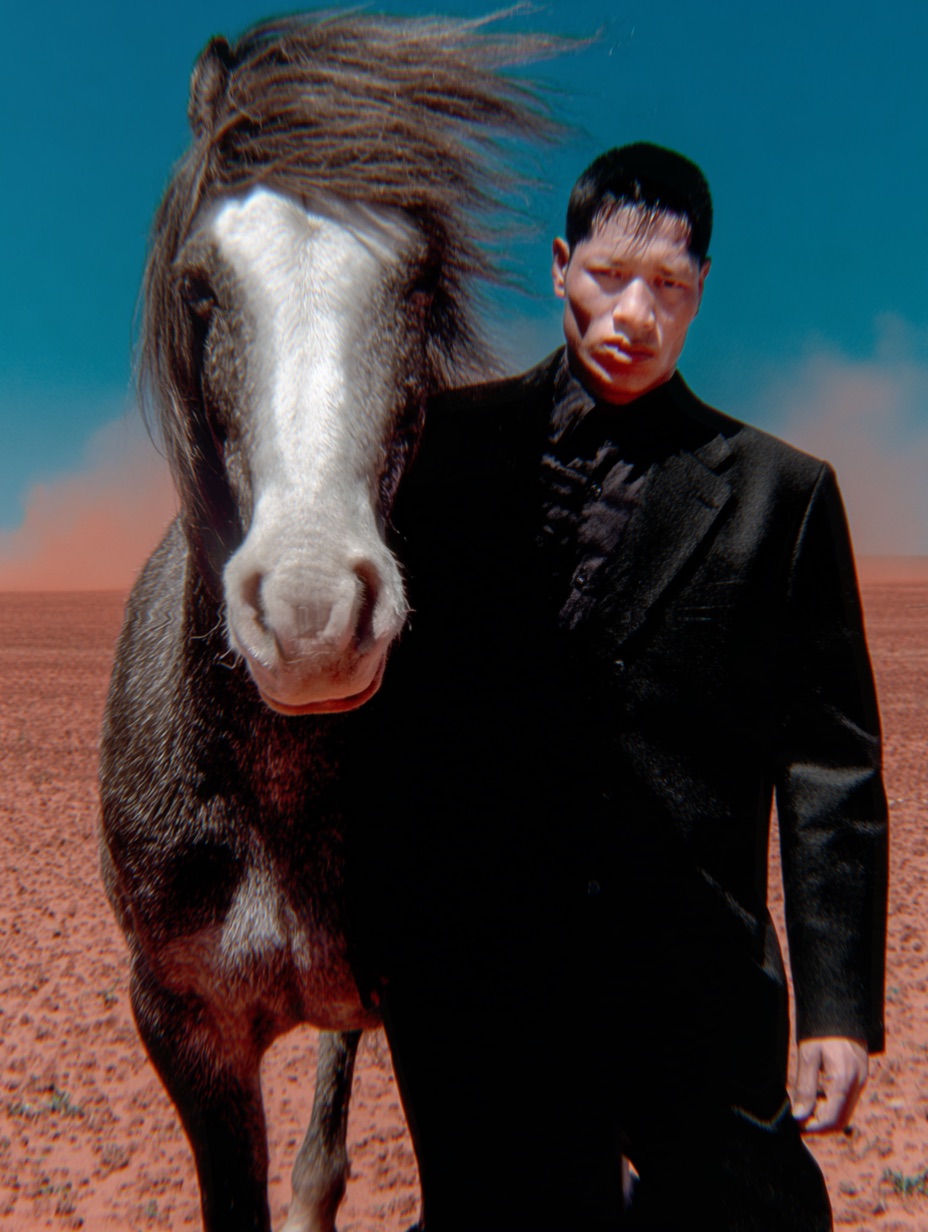
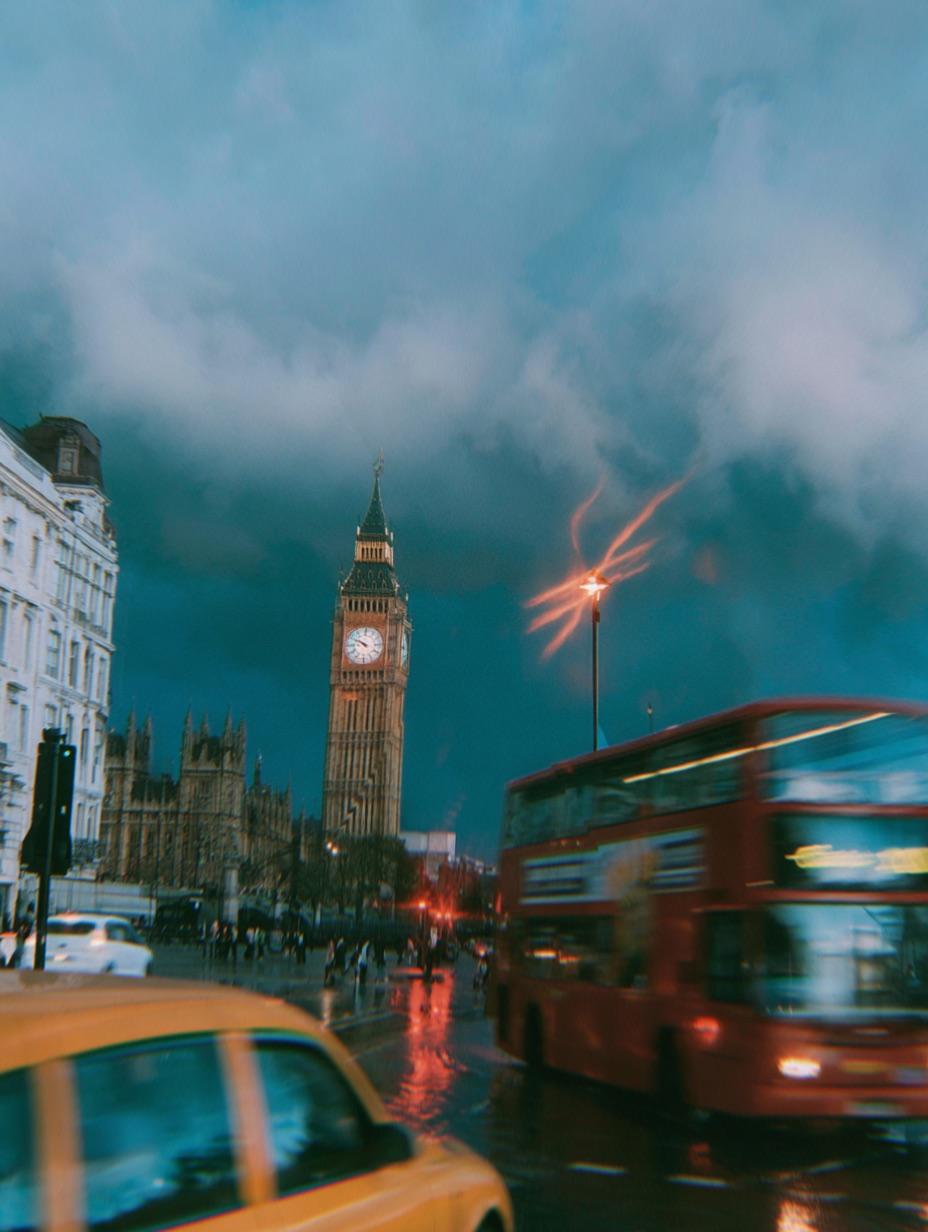
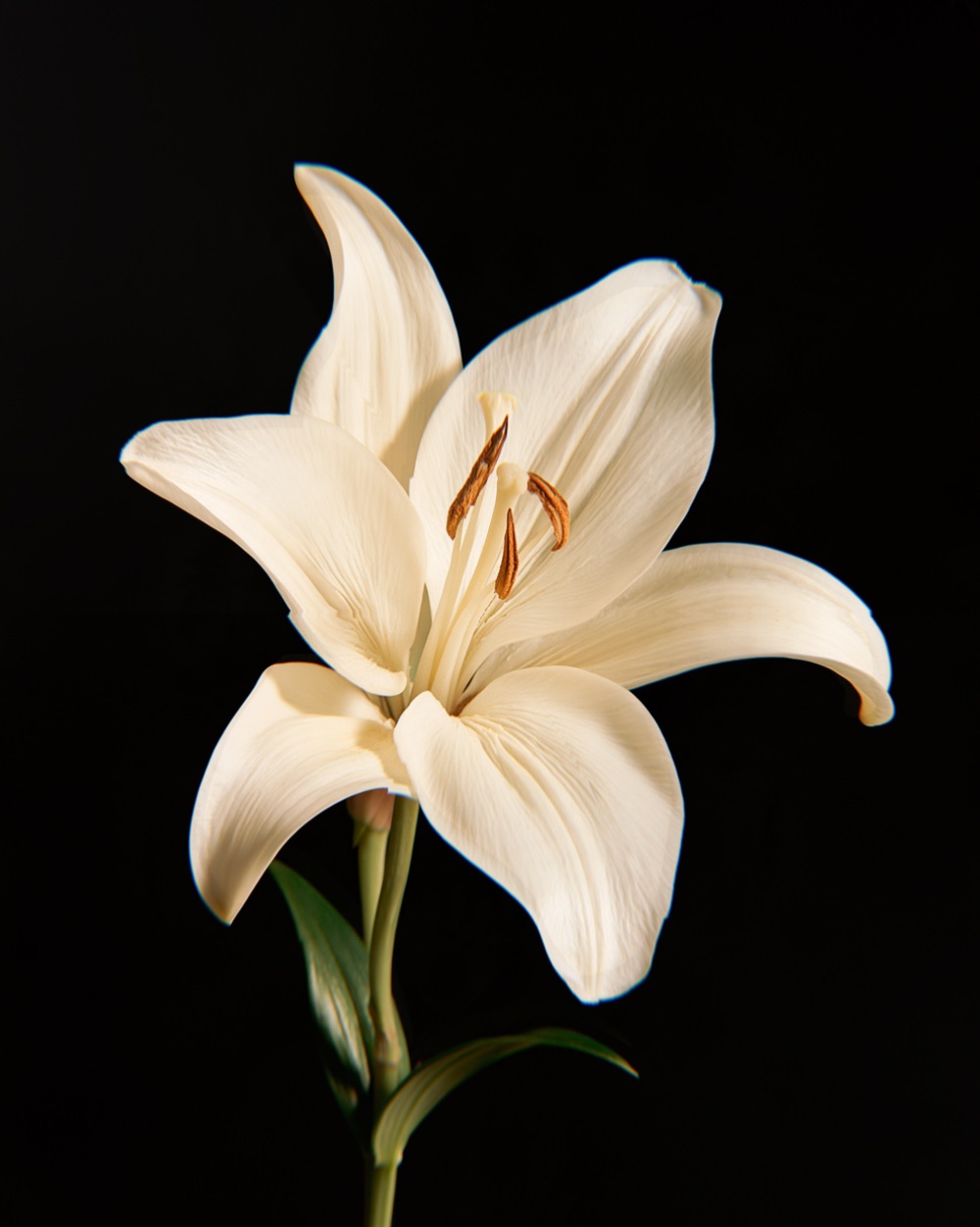
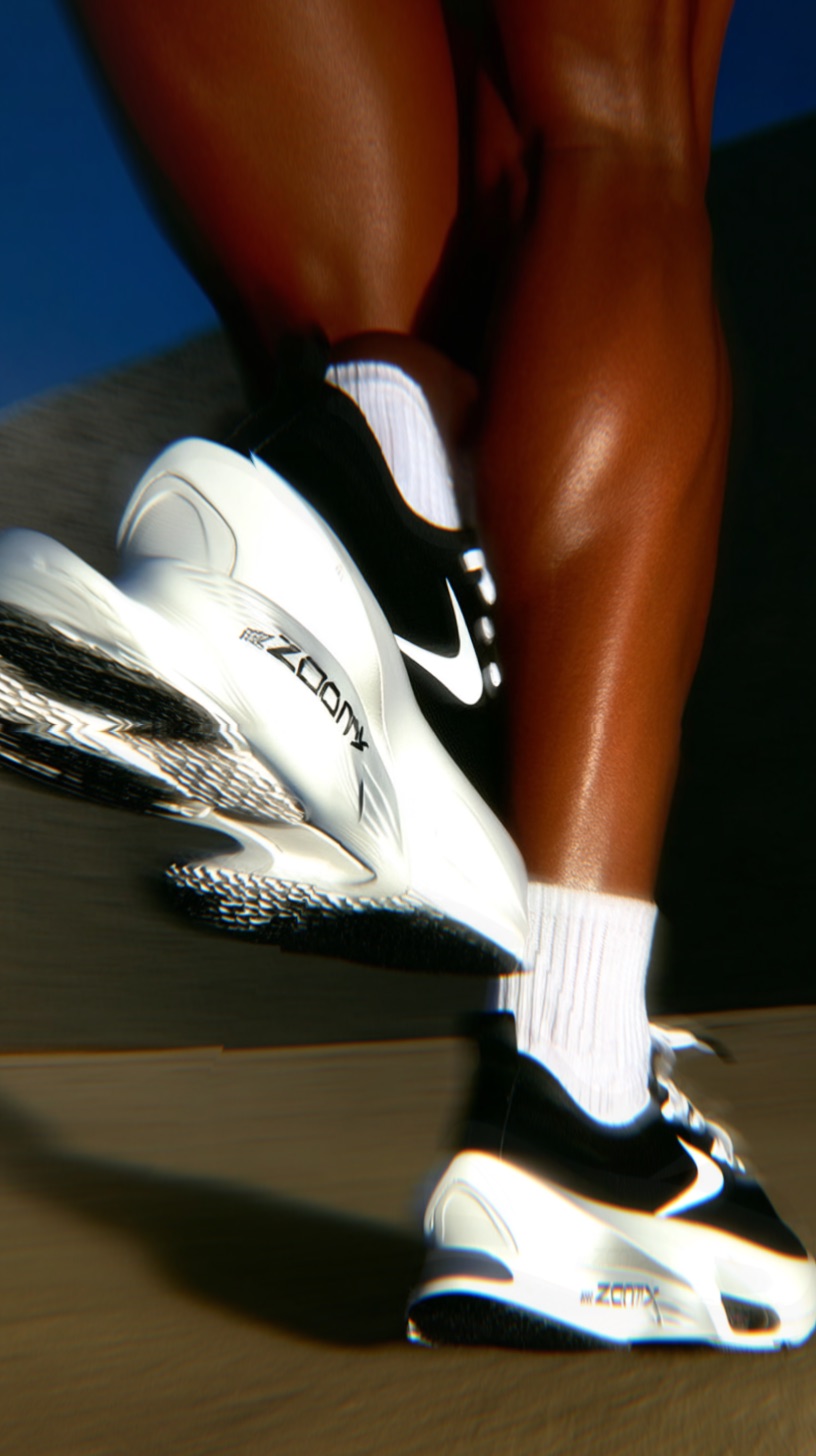
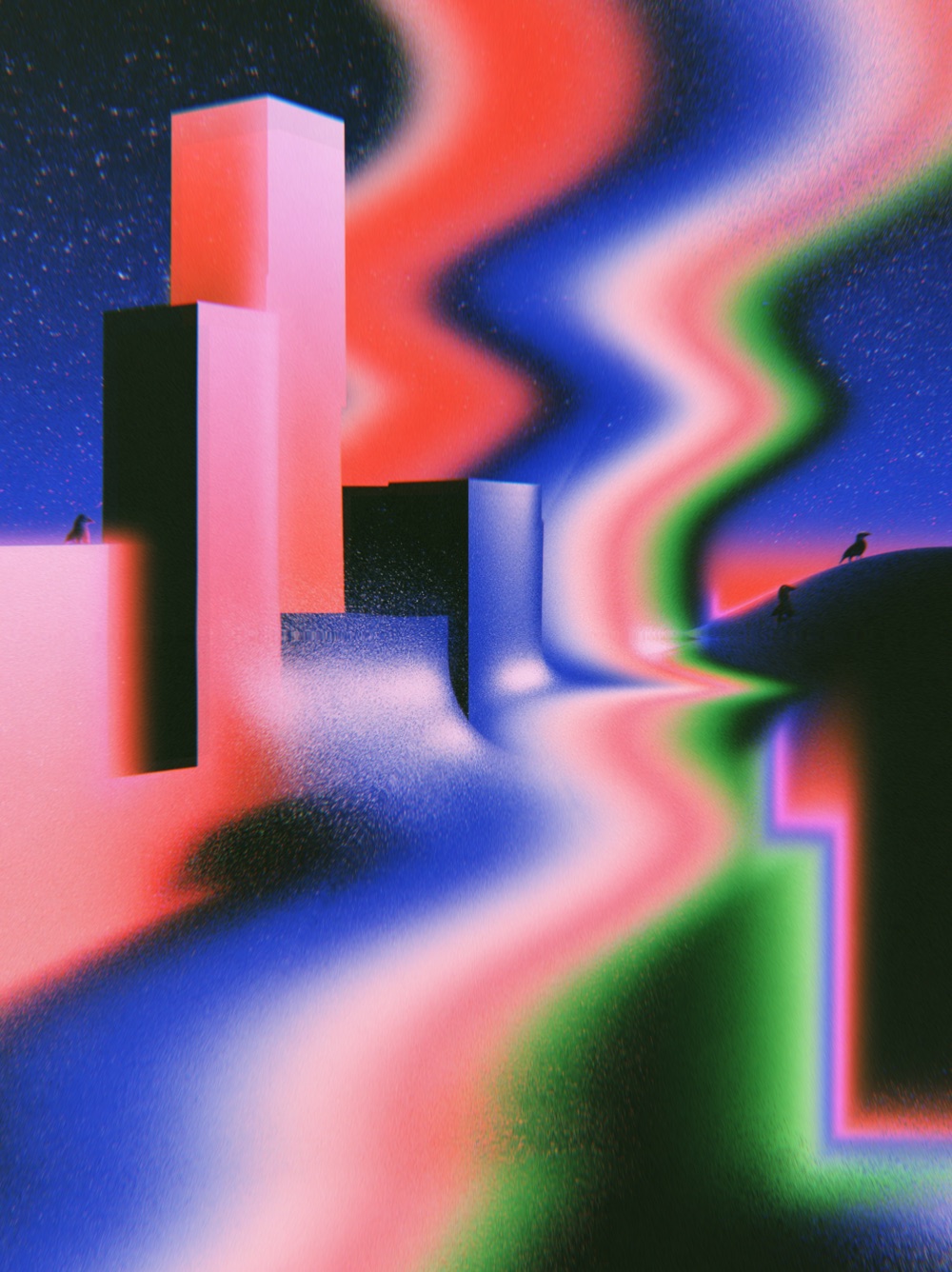
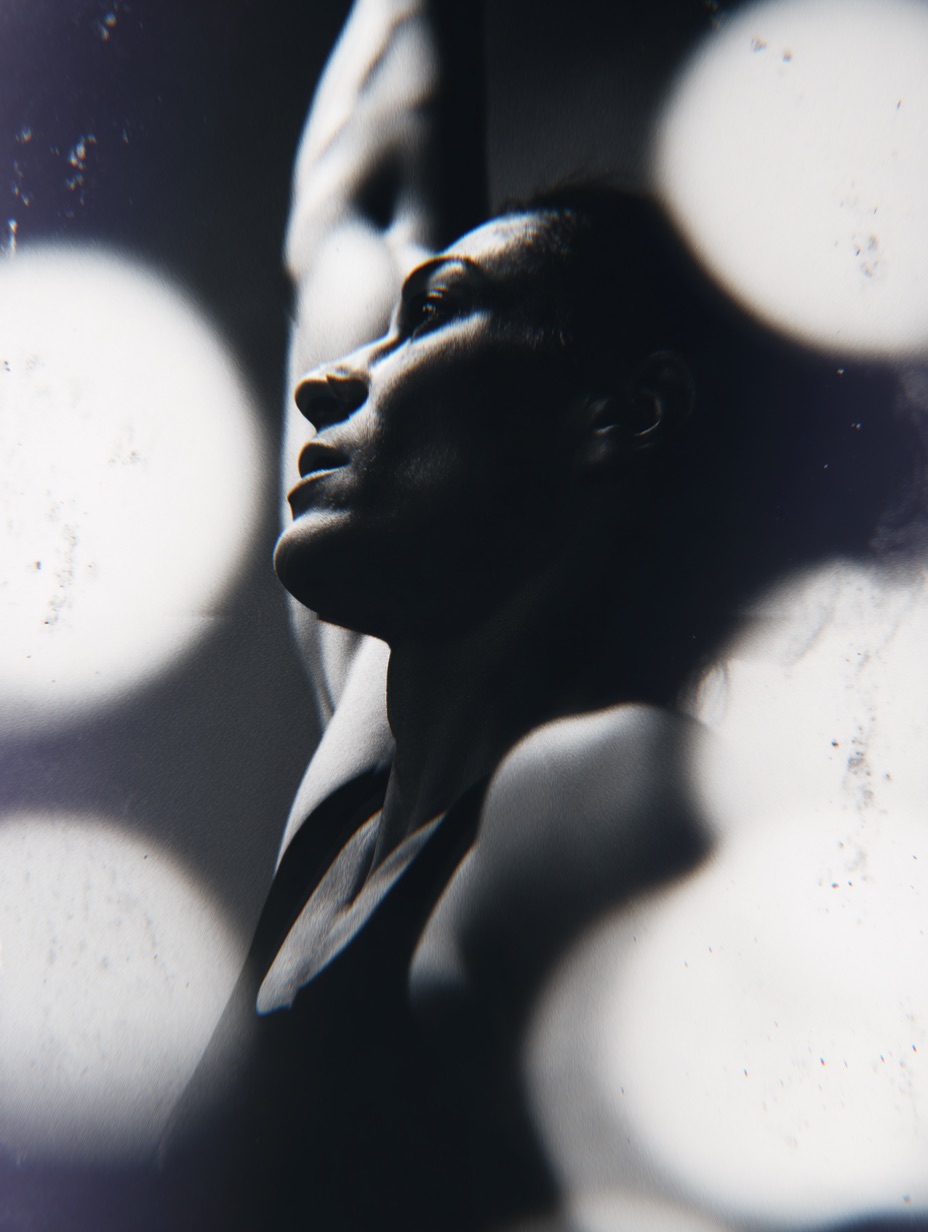
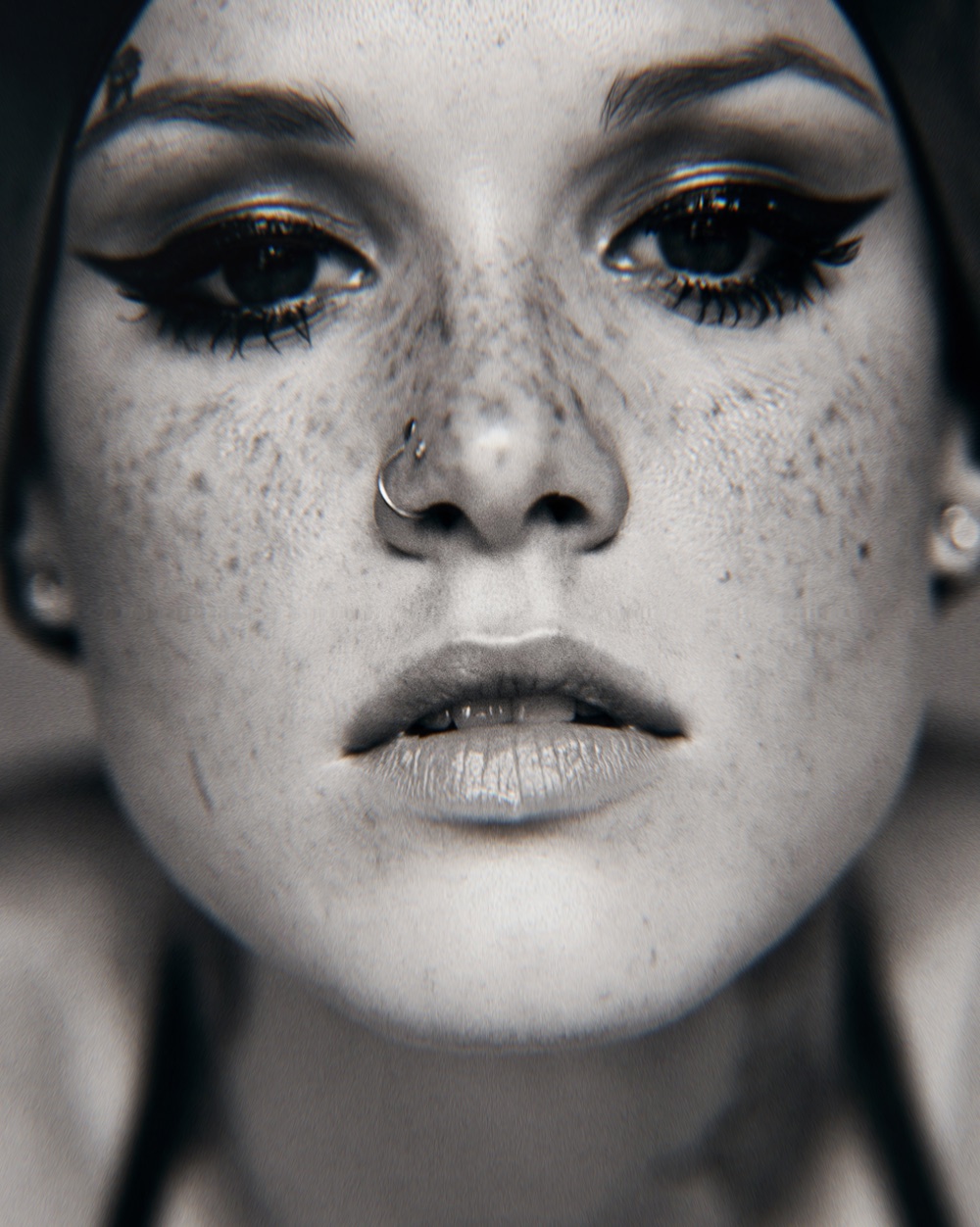
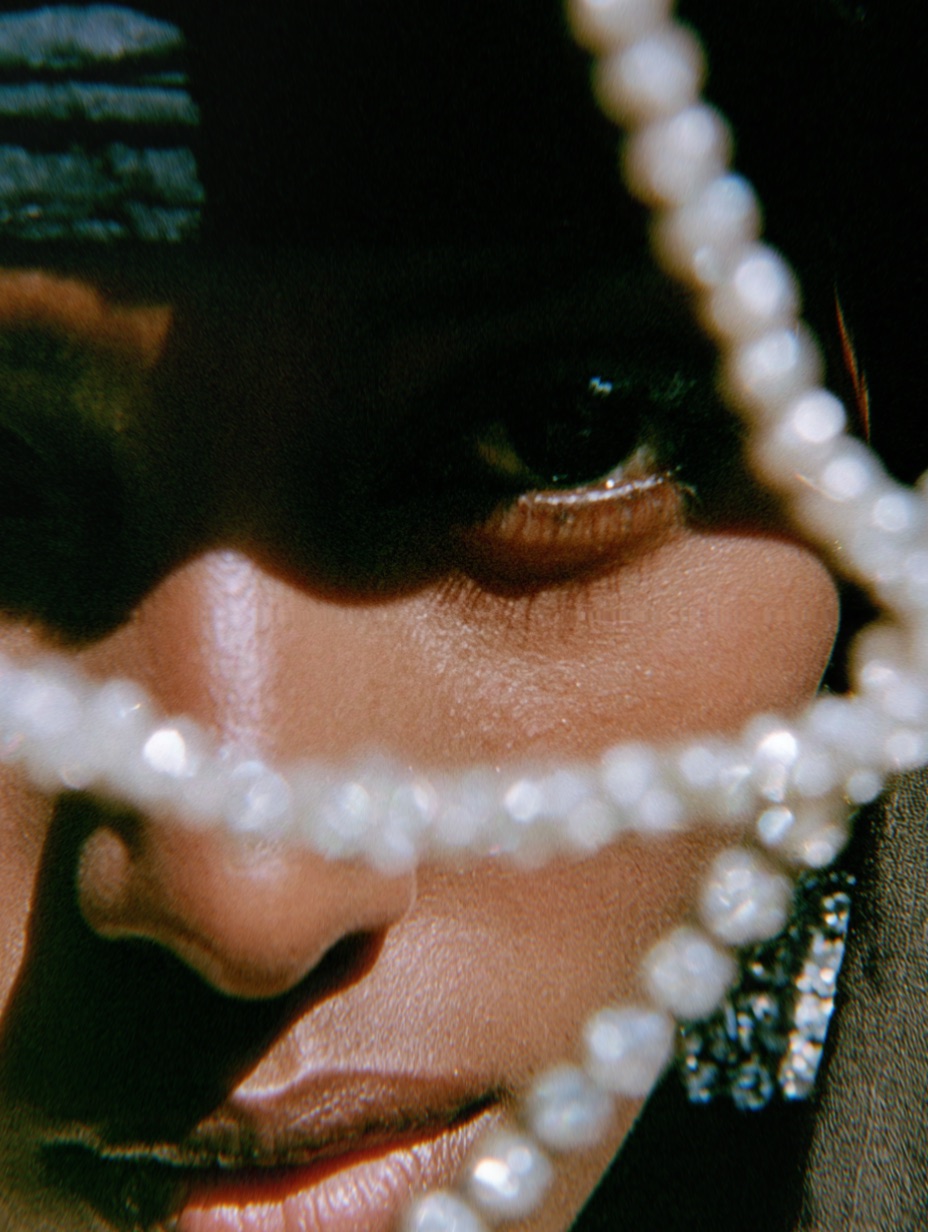
Optical prism glass with continuous sliders for lenses, diamonds, wedges, rods, kaleidoscopes and melted glass.

Optical prisms bend and split light according to surface geometry, turning flat photographs into lenses, cut crystals, cylindrical rods, angled wedges or folded kaleidoscopes. Rather than locking each shape behind a preset switch, continuous geometry controls let one surface morph smoothly from a round dome into faceted diamond crowns, parallel glass rods or slumped molten glass.

Use low facets and positive curve for a clean optical lens, push linear and wedge for angled prism ribs, raise mirror for kaleidoscope folds, or dial up melt for organic poured glass.

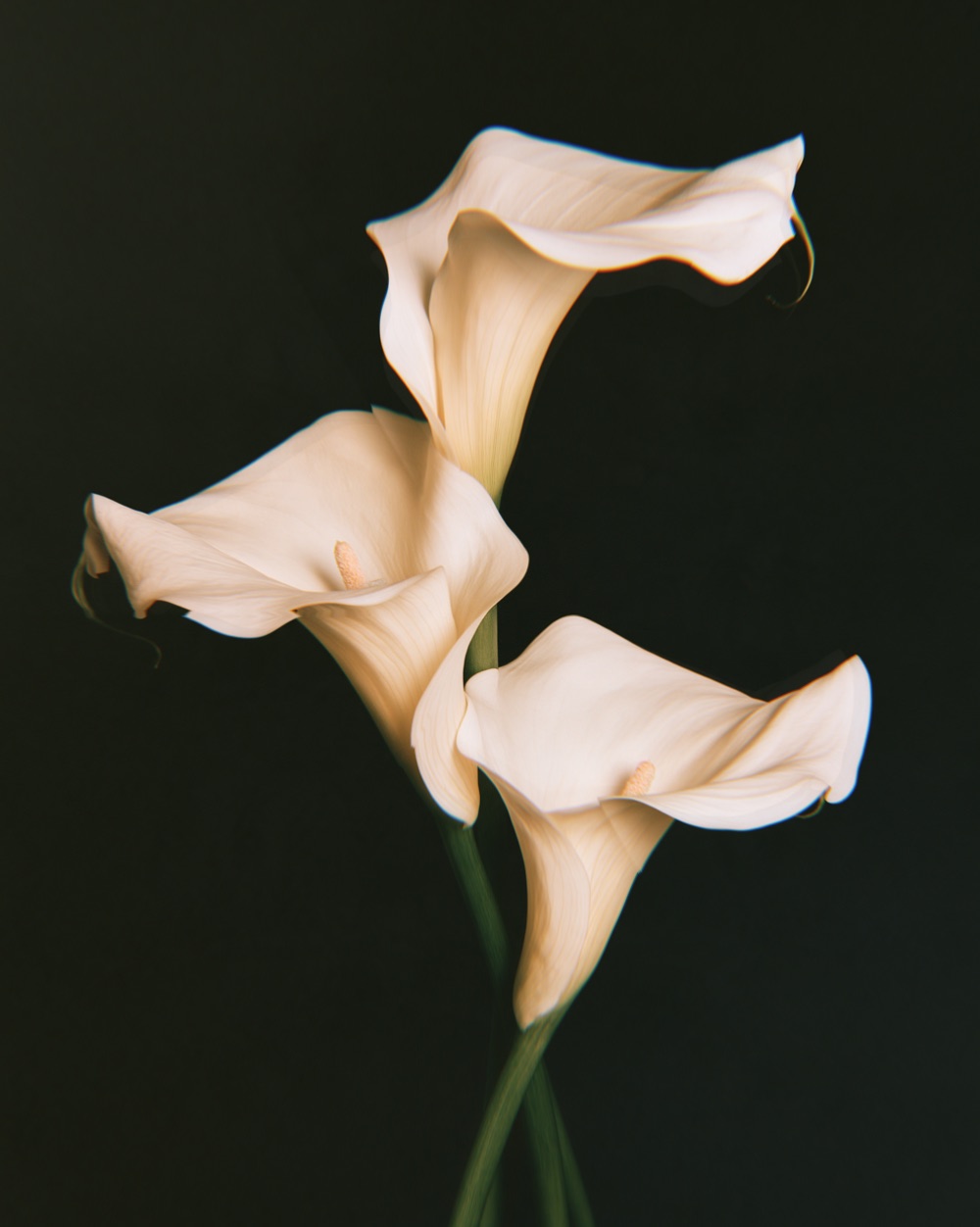
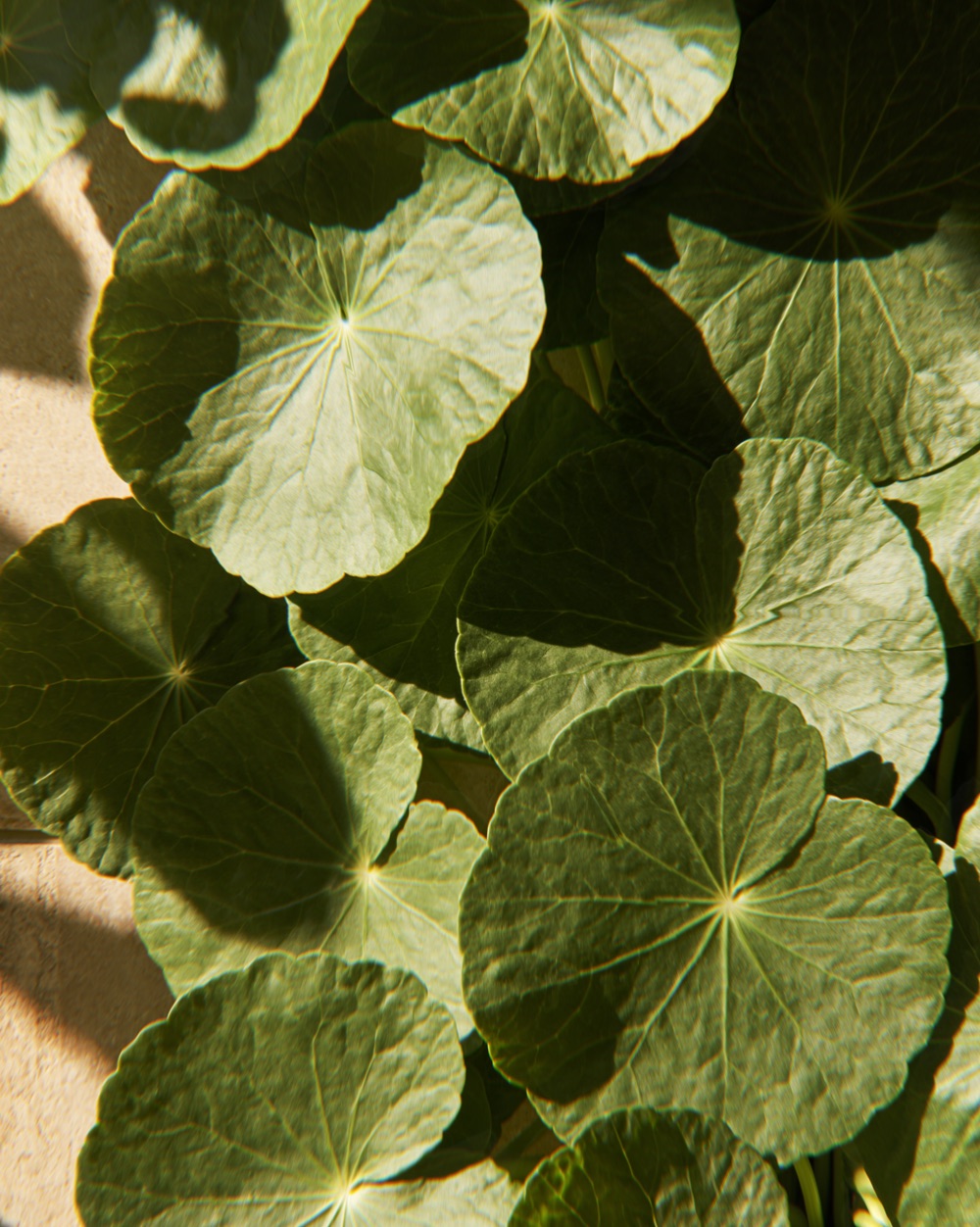
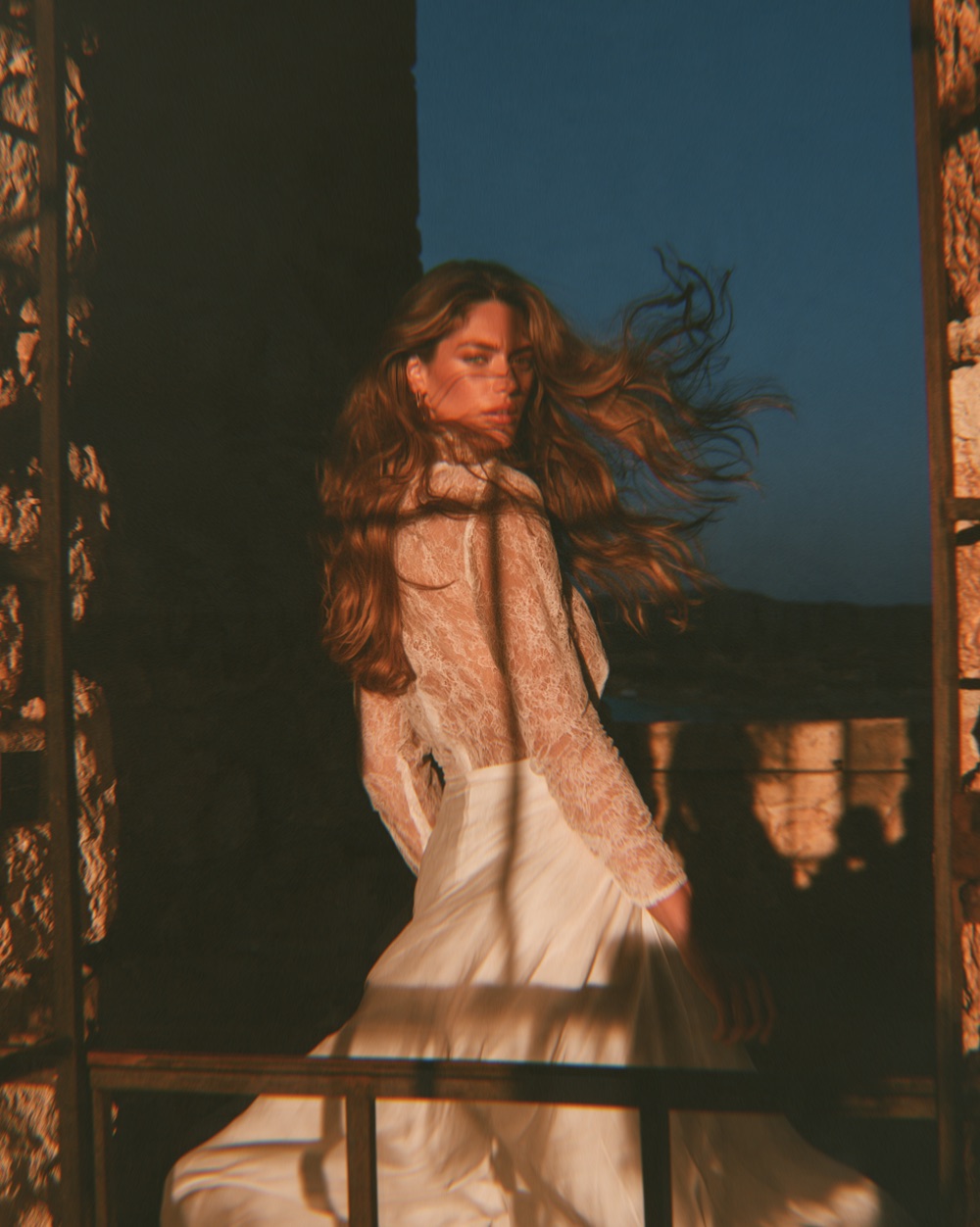
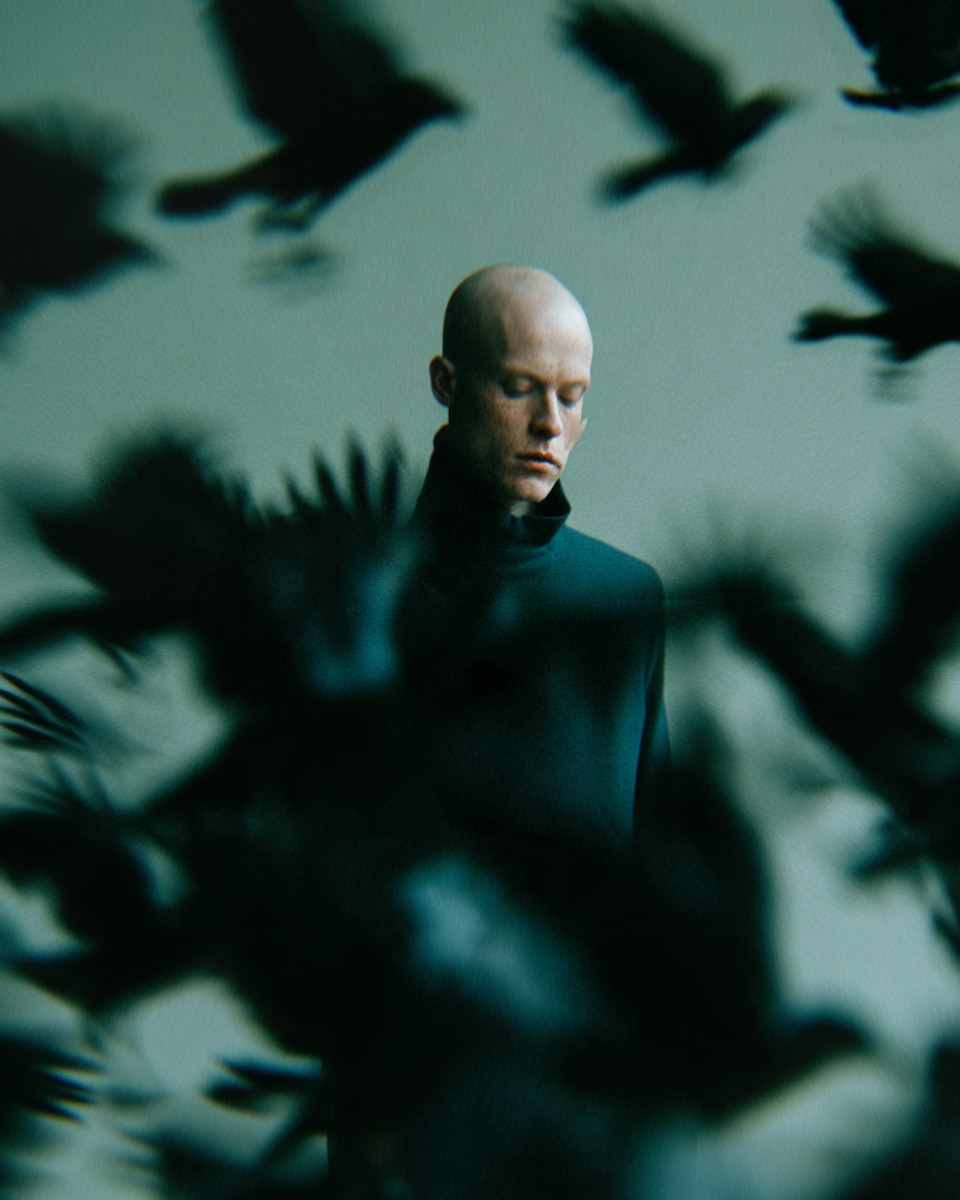
Prism example
Example

Properties

  • Amount

    mix of prism glass versus the original plate

    Range
    0 to 1
    Default
    1
  • Refraction

    optical thickness and refractive bending strength

    Range
    0 to 2
    Default
    0.7
  • Dispersion

    spectral rainbow split across prism slopes

    Range
    0 to 1
    Default
    0.45
  • Facets

    morph between smooth curved glass and crisp cut crystal planes

    Range
    0 to 1
    Default
    0.55
  • Sides

    number of crystal faces or kaleidoscope mirror folds

    Range
    2 to 12
    Default
    6
  • Repeat

    single full-frame prism up to a repeating optical array

    Range
    1 to 16
    Default
    1
  • Curve

    convex lens dome

    Range
    -1 to 1
    Default
    0.45
  • Linear

    morph radial lenses and diamonds into cylindrical rods and linear wedges

    Range
    0 to 1
    Default
    0
  • Wedge

    asymmetric prism slope and ridge skew

    Range
    -1 to 1
    Default
    0
  • Mirror

    internal mirror folding across the prism planes

    Range
    0 to 1
    Default
    0
  • Melt

    kiln-melted glass undulation and softened edges

    Range
    0 to 1.5
    Default
    0
  • Frost

    internal frosted scatter and soft diffusion

    Range
    0 to 1
    Default
    0
  • Highlights

    specular glass sheen

    Range
    0 to 1.5
    Default
    0.65
  • Angle

    rotates the prism geometry and optical axis

    Range
    0 to 360
    Default
    0
  • Centre

    optical centre of the lens

    Range
    -1, -1 to 1, 1
    Default
    0, 0

Command line

Requires Rethings Pro. Install the tool from Rethings → Install Command Line Tool…

rethings apply --effect prism --set amount=1 --set refraction=0.7 -i input.jpg -o output.png

Gallery

  • Prism example 1
  • Prism example 2
  • Prism example 3
  • Prism example 4
  • Prism example 5
  • Prism example 6
  • Prism example 7
  • Prism example 8
  • Prism example 9
  • Prism example 10
  • Prism example 11
  • Prism example 12
  • Prism example 13
  • Prism example 14
  • Prism example 15
  • Prism example 16
  • Prism example 17
  • Prism example 18
  • Prism example 19
  • Prism example 20
  • Prism example 21
  • Prism example 22
  • Prism example 23
  • Prism example 24
  • Prism example 25
  • Prism example 26
  • Prism example 27
  • Prism example 28
  • Prism example 29
  • Prism example 30
  • Prism example 31
  • Prism example 32
  • Prism example 33
  • Prism example 34
  • Prism example 35
  • Prism example 36
  • Prism example 37
  • Prism example 38
  • Prism example 39
  • Prism example 40
  • Prism example 41
  • Prism example 42
  • Prism example 43
  • Prism example 44
  • Prism example 45
PreviousPosterizeNextProgressive Blur

Rethings by Things That and Jack Prosser

EffectsPurchaseMCPCLIChangelogPrivacyLegal disclosureLicence

© 2026 Jack Prosser · jackprosser.com

Listed on MacPipListed on MacNativeFeatured on Findly.toolsFeatured on ToolDirsRethings on StartupTrustedFeatured on neeed.directoryRethings is featured on MacBase