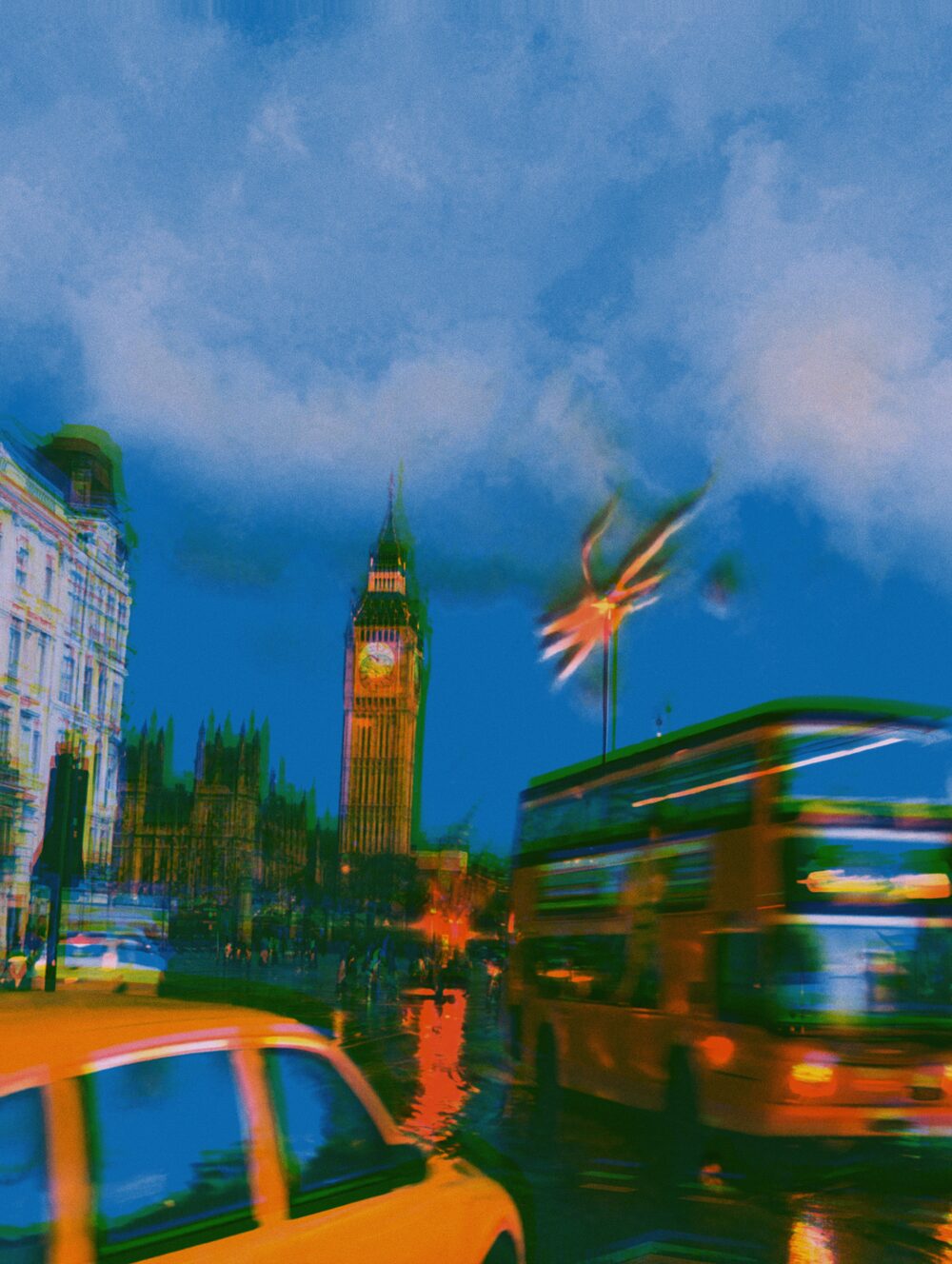
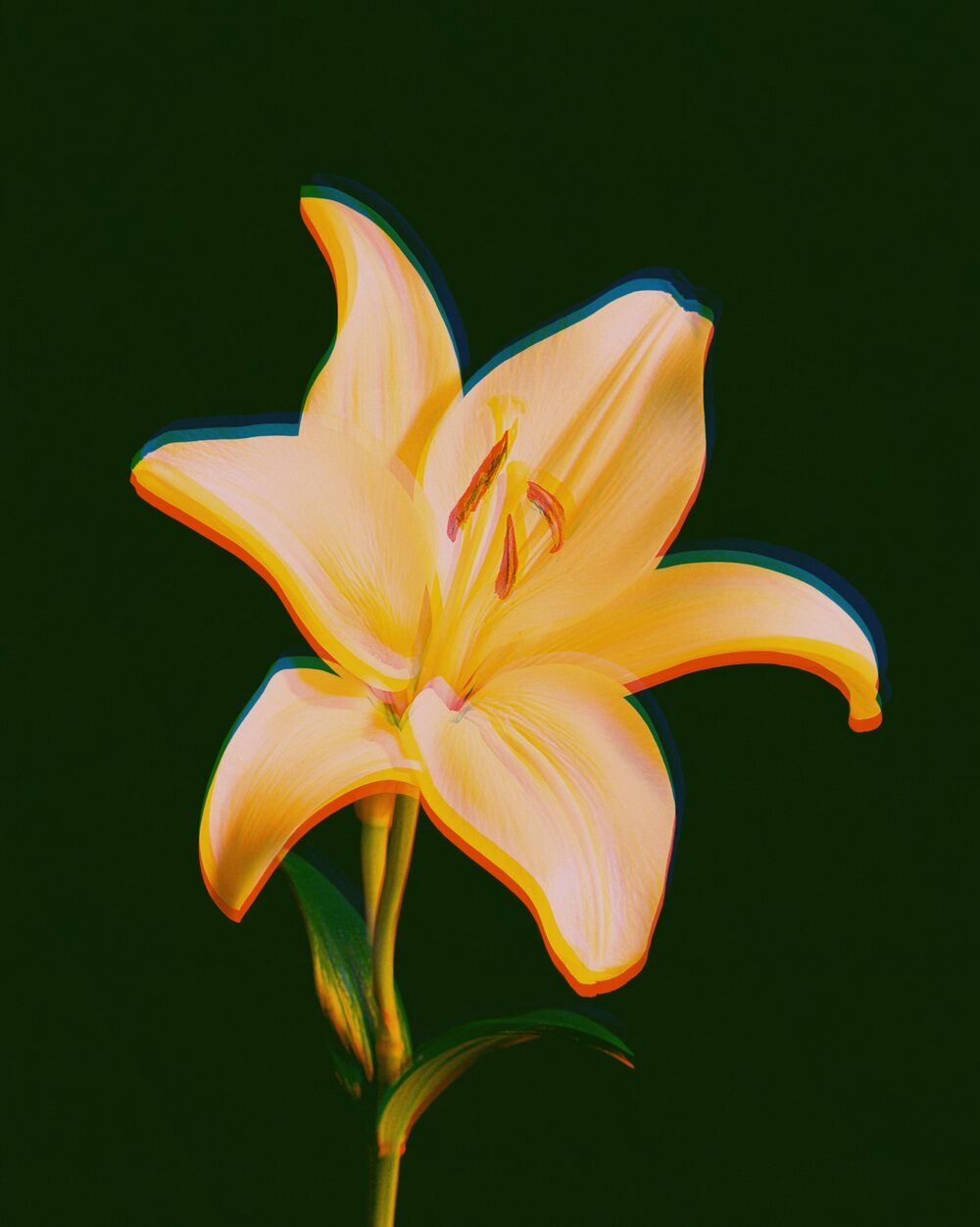
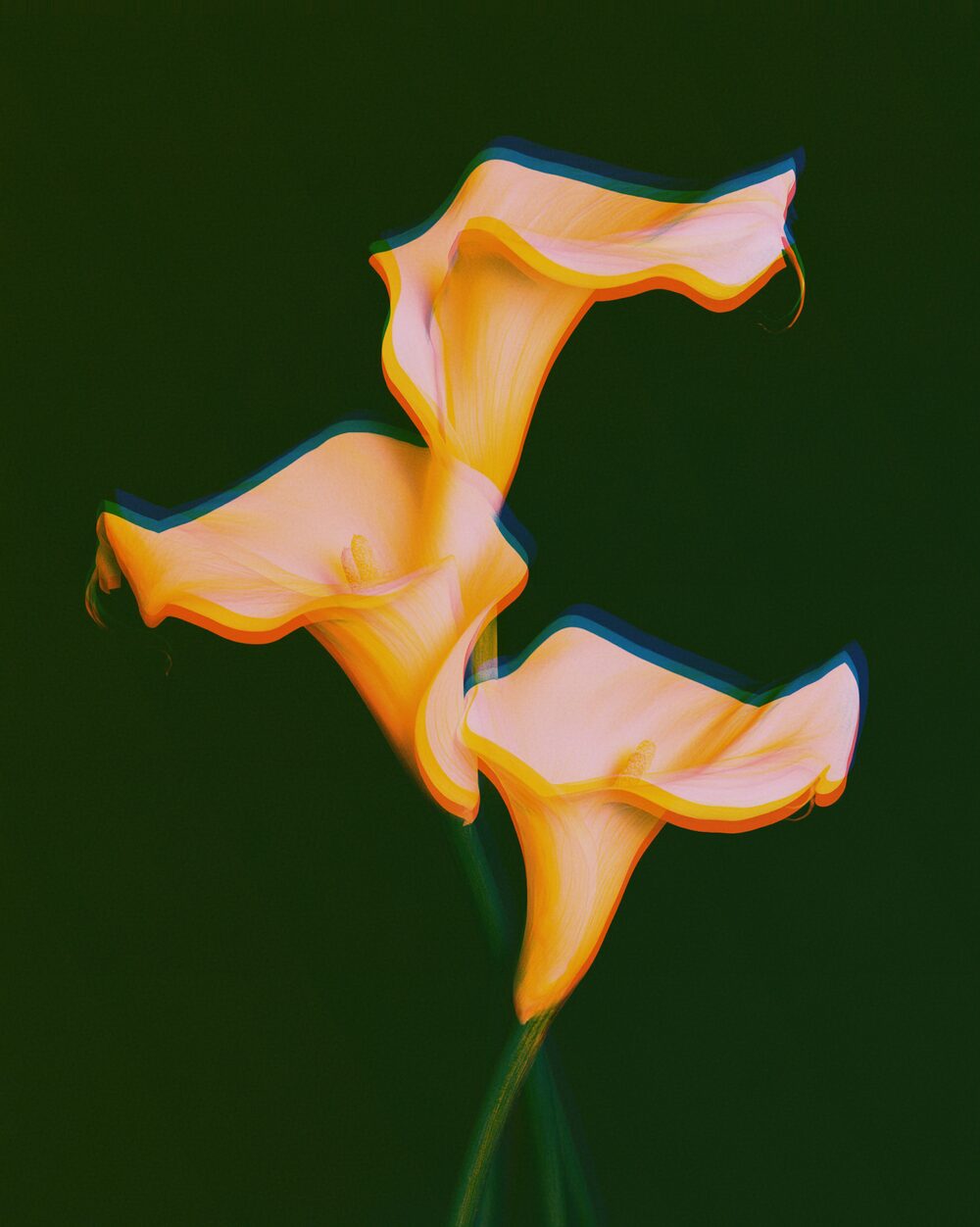
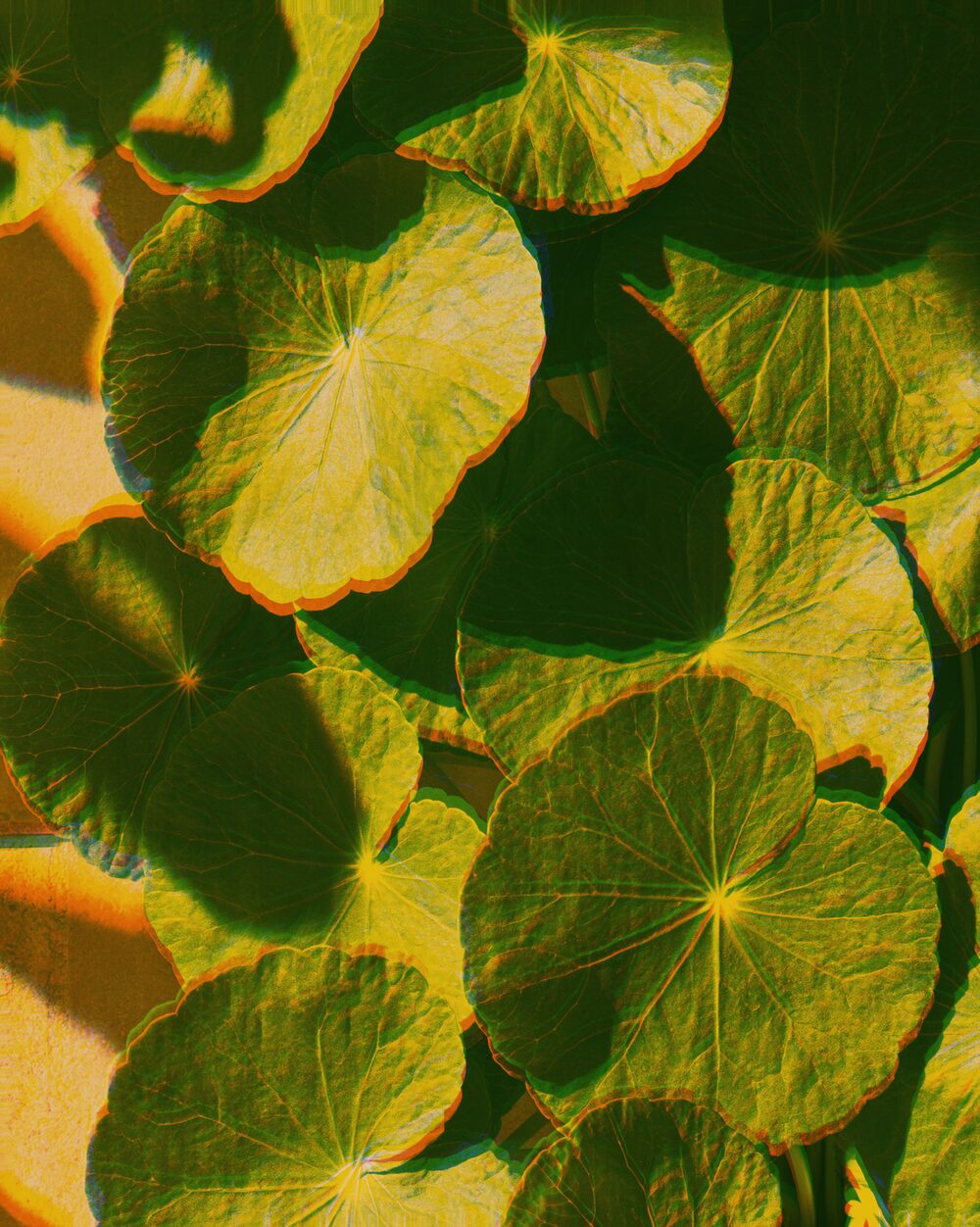
Effect
Risograph
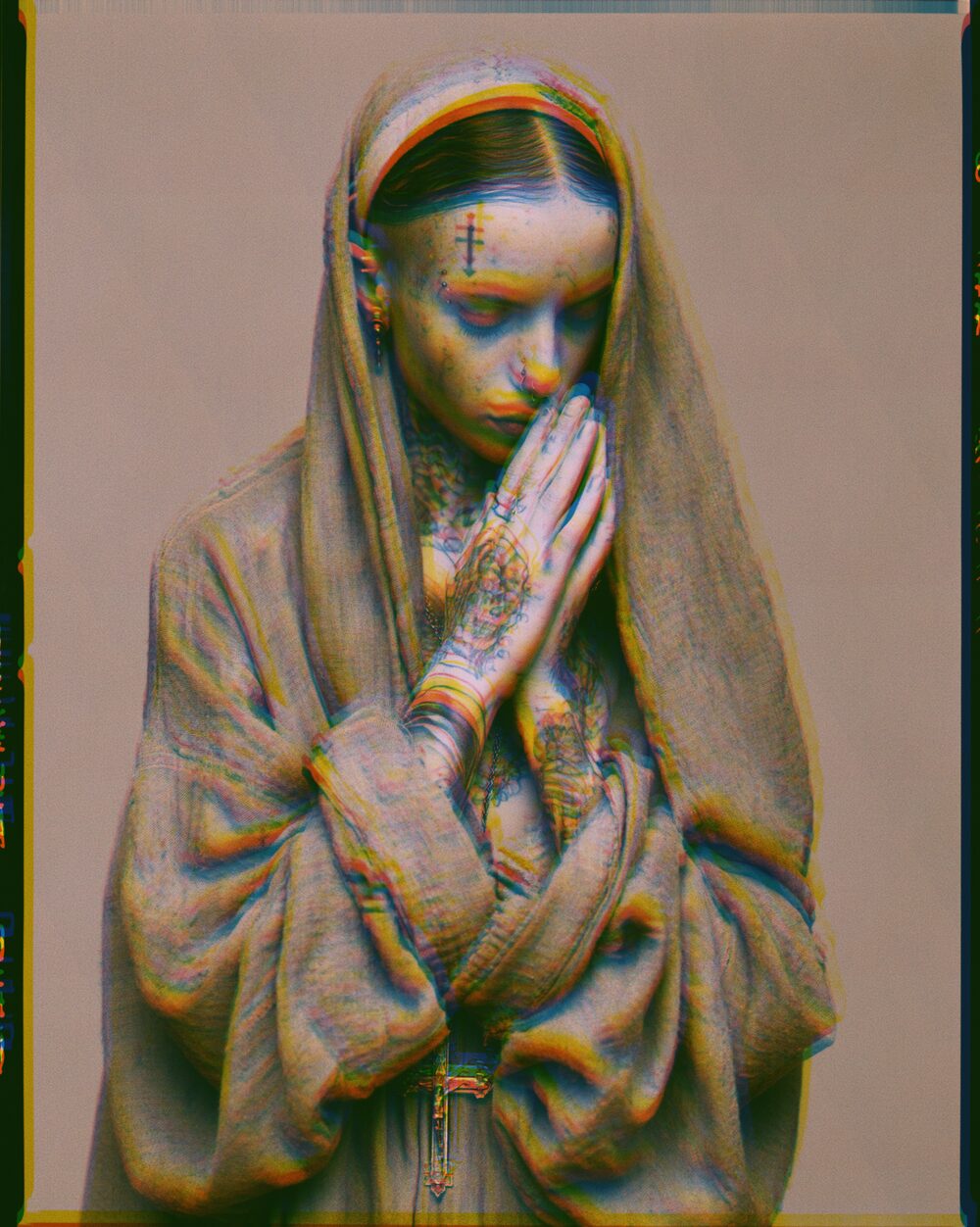
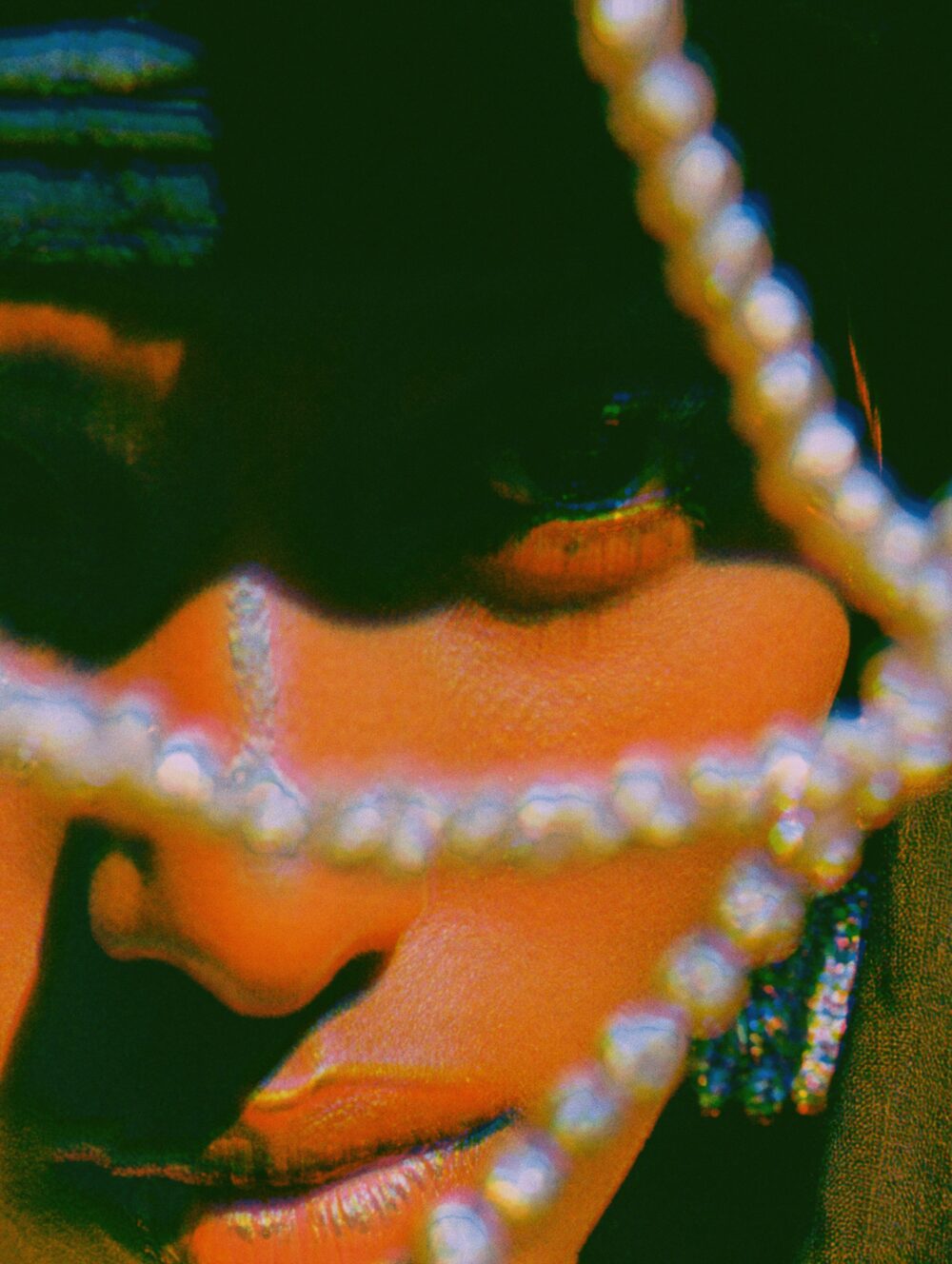
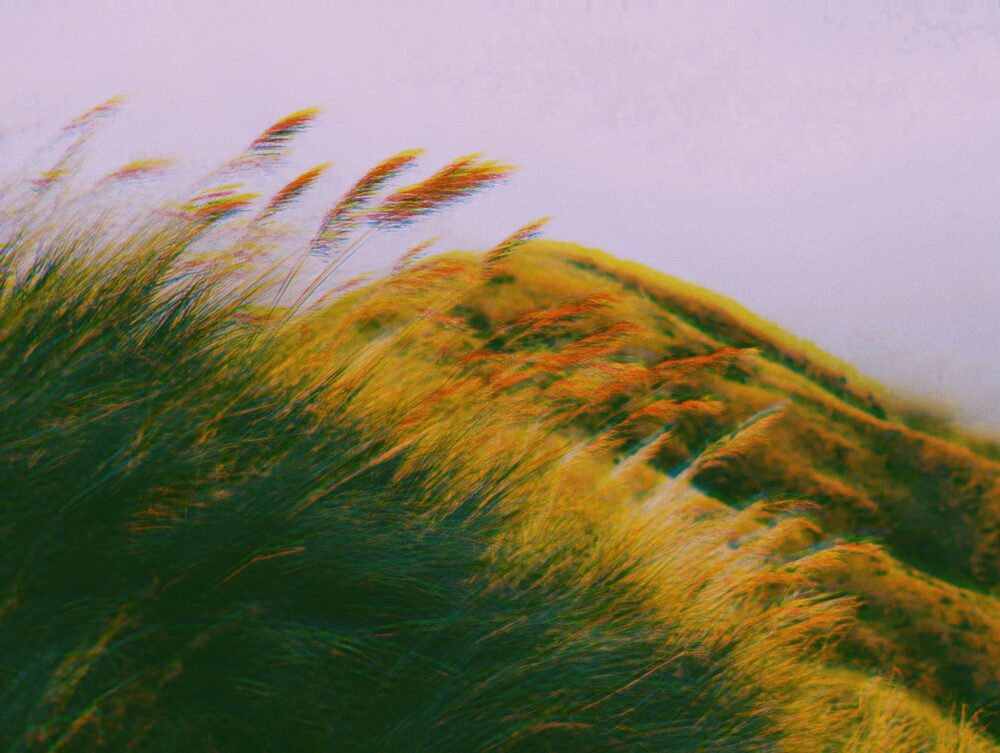
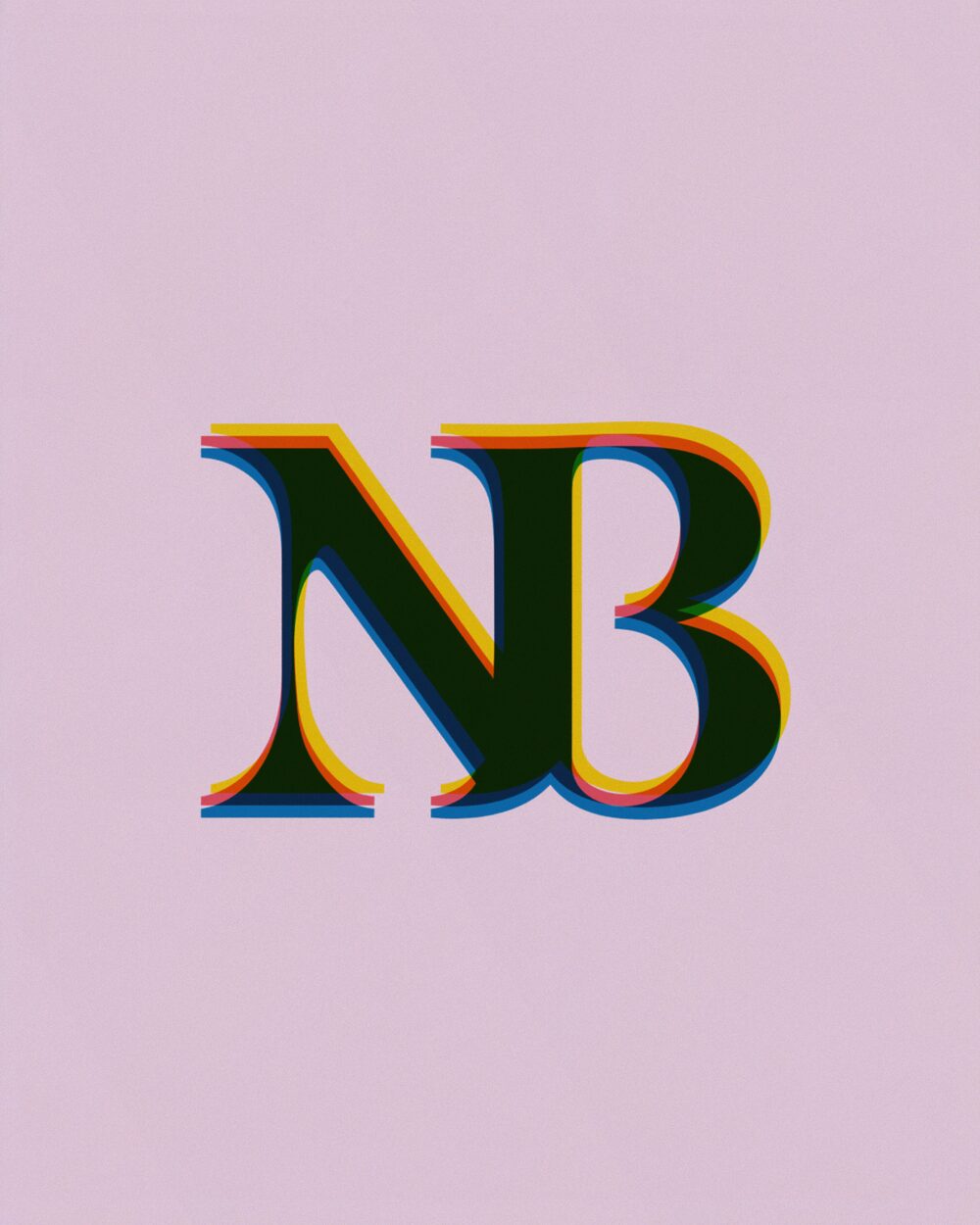
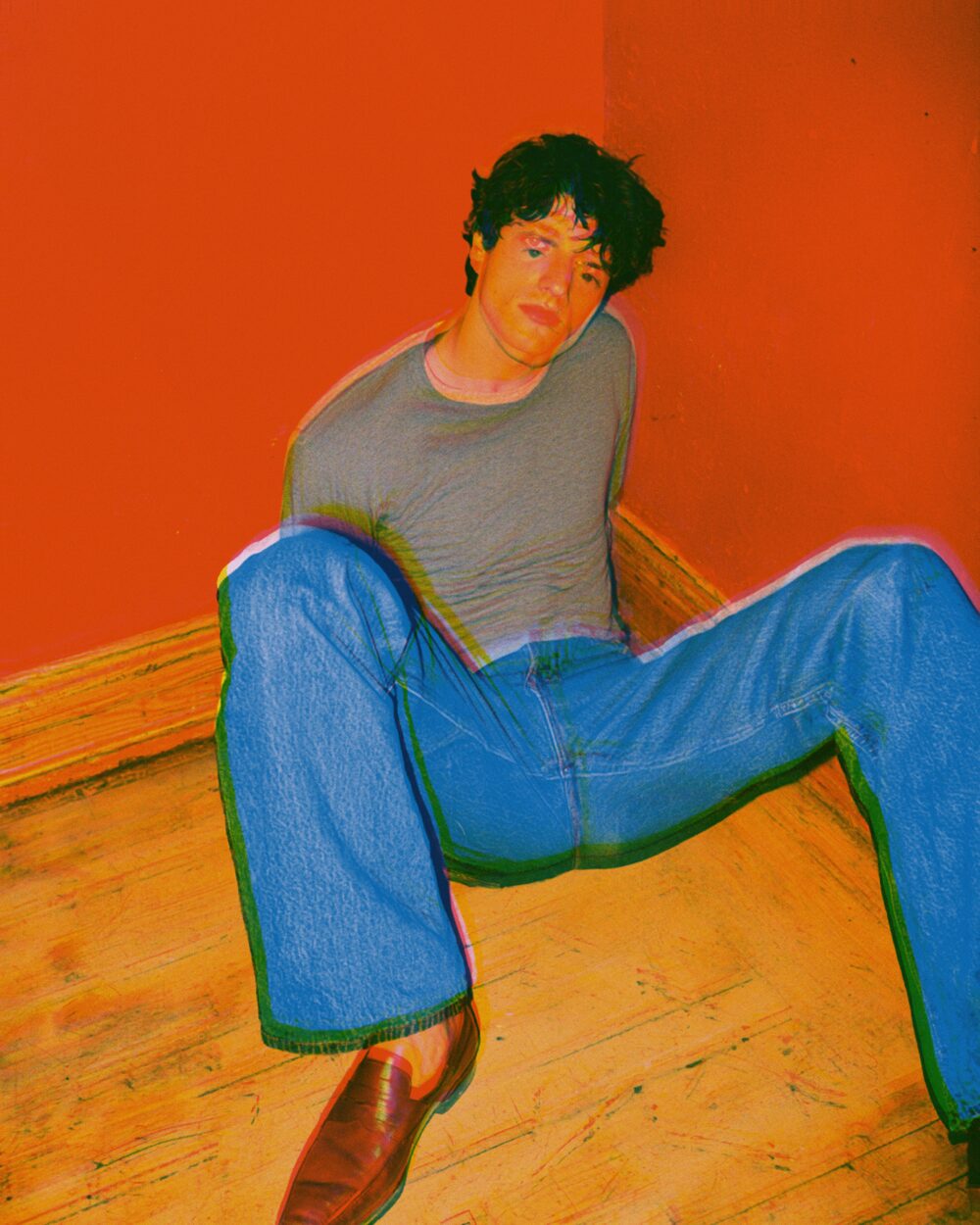
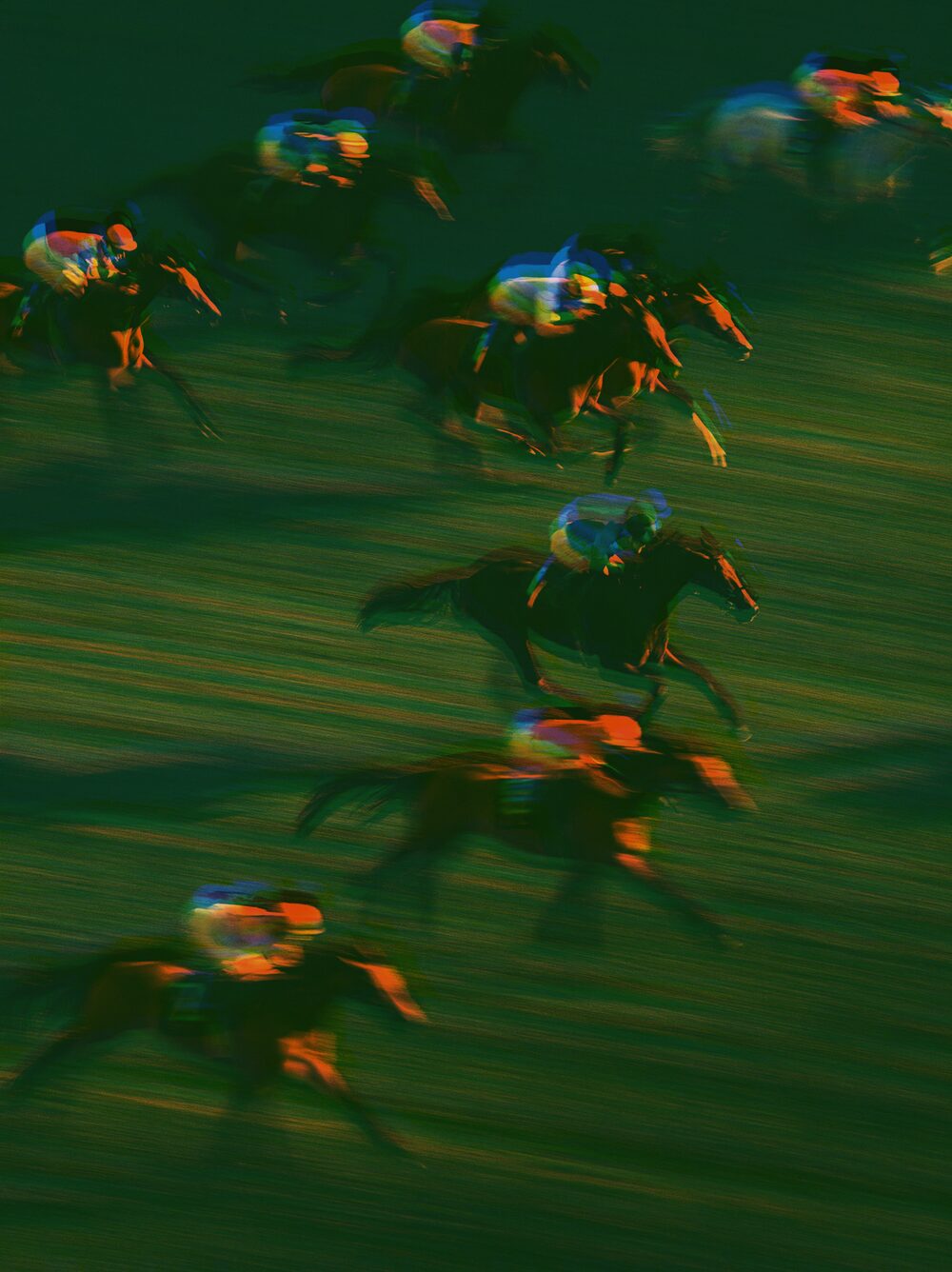
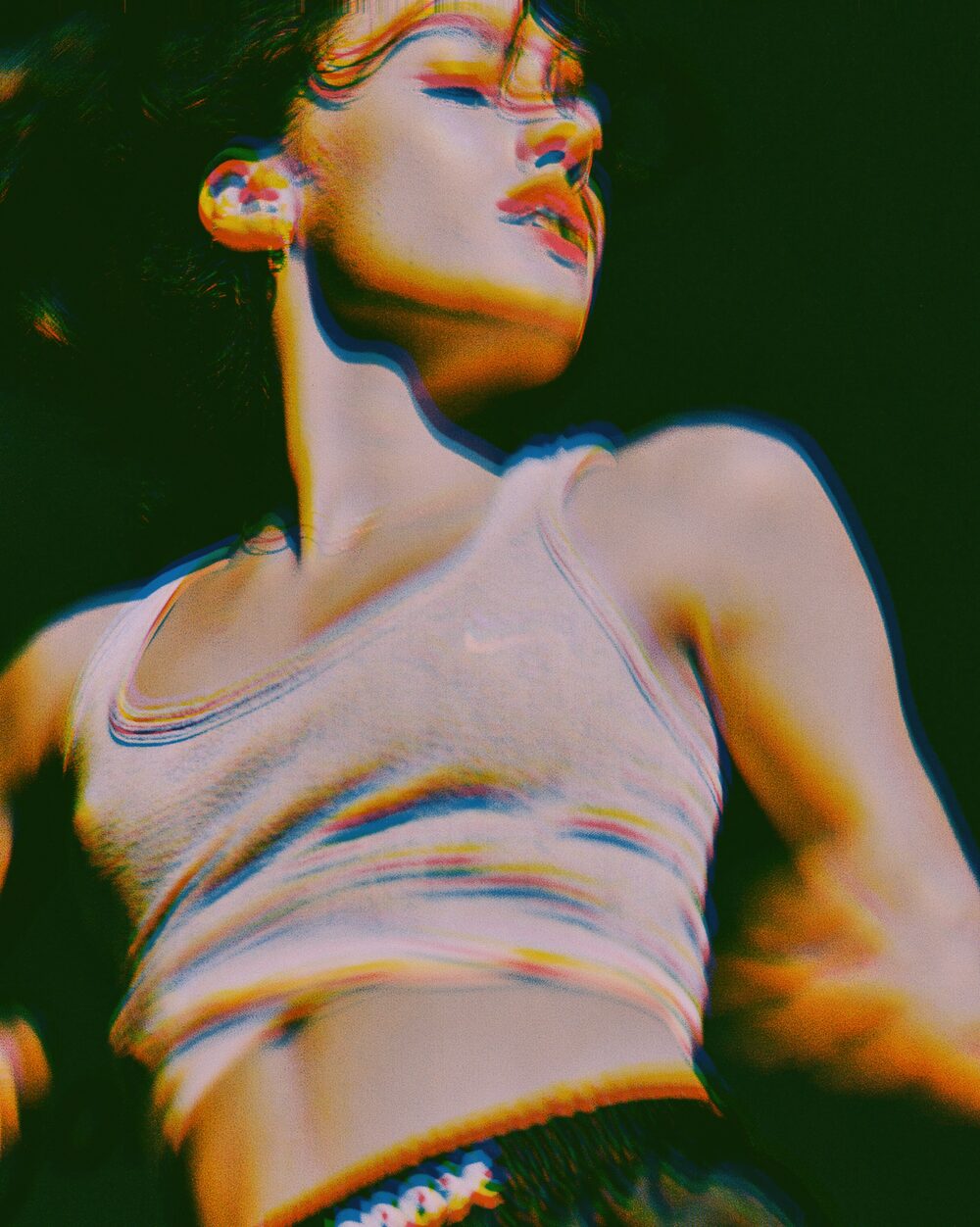
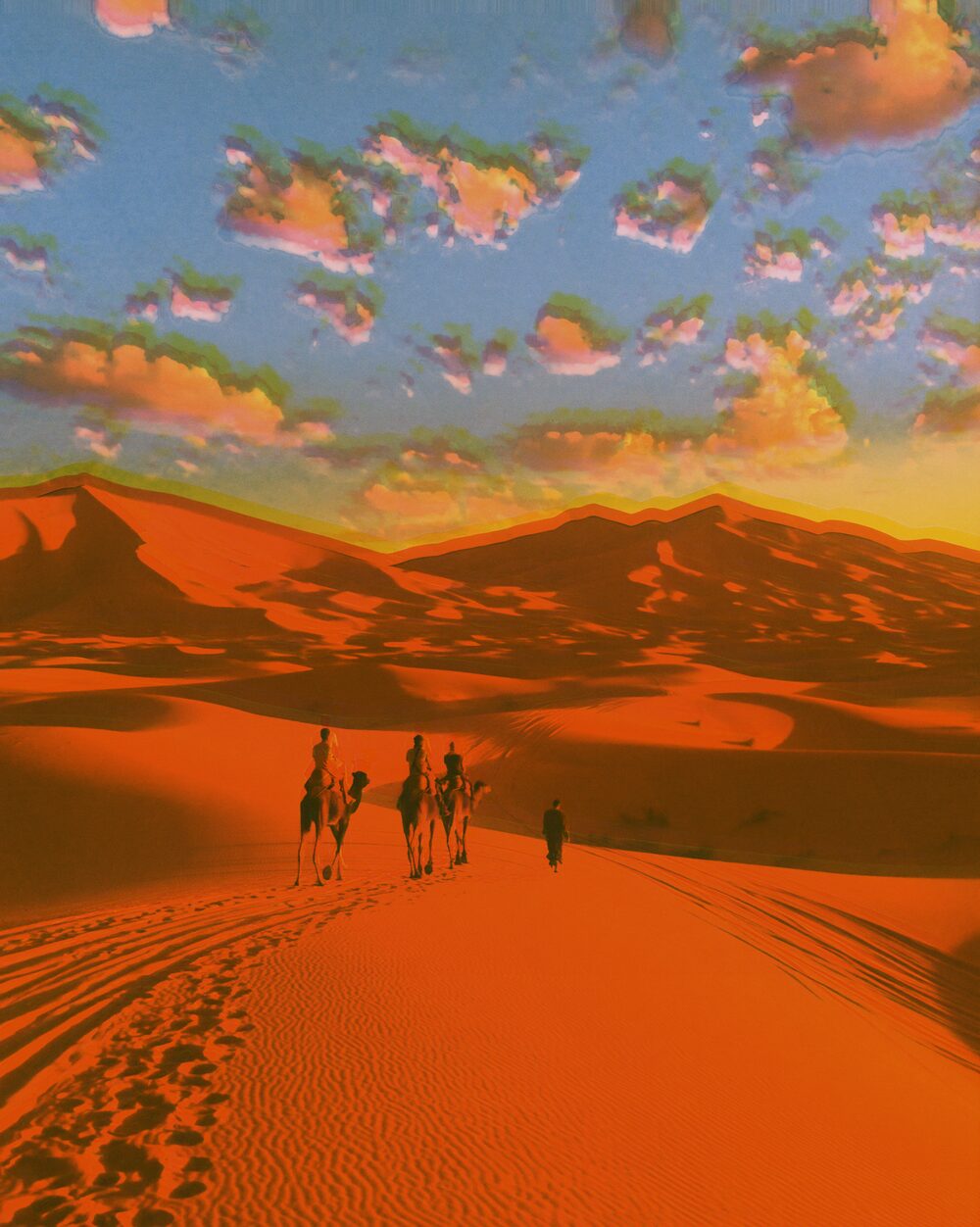
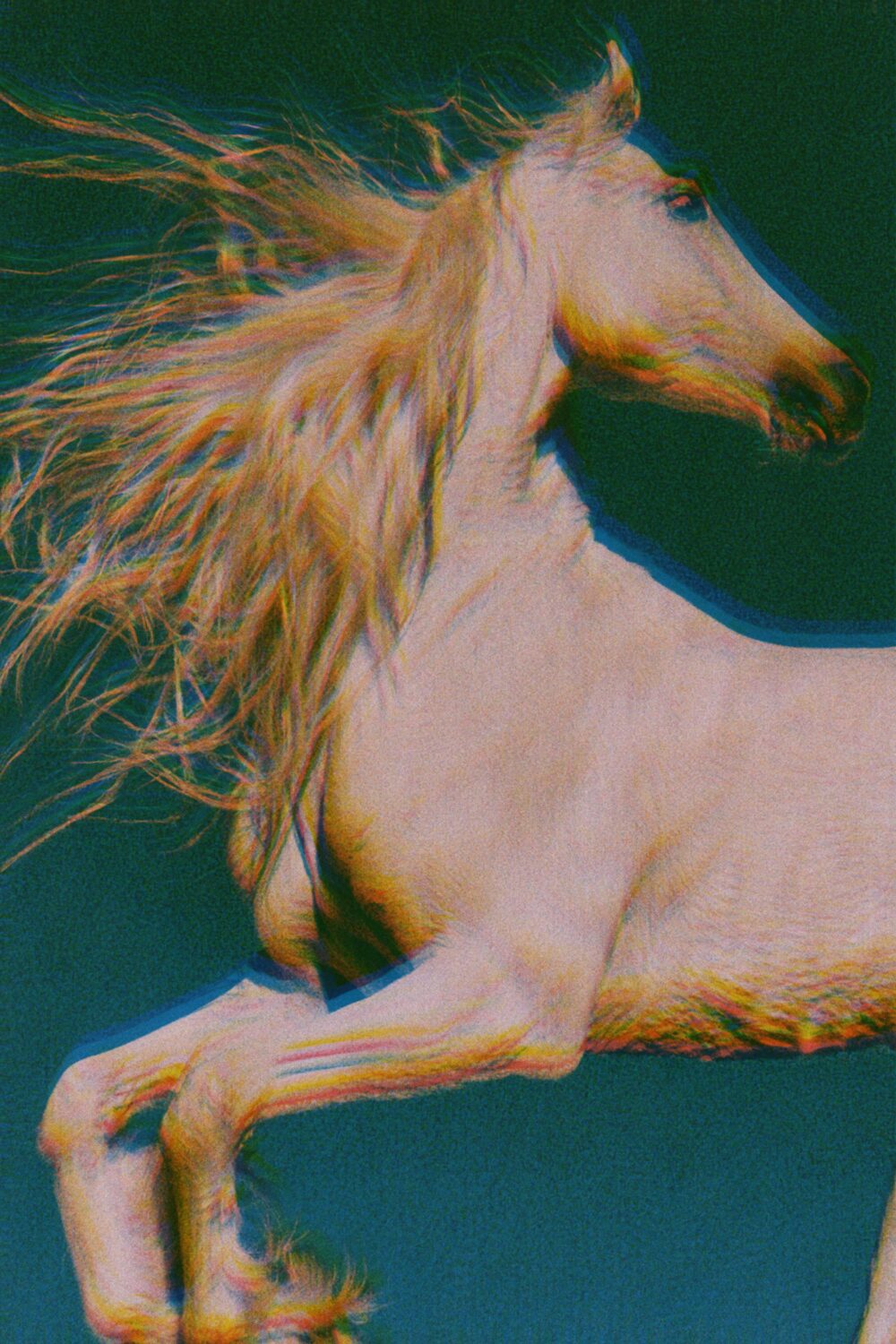
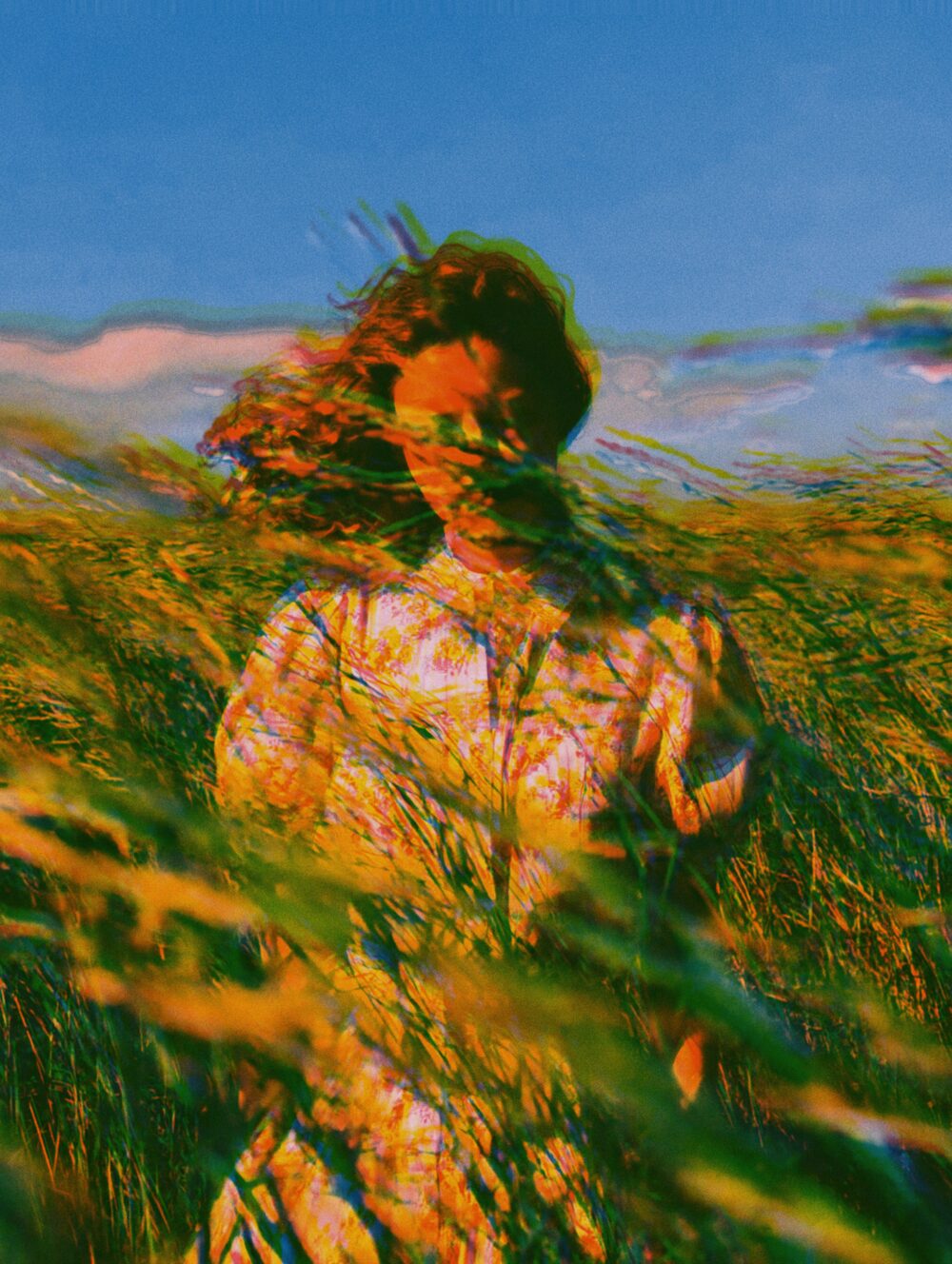
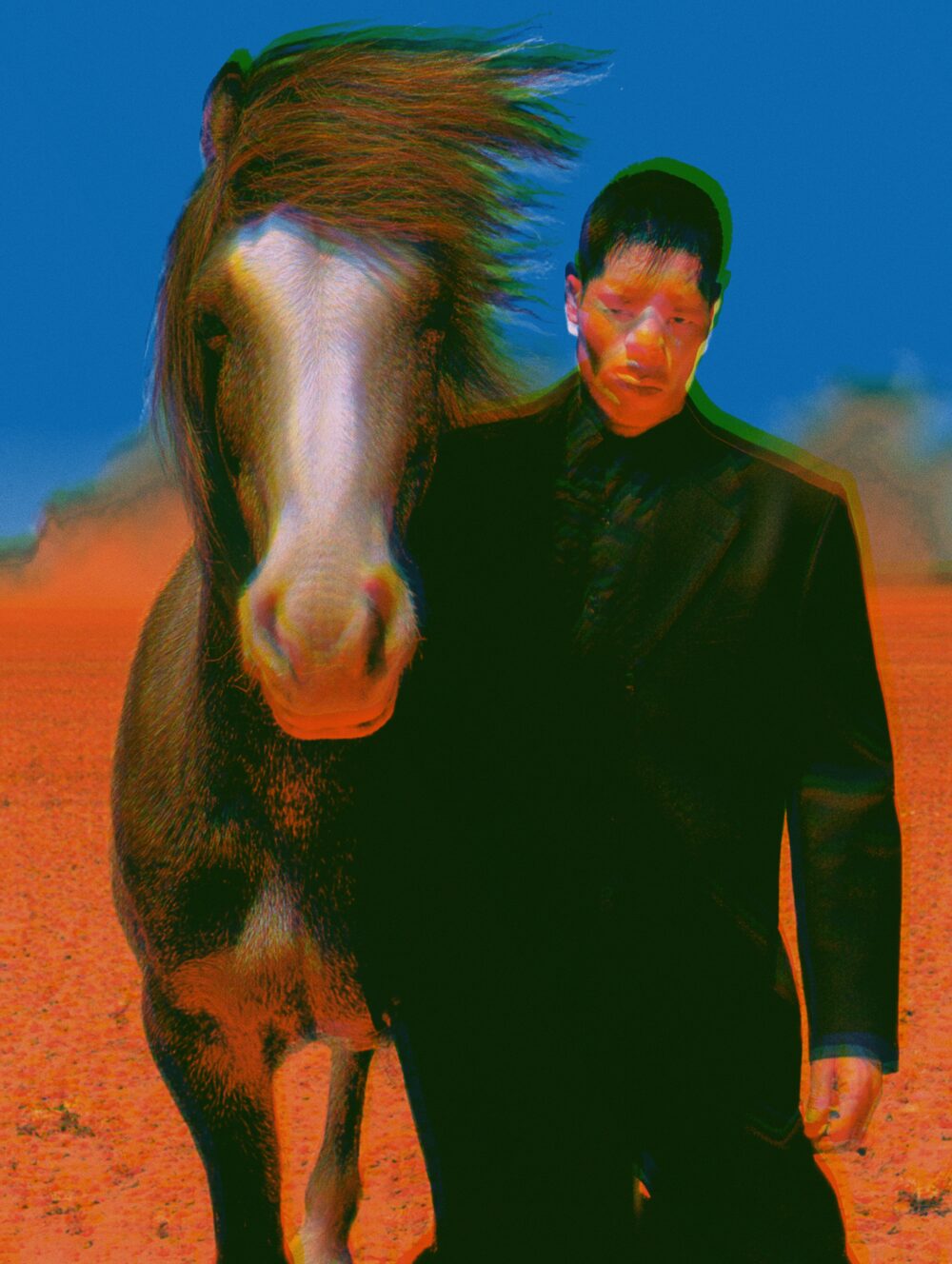
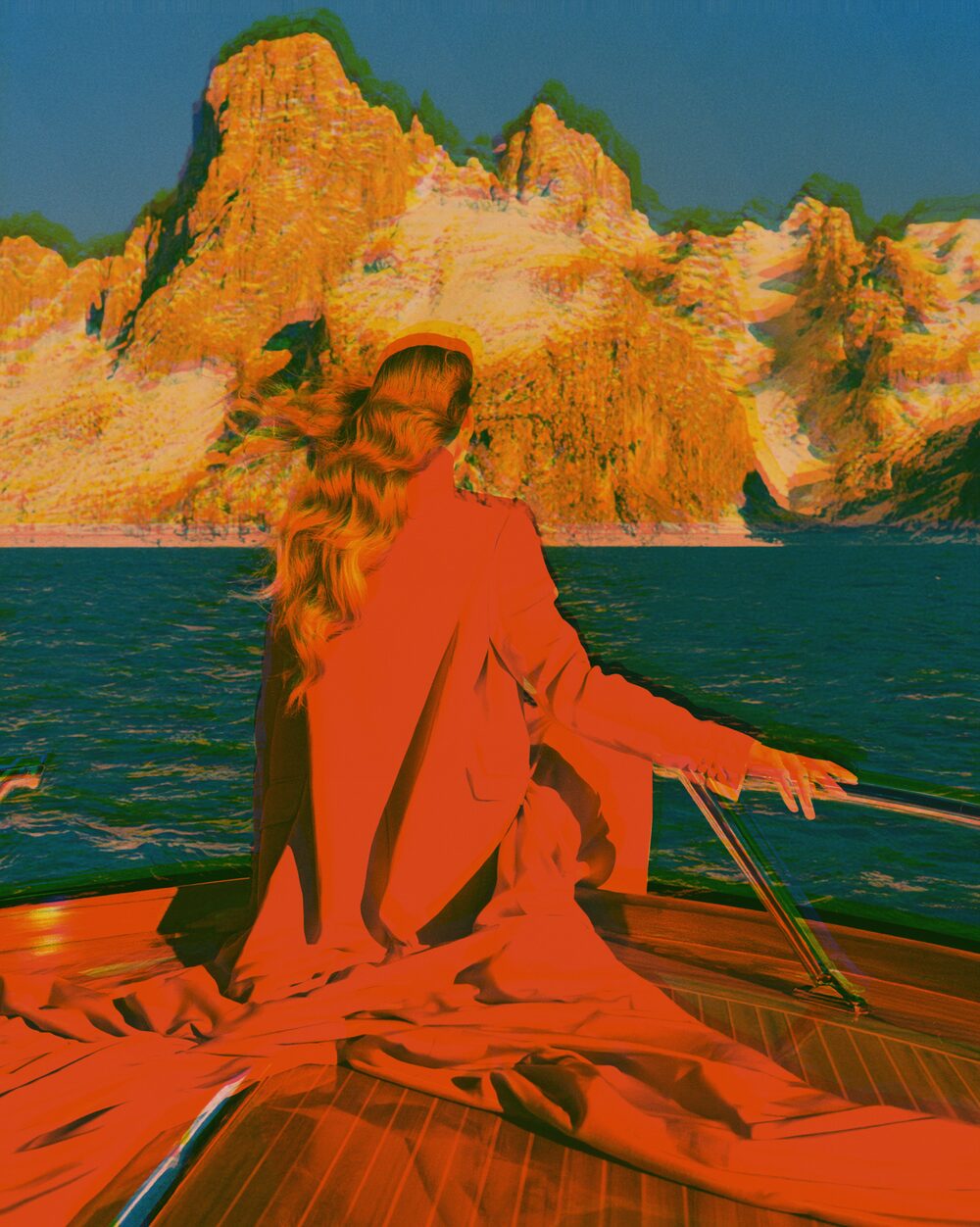
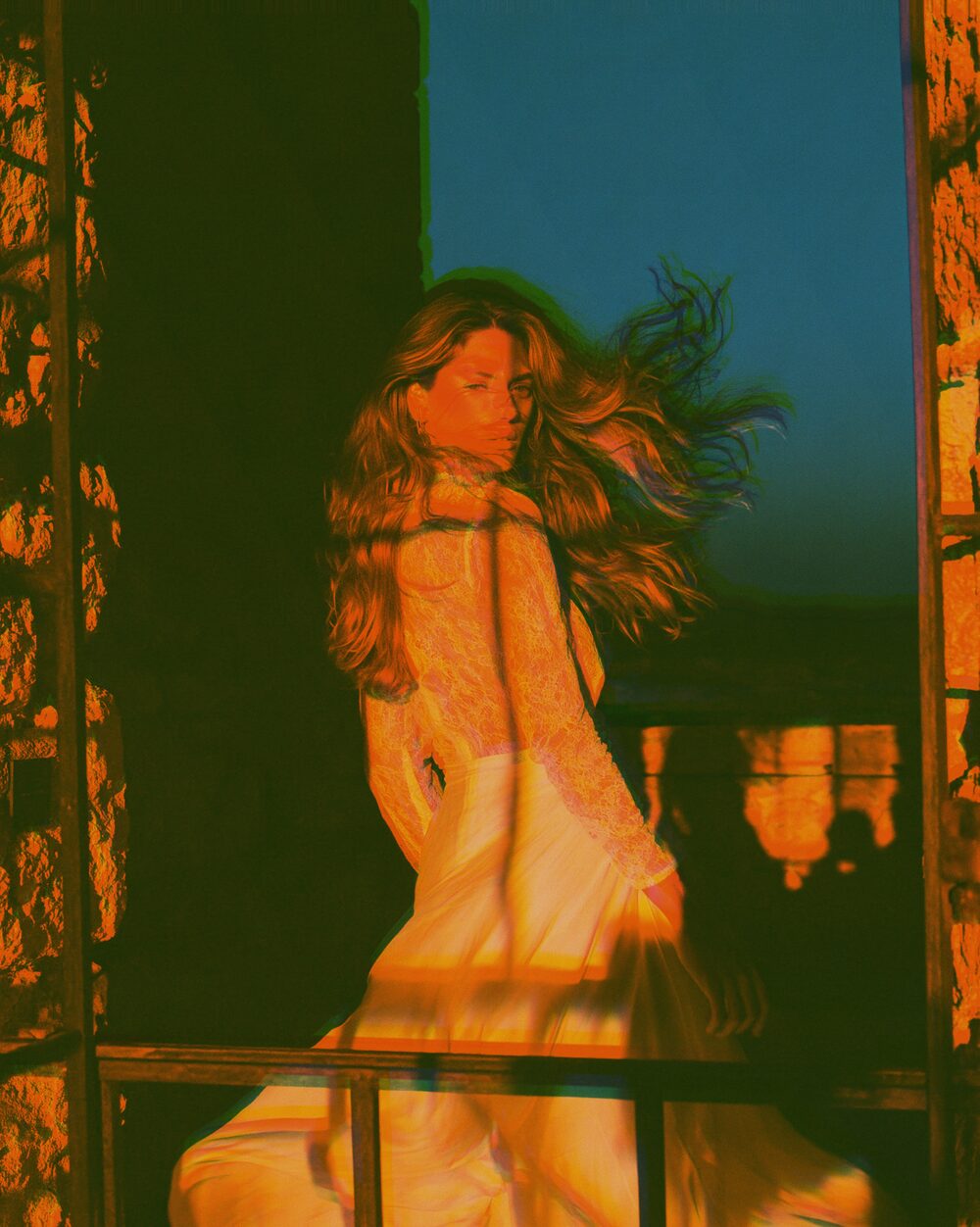
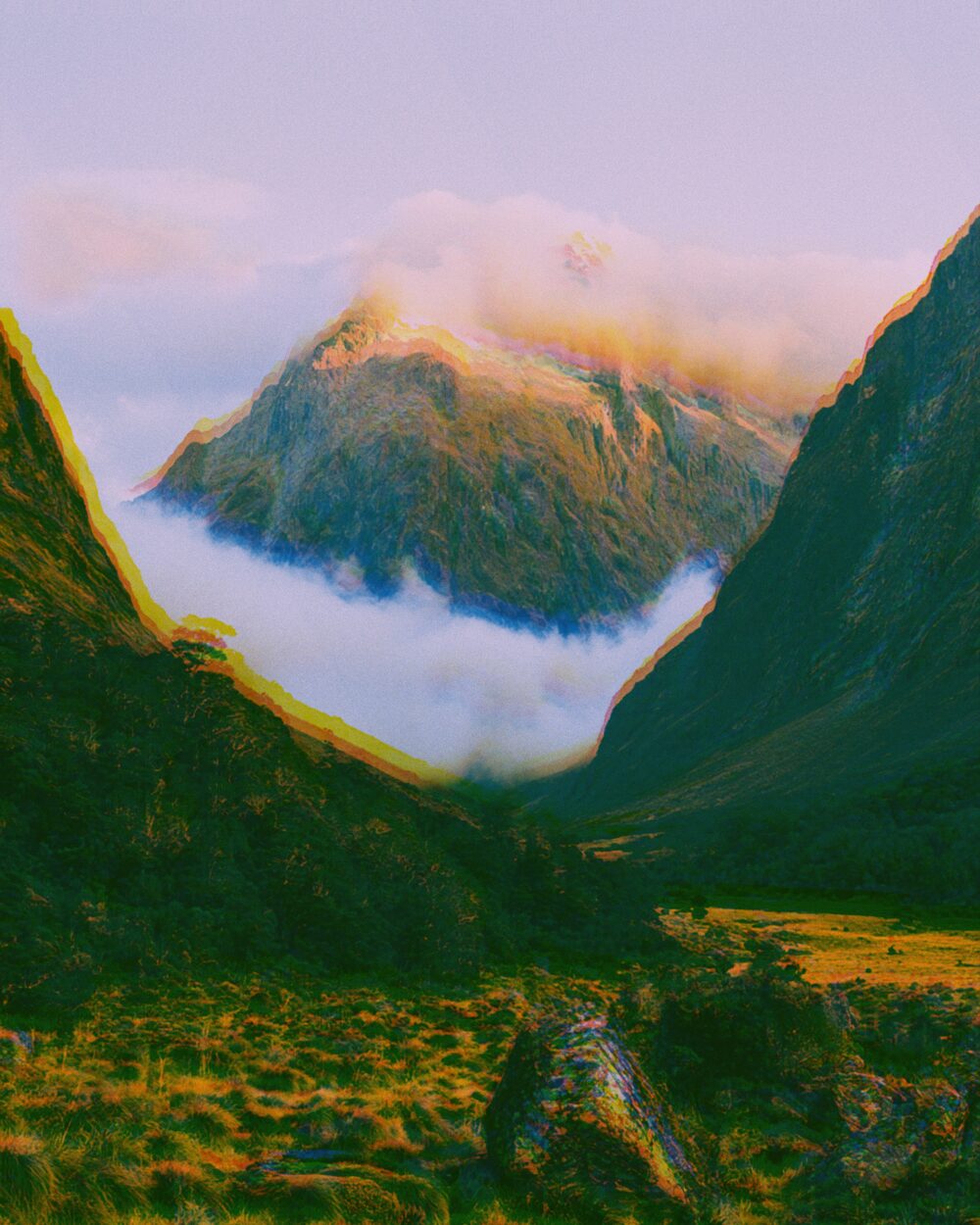
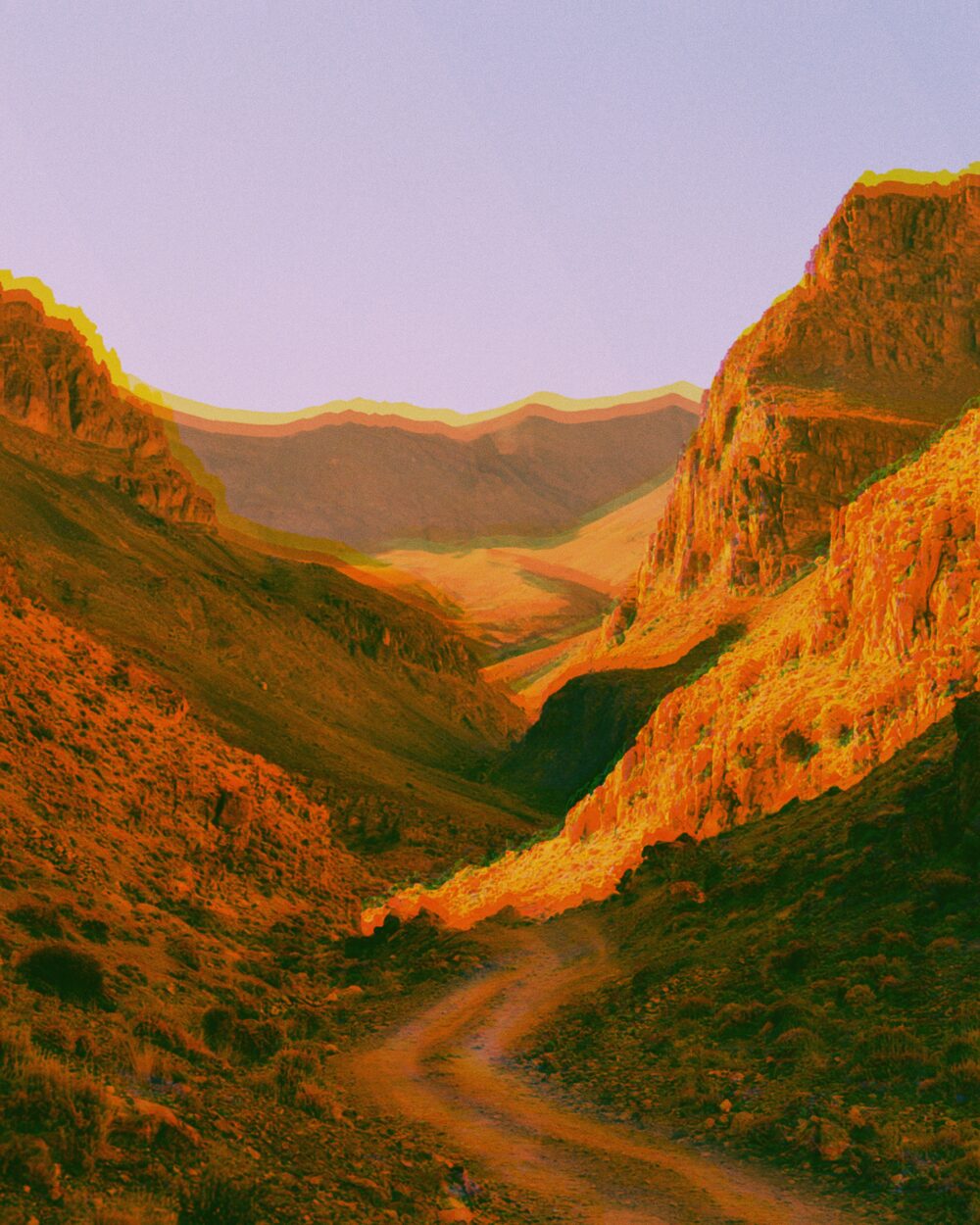
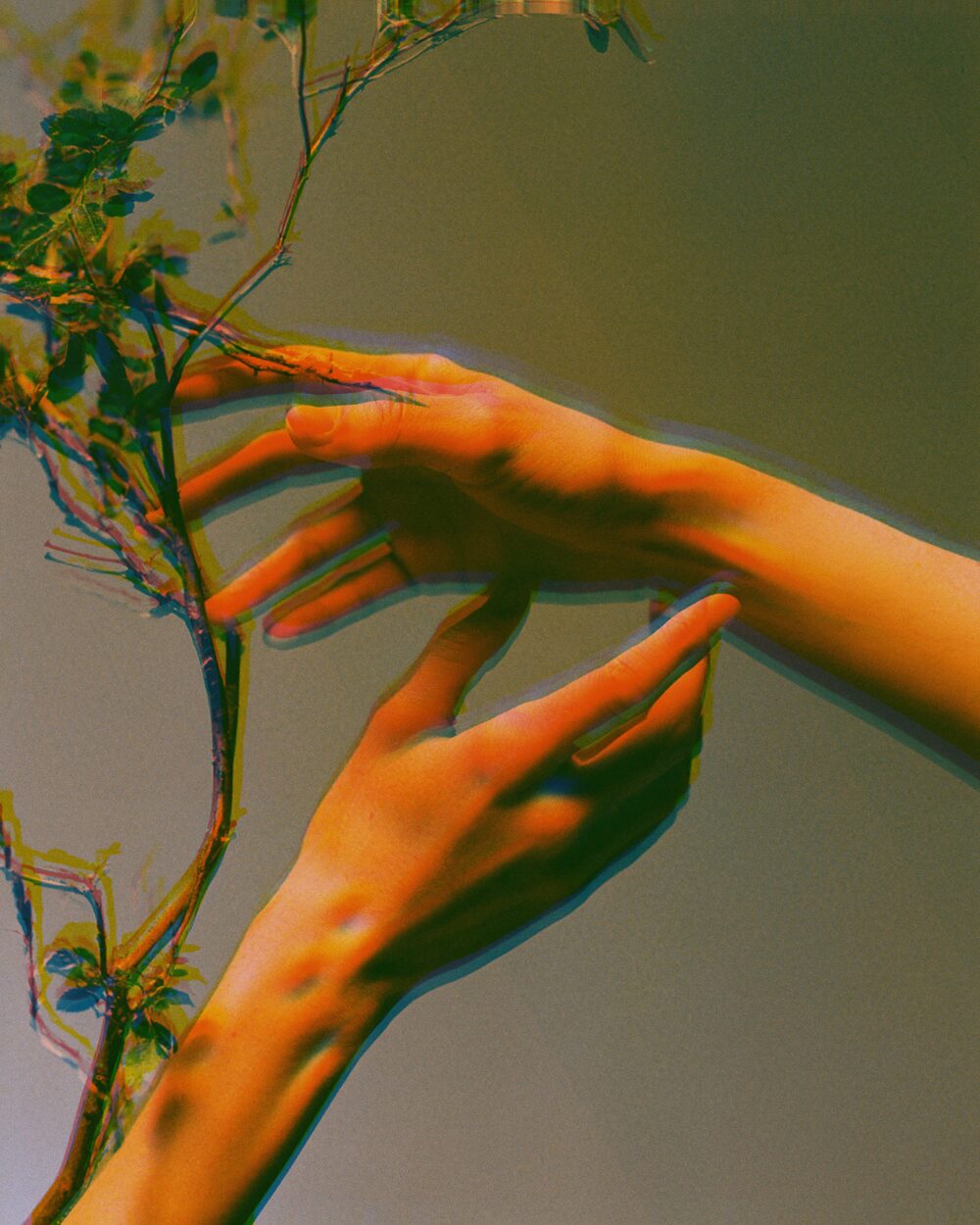
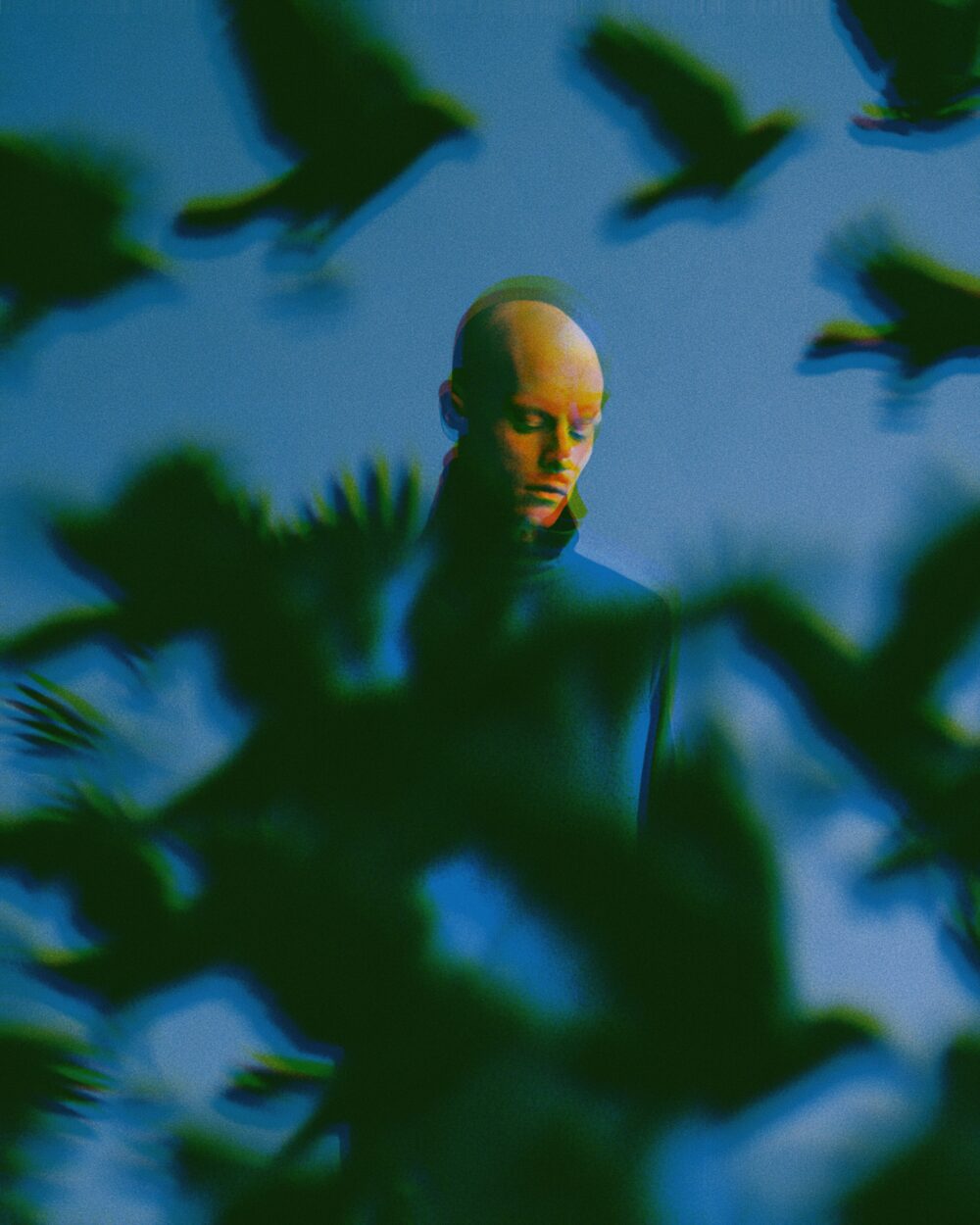
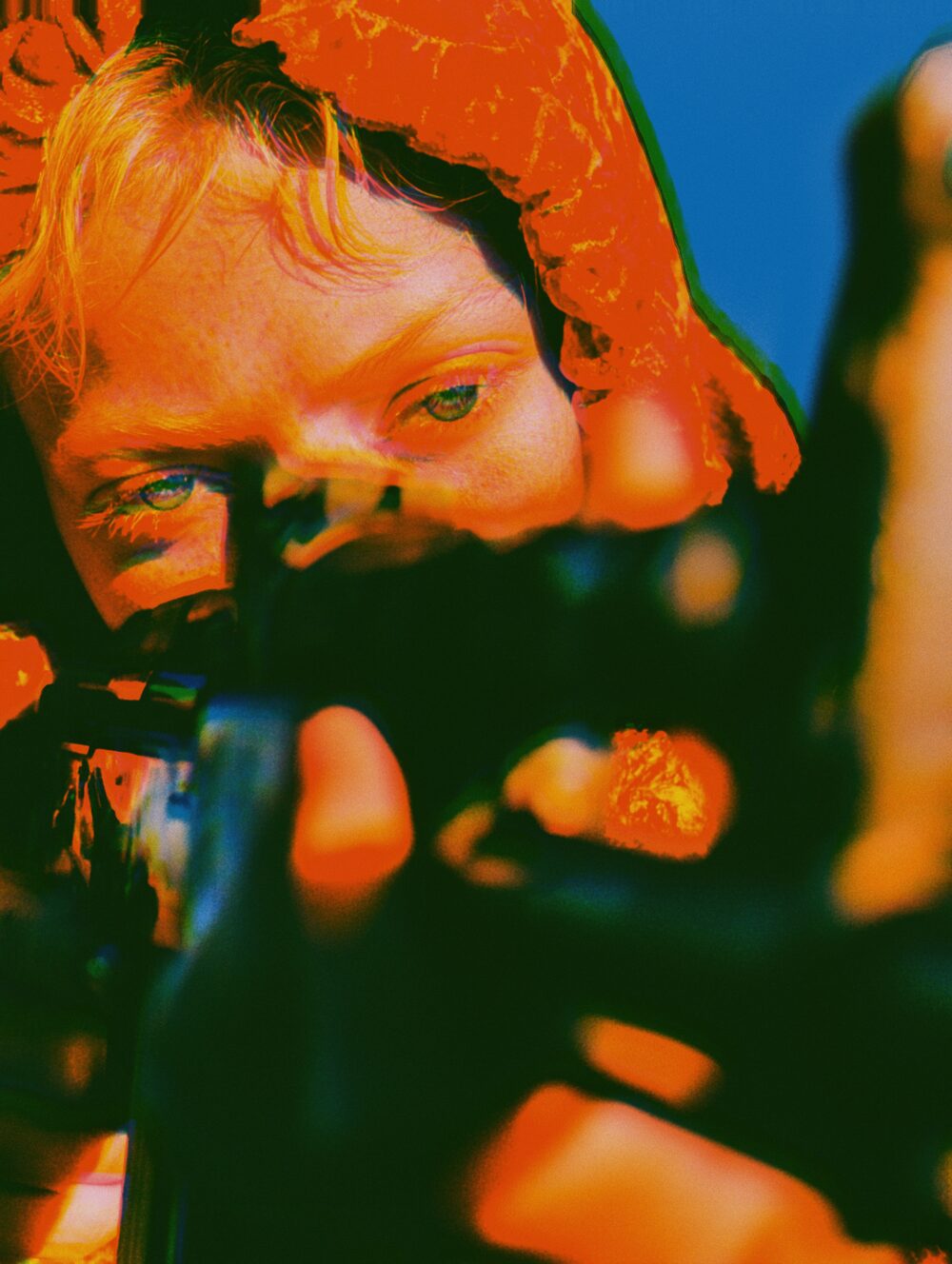
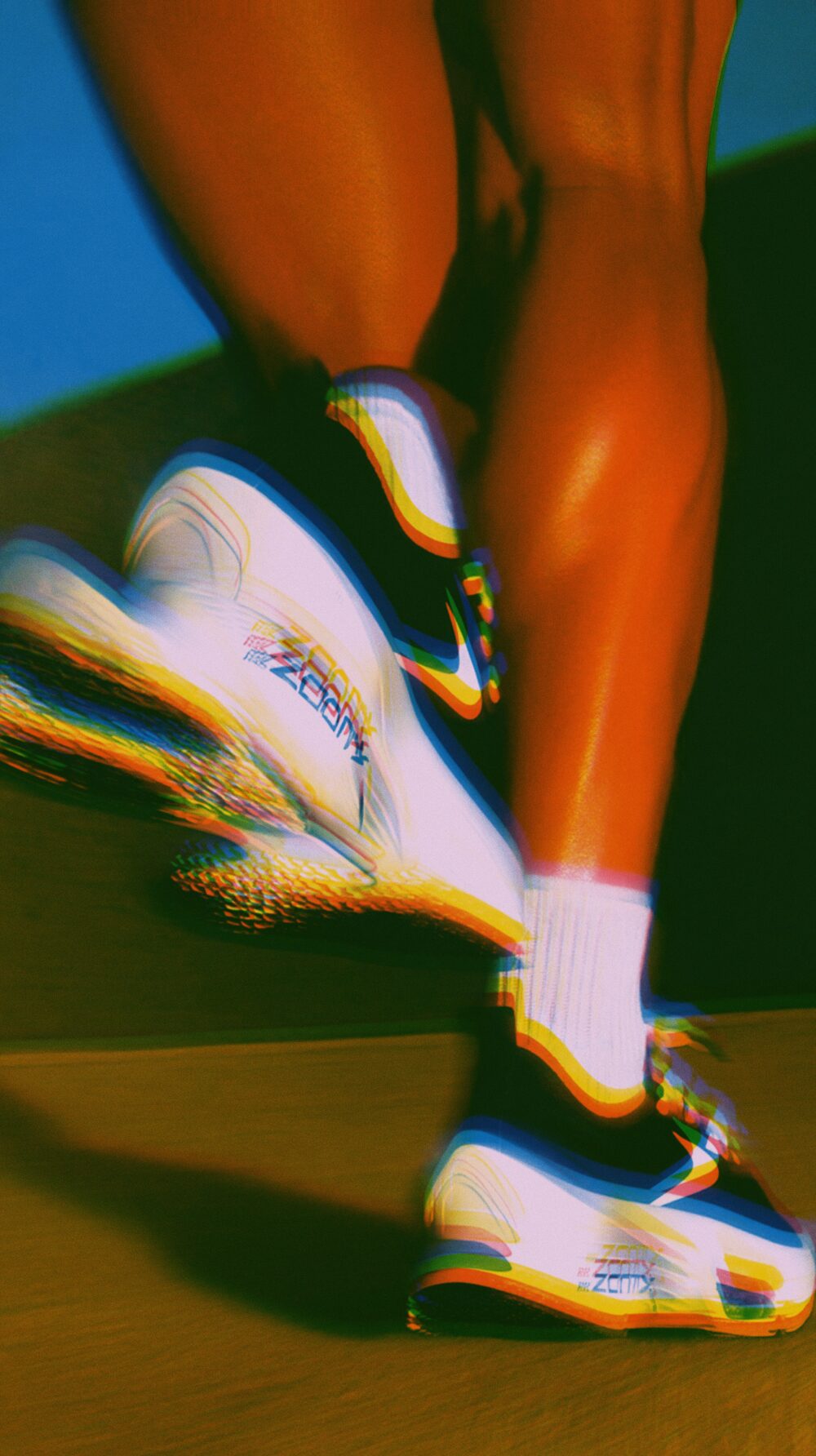
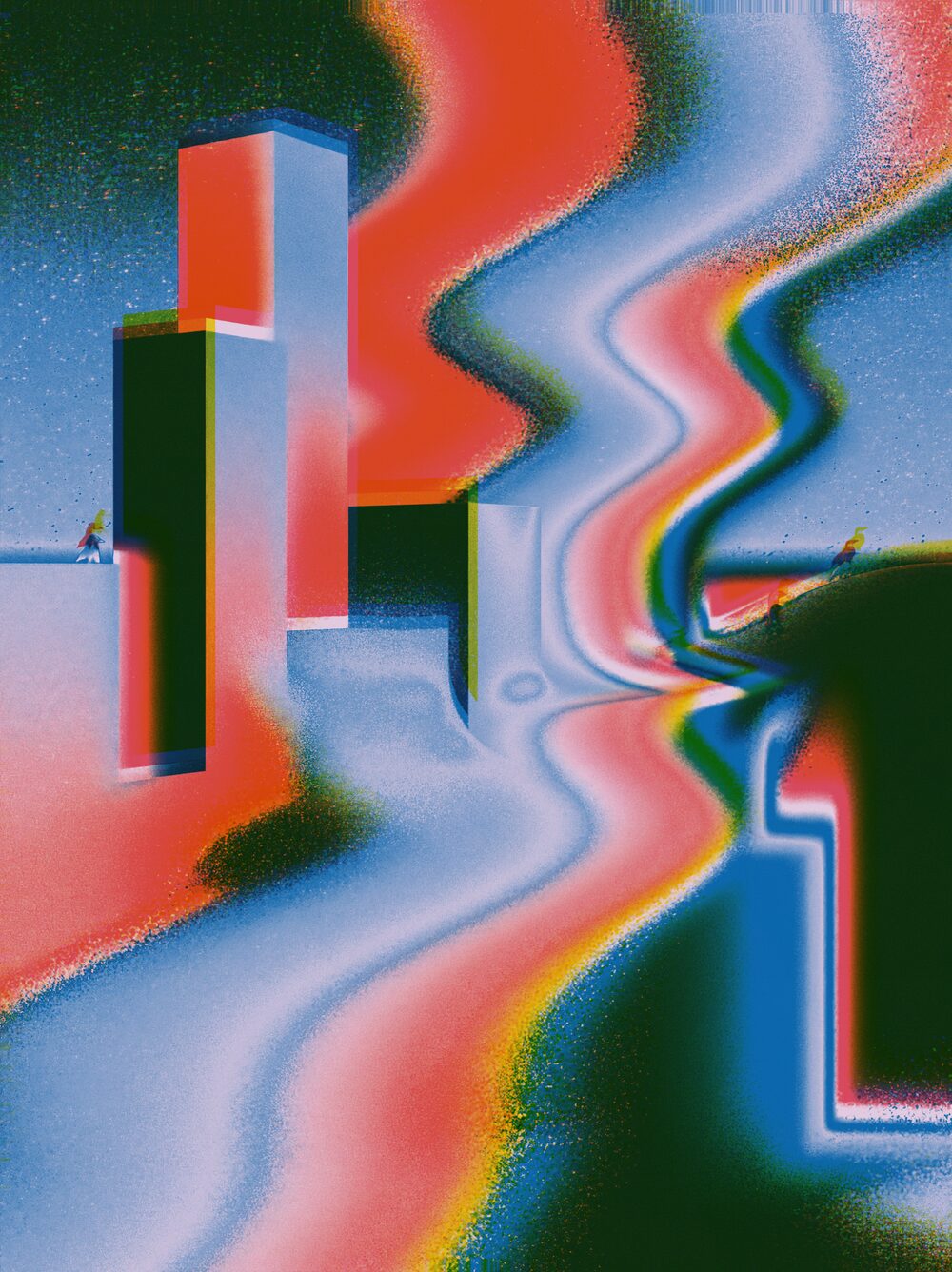
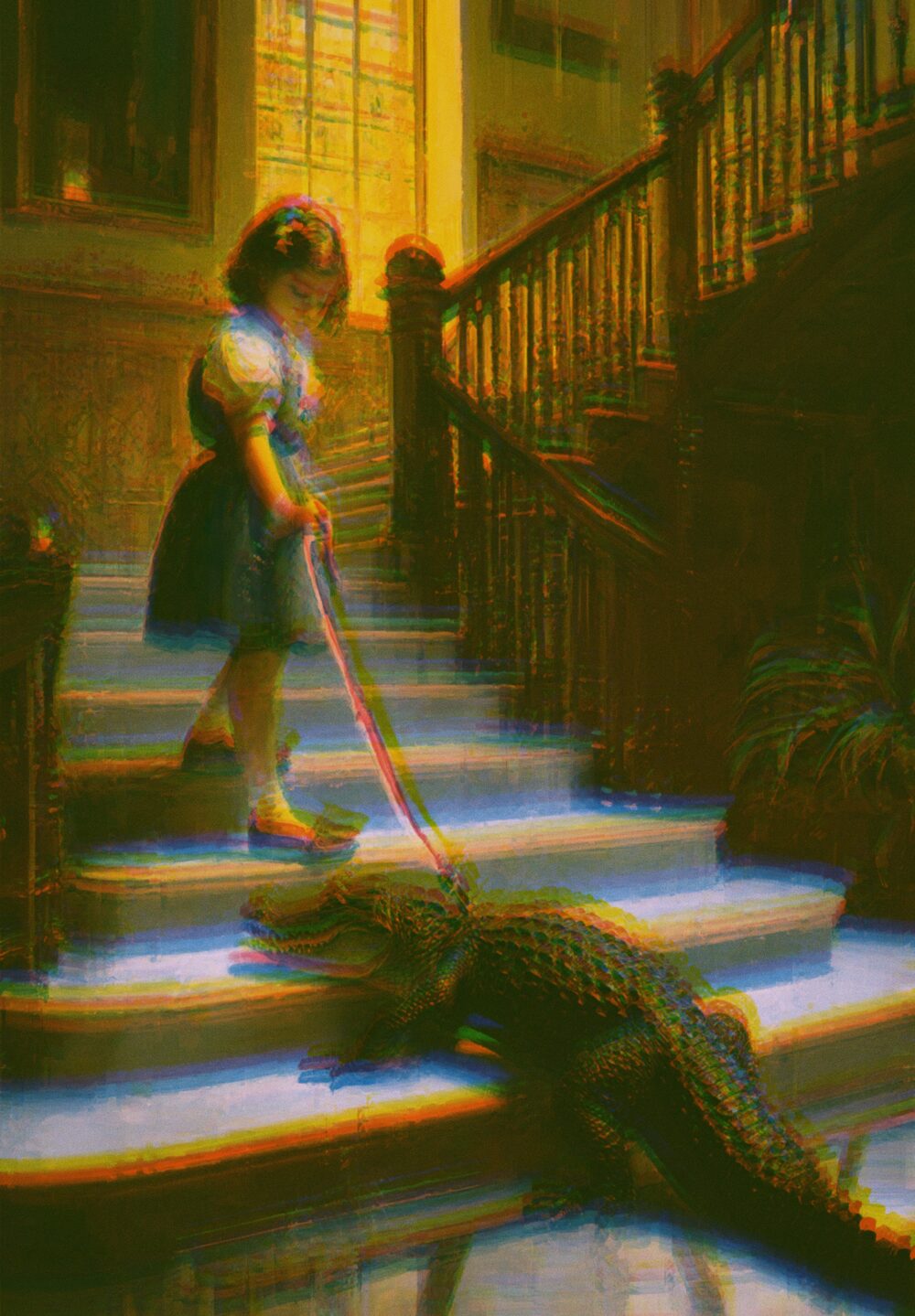
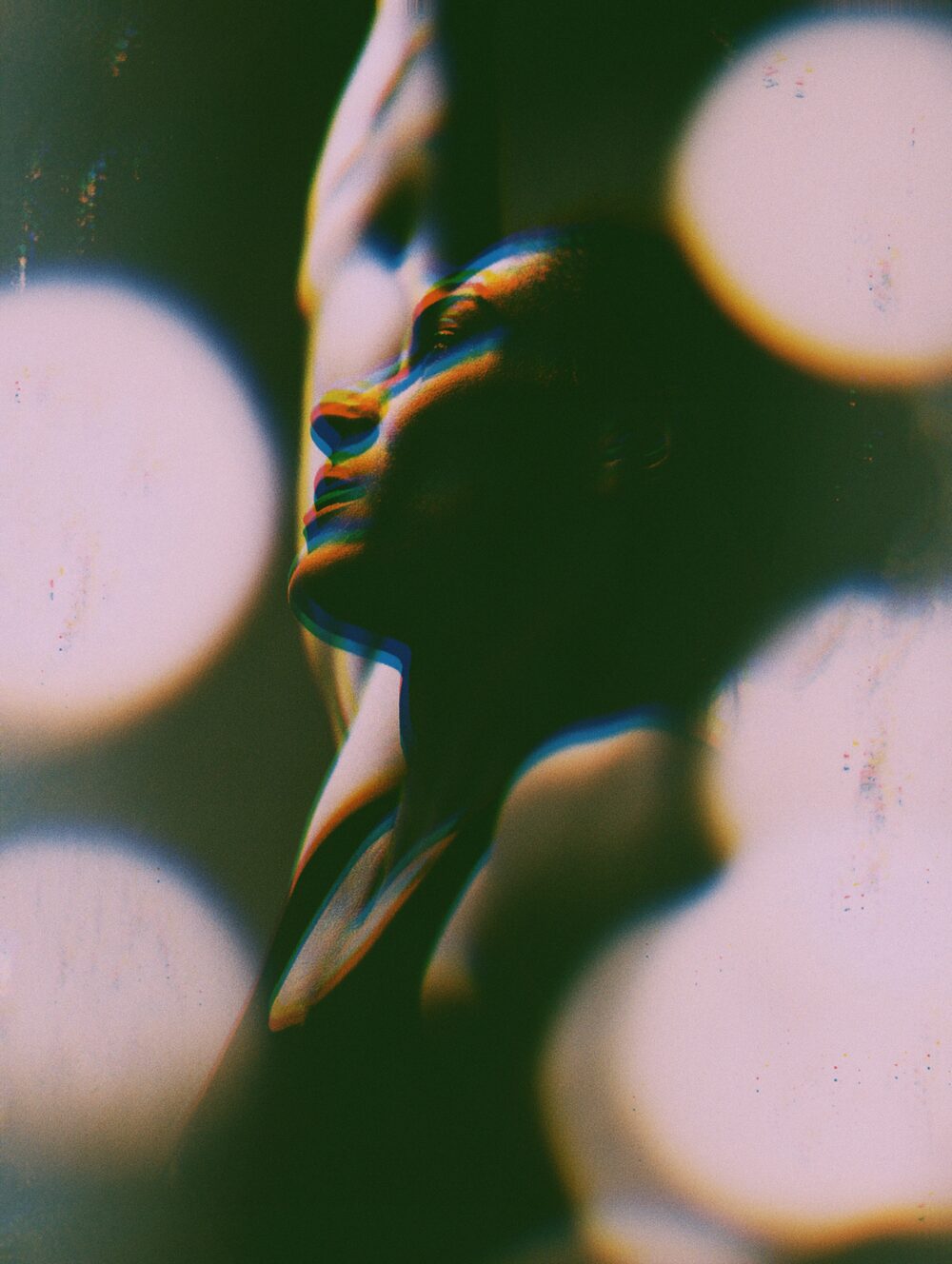
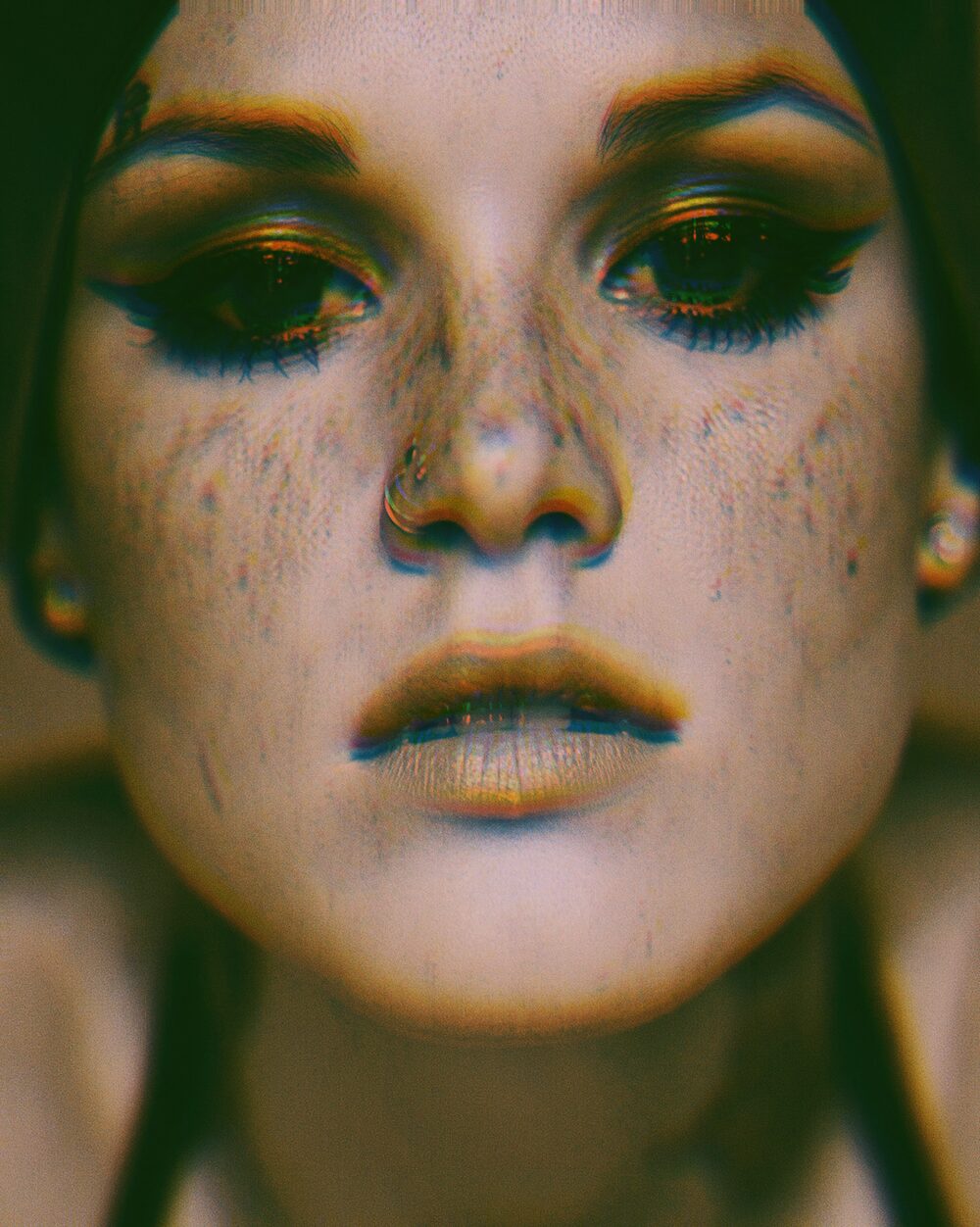
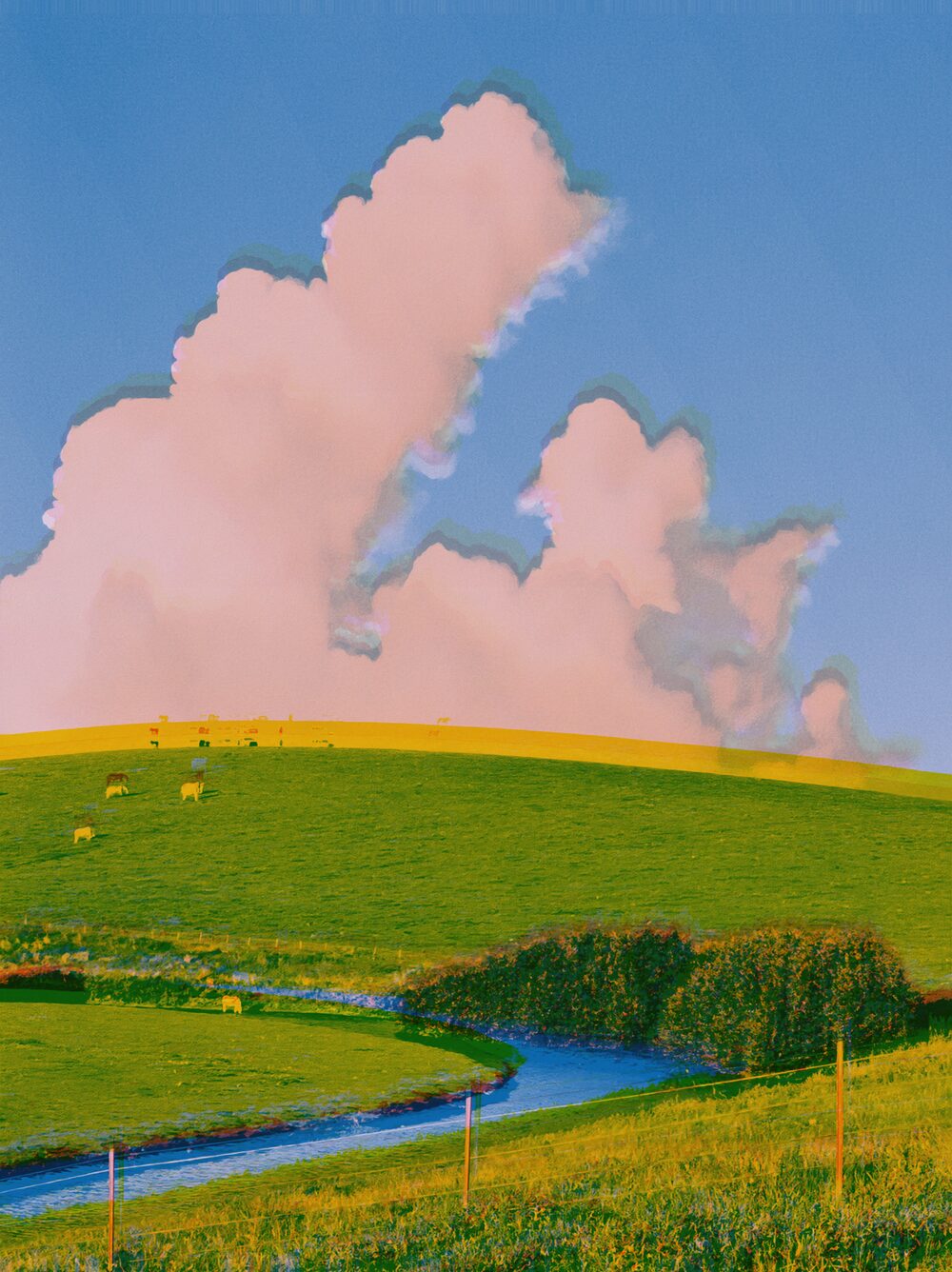
Risograph print layers with ink colours, misregistration and grain.
Riso Kagaku began as a mimeograph business in Tokyo in 1946. In 1980 it launched the RISOGRAPH, an automatic stencil duplicator that printed high volumes with emulsion inks at low cost. Schools, offices and later independent publishers adopted the machines.
Artists love Risograph for its spot colours, visible ink texture and casual misregistration between layers. This effect stages those print behaviours: limited inks, grain and the slight offset that makes a poster feel pulled by hand.
Properties
Paper color
off-white / cream stock
Grain plate
Grain scale
grain plate zoom (PS Pattern Overlay scale)
Grain opacity
Pattern Overlay opacity (PS default 50%)
Grain softness
0 = true PS Hard Mix step
Grain contrast
stretch grain around mid-grey; widens the tone range that speckles
Ink 1
Ink 1 color
(Ink 1 reds, Ink 1 yellows, Ink 1 greens)
(Ink 1 cyans, Ink 1 blues, Ink 1 magentas)
Ink 1 shift
Ink 2
Ink 2 color
(Ink 2 reds, Ink 2 yellows, Ink 2 greens)
(Ink 2 cyans, Ink 2 blues, Ink 2 magentas)
Ink 2 shift
Ink 3
Ink 3 color
(Ink 3 reds, Ink 3 yellows, Ink 3 greens)
(Ink 3 cyans, Ink 3 blues, Ink 3 magentas)
Ink 3 shift
Ink 4
Ink 4 color
(Ink 4 reds, Ink 4 yellows, Ink 4 greens)
(Ink 4 cyans, Ink 4 blues, Ink 4 magentas)
Ink 4 shift
Command line
Requires Rethings Pro. Install the tool from Rethings → Install Command Line Tool…
rethings apply --effect risograph --set u_paperColor=0.9357,0.8456,0.9642 --set d_texture=0 -i input.jpg -o output.png