All effects and presets

Effect

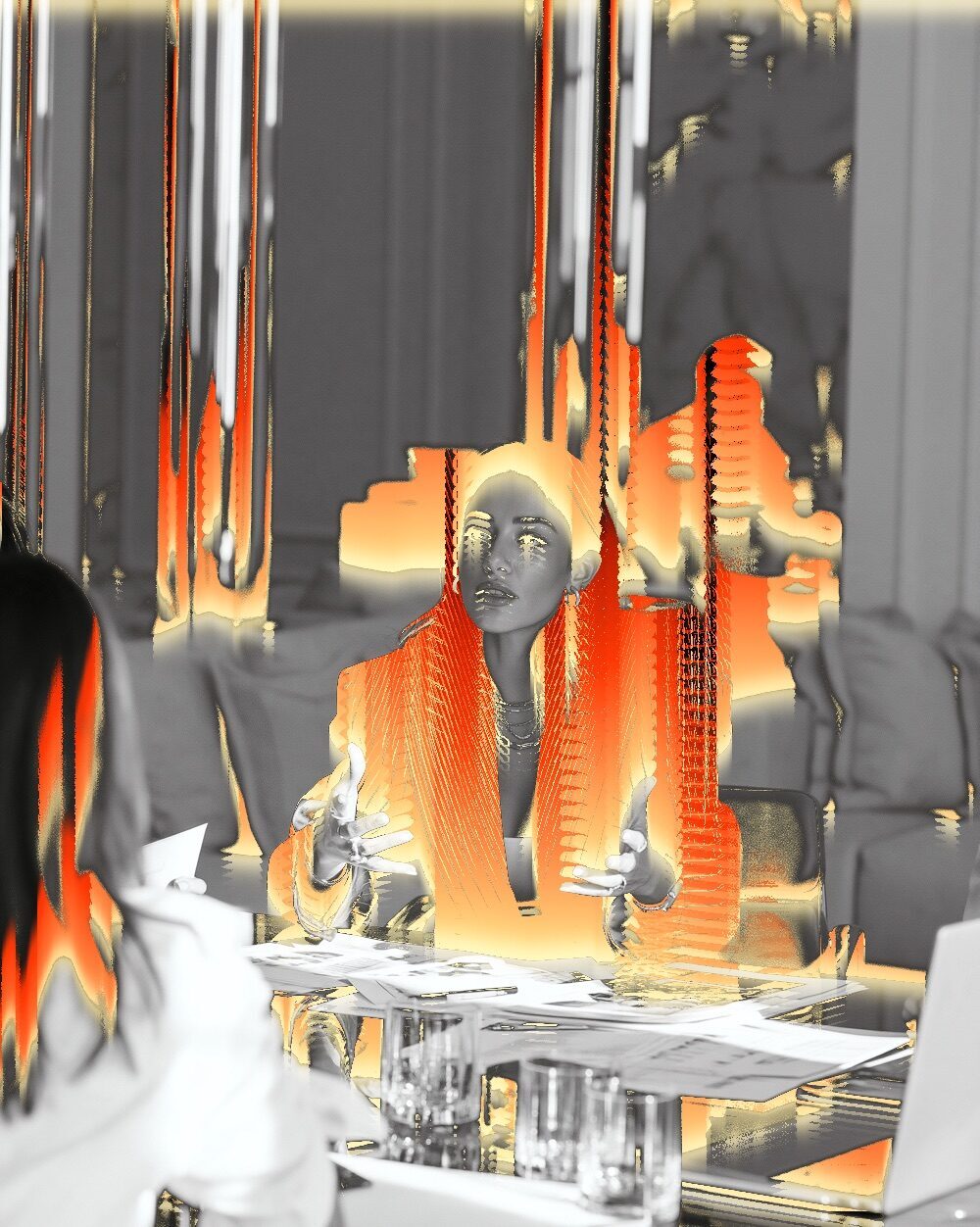
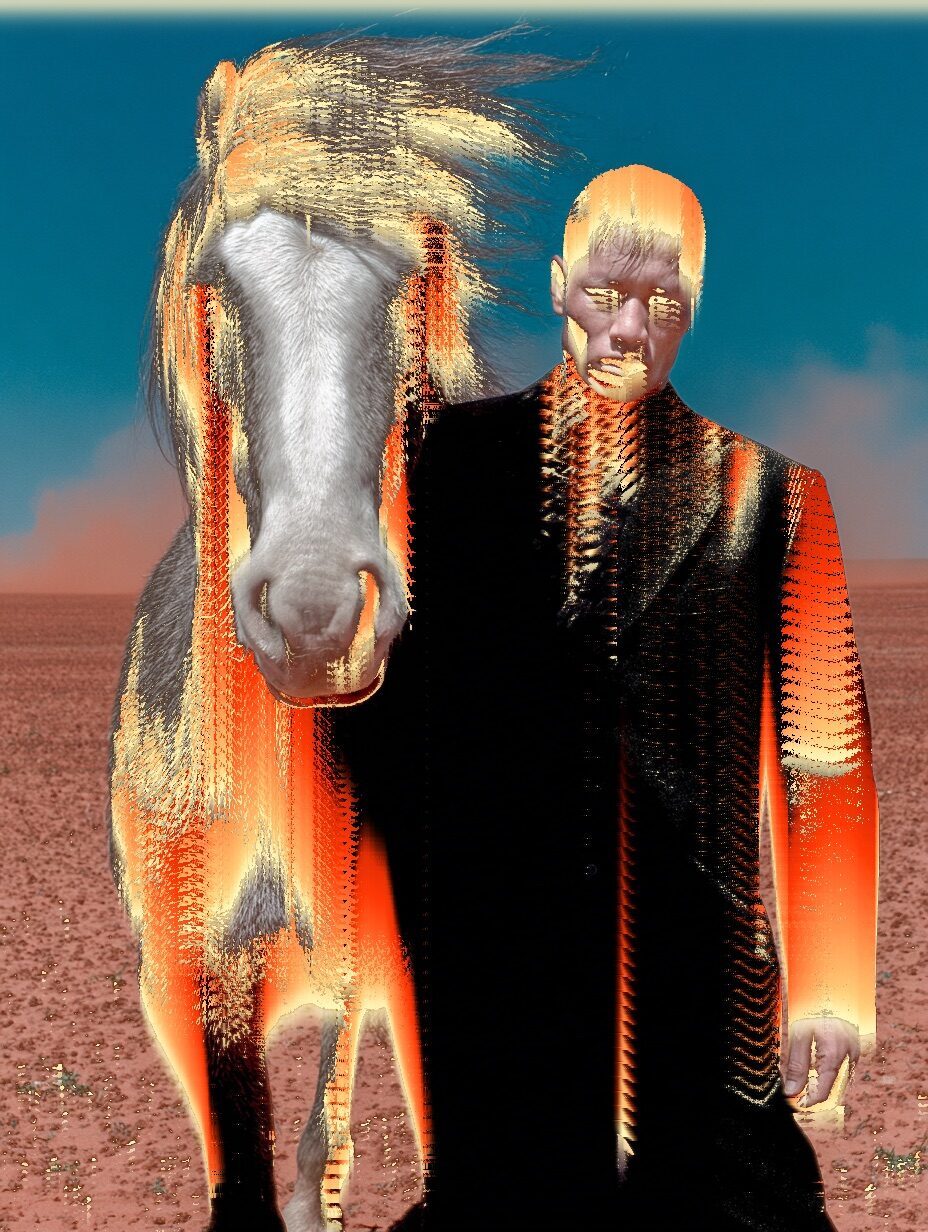
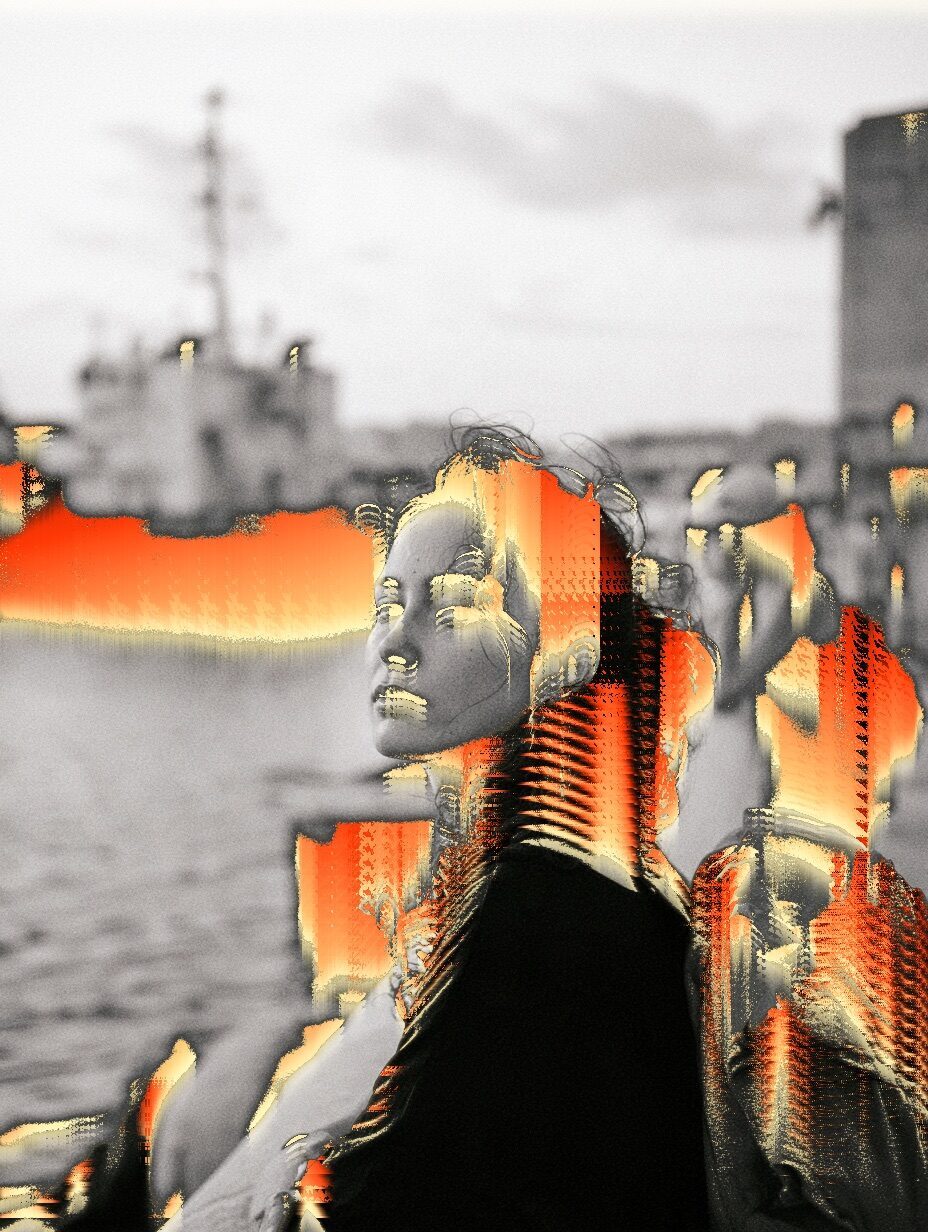
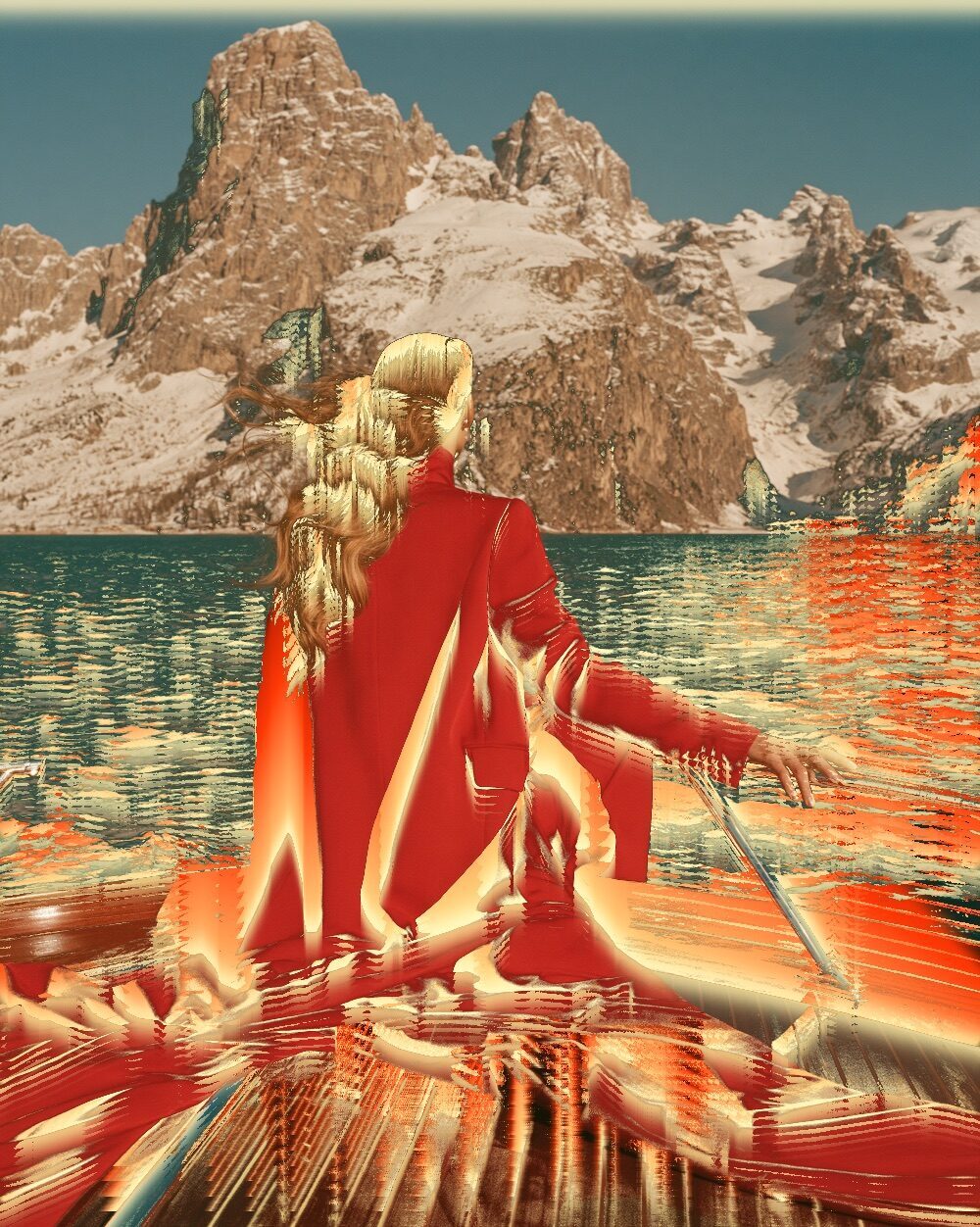
Wind Blast

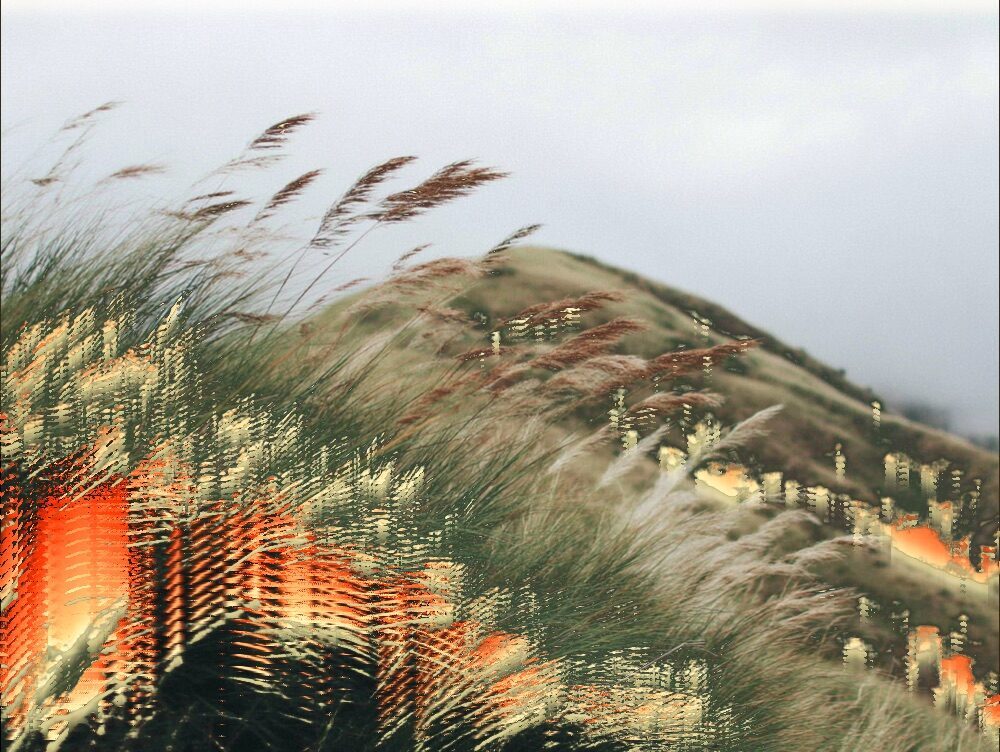
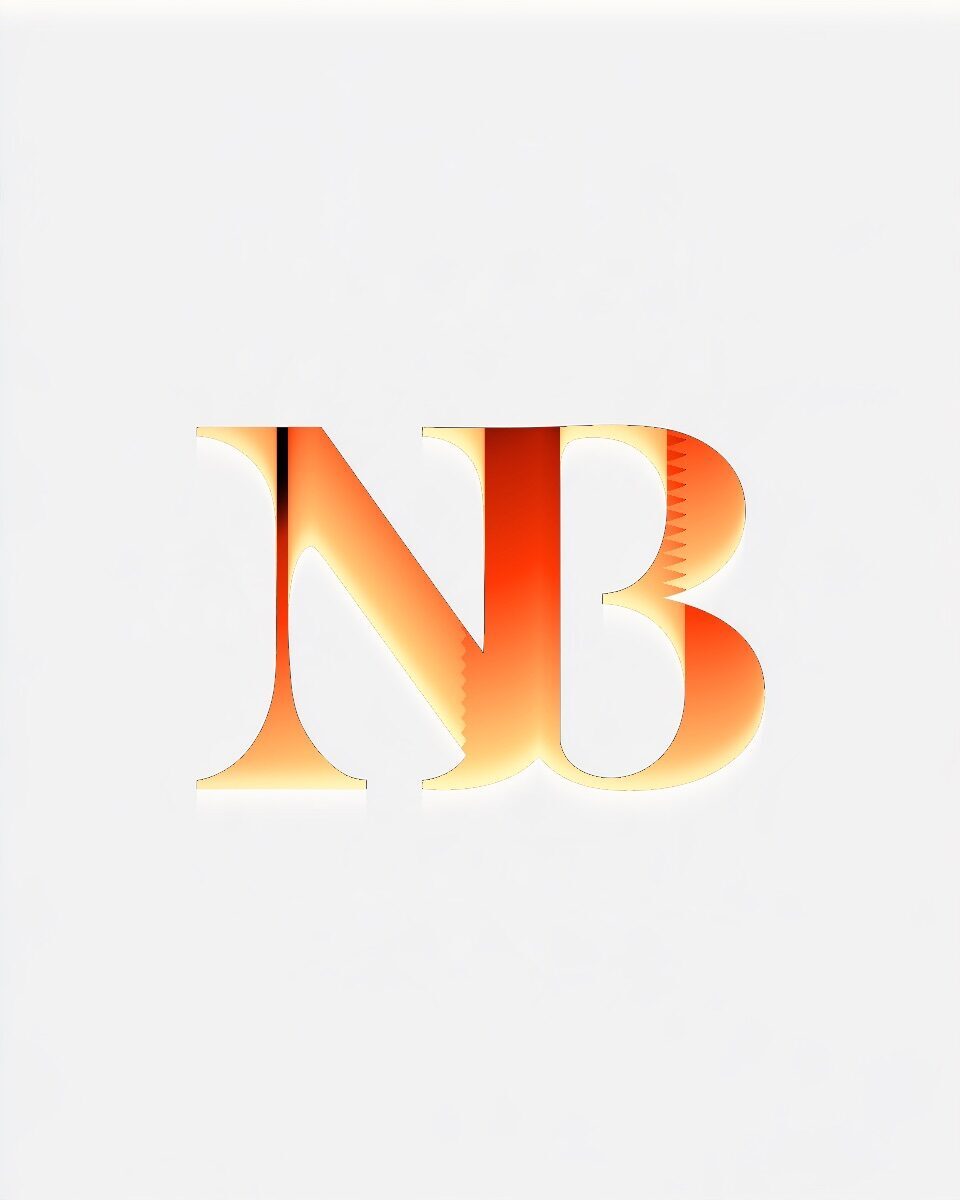
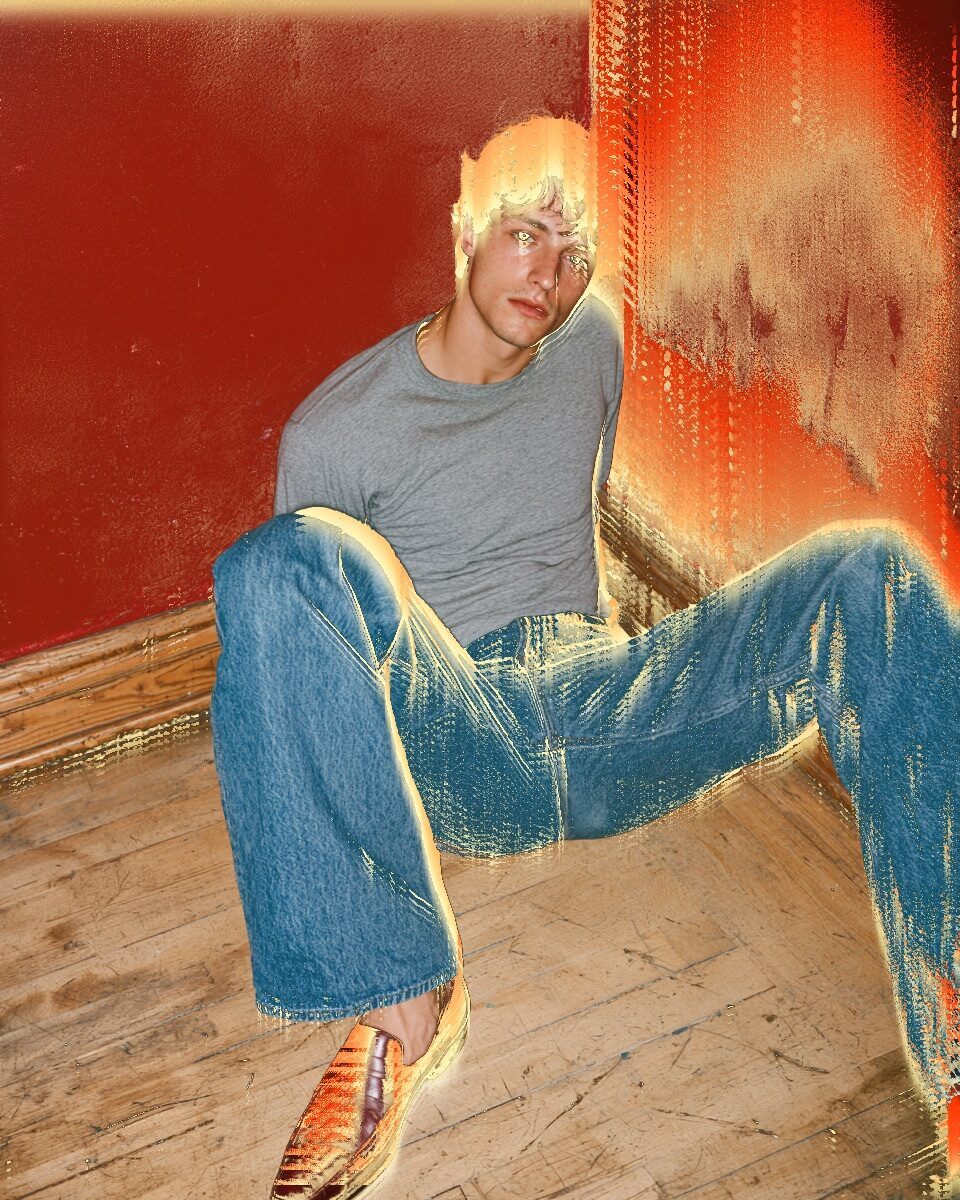
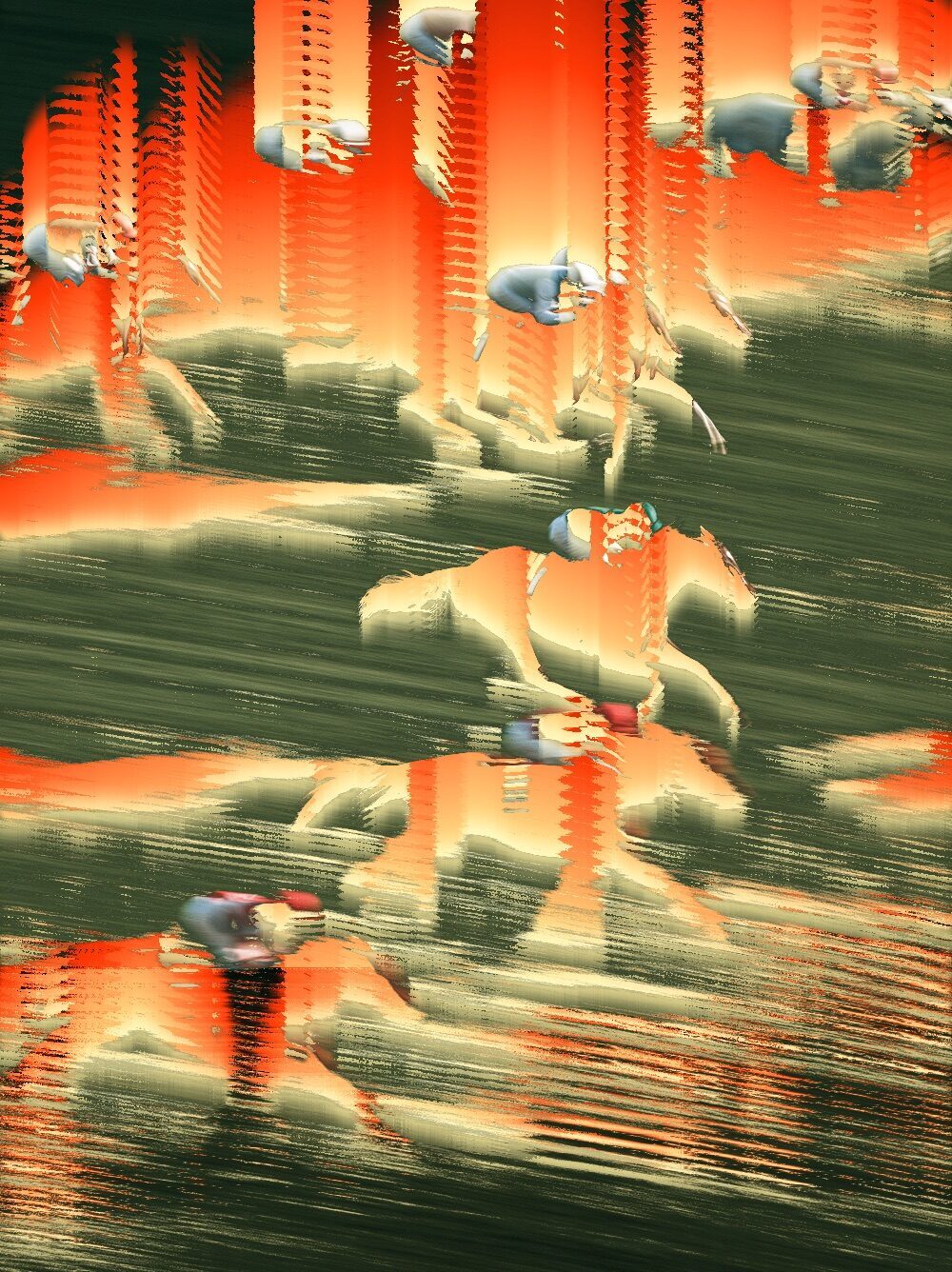
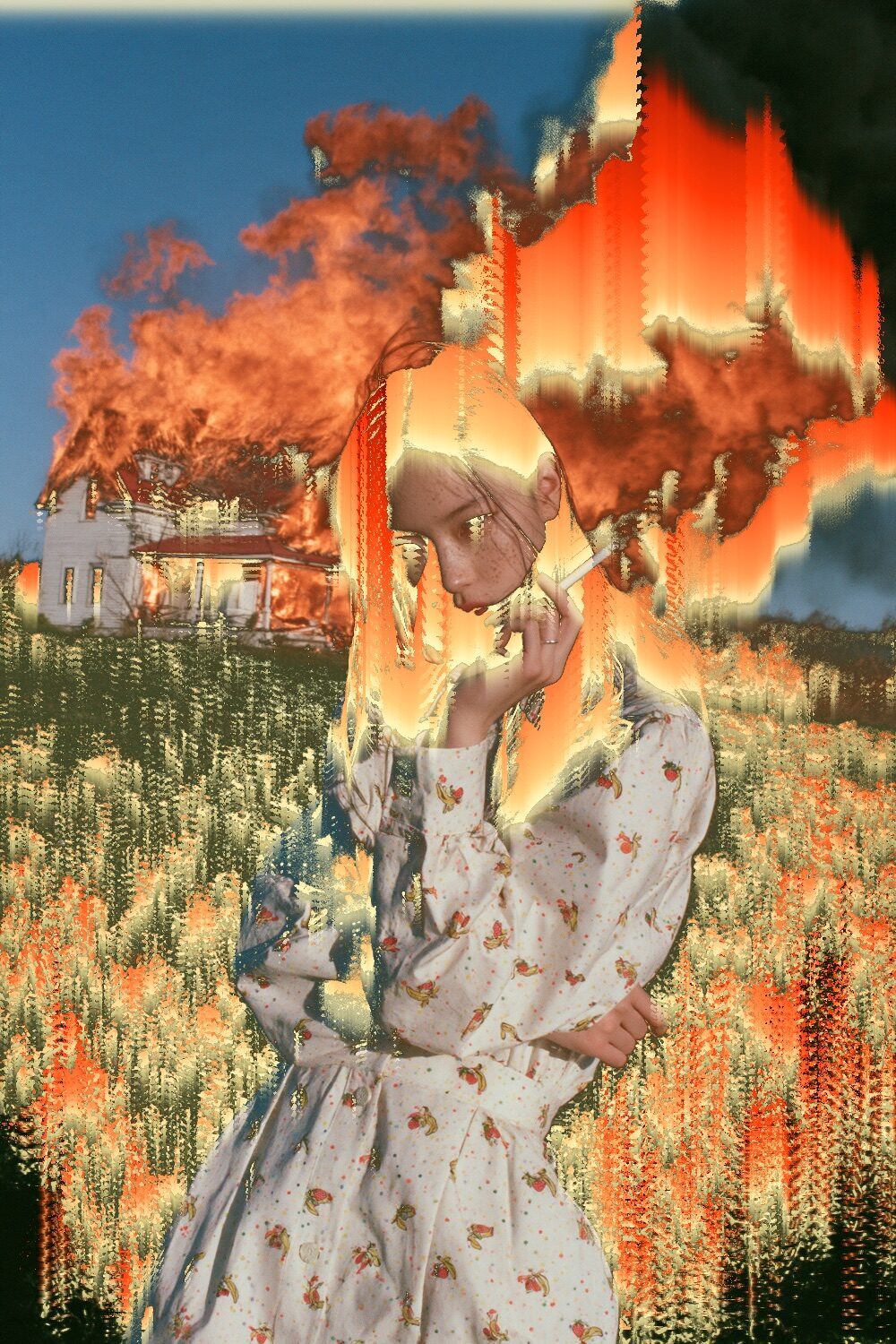
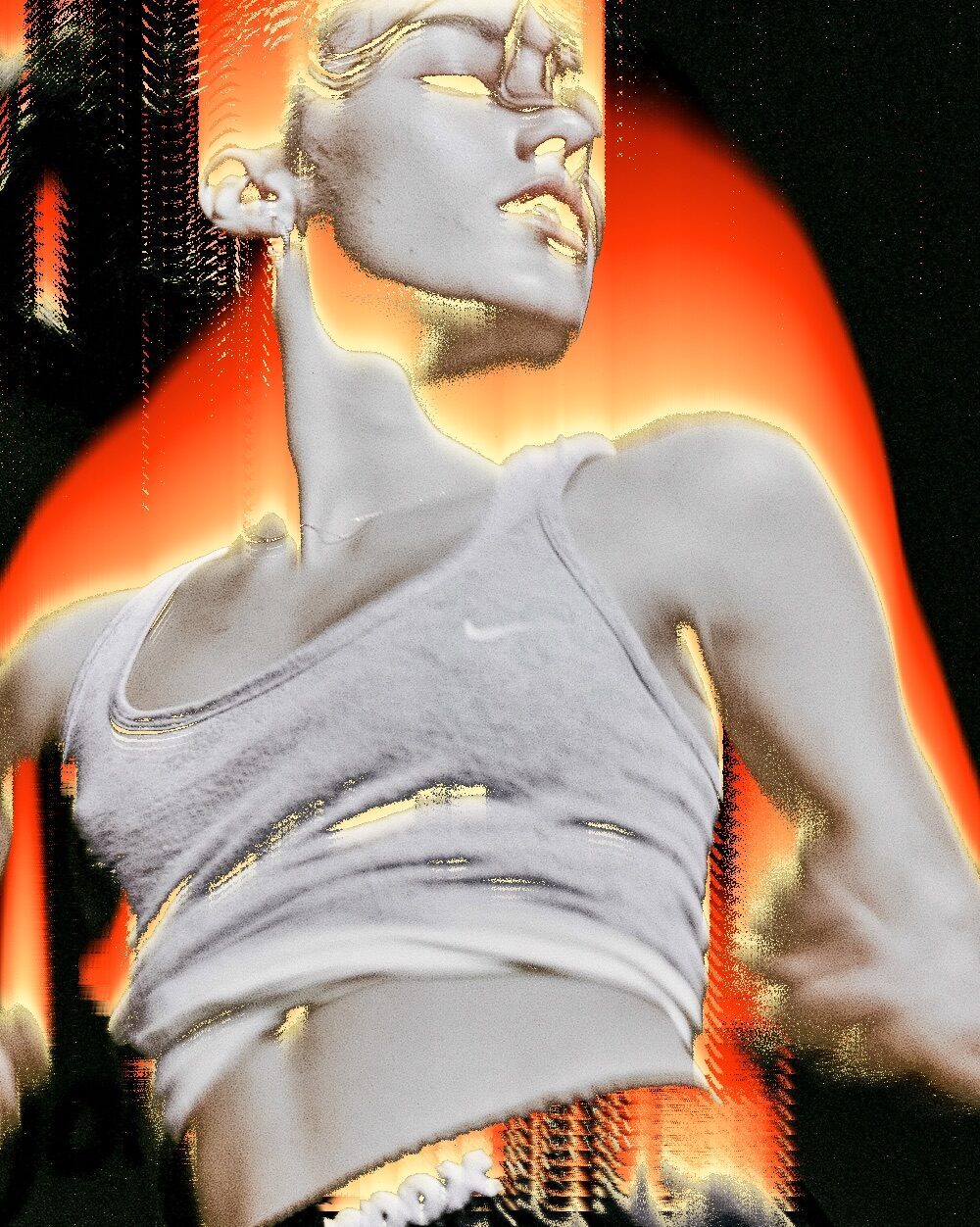
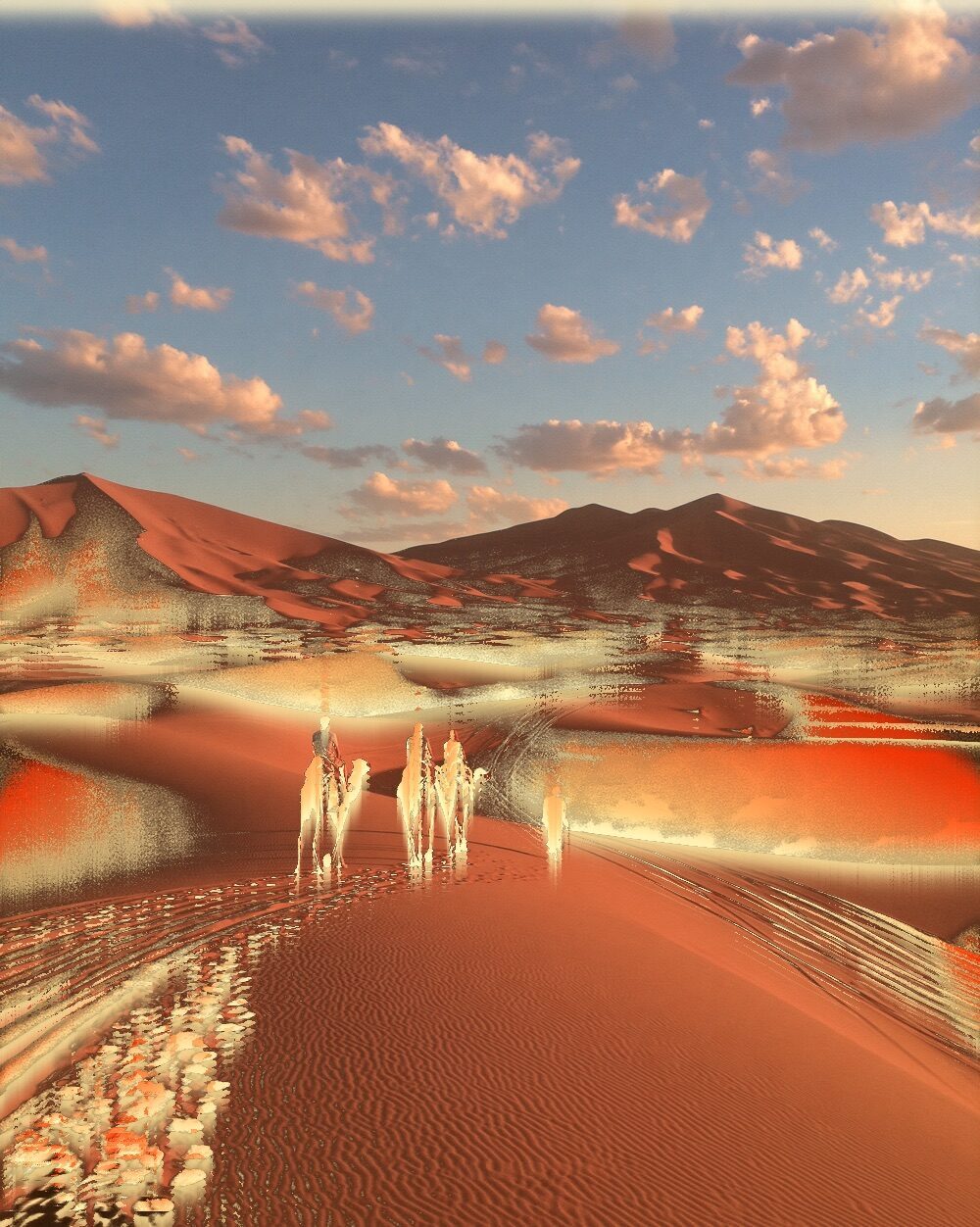
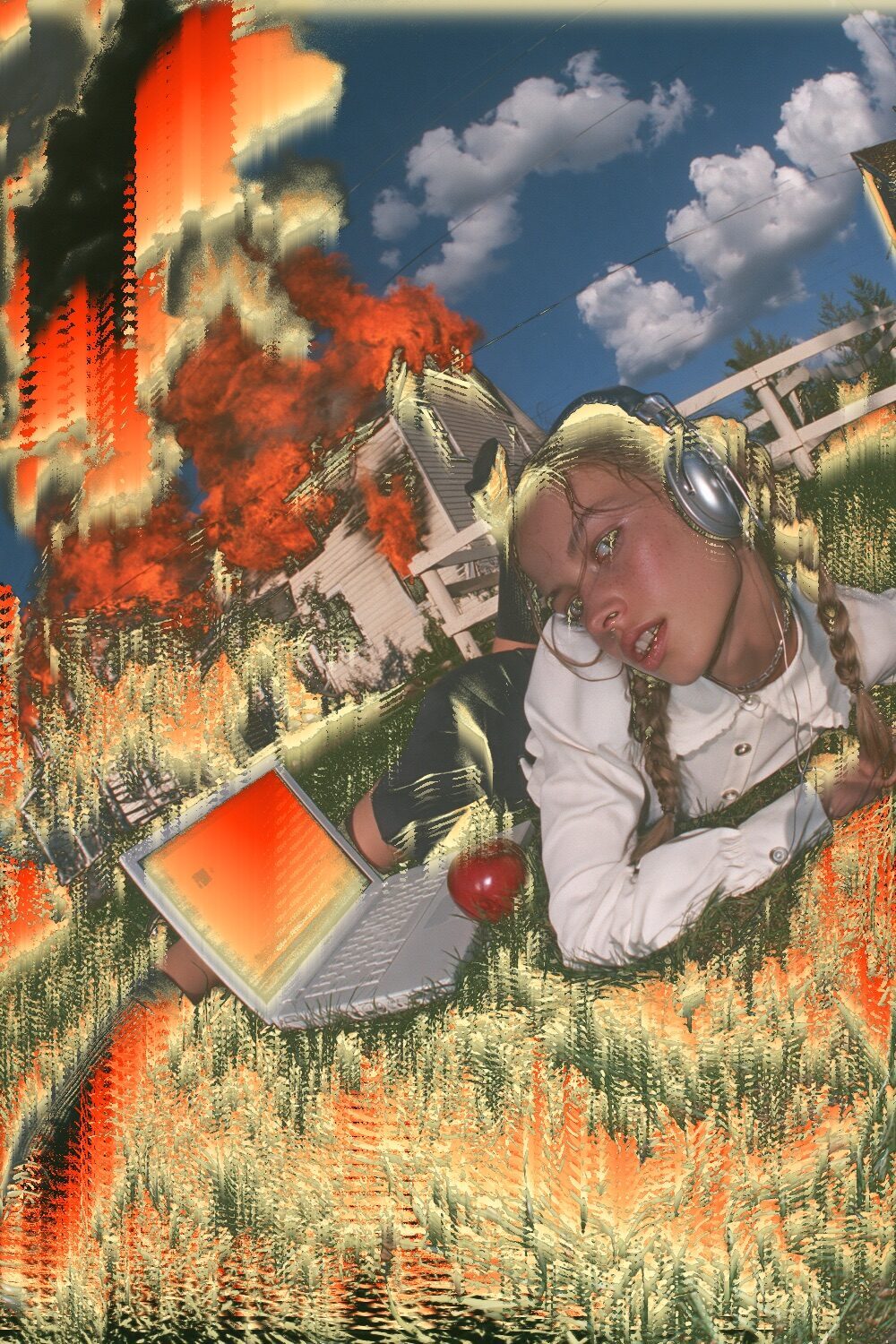
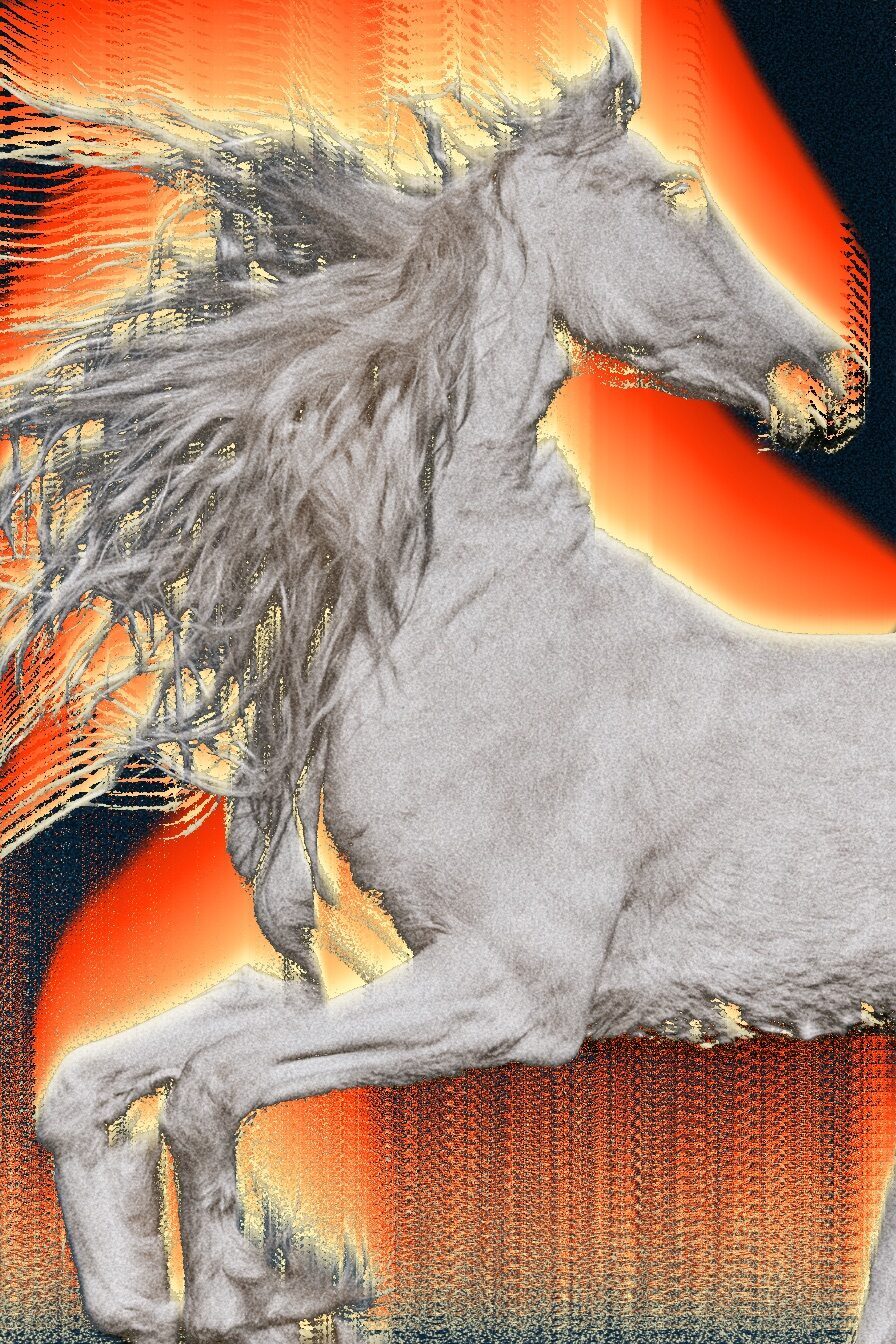
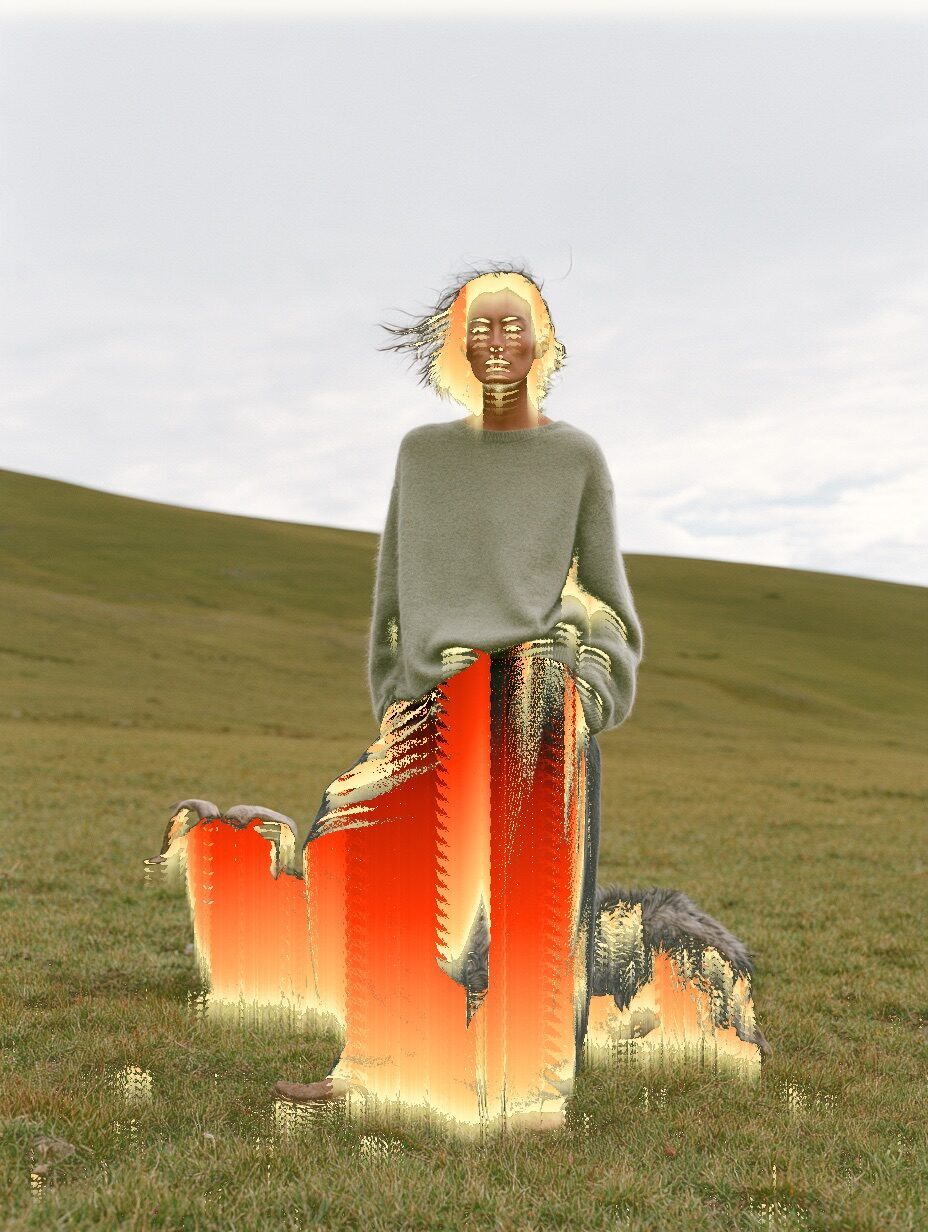
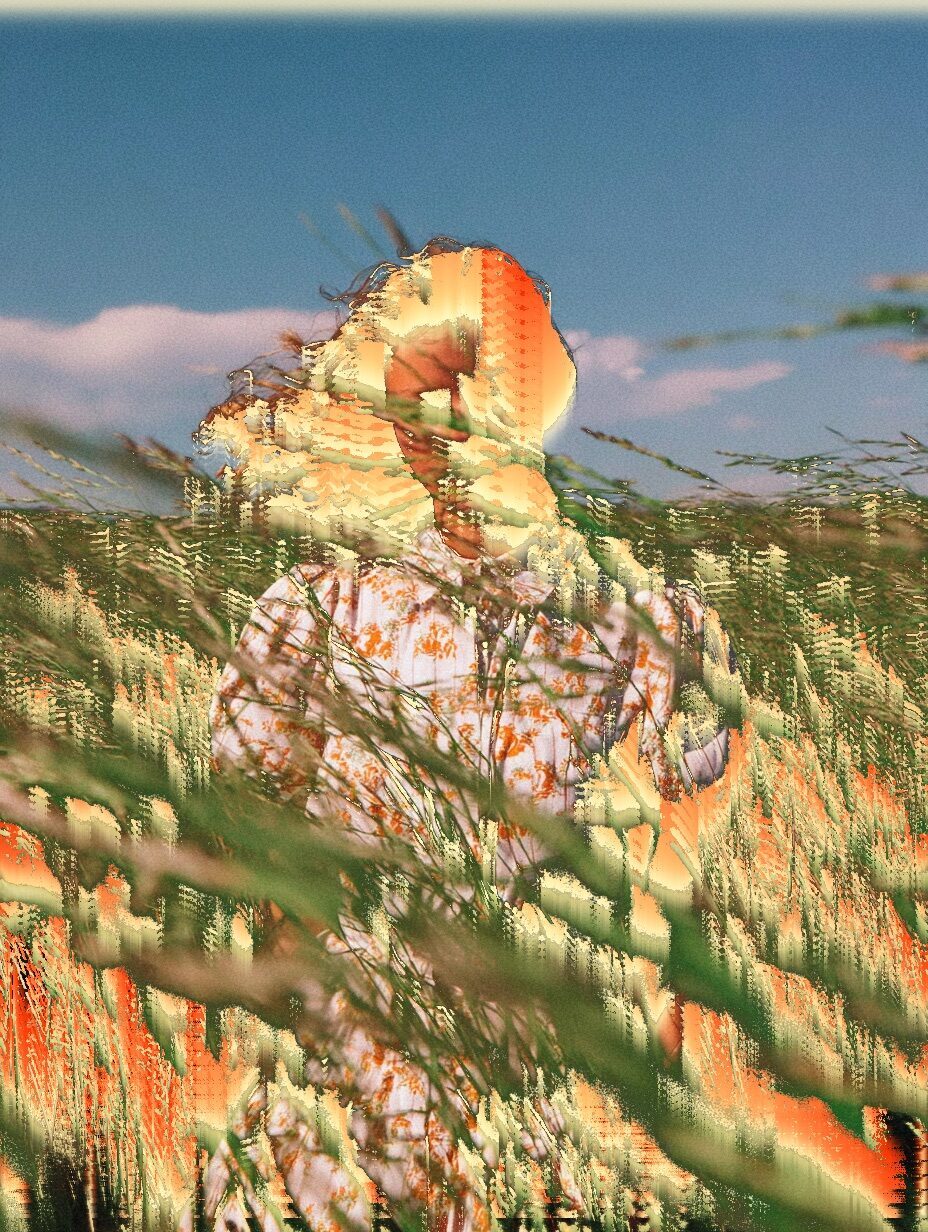
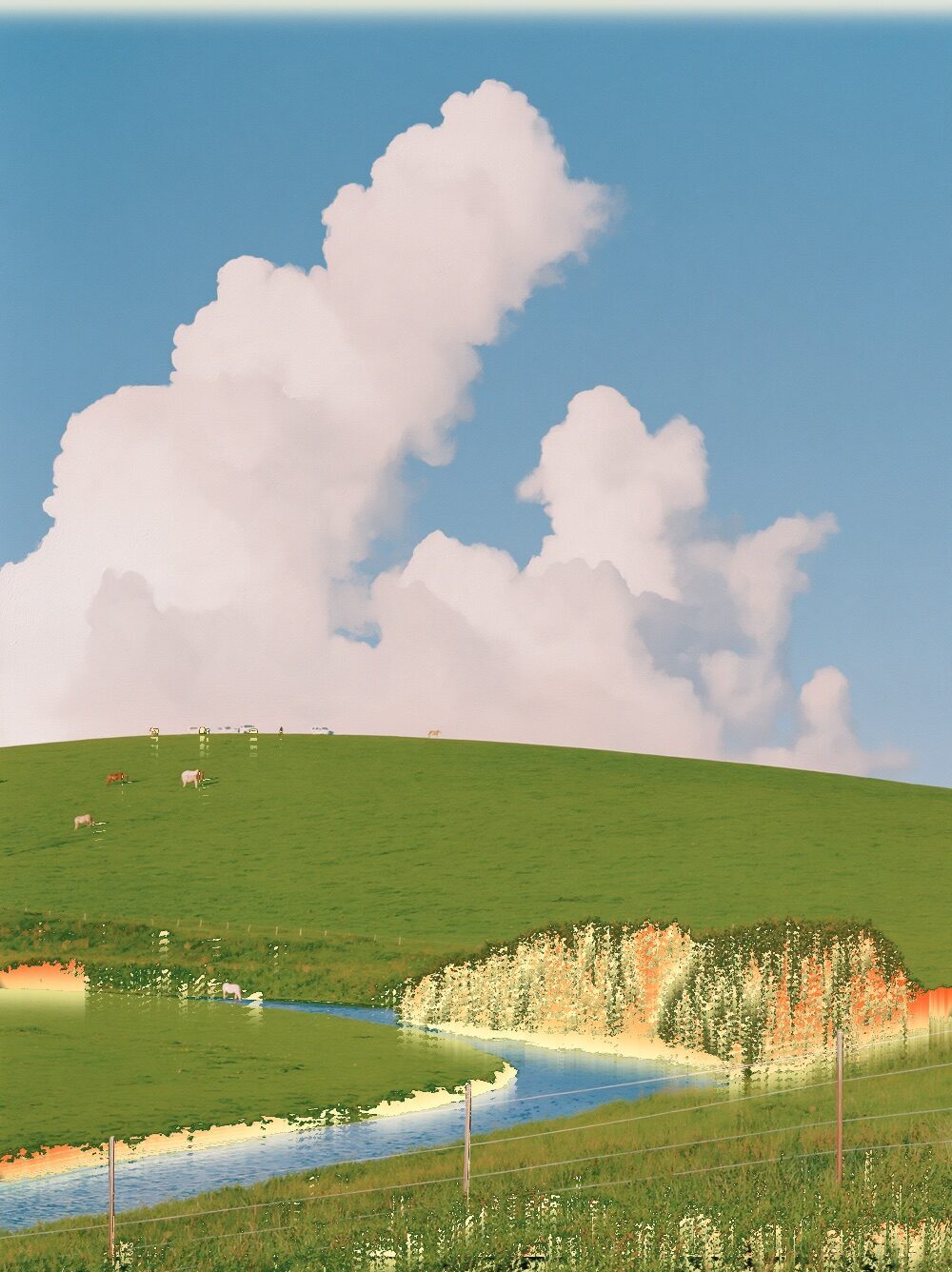
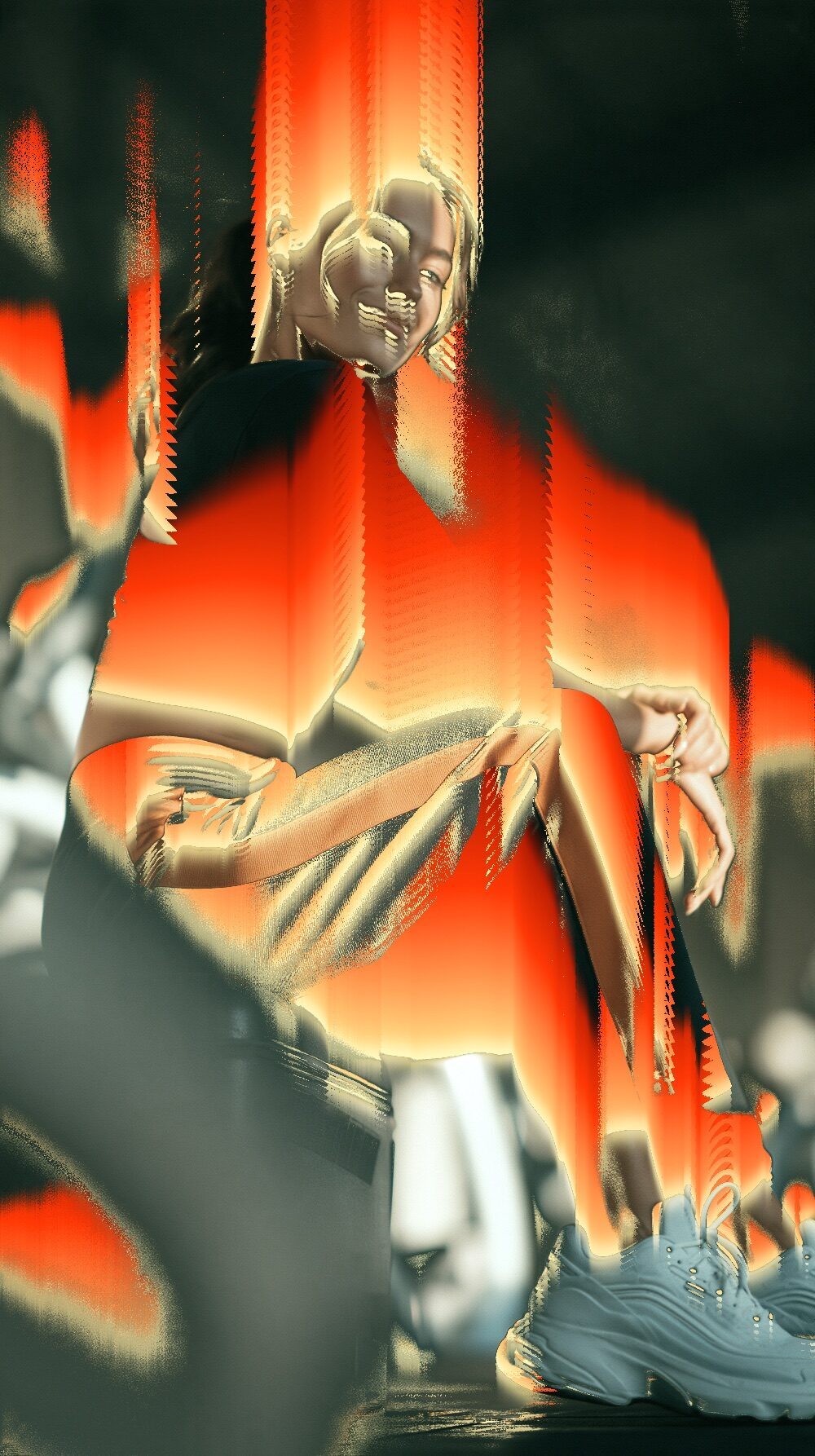
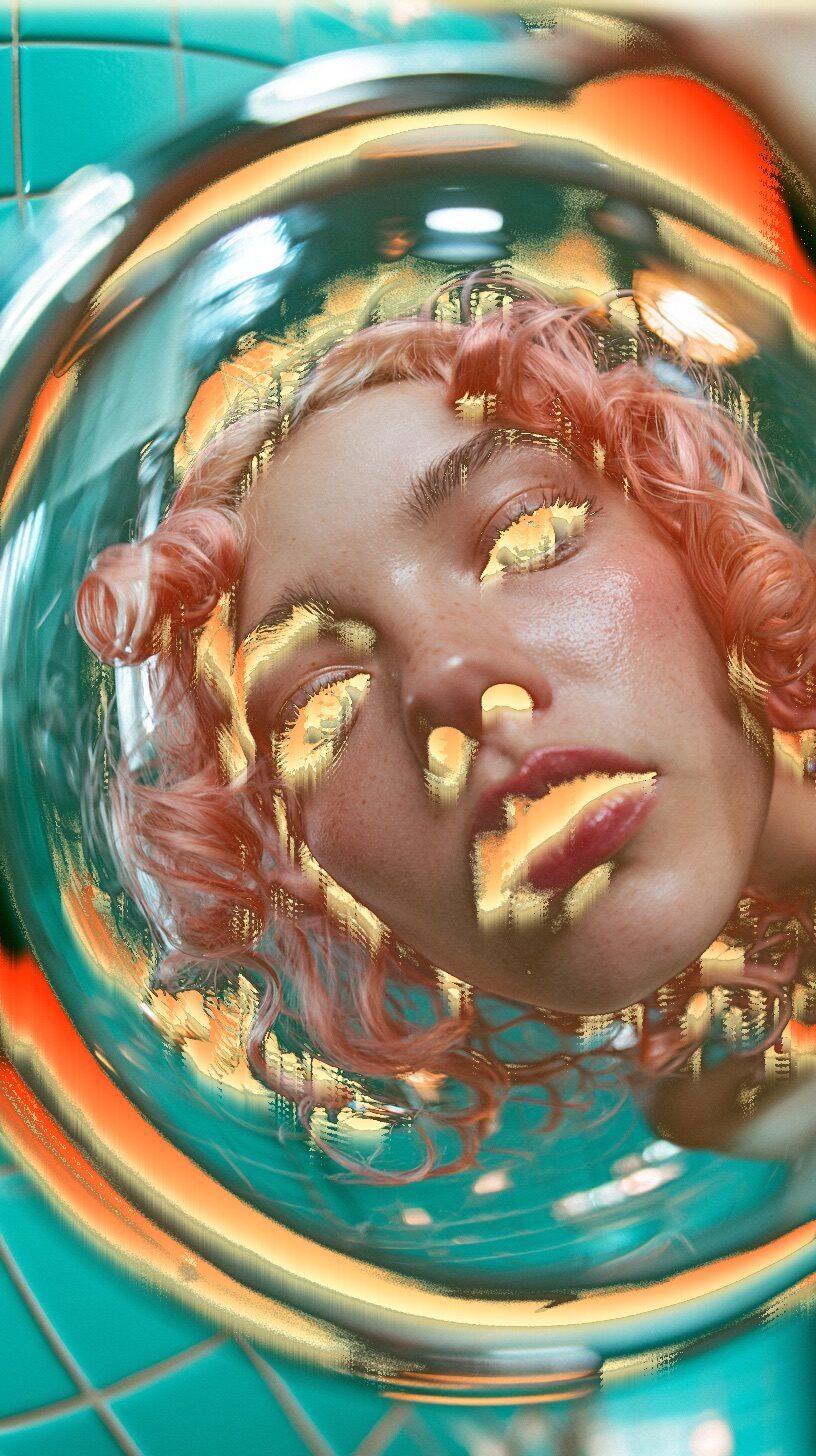
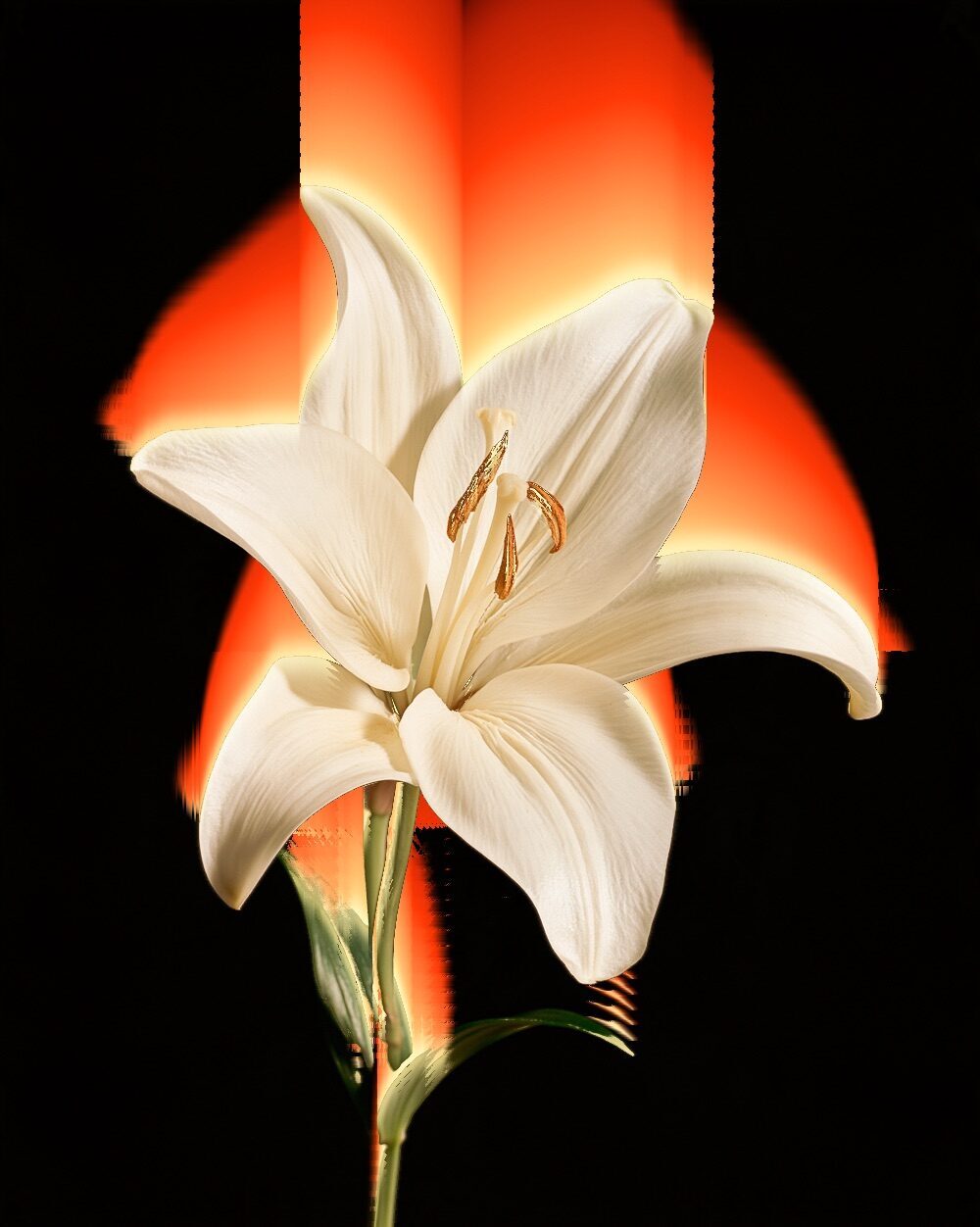
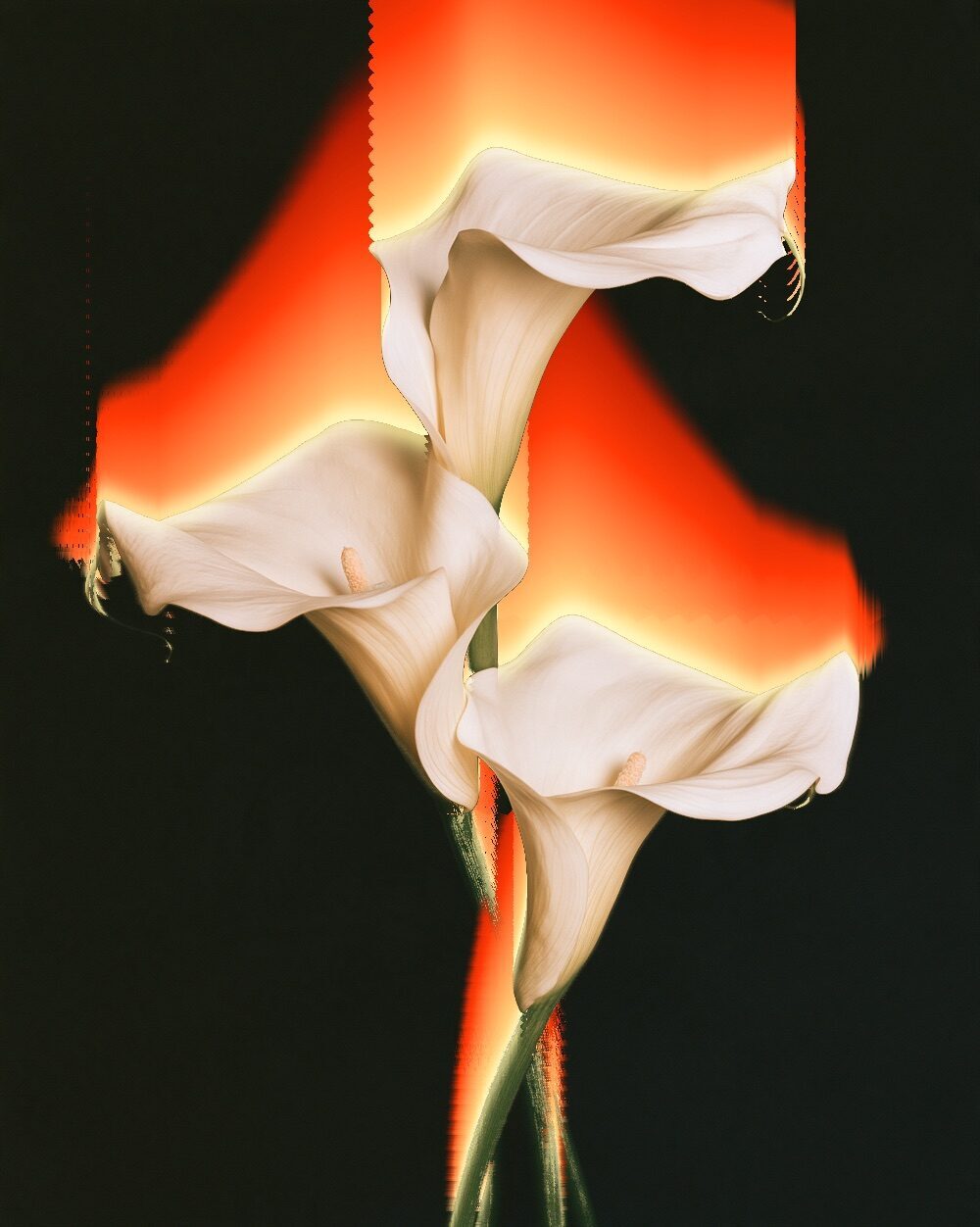
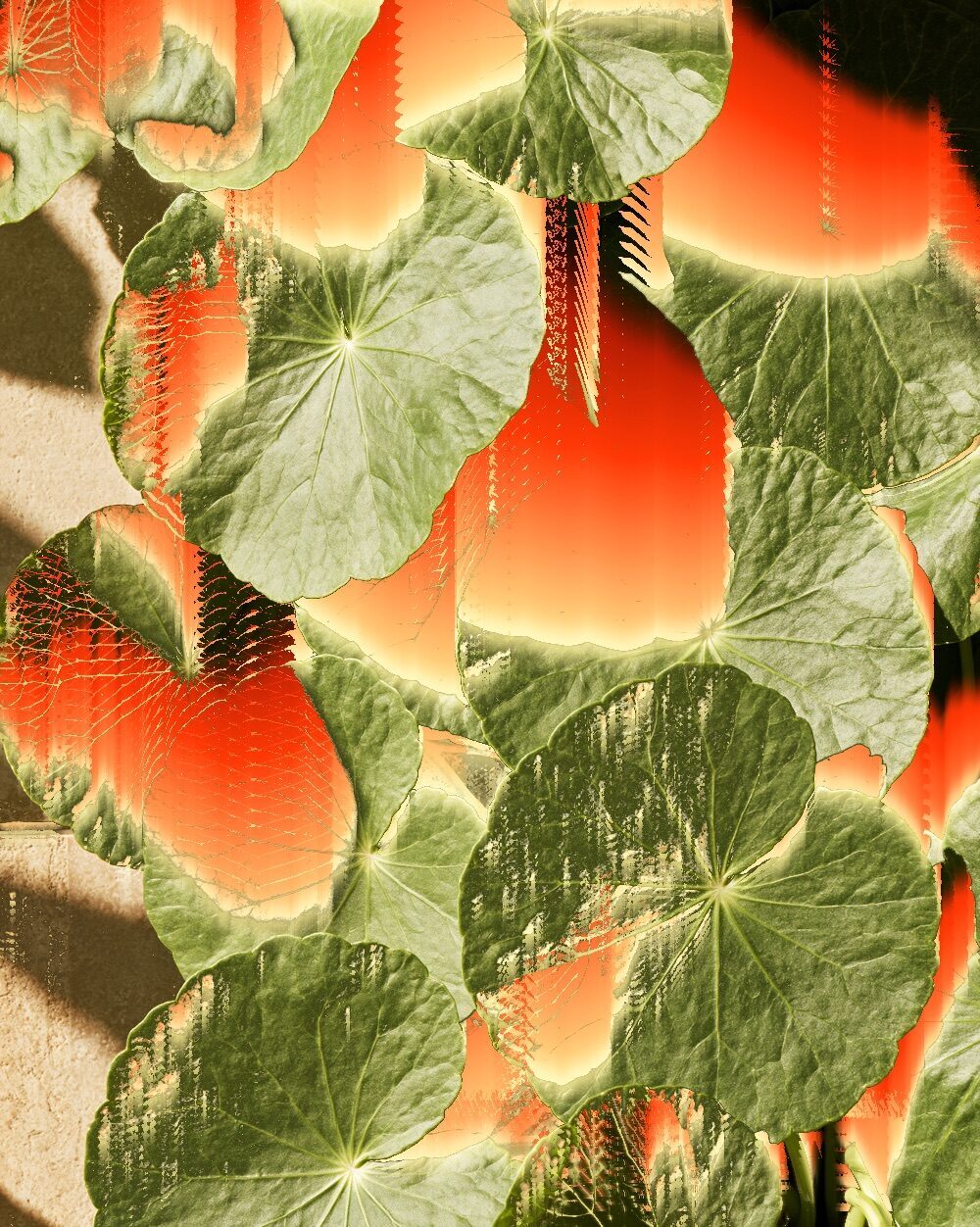
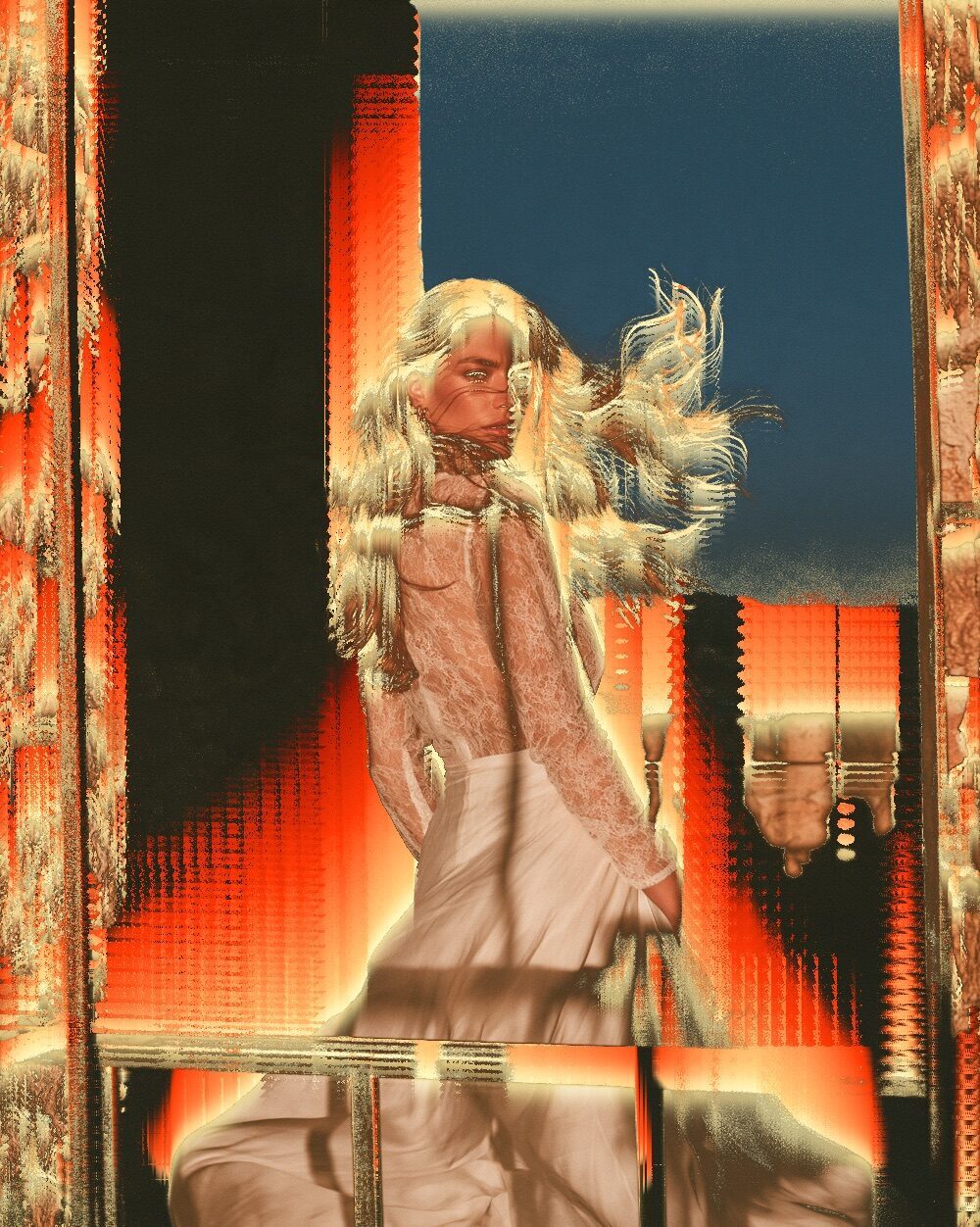
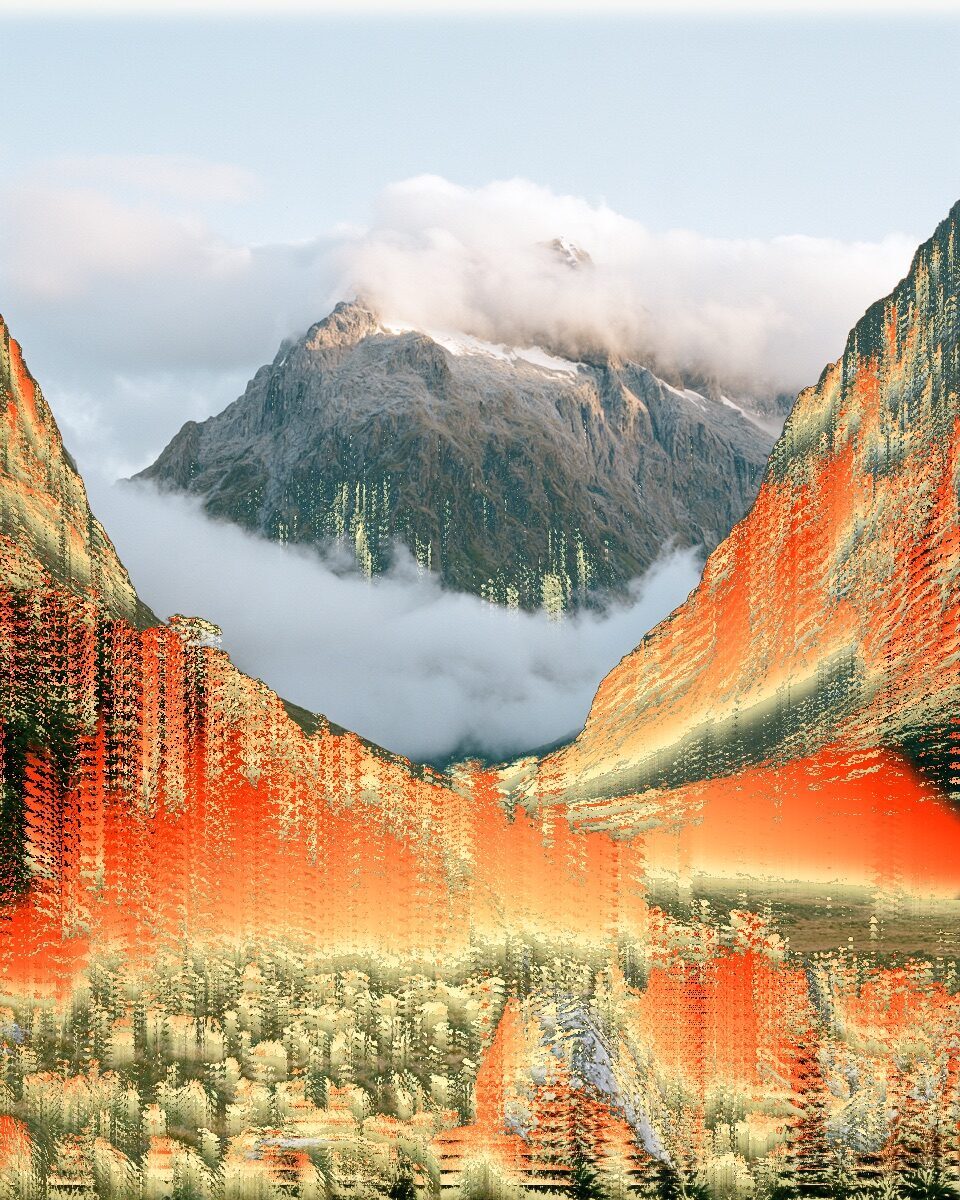
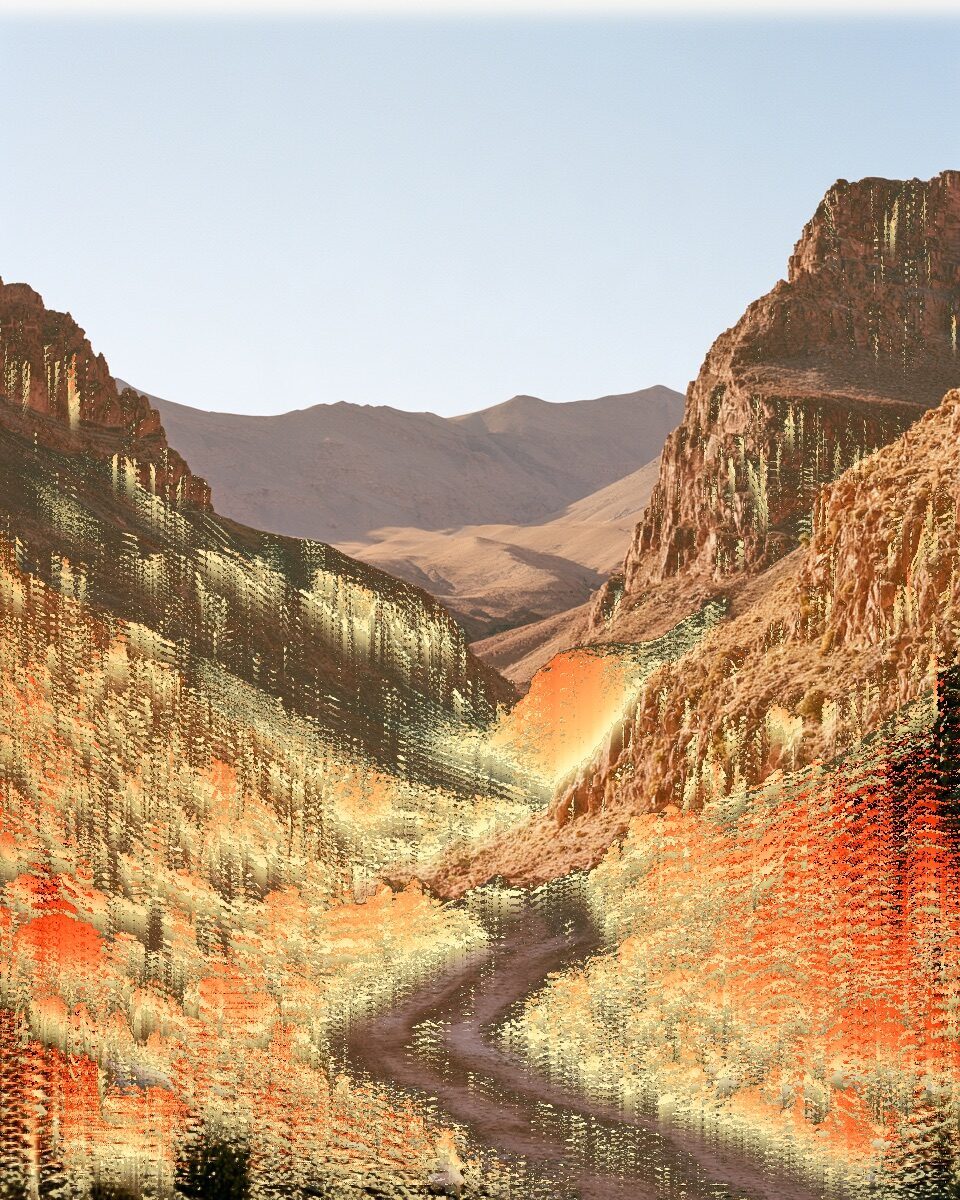
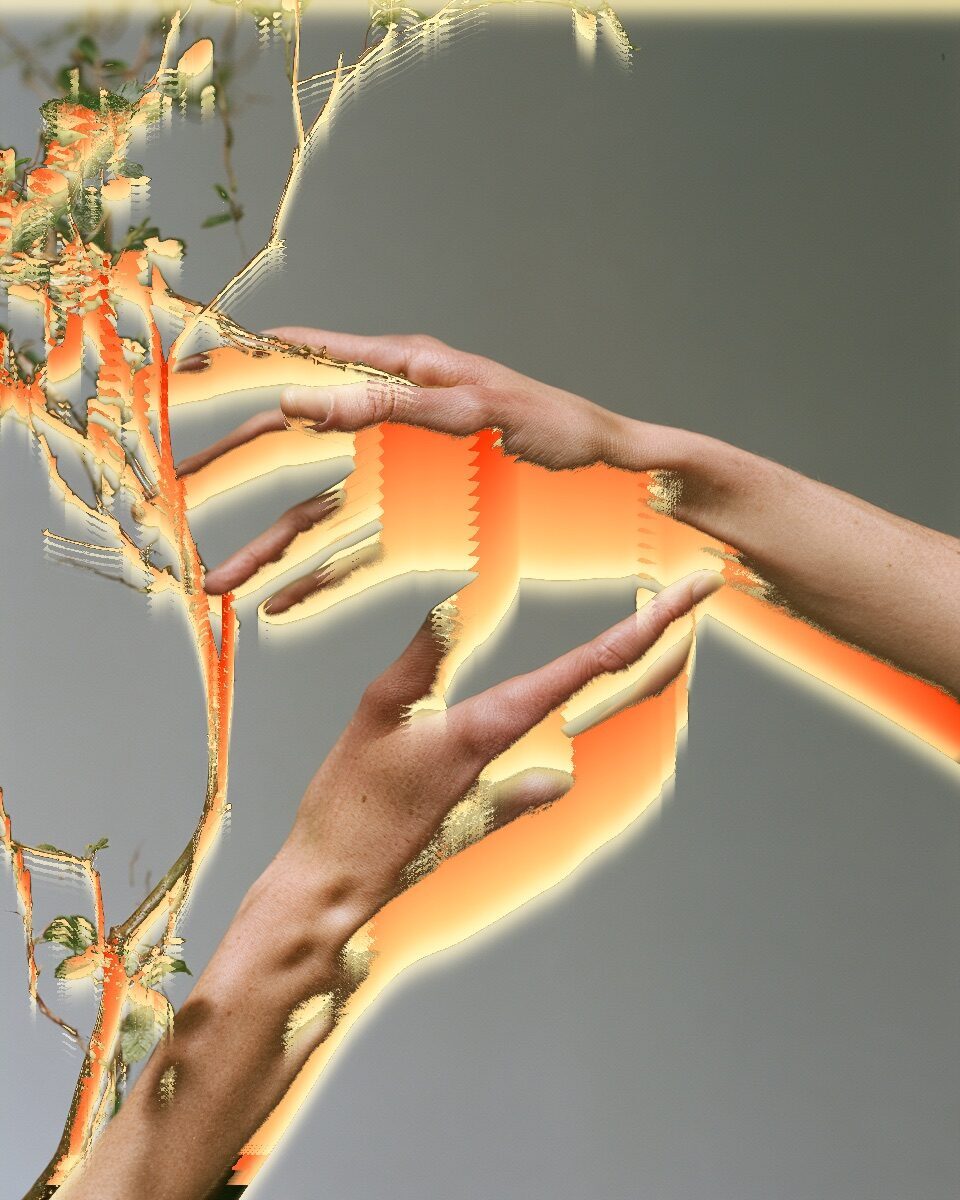
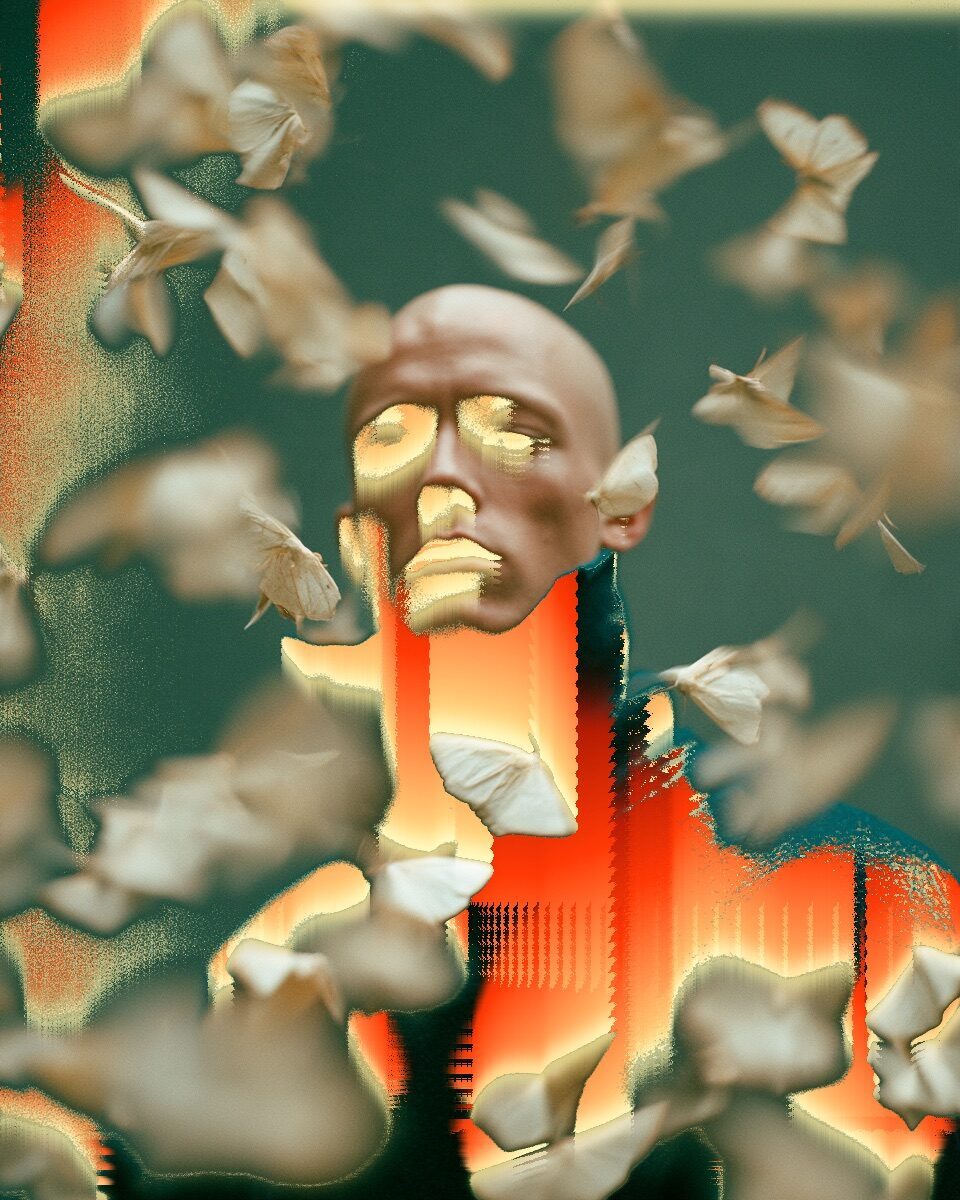
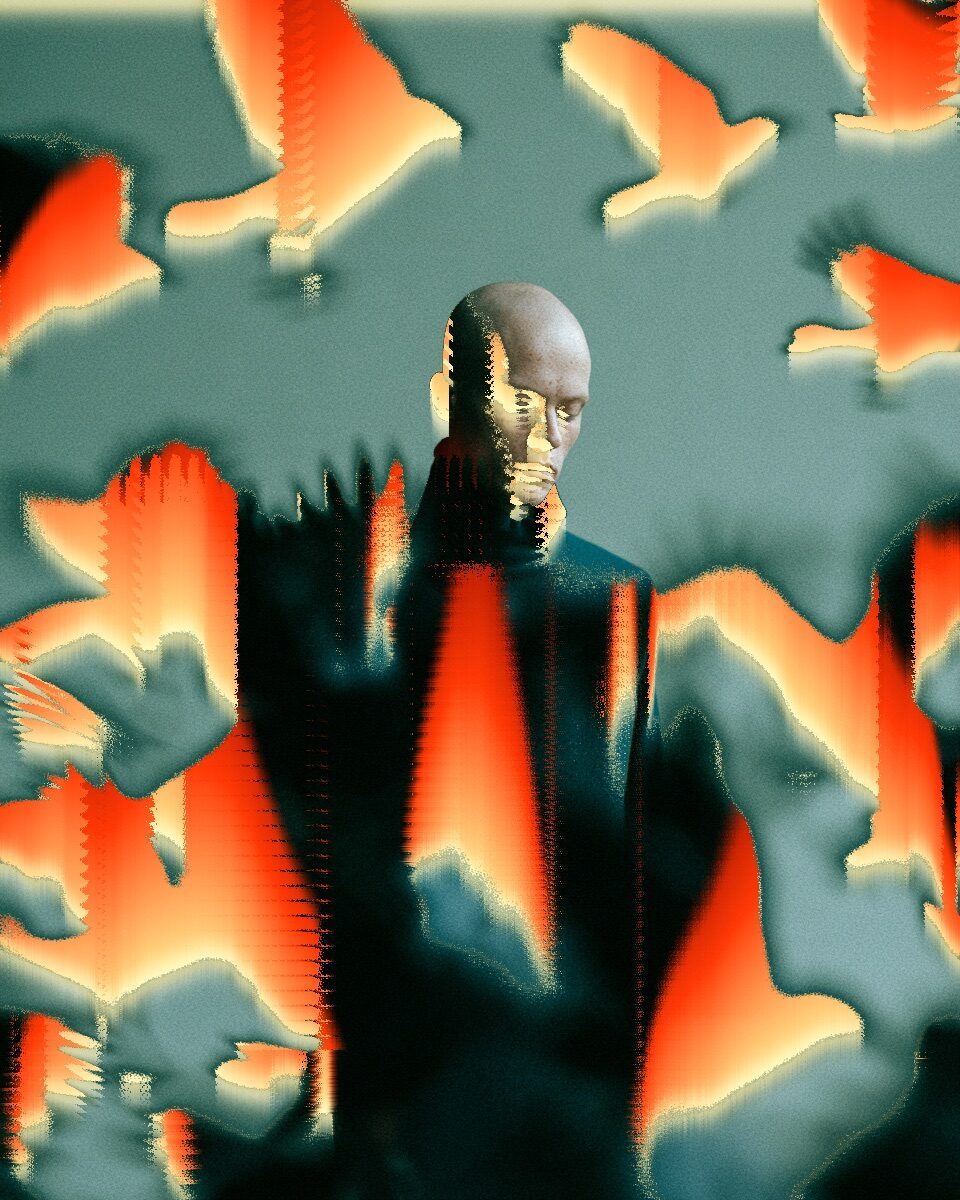
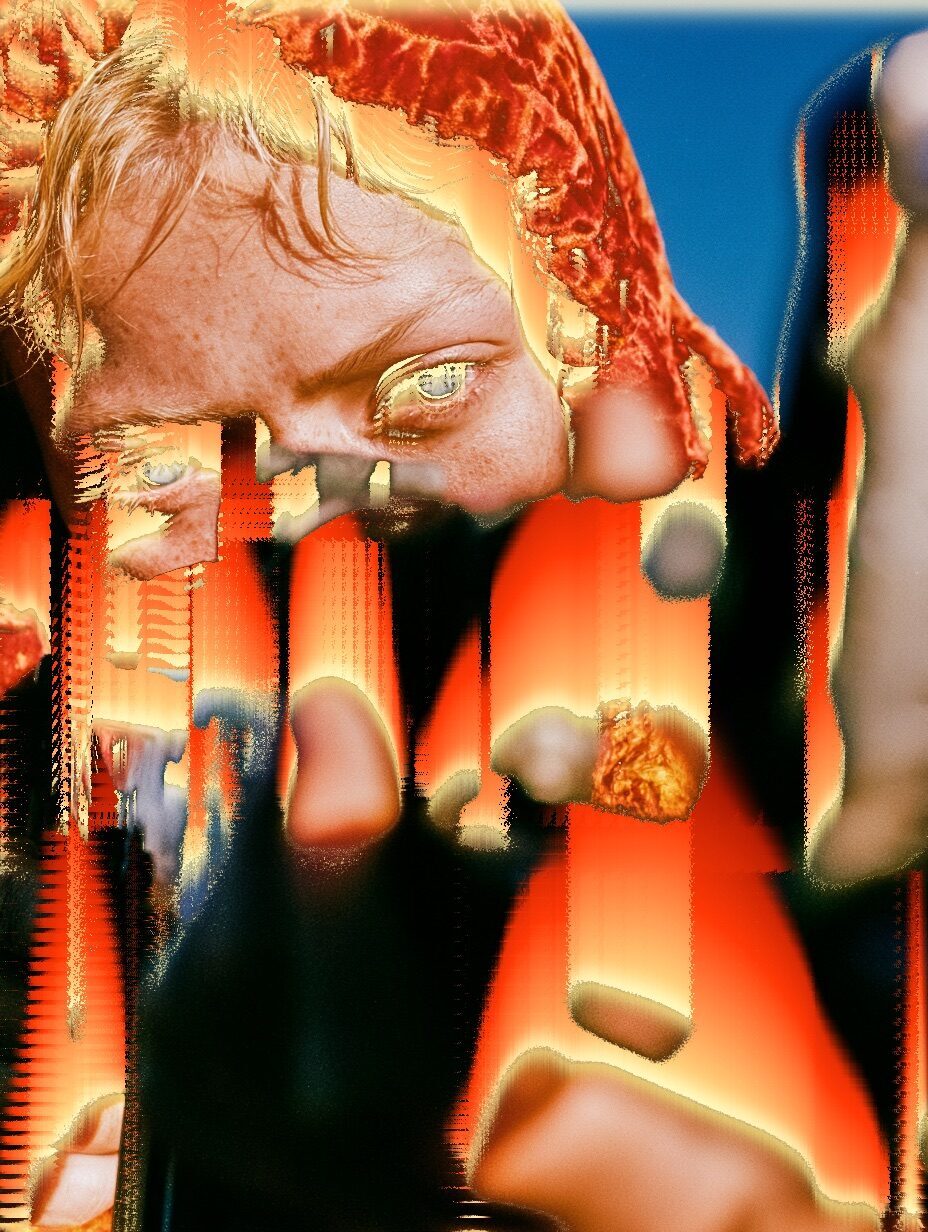
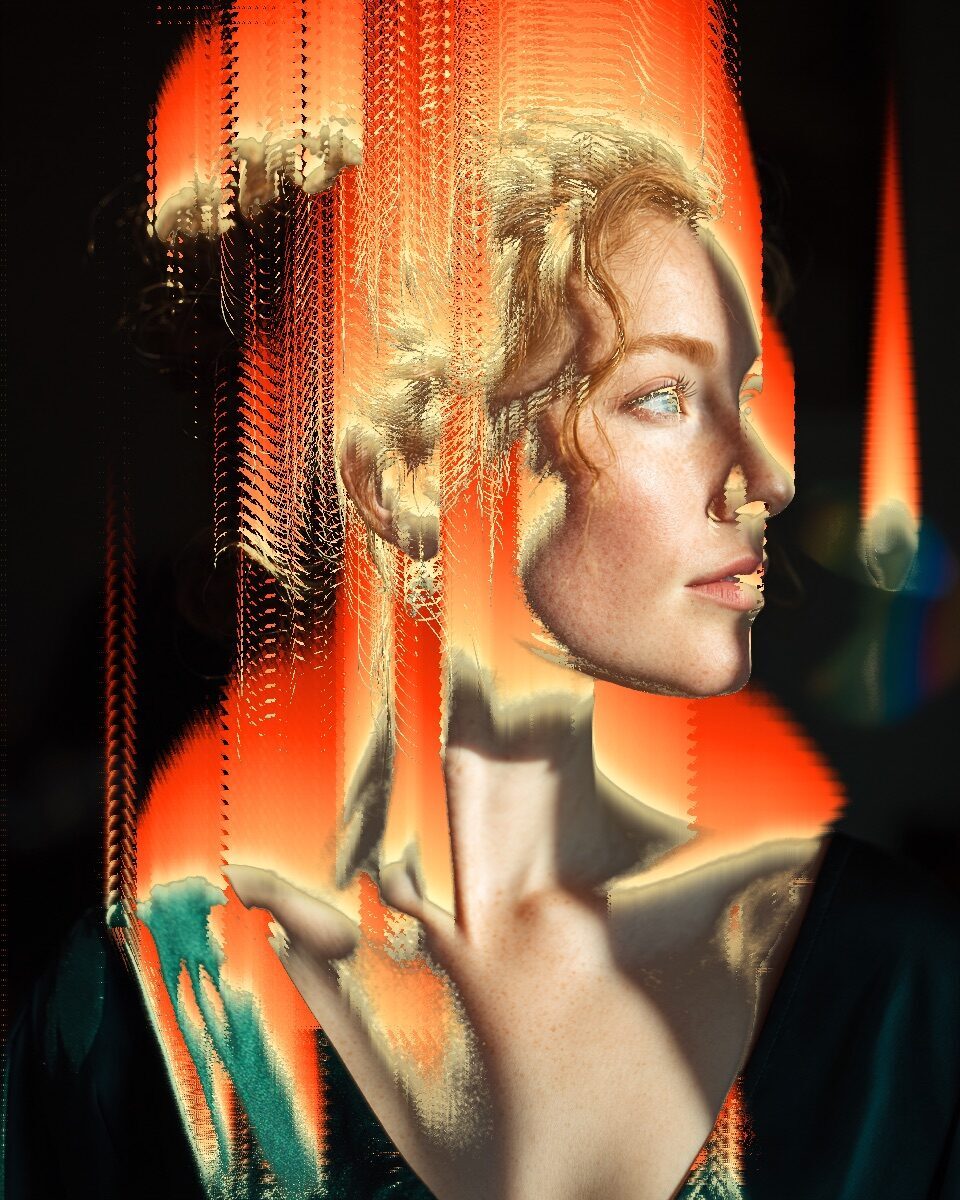
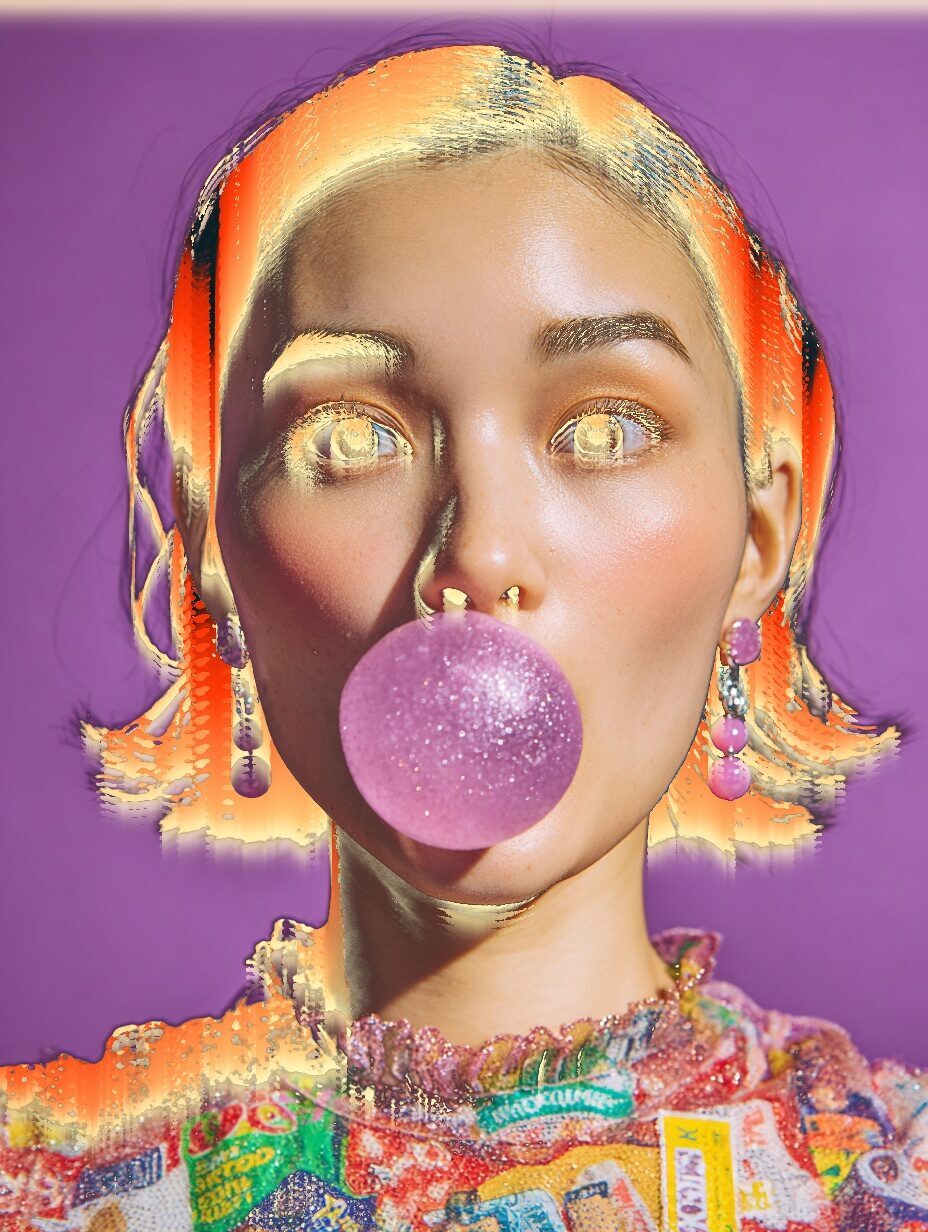
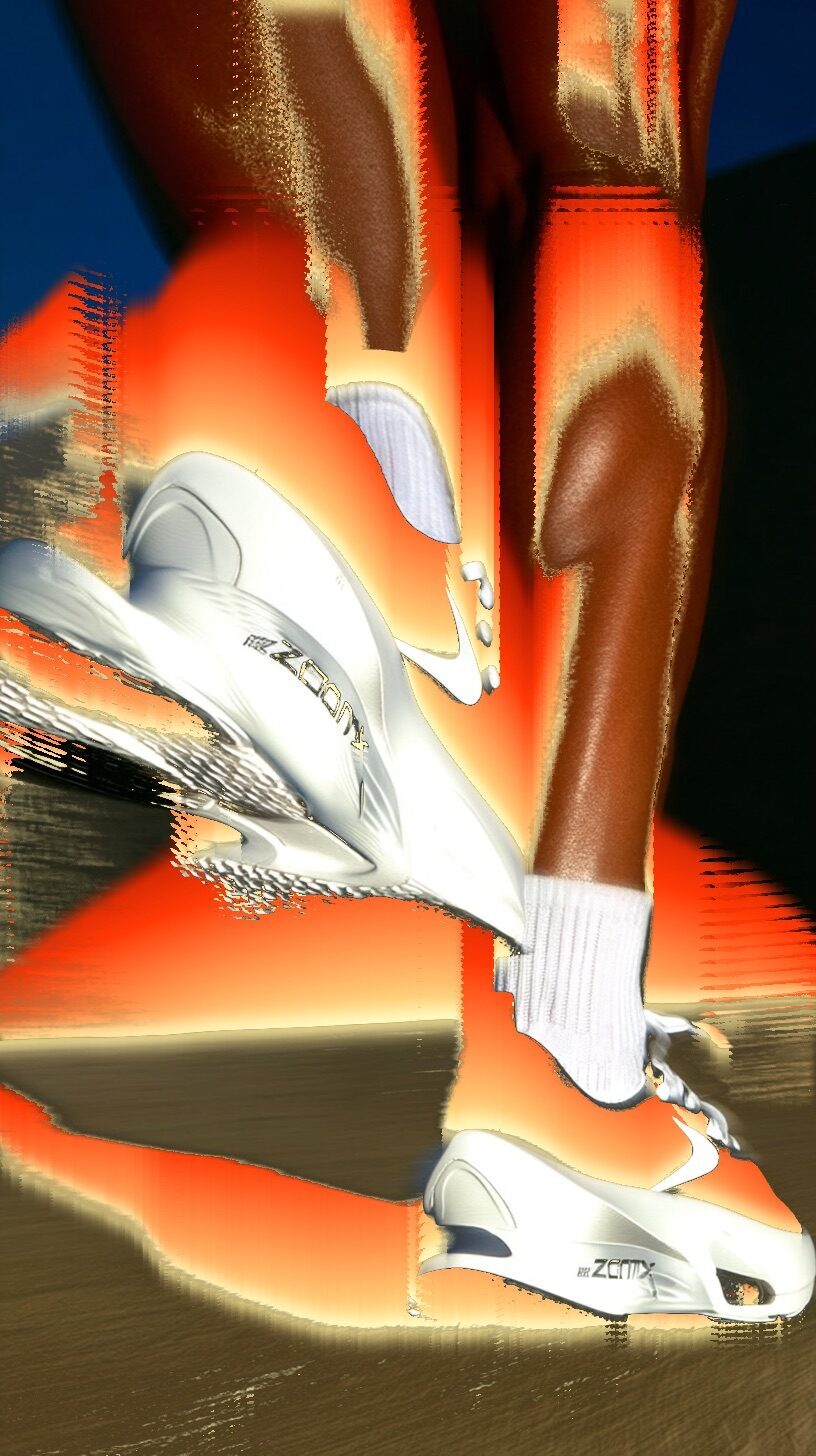
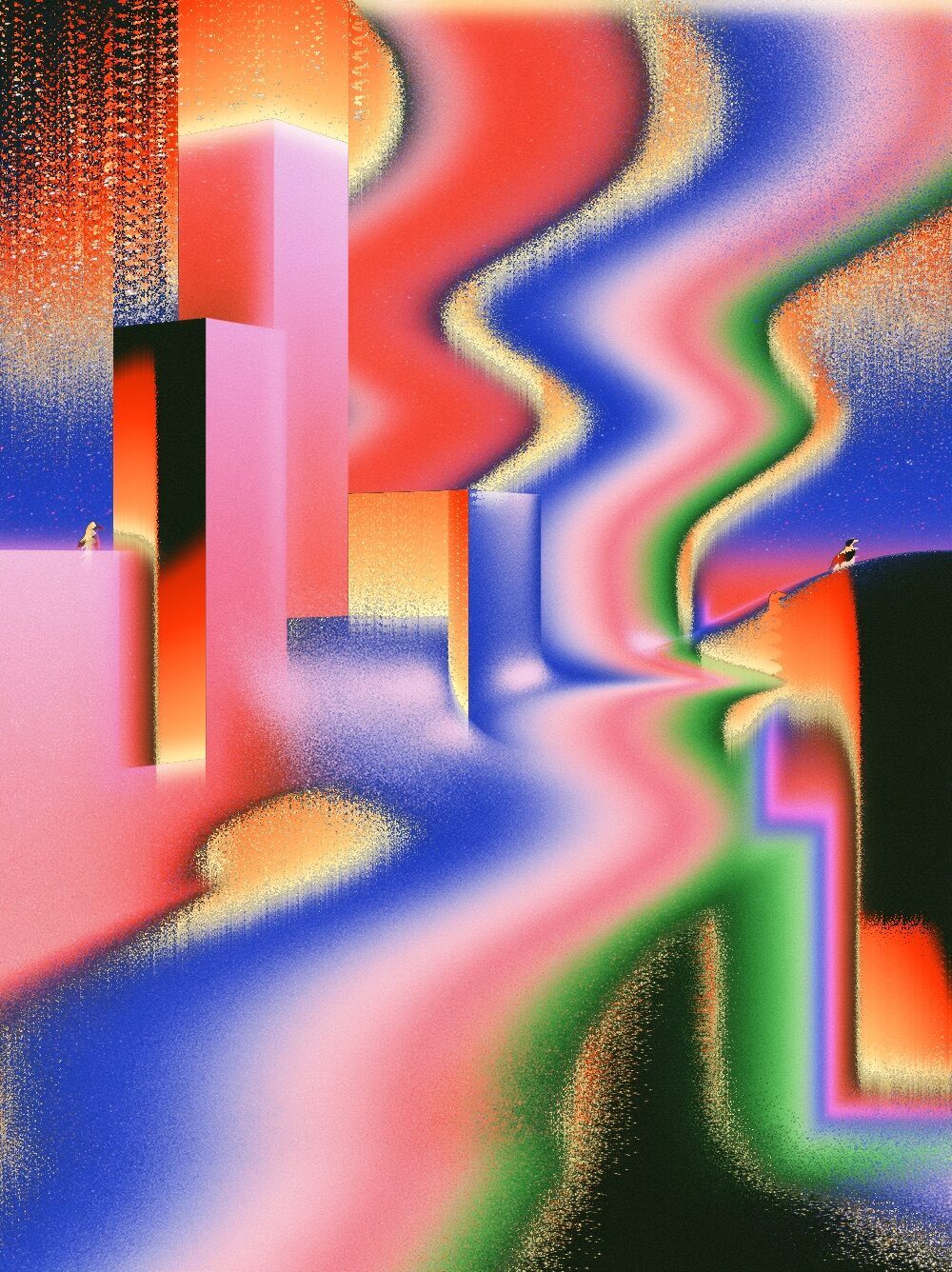
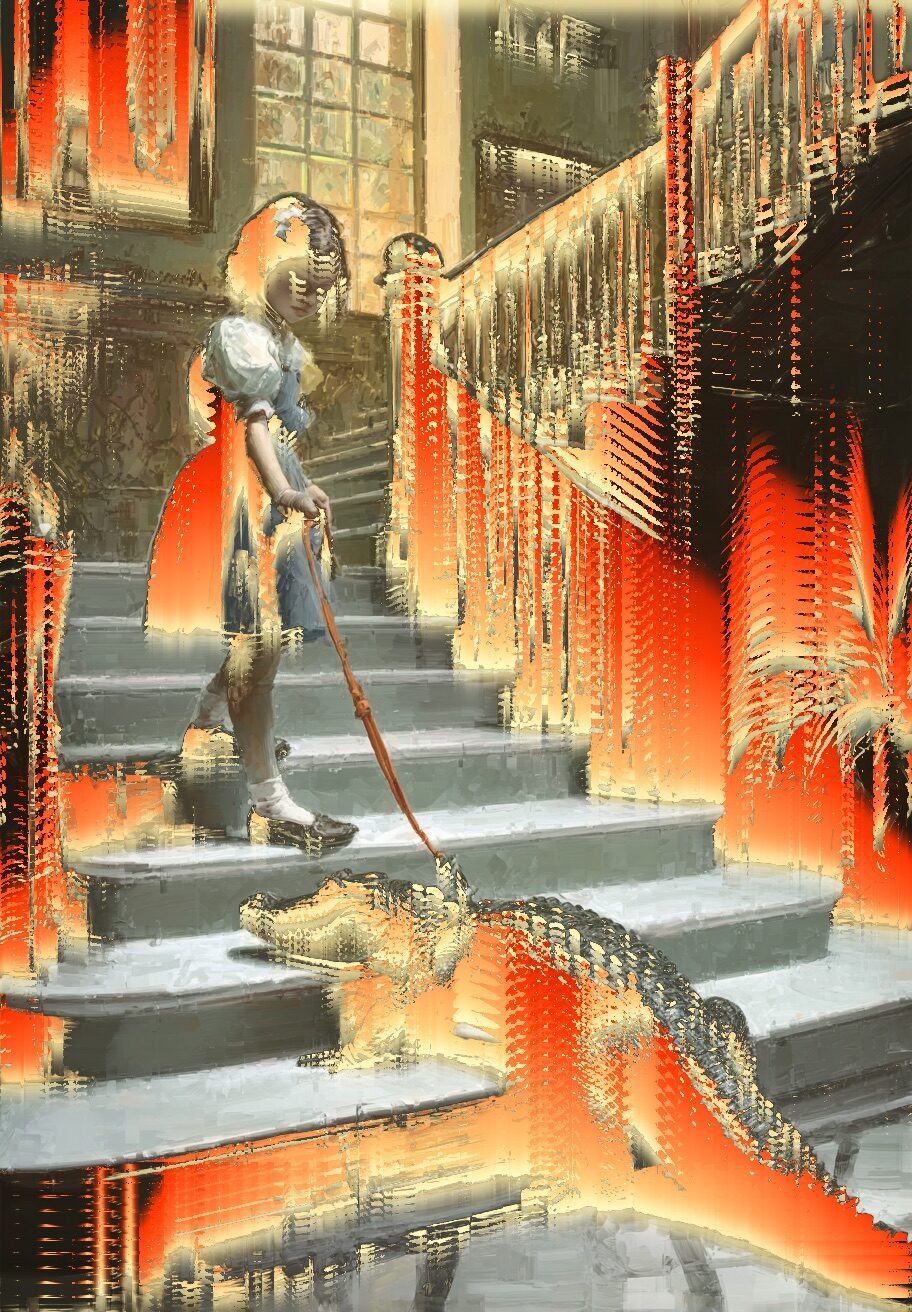
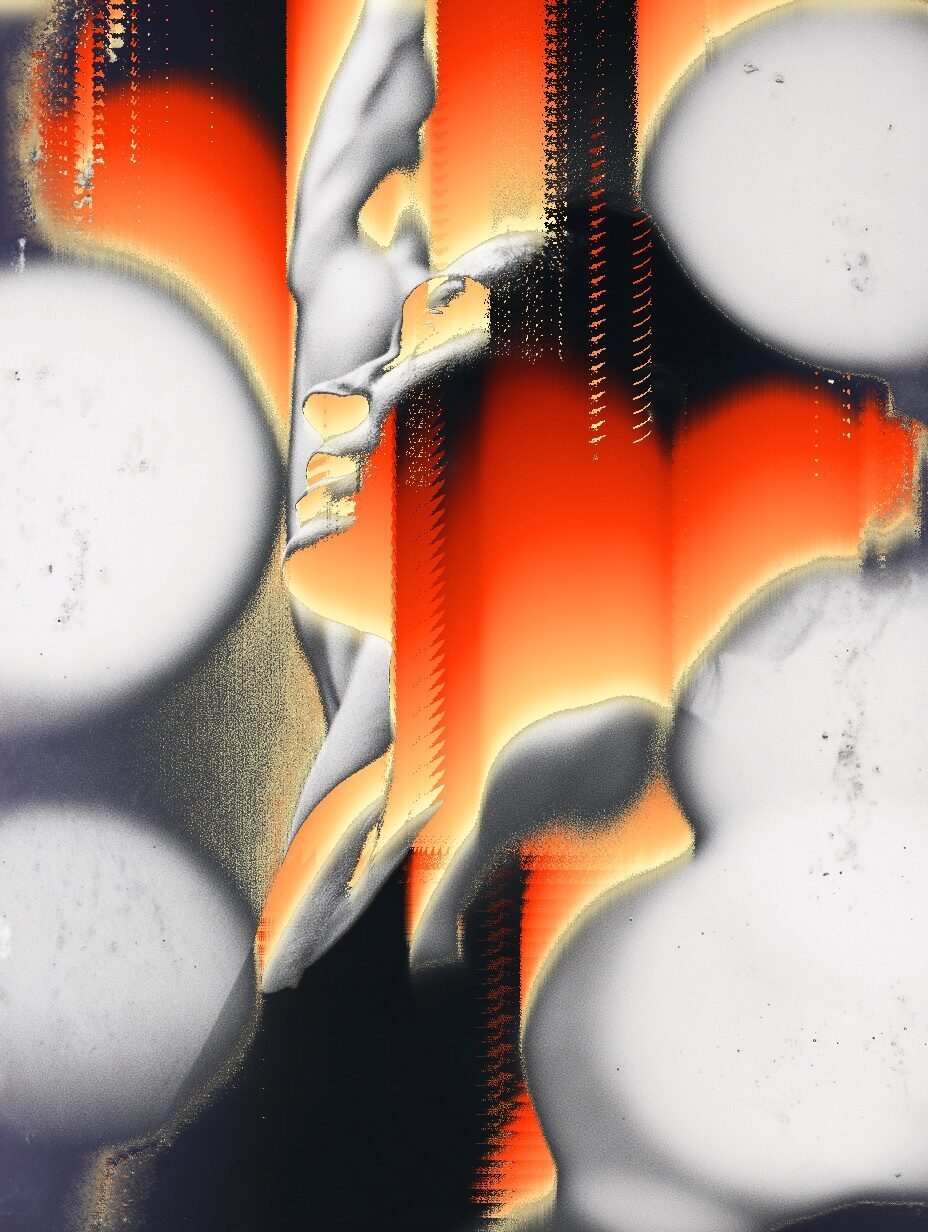
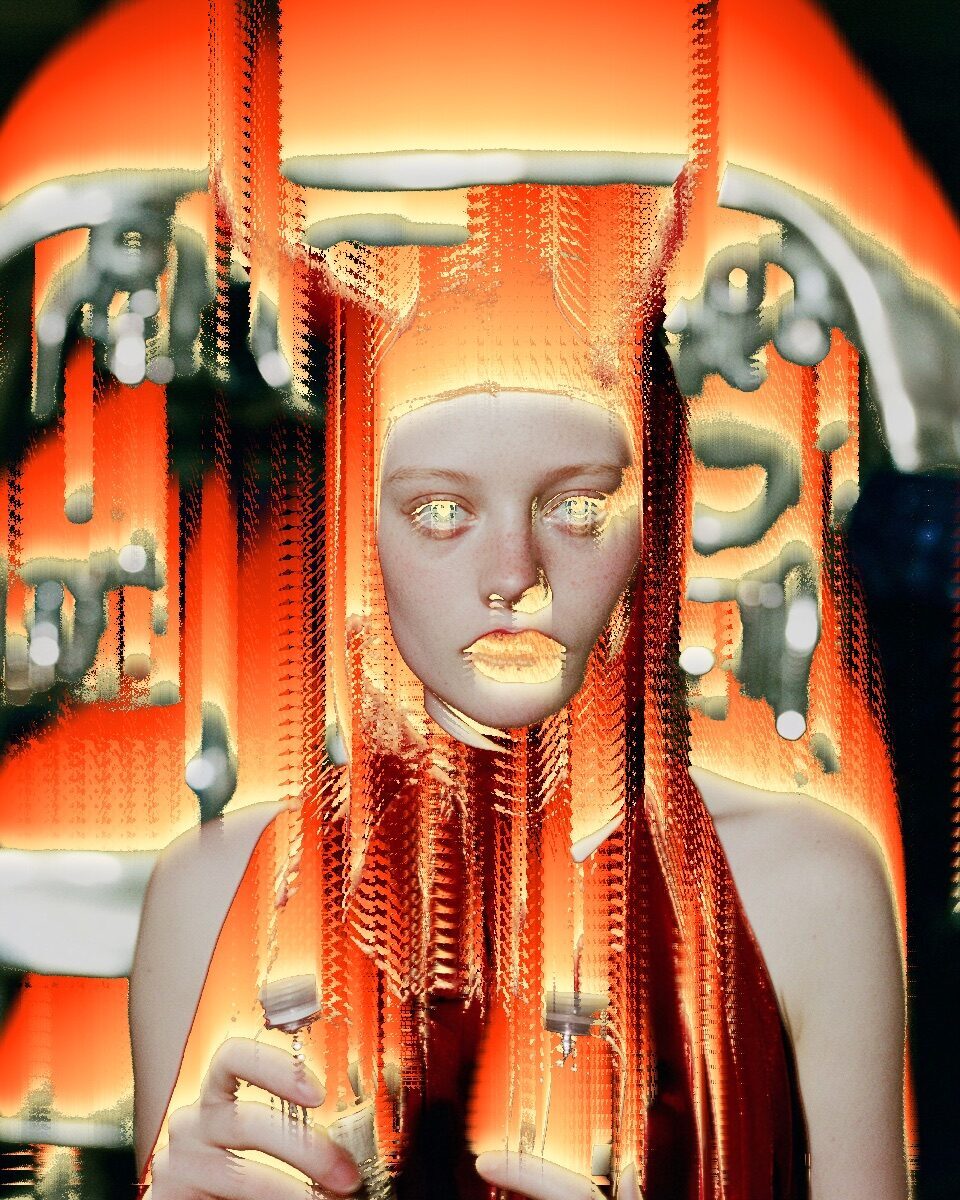
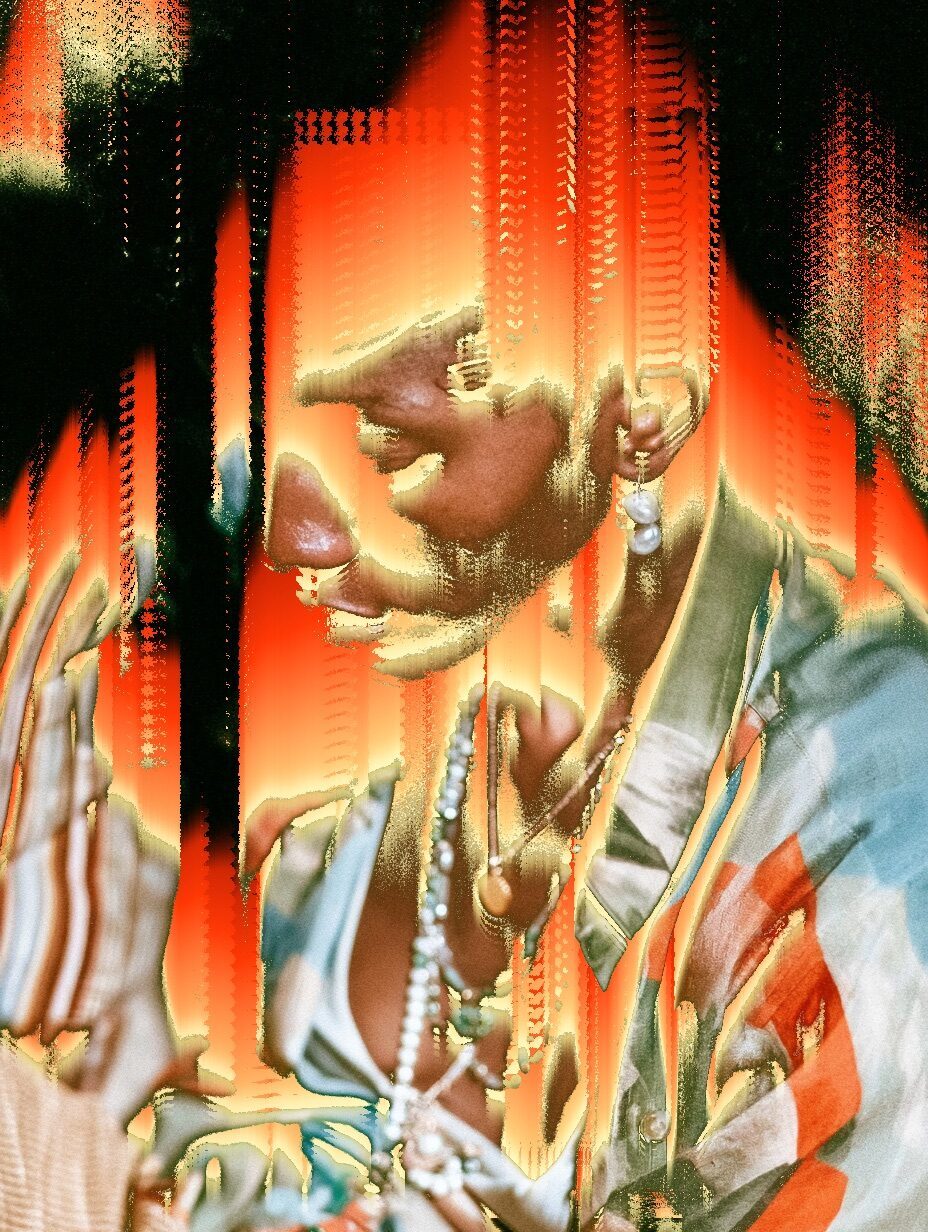
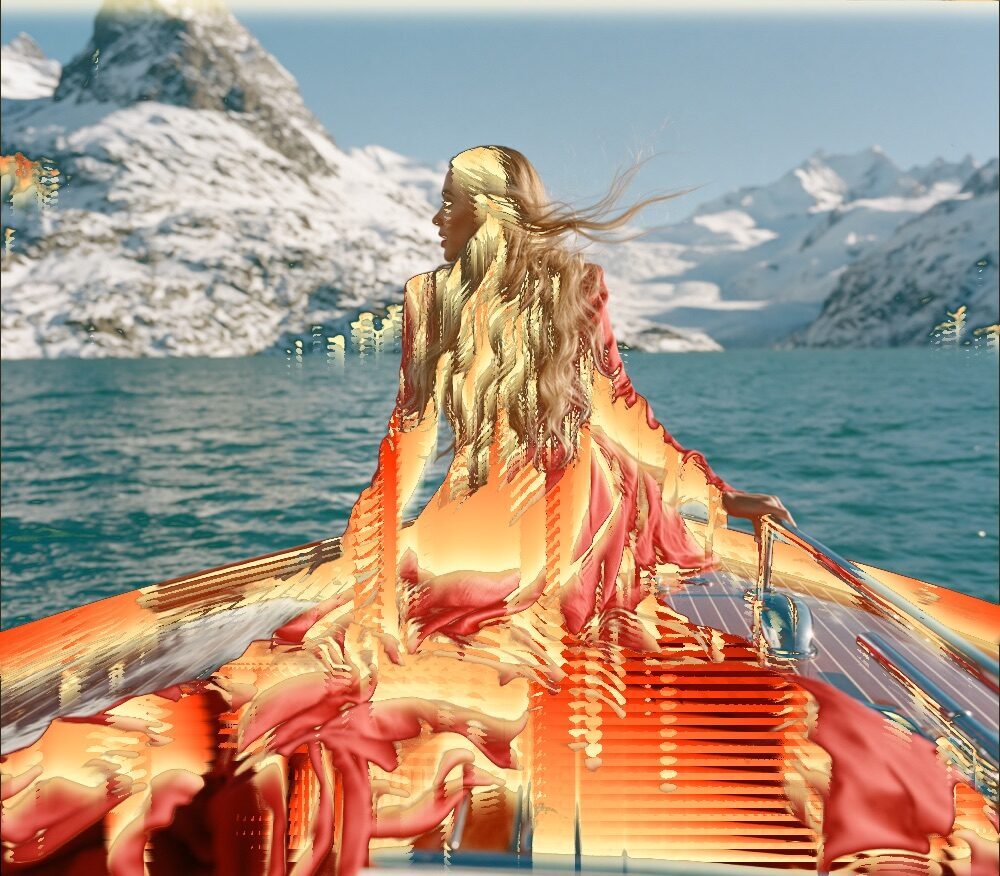
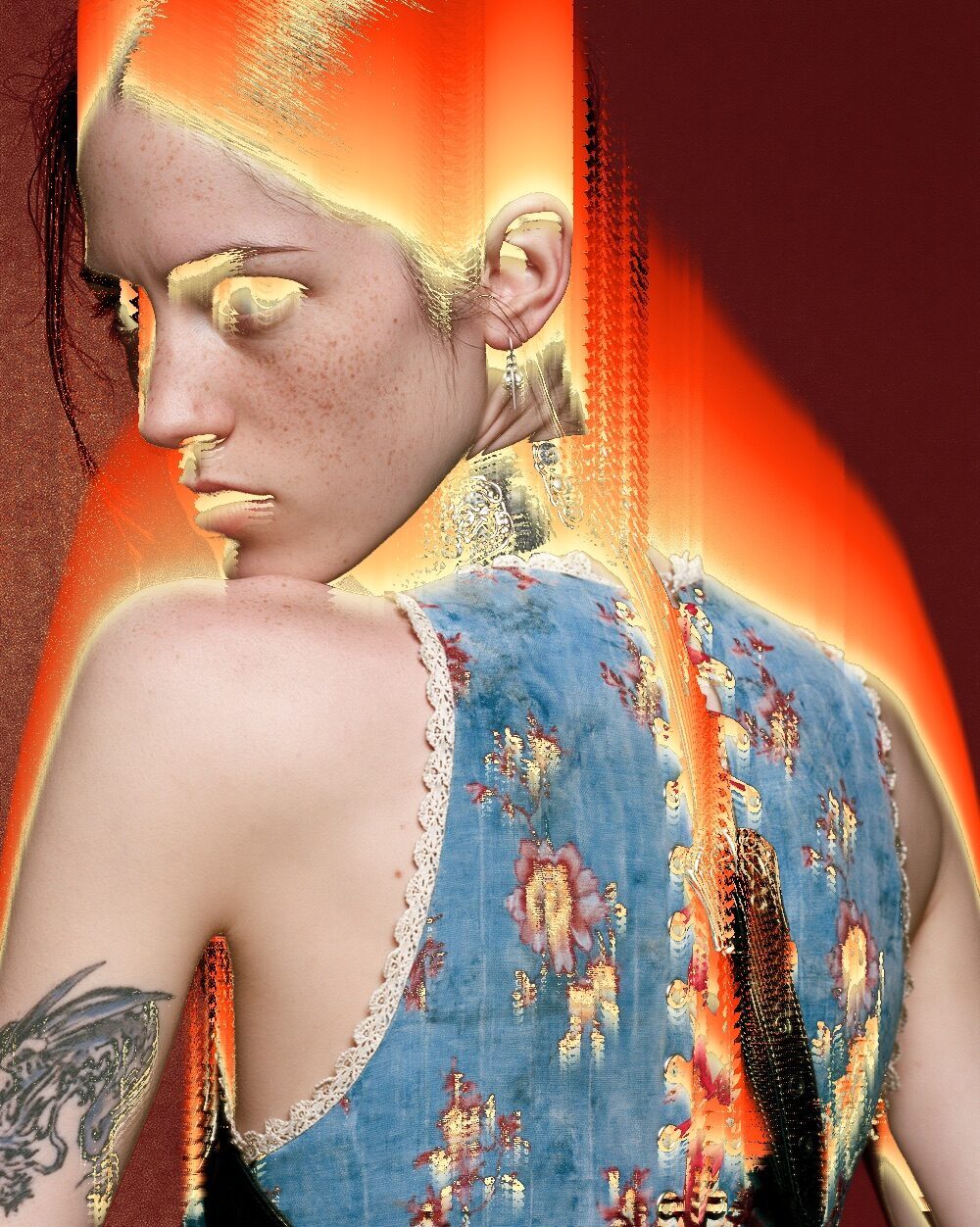
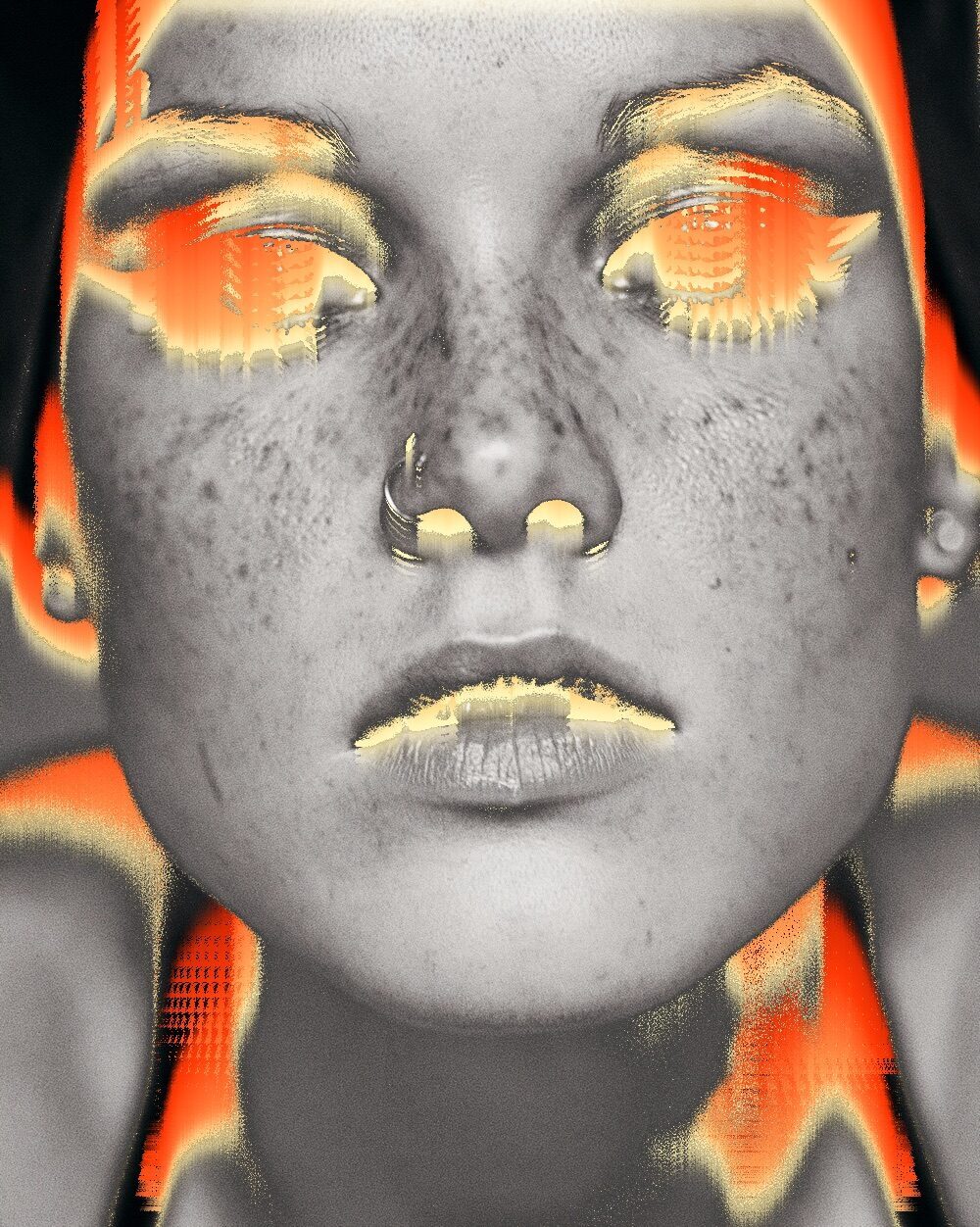
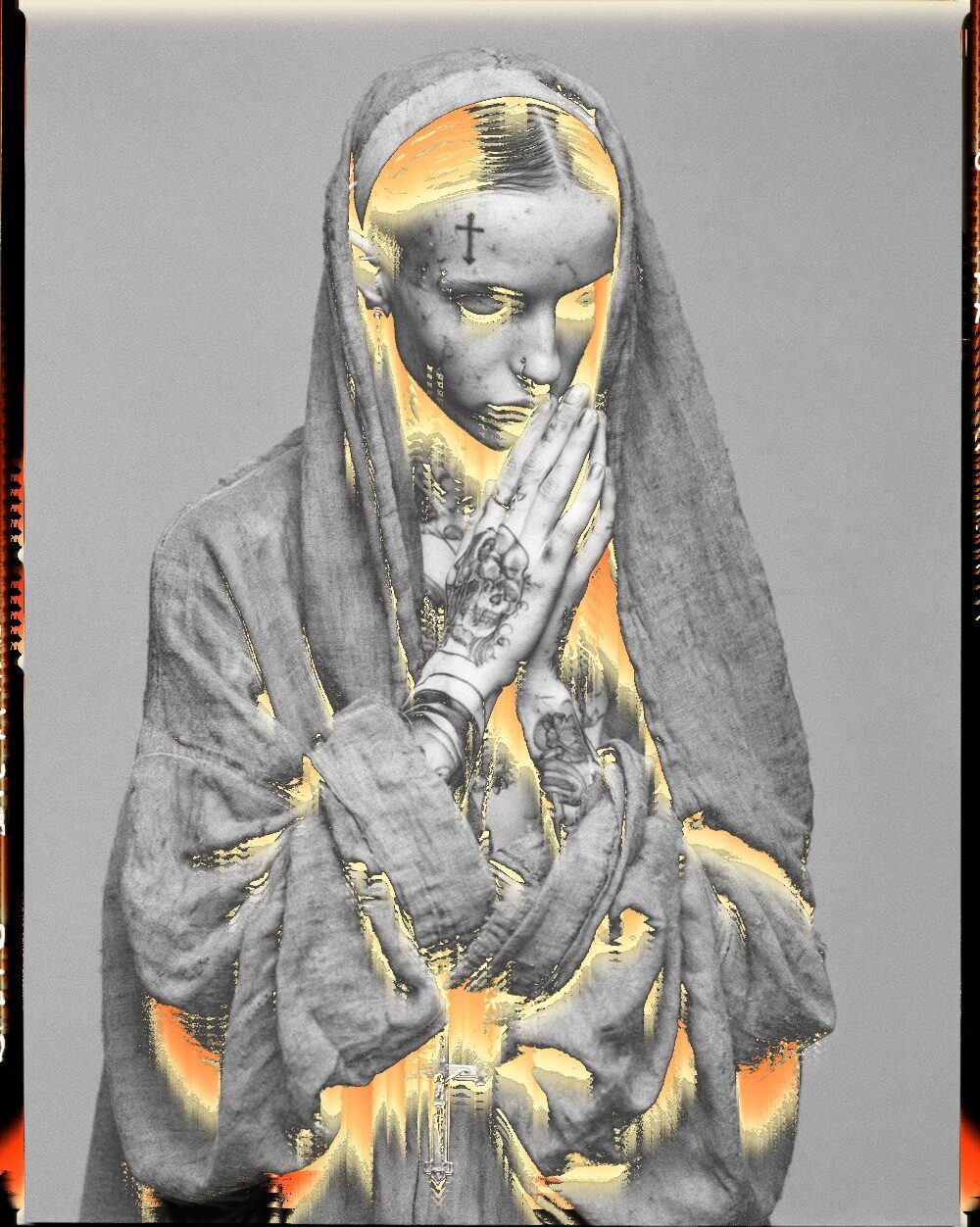
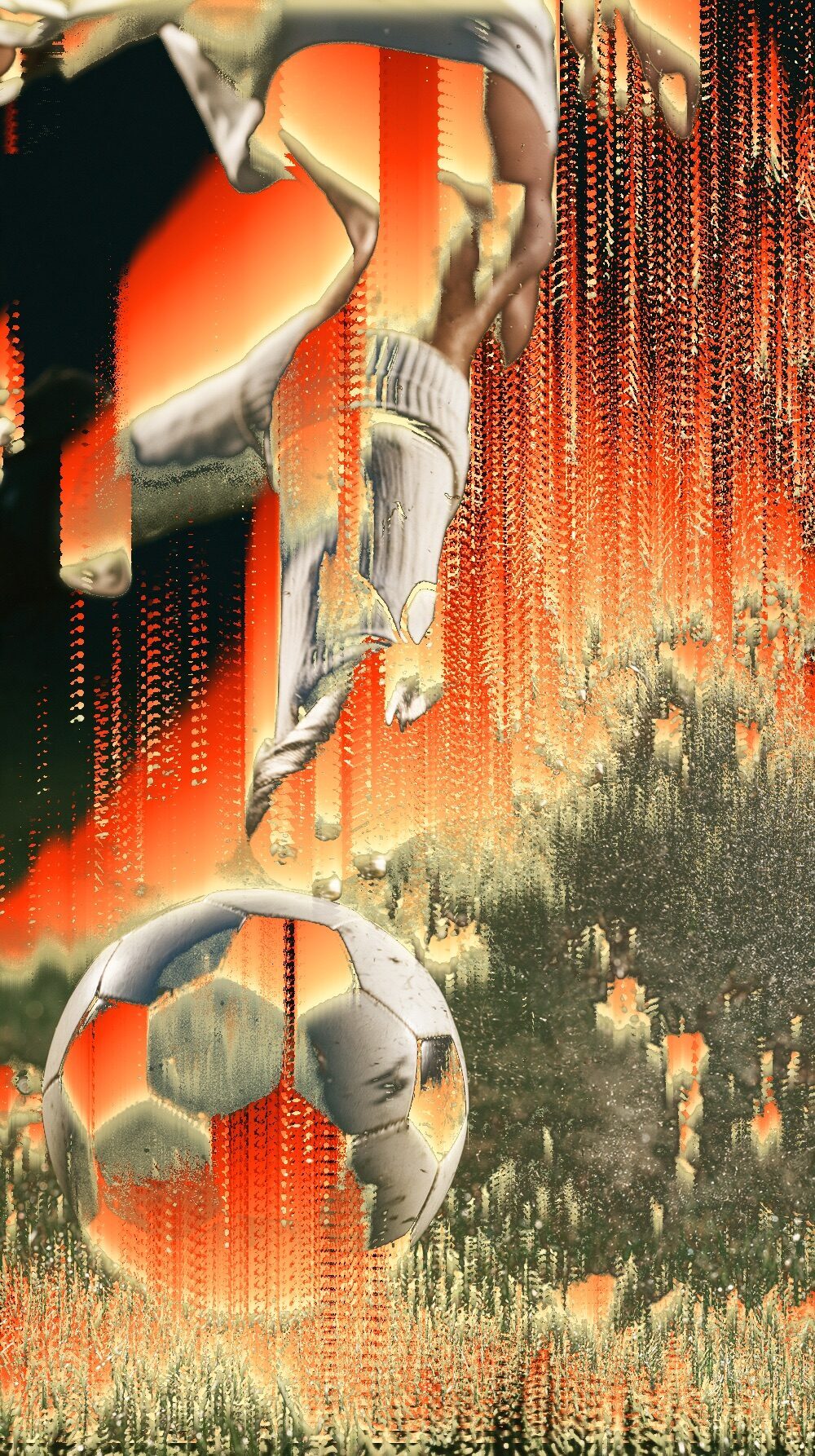
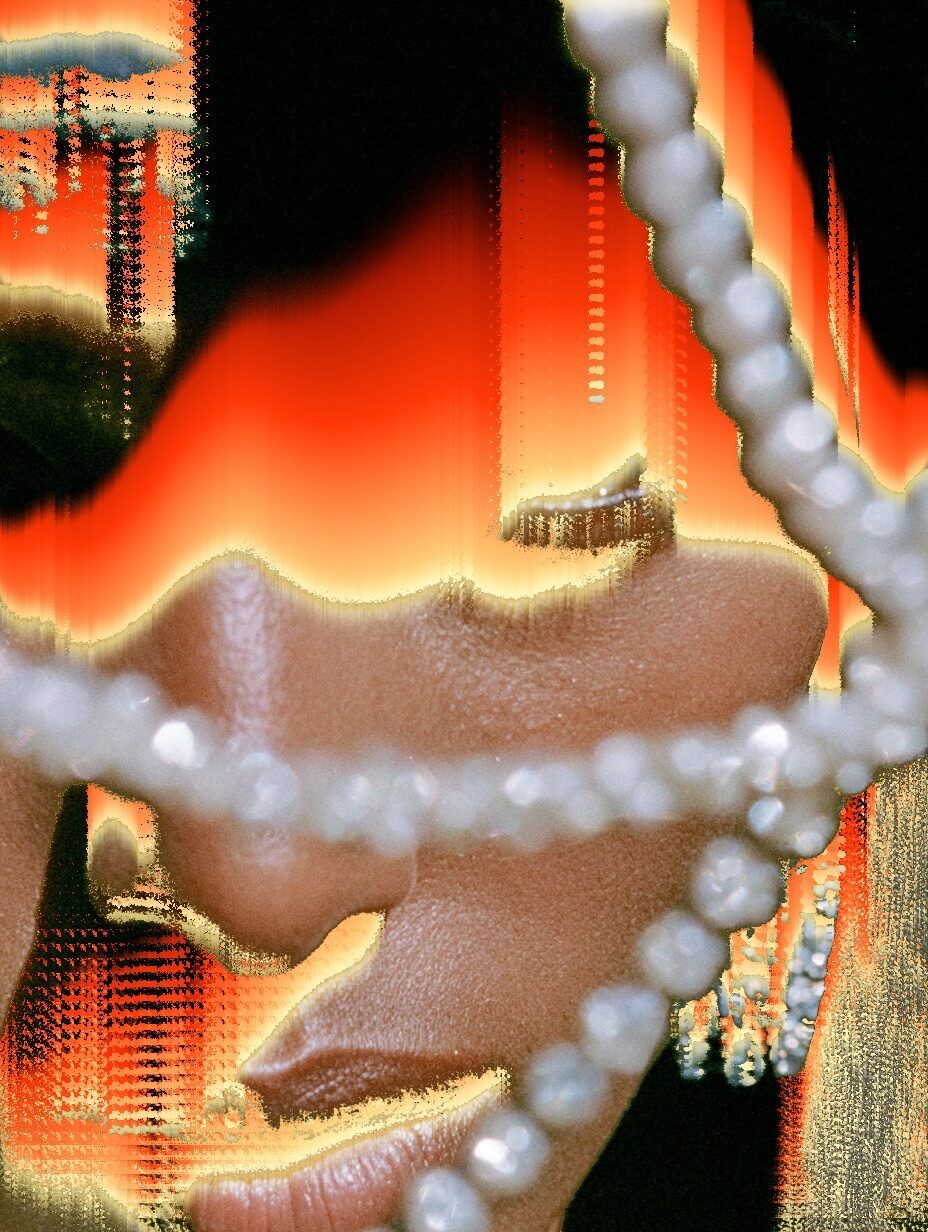
Stretch a silhouette into a directional wind streak with taper, bulge and tip fade.

Wind-blown motion in illustration and animation often stretches a form into a tapered streak rather than a simple blur. Comics draw speed lines; fluid sims pull mass into wakes.

Direction and length aim the blast. Softness and tip fade keep the trailing edge from looking cut with scissors.
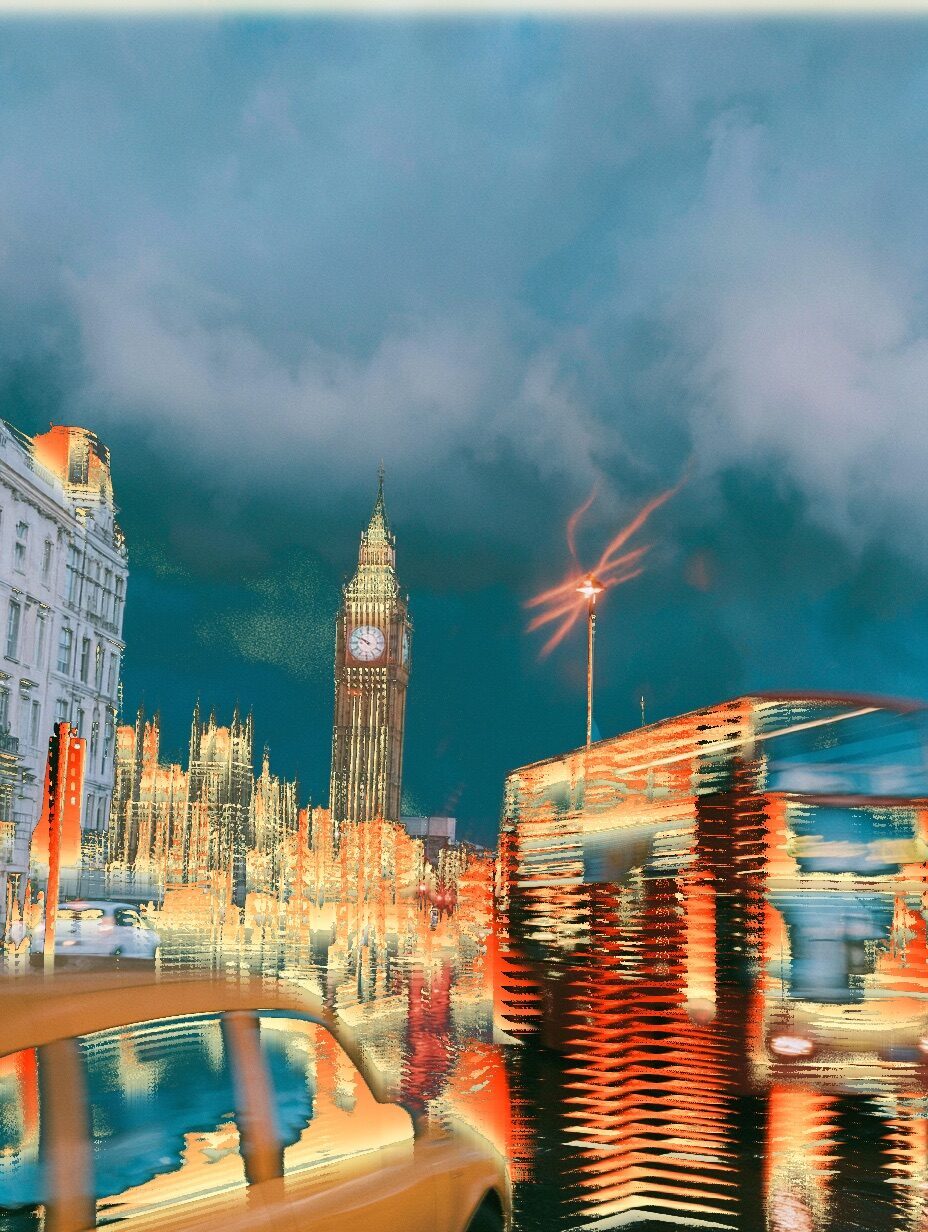
Wind Blast example
Example

Properties

  • Shape from

    alpha for a shape on a clear plate; luma for a photo

    Range
    Alpha, Luma
    Default
    Luma
  • Threshold

    cutoff that picks what burns

    Range
    0 to 1
    Default
    0.2
  • Invert mask

    flip what burns

    Range
    0 to 1
    Default
    0
  • Direction

    flame angle in degrees; 90 is up

    Range
    0 to 360
    Default
    90
  • Length

    distance from the burning edge to the tip as a share of the frame

    Range
    0.02 to 1.4
    Default
    0.5
  • Width

    how wide the flame opens out relative to the shape

    Range
    0.2 to 2
    Default
    1
  • Bulge

    belly swelling out (positive) or waist curving in (negative)

    Range
    -0.9 to 1.5
    Default
    0.3
  • Peak

    where the belly or waist sits along the flame

    Range
    0.05 to 0.9
    Default
    0.3
  • Taper

    blunt rounded tip (0) to a sharp point (1)

    Range
    0 to 1
    Default
    0.5
  • Softness

    blur on the flame edges; grows toward the tip

    Range
    0 to 1
    Default
    0.35
  • Tip fade

    share of the length over which the tip fades out

    Range
    0.05 to 1
    Default
    0.35
  • Turbulence

    sway and flicker along the flame

    Range
    0 to 1
    Default
    0.1
  • Seed

    shifts the turbulence pattern

    Range
    0 to 100
    Default
    1
  • Edge flare

    glow where the flame leaves the burning edge

    Range
    0 to 2
    Default
    0.8
  • Fill

    flame colour seeping into the fuel from the burning edge

    Range
    0 to 1
    Default
    0
  • Opacity

    Range
    0 to 1
    Default
    1

Command line

Requires Rethings Pro. Install the tool from Rethings → Install Command Line Tool…

rethings apply --effect wind-blast --set maskSource=1 --set threshold=0.2 -i input.jpg -o output.png
Gallery

  • Wind Blast example 1
  • Wind Blast example 2
  • Wind Blast example 3
  • Wind Blast example 4
  • Wind Blast example 5
  • Wind Blast example 6
  • Wind Blast example 7
  • Wind Blast example 8
  • Wind Blast example 9
  • Wind Blast example 10
  • Wind Blast example 11
  • Wind Blast example 12
  • Wind Blast example 13
  • Wind Blast example 14
  • Wind Blast example 15
  • Wind Blast example 16
  • Wind Blast example 17
  • Wind Blast example 18
  • Wind Blast example 19
  • Wind Blast example 20
  • Wind Blast example 21
  • Wind Blast example 22
  • Wind Blast example 23
  • Wind Blast example 24
  • Wind Blast example 25
  • Wind Blast example 26
  • Wind Blast example 27
  • Wind Blast example 28
  • Wind Blast example 29
  • Wind Blast example 30
  • Wind Blast example 31
  • Wind Blast example 32
  • Wind Blast example 33
  • Wind Blast example 34
  • Wind Blast example 35
  • Wind Blast example 36
  • Wind Blast example 37
  • Wind Blast example 38
  • Wind Blast example 39
  • Wind Blast example 40
  • Wind Blast example 41
  • Wind Blast example 42
  • Wind Blast example 43
  • Wind Blast example 44
  • Wind Blast example 45
PreviousVignetteNextZoom Blur

Rethings by Things That and Jack Prosser

EffectsPurchaseMCPCLIChangelogPrivacyLegal disclosureLicence

© 2026 Jack Prosser · jackprosser.com

Listed on MacPipListed on MacNativeFeatured on Findly.toolsFeatured on ToolDirsRethings on StartupTrustedFeatured on neeed.directoryRethings is featured on MacBase