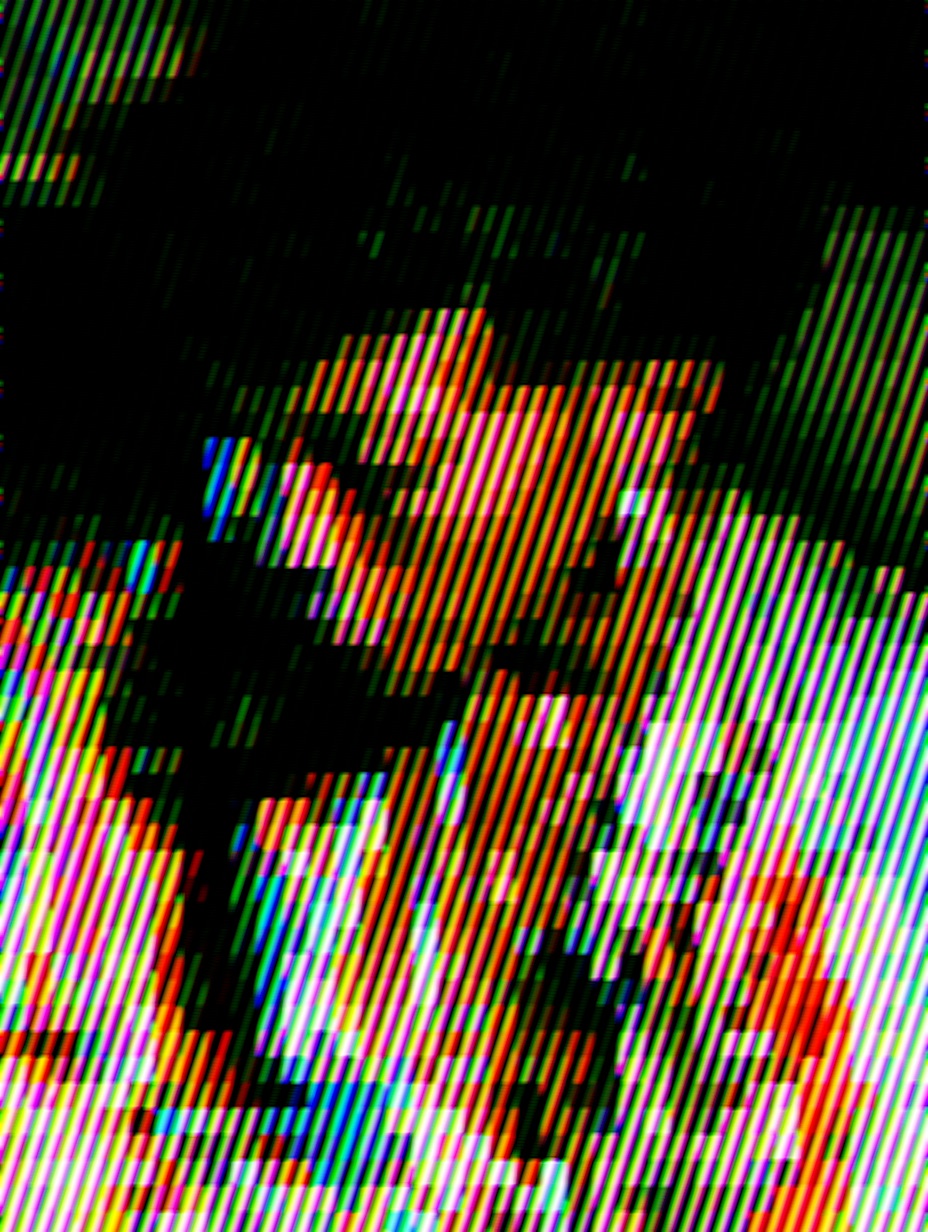
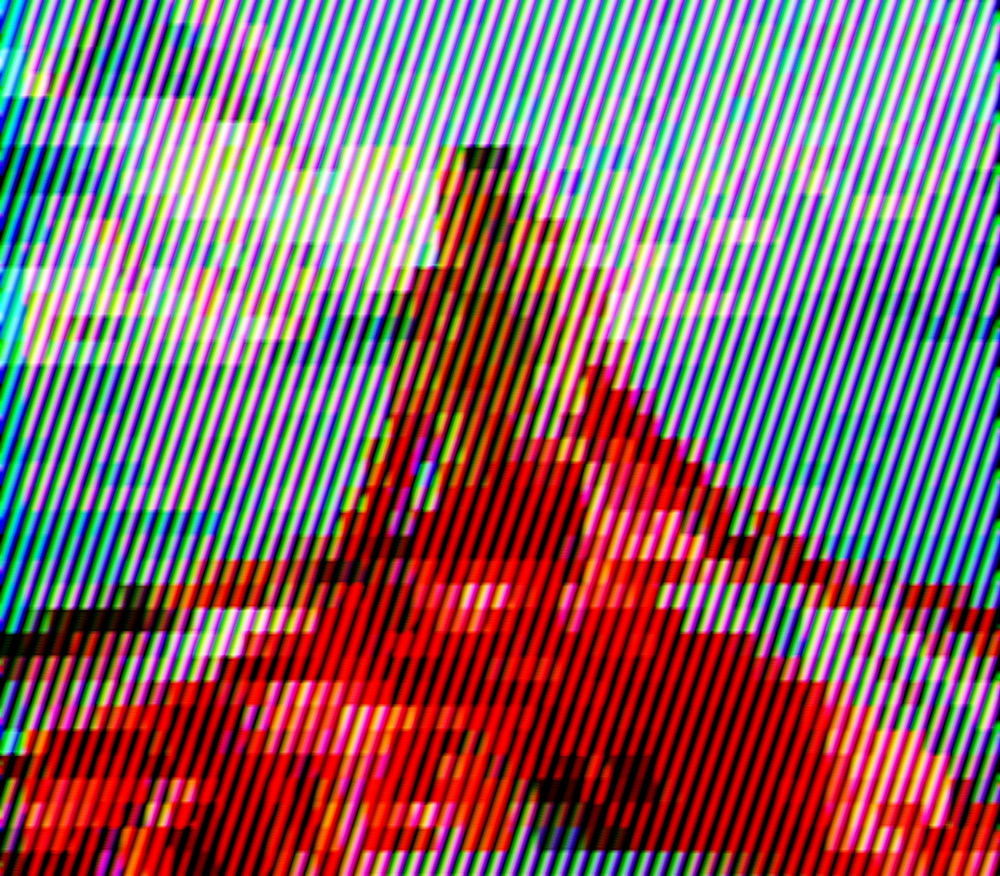
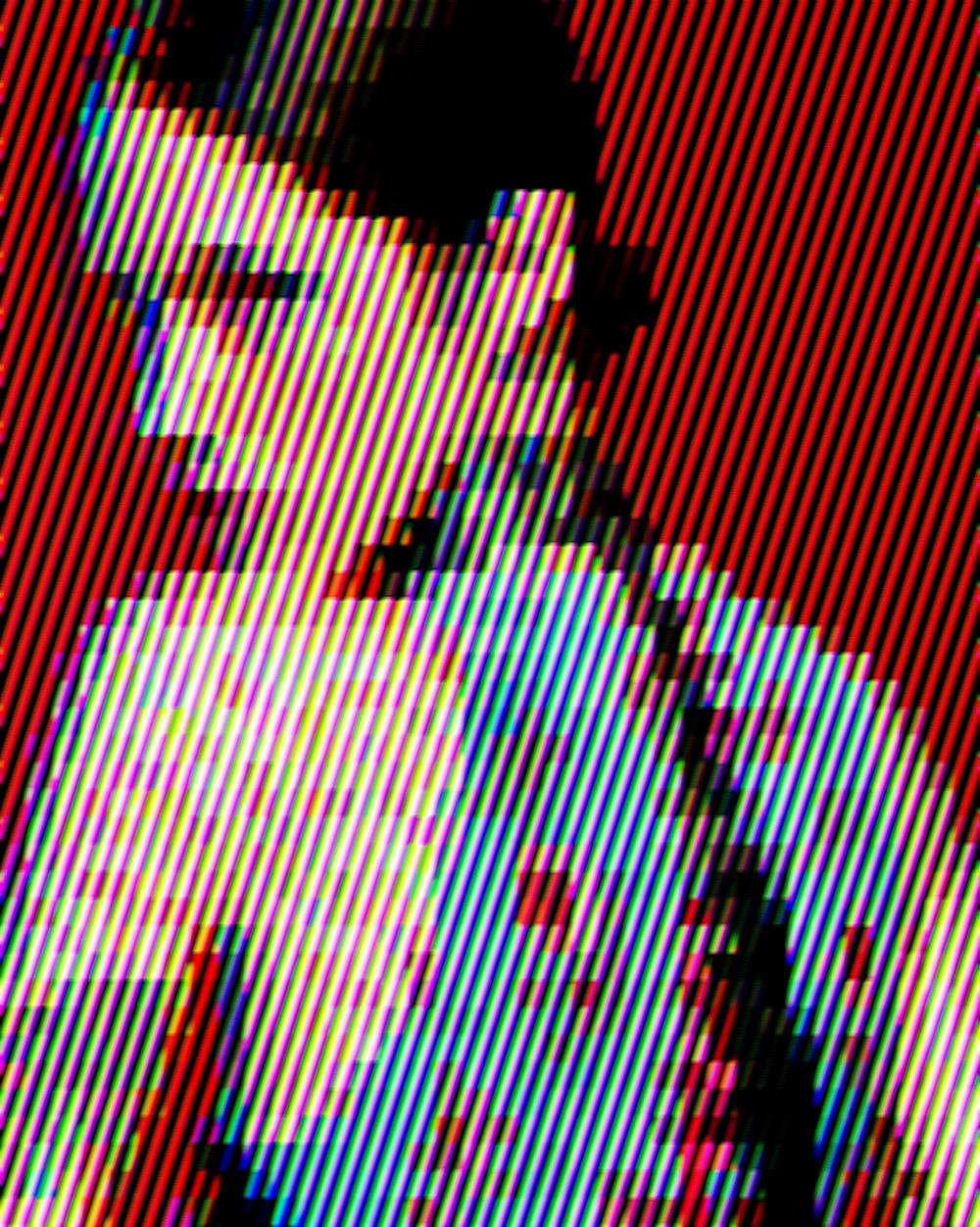
All effects and presets

Preset

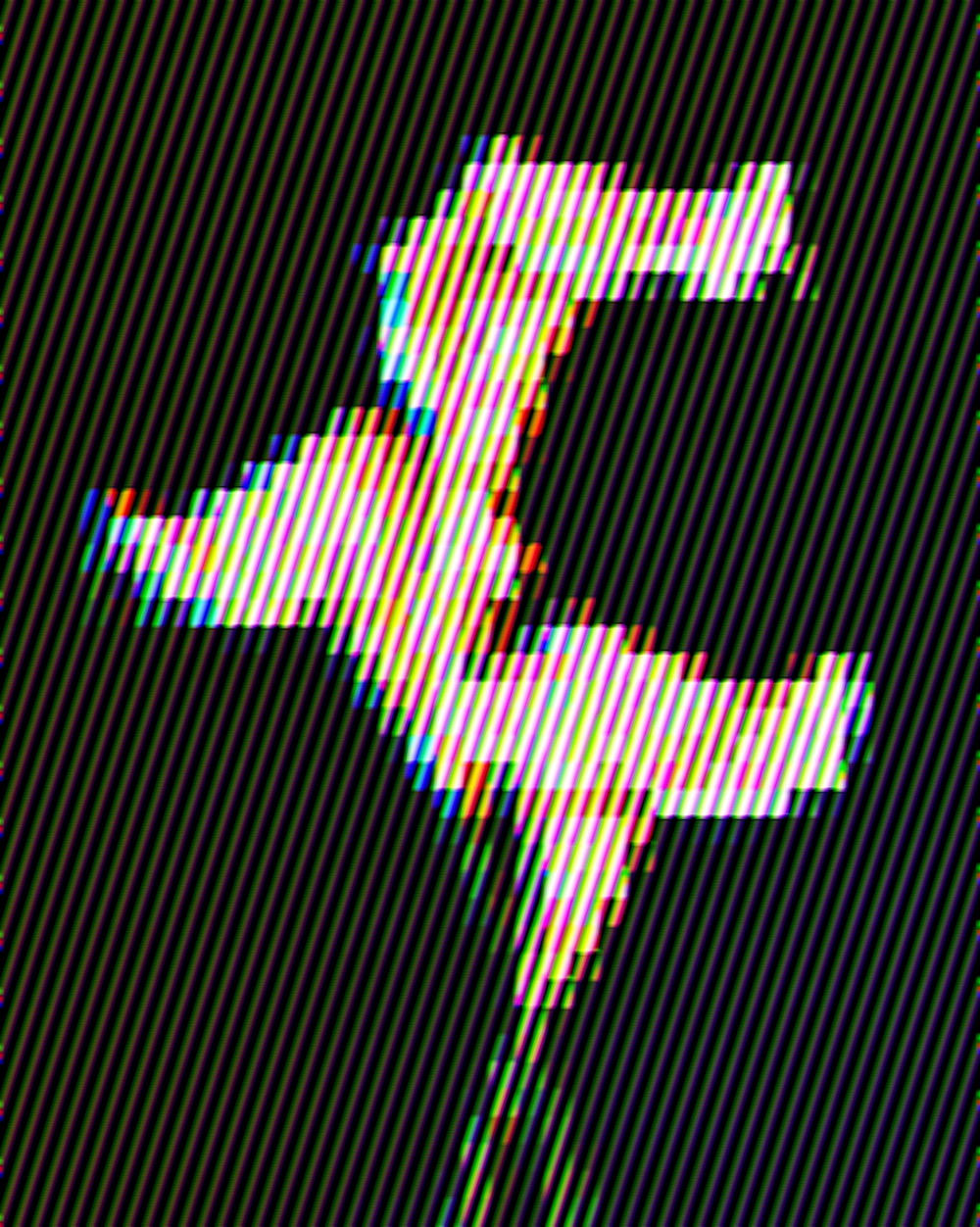
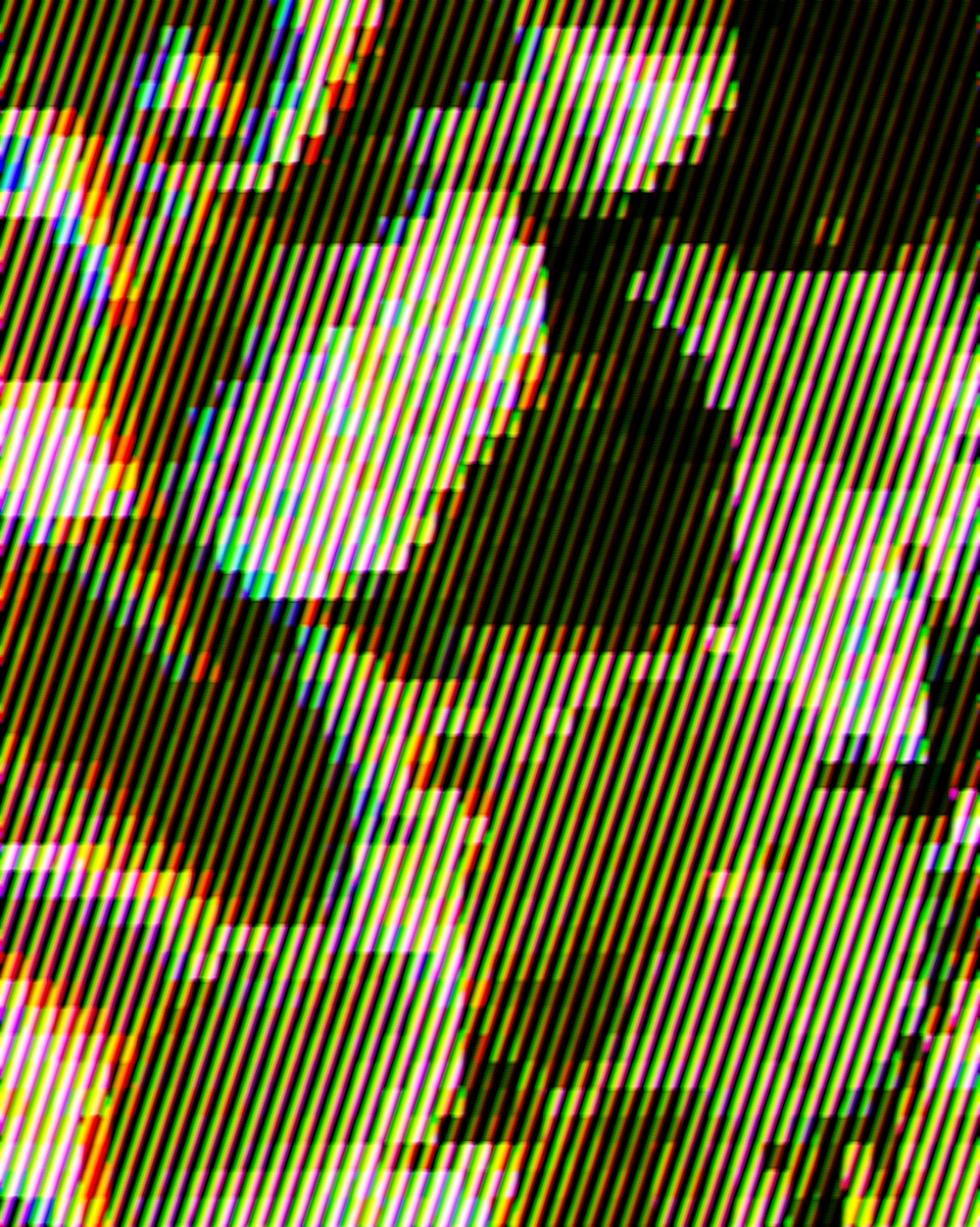
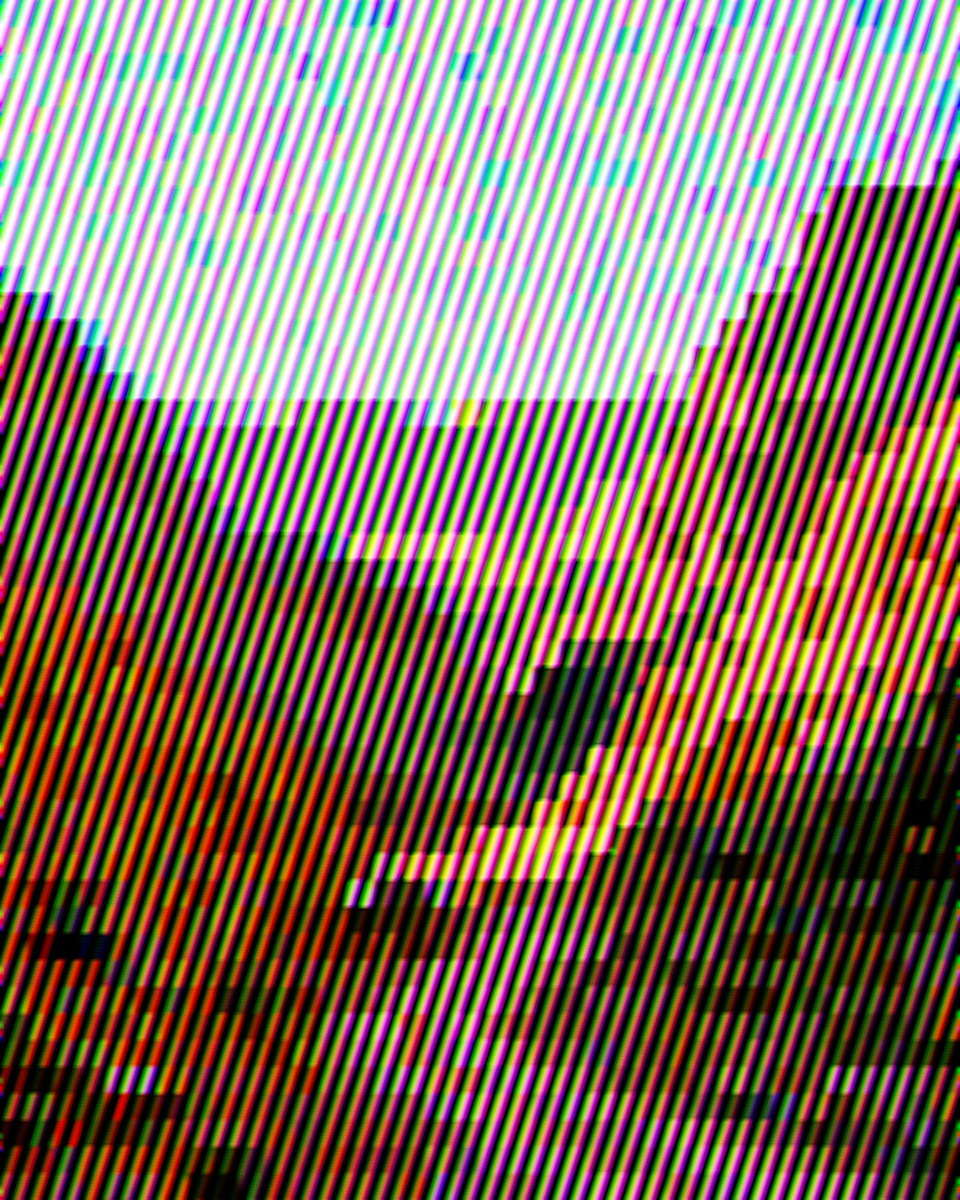
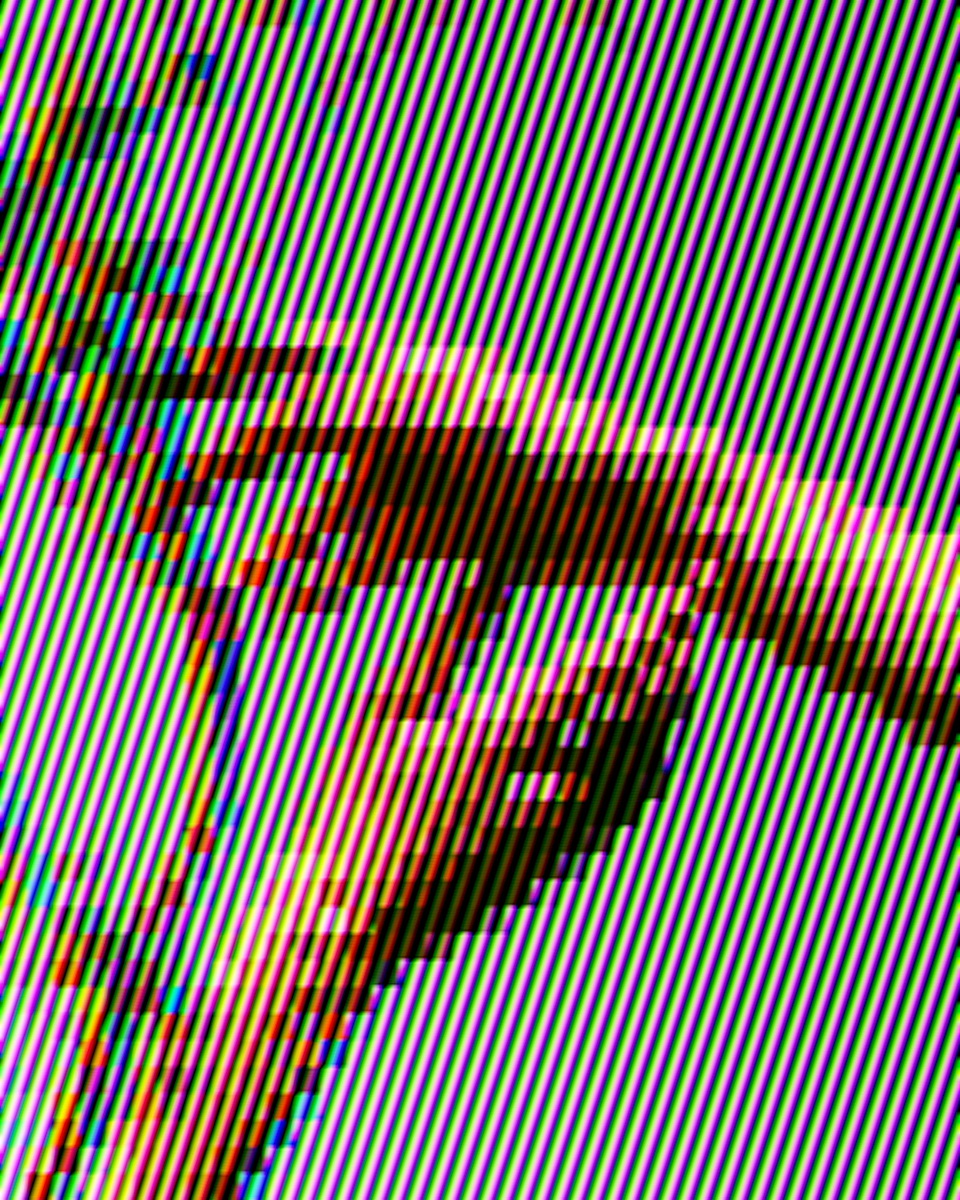
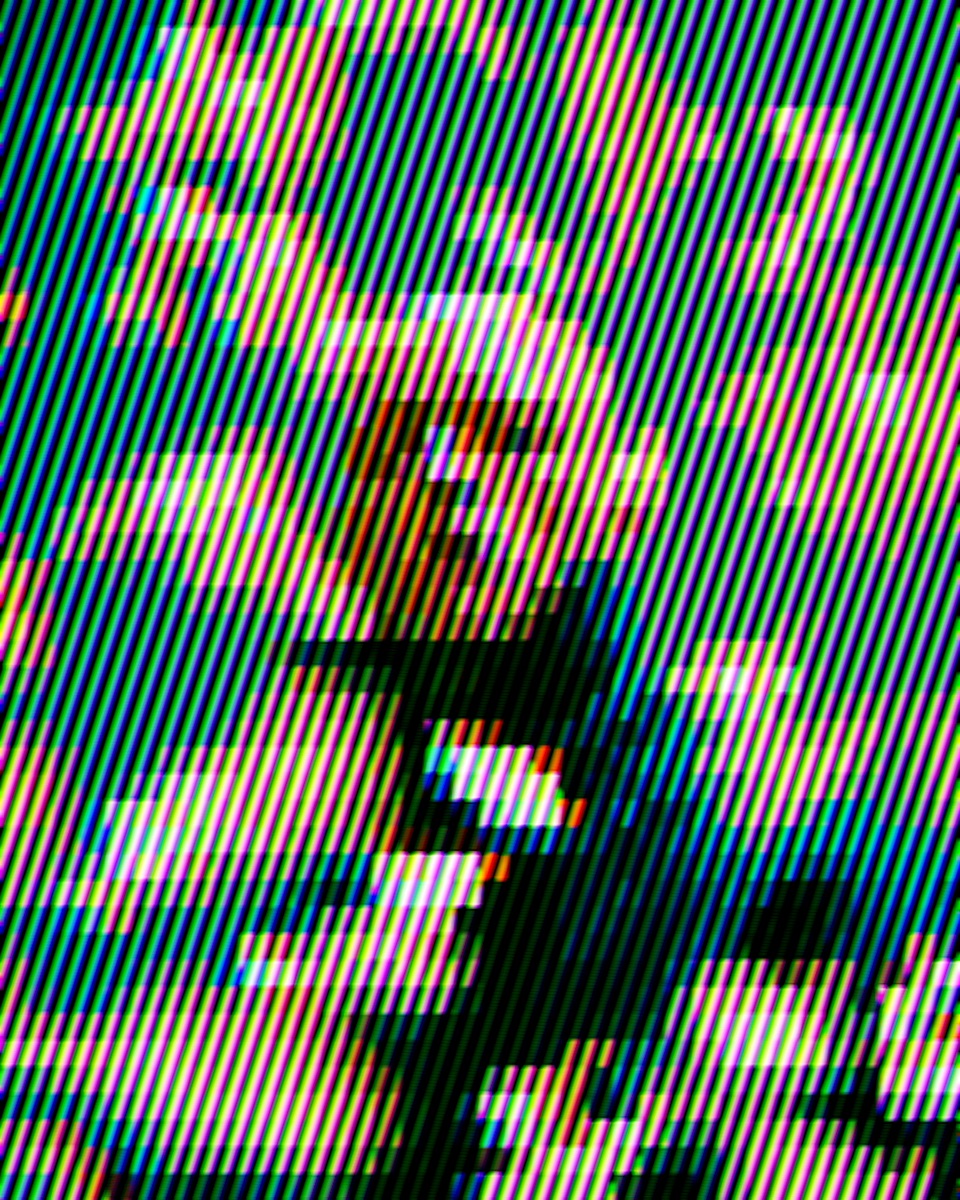
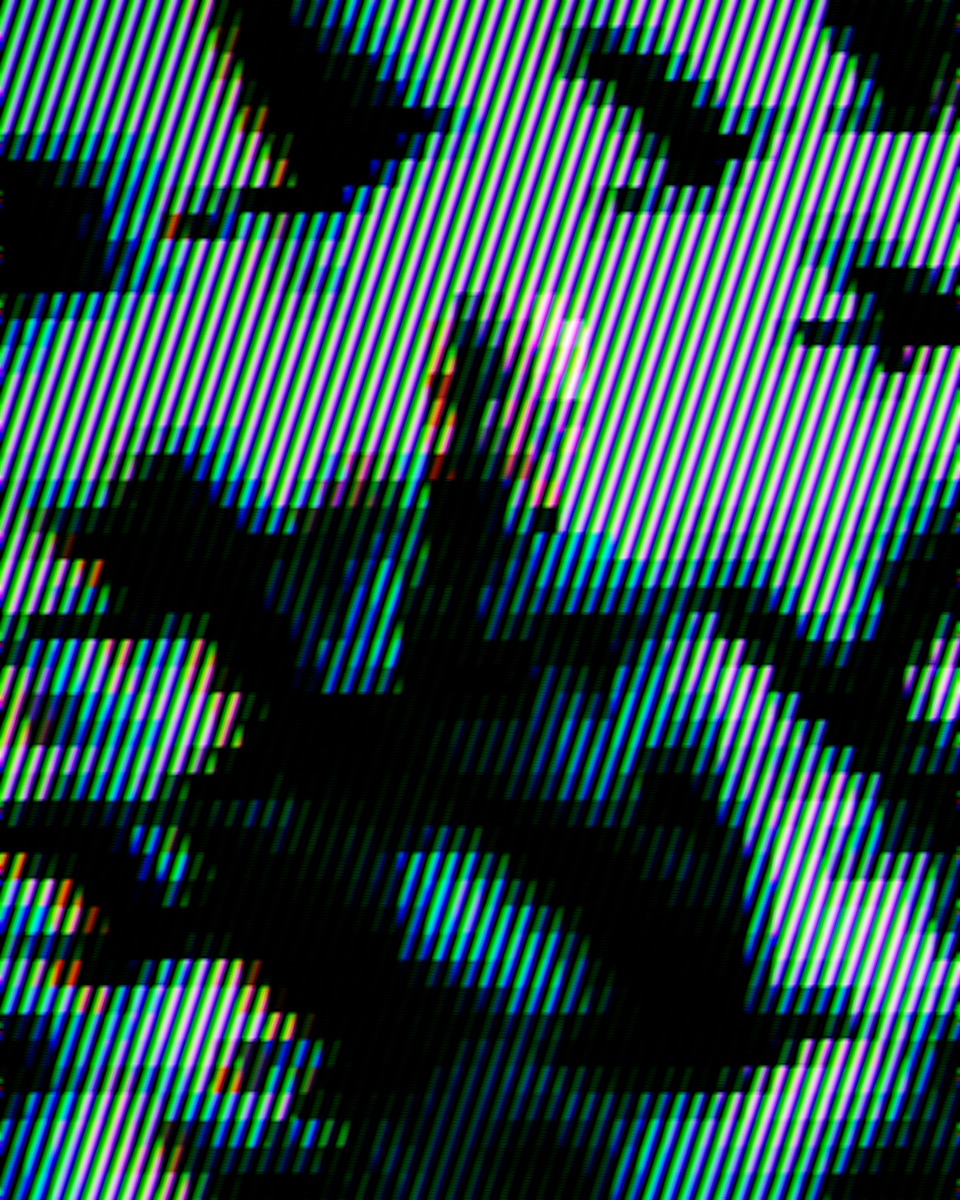
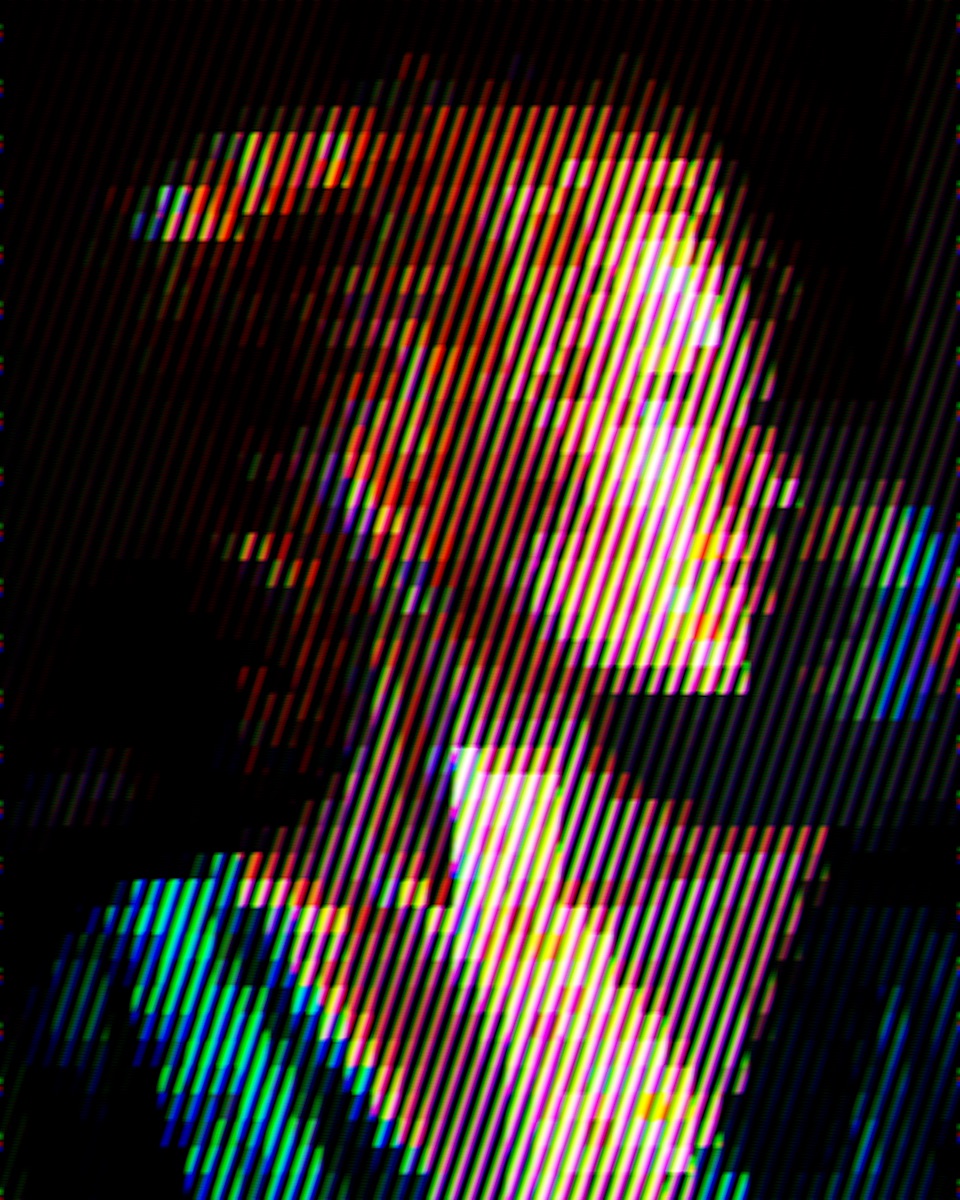
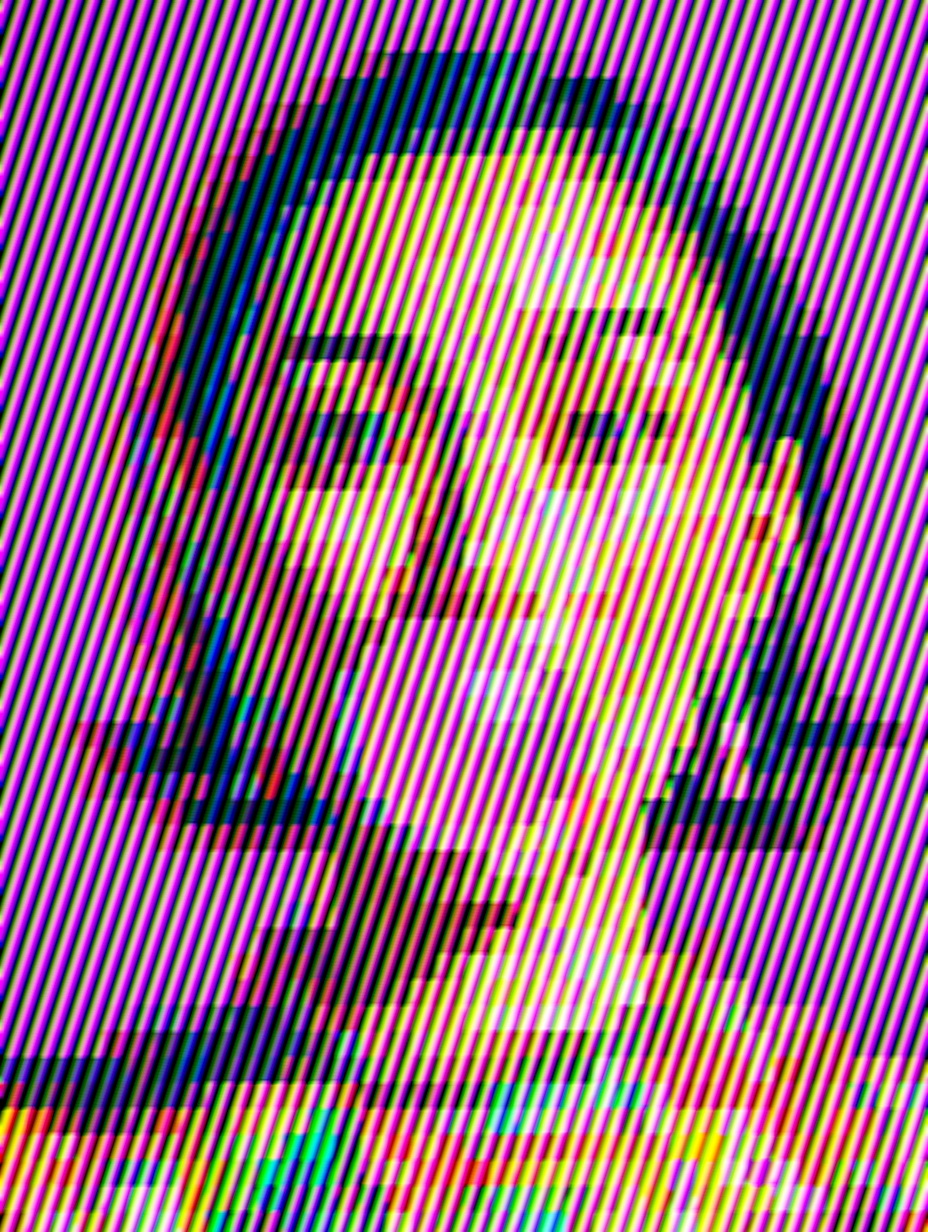
Channel Hatch

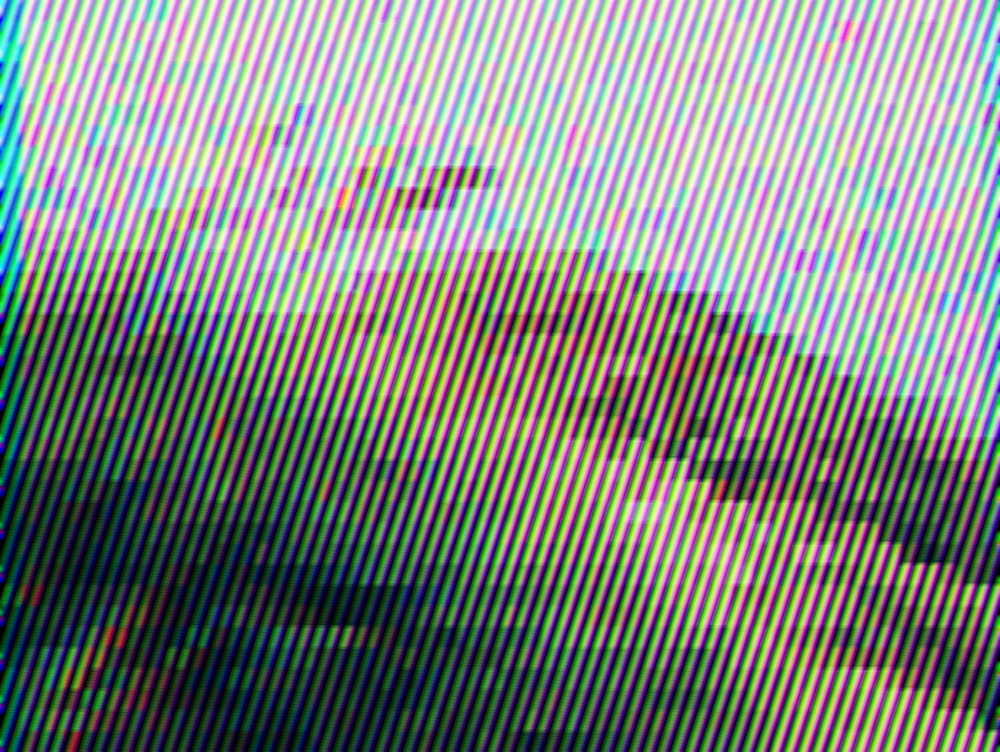
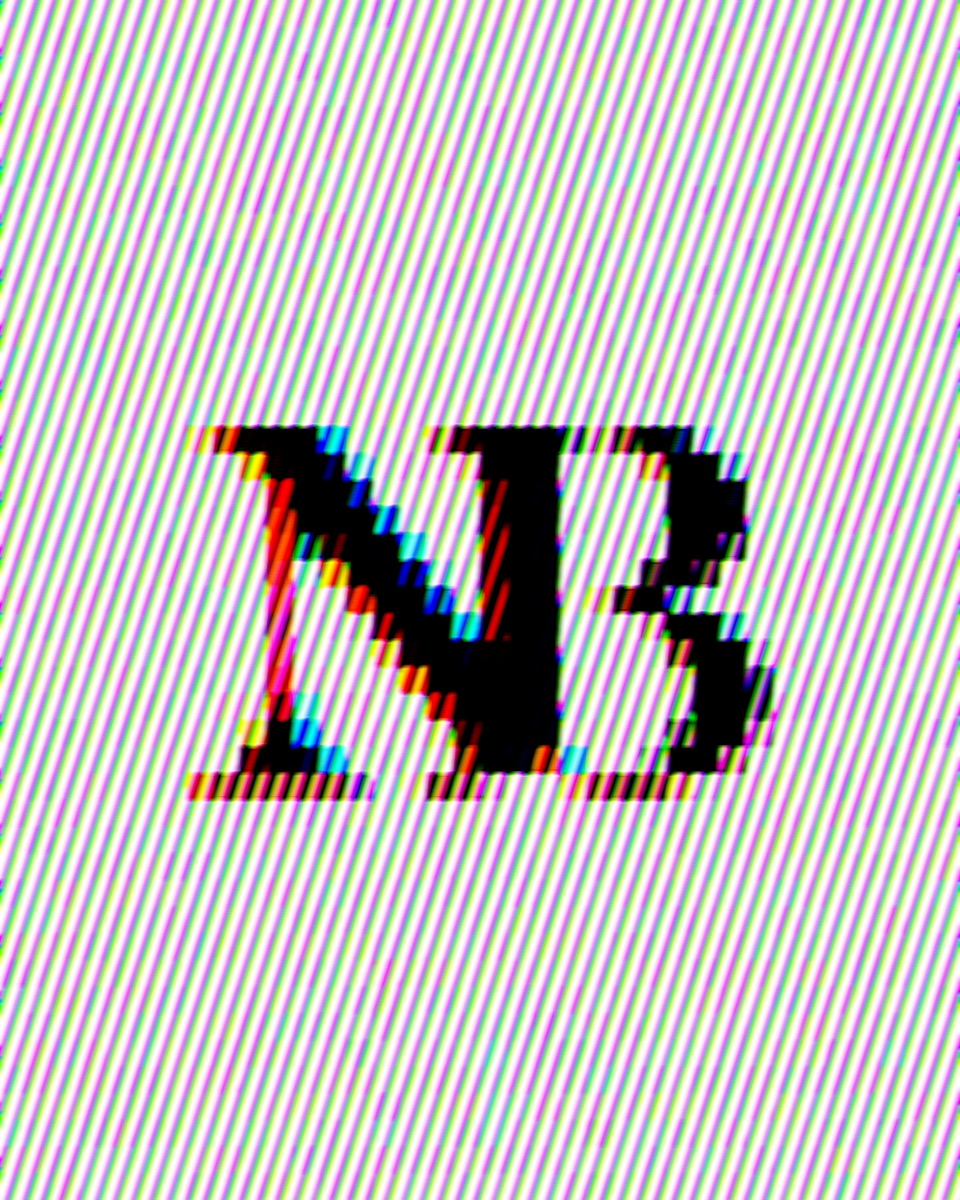
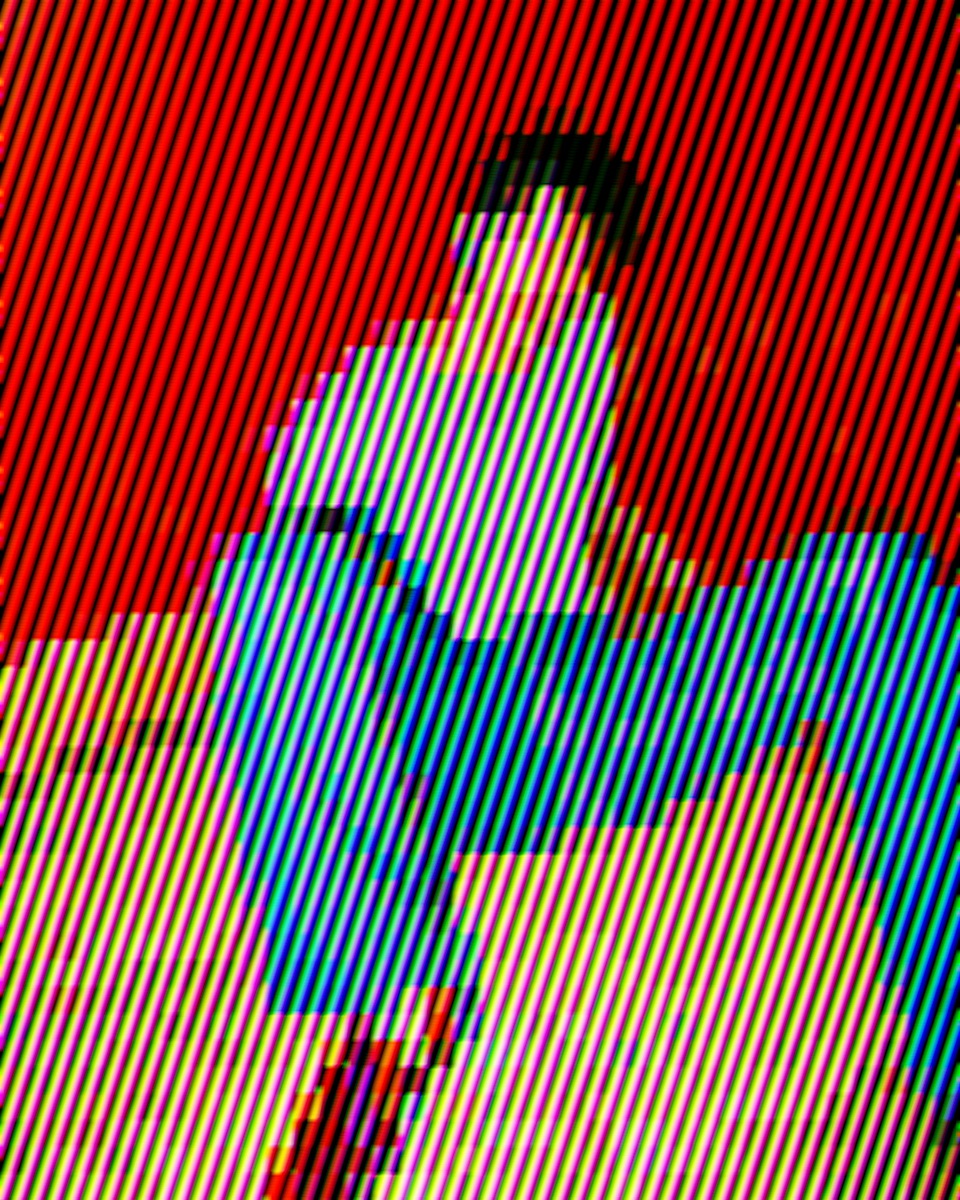
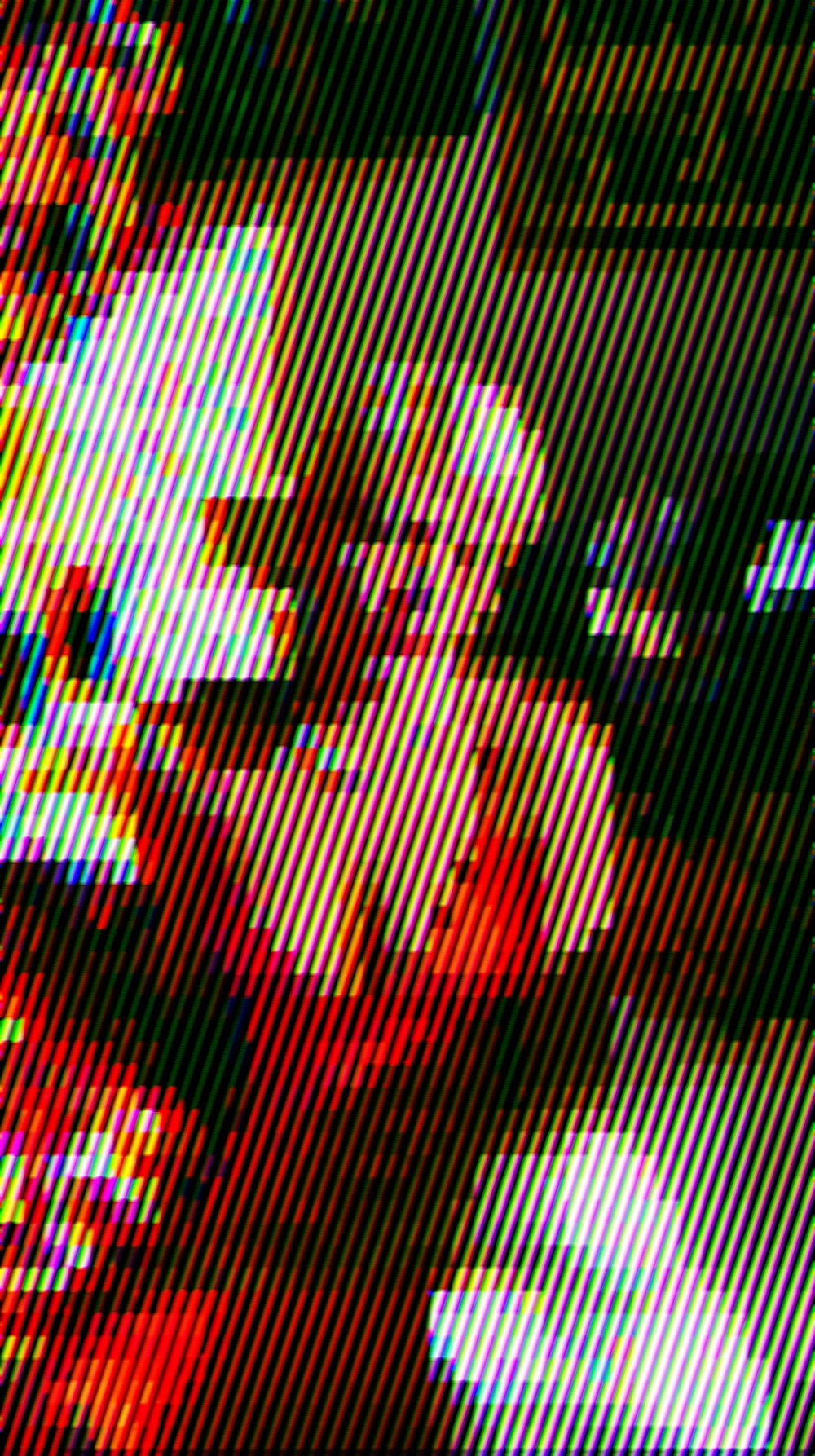
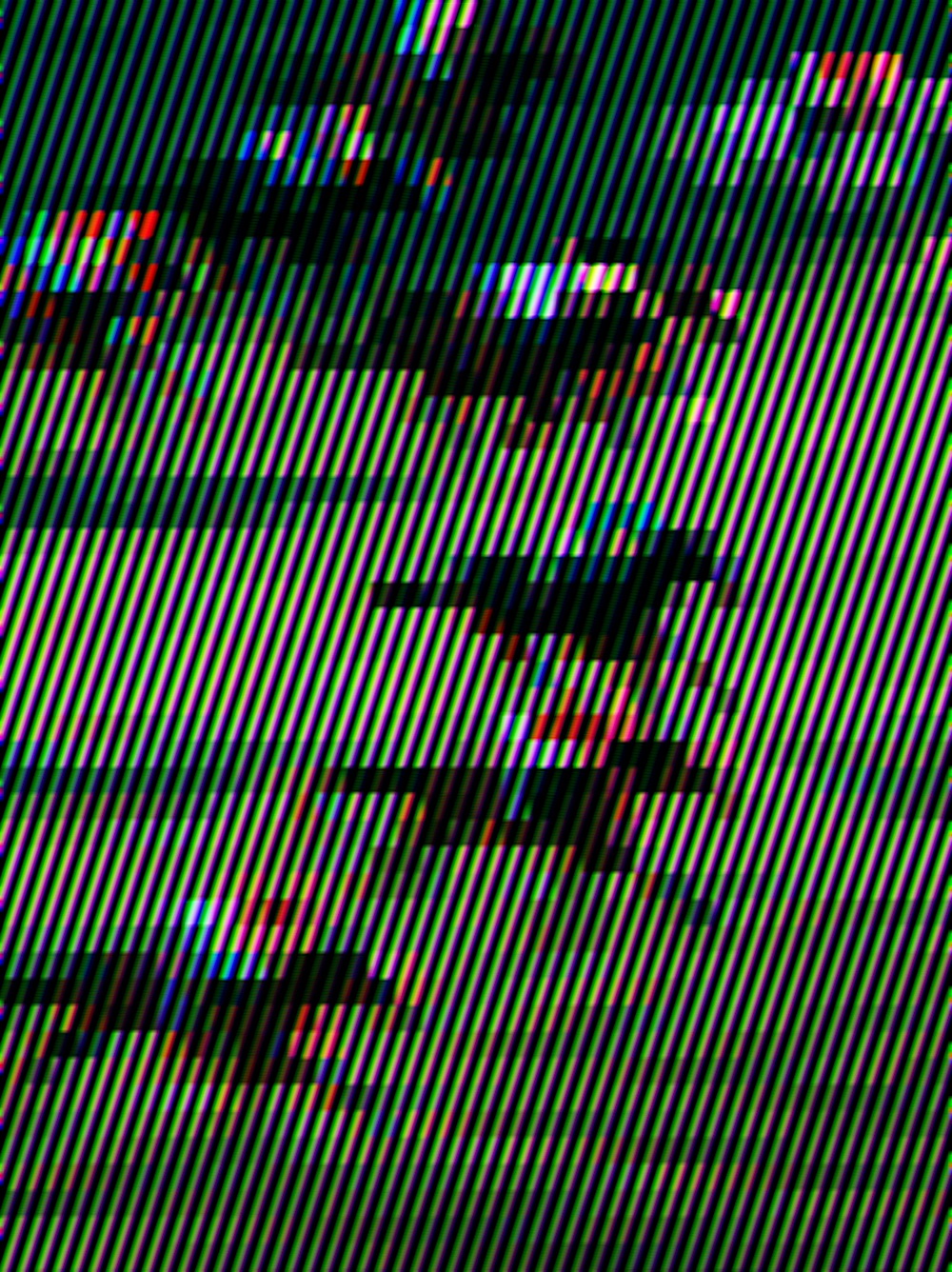
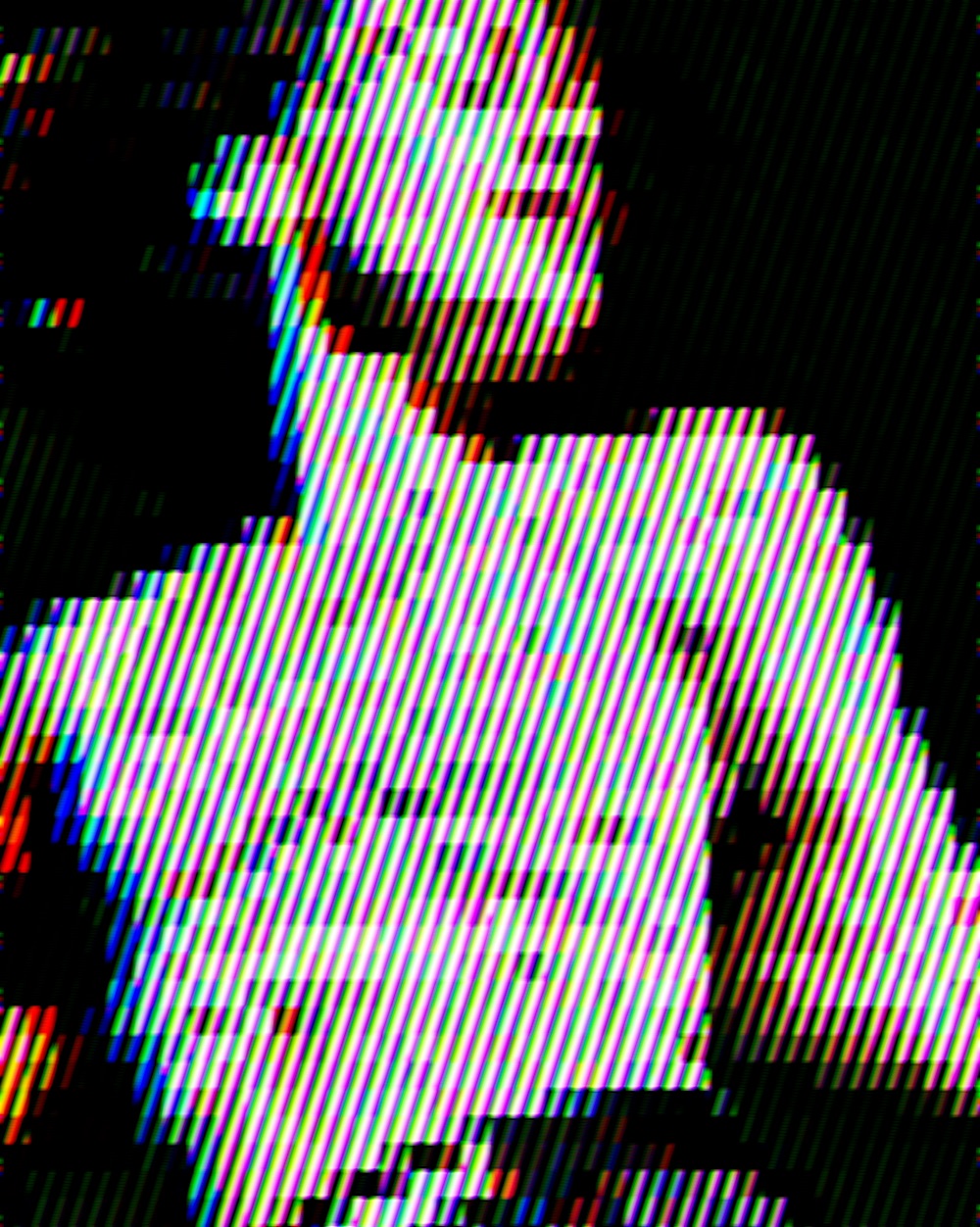
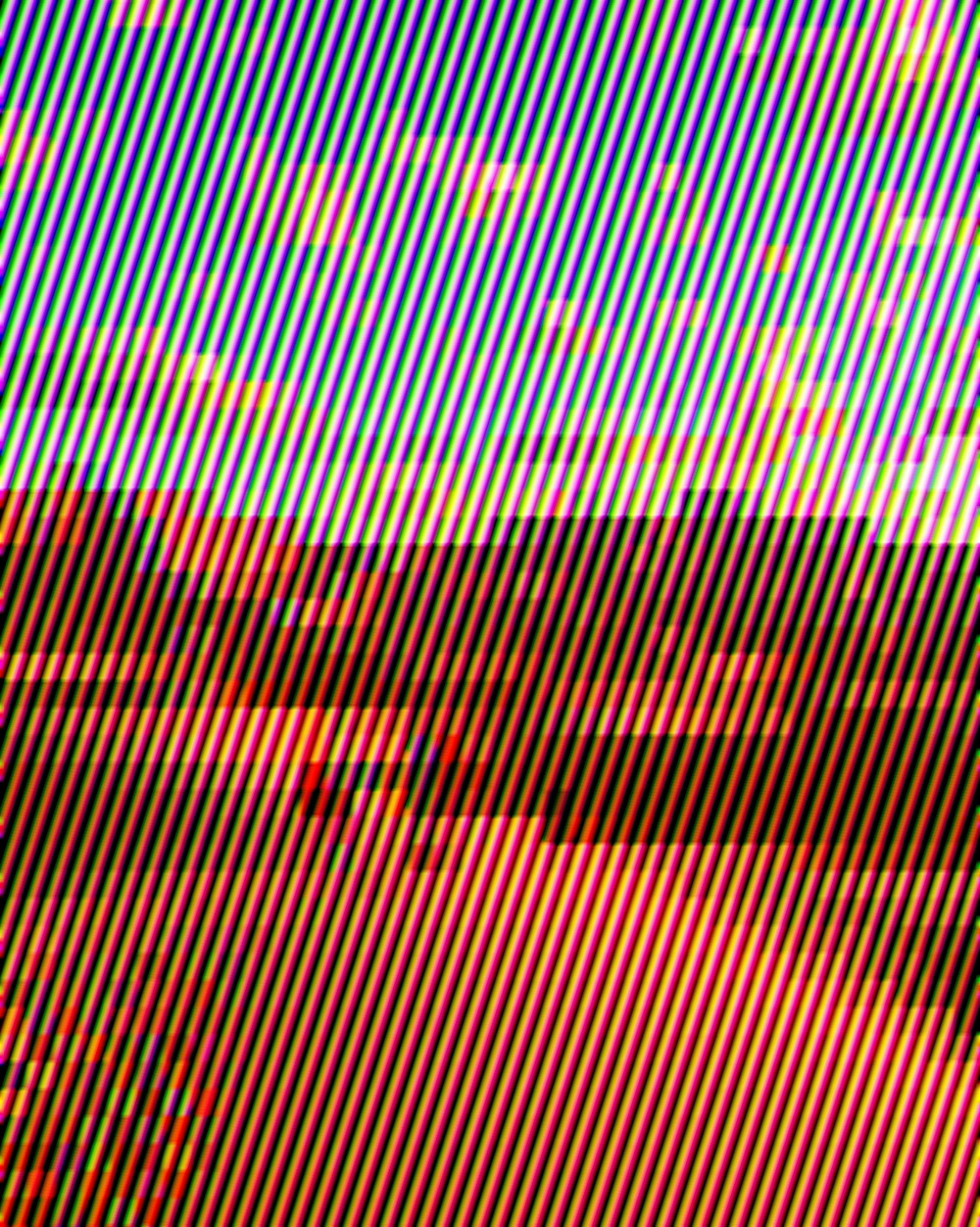
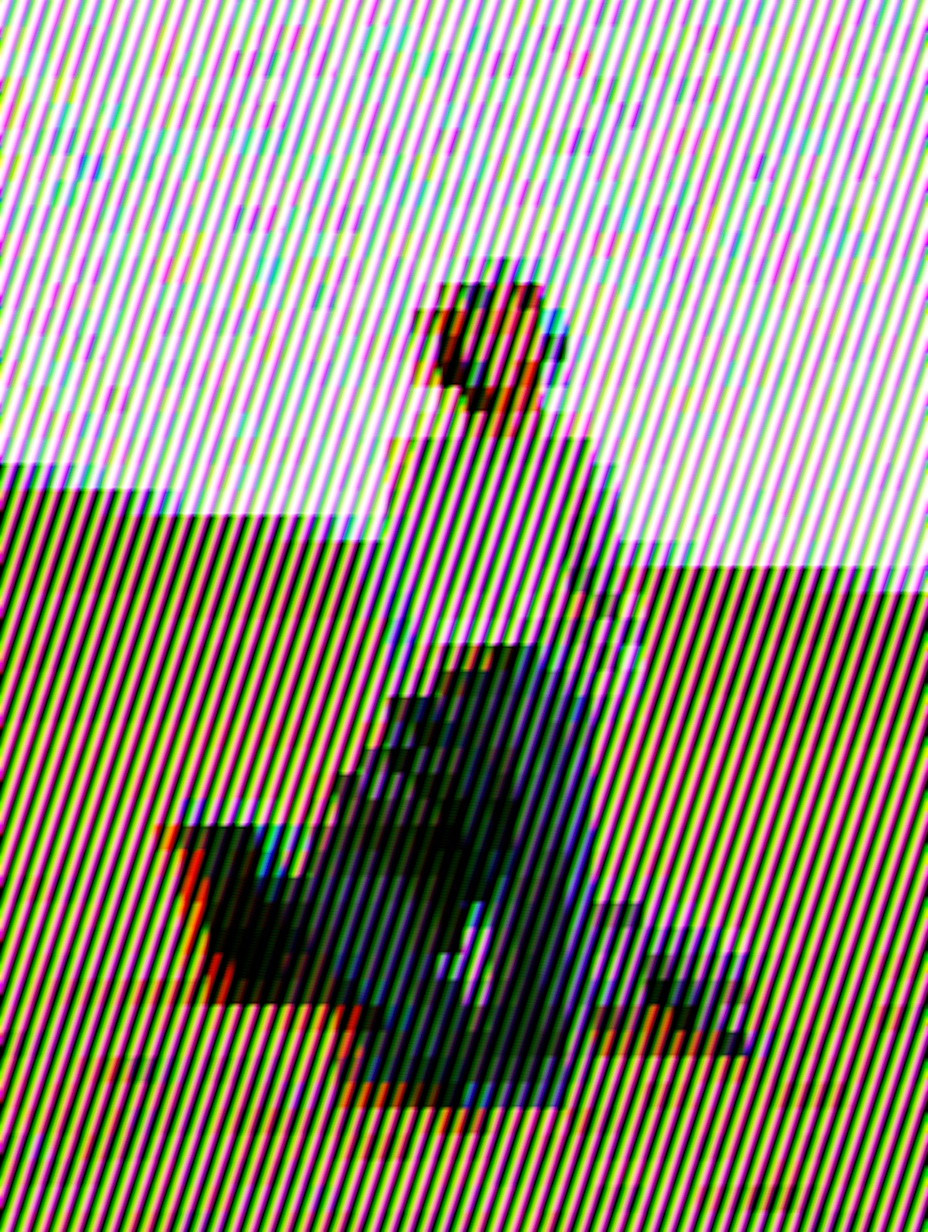
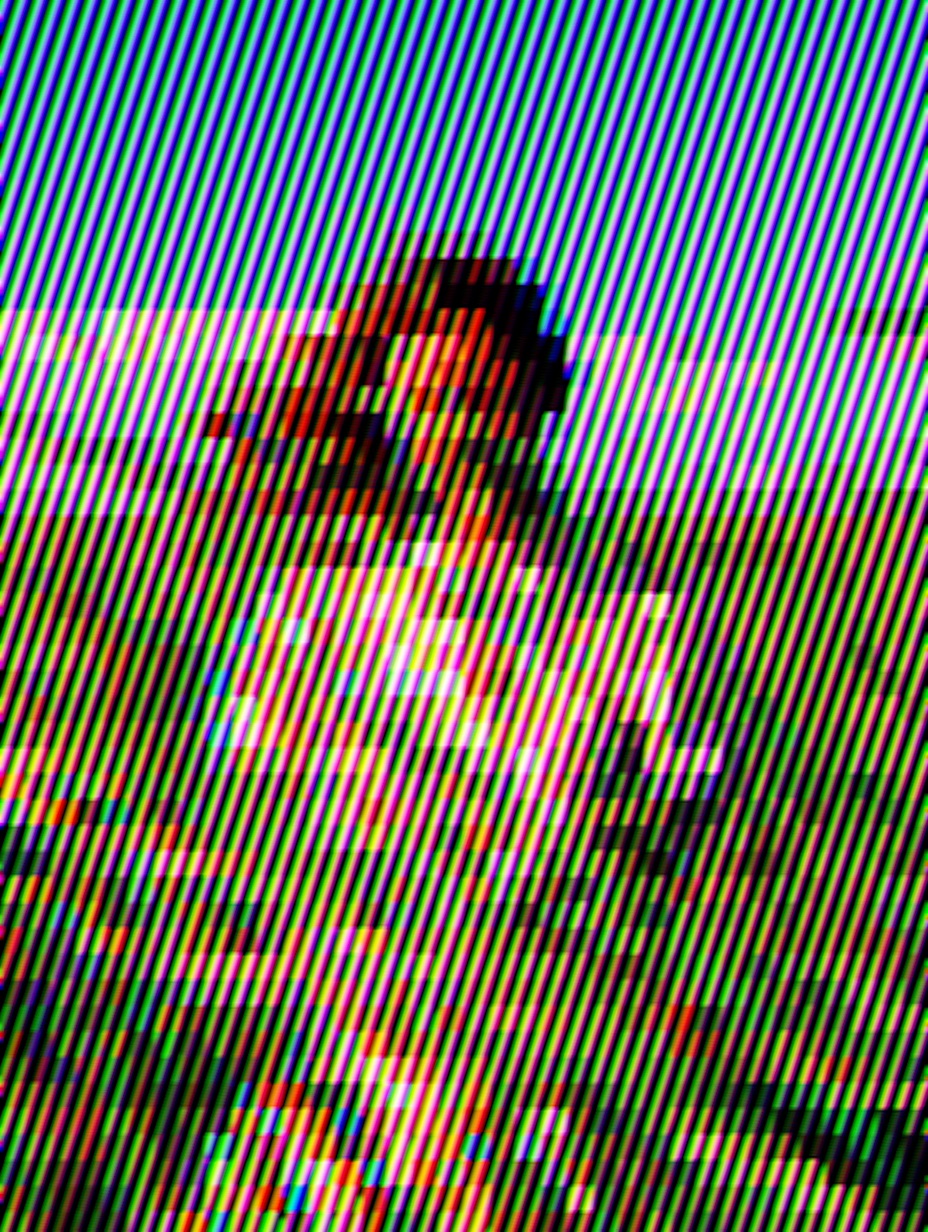
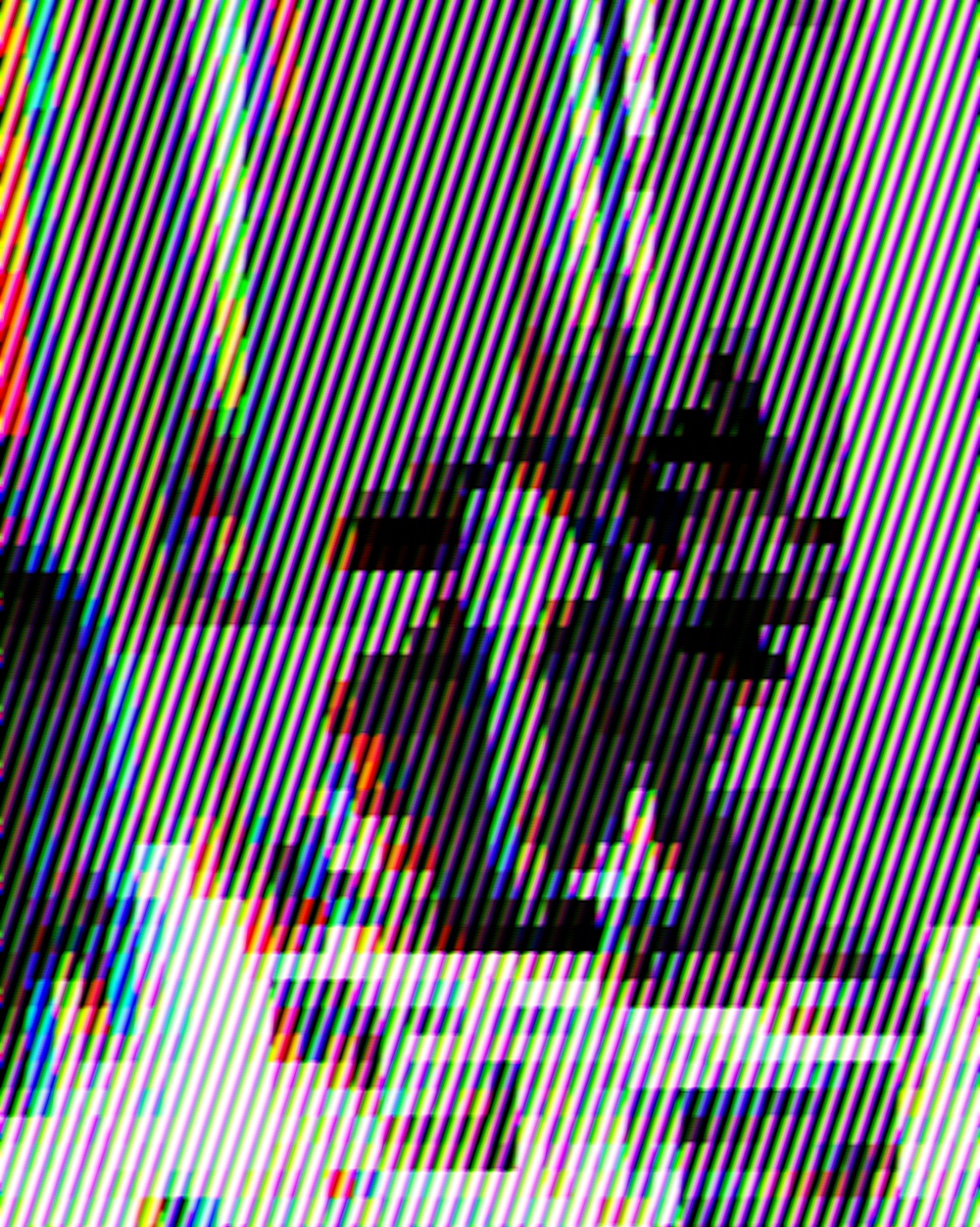
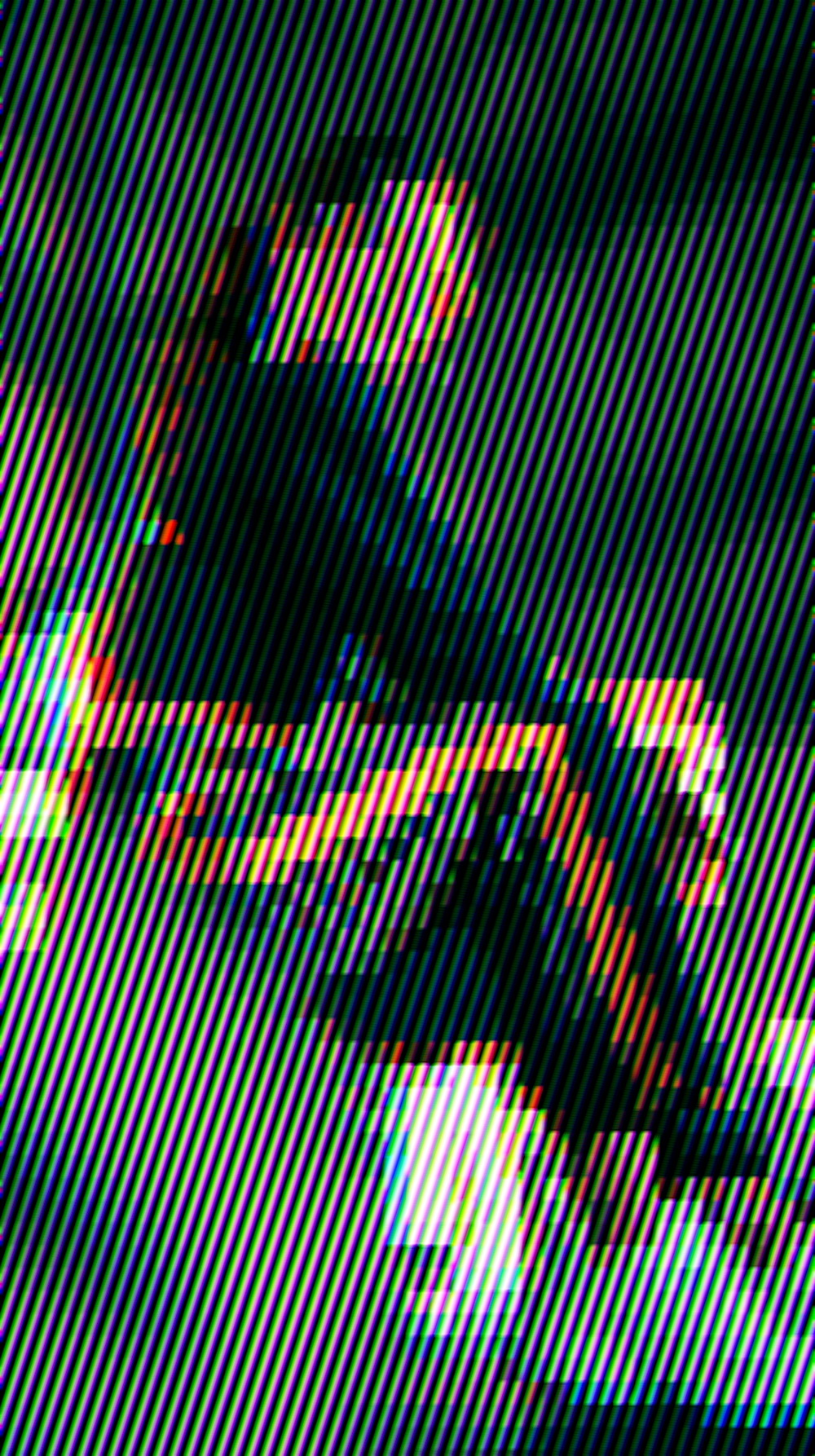
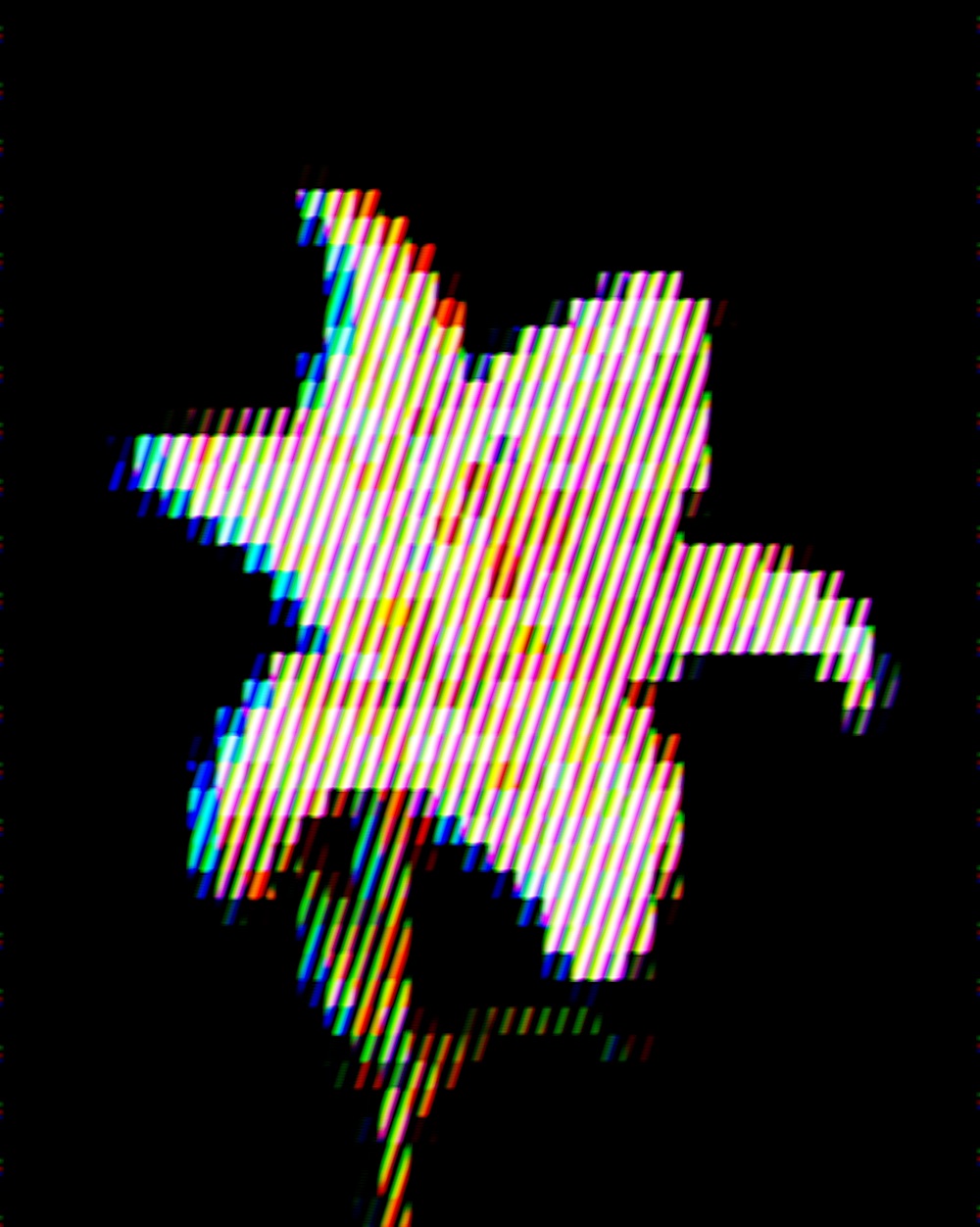
Channel offsets woven through stripe patterns for dense electronic graphics.

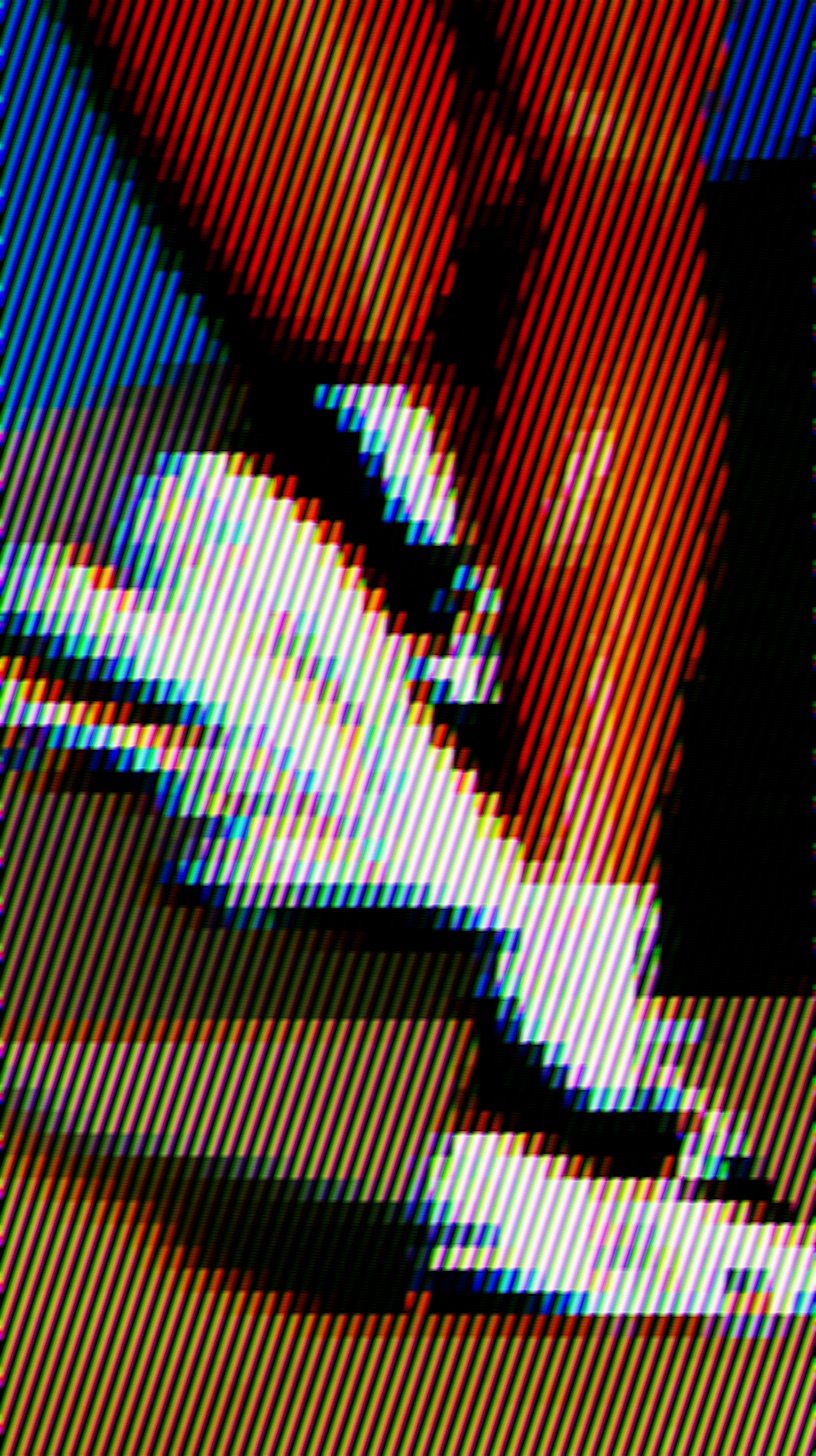
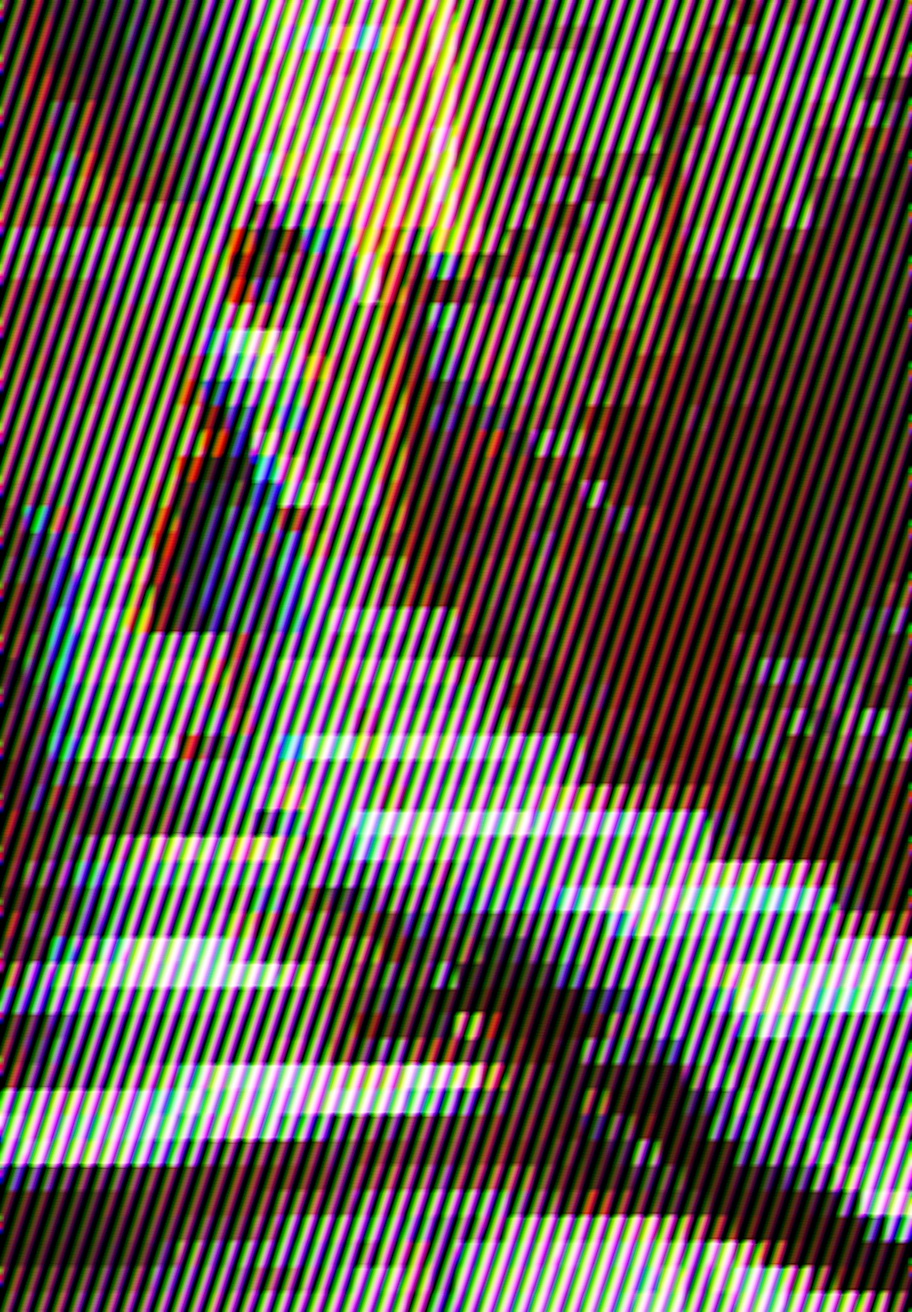
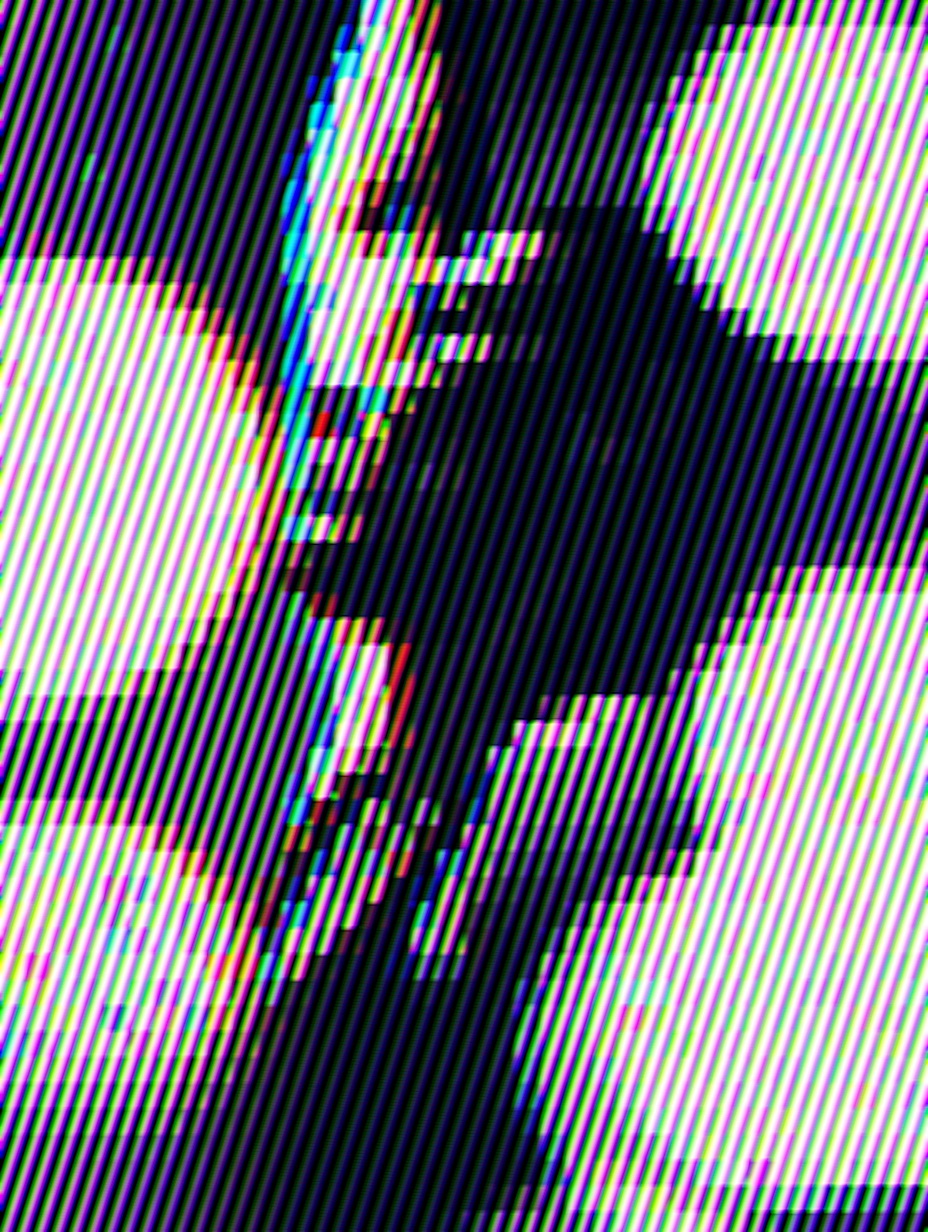
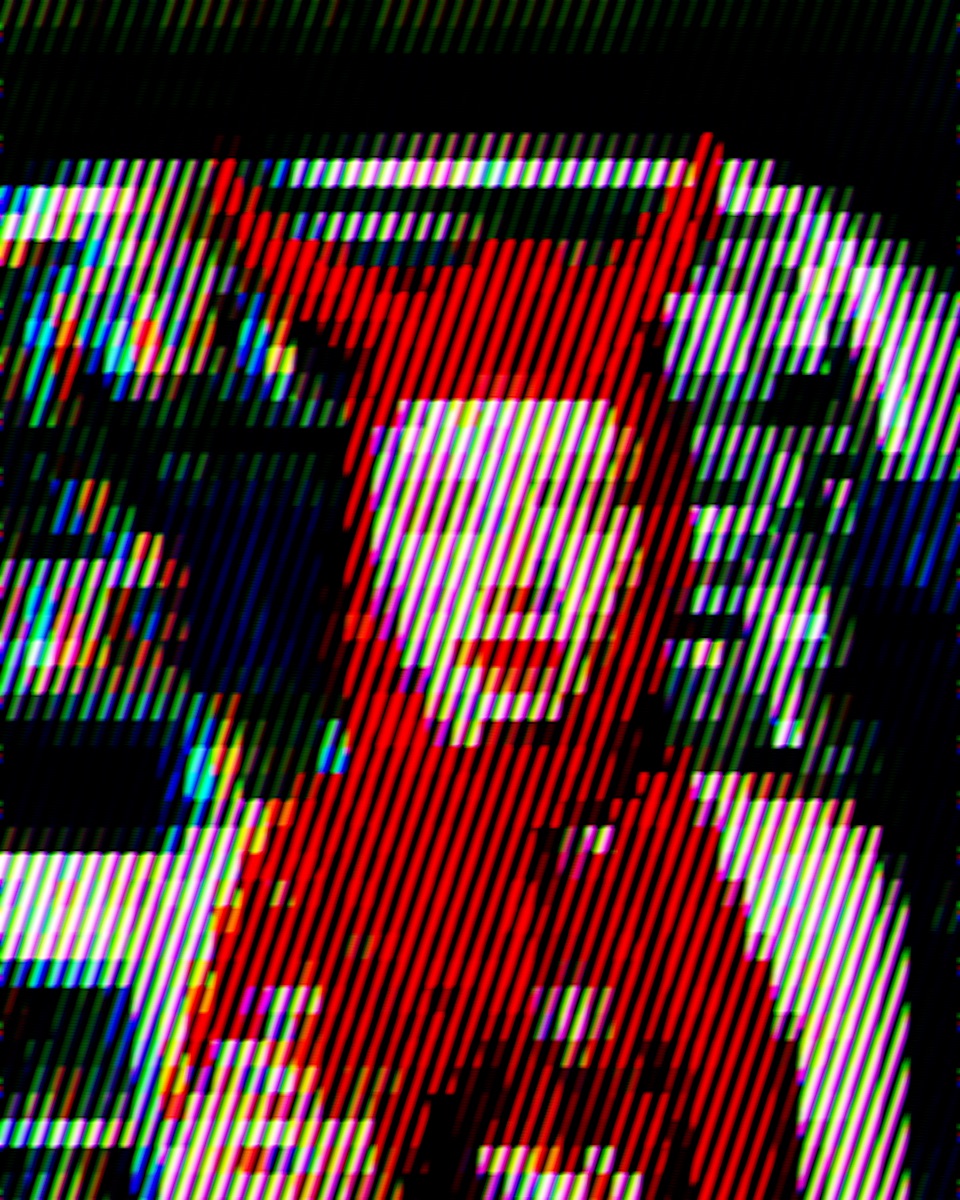
Channel offsets woven through hatch marks combine print misregistration with drawn shading. The RGB split keeps the surface optical; the hatch keeps it handmade.

Good for posters and covers that want both diagram and disturbance.

Channel Hatch example
Example

Properties

  • Exposure

    Enabled layer in this preset.

    Values
    exposure: -4.533; gamma: 3.589; gamut_mapping: 0; reinhard: 1; show_clipping: 0
  • Gaussian Blur

    Enabled layer in this preset.

    Values
    strength: 5.7; aspect: 0
  • Noise

    Enabled layer in this preset.

    Values
    strength: 2.302; grainSize: 2.944; minGrain: 0; chroma: 1; shadowWeight: 0; midWeight: 0; highlightWeight: 1; grainSpeed: 0
  • Rgb Shift

    Enabled layer in this preset.

    Values
    red: 0.09; blue: -0.07; aspect: 0.876; center: 0.615, -0.963
  • Pixelate

    Enabled layer in this preset.

    Values
    cells: 36; softness: 0.12
  • Stripe

    Enabled layer in this preset.

    Values
    uFreq: 28; uWMin: 0.057; uWMax: 1; uAngle: 108; uEdge: 1; uPattern: 0; uScrollSpeed: 0; ledMode: 1; uPhaseRGB: 0.22, 0.08, 0.31; bendayMode: 0; uShiftFreq: 48
  • Circular Blur

    Enabled layer in this preset.

    Values
    radius: 1.972; N: 22; passes: 1; decay: 0
  • Blur Sharpen

    Enabled layer in this preset.

    Values
    blurriness: -4.977; threshold: 1; ringing: 1
  • Levels

    Enabled layer in this preset.

    Values
    input_levels: 0.313, 1; midpoint: 1.117; output_levels: 0, 1; affect_luma_only: 0
  • Hue Saturation

    Enabled layer in this preset.

    Values
    hue_rotation: 360; saturation: 2.262; invert_colors: 0; preserve_lightness: 1
  • Motion Blur

    Enabled layer in this preset.

    Values
    strength: 1.259; angle: 0; box: 1

Command line

Requires Rethings Pro. Install the tool from Rethings → Install Command Line Tool…

rethings apply --preset channel-hatch -i input.jpg -o output.png
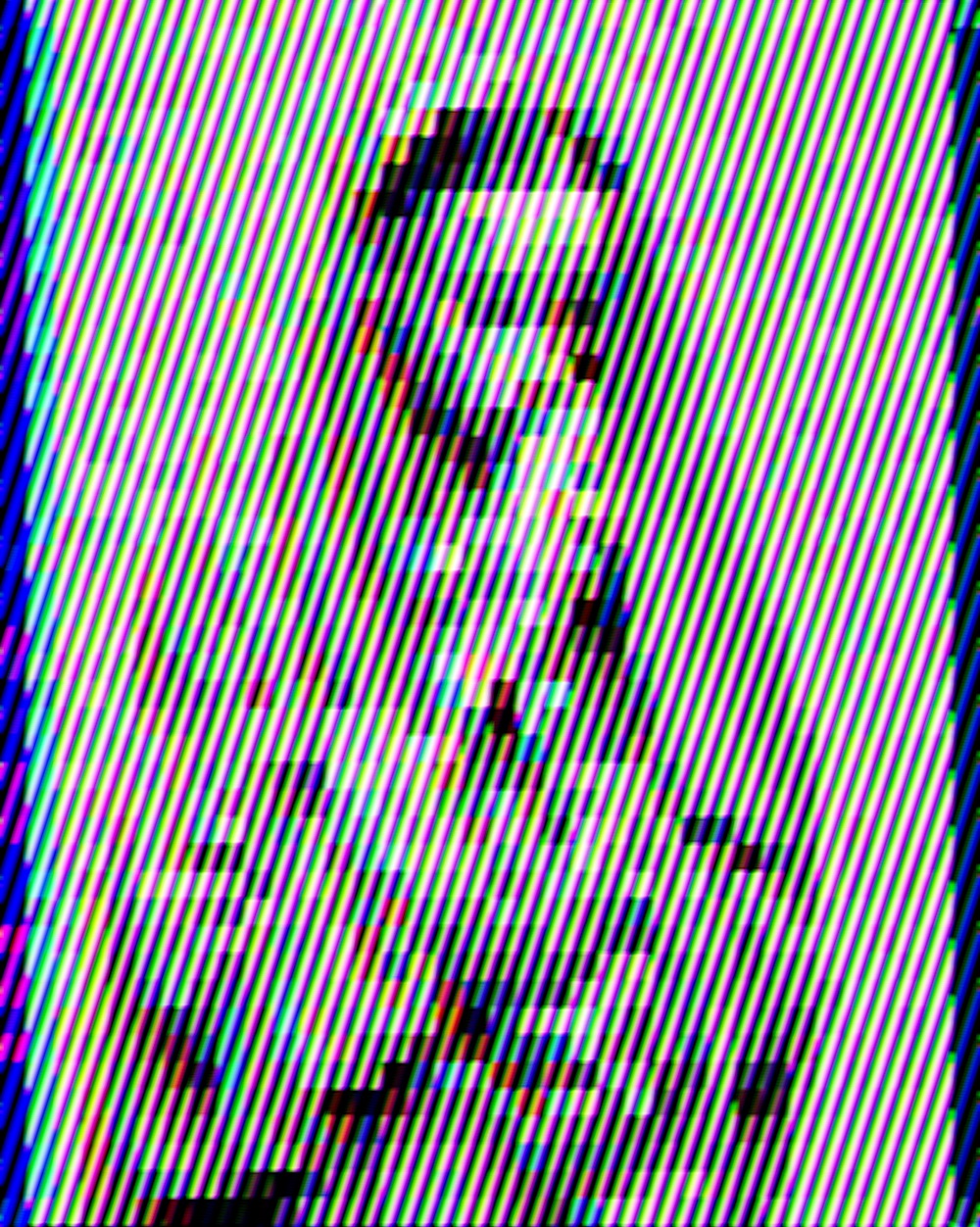

Gallery

  • Channel Hatch example 1
  • Channel Hatch example 2
  • Channel Hatch example 3
  • Channel Hatch example 4
  • Channel Hatch example 5
  • Channel Hatch example 6
  • Channel Hatch example 7
  • Channel Hatch example 8
  • Channel Hatch example 9
  • Channel Hatch example 10
  • Channel Hatch example 11
  • Channel Hatch example 12
  • Channel Hatch example 13
  • Channel Hatch example 14
  • Channel Hatch example 15
  • Channel Hatch example 16
  • Channel Hatch example 17
  • Channel Hatch example 18
  • Channel Hatch example 19
  • Channel Hatch example 20
  • Channel Hatch example 21
  • Channel Hatch example 22
  • Channel Hatch example 23
  • Channel Hatch example 24
  • Channel Hatch example 25
  • Channel Hatch example 26
  • Channel Hatch example 27
  • Channel Hatch example 28
  • Channel Hatch example 29
  • Channel Hatch example 30
  • Channel Hatch example 31
  • Channel Hatch example 32
  • Channel Hatch example 33
  • Channel Hatch example 34
  • Channel Hatch example 35
  • Channel Hatch example 36
  • Channel Hatch example 37
  • Channel Hatch example 38
  • Channel Hatch example 39
  • Channel Hatch example 40
  • Channel Hatch example 41
  • Channel Hatch example 42
  • Channel Hatch example 43
  • Channel Hatch example 44
  • Channel Hatch example 45
PreviousBlock DecayNextConsole Dither

Rethings by Things That and Jack Prosser

EffectsMCPCLIChangelogPrivacyLegal disclosureLicence

© 2026 Jack Prosser · jackprosser.com